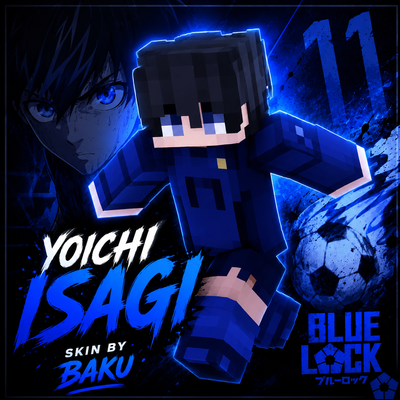
YOICHI ISAGI SKIN BY BAKU
Yoichi Isagi Skin by Baku — Bring the Blue Lock striker into Minecraft with this stylish Isagi-inspired skin. Perfect for fans who want an anime-themed…
⬇ Download on CurseForge
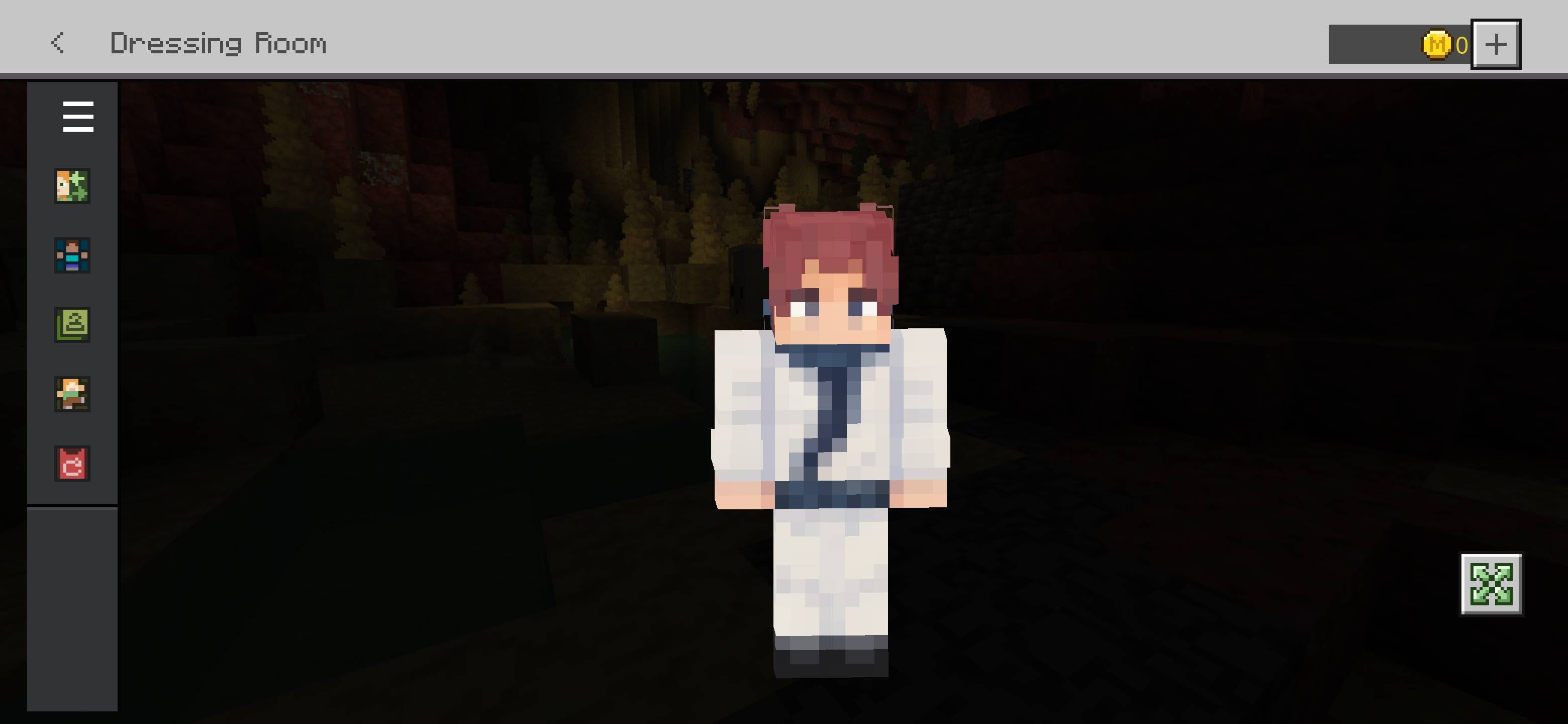
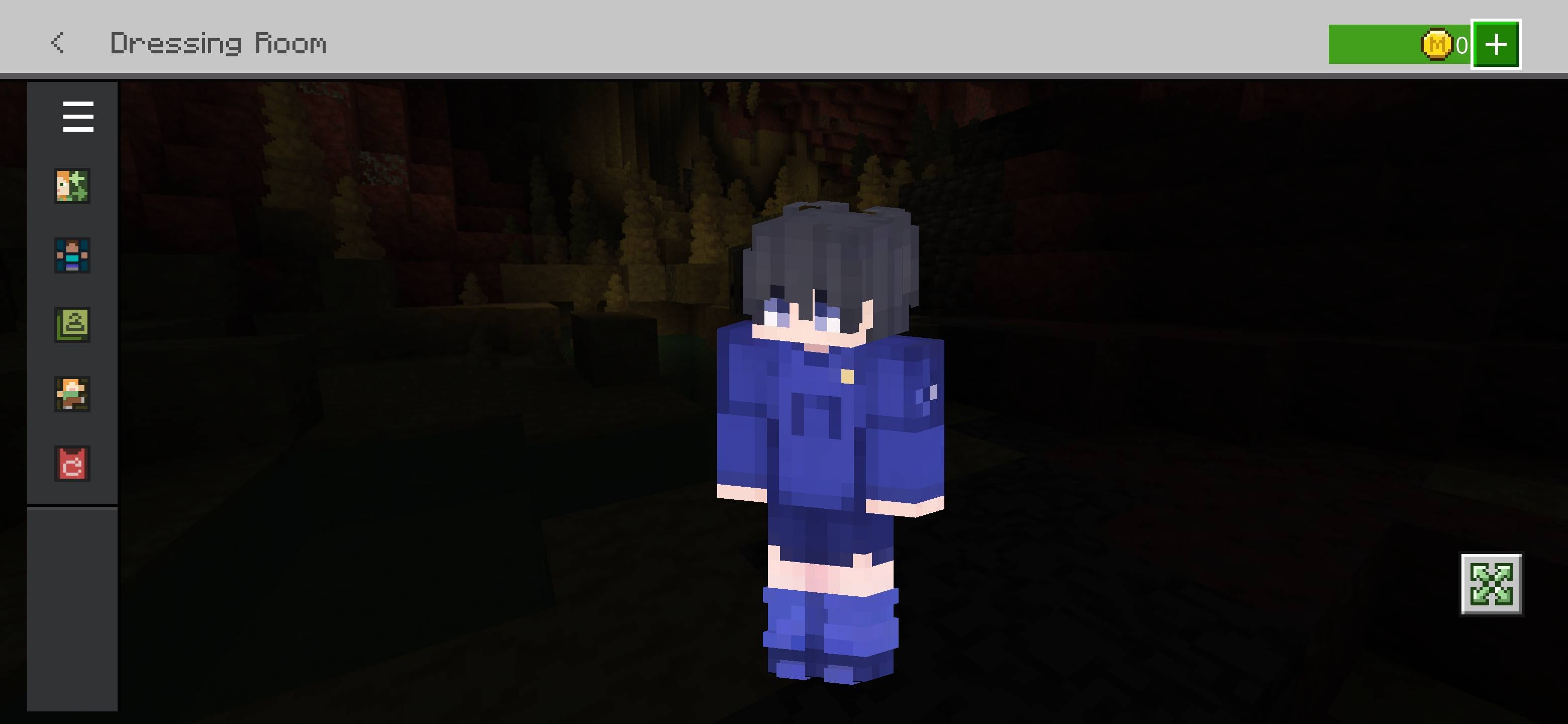
⚽ Yoichi Isagi Skin — By Baku
💙 Blue Lock × Minecraft
Step onto the field with the Yoichi Isagi Skin by Baku! Inspired by the iconic Blue Lock striker, this Minecraft skin brings Isagi’s signature blue football style into Minecraft Bedrock Edition.
✨ Features
- ⚽ Yoichi Isagi-inspired design
- 💙 Blue Lock themed football outfit
- 🎨 Clean Minecraft-style detailing
- 🔥 Perfect for PvP, survival & roleplay
- 📱 Compatible with Minecraft Bedrock/MCPE
🏆 Credits
Skin Creator: Baku
Design: Baku
All custom skin work and pack presentation are credited to Baku.
⚠️ Disclaimer
Blue Lock and its characters belong to their respective copyright holders. This is a fan-made Minecraft skin created for entertainment purposes.
💙 Support Baku
If you enjoy this skin, consider supporting Baku by checking out more Minecraft skins, packs and creations!
- Edition: Minecraft Bedrock
- File type: .mcpack
- Minecraft versions listed: 26.20, 26.13, 26.30
- How to install: Download the .mcpack skin pack. → Open it — Minecraft imports it. → Open the Dressing Room and select the skin.
- Where to get it: Opens on CurseForge — not every file is mirrored on our own servers.
Install steps are the general flow for this file type — How to apply a custom Minecraft skin walks through it step by step.
- Save it as Yoichi Isagi.mcaddon before opening — it downloads as .mcpack, but it is a .mcaddon pack
- Complete pack — everything it depends on is inside the file
- Download size: 5 KB
- Download link checked 27 Sept 2026 — working
These come from our own check of the pack file, not from the source page.