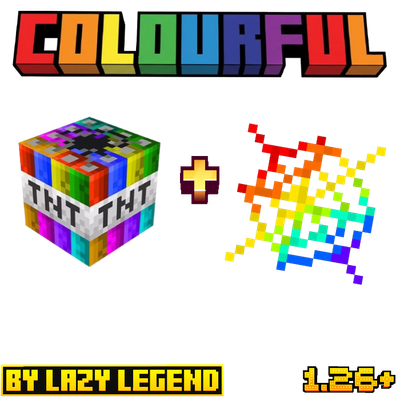
Colourful TNT+ Cobweb
Bedrock texture pack listed for Minecraft 1.21–26.x. File opened and checked on 28 Sep 2026; installs from the MC Bedrock Mods app on Android.
⬇ Download on CurseForgeThe author built this one for Minecraft 1.21–26.40. On other versions it may install and then do nothing.
Colourful TNT + Cobweb
Give your world a fresh new look! This simple yet fun resource pack retextures the TNT and Cobweb blocks in Minecraft, letting you pick from 8 vibrant color themes to match your style or build.
Features
Recolors both TNT (top, side and bottom) and Cobweb textures
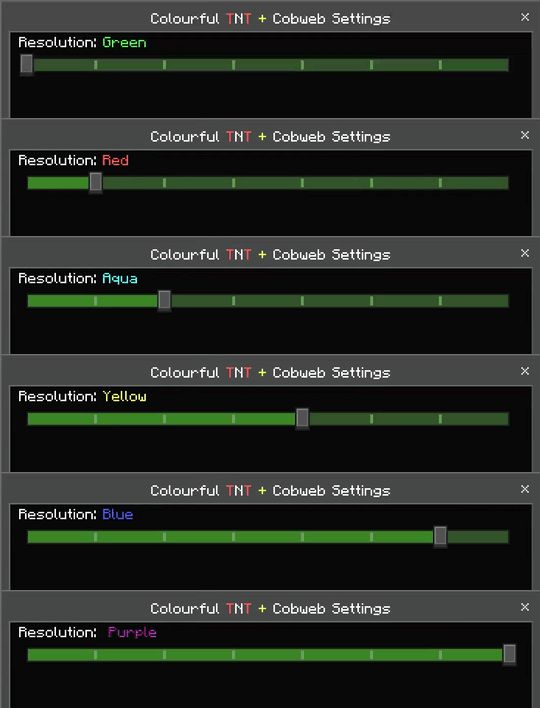
8 selectable color variants in one single pack
Lightweight, texture only changes, no gameplay impact
Fully compatible with Minecraft Bedrock Edition
Available Colours
Green
Red
Aqua
Pink
Yellow
White
Blue
Purple
How to Use
1. Download and import the mcpack file into Minecraft.
2. Go to World Settings then Resource Packs.
3. Activate Colourful TNT and Cobweb.
4. Click the pack settings icon to choose your favorite color variant from the subpack list.
5. Enjoy your newly colored TNT and Cobwebs in game.
- Edition: Minecraft Bedrock
- File type: .mcpack
- Minecraft versions listed: 1.21.30, 1.21.50, 1.21.81
- How to install: Download the .mcpack. → Open it — Minecraft imports it under Resource Packs. → Activate it in Global Resources, or for one world under Resource Packs → Available.
- Where to get it: Opens on CurseForge — not every file is mirrored on our own servers.
Install steps are the general flow for this file type — How to install Minecraft Bedrock texture packs walks through it step by step.
- Save it as Colourful TNT + Cobweb v1.1.mcaddon before opening — it downloads as .mcpack, but it is a .mcaddon pack
- Complete pack — everything it depends on is inside the file
- Download size: 353 KB
- Download link checked 28 Sept 2026 — working
These come from our own check of the pack file, not from the source page.