Ethereal Mystic Reworked
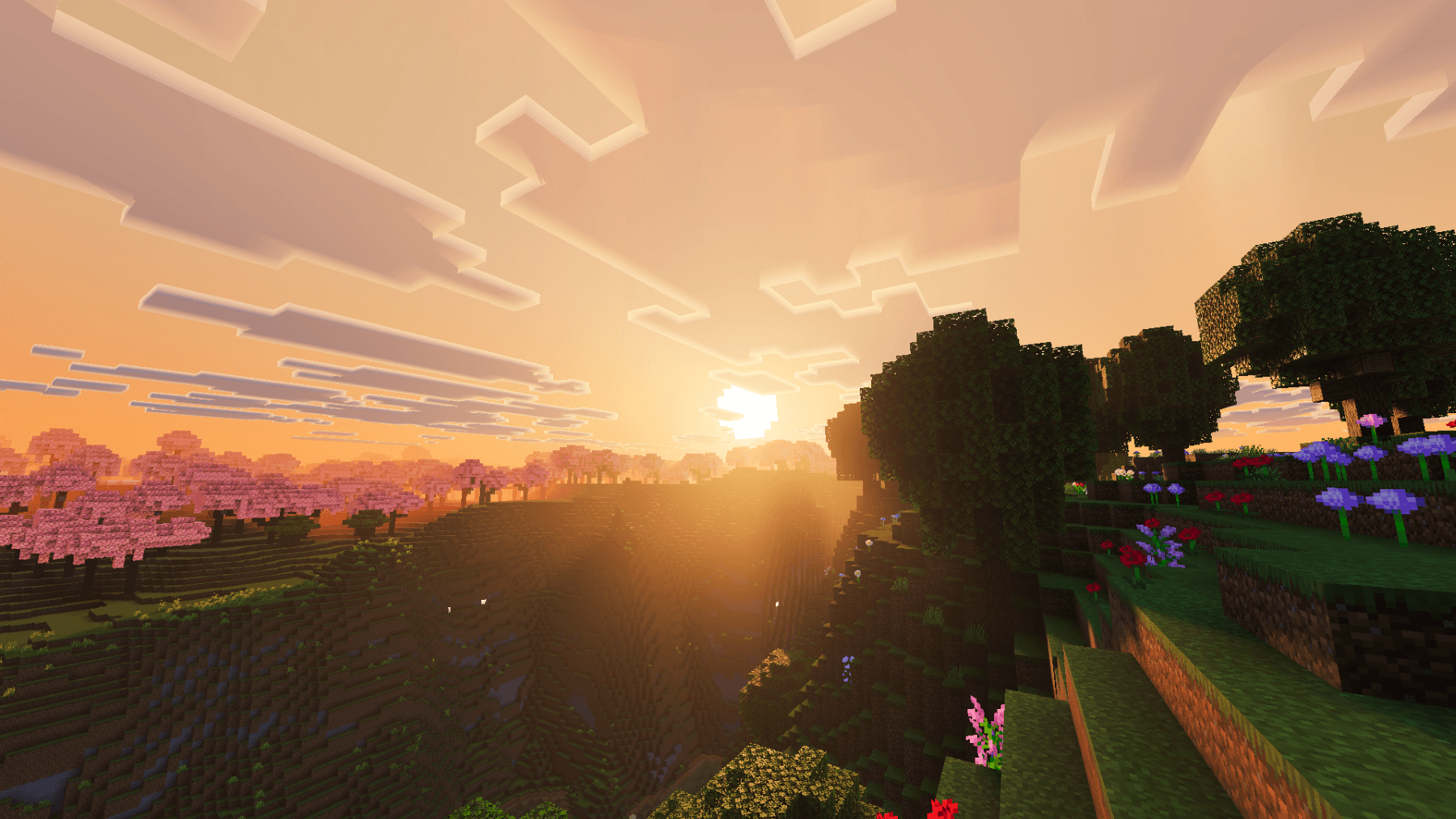
Ethereal Mystic Reworked transforms Minecraft with warm orange-yellow lighting, cinematic skies, atmospheric fog, and a stunning yellow-red aurora. A…
⬇ Download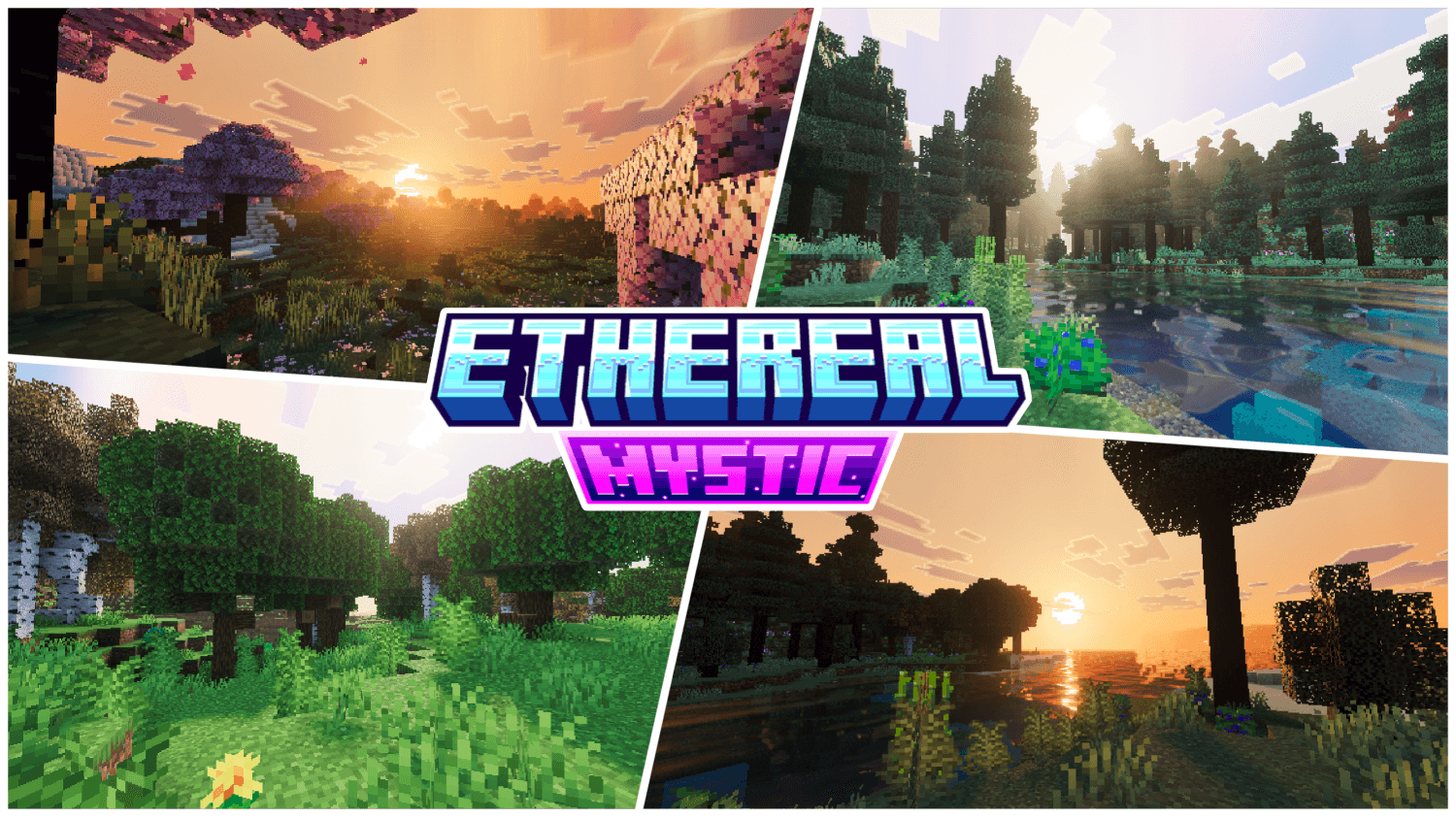
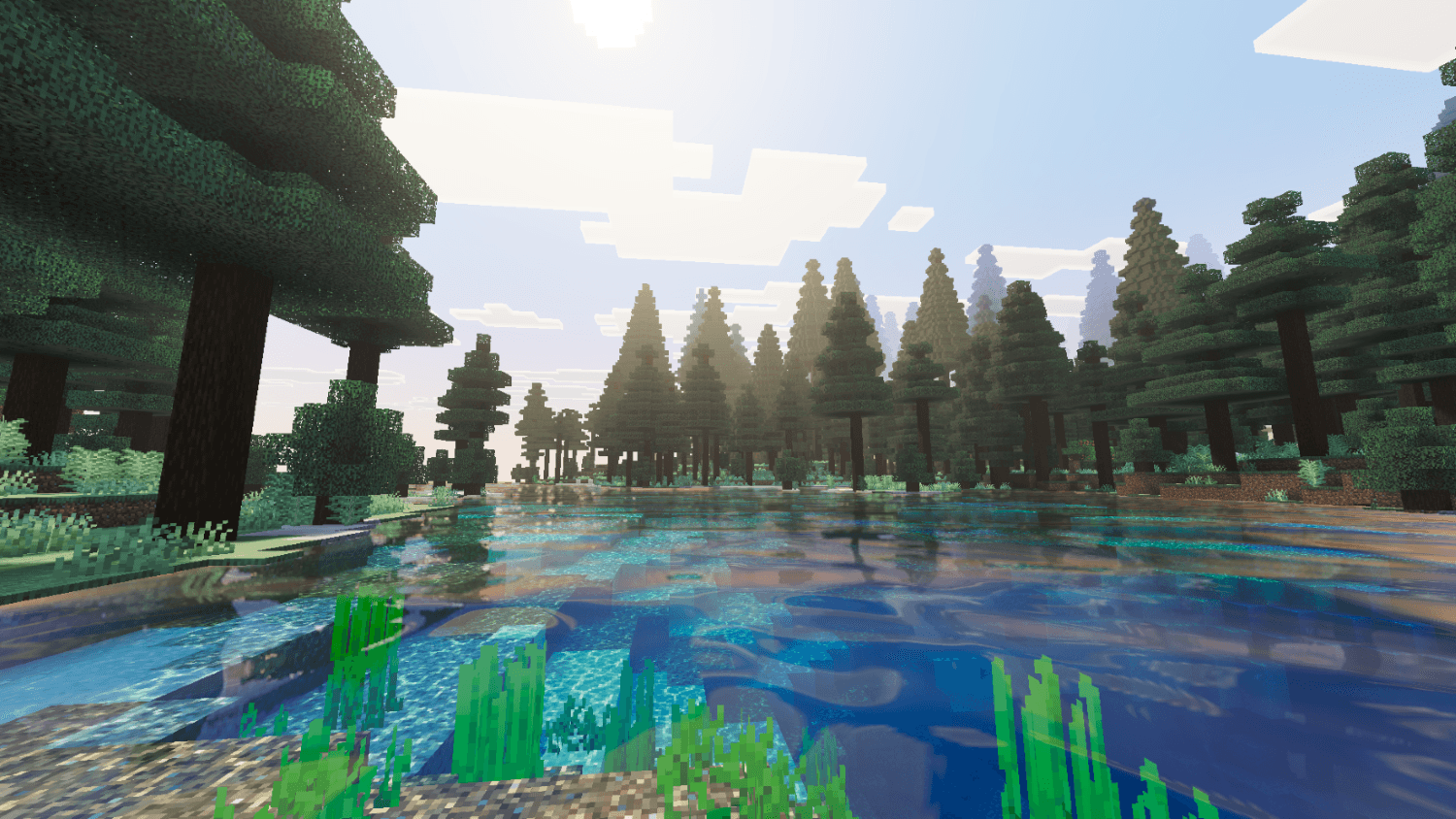
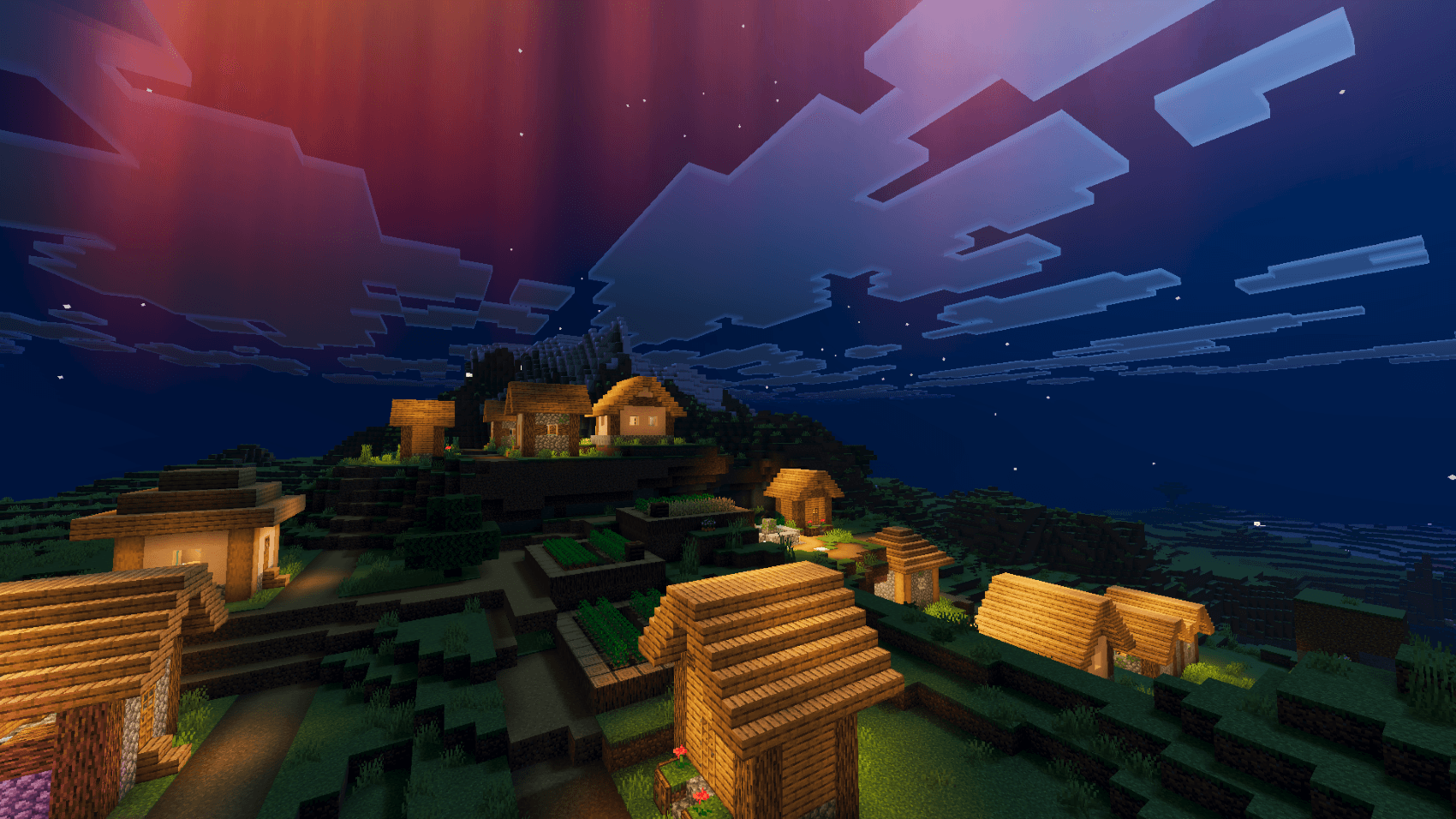
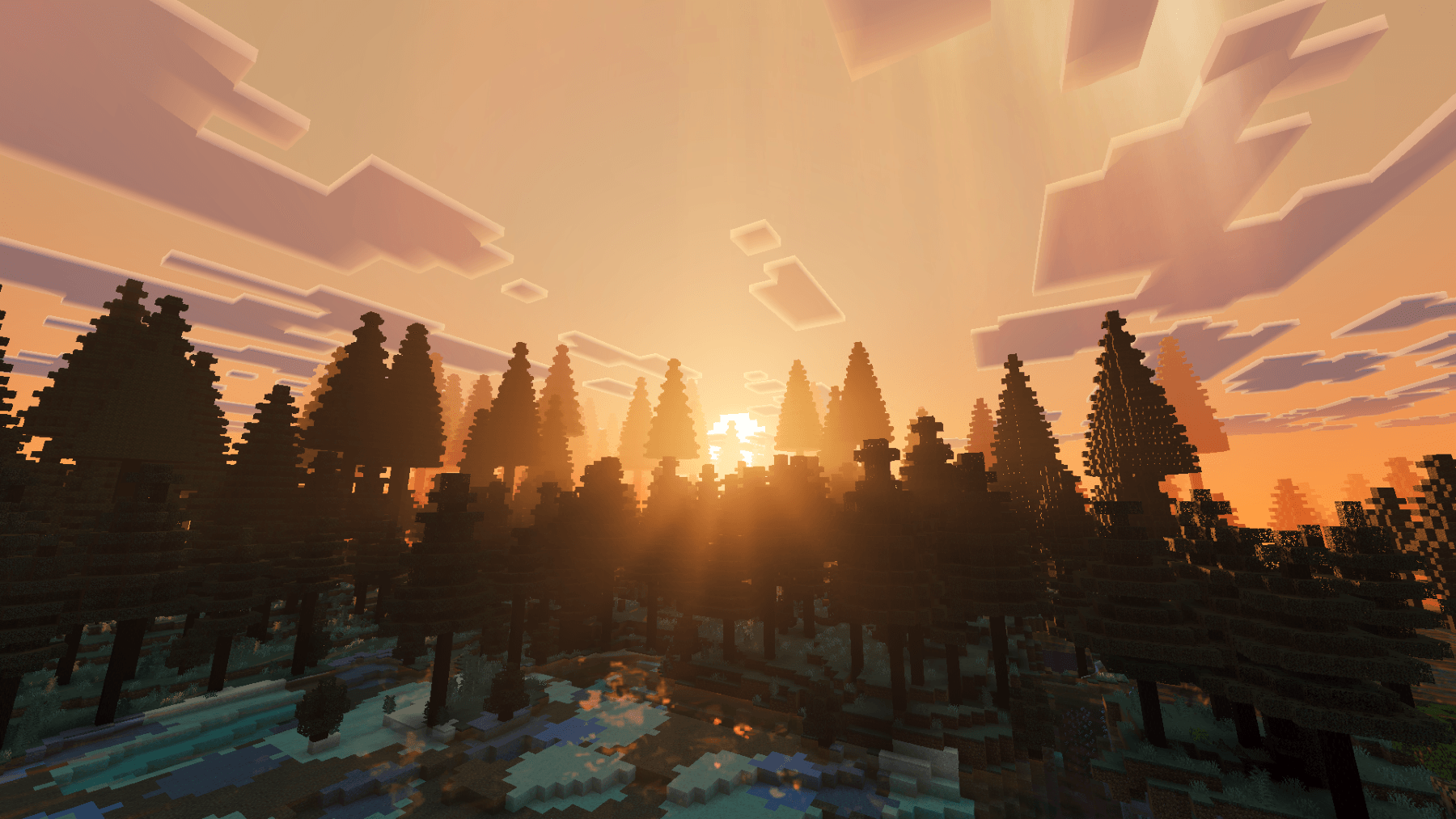
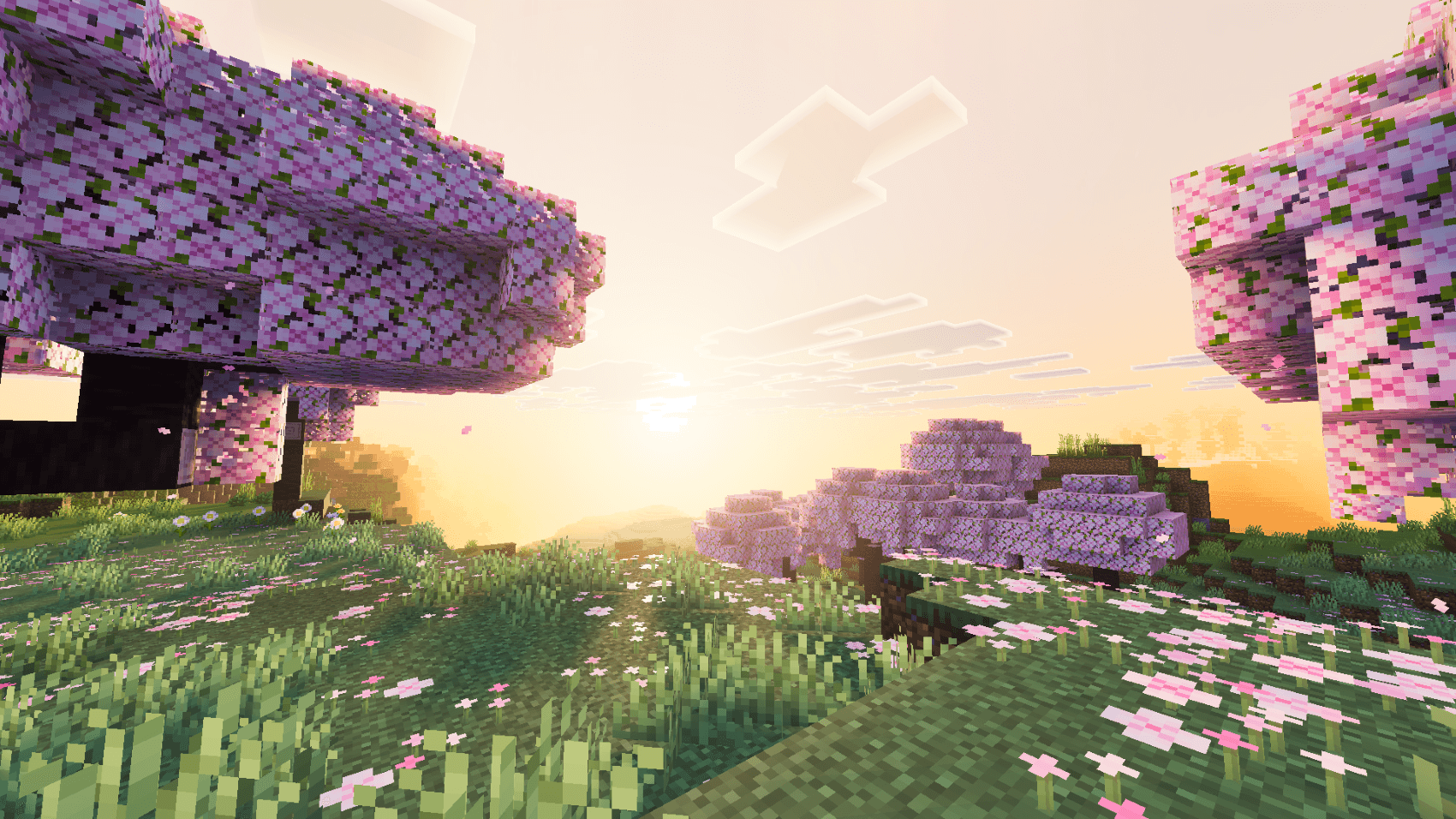
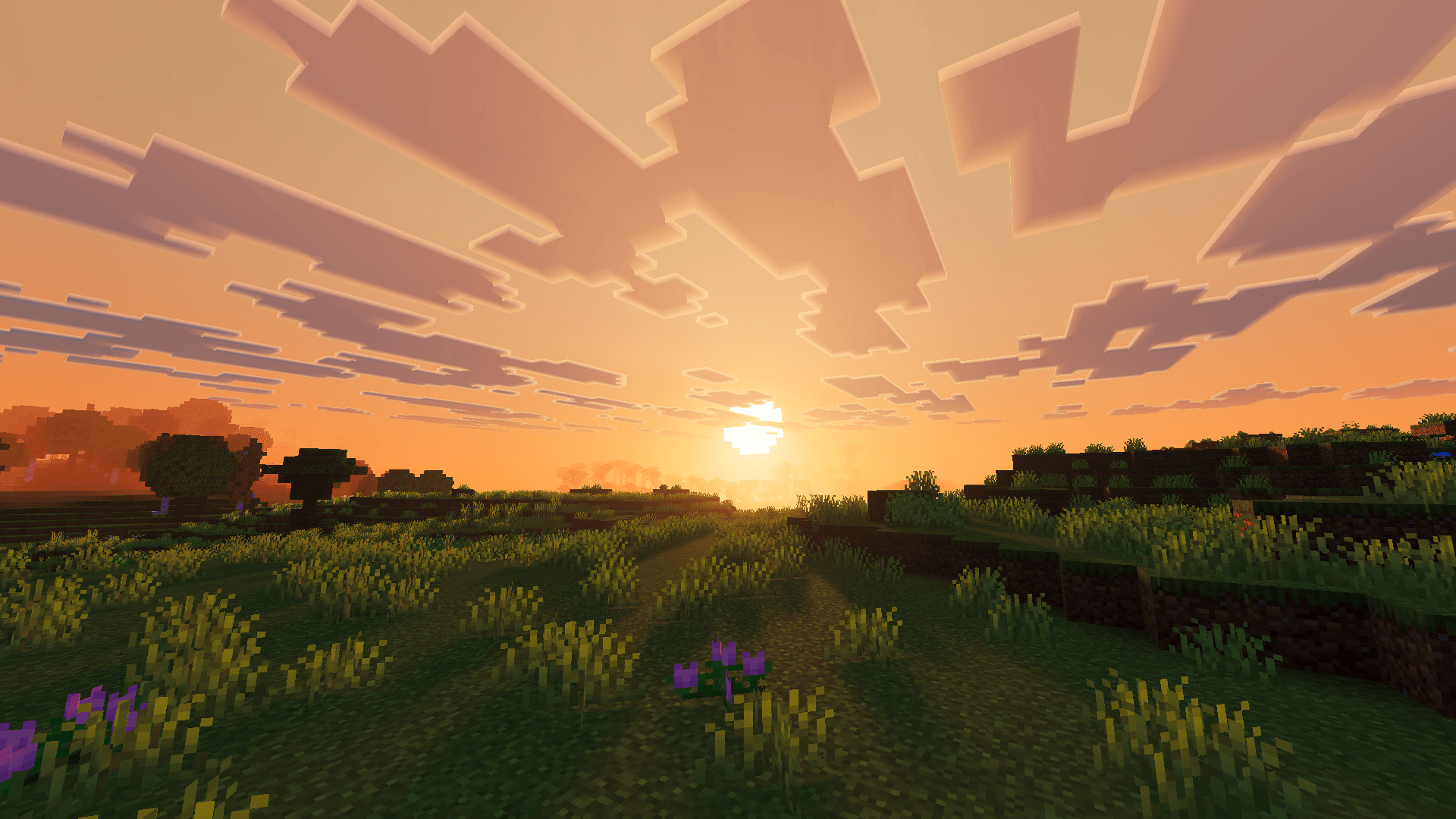
Ethereal Mystic Reworked is a cinematic Vibrant Visuals shader pack that transforms Minecraft's atmosphere and lighting into a mystical, vibrant world. Built around rich skies, enhanced lighting, atmospheric fog, and magical color grading, it gives every biome a more immersive and ethereal appearance while keeping the original Minecraft style intact.

- Features•
- Custom-built orange-yellow sun glow with warm golden lighting during sunrise, sunset, and daytime
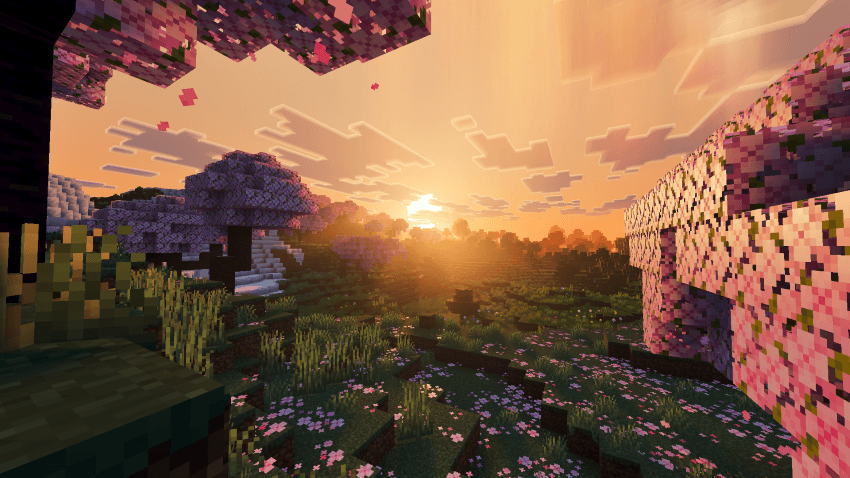
- Enhanced color grading with deeper shadows, vibrant midtones, and cinematic highlights for a richer visual atmosphere
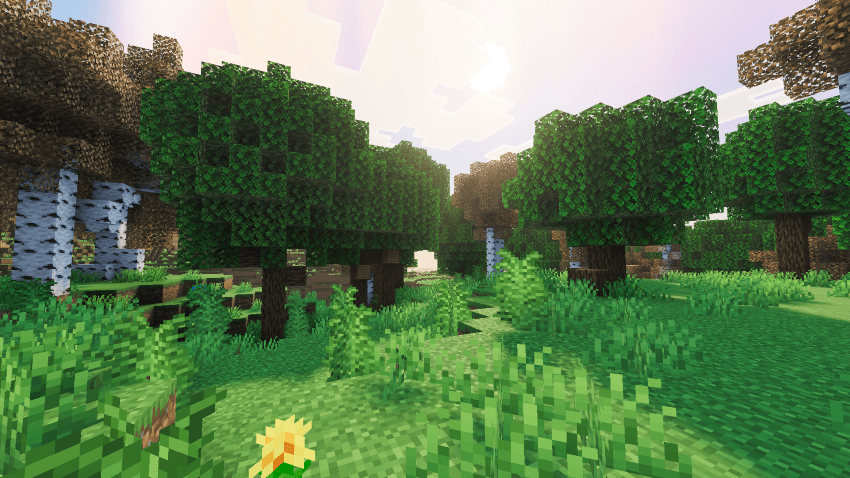
- Custom-tuned local lighting for torches, lanterns, candles, and glowing blocks with improved source colors
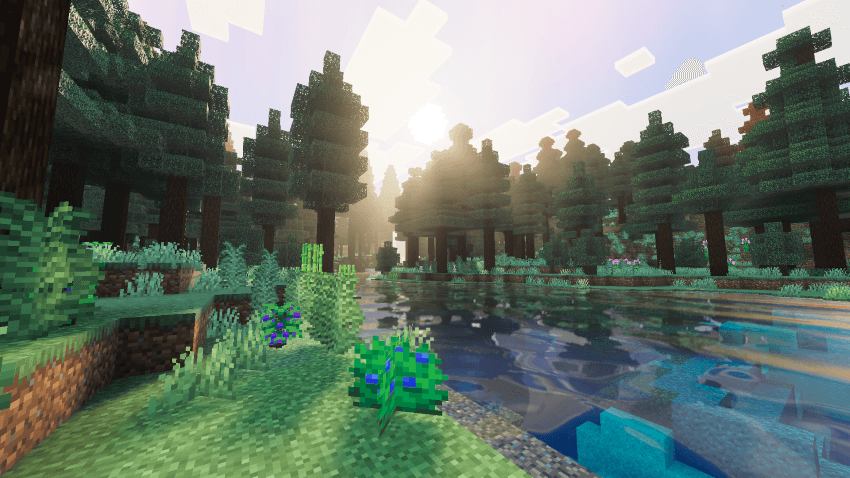
- Atmospheric fog profiles for air, water, and weather tuned around warm orange-yellow tones for a richer and more immersive ambience
- Custom yellow-red aurora effect that adds a magical atmosphere to nighttime skies
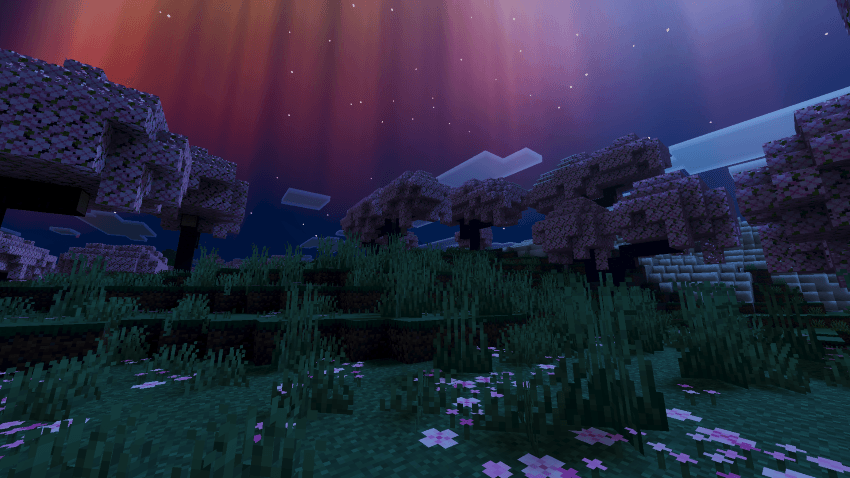
- Enhanced sky colors with smoother transitions between day, sunset, twilight, and night
- Improved environmental lighting that gives caves, forests, oceans, and open landscapes more visual depth
- Soft and refined shadows for cleaner edges and a more natural-looking world
- Performance-focused visual enhancements designed to deliver a beautiful experience without unnecessary visual clutter
⚙️ Requirements
- Minecraft Bedrock 1.21.80+
- Vibrant Visuals enabled
- Recommended: mid-to-high end device for the best visual experience
📦 Installation
- Download the
.mcpackfile - Open it with Minecraft installed — it will import automatically
- In-game: Settings → Global Resources → Ethereal Mystic Reworked → Activate
- Enable Vibrant Visuals in video settings for the full effect
The Ethereal Mystic Reworked Team
- Edition: Minecraft Bedrock
- File type: .mcpack
- Minecraft versions listed: 1.21.30, 1.21.81, 1.21.73
- How to install: Download the .mcpack. → Open it — Minecraft imports it under Resource Packs. → Activate it in Global Resources, or for one world under Resource Packs → Available.
- Where to get it: In MCModsHub, or directly above on this page.
Install steps are the general flow for this file type — How to install Minecraft Bedrock texture packs walks through it step by step.
- Pack type: .mcpack — a single pack
- Complete pack — everything it depends on is inside the file
- Download size: 3.1 MB
- Download link checked 28 Sept 2026 — working
These come from our own check of the pack file, not from the source page.