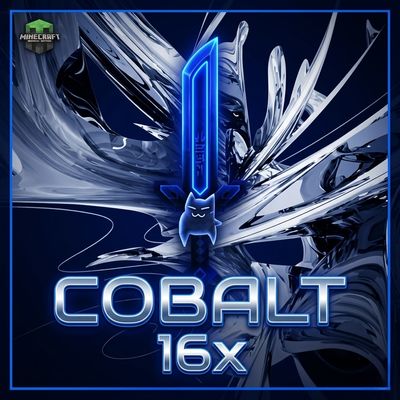
COBALT 16x
COBALT 16x is a high-performance Minecraft Bedrock PvP resource pack featuring a futuristic Y2K chrome UI, compact glowing cobalt weapons, and low-fire…
⬇ Download on CurseForge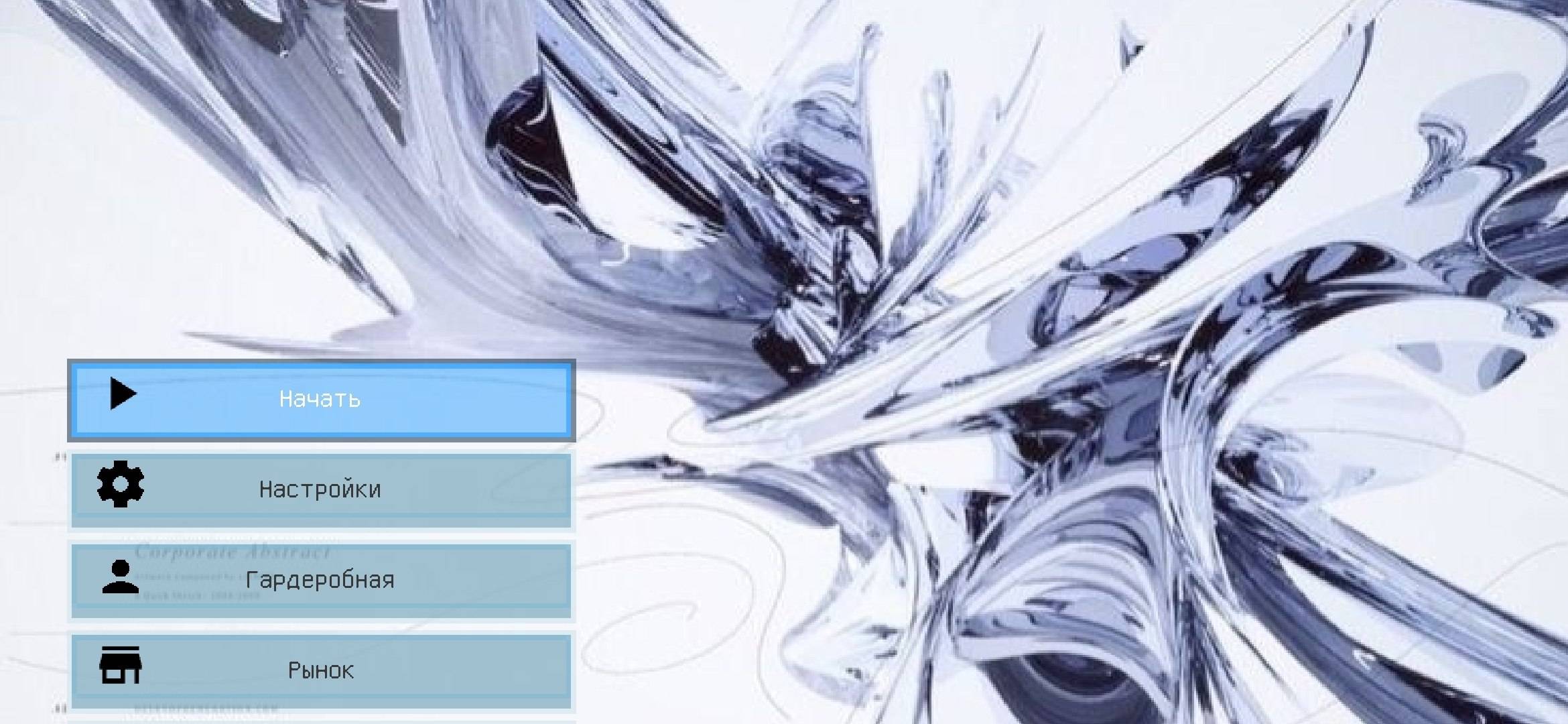
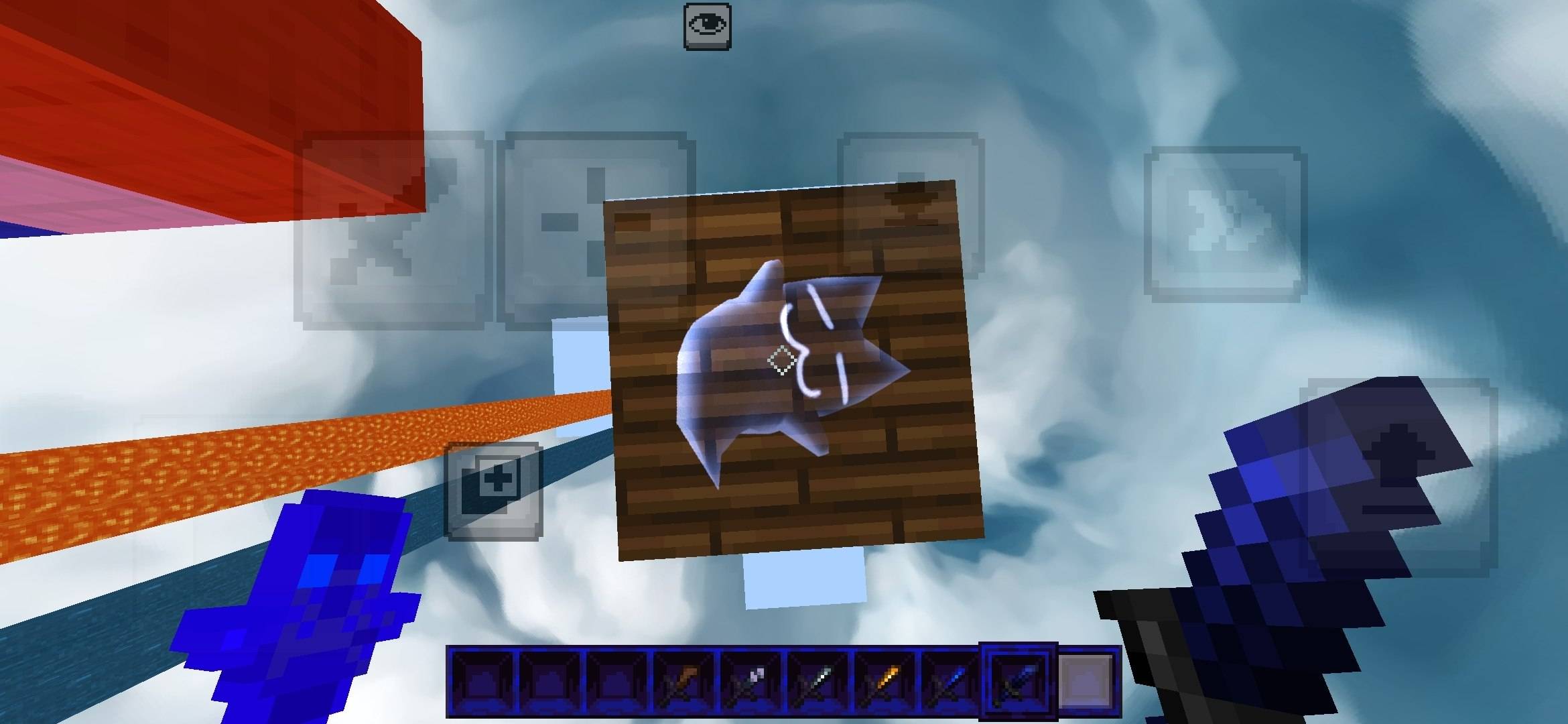
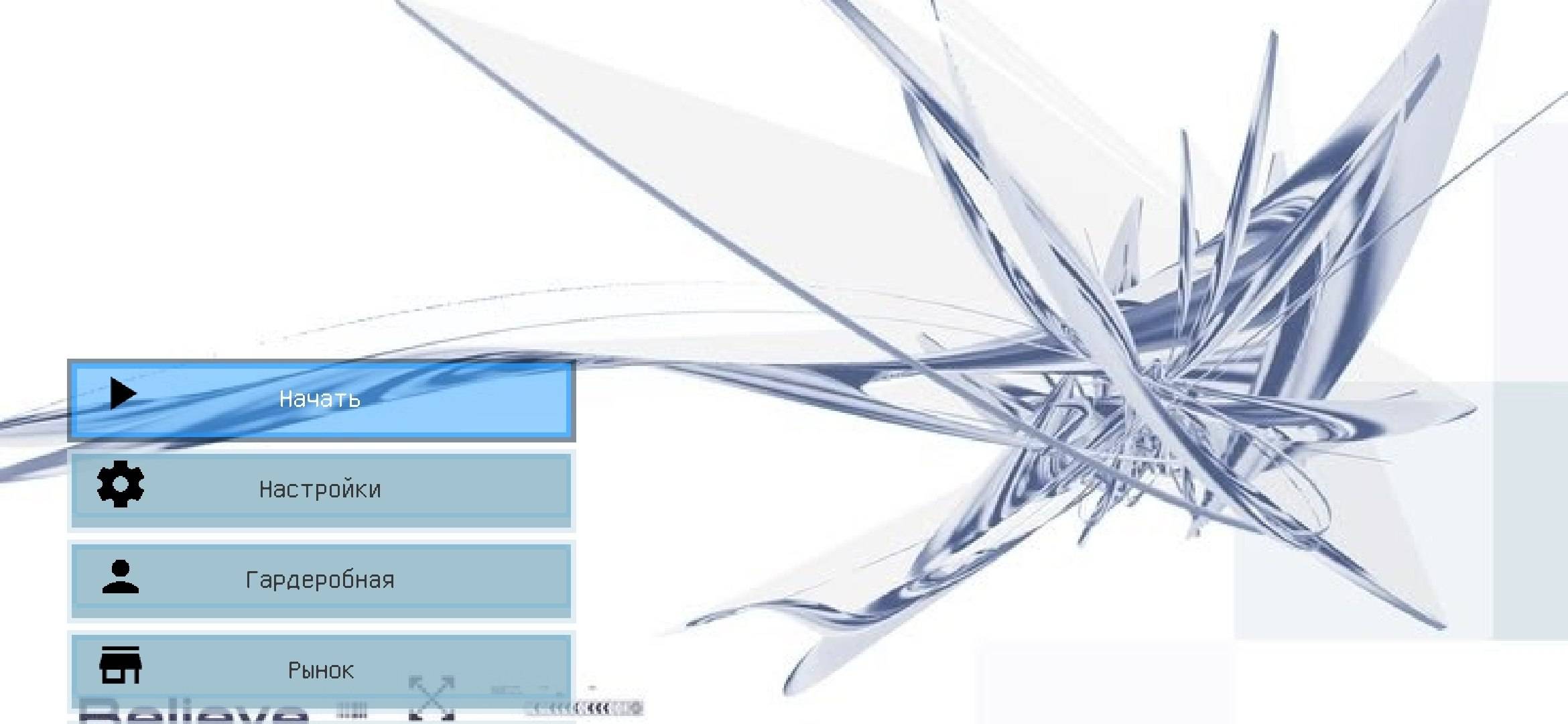
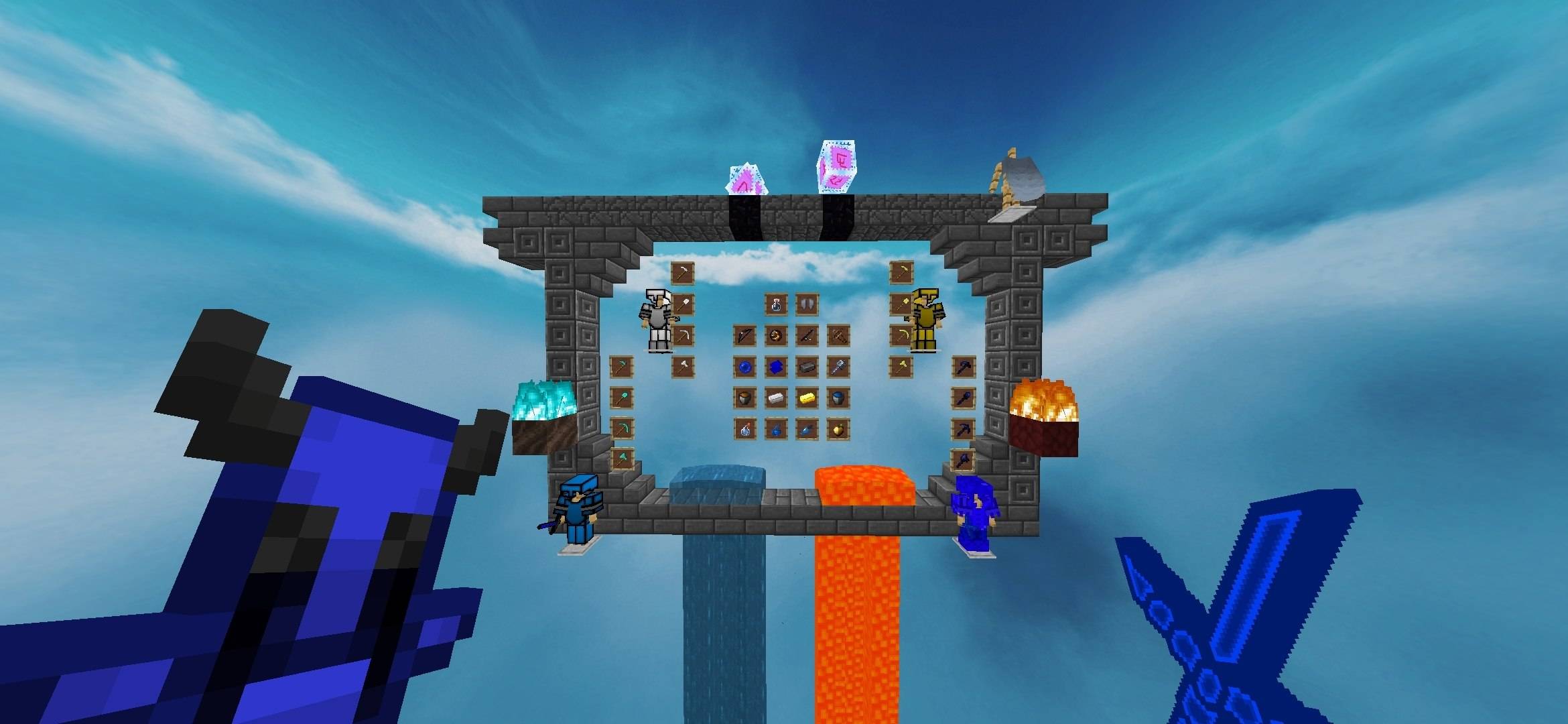
COBALT 16x COBALT 16x is a high-performance Minecraft Bedrock PvP resource pack engineered for competitive players who demand peak frame rates without sacrificing high-end style. Combining a sleek Y2K chrome aesthetic with deep cobalt combat gear, COBALT 16x cleans up screen clutter to keep your focus strictly on winning fights. Key Features: Y2K Chrome UI: Cyber metallic abstract menu background, sleek translucent button frames, and clean UI elements. Compact PvP Weapons: Low-profile short swords and vibrant blue tools crafted to maximize screen visibility during close-quarters fights. Color-Coded Armor Sets: Instantly spot enemy gear levels with sharp, high-contrast armor textures. Clean Combat Visuals: Low fire height, reduced particle clutter, semi-transparent mobile touch overlays, and a realistic HD skybox. Custom Details: Unique cat block-break animation and a dark midnight-blue hotbar casing. FPS Boosted: Lightweight 16x textures built to deliver buttery-smooth performance on mobile devices, low-end PCs, and consoles.
- Edition: Minecraft Bedrock
- File type: .mcpack
- Minecraft versions listed: 1.16.22, 26.40
- How to install: Download the .mcpack. → Open it — Minecraft imports it under Resource Packs. → Activate it in Global Resources, or for one world under Resource Packs → Available.
- Where to get it: Opens on CurseForge — not every file is mirrored on our own servers.
Install steps are the general flow for this file type — How to install Minecraft Bedrock texture packs walks through it step by step.
- Save it as Rp_TG @MCAdd3719_Blue.mcaddon before opening — it downloads as .mcpack, but it is a .mcaddon pack
- Manifest requires Minecraft 1.21.0 or newer
- Download size: 17.5 MB
- Download link checked 28 Sept 2026 — working
These come from our own check of the pack file, not from the source page.