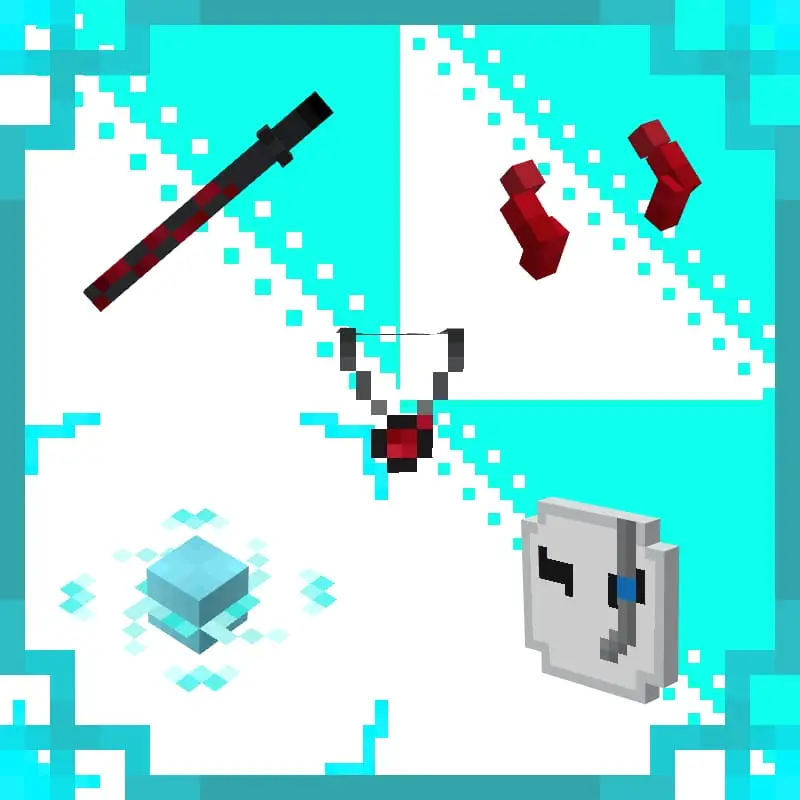
Fidzz Cosmetic Texture Pack for Minecraft Bedrock 26.50
Cosmetic texture pack for Minecraft Bedrock with clean, stylish item textures, detailed shading, and lightweight performance-friendly files that preserve…
⬇ Download✨ Cosmetic Texture
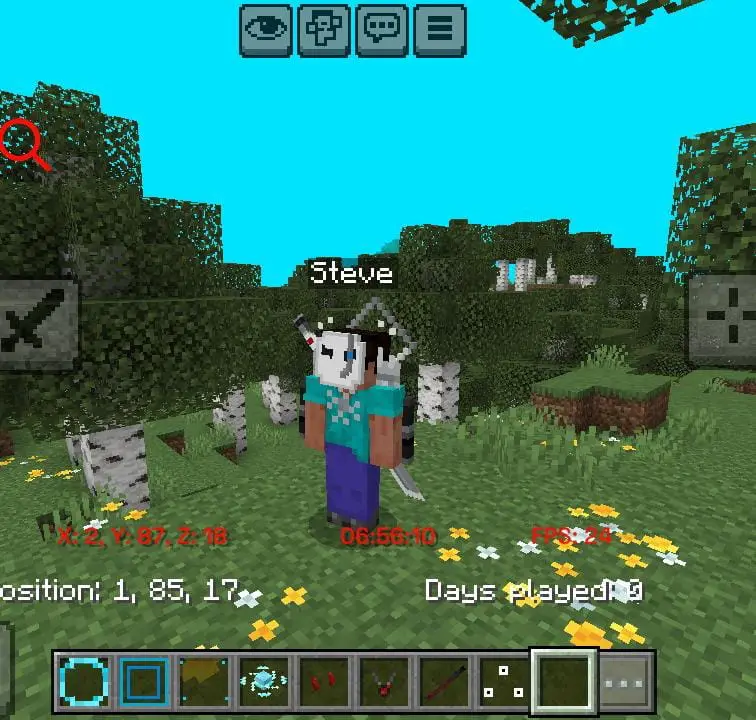
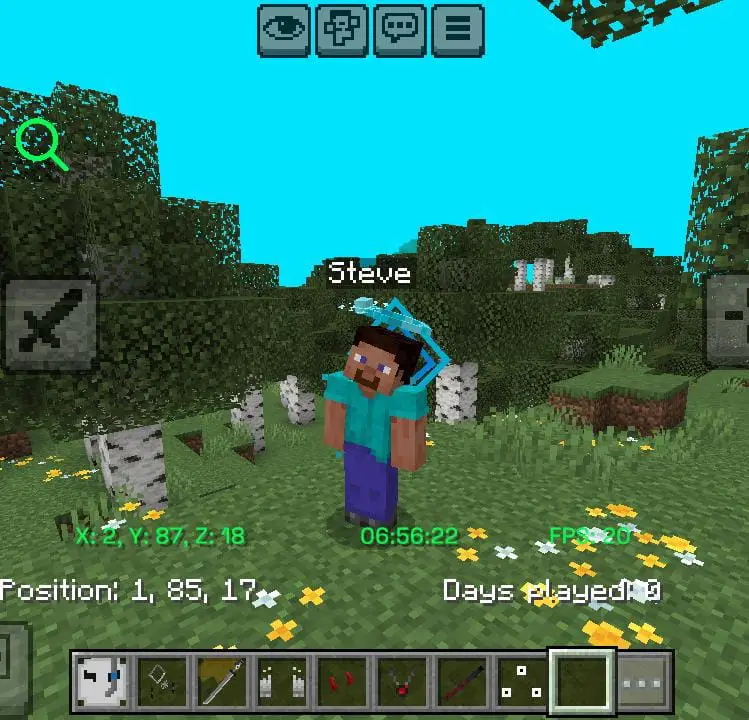
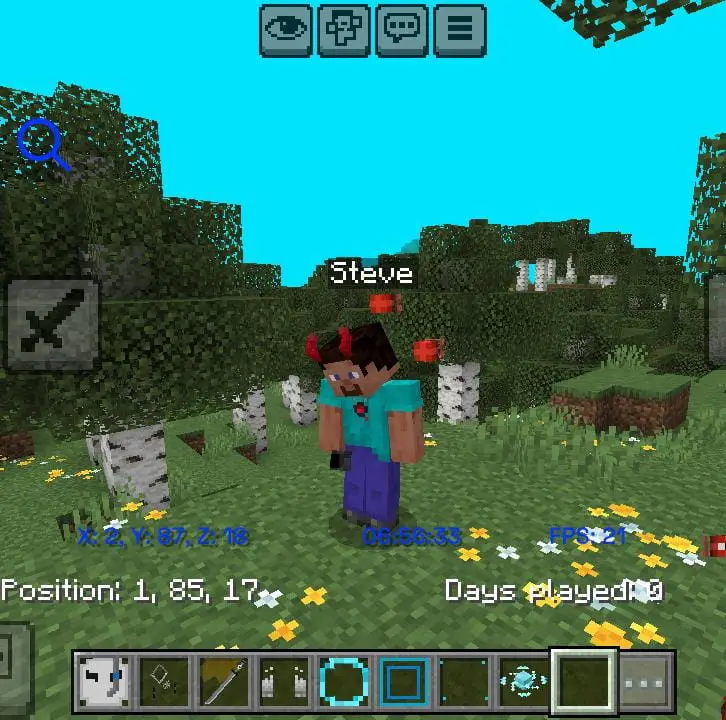
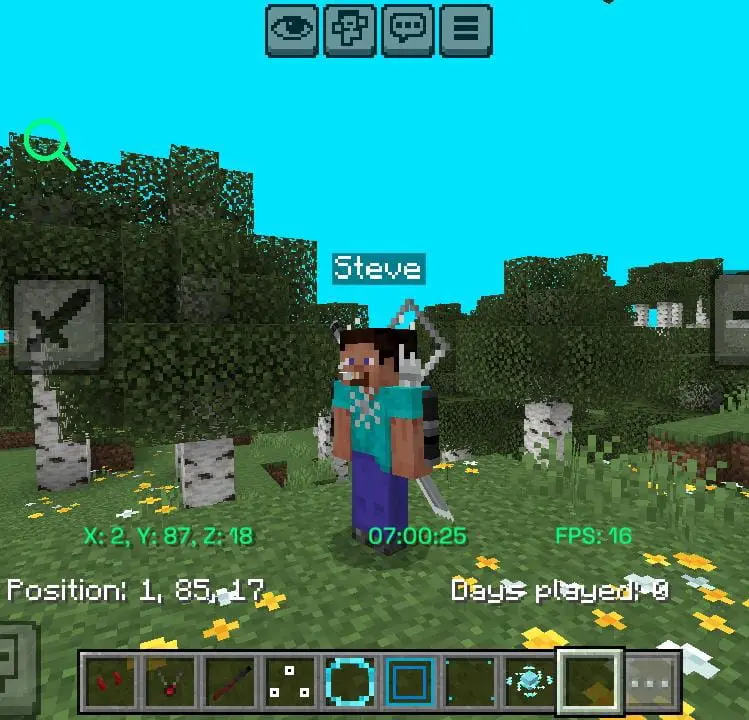
Give your Minecraft Bedrock Edition experience a fresh new look with this Cosmetic Texture Pack! This pack focuses on improving the appearance of cosmetic items with clean textures, detailed shading, and a stylish design while keeping the original gameplay experience unchanged.
🎨 Features
- New and improved cosmetic textures
- Clean colors with detailed shading
- Stylish cosmetic designs
- Compatibility with other texture packs
- Designed to be performance-friendly
- Visual changes only — gameplay remains unchanged
- Regular updates and improvements
📱 Compatibility
Made for Minecraft Bedrock Edition and designed to work with modern versions of the game.
📜 Credits
All textures in this pack are created by the author. Please do not reupload, redistribute, or claim these assets as your own without permission.
Thanks for using my Cosmetic Texture Pack! ❤️
Preview
Created by: @Fidzz
- Edition: Minecraft Bedrock
- File type: .mcpack
- How to install: Download the .mcpack. → Open it — Minecraft imports it under Resource Packs. → Activate it in Global Resources, or for one world under Resource Packs → Available.
- Where to get it: In MCModsHub, or directly above on this page.
Install steps are the general flow for this file type — How to install Minecraft Bedrock texture packs walks through it step by step.
- Pack type: .mcpack — a single pack
- Manifest requires Minecraft 1.20.0 or newer
- Complete pack — everything it depends on is inside the file
- Download link checked 10 Sept 2026 — working
- Mirrored on our own servers — the download does not depend on the original host
These come from our own check of the pack file, not from the source page.