Transparent ui by baku
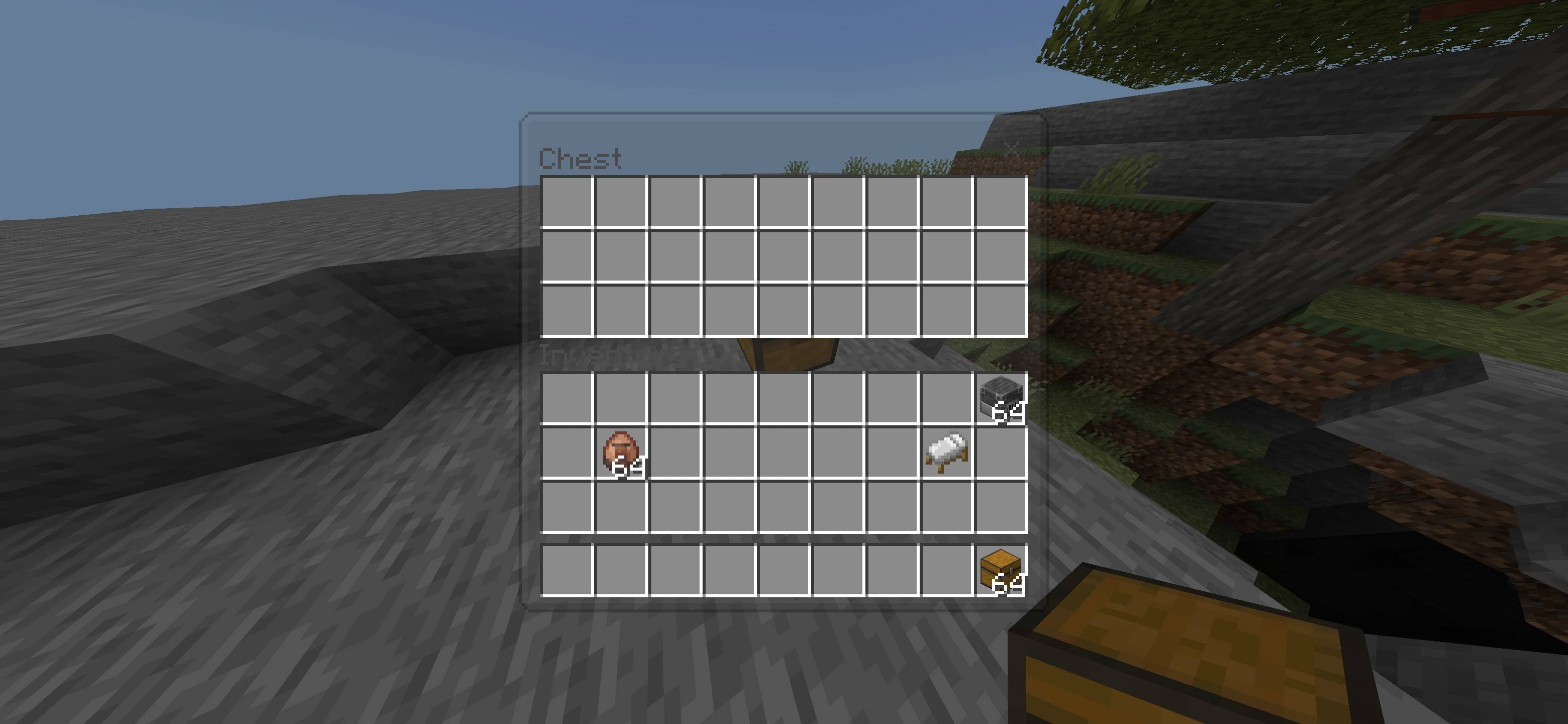
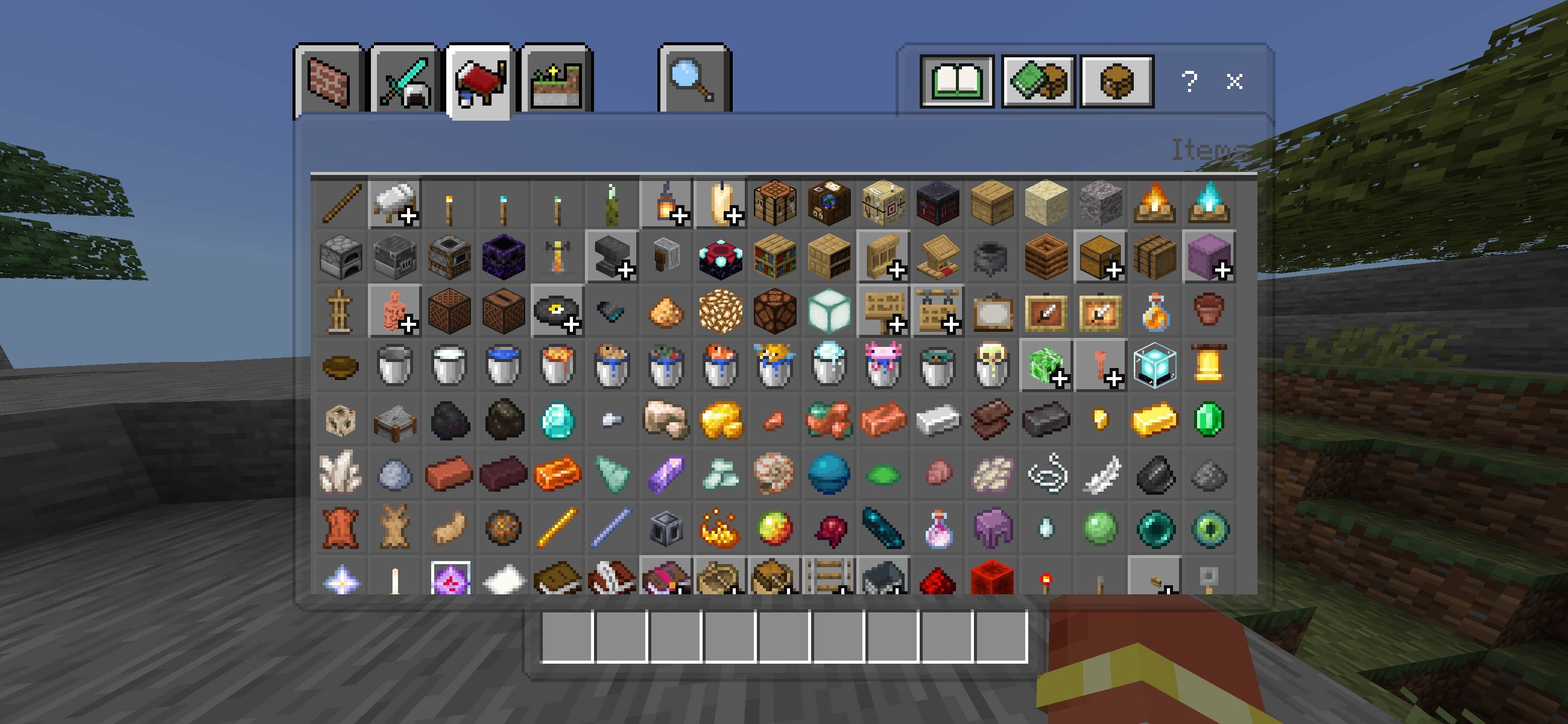
Baku Transparent UI makes chest, inventory, trading, crafting, furnace, anvil and other menus transparent keeping the Minecraft world visible while slots…
⬇ Download on CurseForge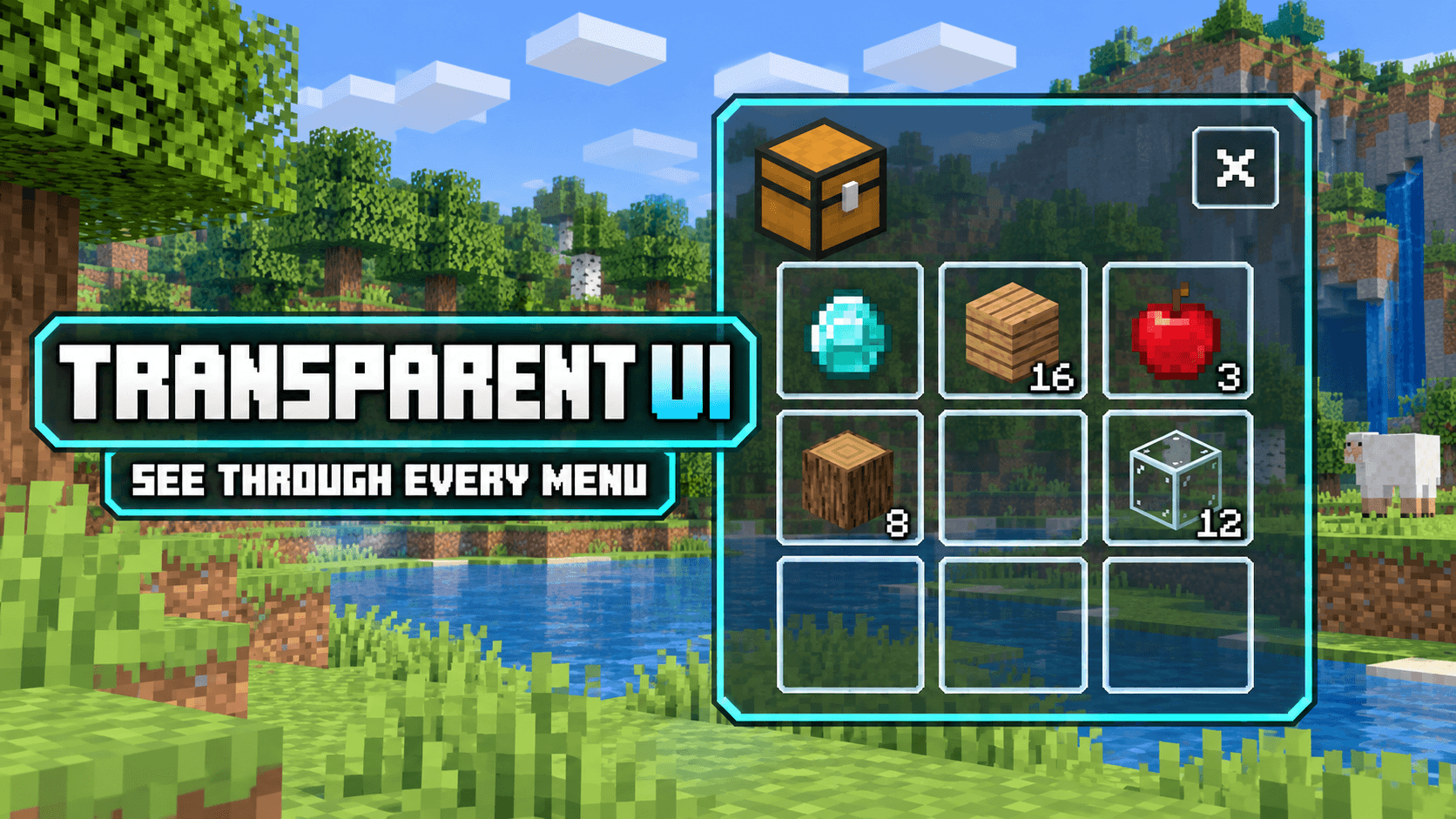
TRANSPARENT UI
SEE THROUGH EVERY MENU
Transparent UI is a clean Minecraft Bedrock resource pack that makes inventory and container menus transparent, allowing you to see the world behind the interface.
◆ Features
- Transparent chest and inventory interfaces
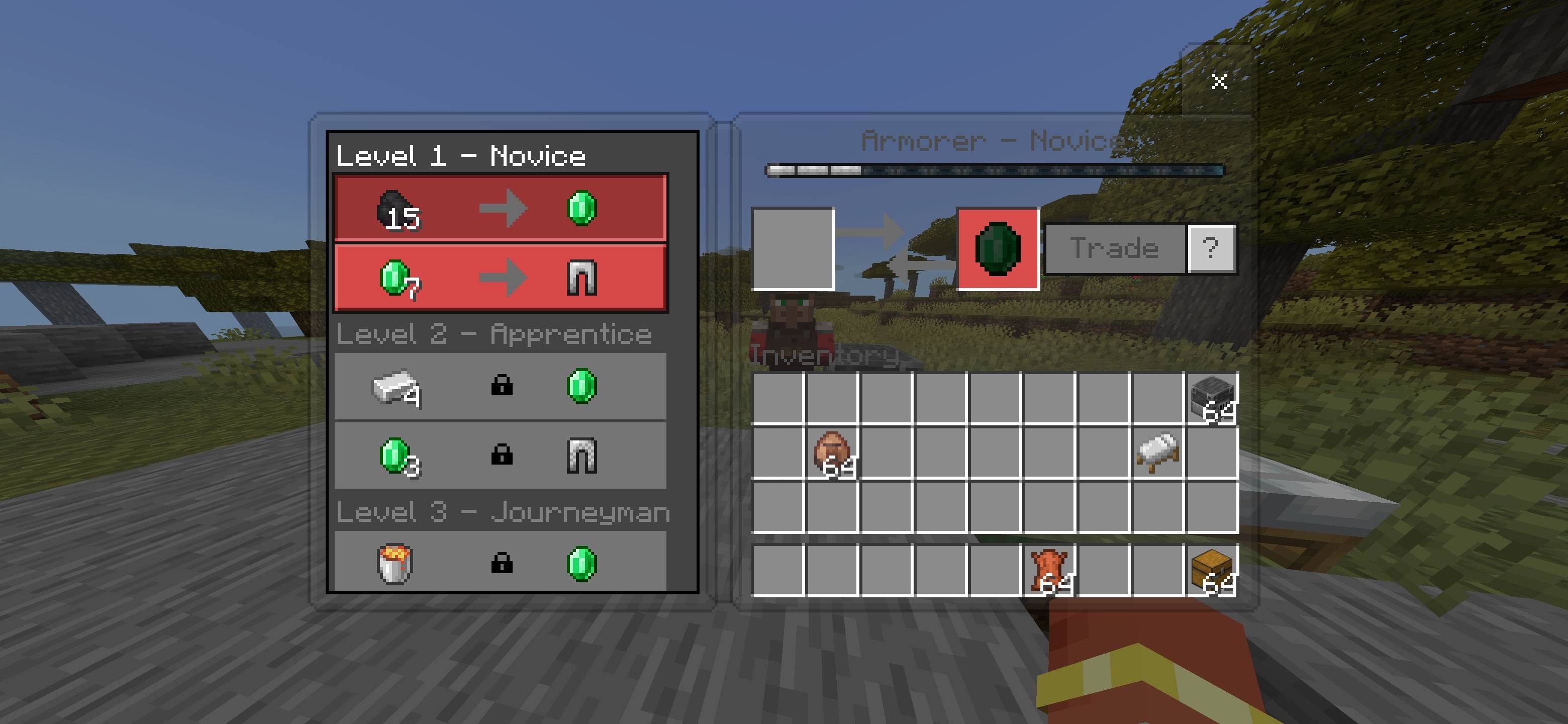
- Transparent villager trading screen
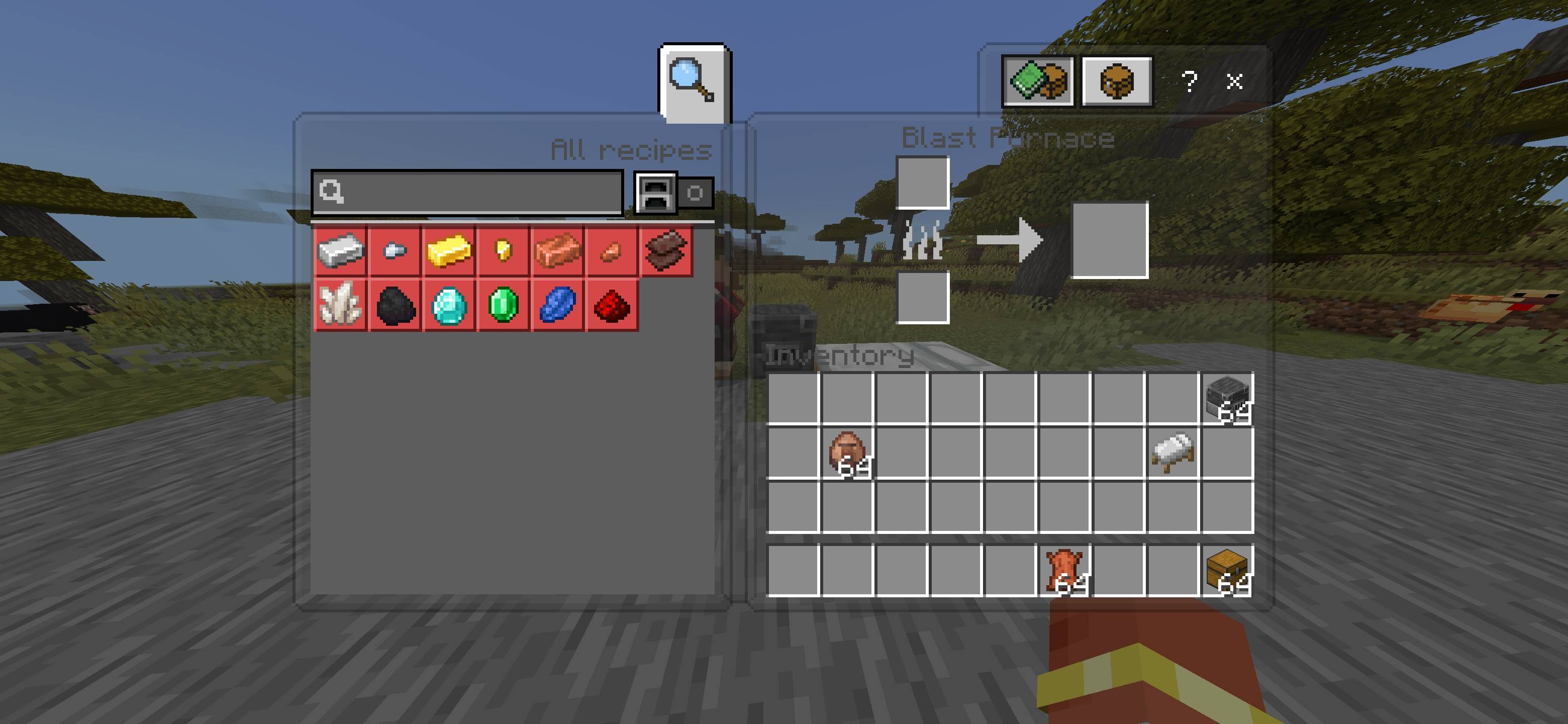
- Supports crafting tables and recipe menus
- Works with furnaces, smokers and blast furnaces
- Supports anvils, enchanting tables and grindstones
- Compatible with smithing tables, looms and other containers
- Clearly visible slots, items and controls
- Clean design without excessive effects
◆ Why Use This Pack?
Normal menus completely cover a large part of your screen. This pack reduces the opacity of UI panels so you can monitor your surroundings while managing items, opening chests, crafting equipment or trading with villagers.
◆ Compatibility
Edition: Minecraft Bedrock Edition
Recommended Version: 26.40
Pack Type: Resource Pack
Experimental Features: Not Required
◆ Installation
- Download the .mcpack file.
- Open the downloaded file using Minecraft.
- Wait for the import confirmation.
- Open your world settings and activate the pack under Resource Packs.
- If another UI pack is active, place Transparent UI above it.
◆ Important Note
Other resource packs that modify the Minecraft interface may conflict with this pack. For the best experience, keep Transparent UI at the top of your active resource-pack list.
◆ Credits
Pack Creator, Design and Development:
BAKU
All credits and ownership belong to Baku.
Enjoy a cleaner interface without losing sight of your Minecraft world!
- Edition: Minecraft Bedrock
- File type: .mcpack
- Minecraft versions listed: 26.20, 26.13, 26.30
- How to install: Download the .mcpack. → Open it — Minecraft imports it under Resource Packs. → Activate it in Global Resources, or for one world under Resource Packs → Available.
- Where to get it: Opens on CurseForge — not every file is mirrored on our own servers.
Install steps are the general flow for this file type — How to install Minecraft Bedrock texture packs walks through it step by step.
- Pack type: .mcpack — a single pack
- Complete pack — everything it depends on is inside the file
- Download size: 44 KB
- Download link checked 29 Sept 2026 — working
These come from our own check of the pack file, not from the source page.