
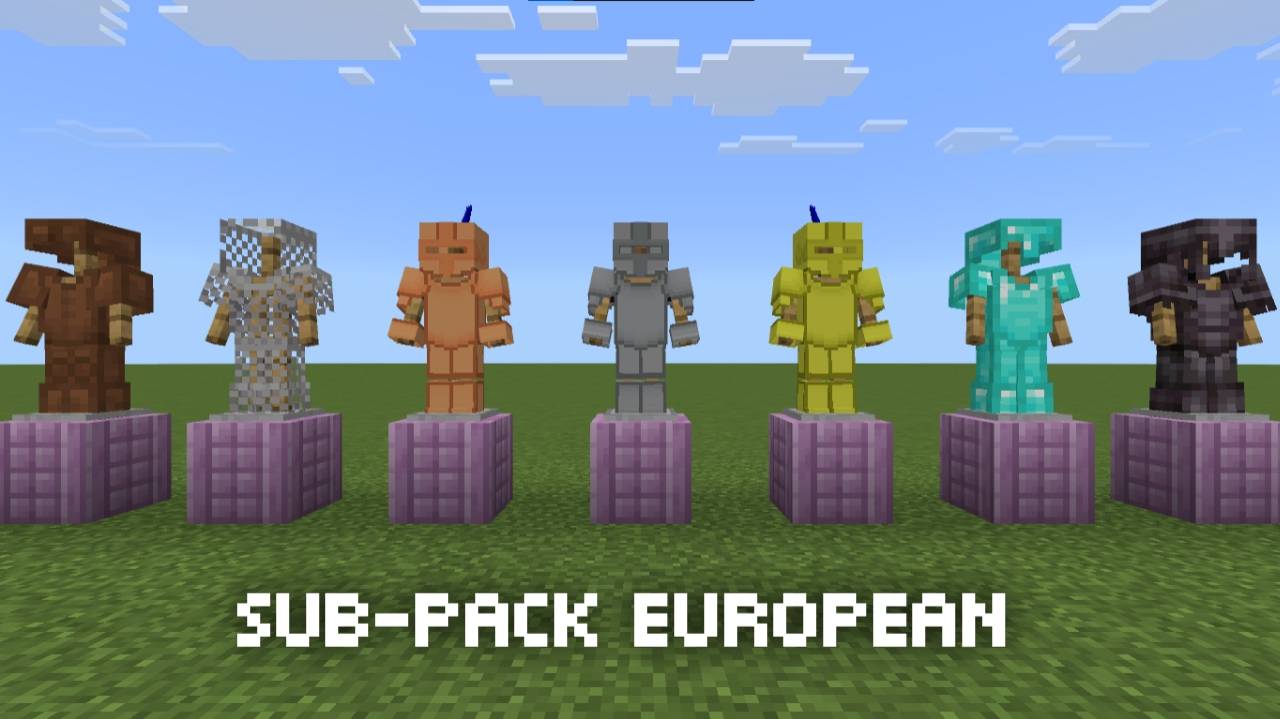
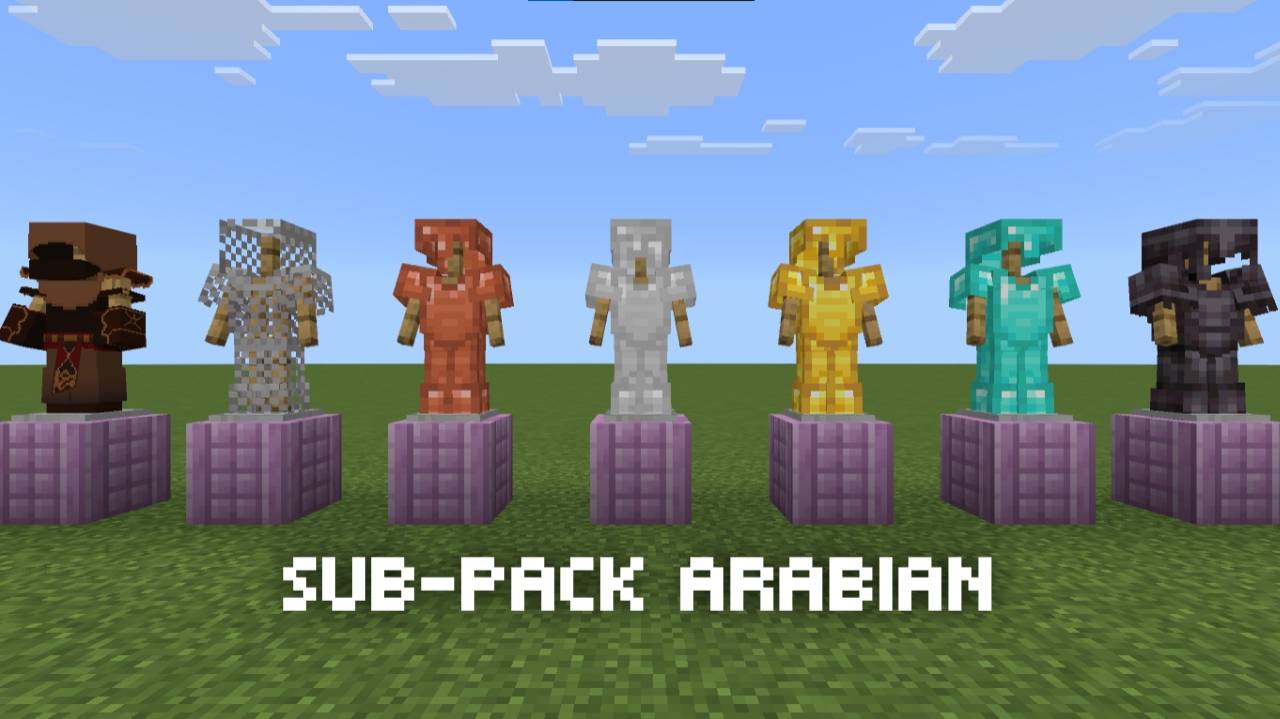
Historical Armor Sub-Pack
Main purpose of this resource pack is to describe how armory used to look like in history of specific region, civilization
Available subpacks
- Default - currently empty
- Arabian - Leather armor remodeled
- Chinese - Currently empty
- European - Copper, iron and golden armor remodeled
- Indian - Currently empty
- Japanese - work in progress
- Roman - Currently empty
- Viking - Currently empty
Since its a new projects, the vision and ideas are limited so please comment what could be better in your opinion.
Quick facts
- Edition: Minecraft Bedrock
- File type: .mcpack
- Minecraft versions listed: 26.0.02, 26.0, 26.3
- How to install: Download the .mcpack. → Open it — Minecraft imports it under Resource Packs. → Activate it in Global Resources, or for one world under Resource Packs → Available.
- Where to get it: Opens on CurseForge — not every file is mirrored on our own servers.
Install steps are the general flow for this file type — How to install Minecraft Bedrock texture packs walks through it step by step.
Verified by MCModsHub
- Save it as Historical_Armor_Pack_RP.mcaddon before opening — it downloads as .mcpack, but it is a .mcaddon pack
- Manifest requires Minecraft 1.26.0 or newer
- Download size: 111 KB
- Download link checked 29 Sept 2026 — working
These come from our own check of the pack file, not from the source page.