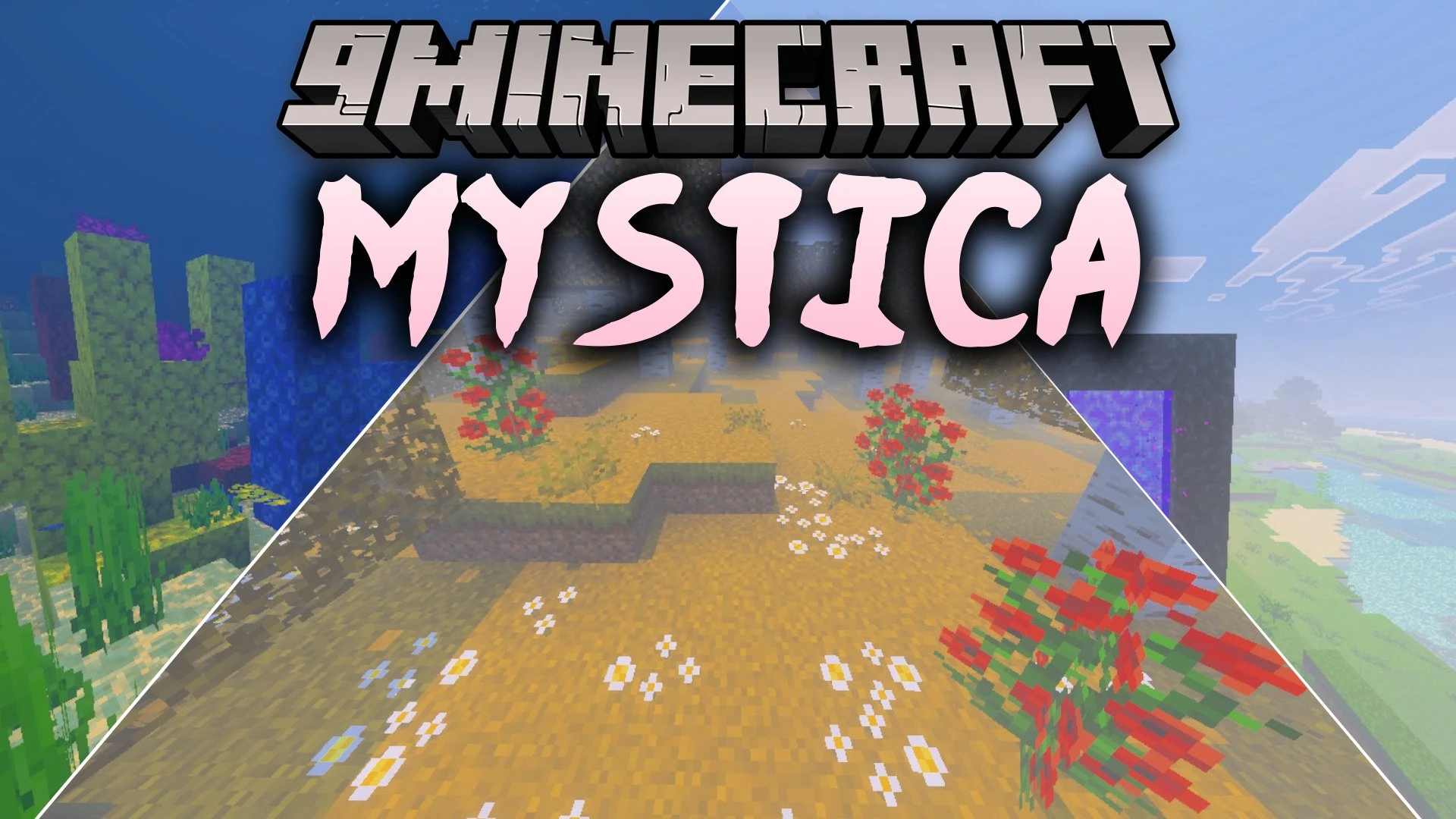
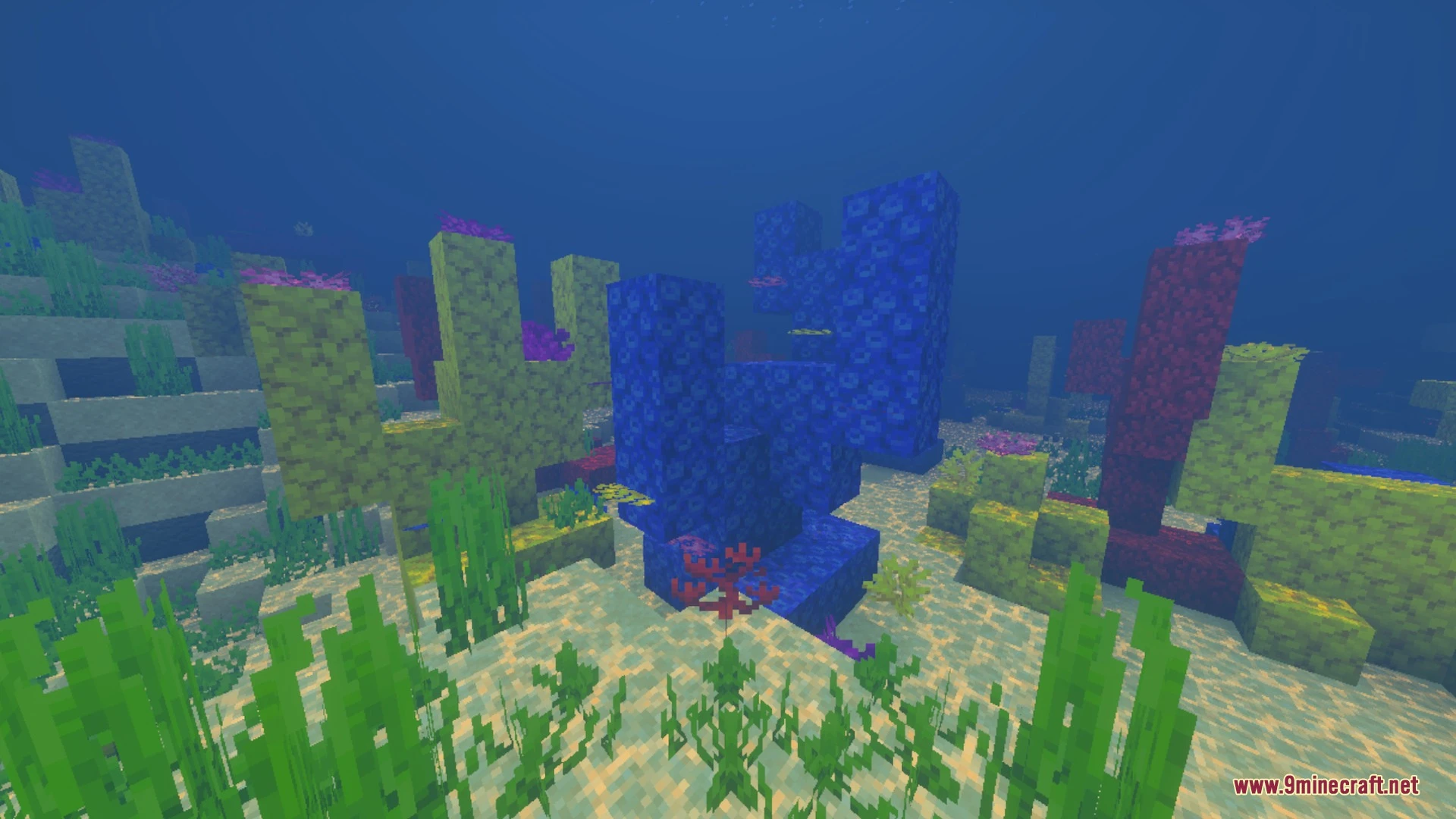
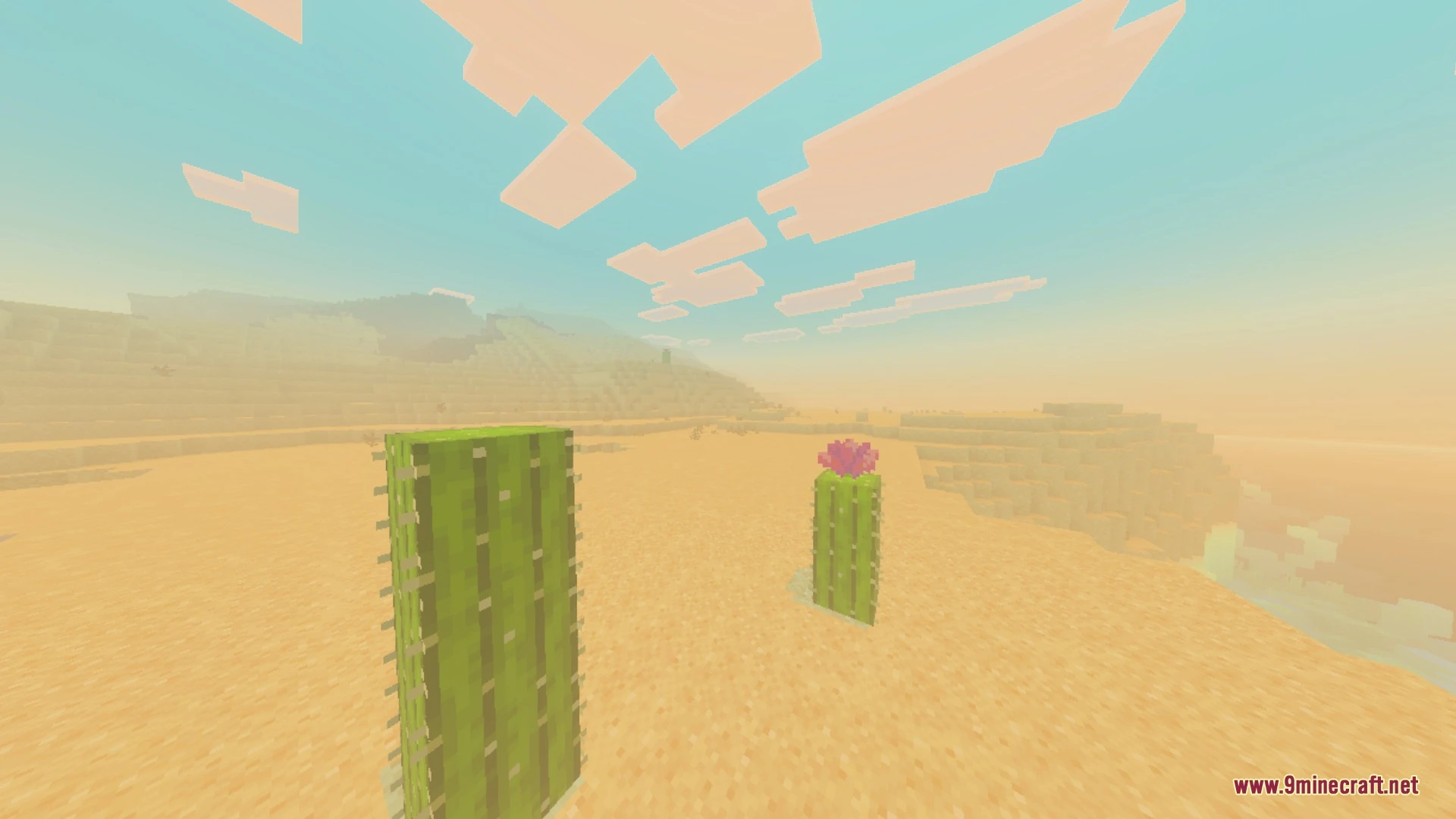
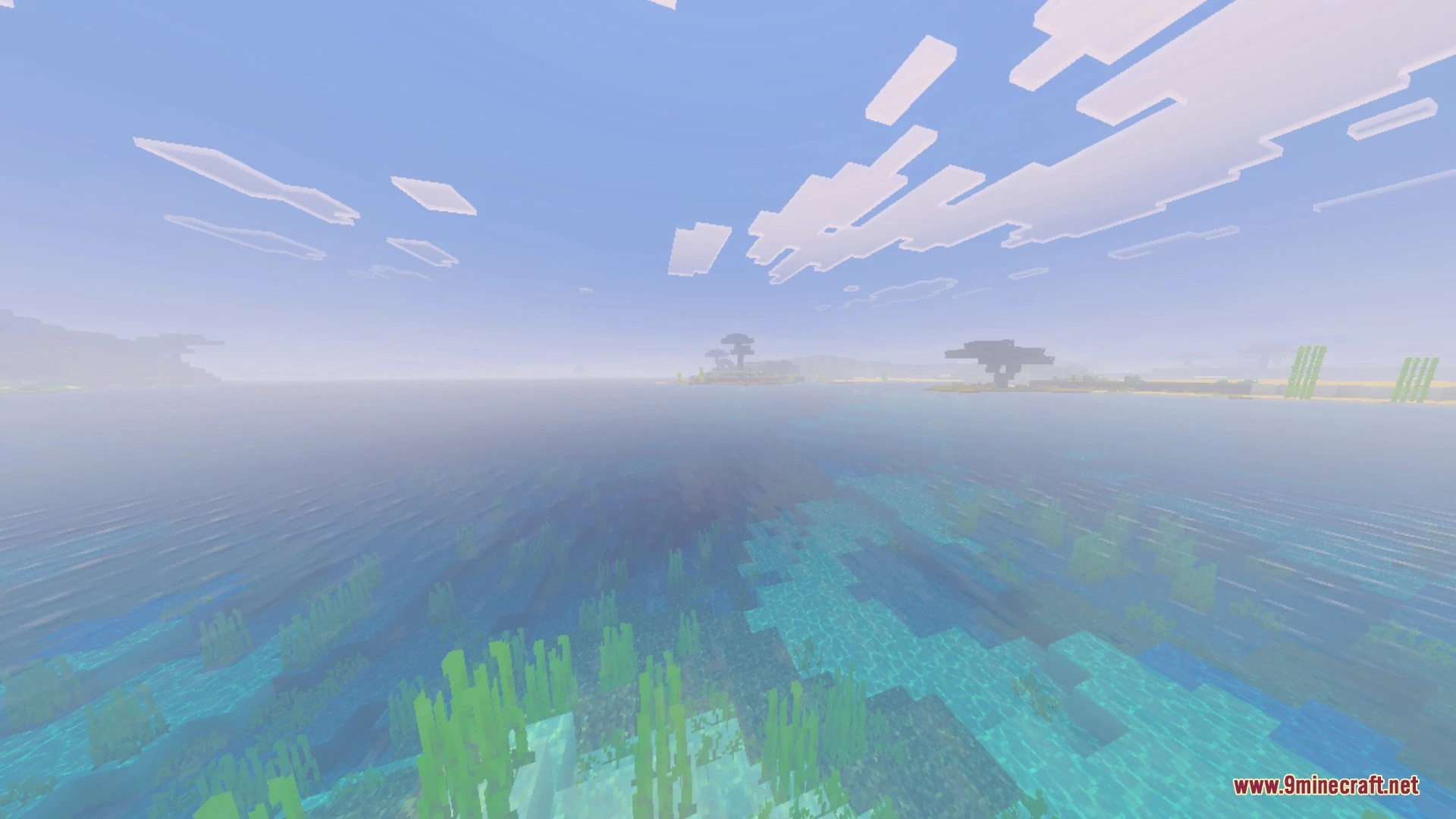
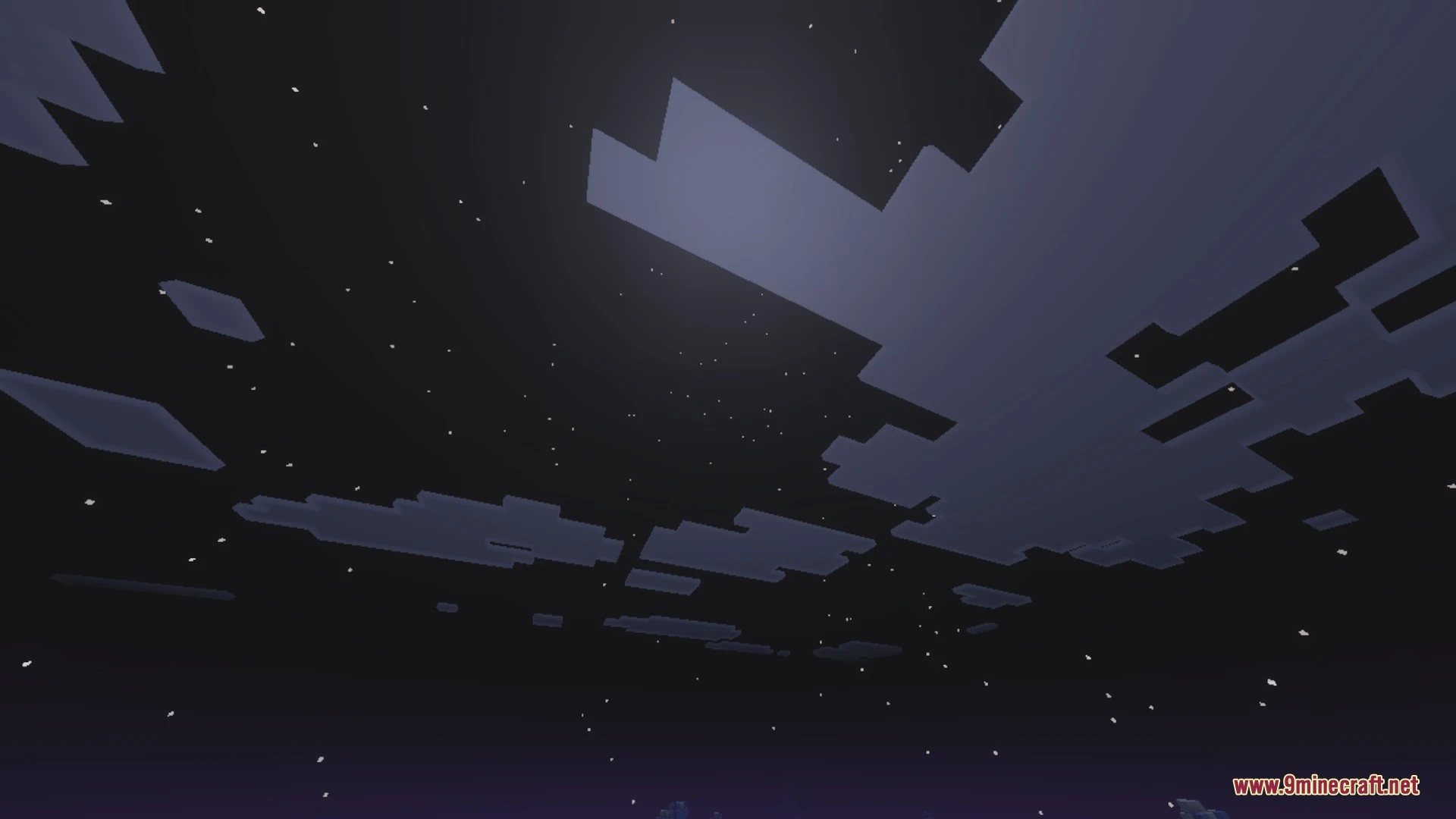
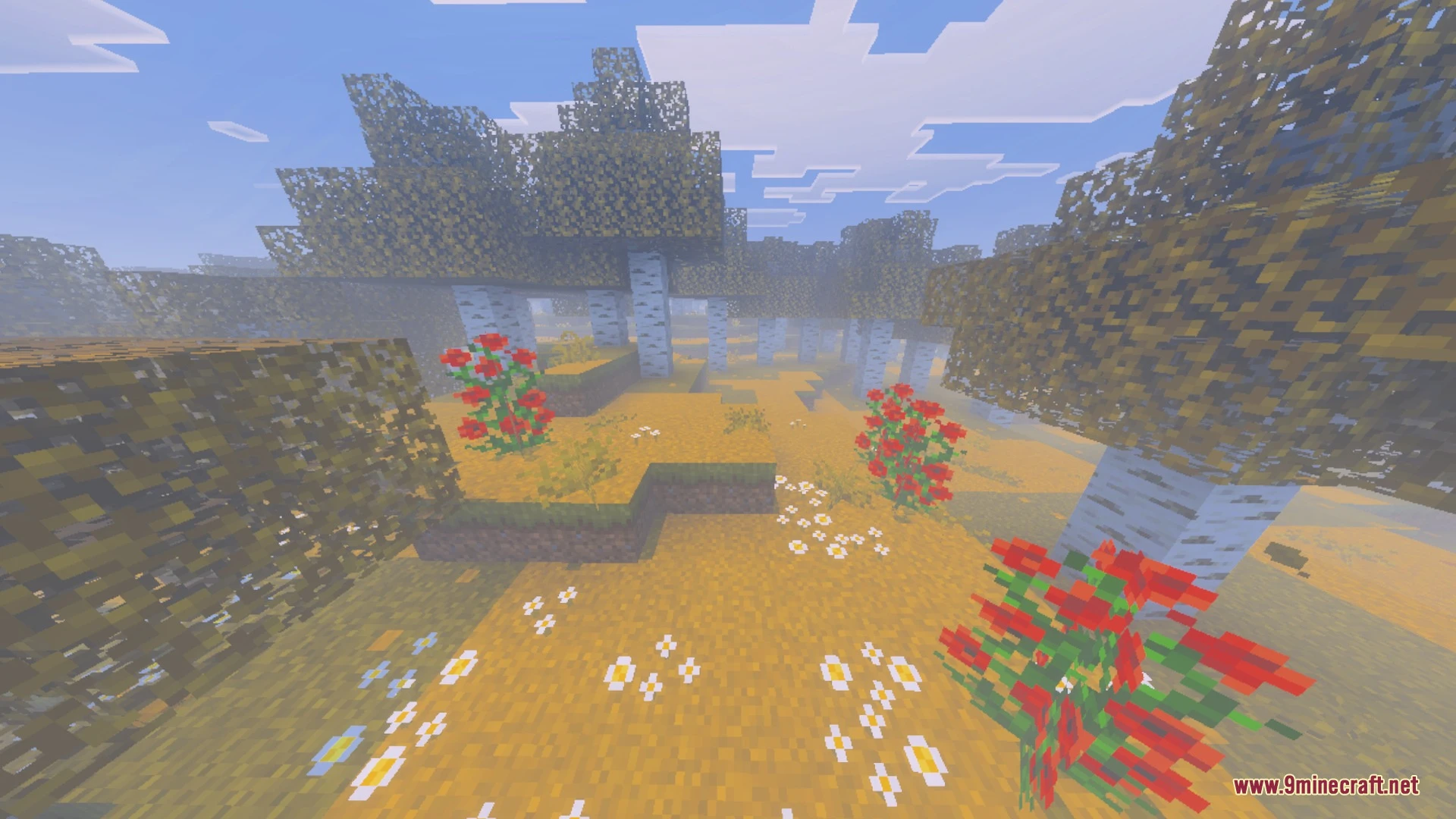
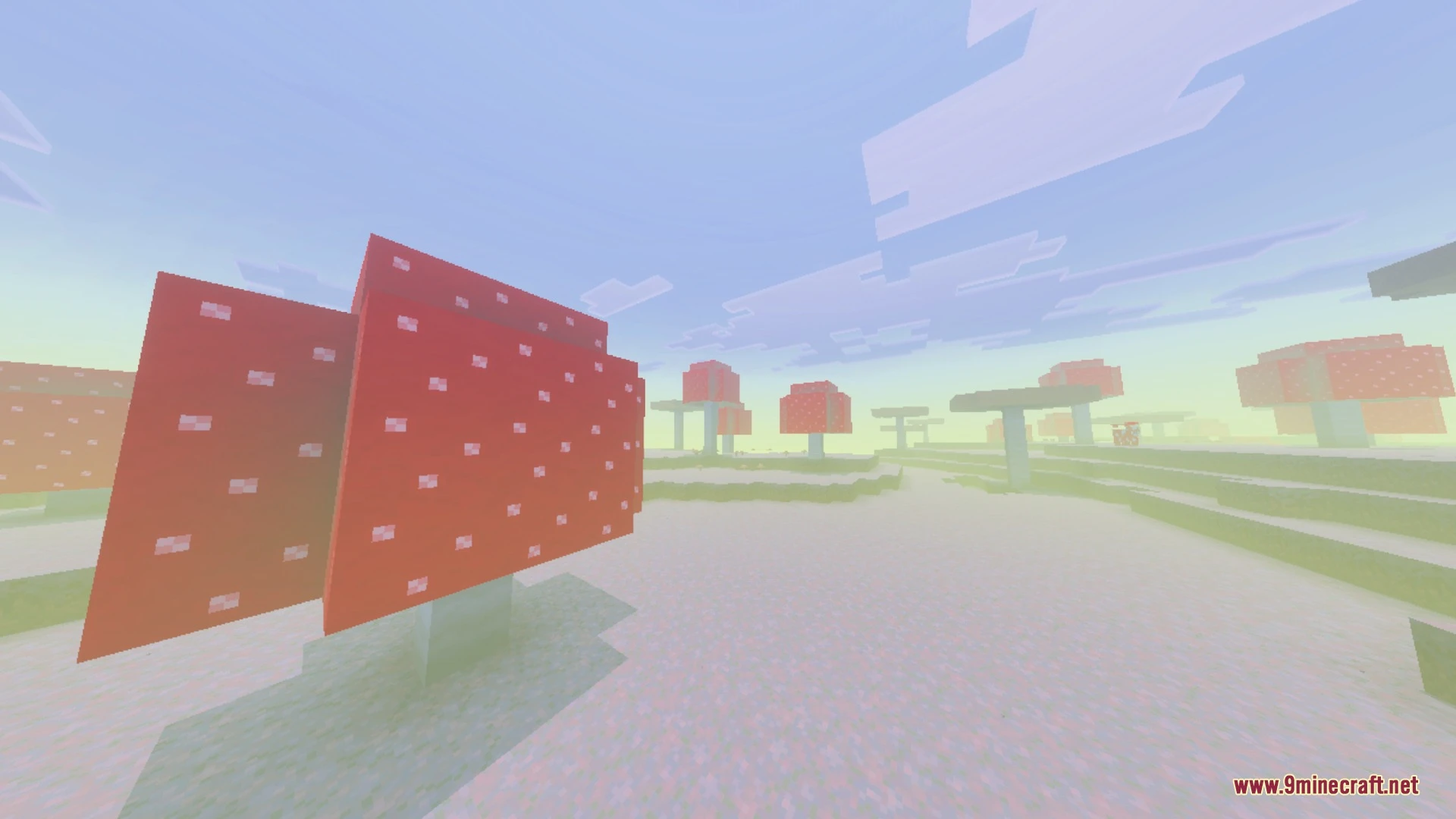
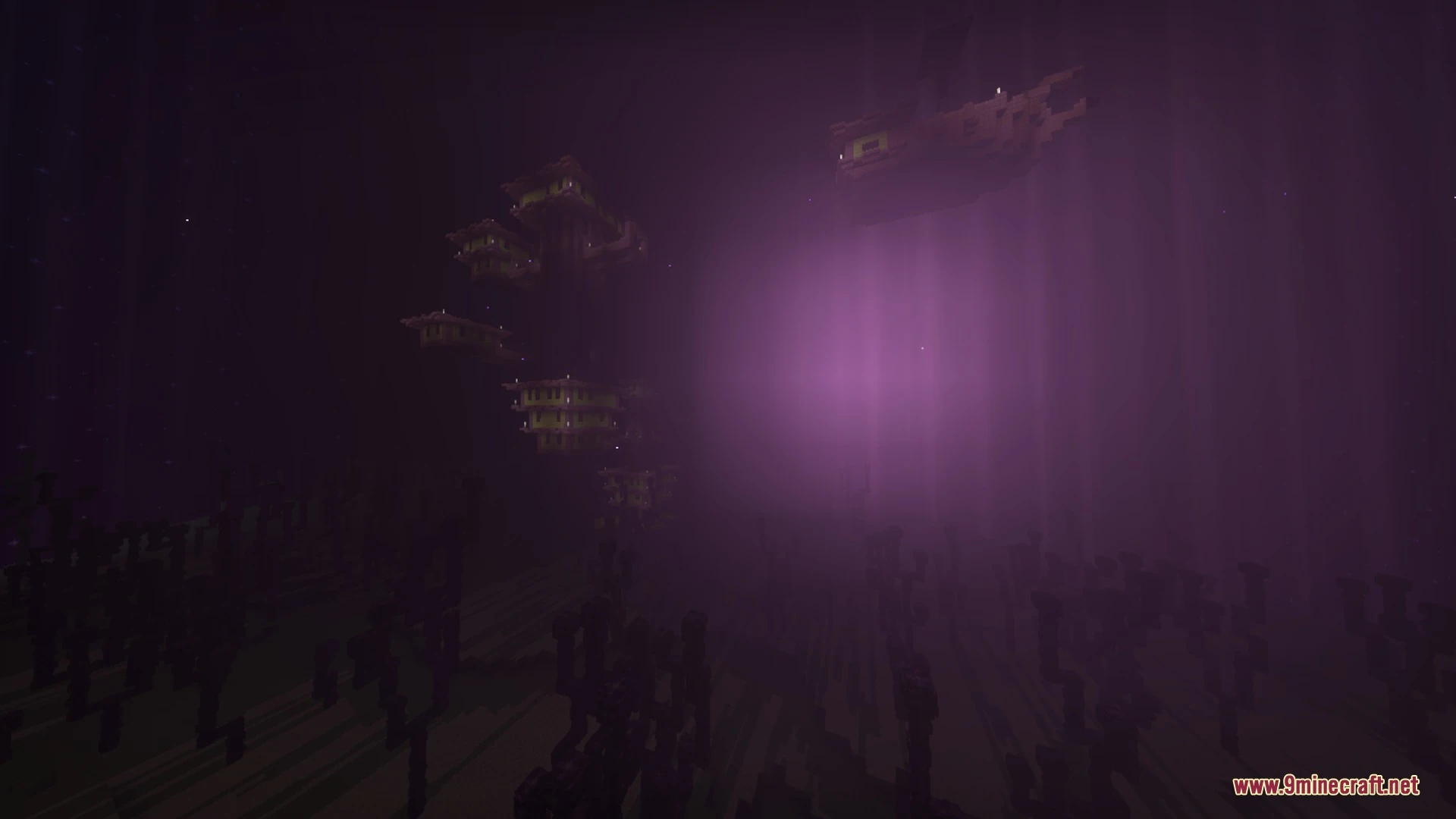
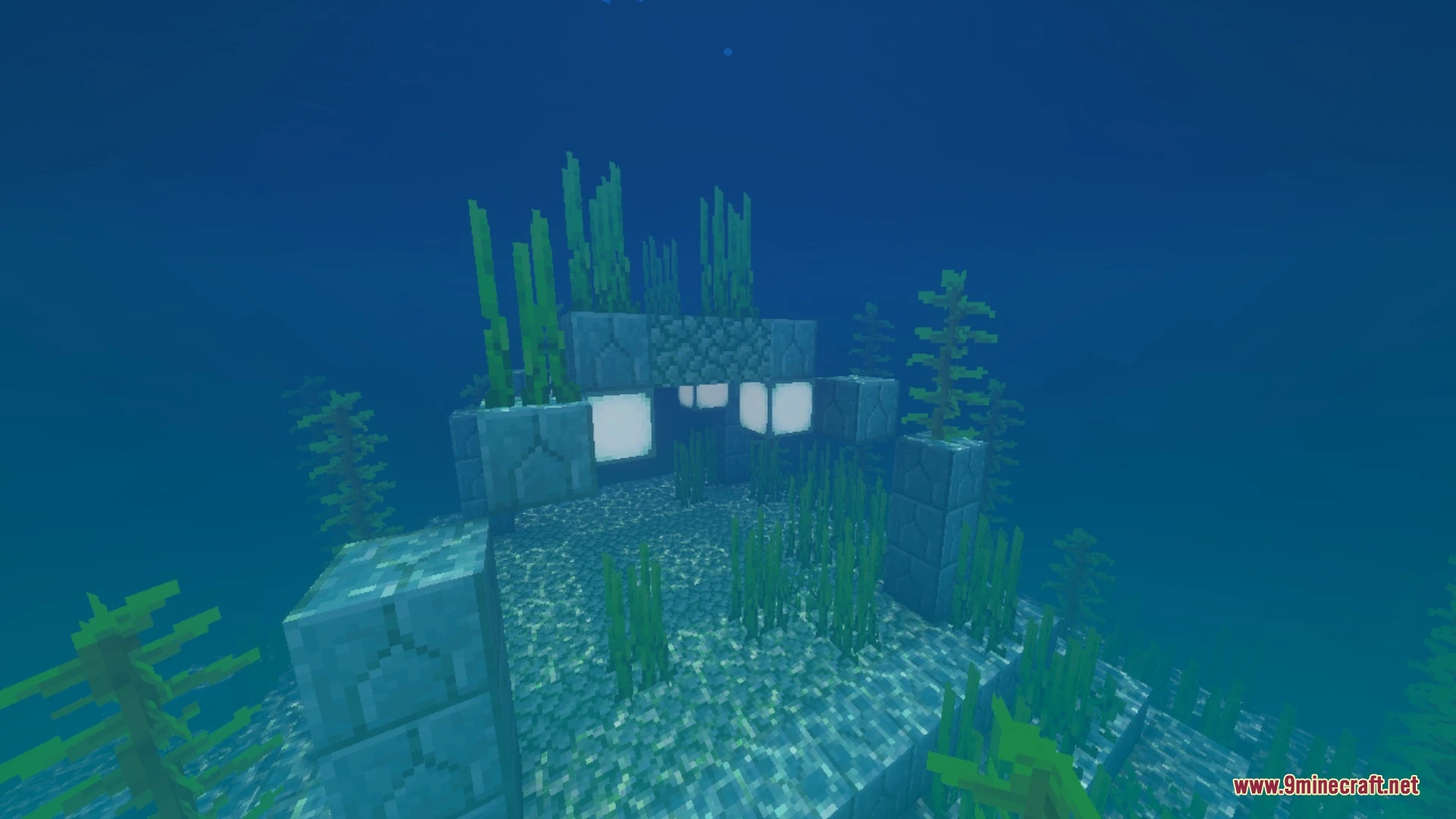
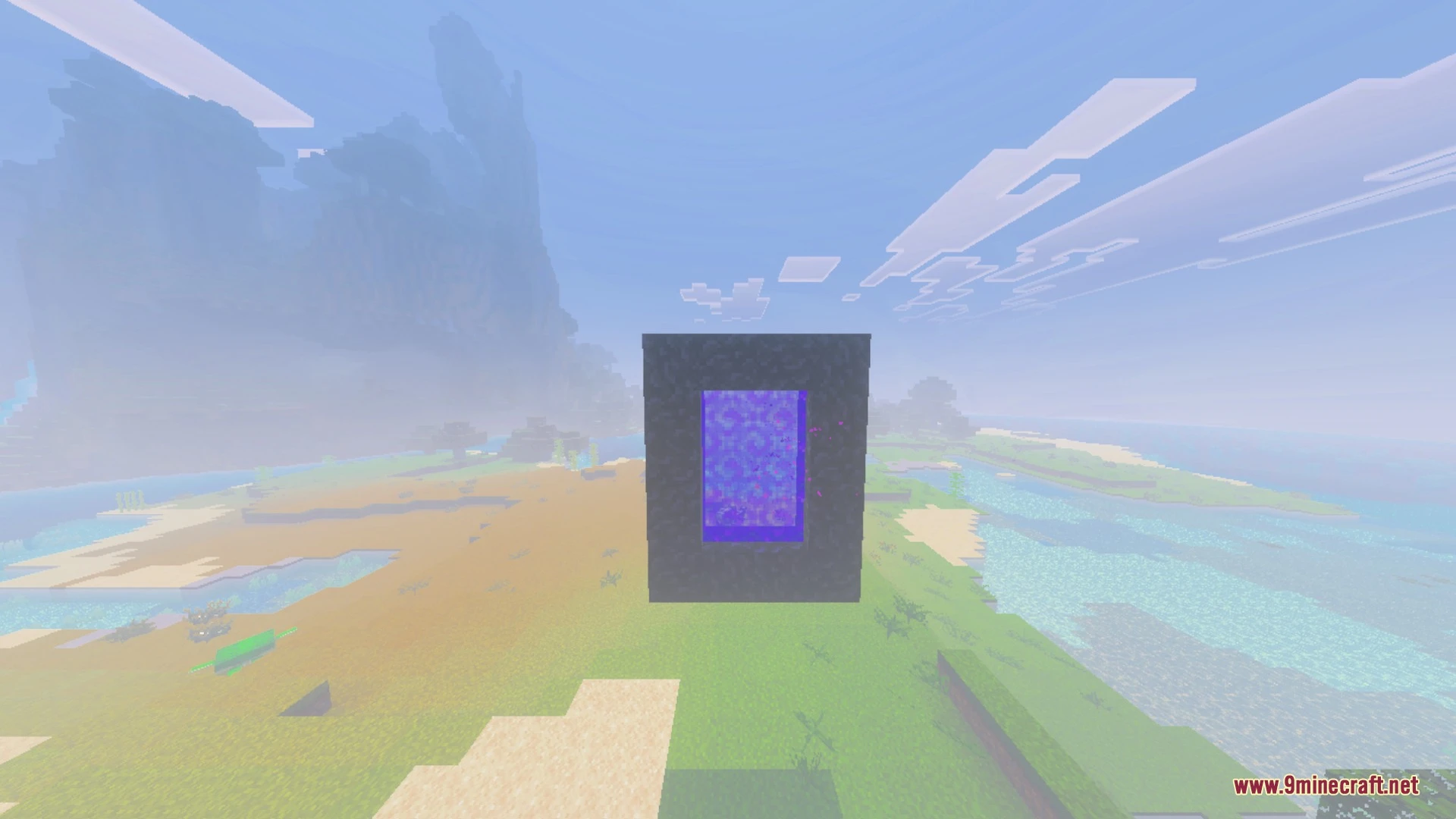
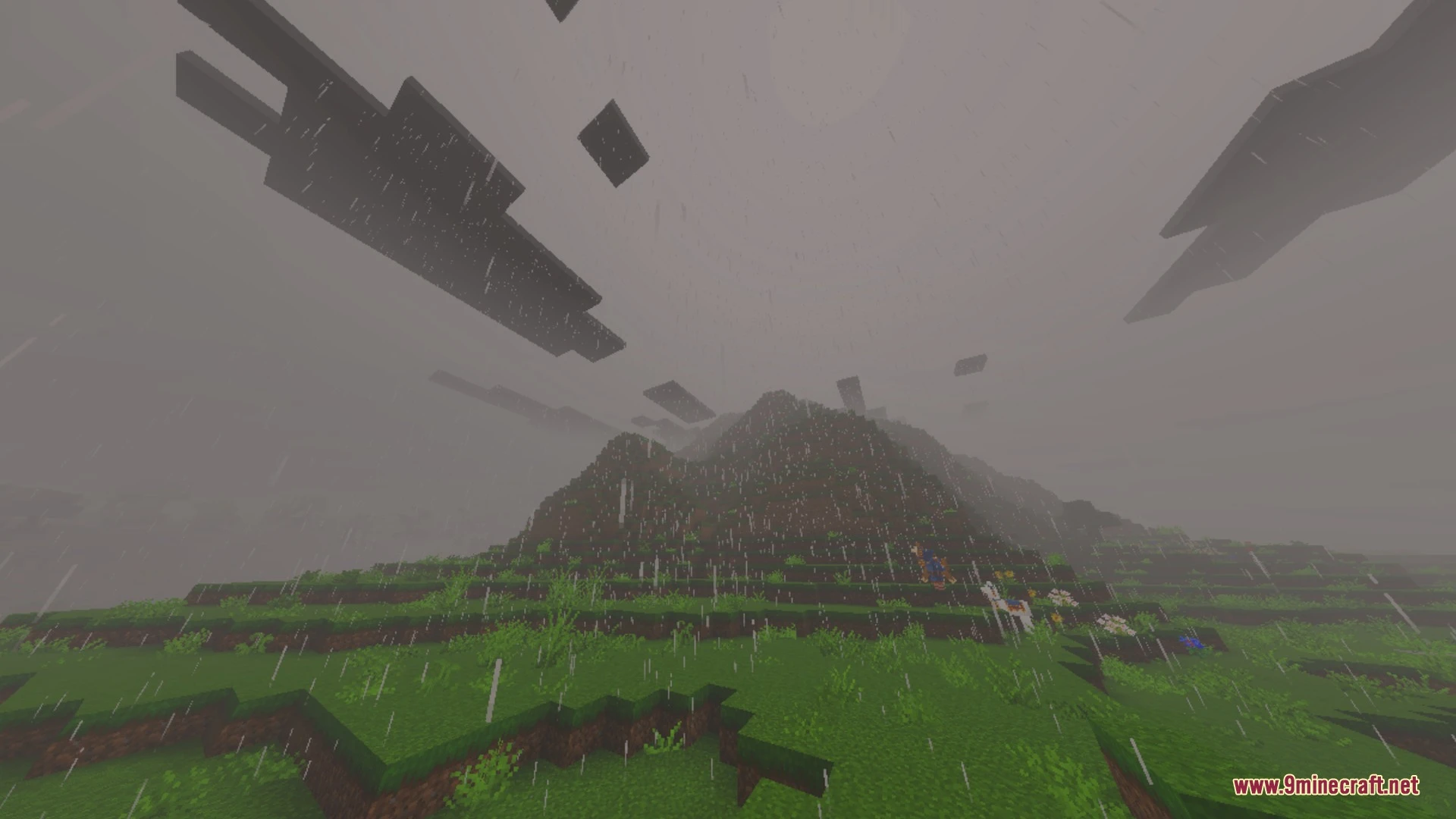
Mystica transforms your Bedrock world with soft visual effects and magical skies. It adds biome-specific dreamy fog, shooting stars, and northern lights dancing over snowy landscapes. The pack also updates tool textures and character animations while running smoothly on mobile devices.
Features:
- Adds dreamy biome-specific fog to create a magical atmosphere.
- Introduces dancing aurora borealis and shooting stars across night skies.
- Upgrades in-game particles and subtle drifting wind streaks.
- Includes smoother player animations for everyday character movements.
- Redesigns tool textures with sharper pixel details and cleaner shapes.
Screenshots:
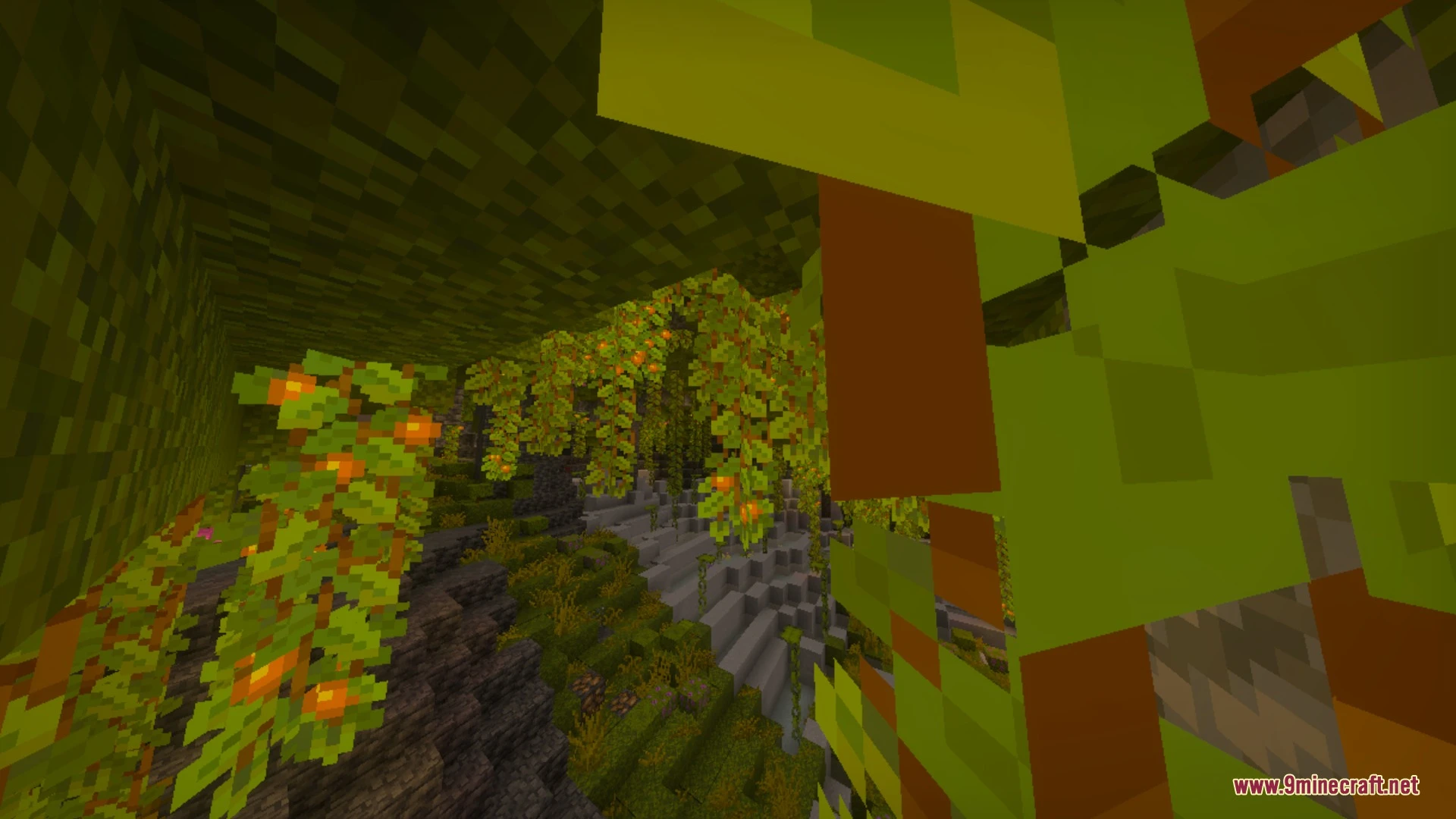
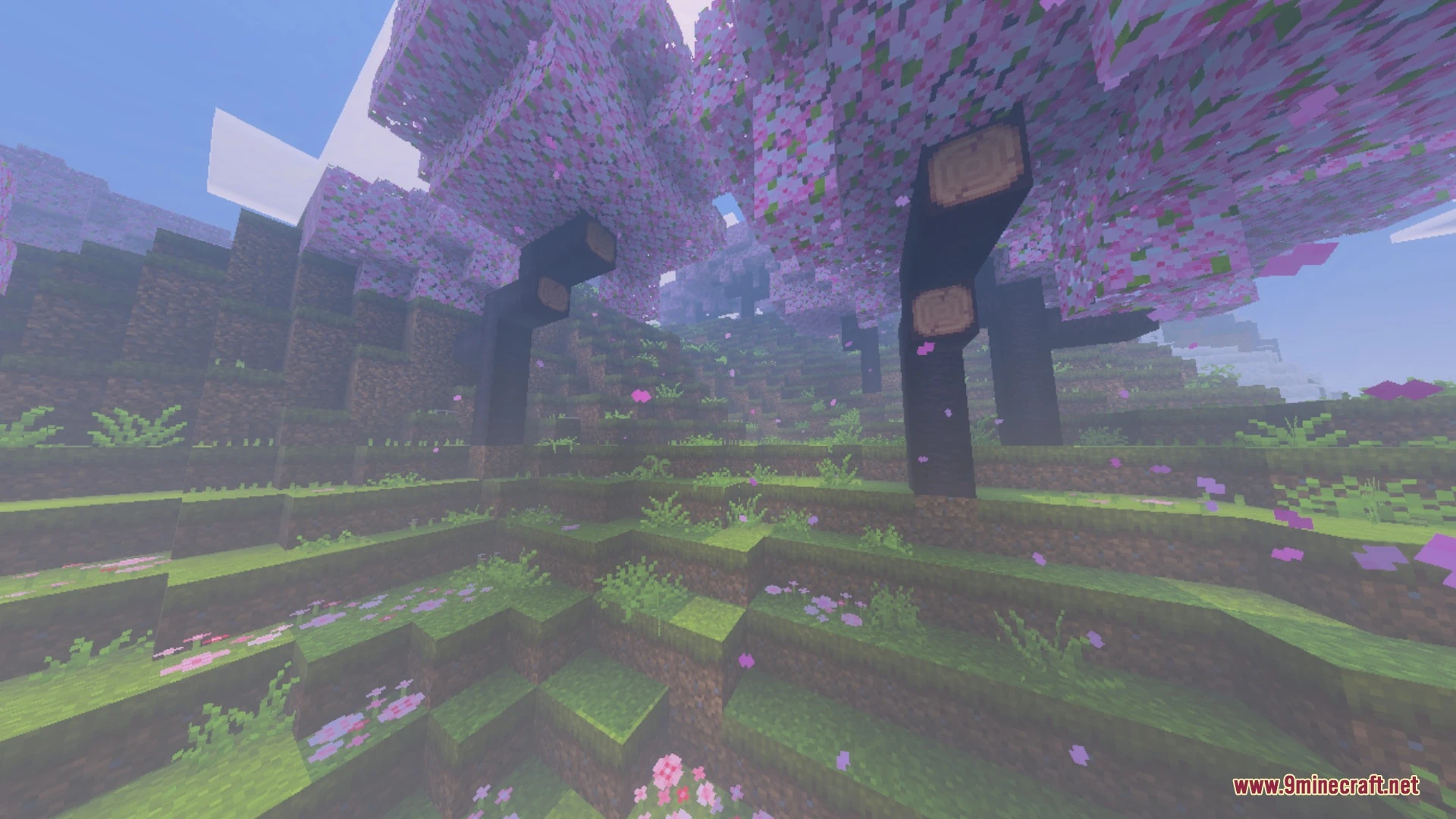
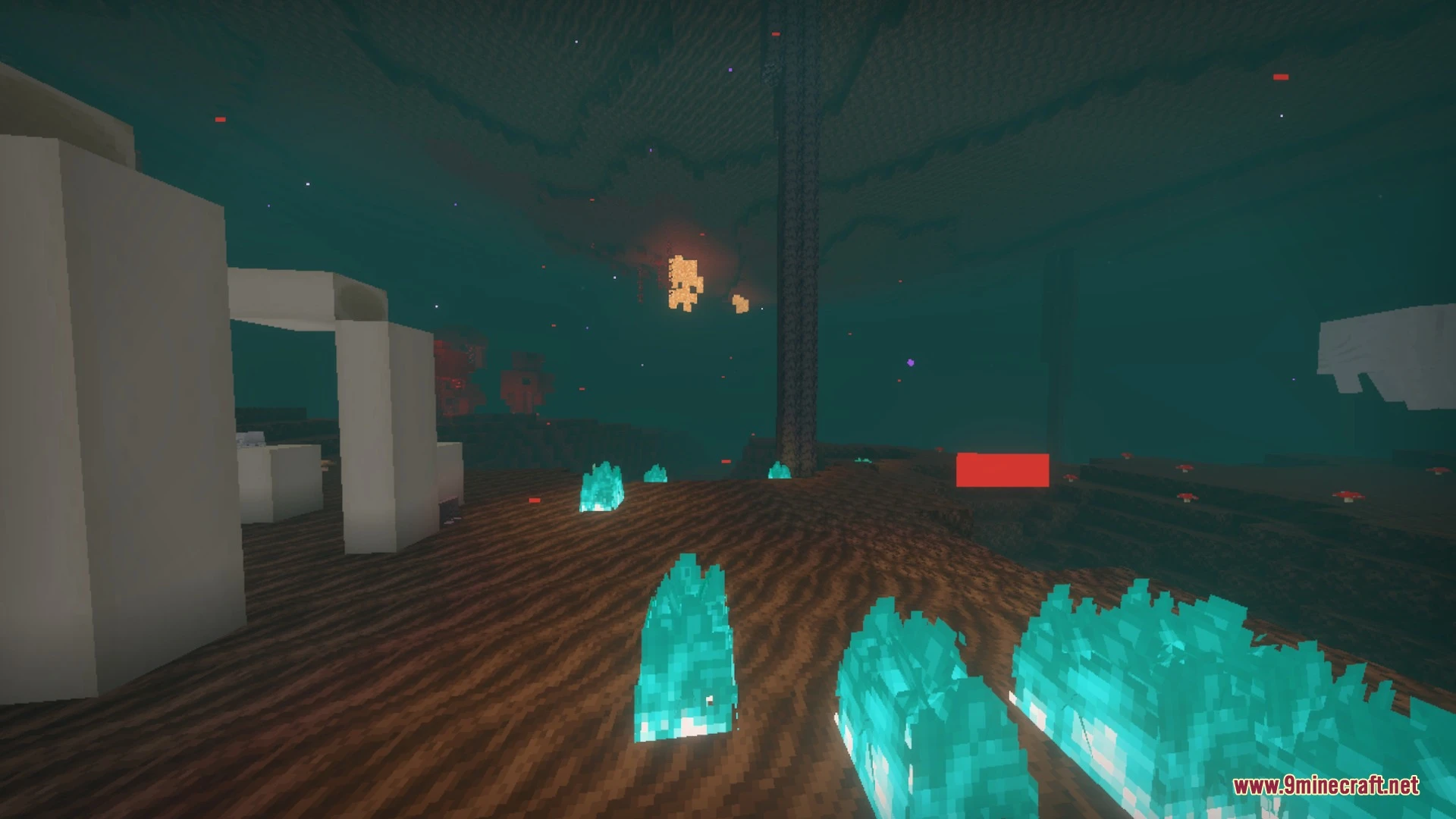
Mystica Shaders Download Links
Quick facts
- Edition: Minecraft Bedrock
- File type: .mcpack
- How to install: Download the .mcpack. → Open it — Minecraft imports it under Resource Packs. → Activate it in Global Resources, or for one world under Resource Packs → Available.
- Where to get it: In MCModsHub, or directly above on this page.
Install steps are the general flow for this file type — How to install Minecraft Bedrock texture packs walks through it step by step.
Verified by MCModsHub
- Pack type: .mcpack — a single pack
- Manifest requires Minecraft 1.21.0 or newer
- Complete pack — everything it depends on is inside the file
- Download link checked 25 Aug 2026 — working
- Mirrored on our own servers — the download does not depend on the original host
These come from our own check of the pack file, not from the source page.