Newb X Nebula | Compatible with 26.40+
Bedrock texture pack listed for Minecraft 26.x. File opened and checked on 8 Sep 2026; installs from the MC Bedrock Mods app on Android.
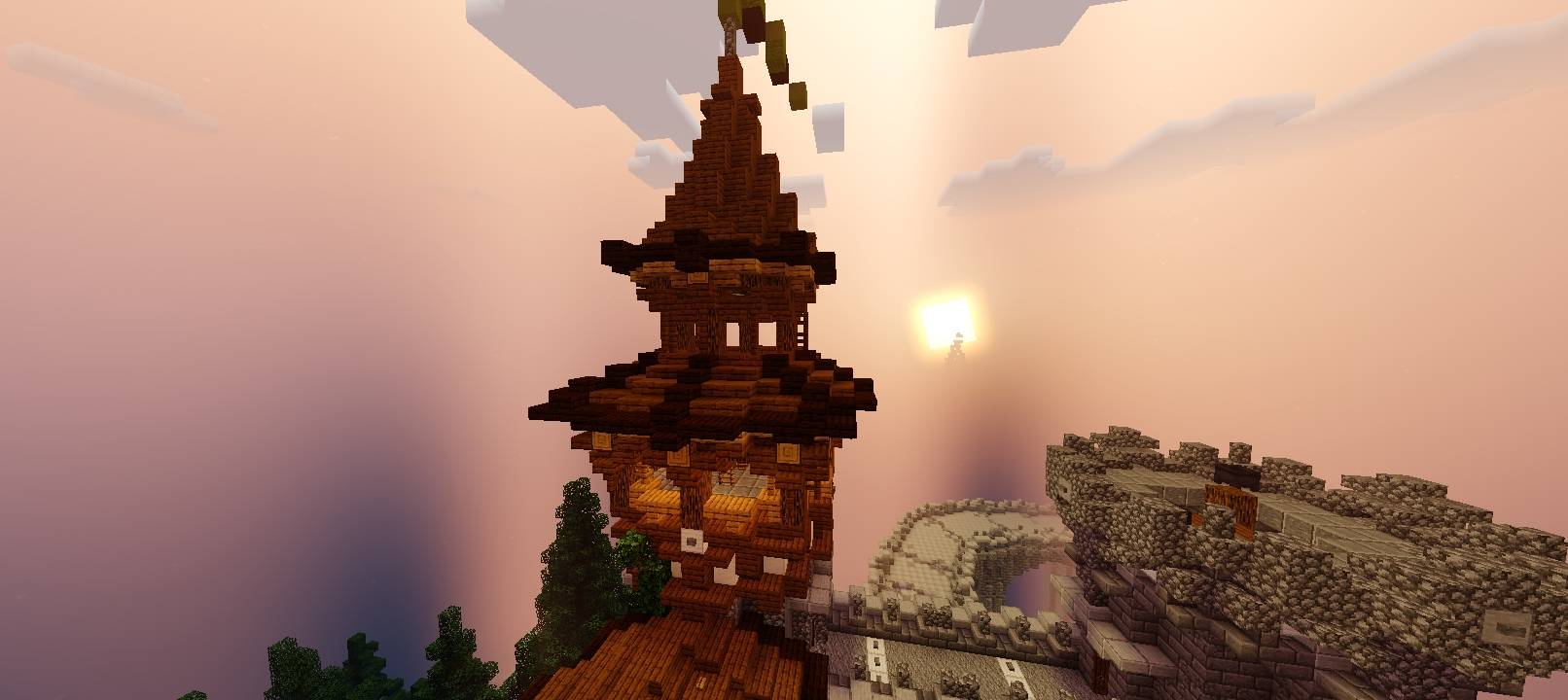
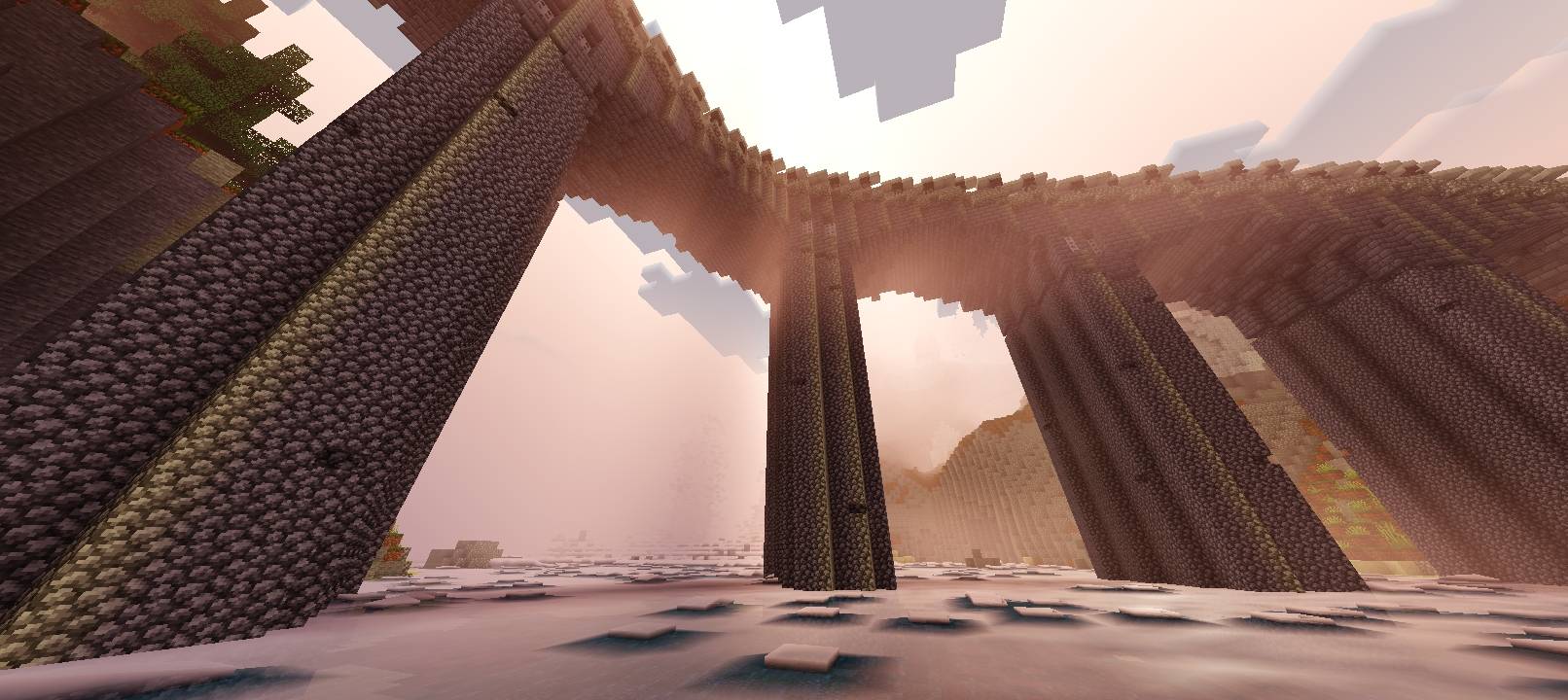
Newb X Nebula improves shadows, lighting, and provides a beautiful night sky. Water reflections look way more beautiful and better than ever.
⬇ Download on CurseForge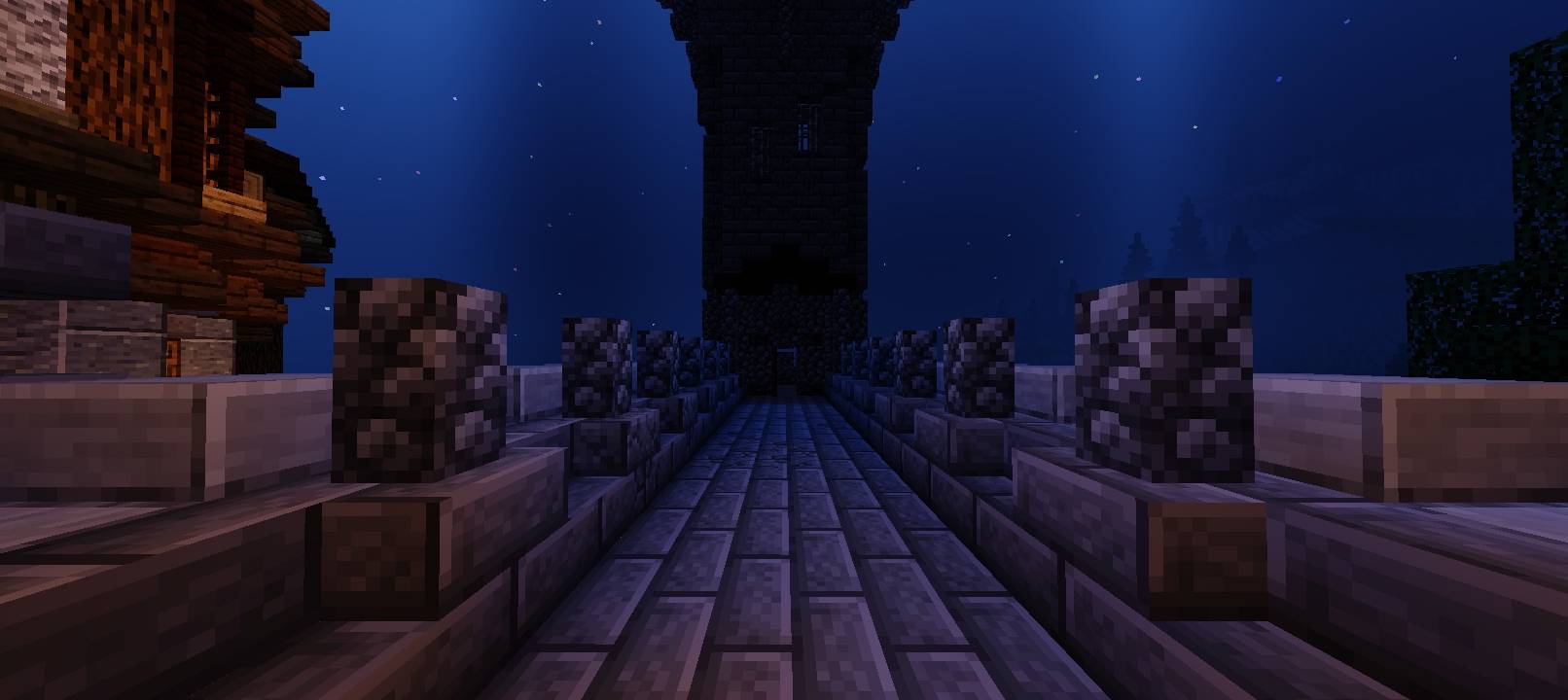
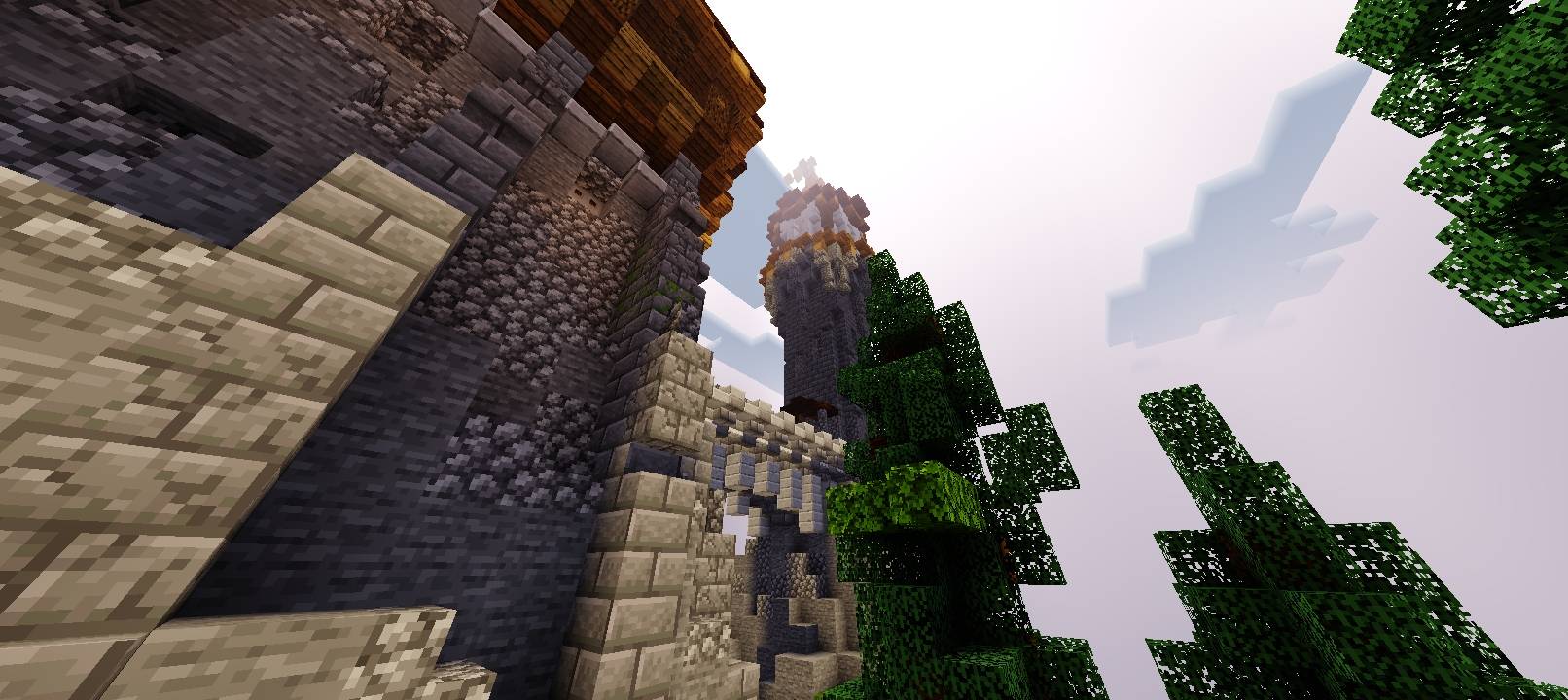
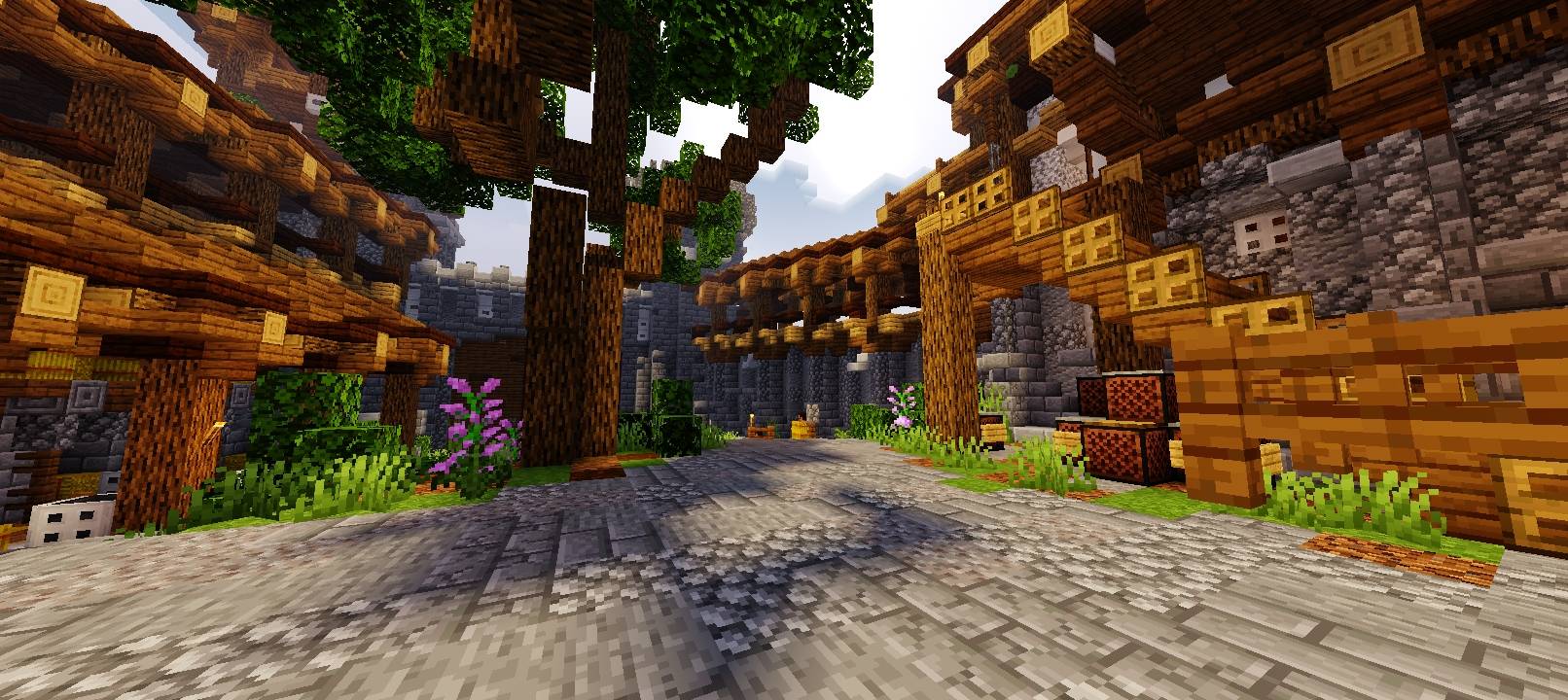
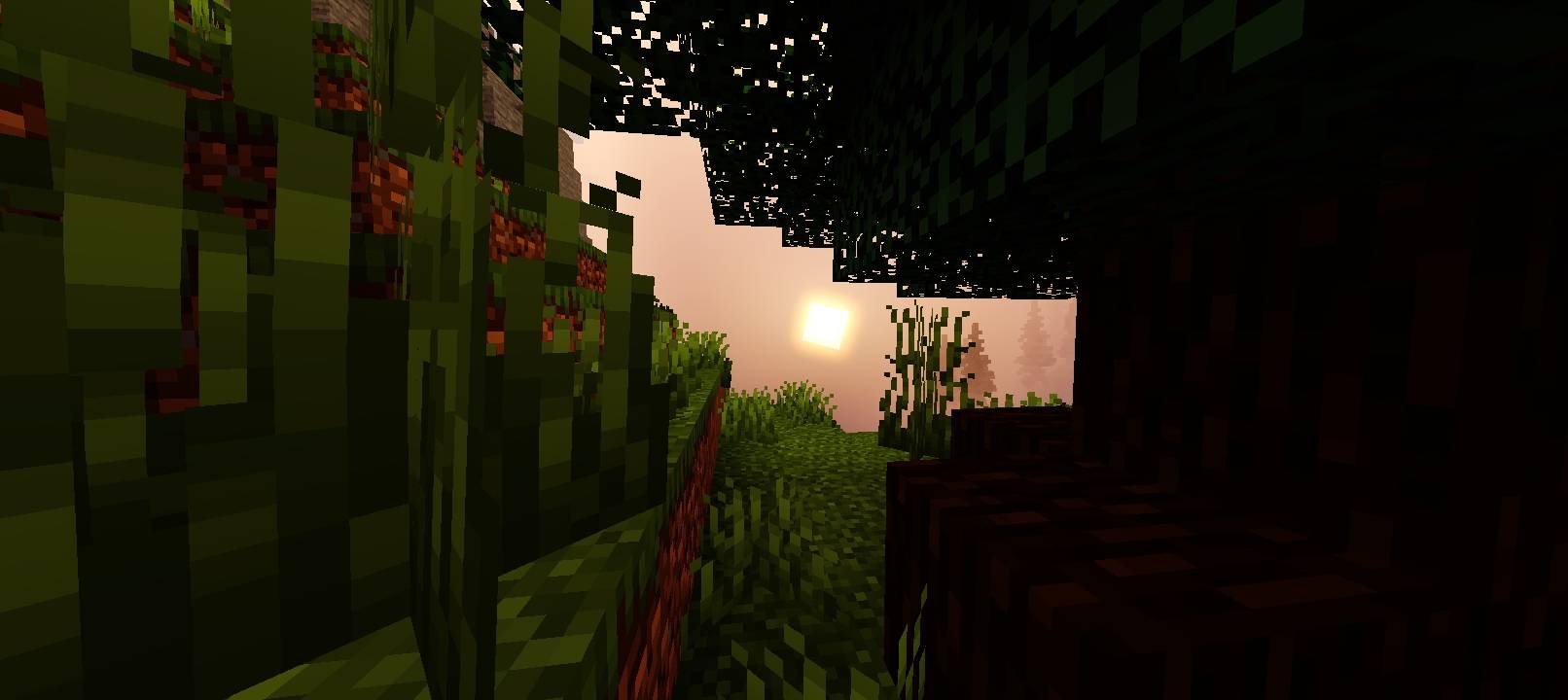
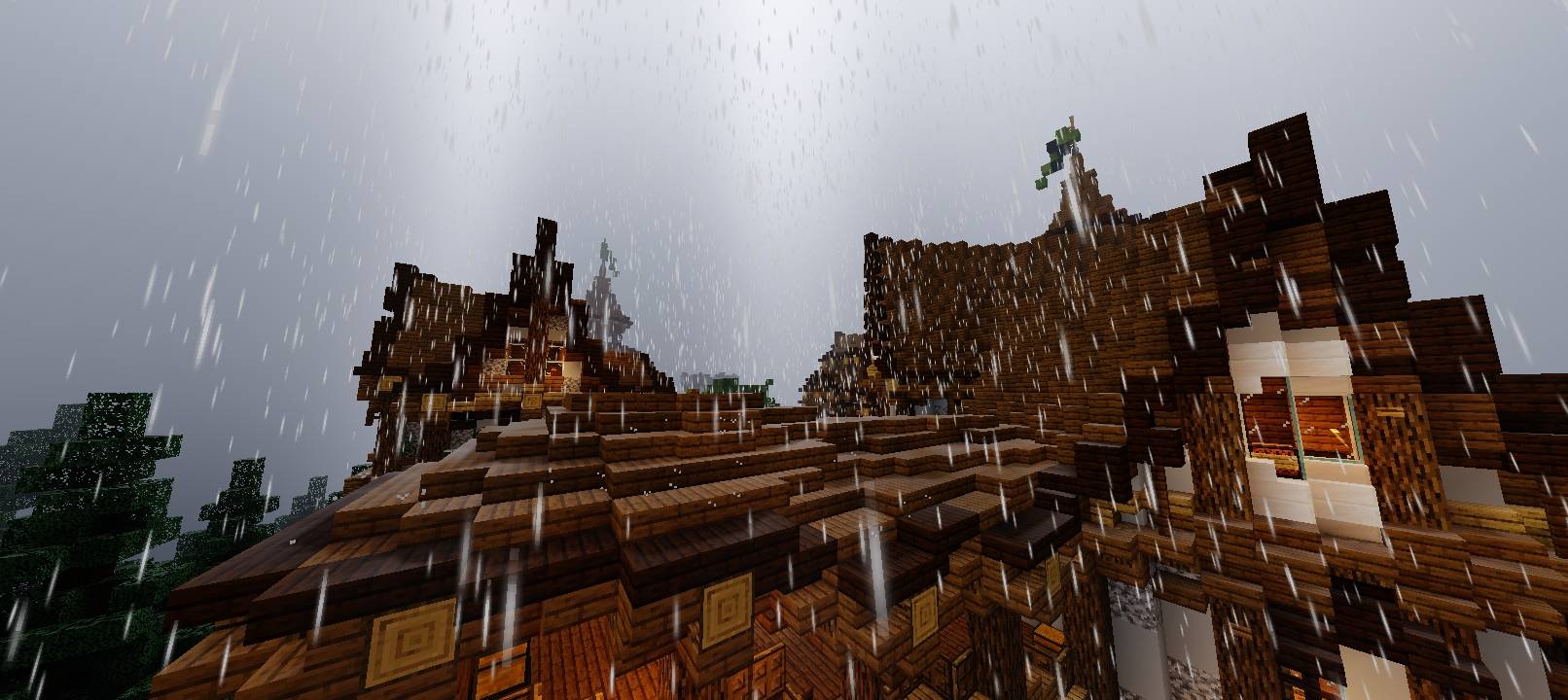

Newb X Nebula
Newb X Nebula is a performance heavy shader which I won't recommend for very low end devices.
This Newb variant improves:
- Water reflections
- Sunrise and sunset
- Shadows
And much more…!
📱 Android
Download MB Loader from the Google Play Store or GitHub.
Launch Minecraft directly through MB Loader (it injects shader support).
Import your .mcpack file and activate Newb Shader under Settings > Global Resources.
🐧 Linux
If using mcpelauncher, install the MaterialBinLoader (MBL) Mod (mcpelauncher-materialbinloader-mod).
Launch the game through the launcher.
Import the .mcpack and enable it in Global Resources.
🍎 iOS
Note: iOS does not natively support custom RenderDragon materials.
Obtain a modified Minecraft client IPA (e.g., Minecraft with Hynis).
Sideload the IPA using tools like AltStore, Sideloadly, or TrollStore.
Import the shader .mcpack and activate it under Global Resources.
⚠️ Shaders are not officially supported by Mojang on Bedrock Edition, so ensure you download loaders and shader files only from trusted community sources (e.g., GitHub or official Discord servers).
Join Newb Community official Discord server for more information and help.
- Edition: Minecraft Bedrock
- File type: .mcpack
- Minecraft versions listed: 26.30, 26.40
- How to install: Download the .mcpack. → Open it — Minecraft imports it under Resource Packs. → Activate it in Global Resources, or for one world under Resource Packs → Available.
- Where to get it: Opens on CurseForge — not every file is mirrored on our own servers.
Install steps are the general flow for this file type — How to install Minecraft Bedrock texture packs walks through it step by step.
- Pack type: .mcpack — a single pack
- Manifest requires Minecraft 1.26.30 or newer
- Complete pack — everything it depends on is inside the file
- Download size: 3.6 MB
- Download link checked 30 Sept 2026 — working
These come from our own check of the pack file, not from the source page.