ShadersBedrock
Newb Tropisphere Shader (26.x) – Realistic Clouds and Glowing Ores on Mobile
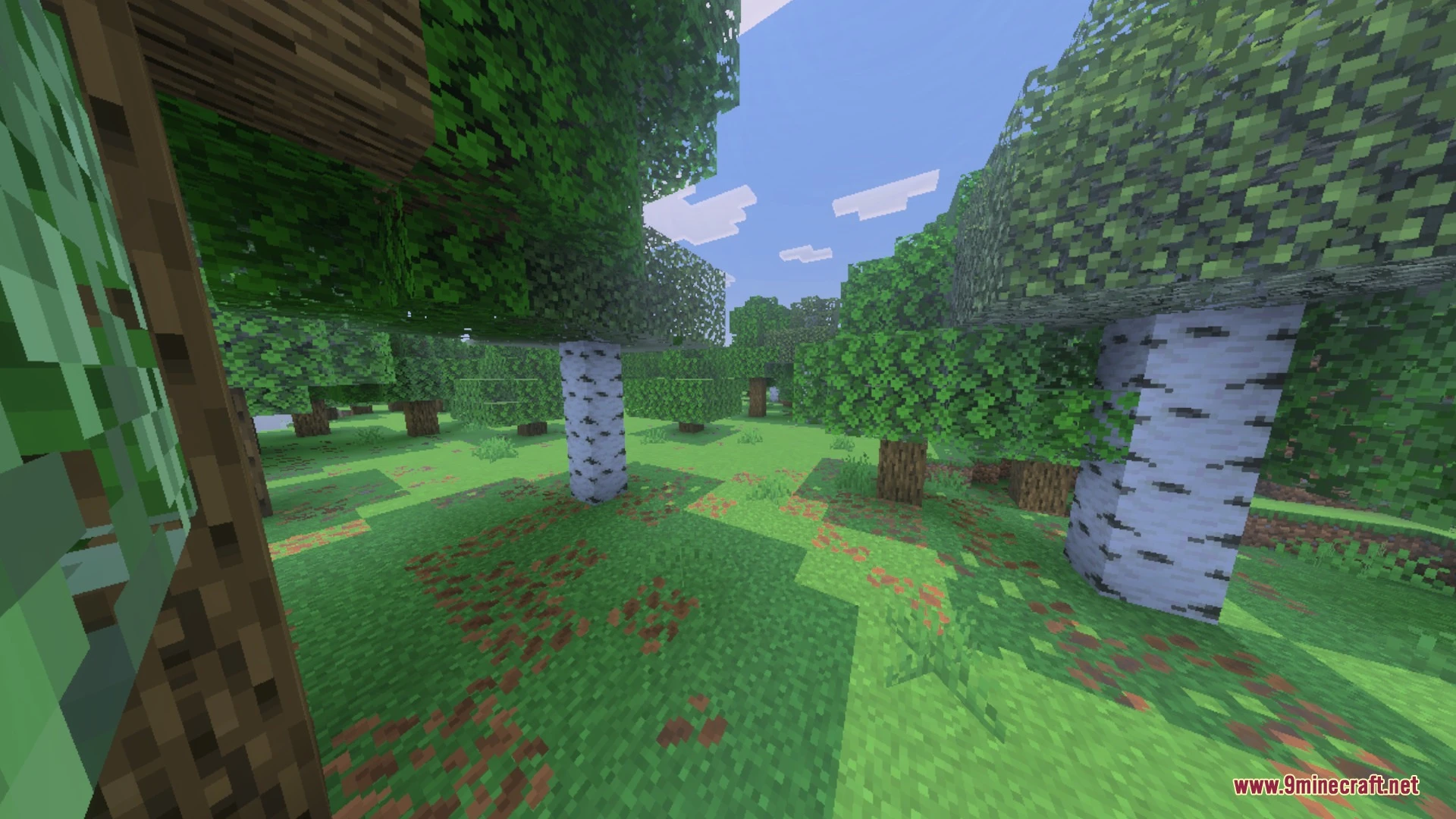
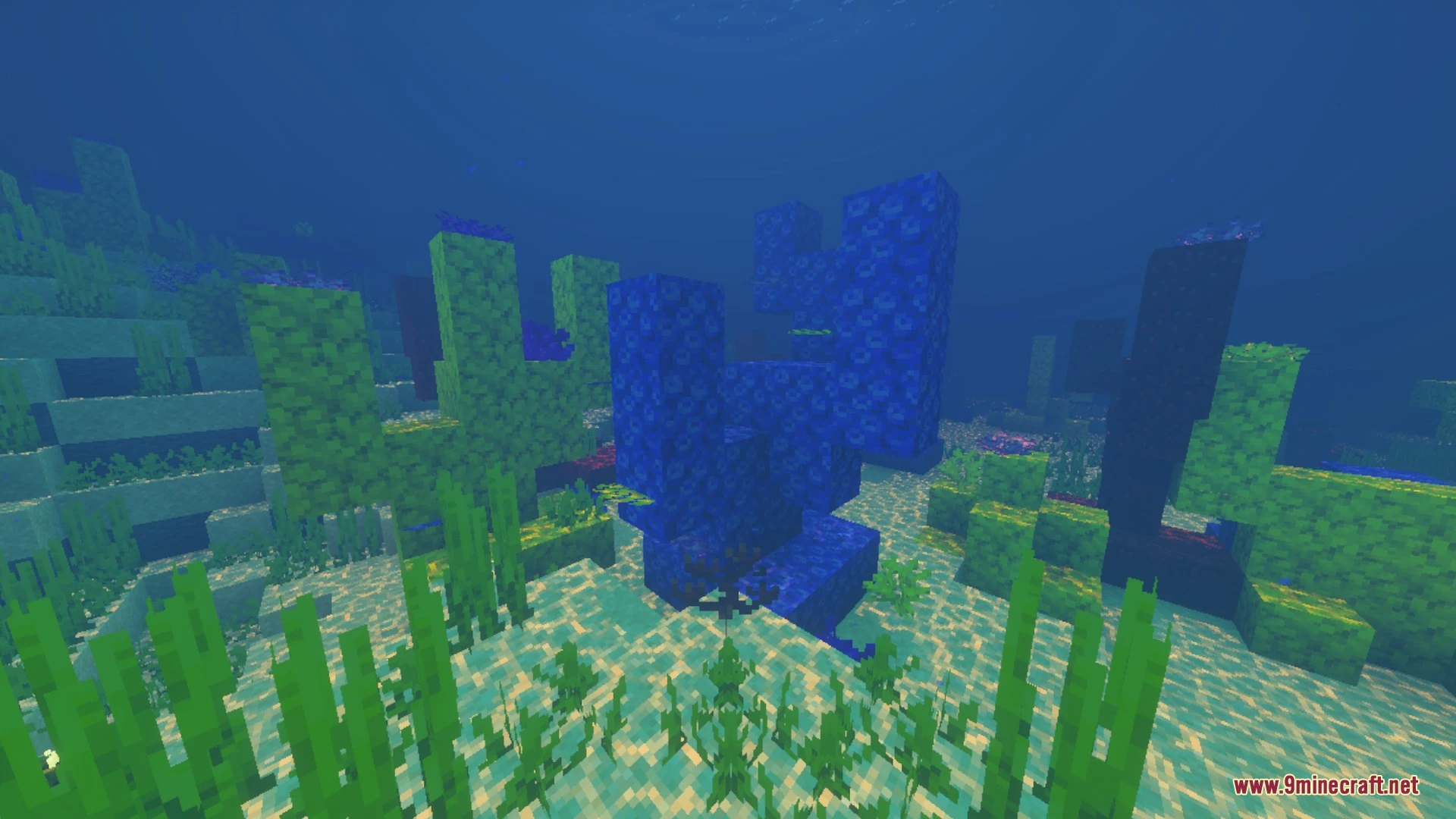
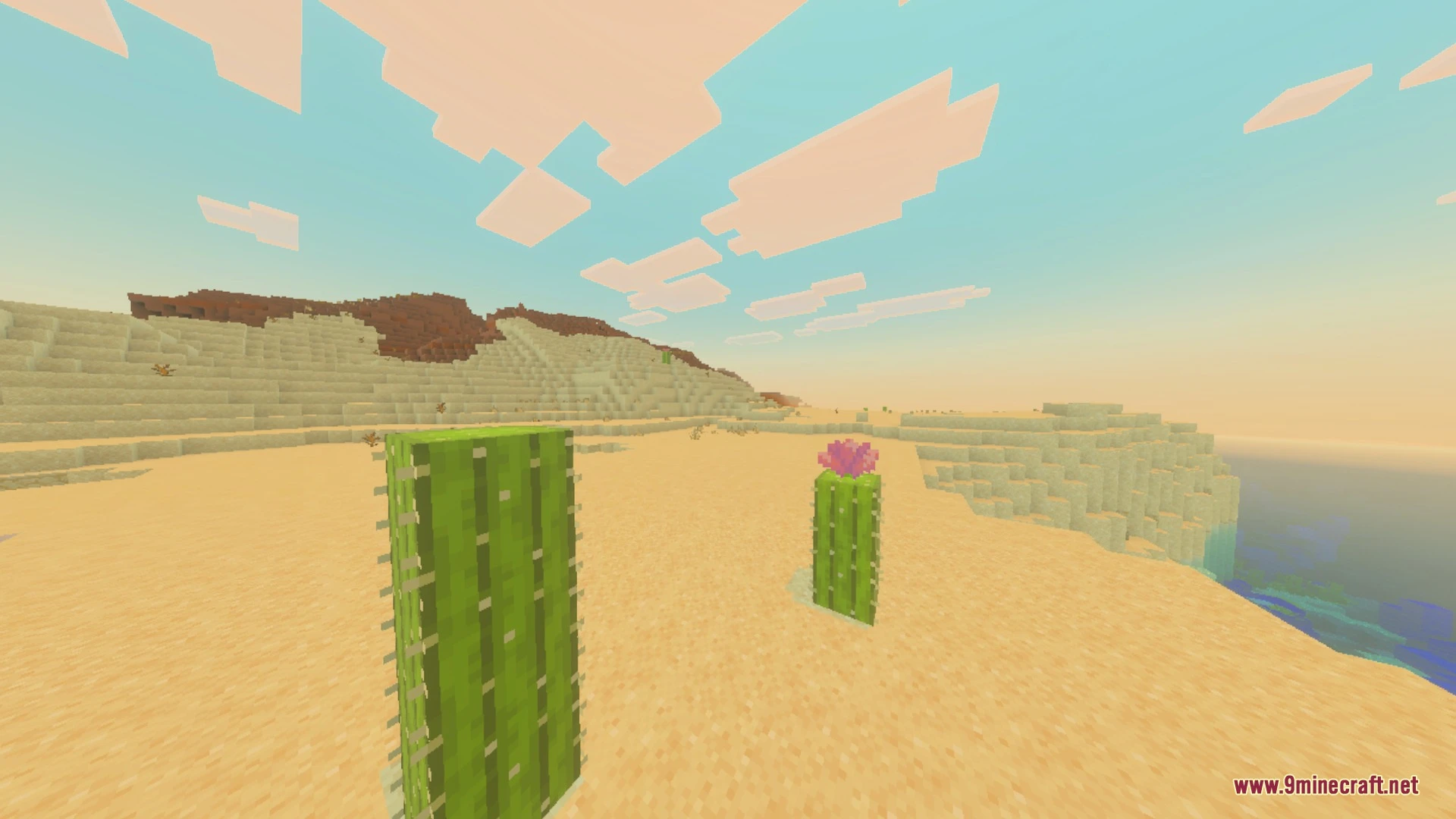
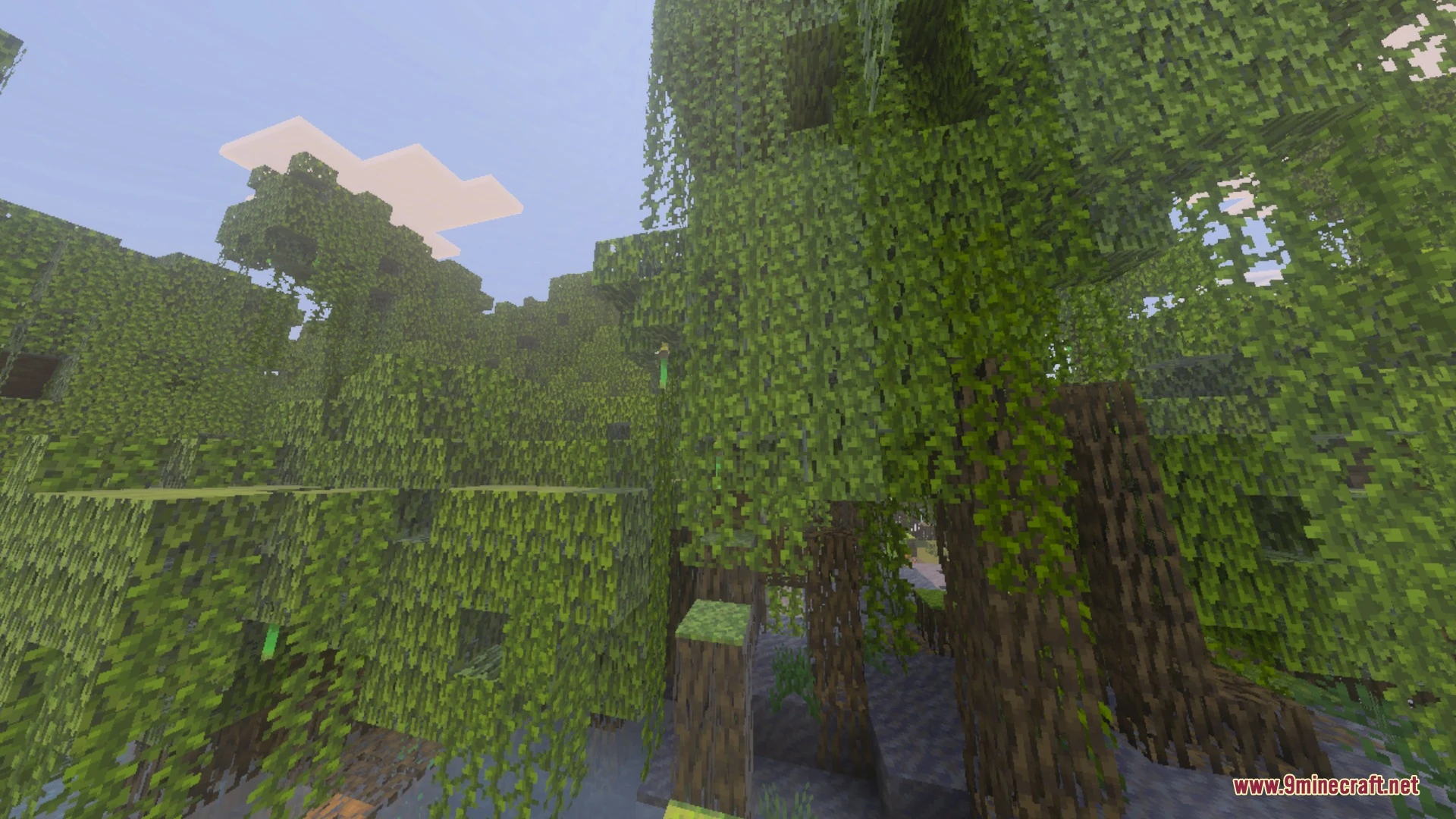
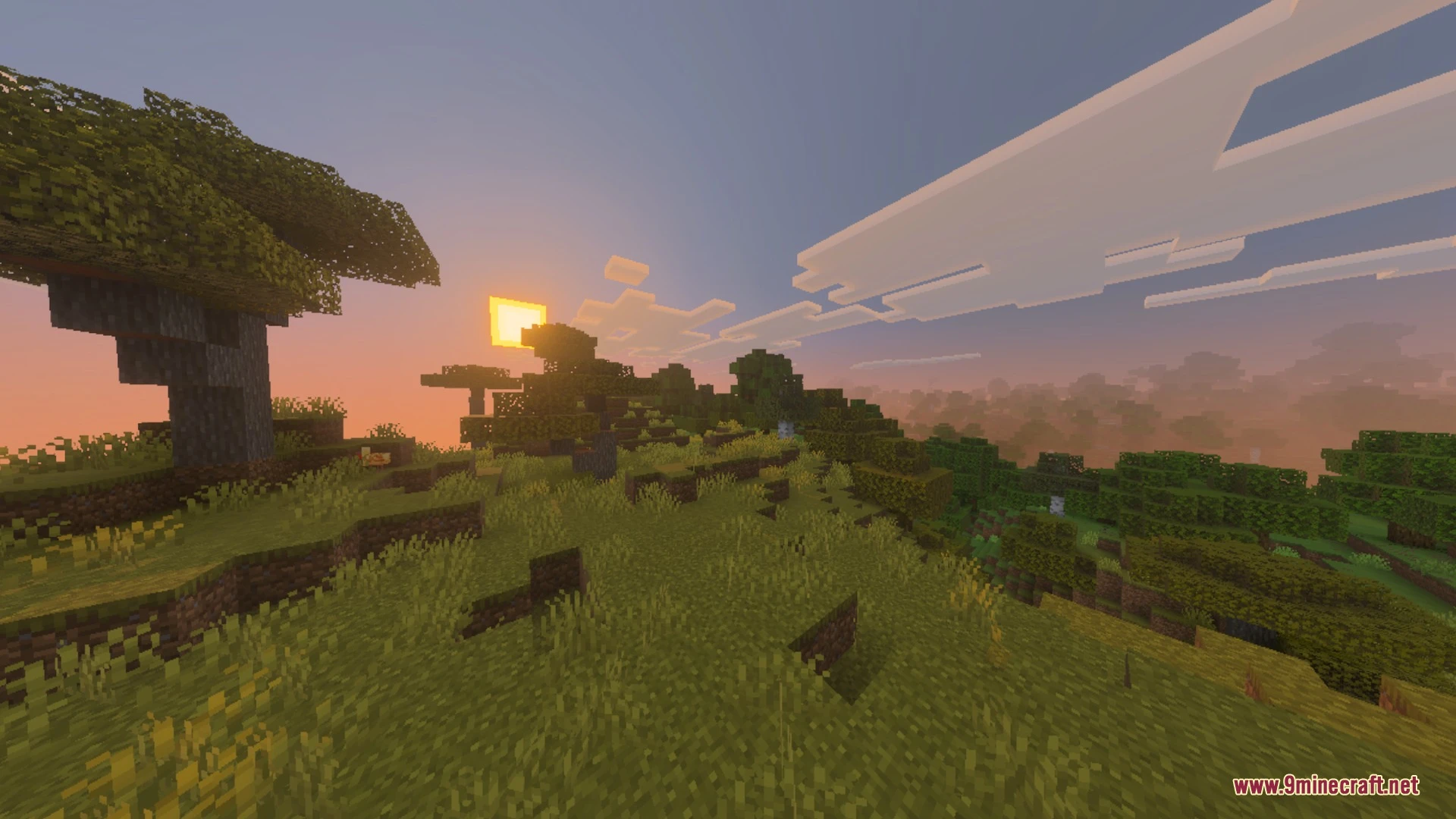
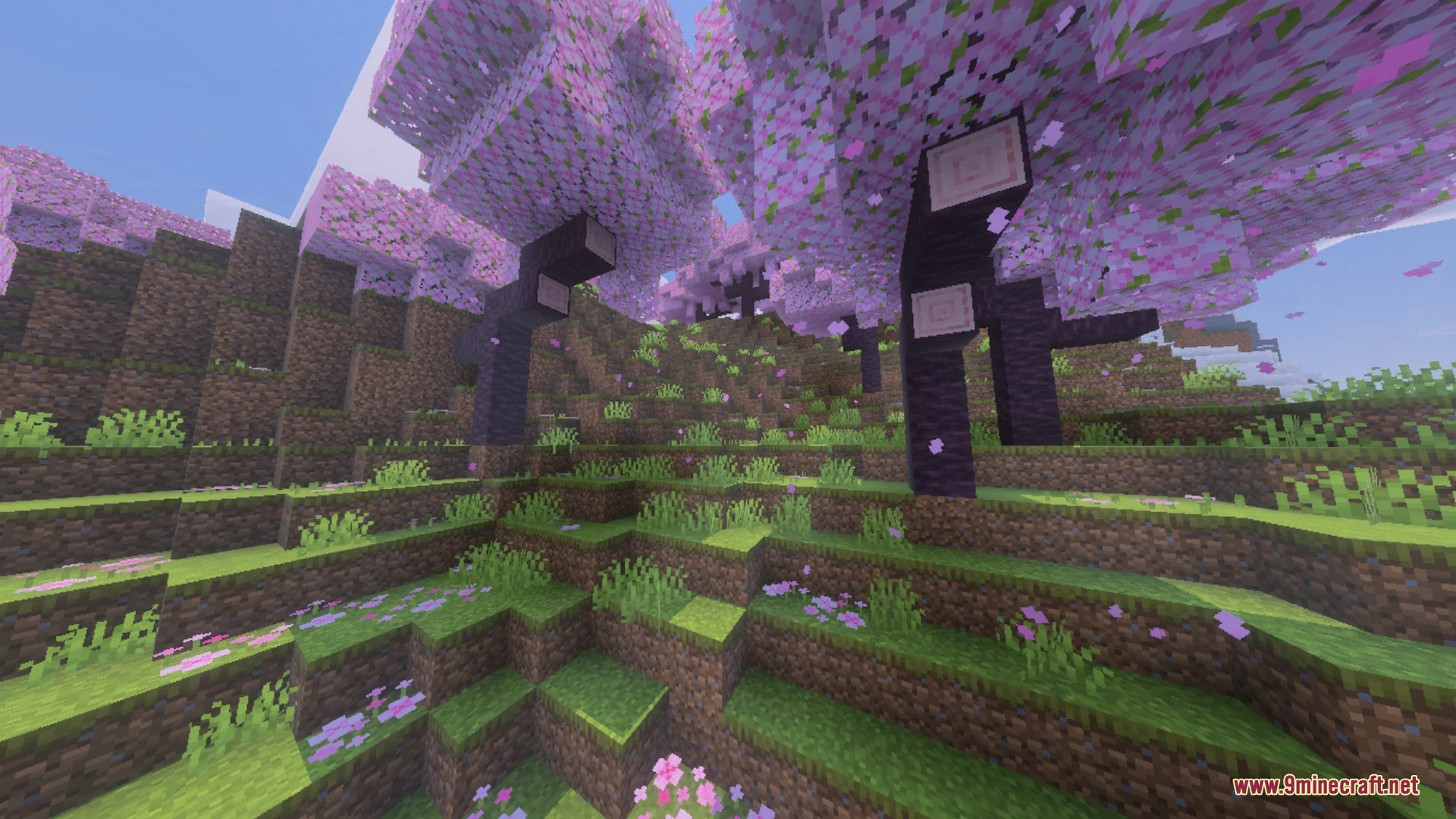
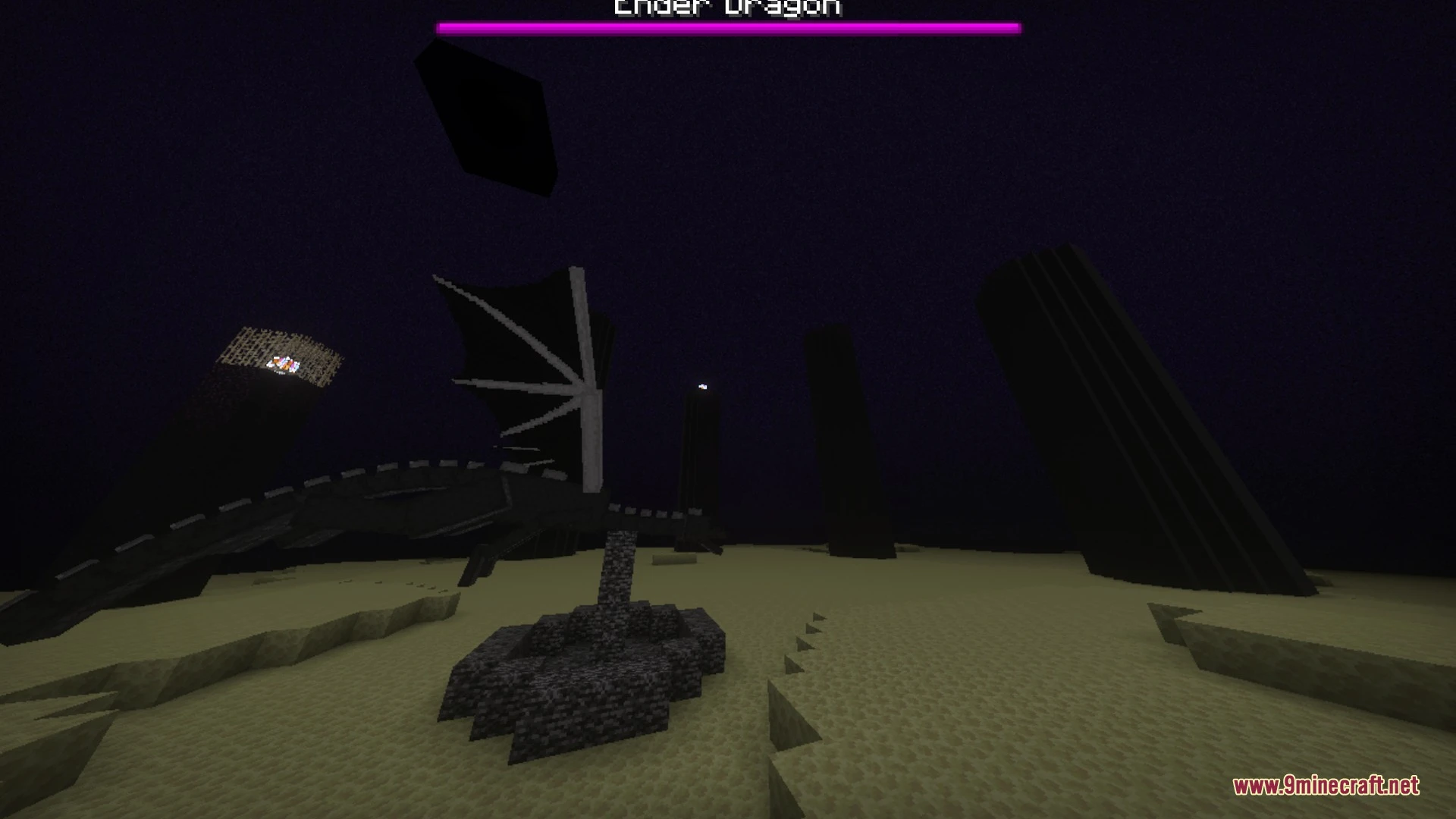
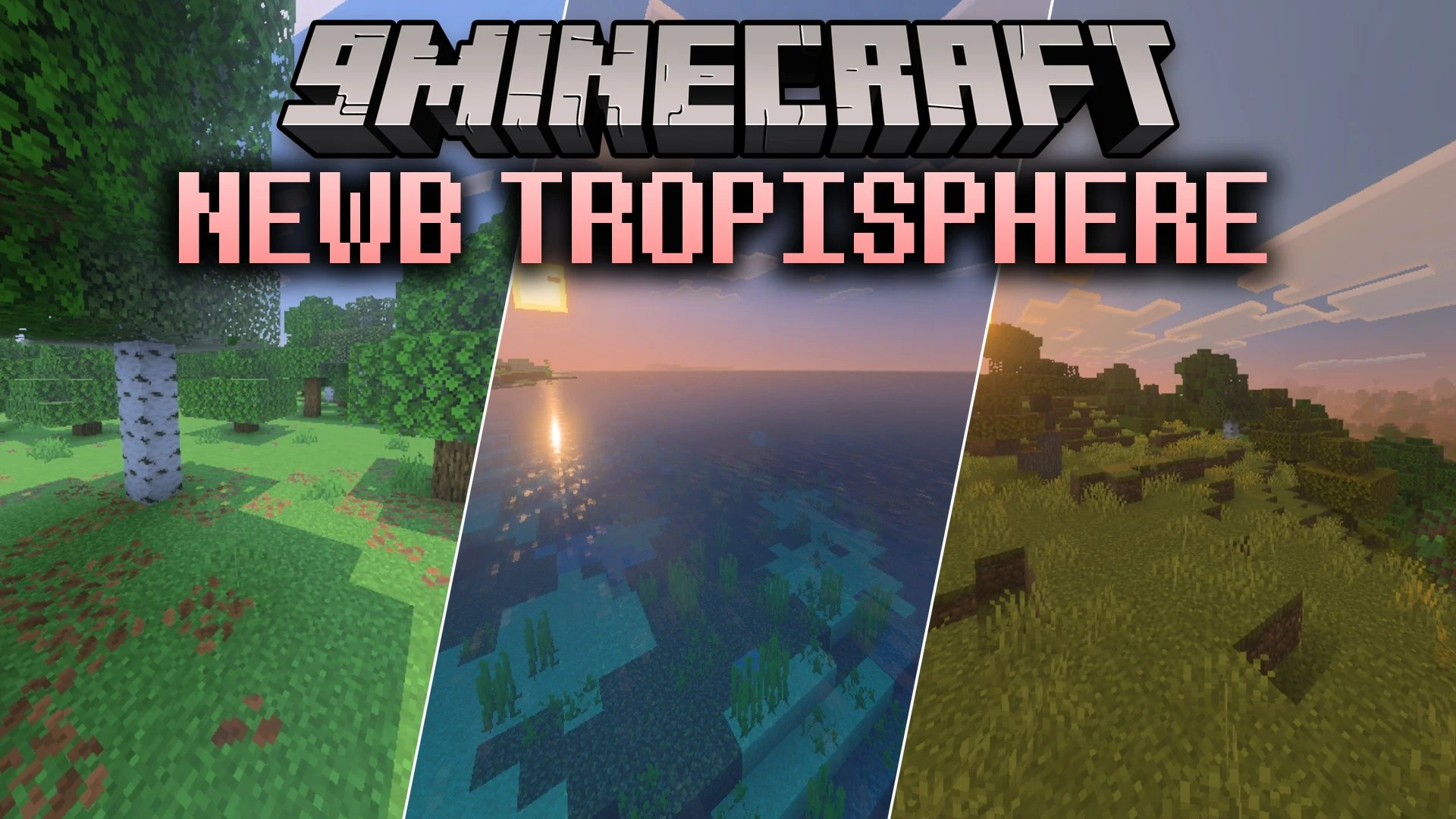
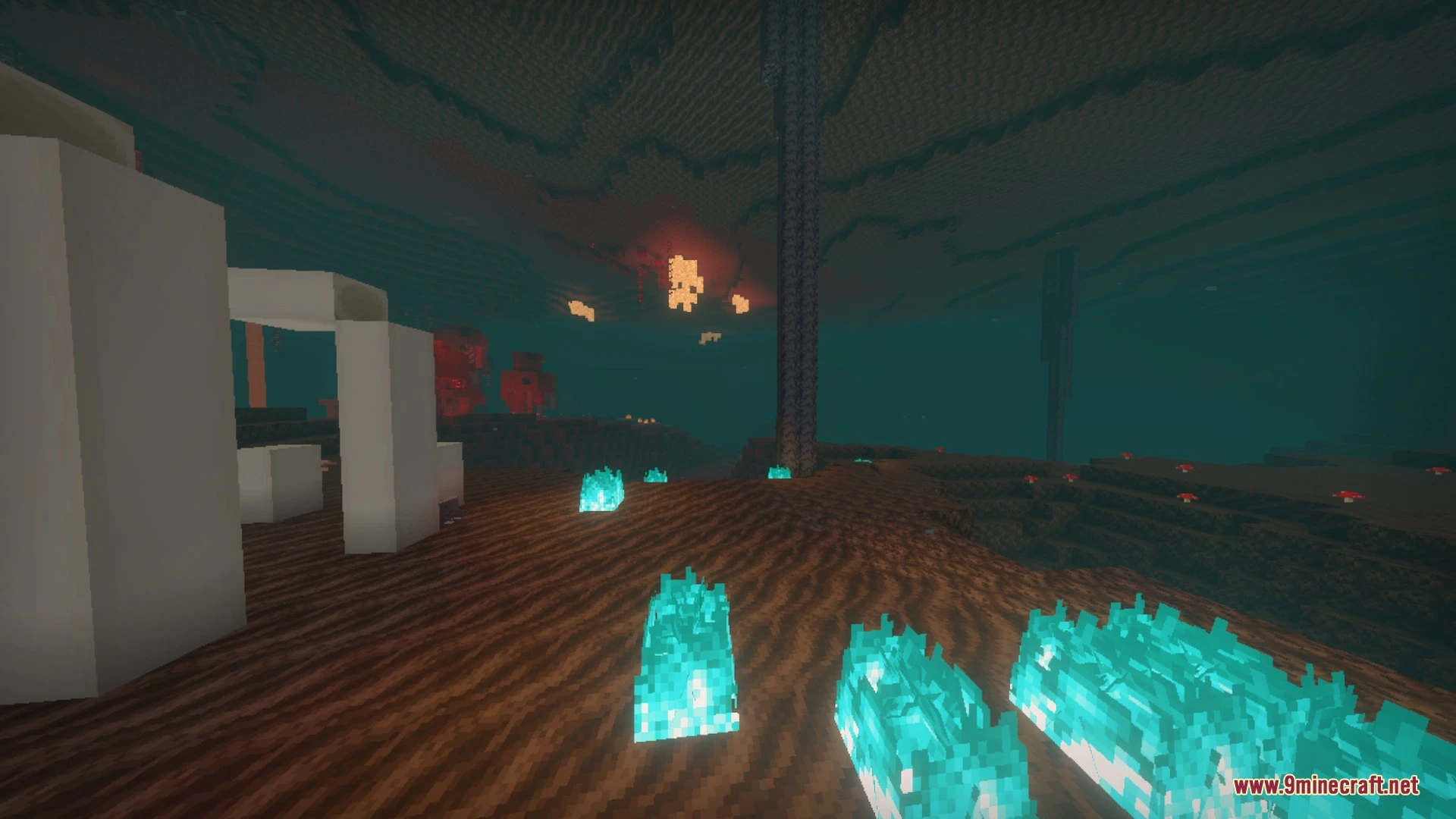
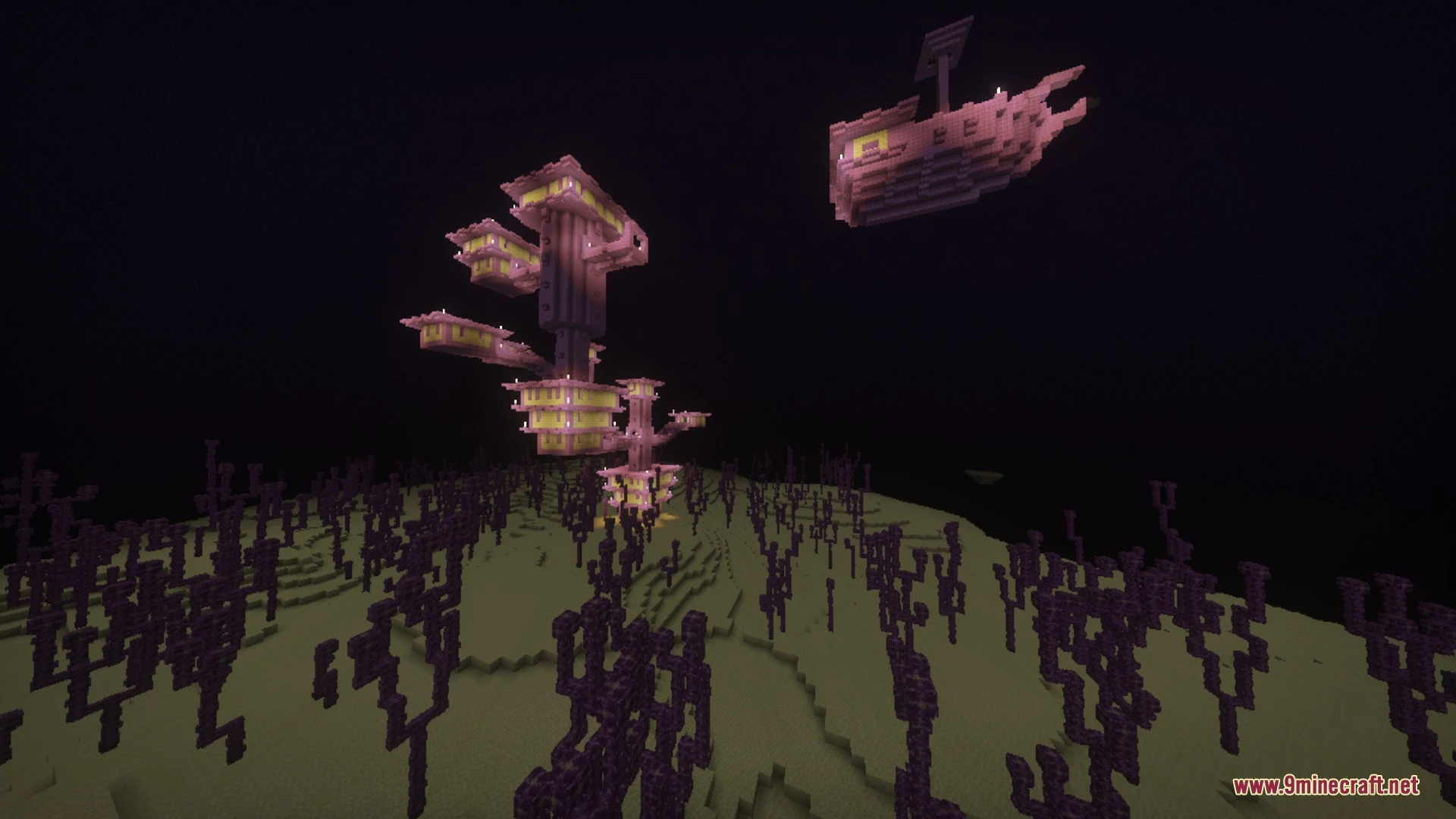
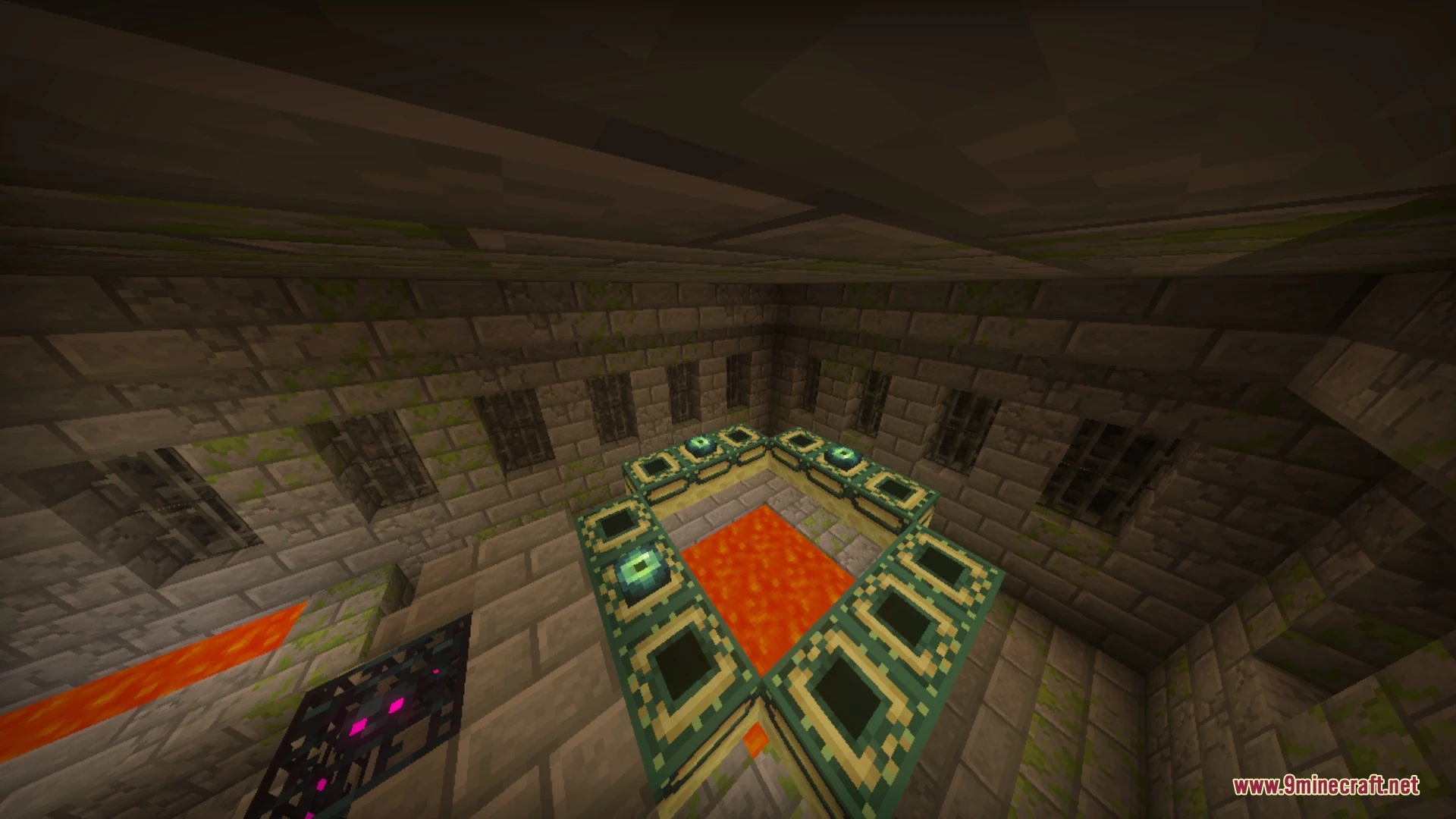
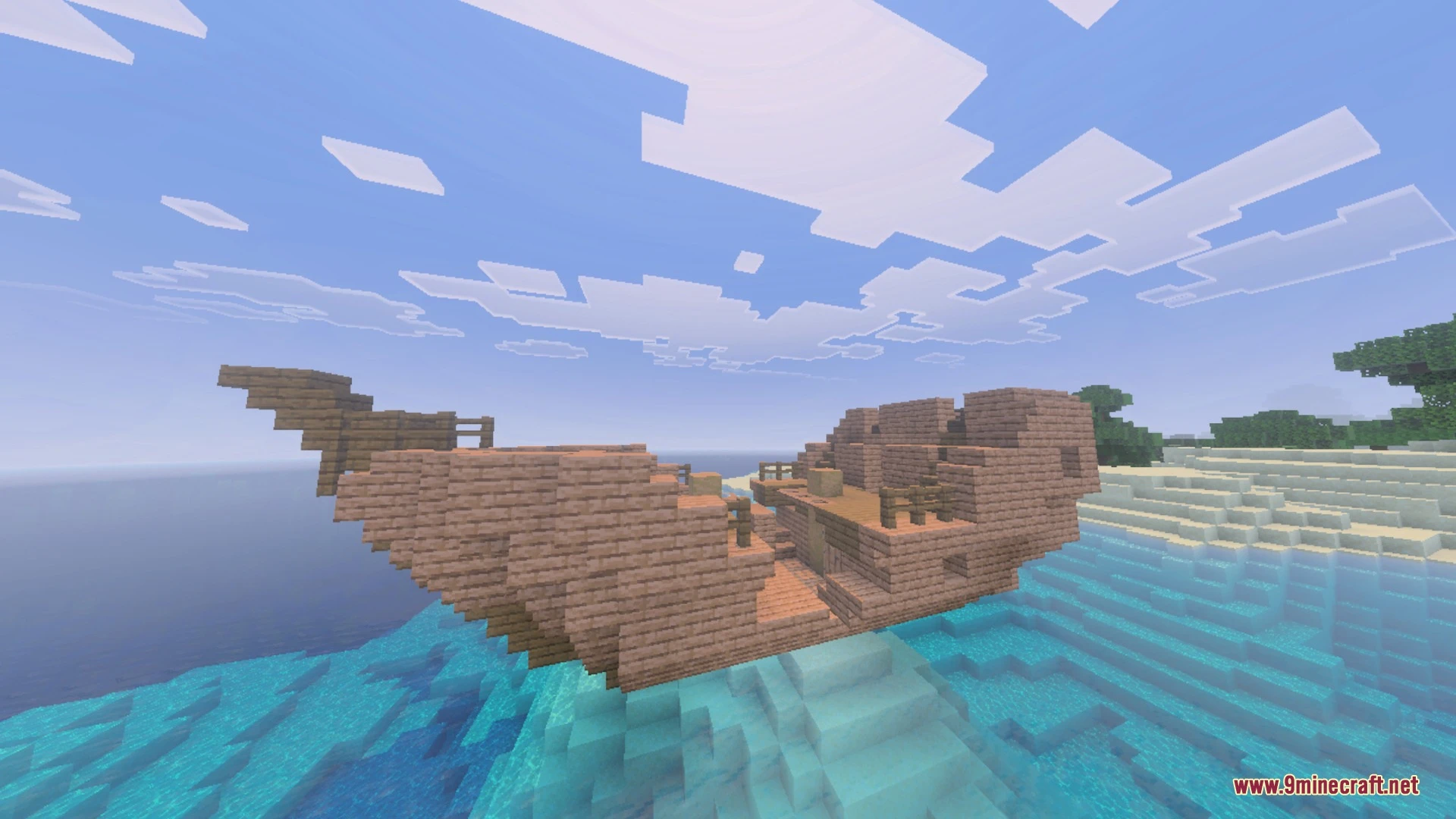
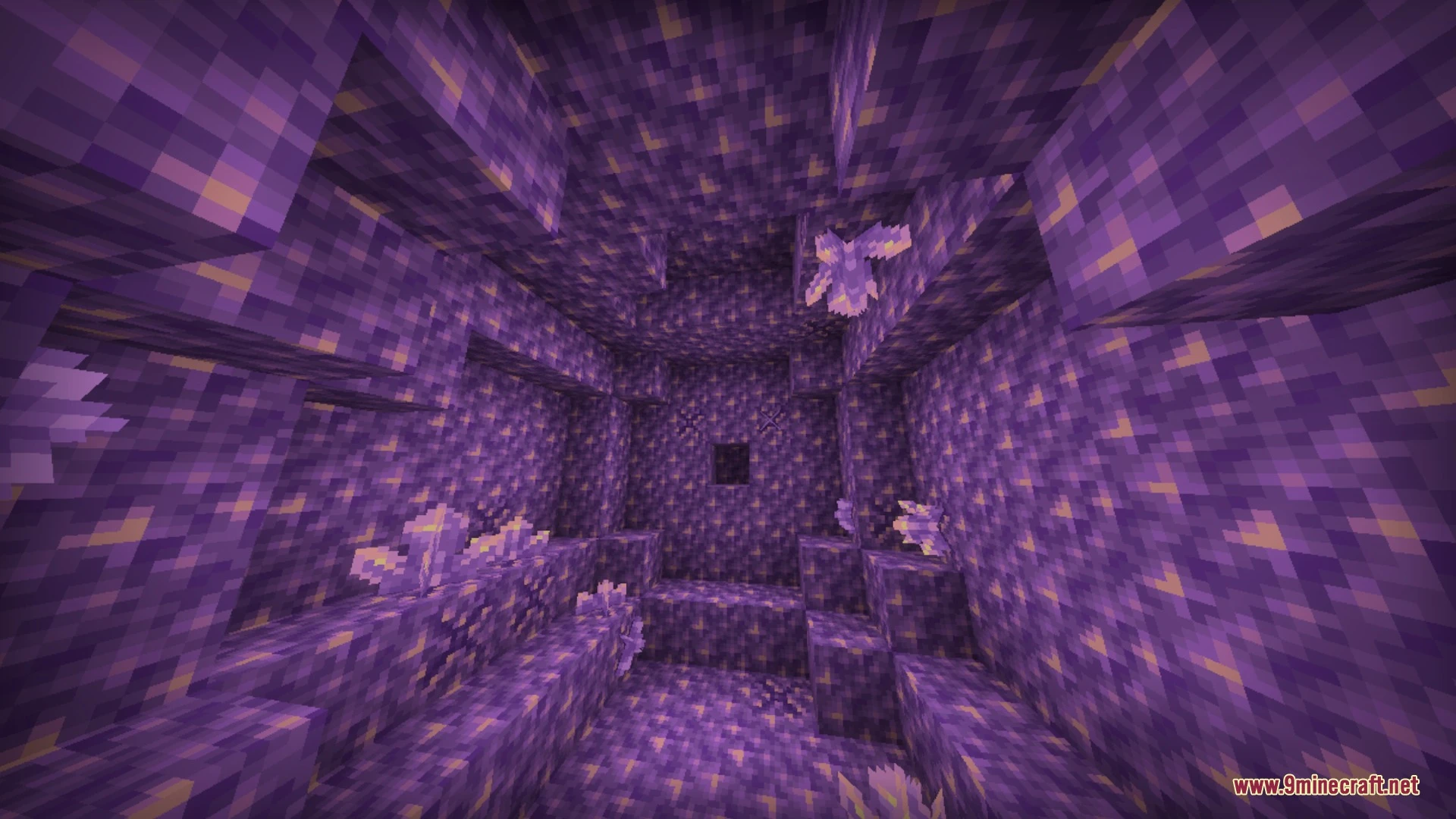
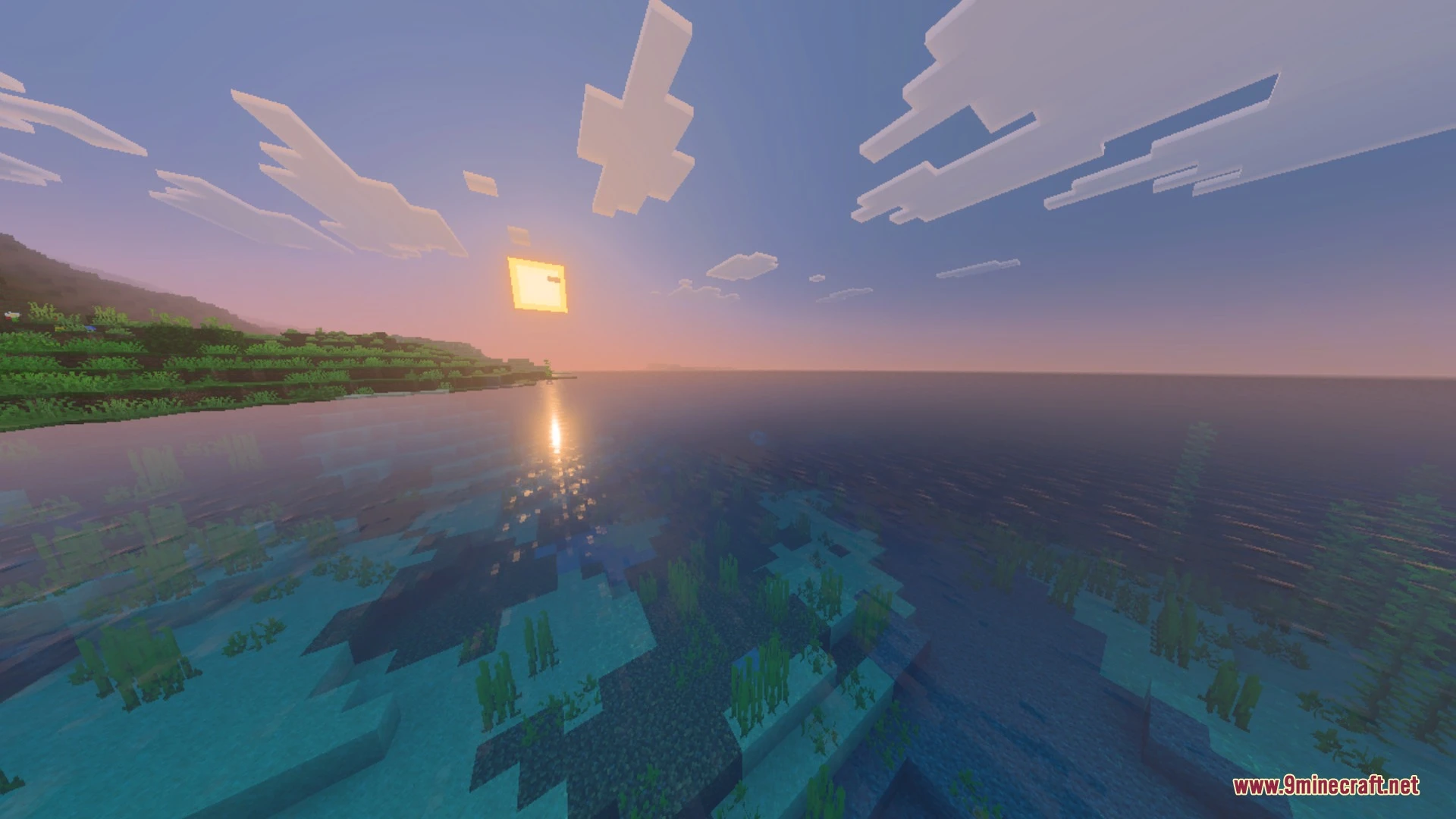
Newb Tropisphere brings a warm summer look to your Bedrock world with soft lighting and calm blue water. It enhances your skies with realistic cloud styles and glowing galaxy stars during the night. This low-to-mid end shader also adds glowing ores and subtle waving plant animations.
Features:
- Adds warm and simple lighting across the entire world.
- Features multiple cloud styles including classic and realistic options.
- Includes calm blue water surfaces and glowing galaxy stars.
- Makes underground ores glow softly in the dark.
- Adds gentle waving animations to leaves, flowers, and saplings.
Configuration:
For the best visual balance, apply the following in-game video settings:
- Beautiful Sky: On
- Smooth Shading: On
- Clouds: On (turn off if you experience frame drops)
- Fancy Graphics: On
- Brightness: 50%
You can also choose subpacks in the pack settings, such as the Lite subpack for better performance or the classic sun and moon lighting subpack.
Screenshots:
Newb Tropisphere Shader Download Links
Quick facts
- Edition: Minecraft Bedrock
- File type: .mcpack
- How to install: Download the .mcpack. → Open it — Minecraft imports it under Resource Packs. → Activate it in Global Resources, or for one world under Resource Packs → Available.
- Where to get it: In MCModsHub, or directly above on this page.
Install steps are the general flow for this file type — How to install Minecraft Bedrock texture packs walks through it step by step.
Verified by MCModsHub
- Pack type: .mcpack — a single pack
- Manifest requires Minecraft 1.26.40 or newer
- Complete pack — everything it depends on is inside the file
- Download link checked 25 Aug 2026 — working
- Mirrored on our own servers — the download does not depend on the original host
These come from our own check of the pack file, not from the source page.