ShadersBedrock
Real Xray + Night Vision Shader (26.x, 1.21) – Glowing Ore Textures
Bedrock legacy GLSL shader pack listed for Minecraft 1.21. File opened and checked on 24 Oct 2026; installs from the MC Bedrock Mods app on Android.
⬇ Download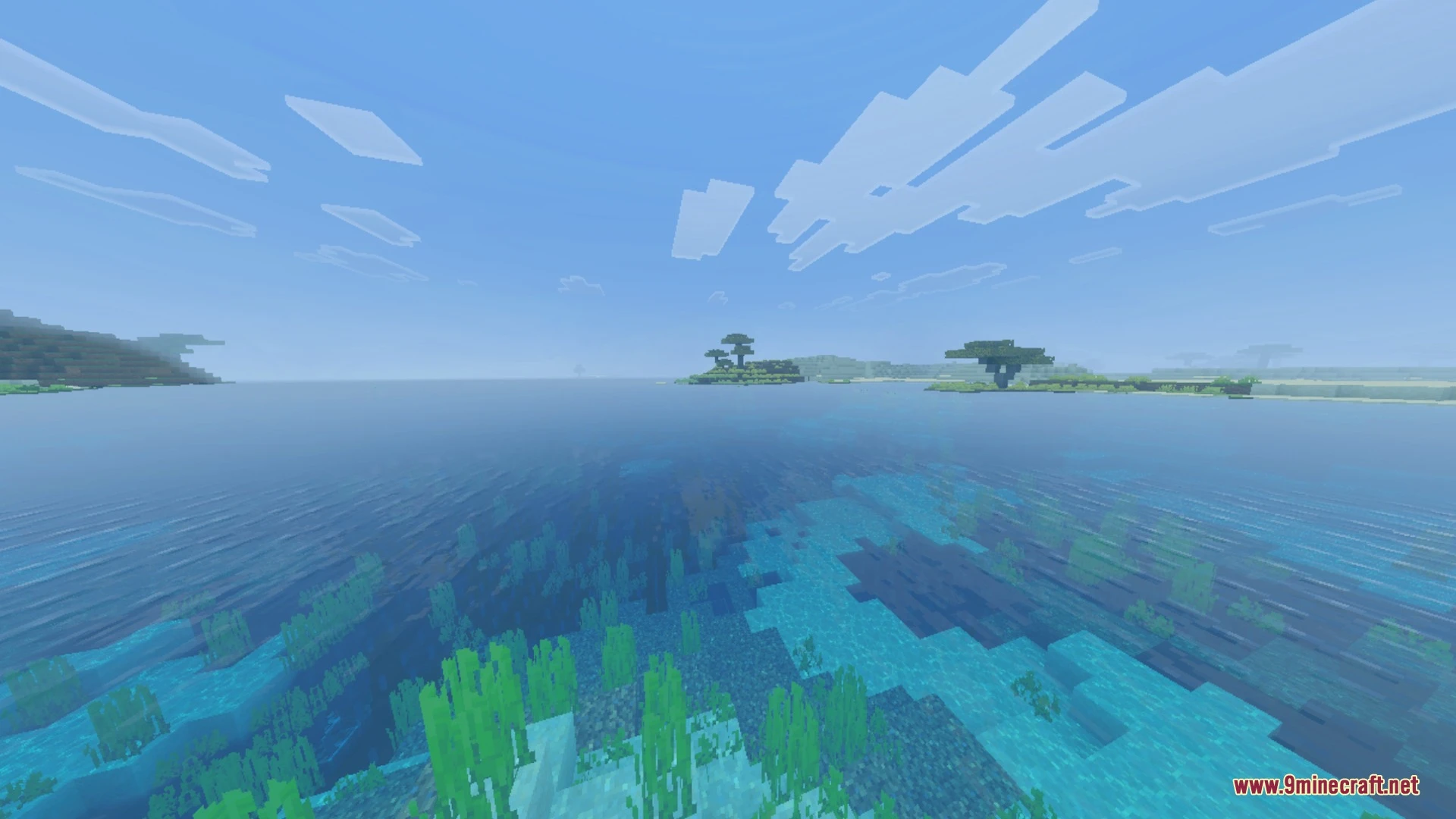
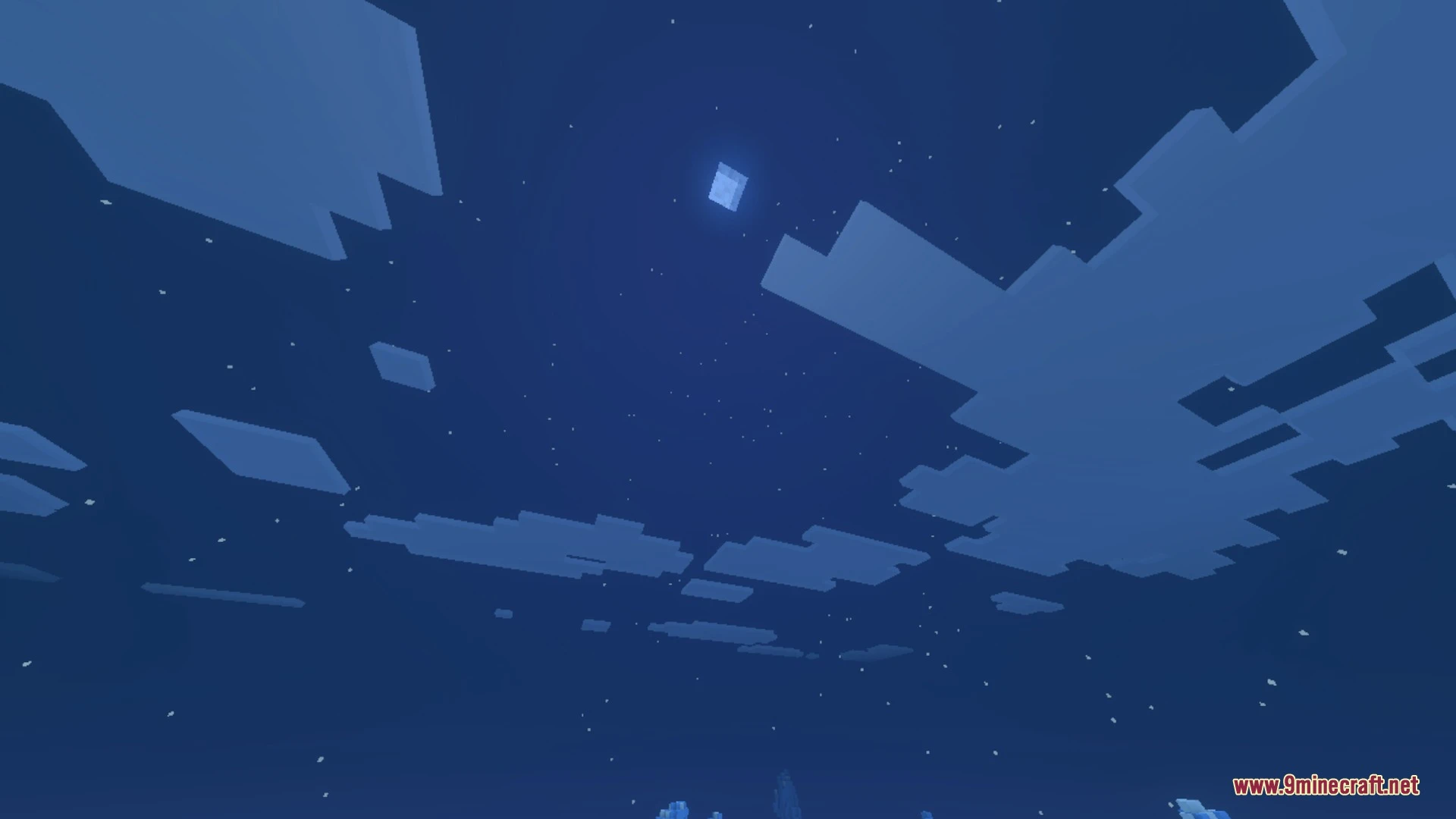
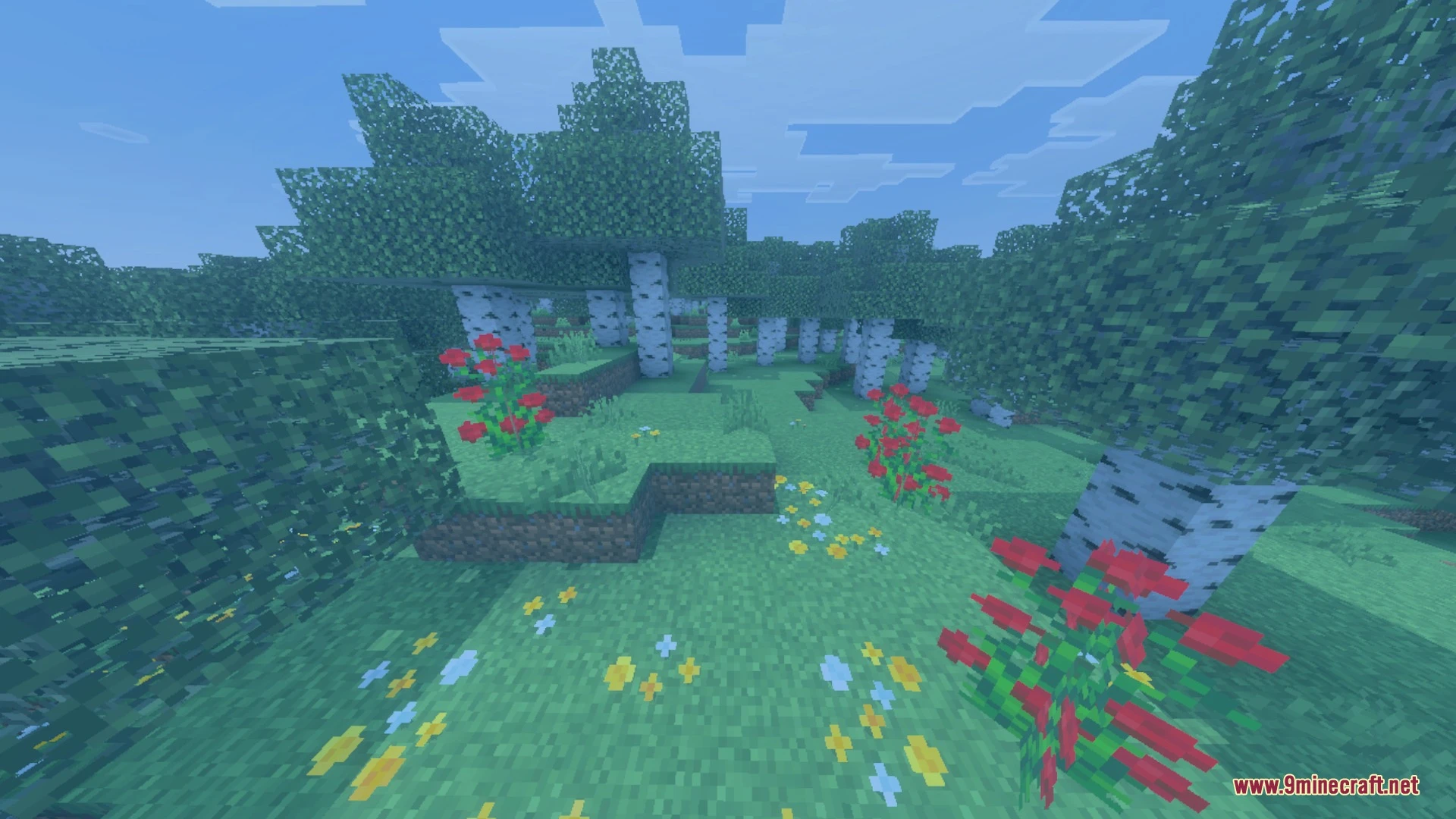
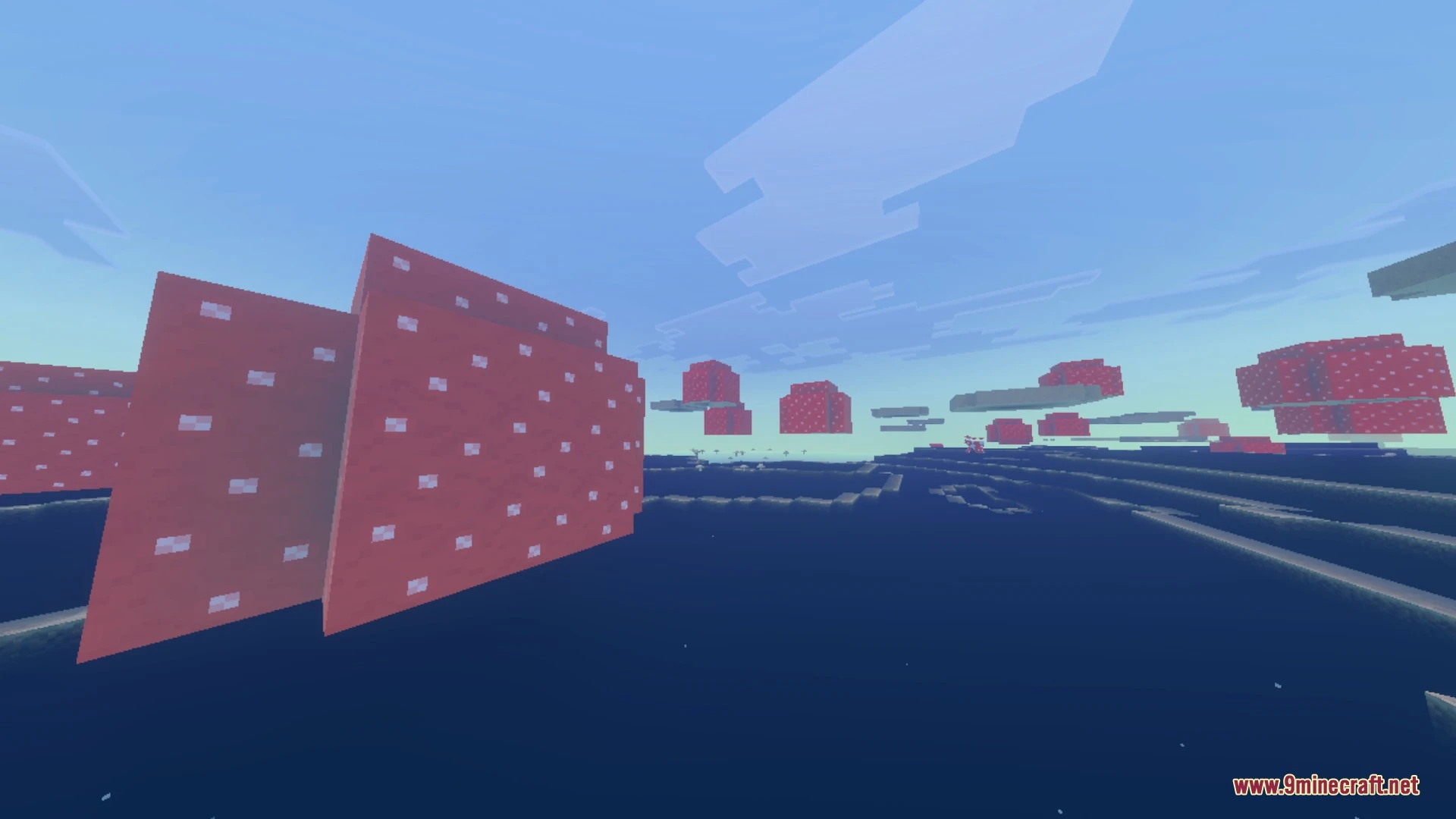
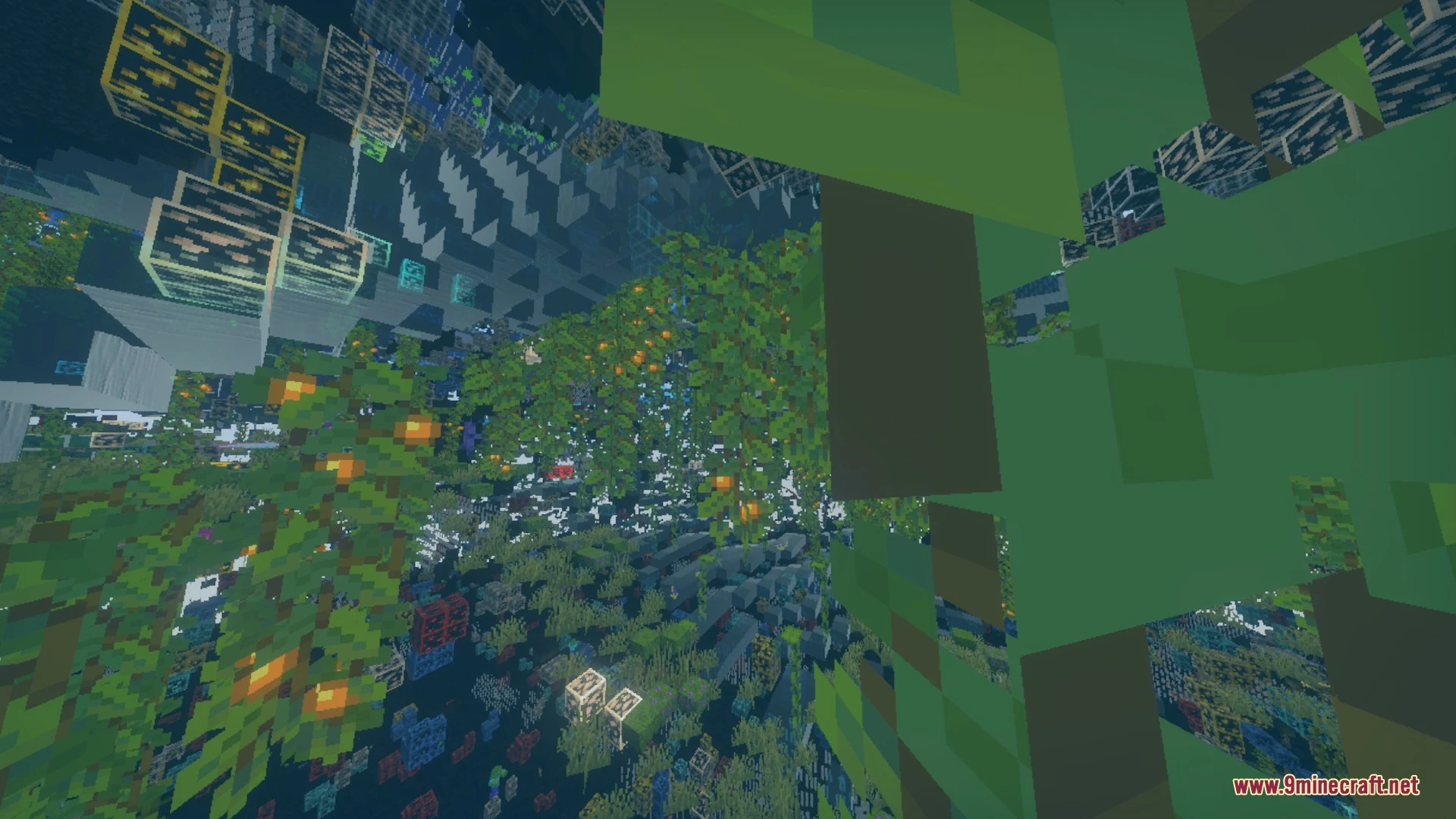
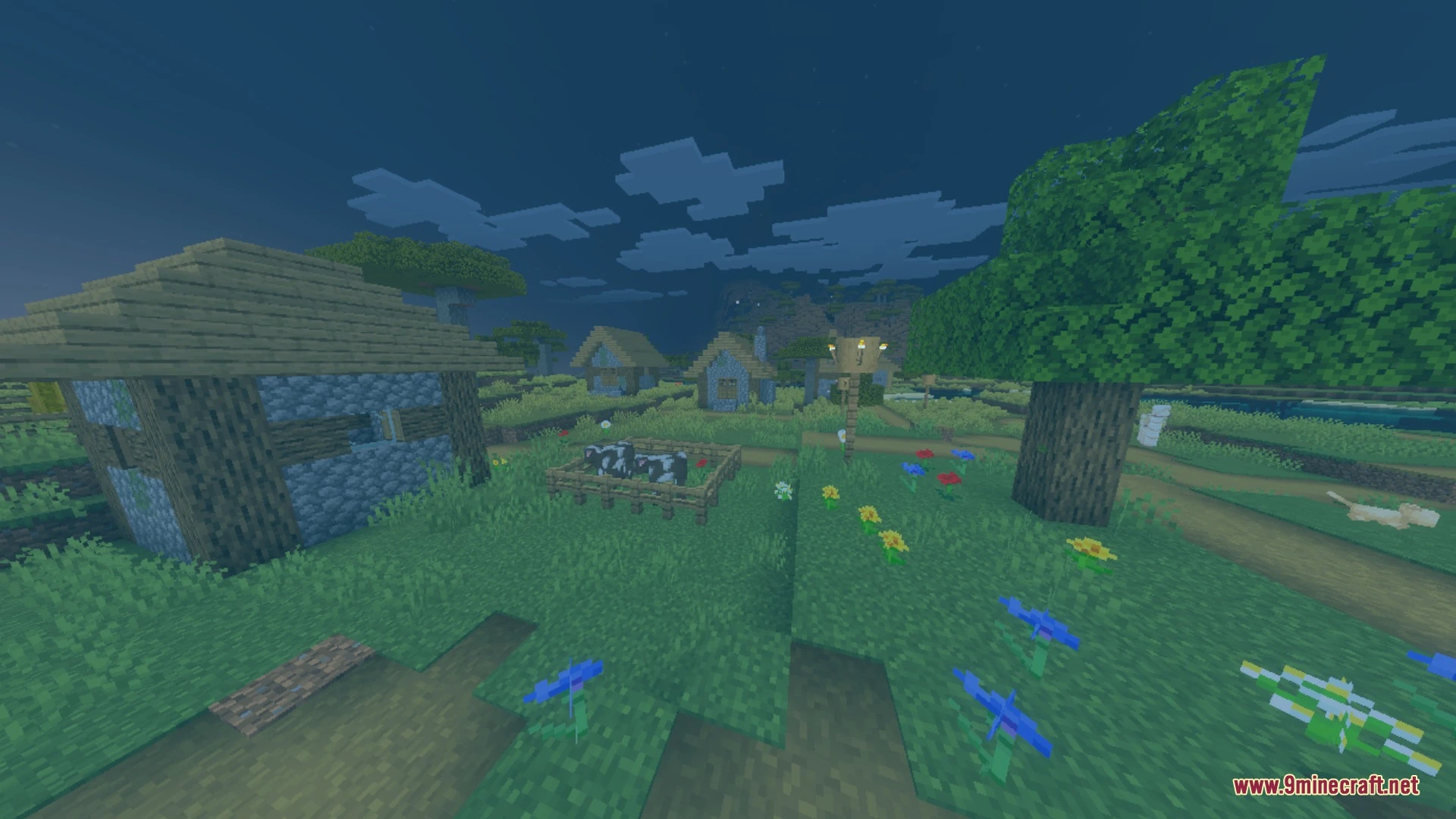
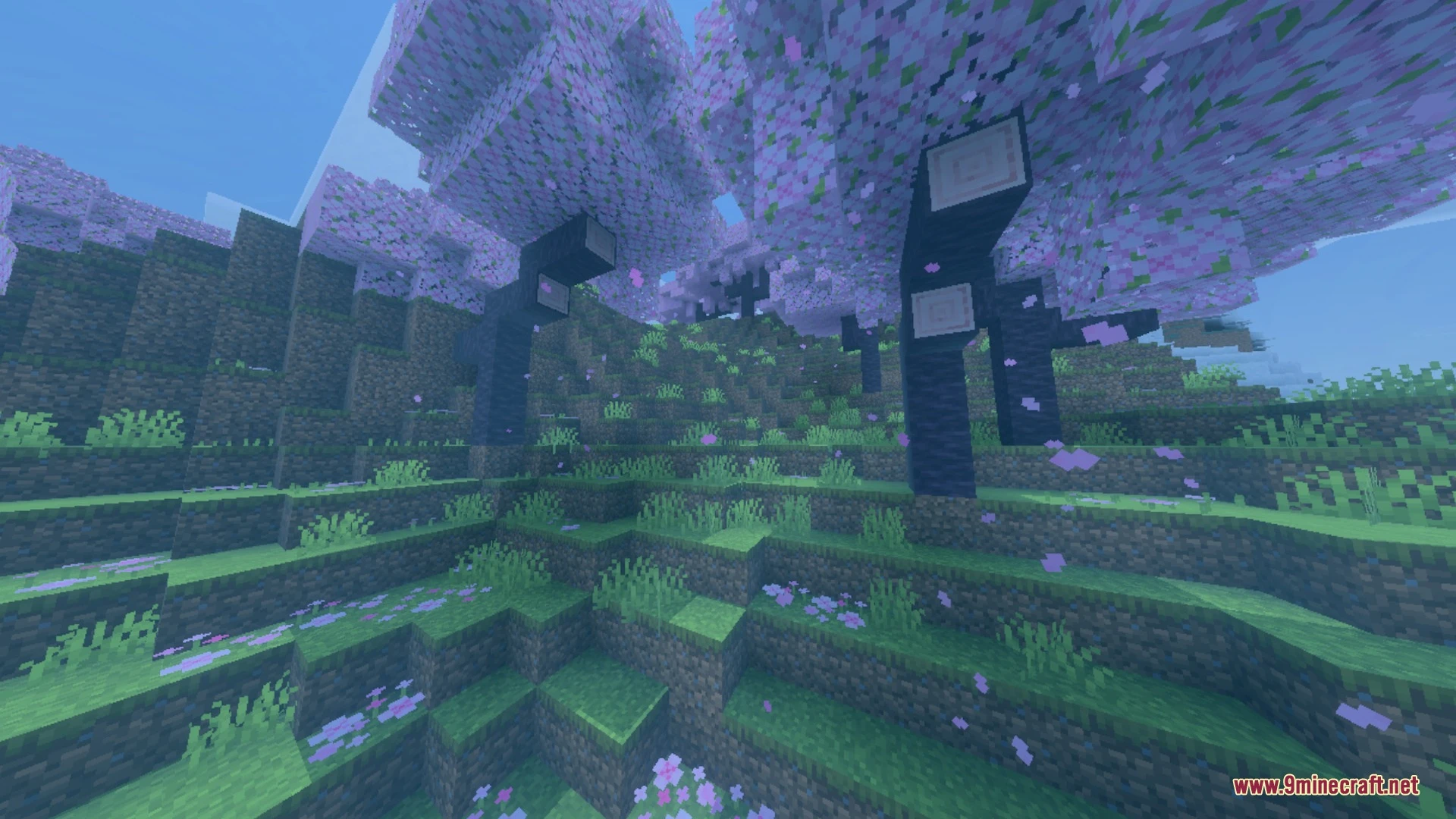
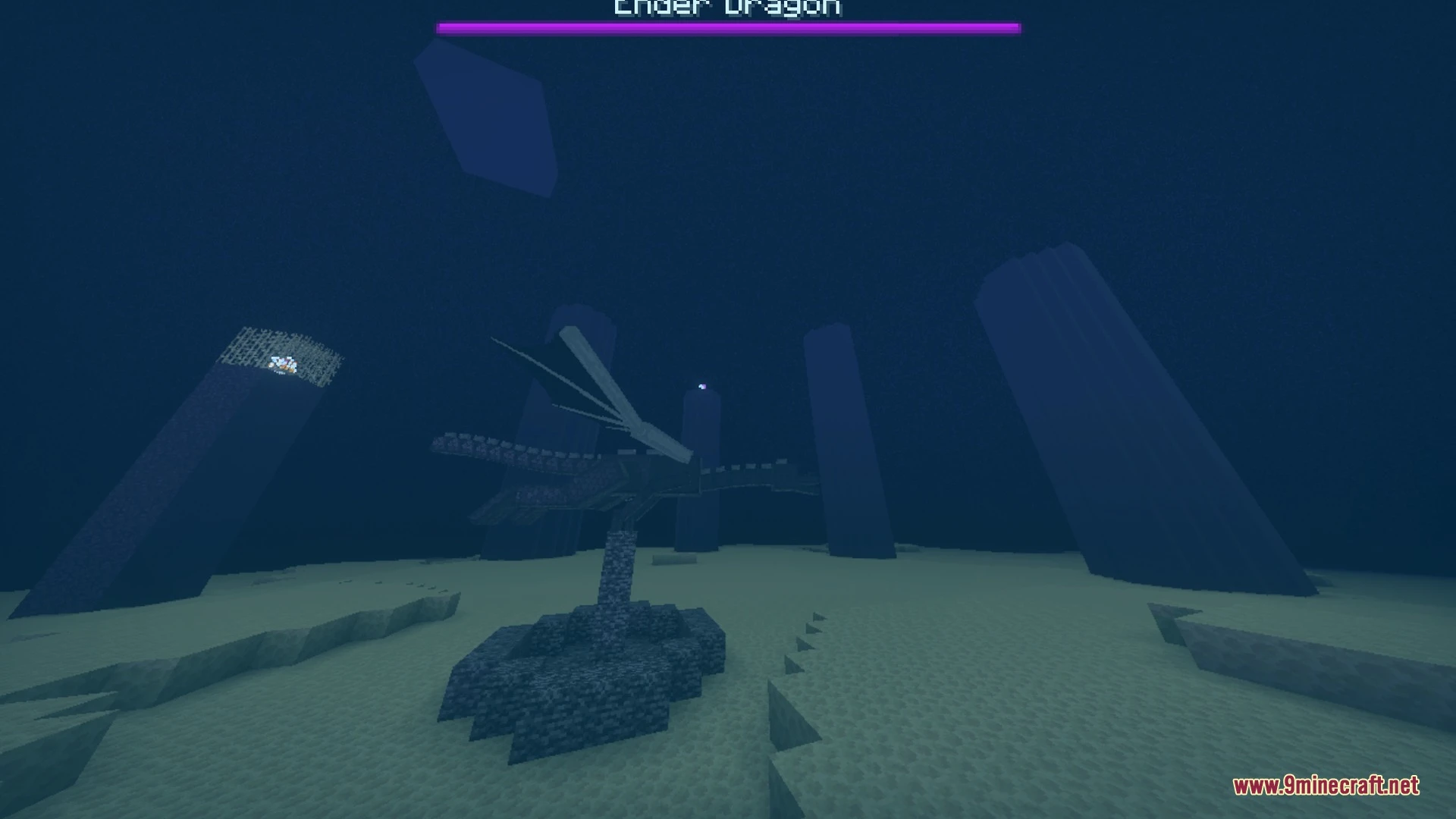
Real Xray + Night Vision highlights all underground ores with high-contrast glowing textures while adding a bright blue night vision filter. It lets you spot diamonds, ancient debris, and hidden hazards like lava through solid ground without disabling achievements. The pack also supports PBR lighting to make valuable minerals shine in both standard and deferred graphics modes.
Features:
- High-contrast textures highlight all ores across the Overworld and Nether.
- Night-vision blue tint brightens dark caves and tunnels instantly.
- Custom glowing ore textures support PBR and emissive lighting.
- Clear hazard visuals make underground lava and water easy to spot.
- Runs in Simple, Fancy, and Deferred Rendering graphic modes.
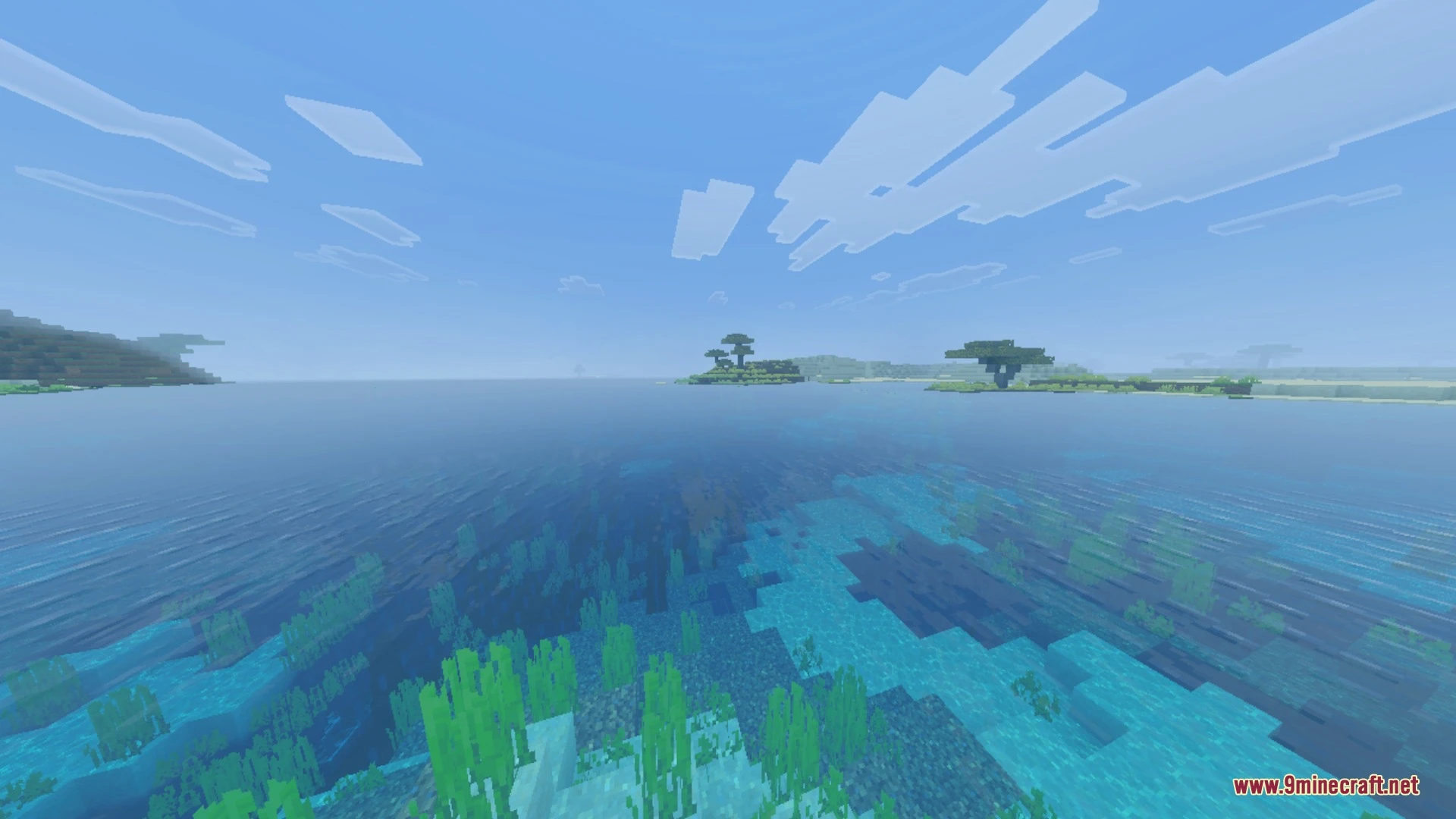
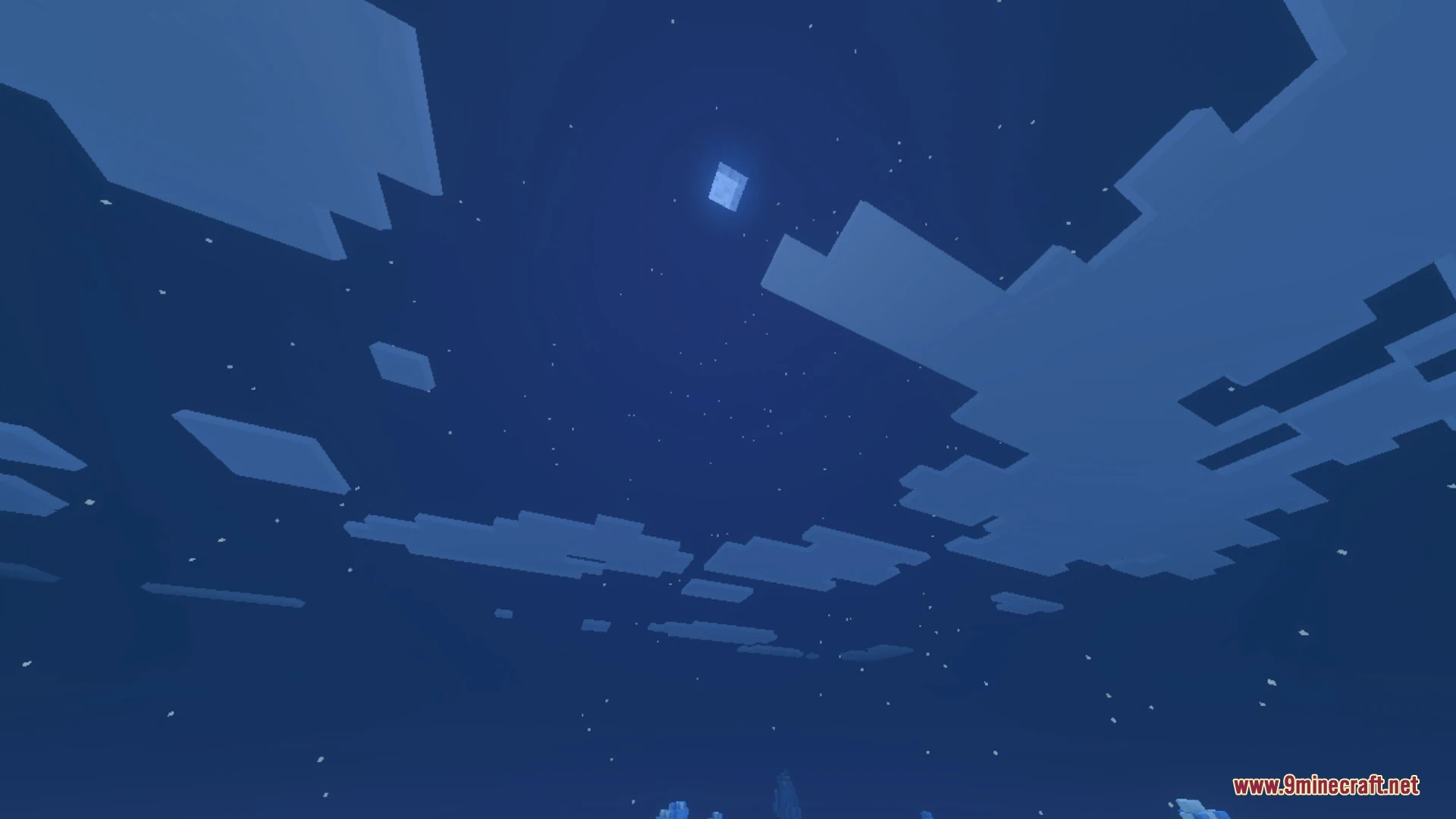
Screenshots:
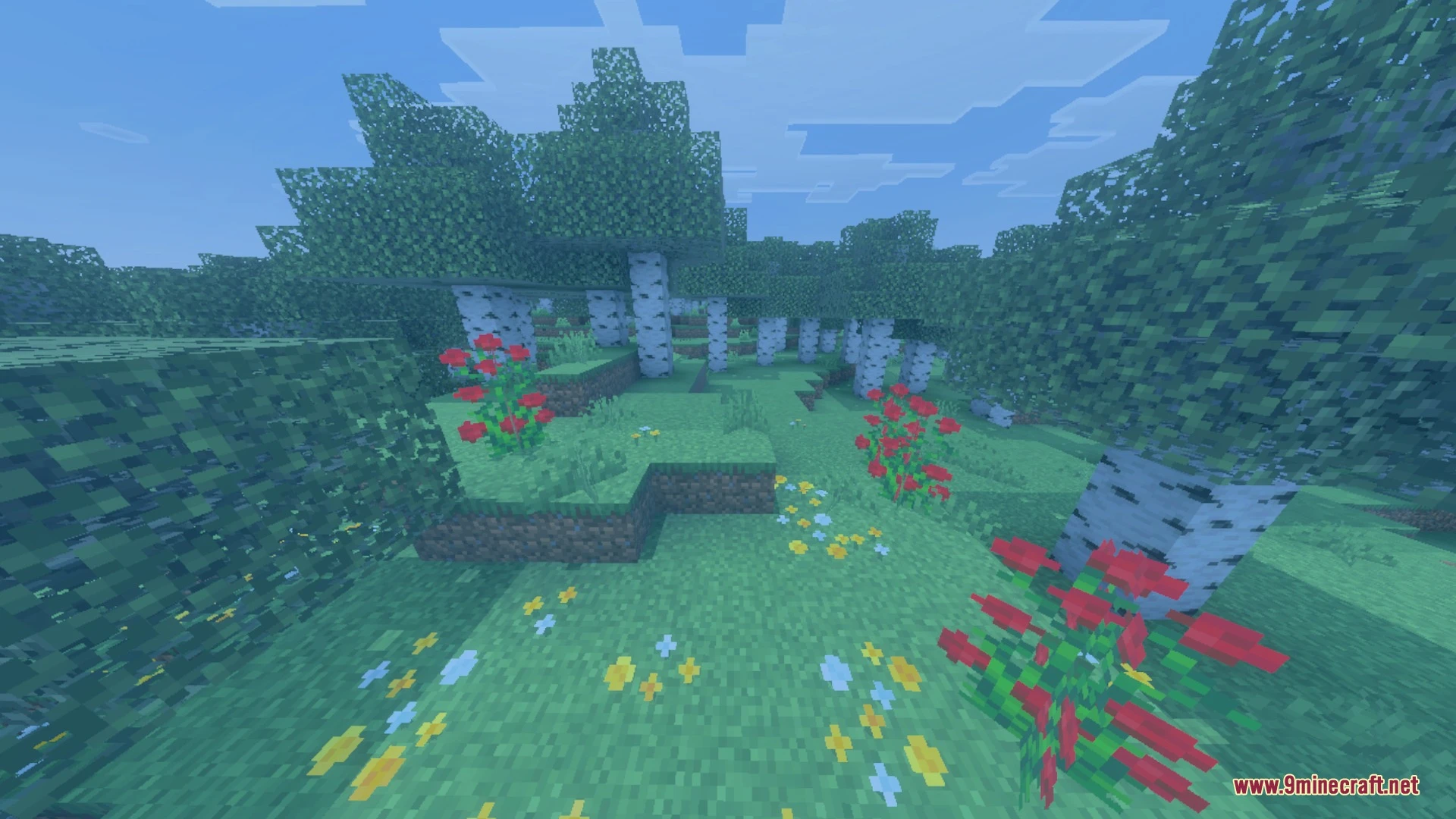
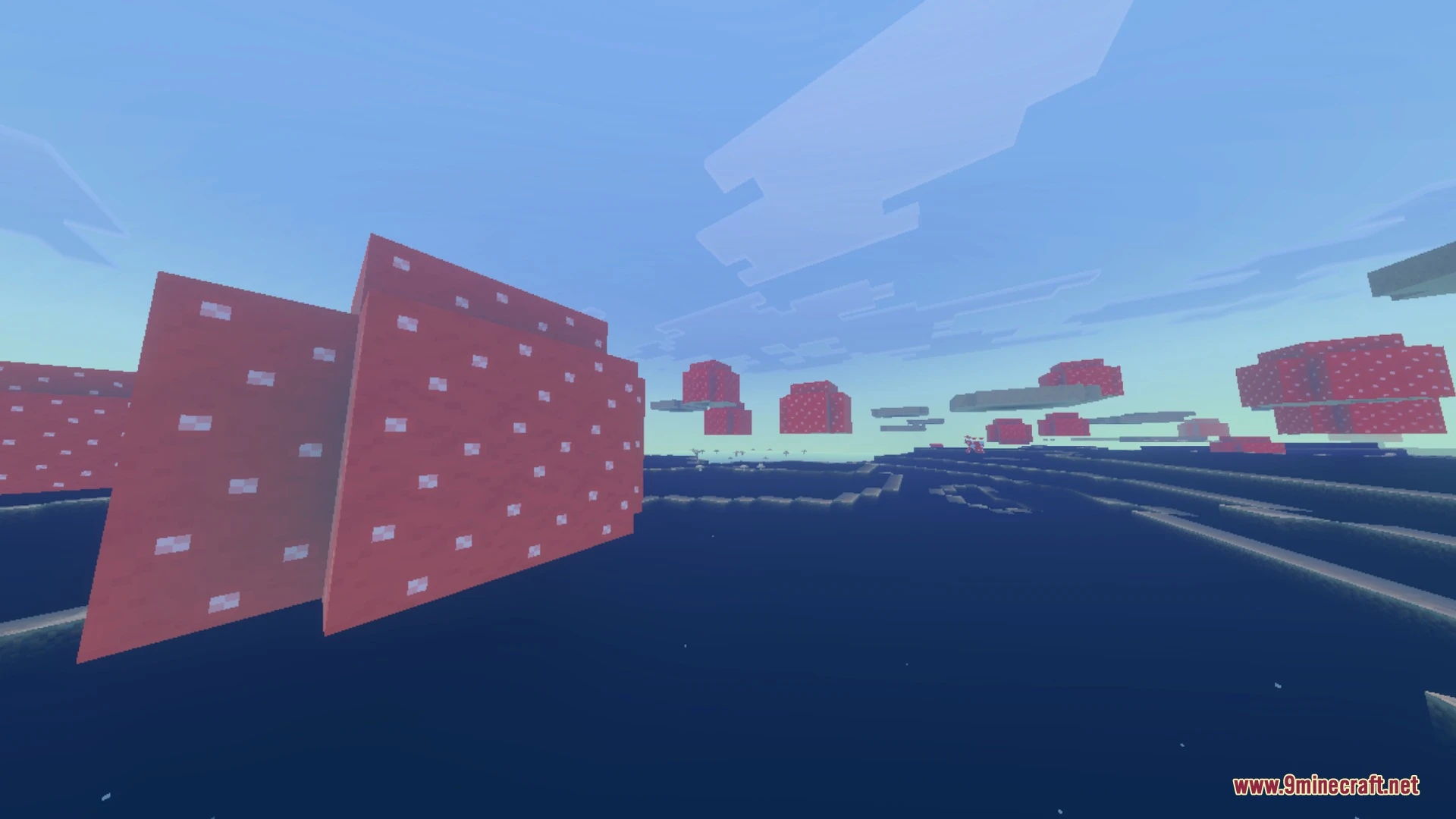
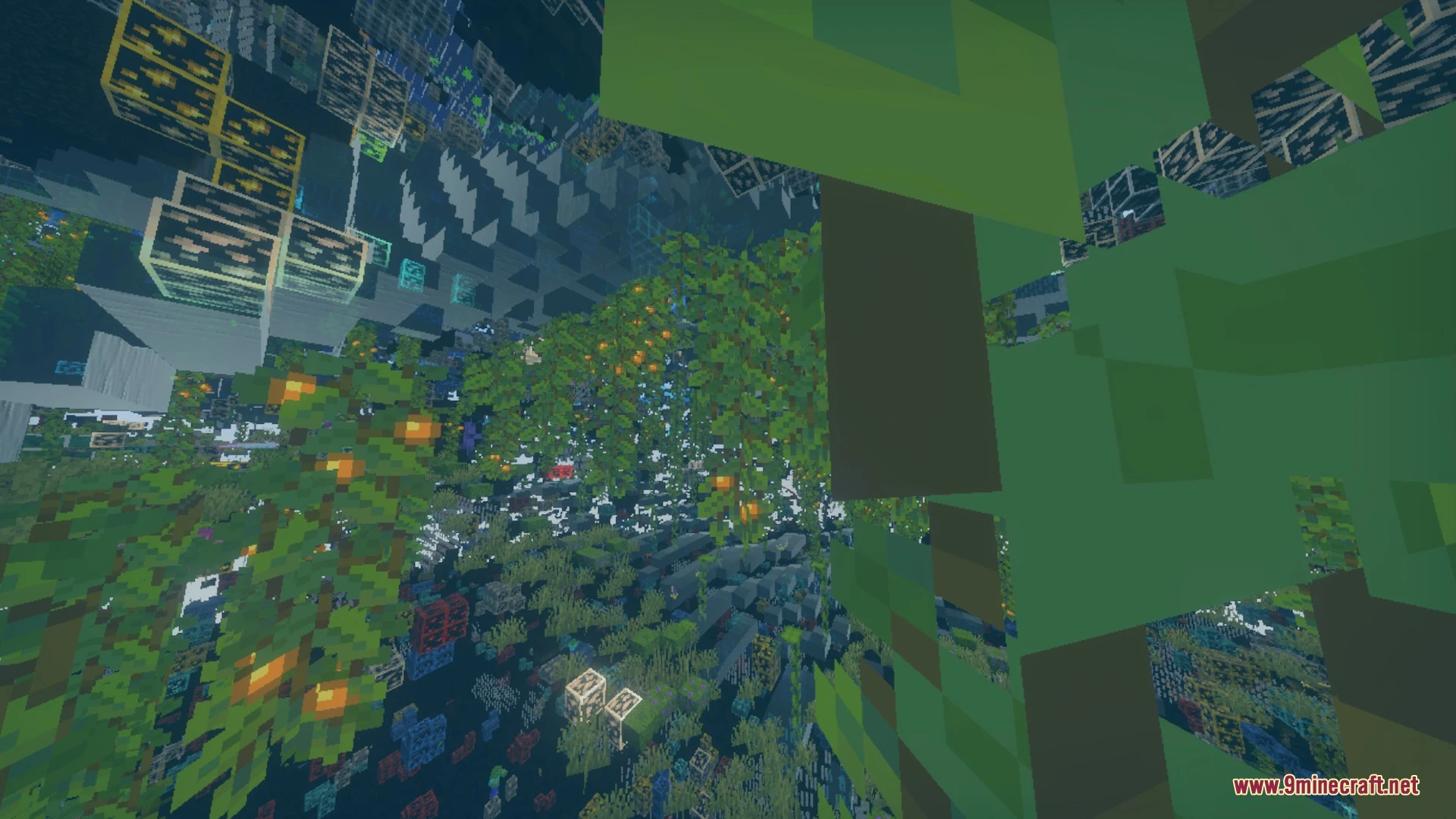
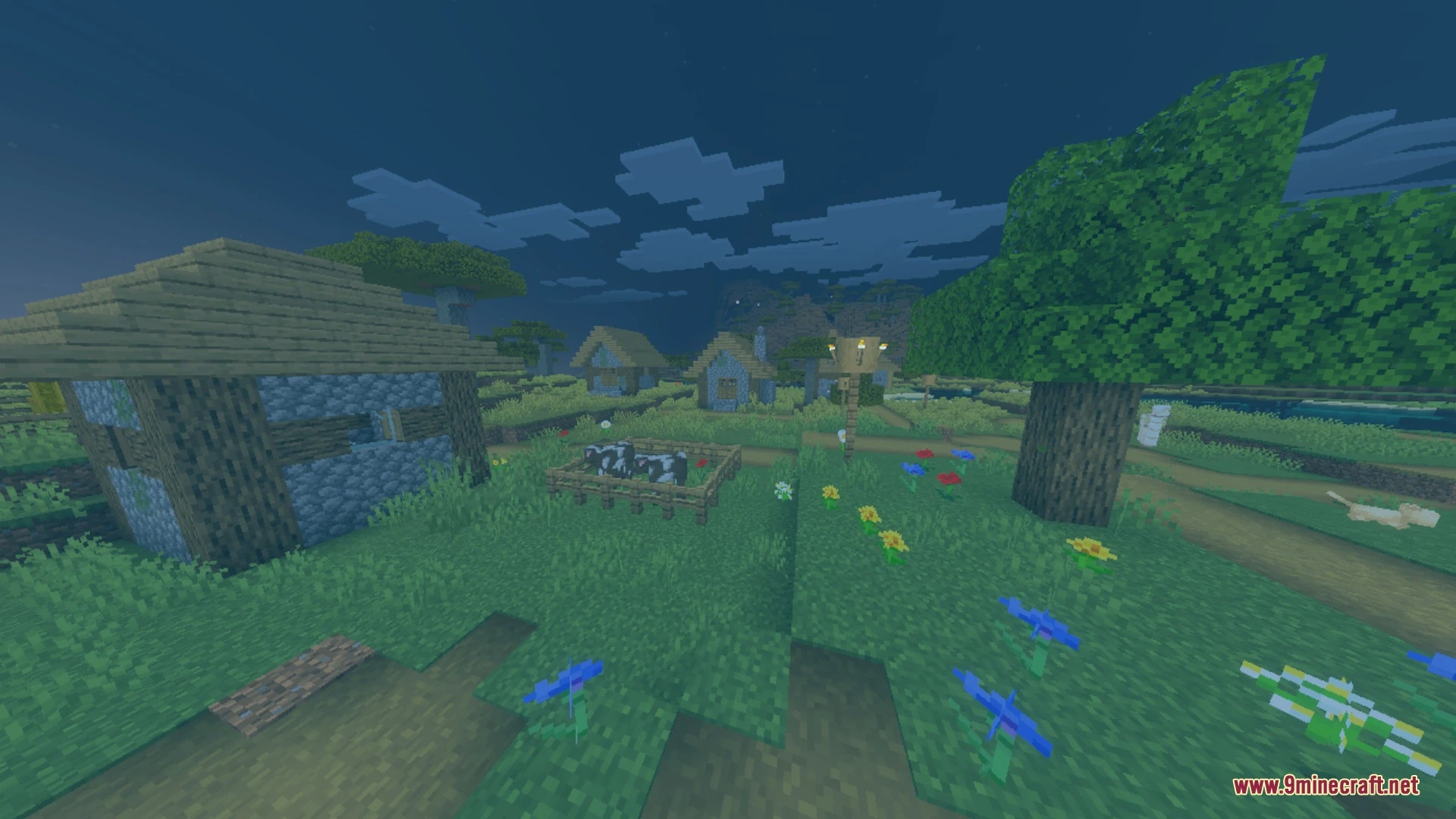
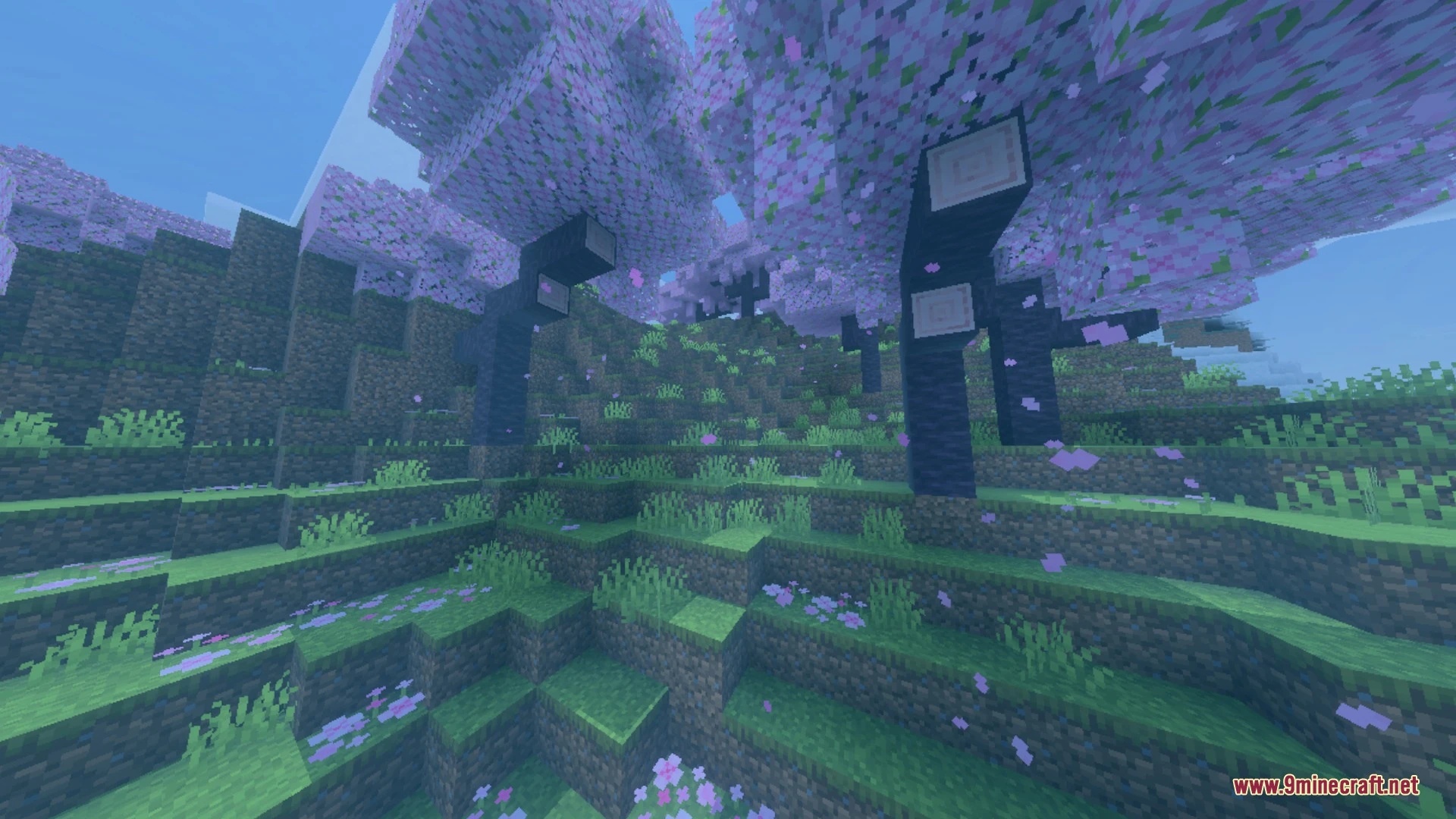
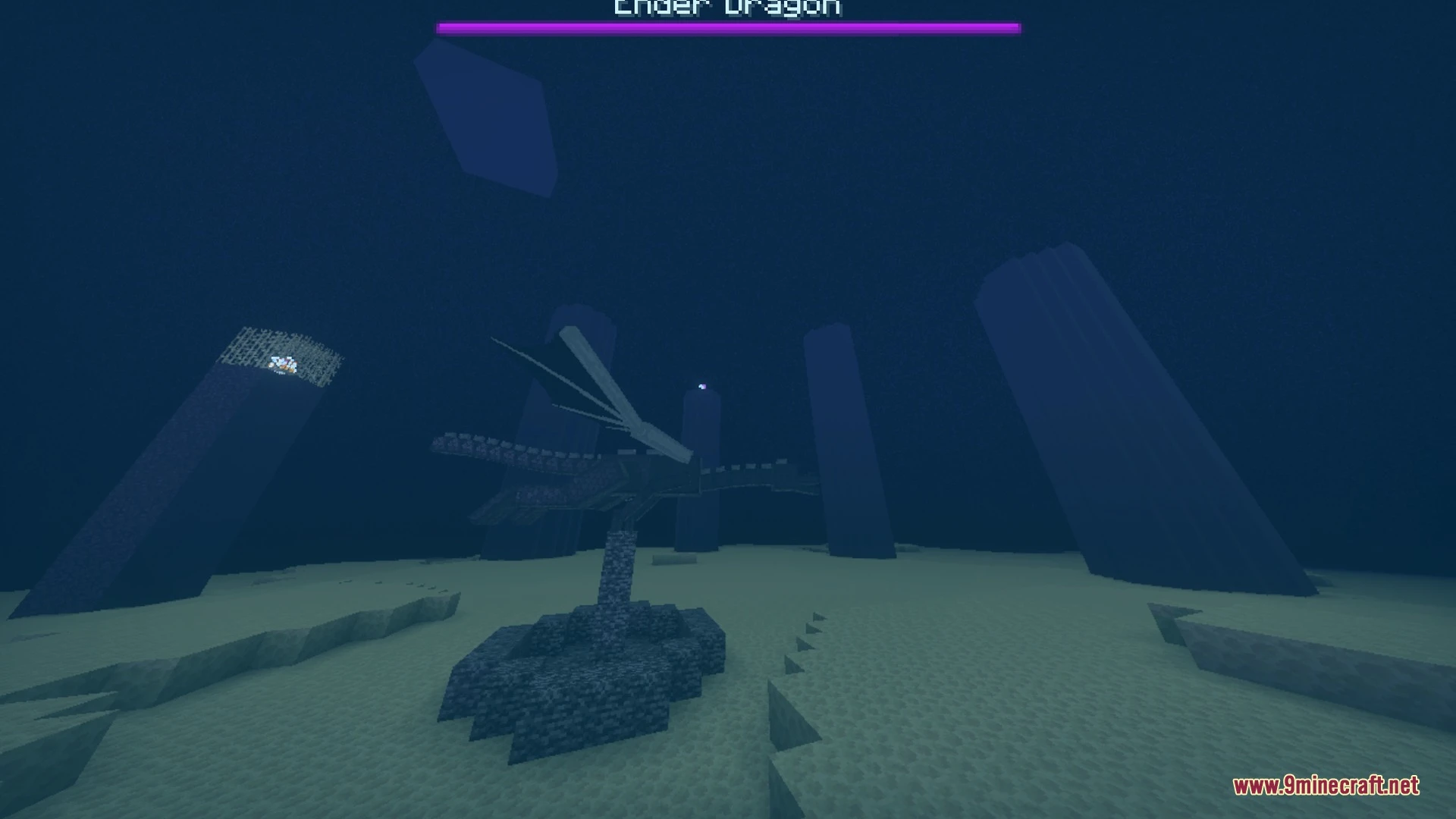
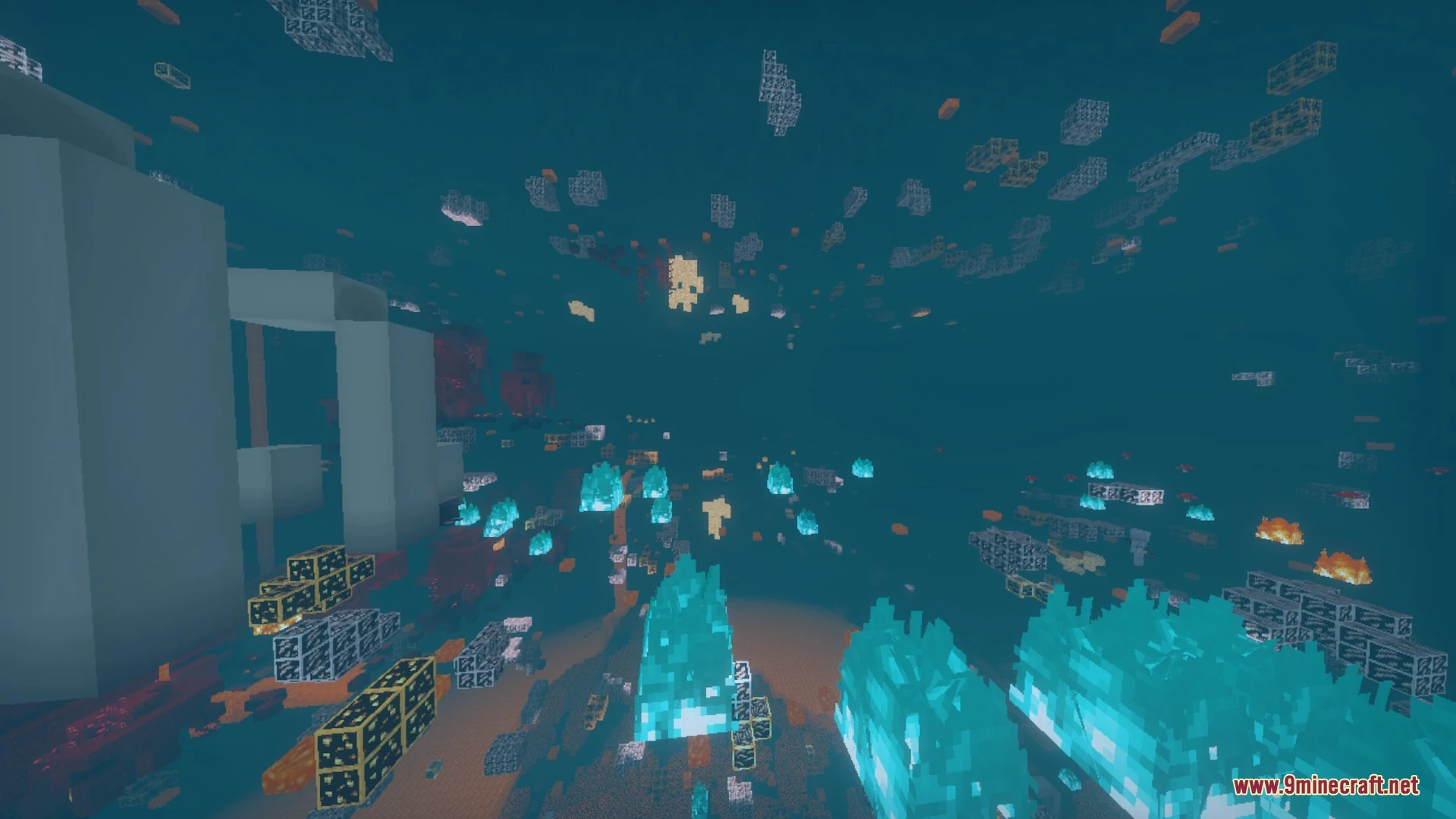
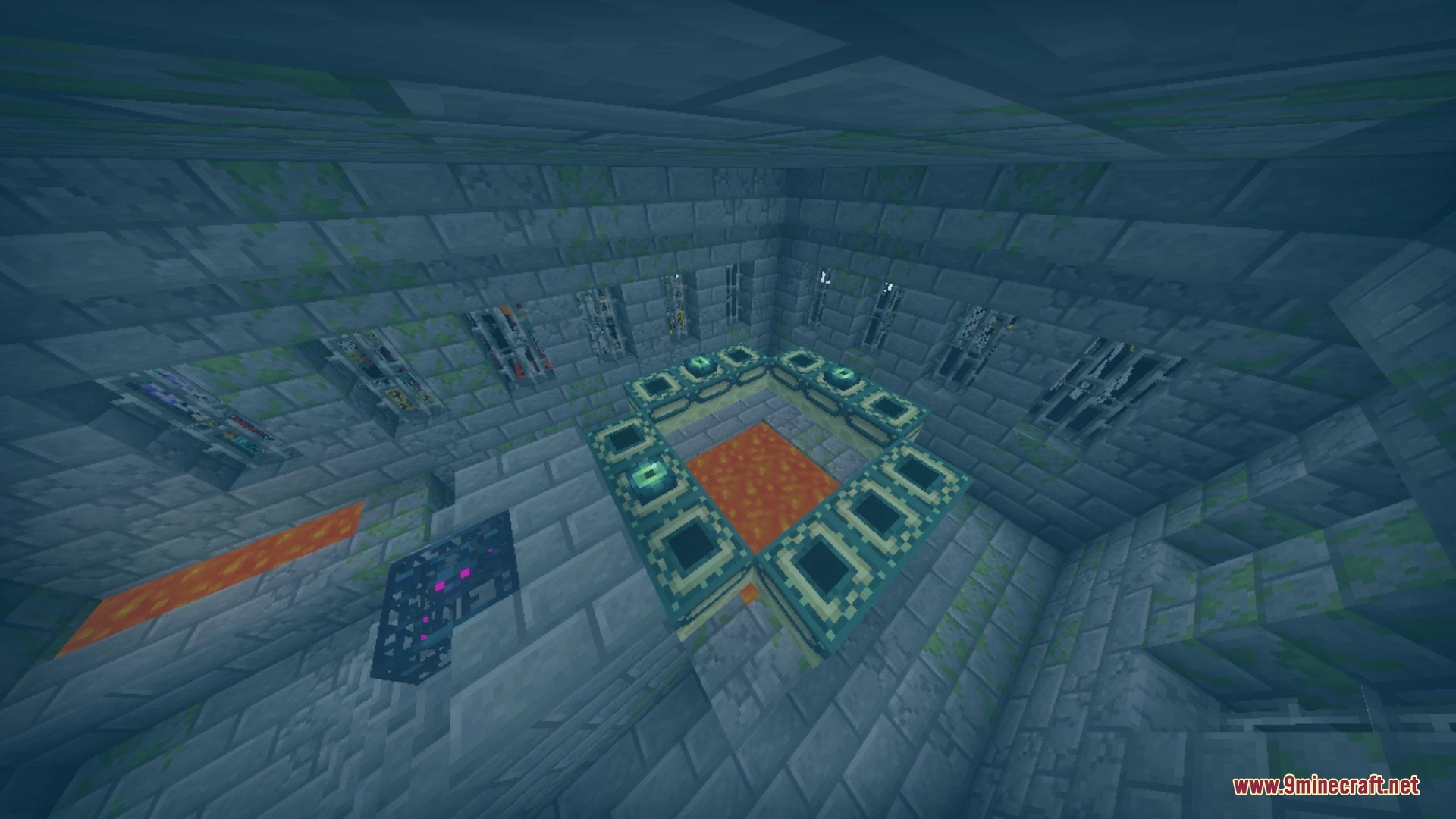
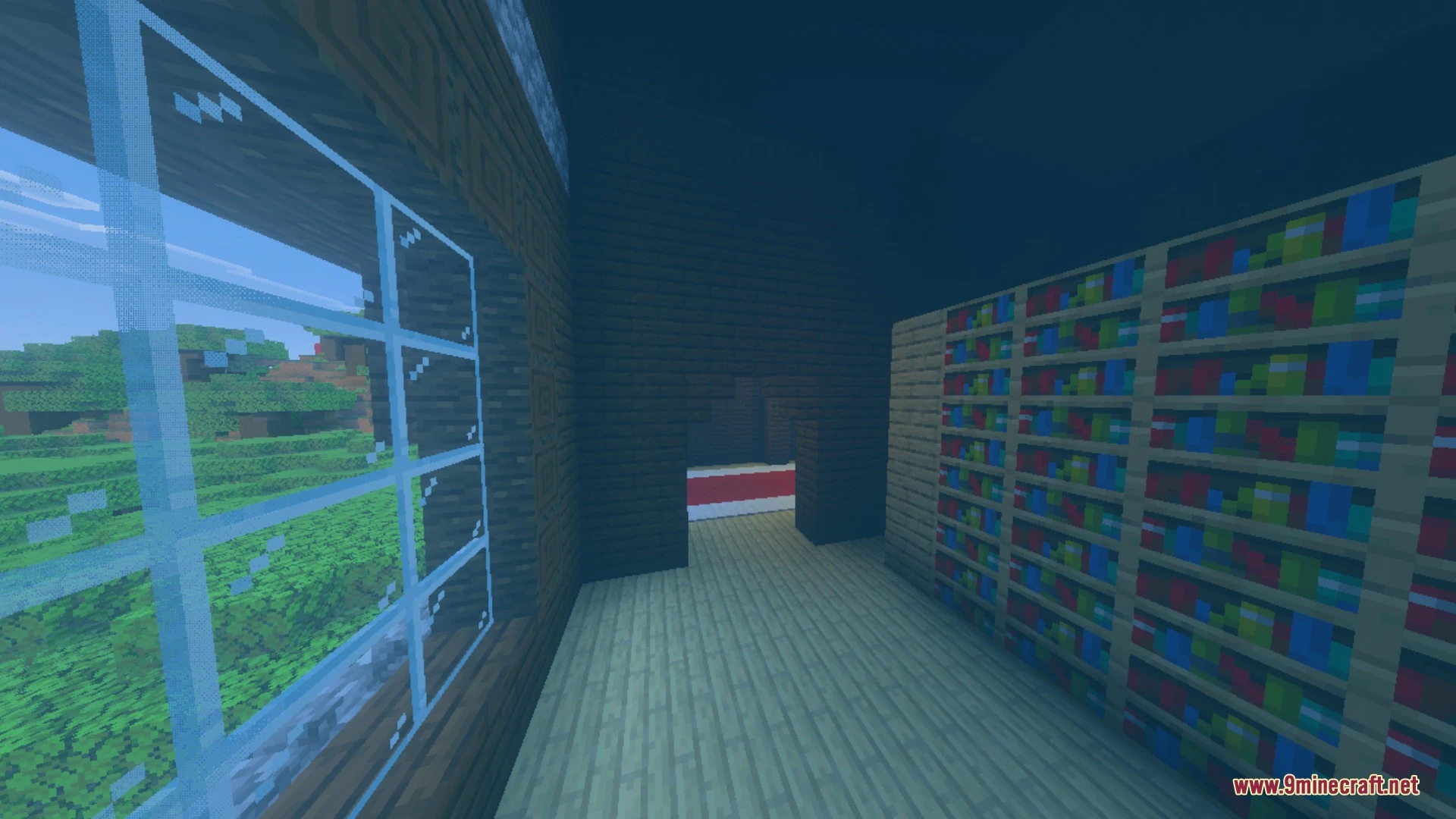
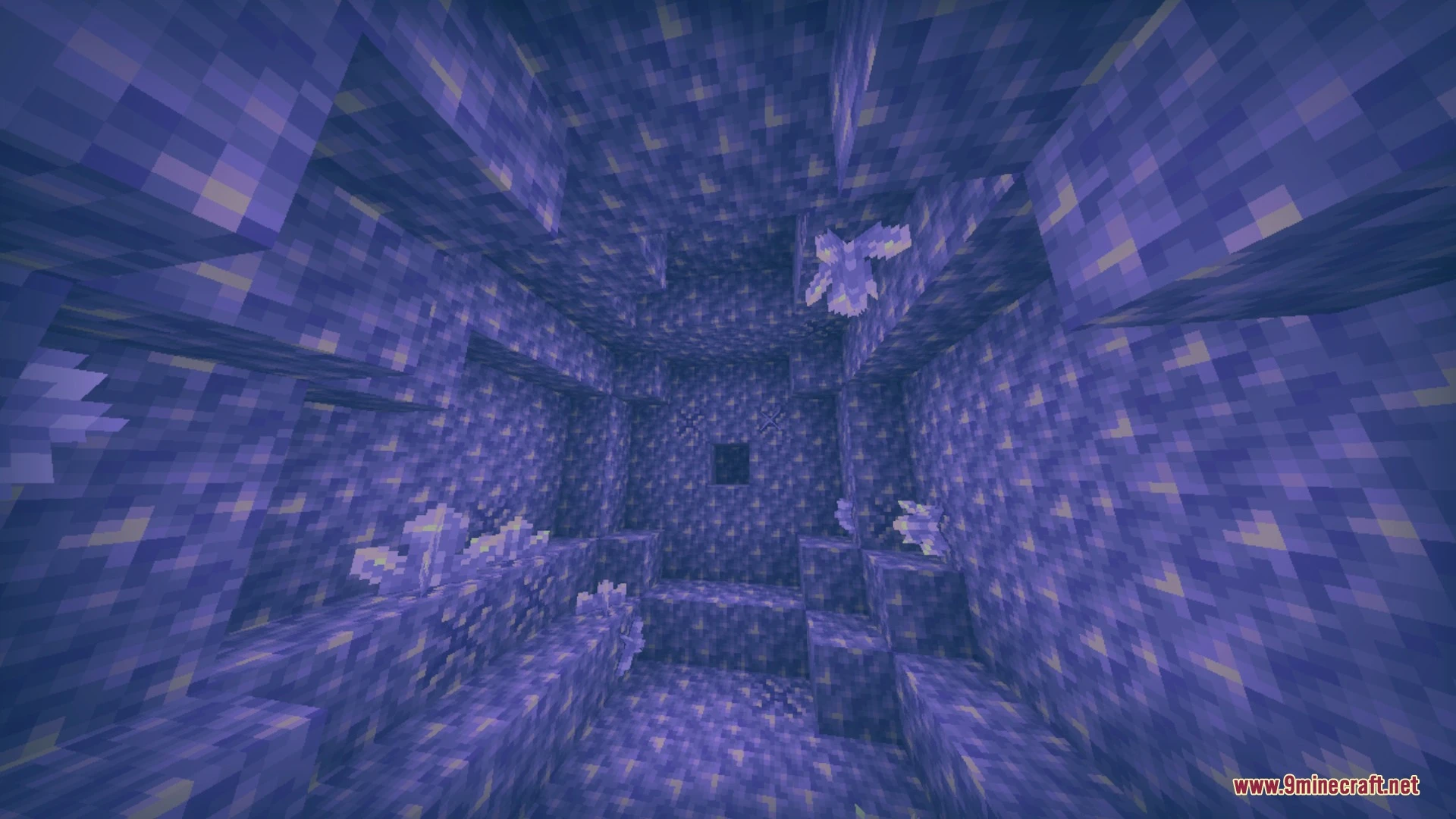
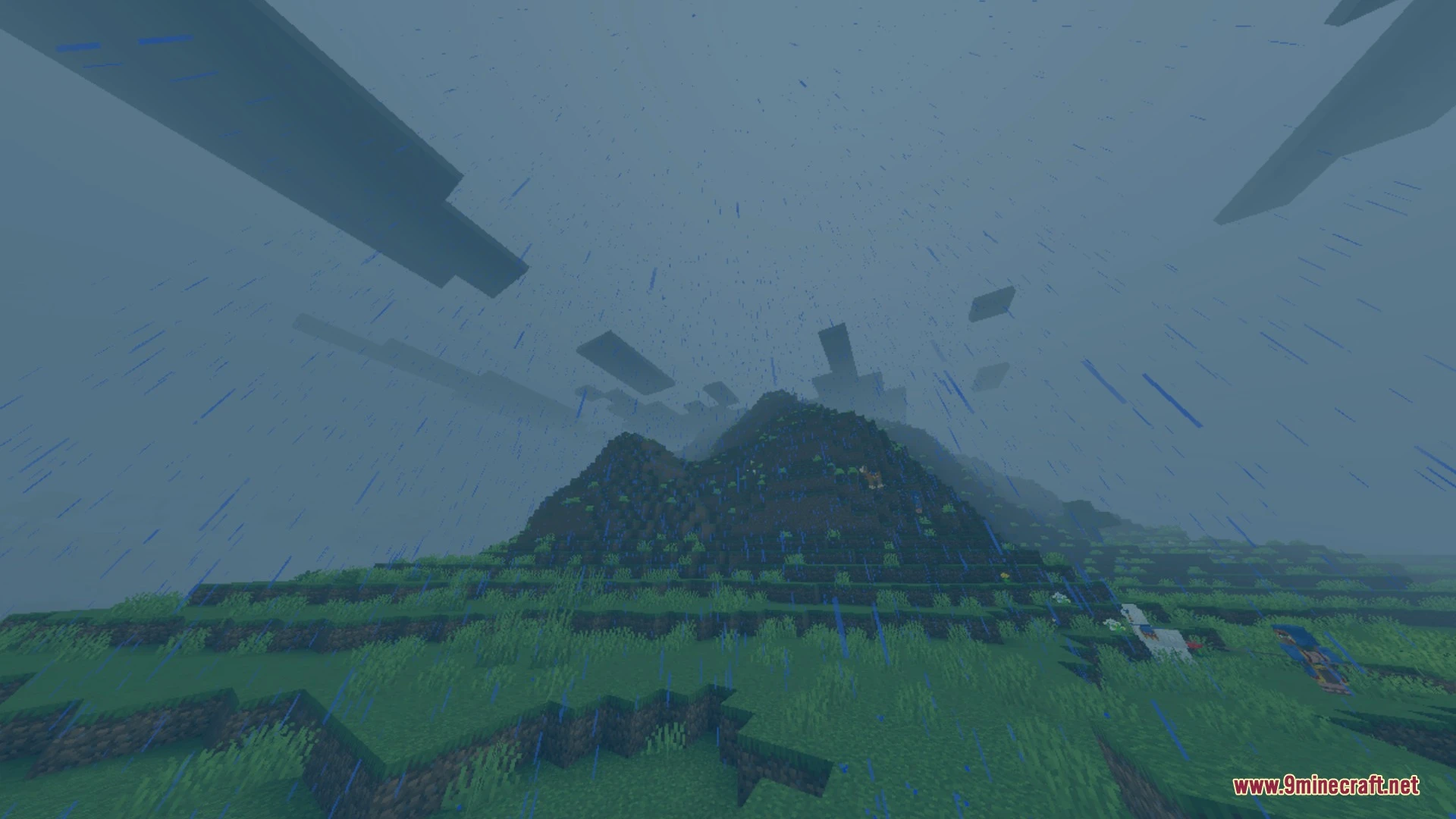
Real Xray + Night Vision Shader Download Links
Quick facts
- Edition: Minecraft Bedrock
- File type: .mcpack
- Minecraft version listed: 1.21
- How to install: Download the .mcpack. → Open it — Minecraft imports it under Resource Packs. → Activate it in Global Resources, or for one world under Resource Packs → Available.
- Where to get it: In MCModsHub, or directly above on this page.
Install steps are the general flow for this file type — How to install Minecraft Bedrock texture packs walks through it step by step.
File checked by MCModsHub
- Pack type: .mcpack — a single pack
- Manifest requires Minecraft 1.21.80 or newer
- Complete pack — everything it depends on is inside the file
- Download link checked 25 Aug 2026 — working
- Mirrored on our own servers — the download does not depend on the original host
These come from our own check of the pack file, not from the source page.