
Allay totem
Bedrock texture pack listed for Minecraft 1.21–26.x. File opened and checked on 20 Aug 2026; installs from the MC Bedrock Mods app on Android.
Transforms the Totem of Undying into an adorable Allay in Minecraft Bedrock Edition, featuring custom textures and toggleable sound effects!
⬇ Download on CurseForge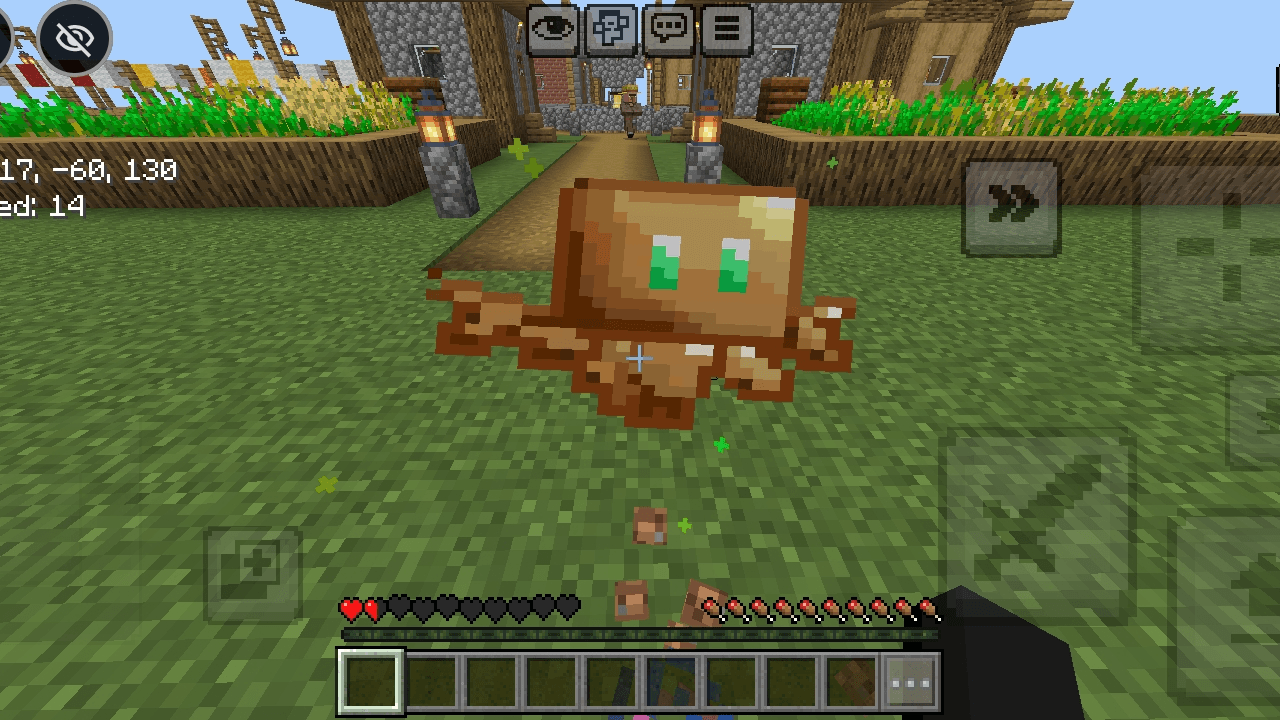
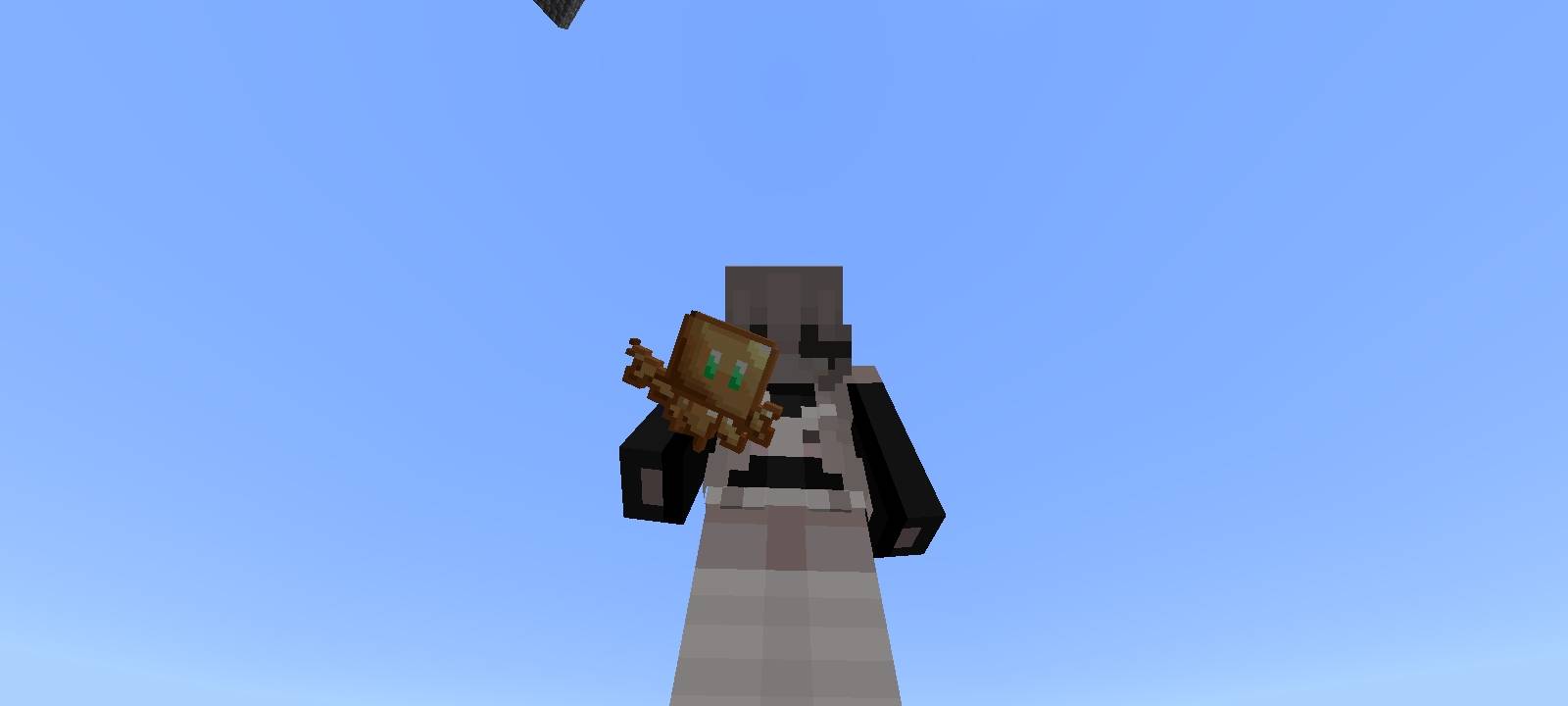
Allay Totem is a resource pack for Minecraft Bedrock Edition that replaces the default Totem of Undying texture with a cute Allay.
Key Features:
- Custom Texture: Replaces the vanilla Totem of Undying appearance with an Allay.
- Subpack Support: Allows you to toggle custom Allay sound effects on or off based on your preference.
Subpack Settings:
- Yes: Enables custom Allay sound effects when interacting with or triggering the totem.
- No: Keeps vanilla Minecraft sounds while keeping the custom Allay texture.
Installation:
1.Download the .mcpack file.
2.Open the file to import it into Minecraft.
3.Go to Settings > Global Resources (or your world settings) and activate Allay Totem.
4.Click the Gear icon on the pack to choose your preferred sound setting (Yes or No).
- Edition: Minecraft Bedrock
- File type: .mcpack
- Minecraft versions listed: 1.21, 26.0, 26.40
- How to install: Download the .mcpack. → Open it — Minecraft imports it under Resource Packs. → Activate it in Global Resources, or for one world under Resource Packs → Available.
- Where to get it: Opens on CurseForge — not every file is mirrored on our own servers.
Install steps are the general flow for this file type — How to install Minecraft Bedrock texture packs walks through it step by step.
- Pack type: .mcpack — a single pack
- Manifest requires Minecraft 1.21.0 or newer
- Complete pack — everything it depends on is inside the file
- Download size: 35 KB
- Download link checked 1 Oct 2026 — working
These come from our own check of the pack file, not from the source page.