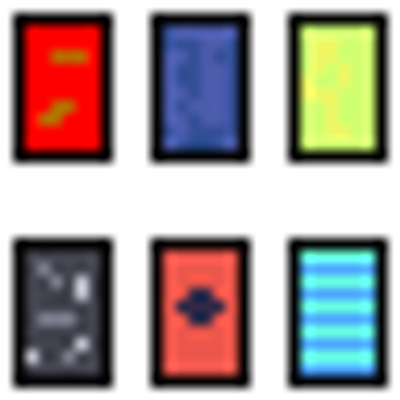
WHY THIS CLIENT:
This client doesn't only allow you to make your own cape only, but it does allow anyone with the pack to see your cape and you can see there cape too.
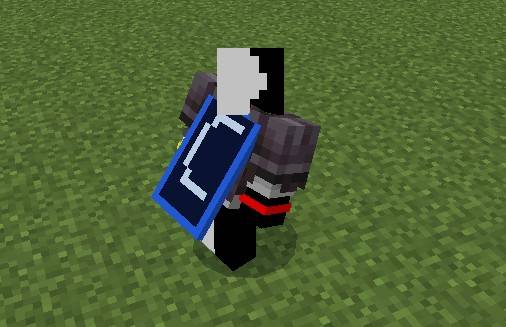
HOW TO USE:
To use Cape Client you must draw on your skin in those specific parts.

BLACK:where your skin is.
BLUE:The front the the face that everyone sees.
LIGHT BLUE:The back that not everyone see.
GREEN:Top.
ORANGE:Bottom.
RED:Right.
Brown:Left
! IMPORTANT!
THIS PACK ONLY WORKS WITH 64x64 OR 128x128 SKINS.
TURN OFF ONLY ALLOW TRUSTED SKINS IN SETTINGS.
DONT COPY THIS CODE.
all rights of this pack goes to Edclipx
you may modify the pack for personal use only.
YOU MAY NOT:
release the pack/modified Version of this pack and say its yours.
THIS PACK ISN'T ASSOCIATED WITH MOJANG OR MICROSOFT.
- Edition: Minecraft Bedrock
- File type: .mcpack
- Minecraft versions listed: 1.21.130, 1.21.131, 1.21.132
- How to install: Download the .mcpack. → Open it — Minecraft imports it under Resource Packs. → Activate it in Global Resources, or for one world under Resource Packs → Available.
- Where to get it: Opens on CurseForge — not every file is mirrored on our own servers.
Install steps are the general flow for this file type — How to install Minecraft Bedrock texture packs walks through it step by step.
- Save it as Capes_client.mcaddon before opening — it downloads as .mcpack, but it is a .mcaddon pack
- Manifest requires Minecraft 1.20.0 or newer
- Complete pack — everything it depends on is inside the file
- Download size: 6 KB
- Download link checked 11 Sept 2026 — working
These come from our own check of the pack file, not from the source page.