Green UI V2
Bedrock texture pack listed for Minecraft 26.x. Download on the author's site.
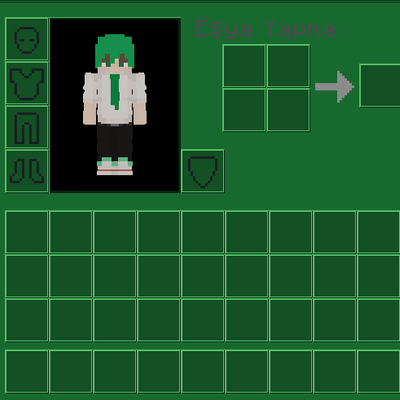
A clean green-themed UI resource pack for Minecraft Bedrock Edition that changes the in-game interface with a fresh green design while keeping the…
⬇ Download on CurseForge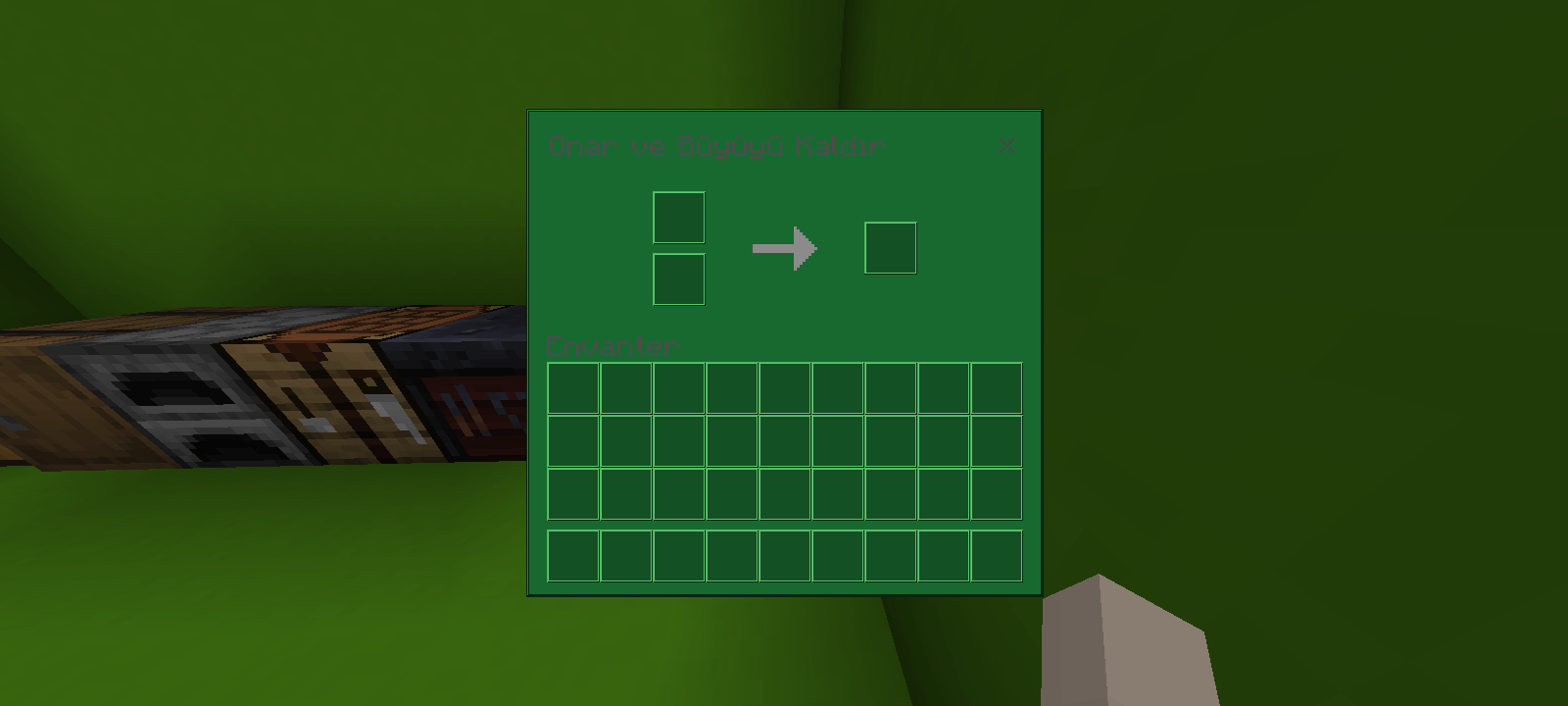
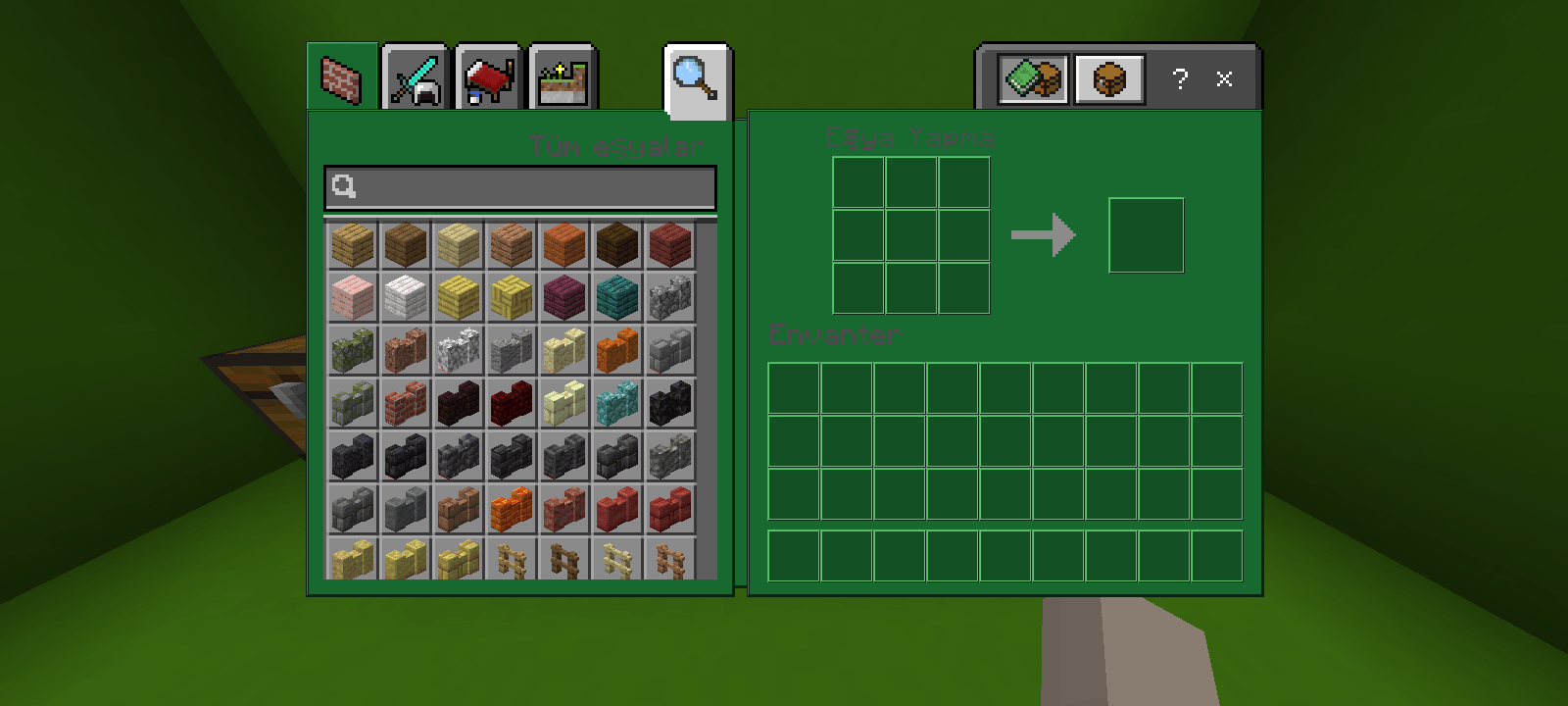
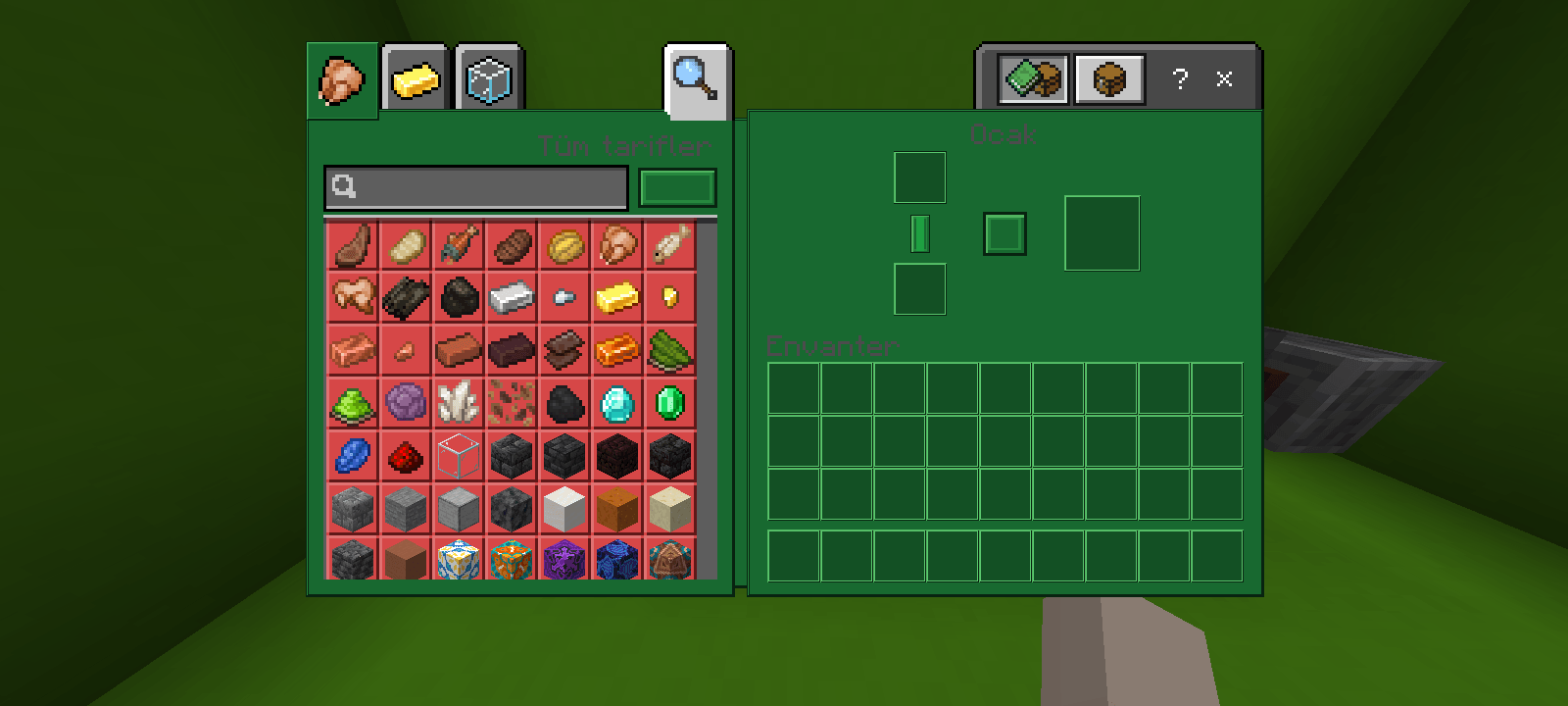
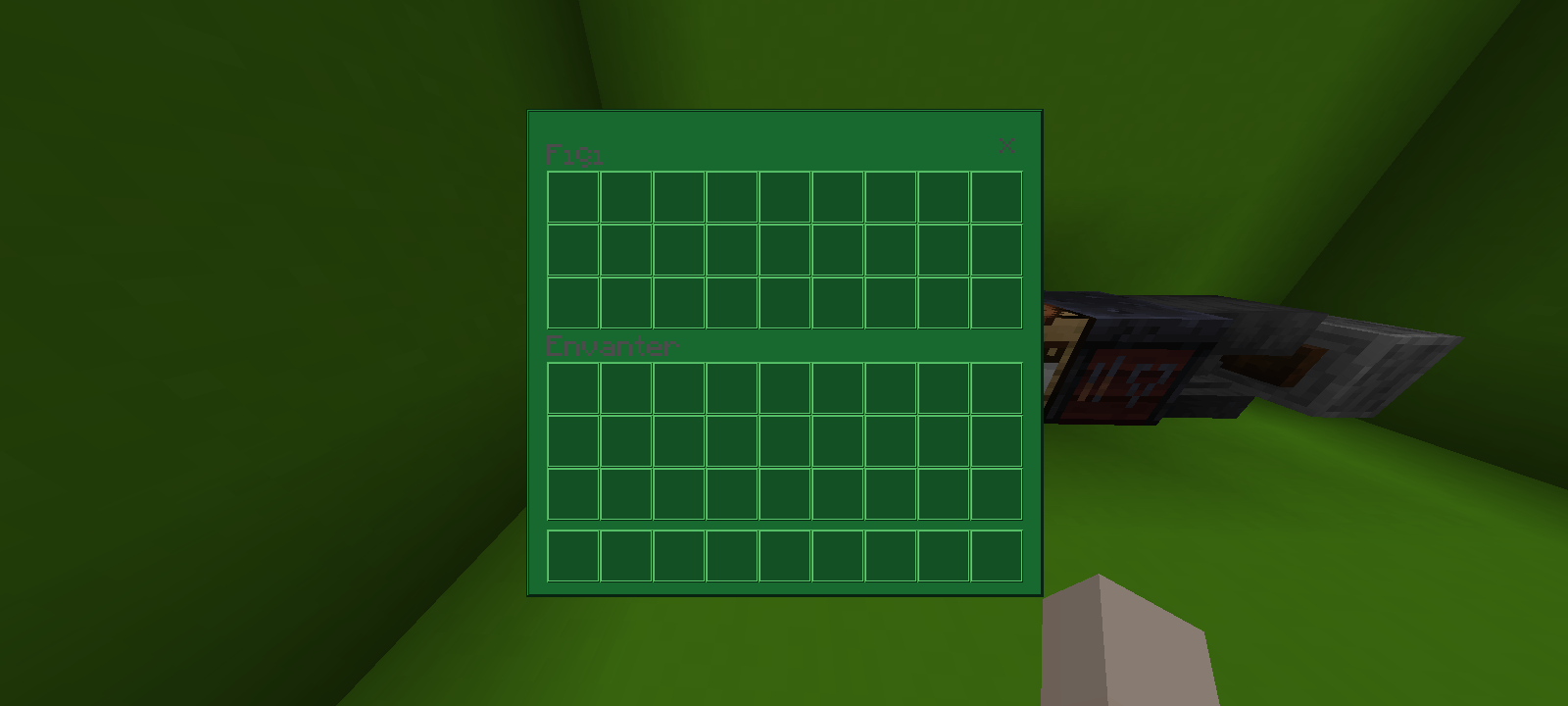
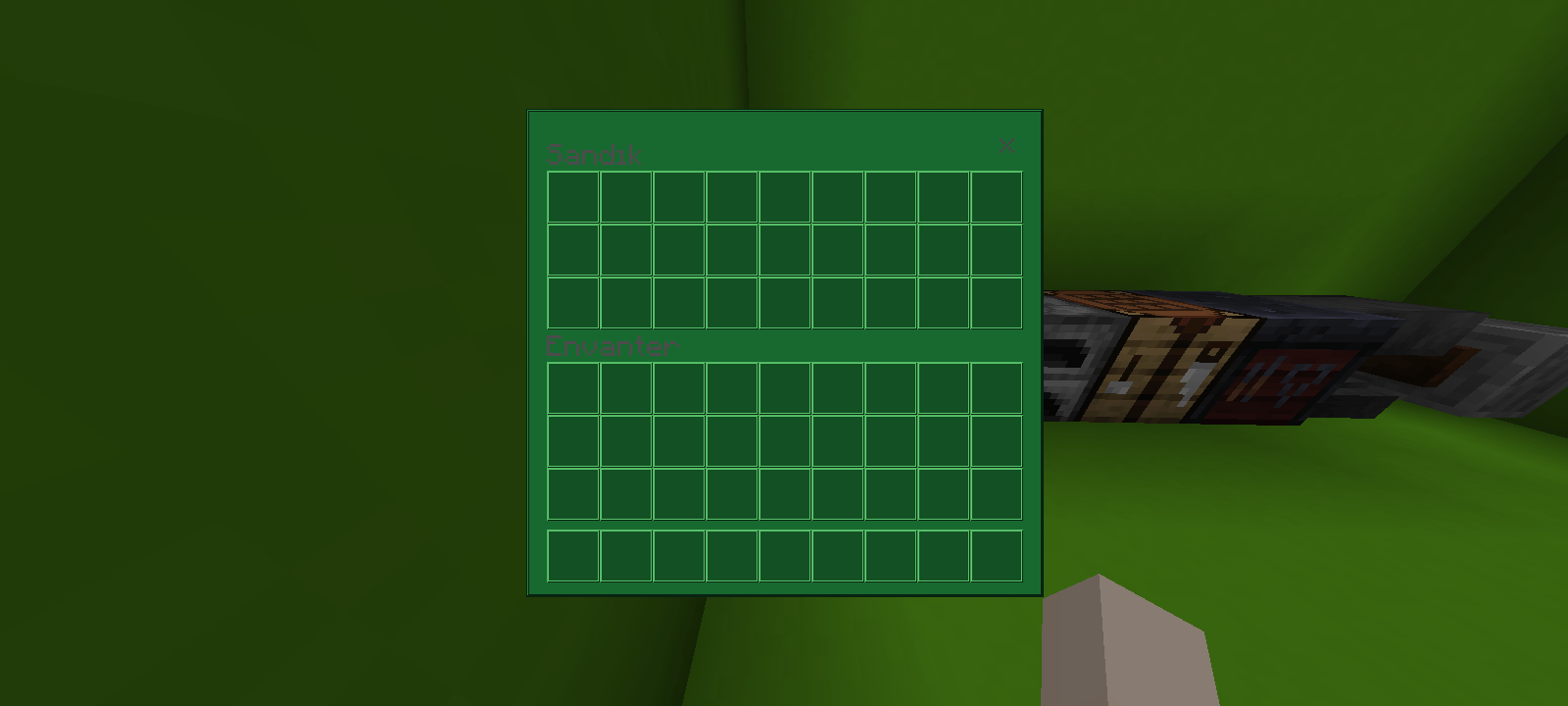
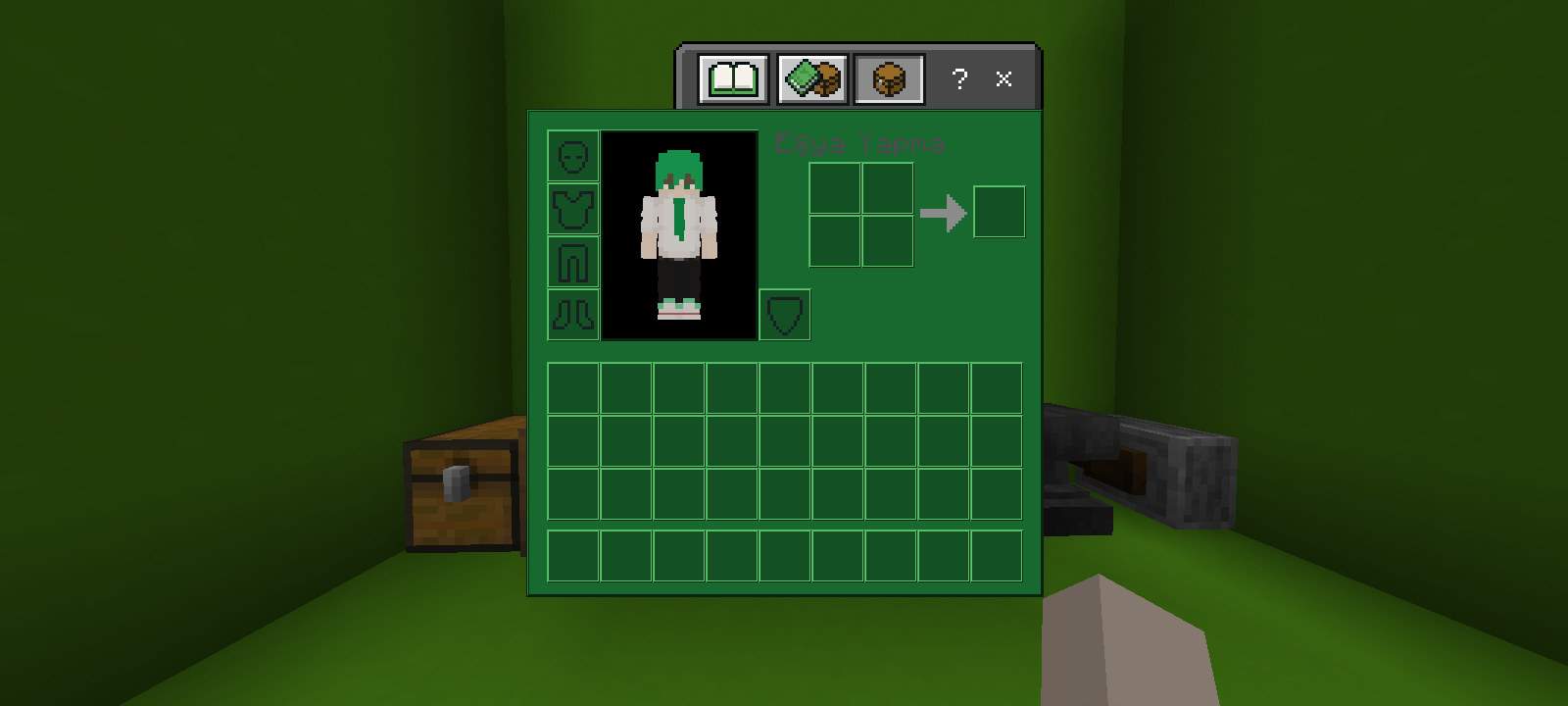
Green UI V2
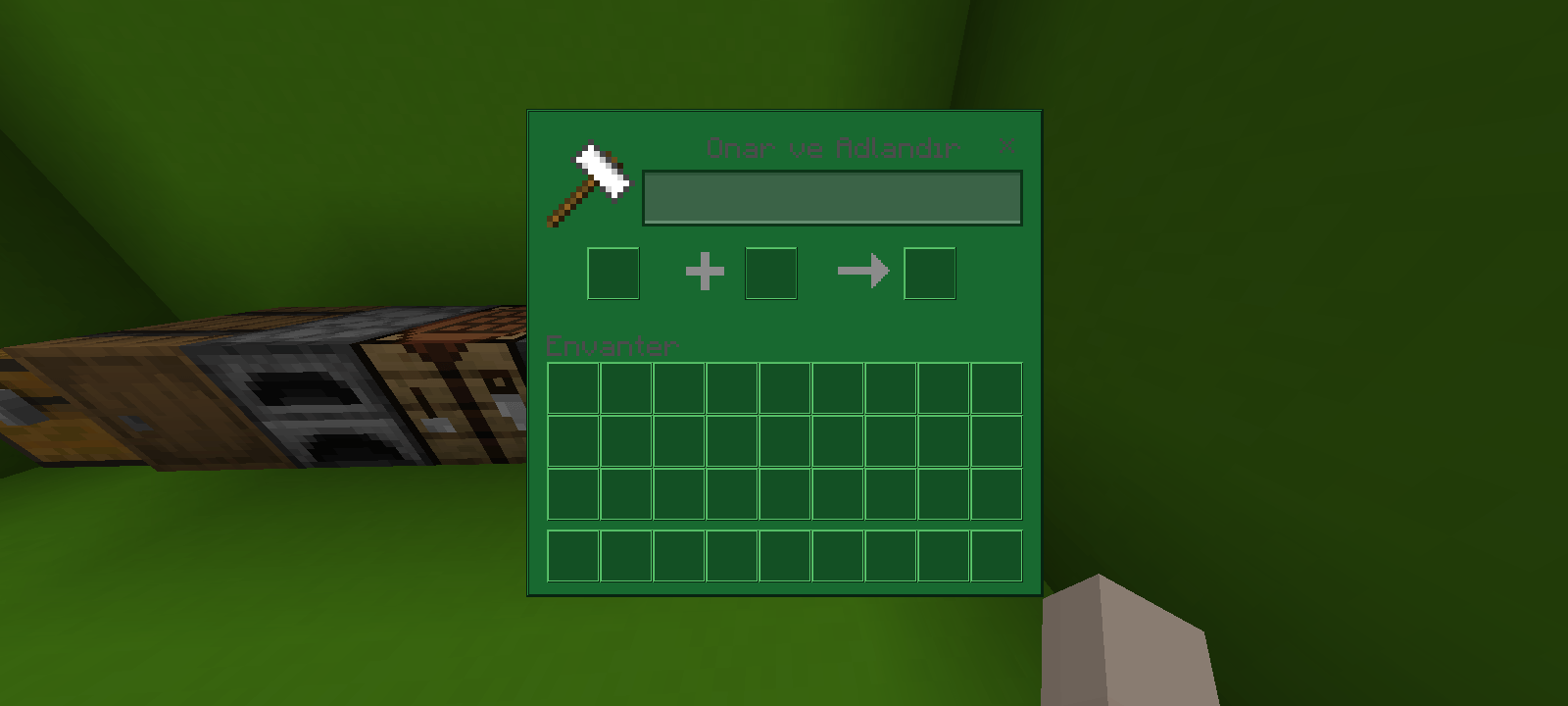
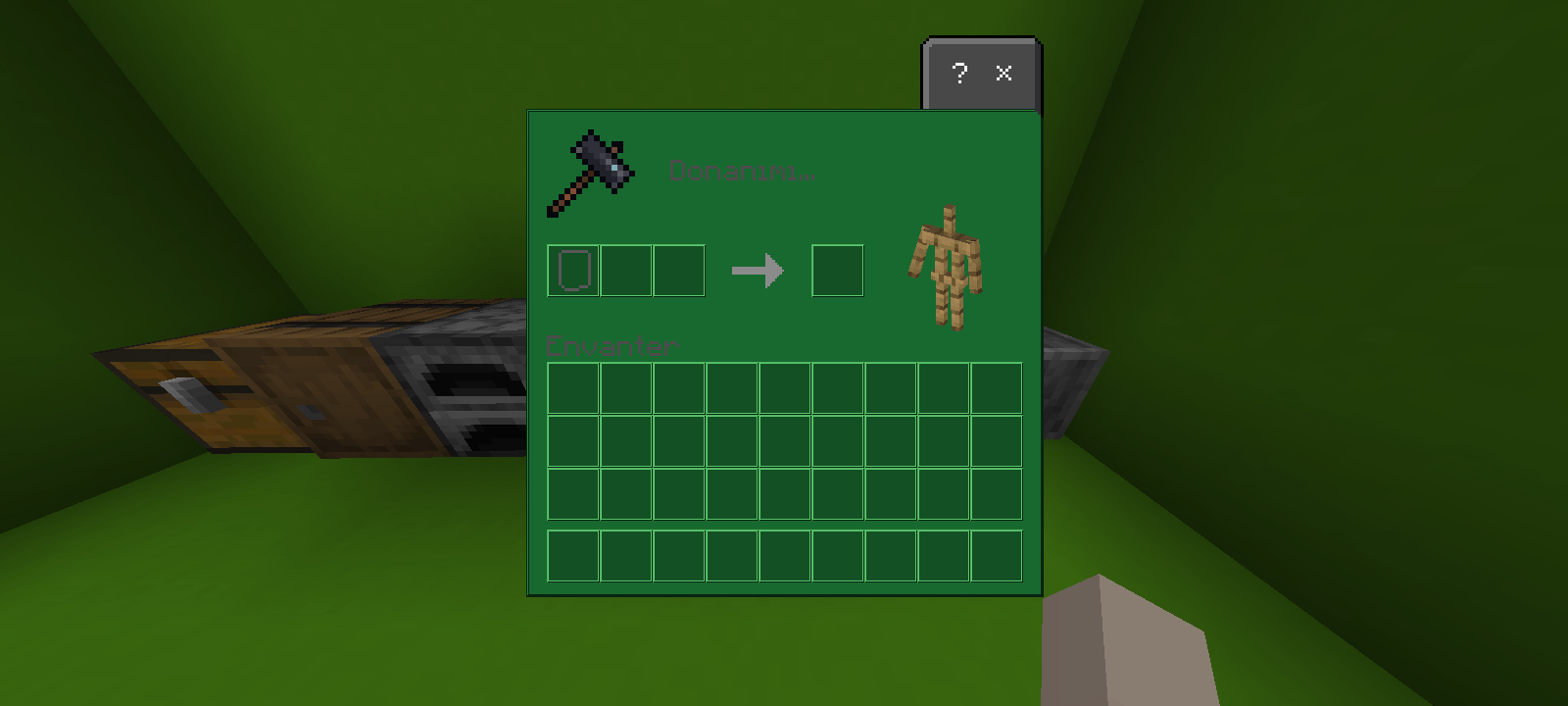
Green UI V2 is a clean and stylish green-themed user interface resource pack for Minecraft Bedrock Edition. It gives the game's interface a fresh green appearance while keeping the familiar Minecraft design and gameplay experience.
This pack focuses on improving the visual style of the Minecraft UI by replacing the original interface elements with a green-themed design. Menus and interface screens are designed to have a consistent green look, making the overall game experience feel more colorful and unique.
Features
- Green-themed Minecraft Bedrock UI
- Updated interface appearance
- Clean and simple visual design
- Consistent green color theme
- Designed for Minecraft Bedrock Edition
- Keeps the original gameplay mechanics unchanged
- Easy to install as a resource pack
- Lightweight and focused on visual changes
Compatibility
Green UI V2 is made for Minecraft Bedrock Edition. Make sure you use a compatible Minecraft version when installing the pack.
Installation
1. Download the Green UI V2 resource pack.
2. Open the ".mcpack" file with Minecraft Bedrock Edition.
3. Minecraft will import the resource pack automatically.
4. Open your world settings.
5. Go to Resource Packs.
6. Find Green UI V2 and activate it.
7. Enter your world and enjoy the new green interface.
Credits
Creator: CrexyMC
Green UI V2 is a visual resource pack and does not change the core gameplay mechanics of Minecraft. Its purpose is to provide a different and refreshing UI style for players who enjoy green-themed Minecraft interfaces.
If you enjoy the pack, consider leaving a comment or sharing your feedback. Your feedback can help improve future versions of the pack.
Green UI V2 — A fresh green look for your Minecraft Bedrock interface.
- Edition: Minecraft Bedrock
- File type: .mcpack
- Minecraft version listed: 26.40
- How to install: Download the .mcpack. → Open it — Minecraft imports it under Resource Packs. → Activate it in Global Resources, or for one world under Resource Packs → Available.
- Where to get it: Opens on CurseForge — not every file is mirrored on our own servers.
Install steps are the general flow for this file type — How to install Minecraft Bedrock texture packs walks through it step by step.
Green UI V2 is a free Minecraft Bedrock texture pack. Compatible with Minecraft 26.40. Downloaded 35 times (via CurseForge). Download it and open it directly in the game.