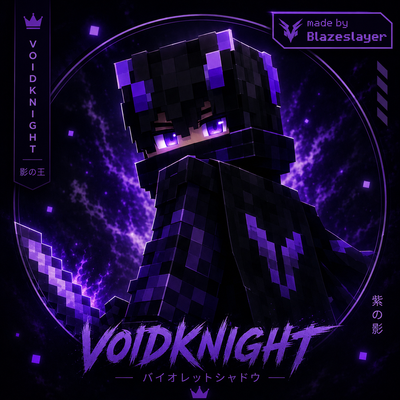
VoidKnight Skin
Bedrock skin pack listed for Minecraft 1.16–26.x. File opened and checked on 21 Aug 2026; installs from the MC Skins app on Android.
⬇ Download on CurseForge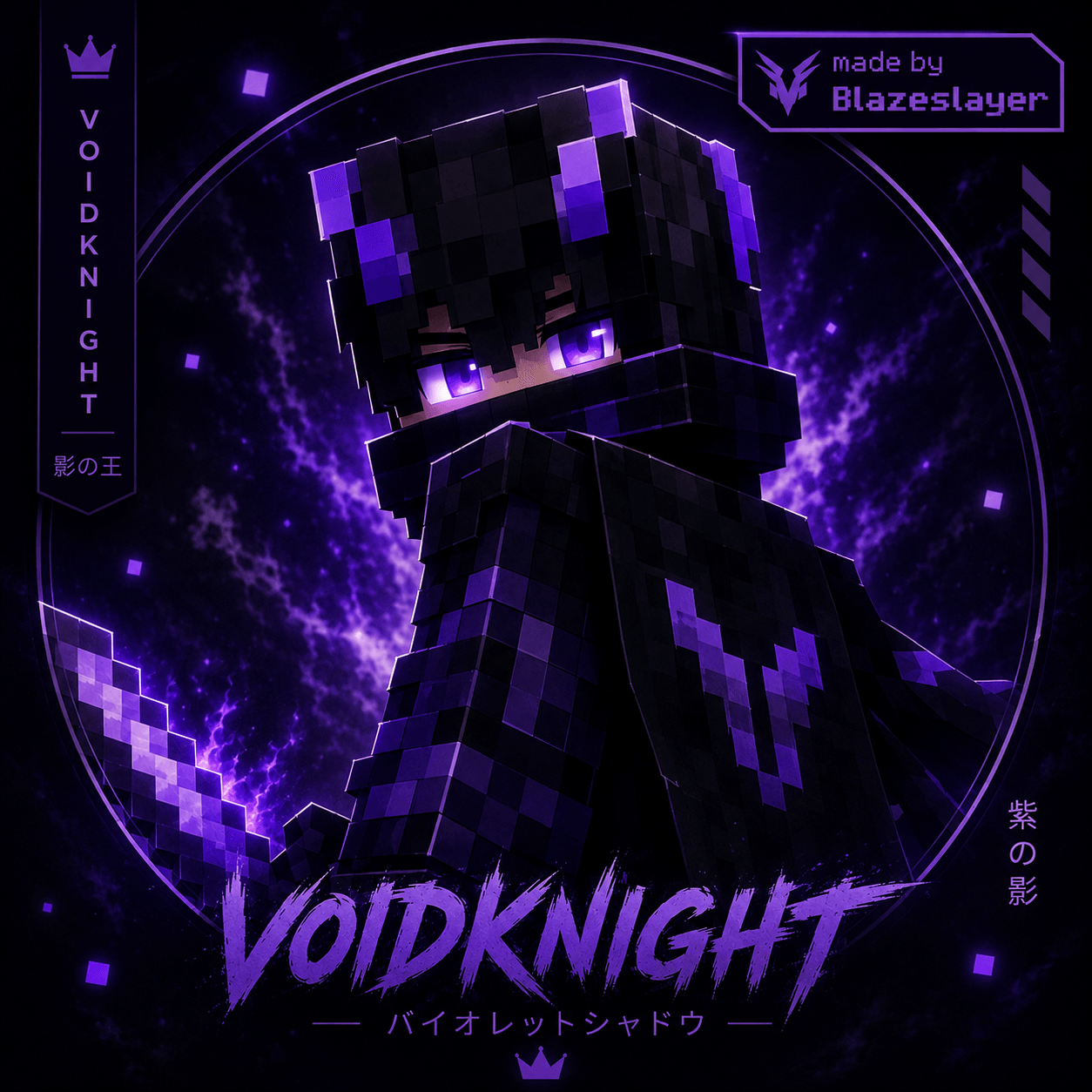
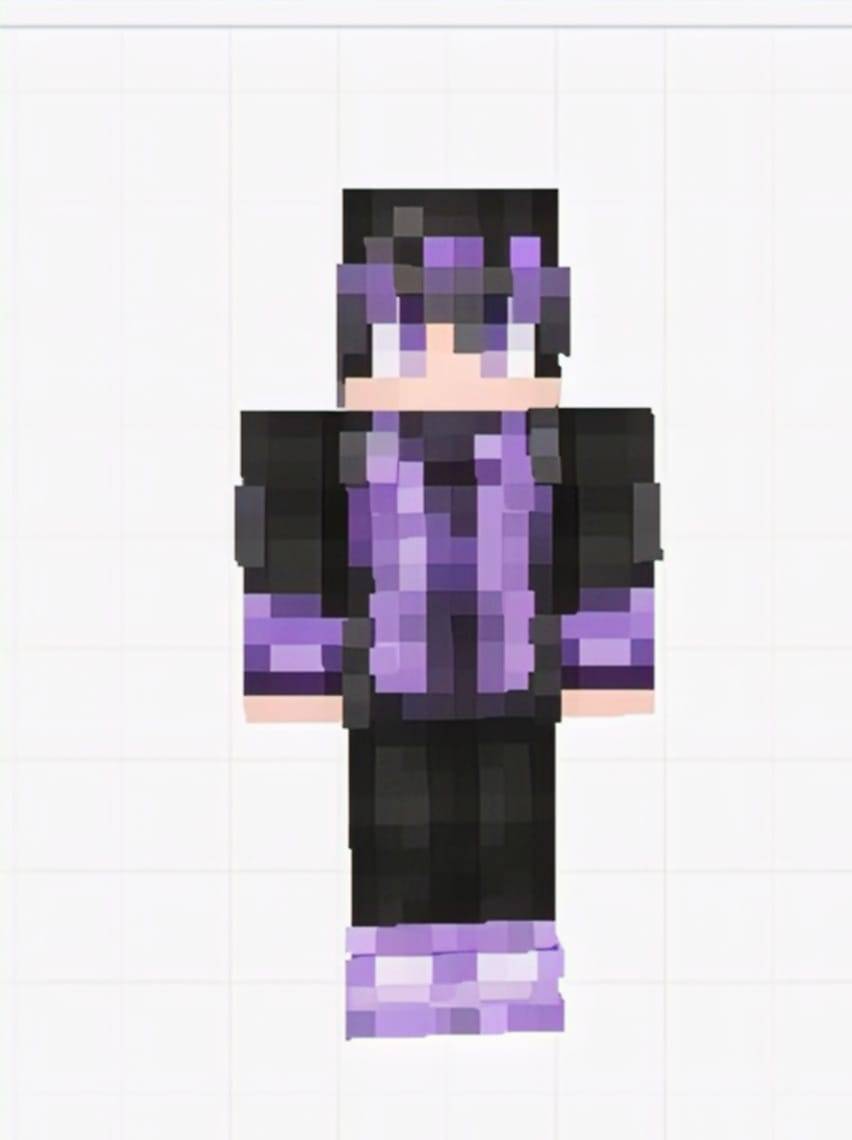
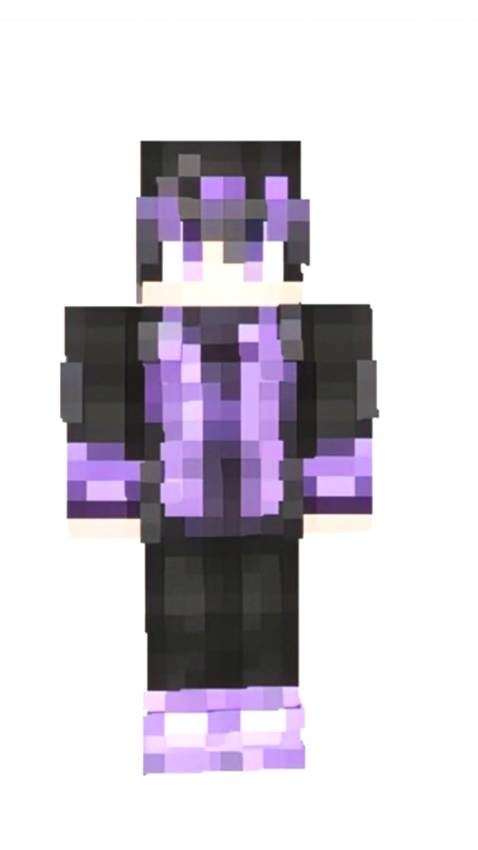
⚔️ Dark PvP Style: Black and purple armor gives the skin a powerful warrior look.
👁️ Glowing Violet Eyes: Makes your character look mysterious and intimidating.
🌌 Void-Themed Design: Purple energy and dark details create a unique shadow-warrior vibe.
🛡️ Clean Minecraft Look: Designed to look sharp and recognizable in MCPE without being overly complicated.
💜 Perfect for PvP: Great for BedWars, SkyWars, Survival, and competitive servers.
🔥 Stand Out: The purple-black color combination makes you noticeable among other players.
👑 Royal Warrior Vibe: Gives your character a powerful “Void King” identity.
🎮 Why use it? Use this skin when you want your MCPE character to look cool, mysterious, powerful, and PvP-ready.
- Edition: Minecraft Bedrock
- File type: .mcpack
- Minecraft versions listed: 26.20, 26.13, 26.30
- How to install: Download the .mcpack skin pack. → Open it — Minecraft imports it. → Open the Dressing Room and select the skin.
- Where to get it: Opens on CurseForge — not every file is mirrored on our own servers.
Install steps are the general flow for this file type — How to apply a custom Minecraft skin walks through it step by step.
- Pack type: .mcpack — a single pack
- Manifest requires Minecraft 1.16.0 or newer
- Complete pack — everything it depends on is inside the file
- Download size: 7 KB
- Download link checked 2 Oct 2026 — working
These come from our own check of the pack file, not from the source page.