ShadersBedrock
Sulfur FPS Booster Shader (26.x) – Reduced Particle Effects for Smooth Mobile
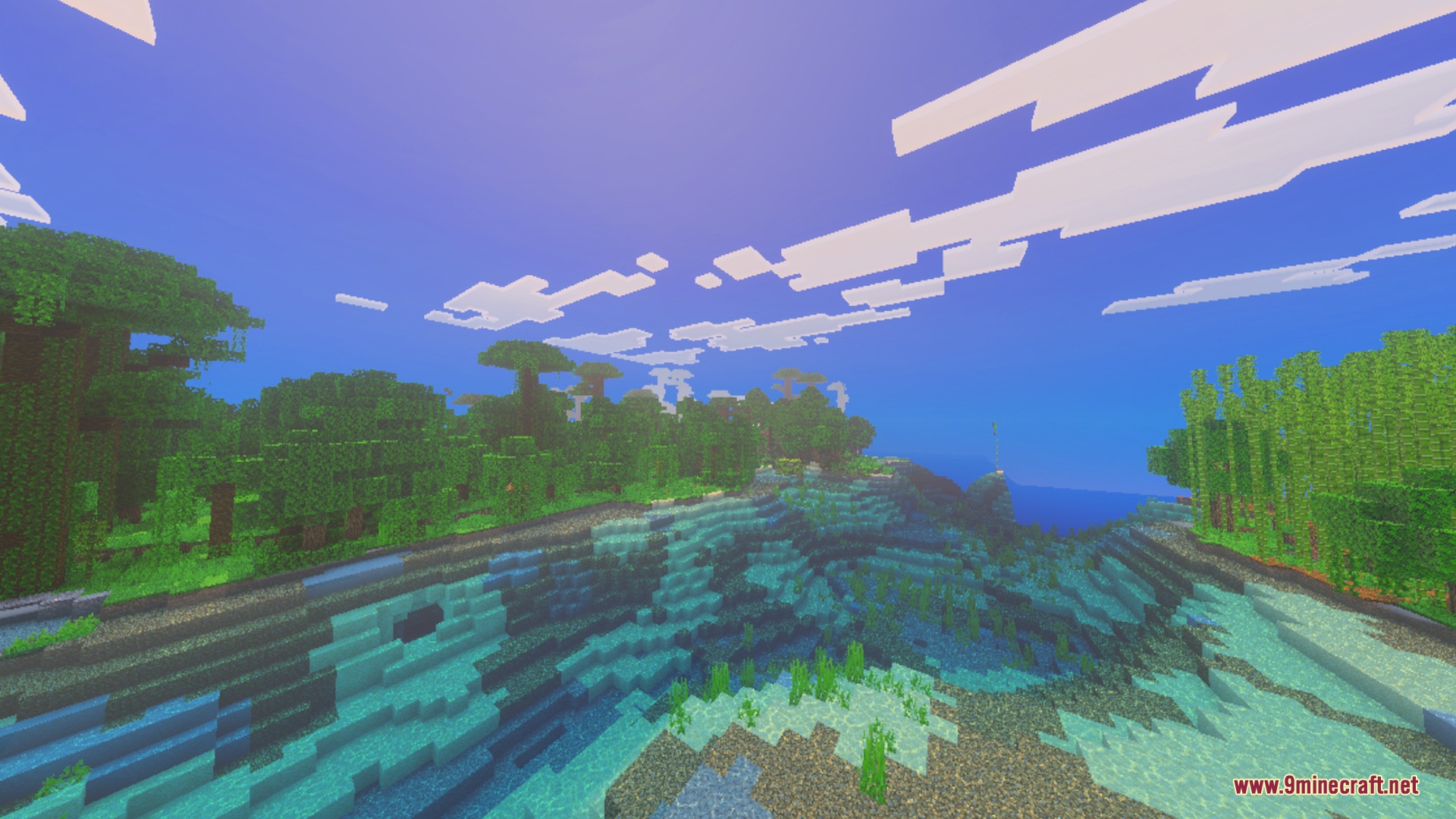
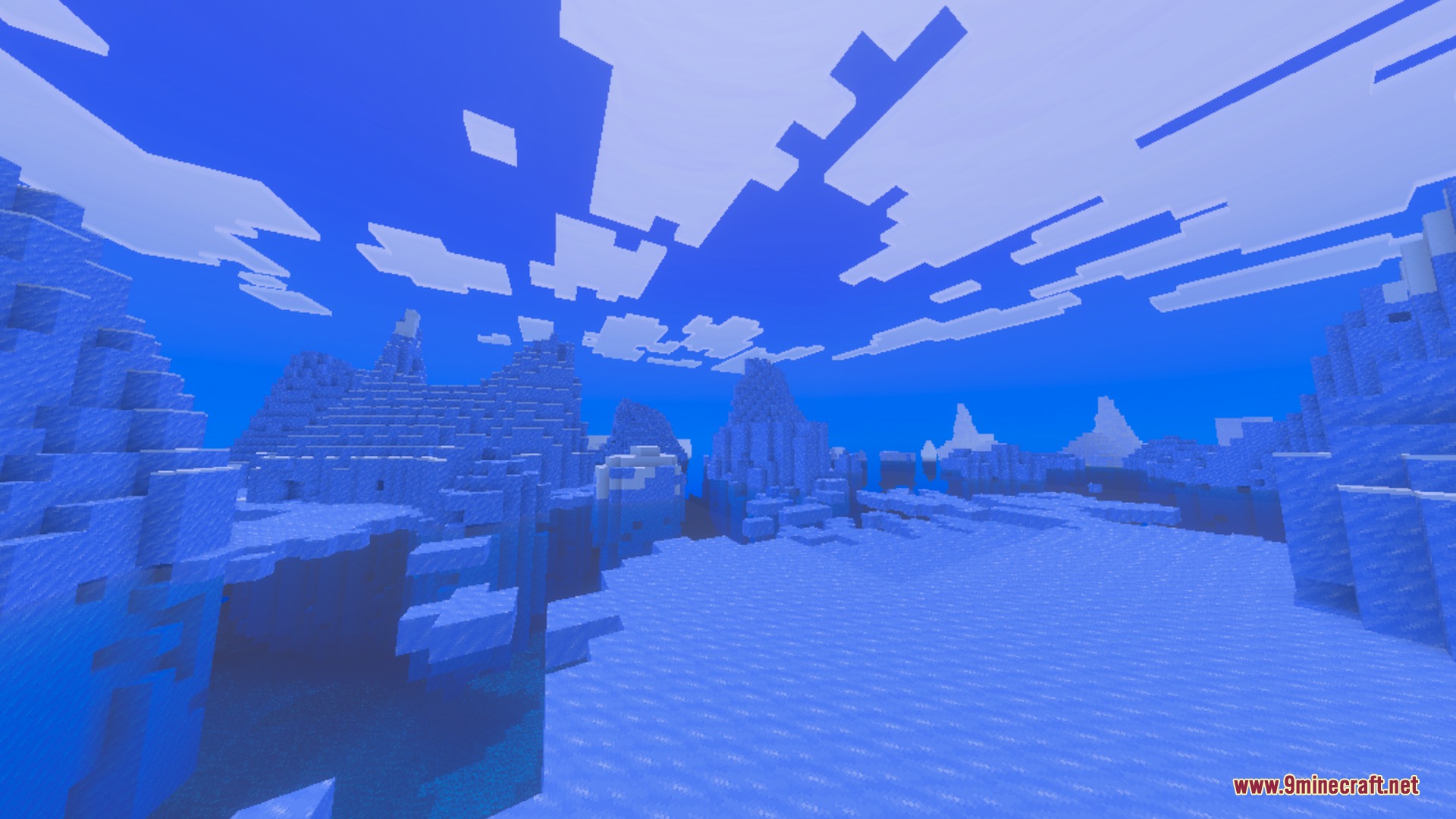
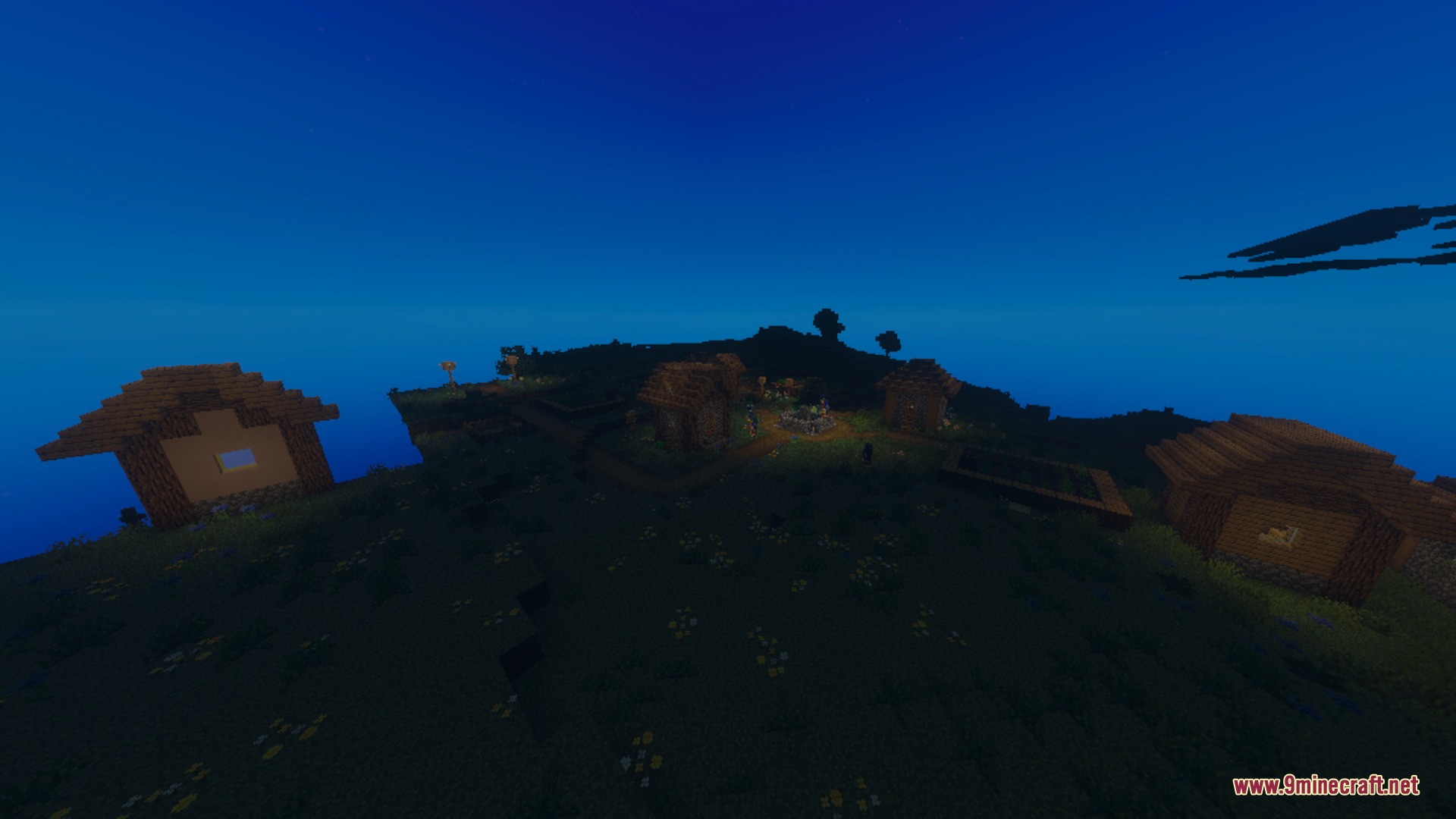
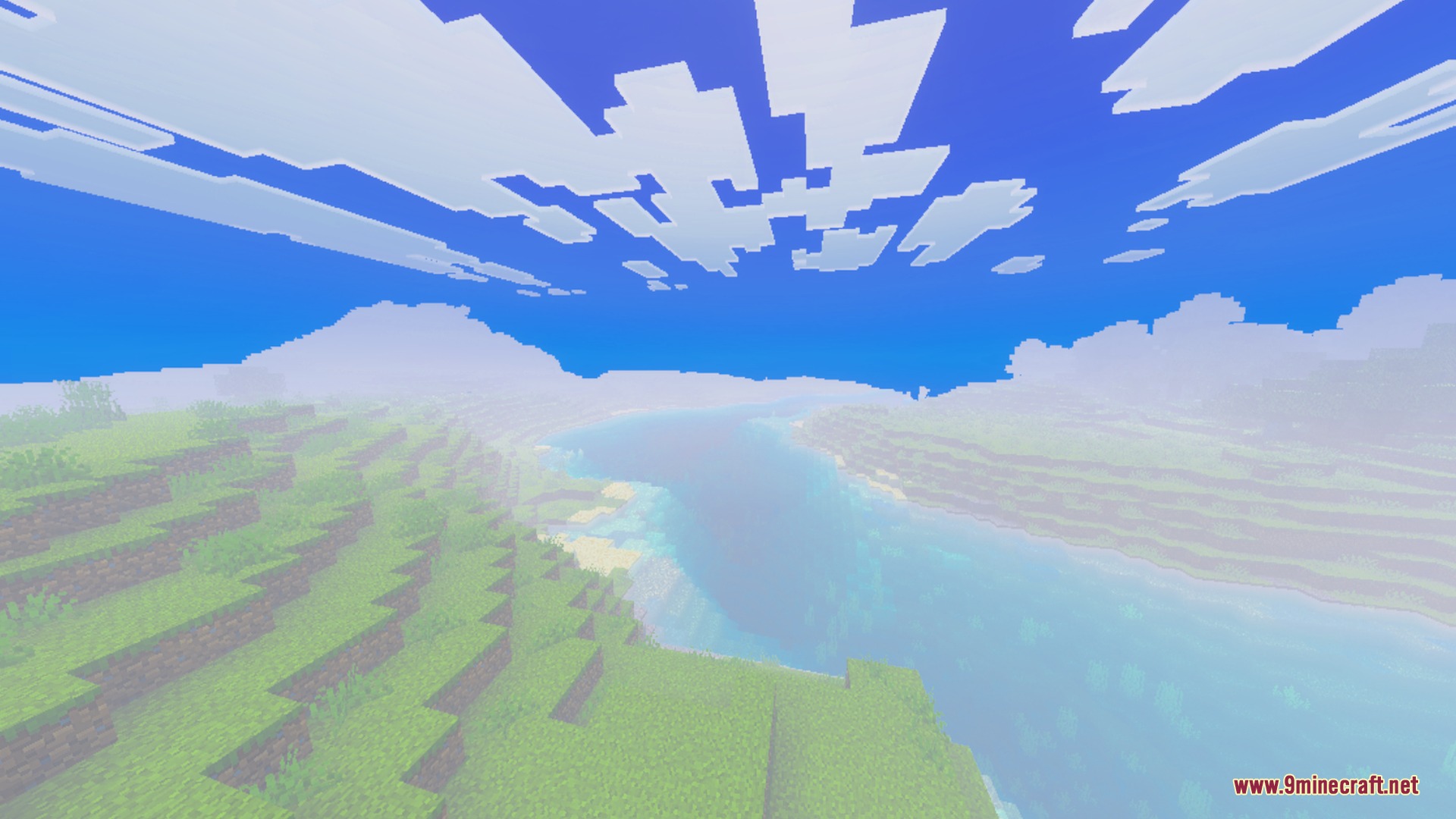
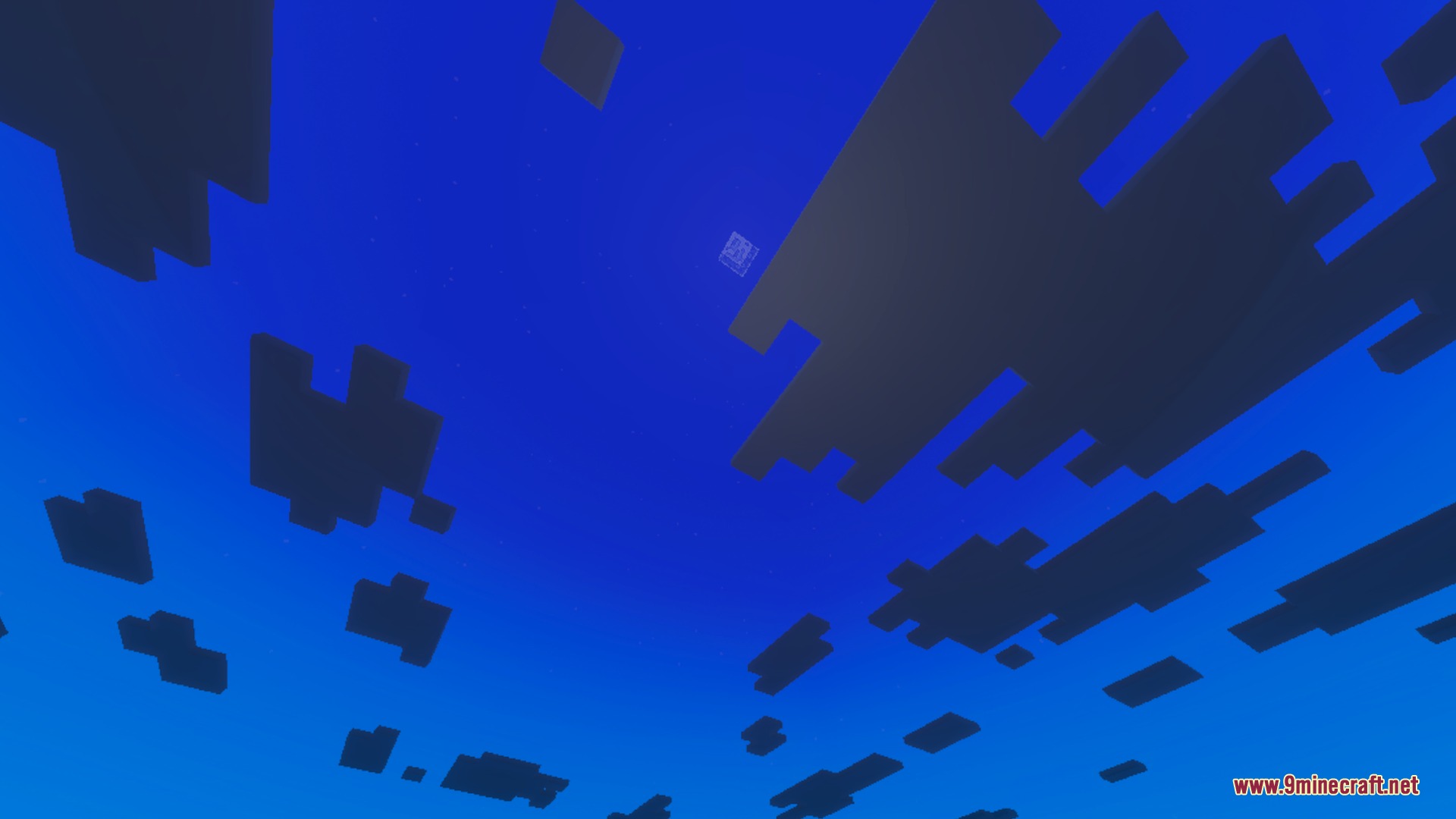
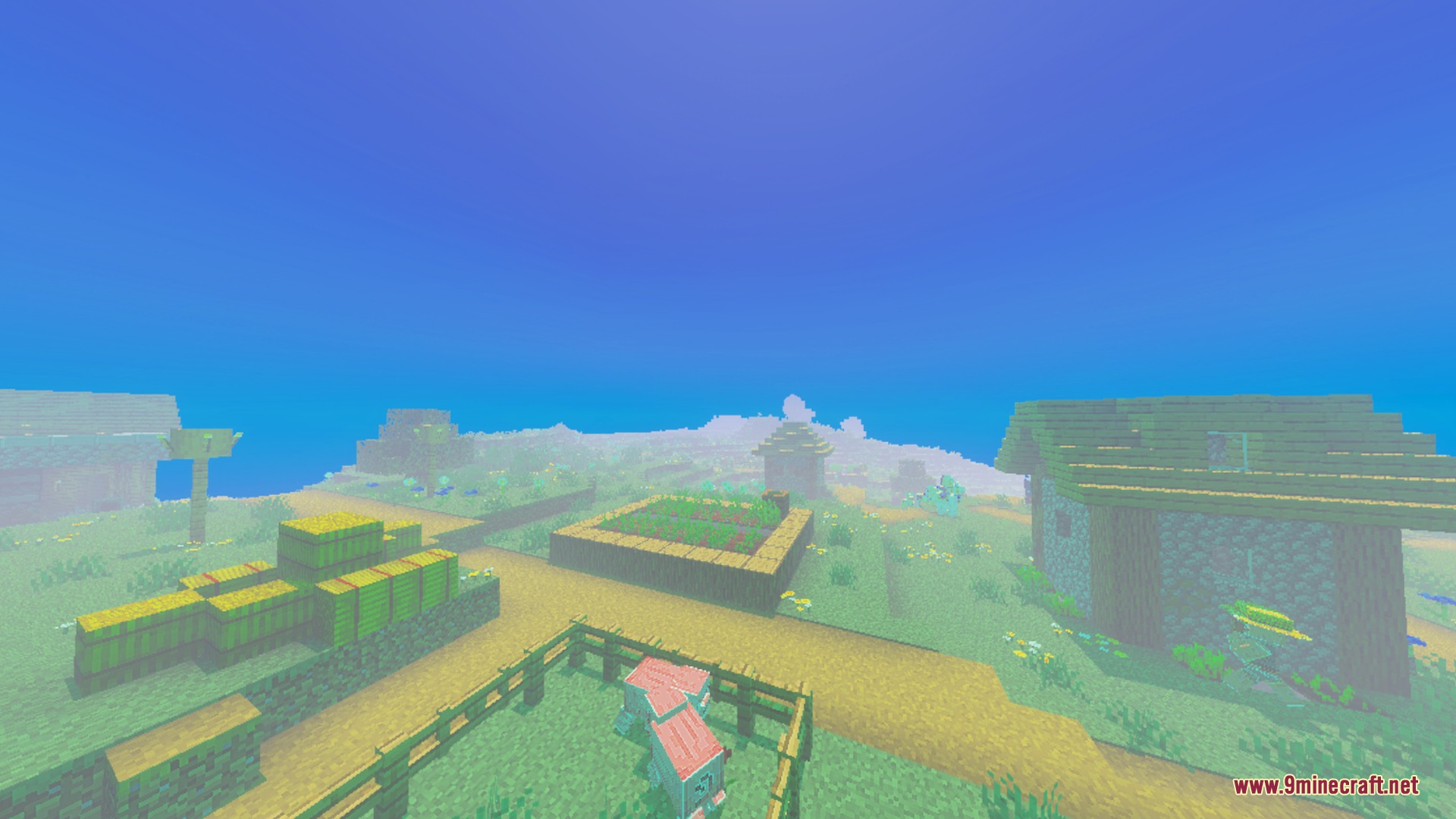
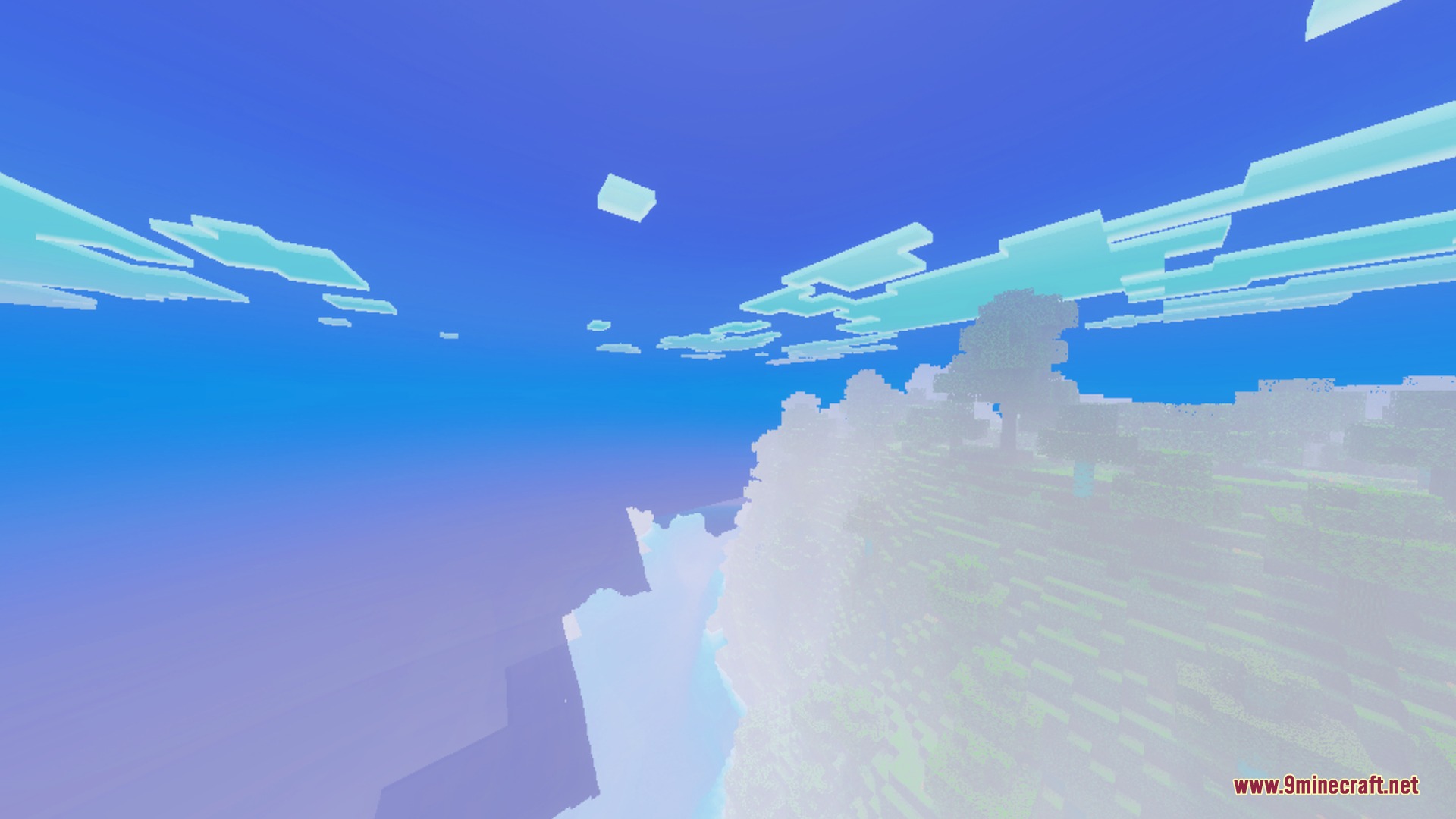
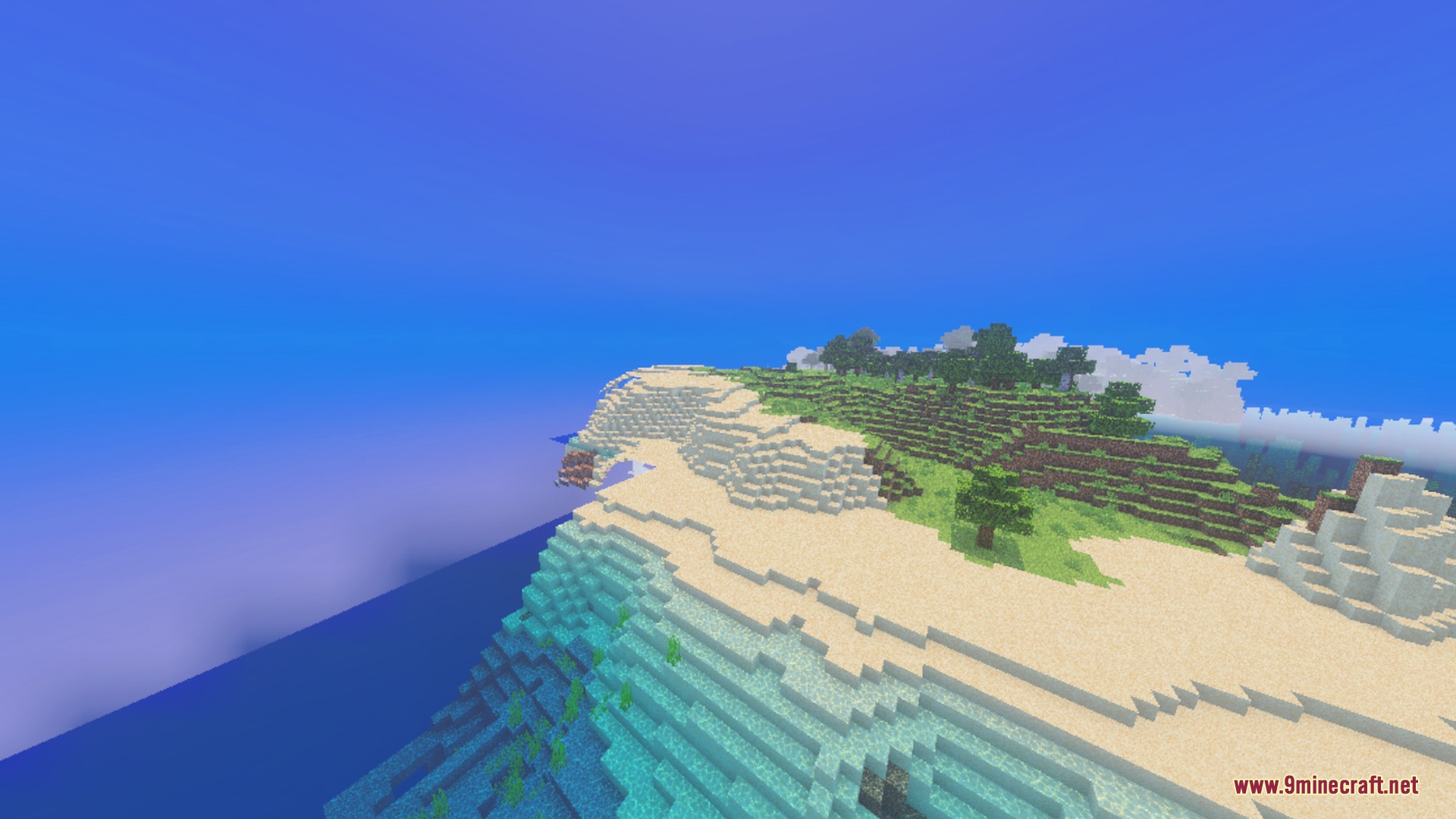
Sulfur FPS booster improves overall game performance without removing the core visual experience. It reduces heavy particle effects and simplifies animations to deliver smoother gameplay across your worlds. This allows you to explore dense biomes with fewer lag spikes and more stable frame rates.
Features:
- Improves FPS stability and minimizes lag spikes.
- Reduces heavy particles for better overall performance.
- Simplifies visual animations to stop stuttering.
- Boosts frame rates in dense jungle and forest biomes.
- Runs smoothly across most mobile devices.
Screenshots:
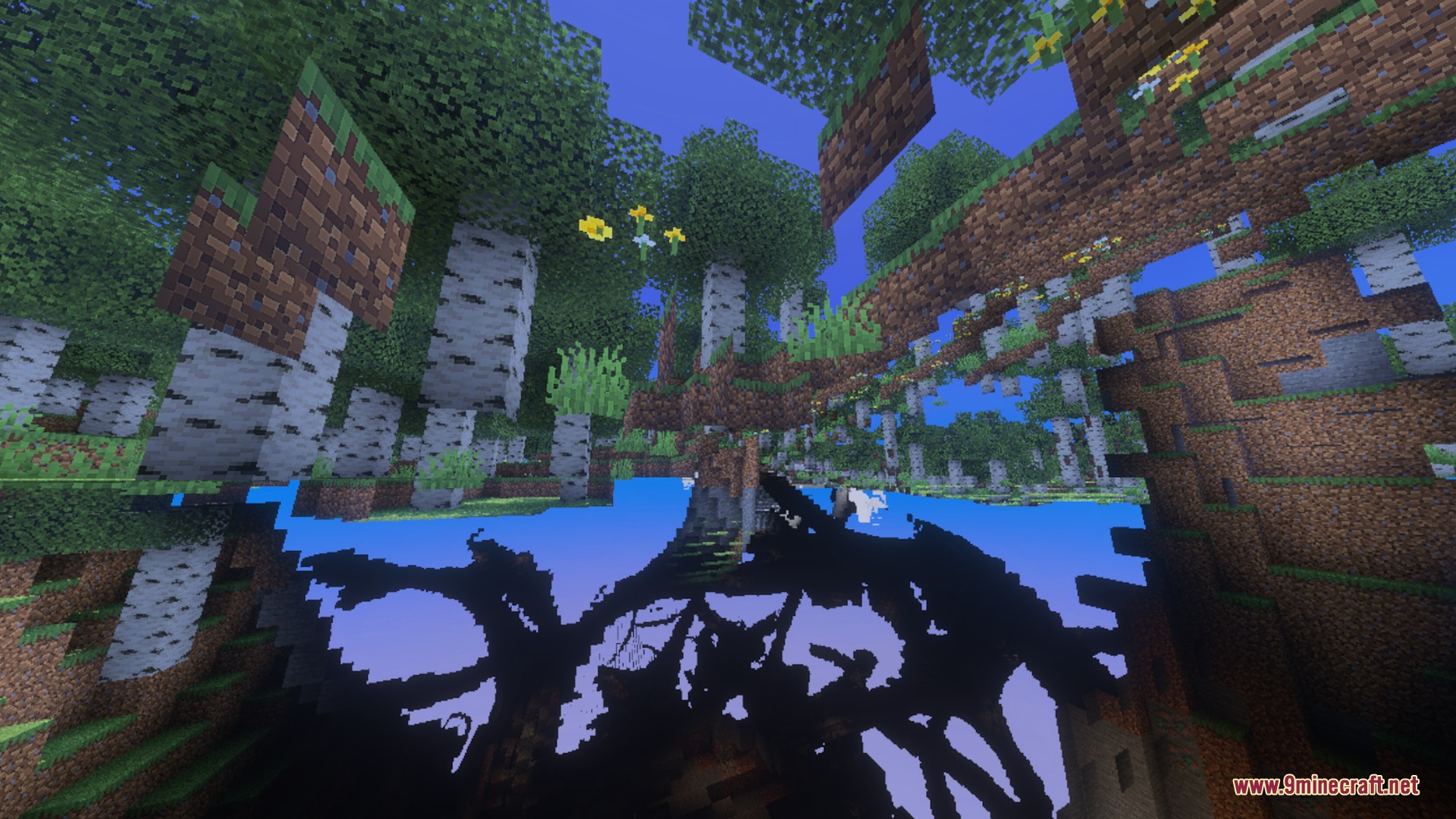
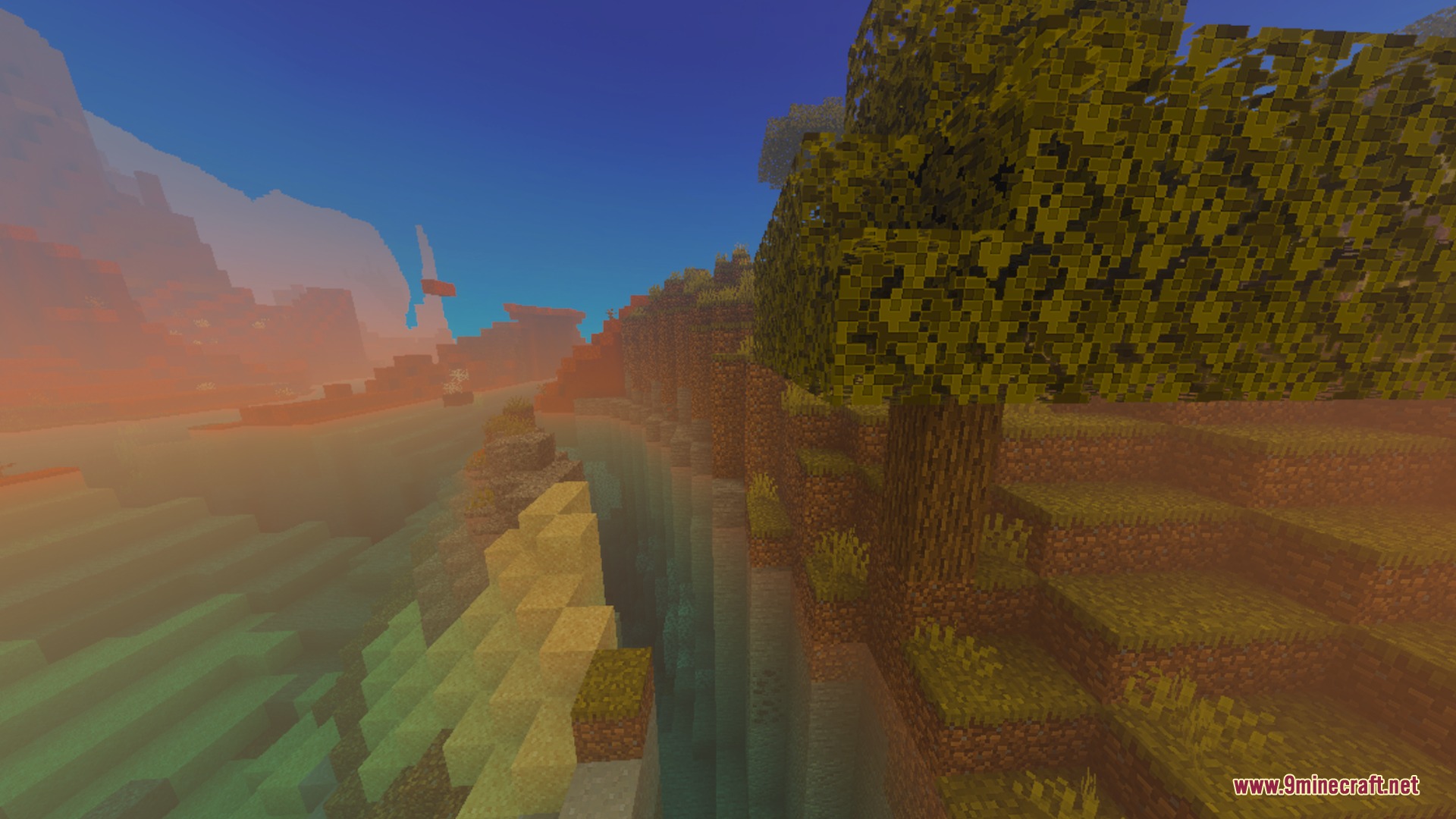
Motion:
Sulfur FPS Booster Shader Download Links
Quick facts
- Edition: Minecraft Bedrock
- File type: .mcpack
- How to install: Download the .mcpack. → Open it — Minecraft imports it under Resource Packs. → Activate it in Global Resources, or for one world under Resource Packs → Available.
- Where to get it: In MCModsHub, or directly above on this page.
Install steps are the general flow for this file type — How to install Minecraft Bedrock texture packs walks through it step by step.
Verified by MCModsHub
- Save it as 487813.mcaddon before opening — it downloads as .mcpack, but it is a .mcaddon pack
- Manifest requires Minecraft 1.20.0 or newer
- Complete pack — everything it depends on is inside the file
- Download size: 20.3 MB
- Download link checked 25 Aug 2026 — working
- Mirrored on our own servers — the download does not depend on the original host
These come from our own check of the pack file, not from the source page.