Nova Horizon — Lightweight Visuals
Bedrock texture pack listed for Minecraft 26.x. File opened and checked on 23 Aug 2026; installs from the MC Bedrock Mods app on Android.
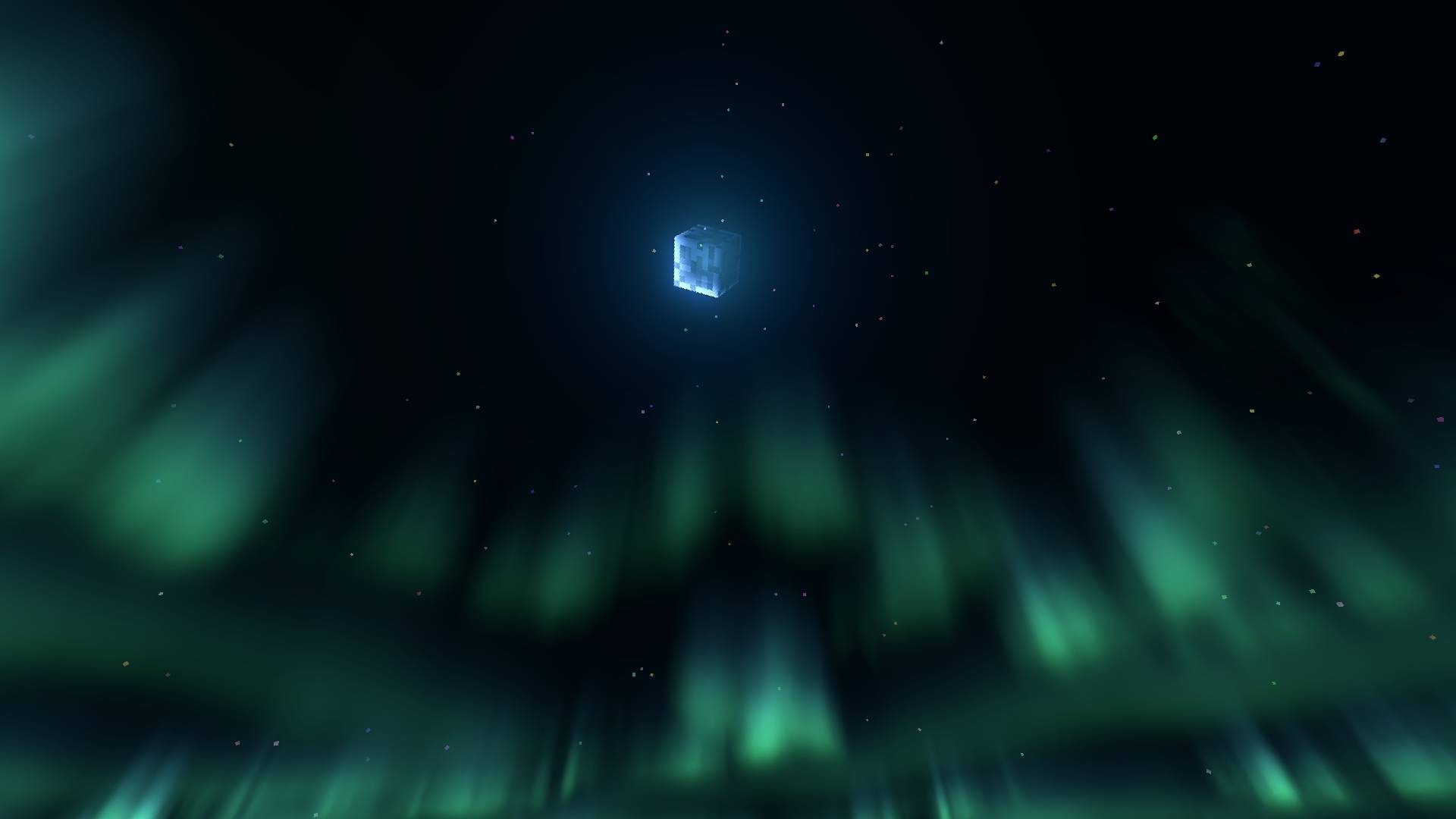
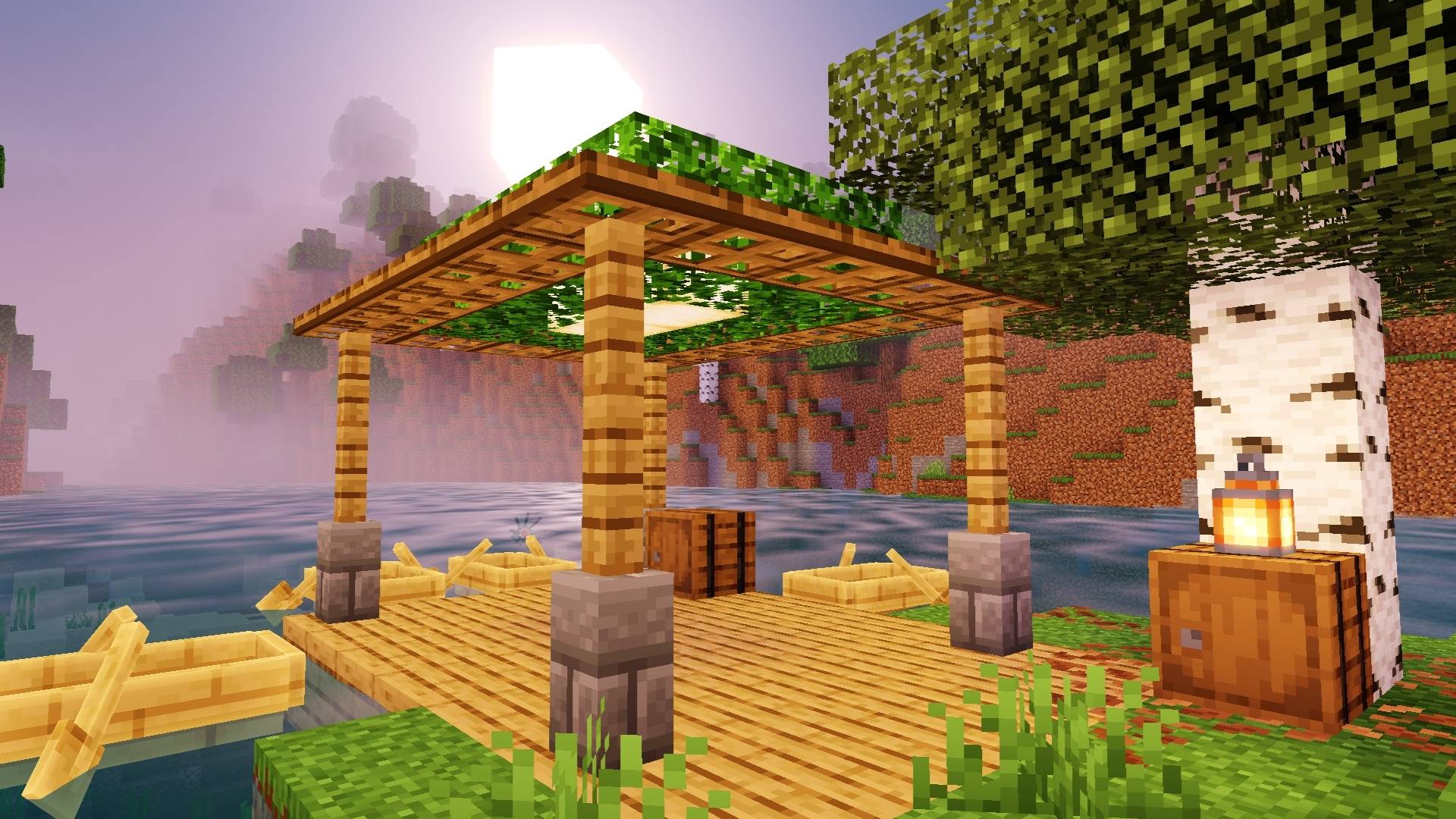
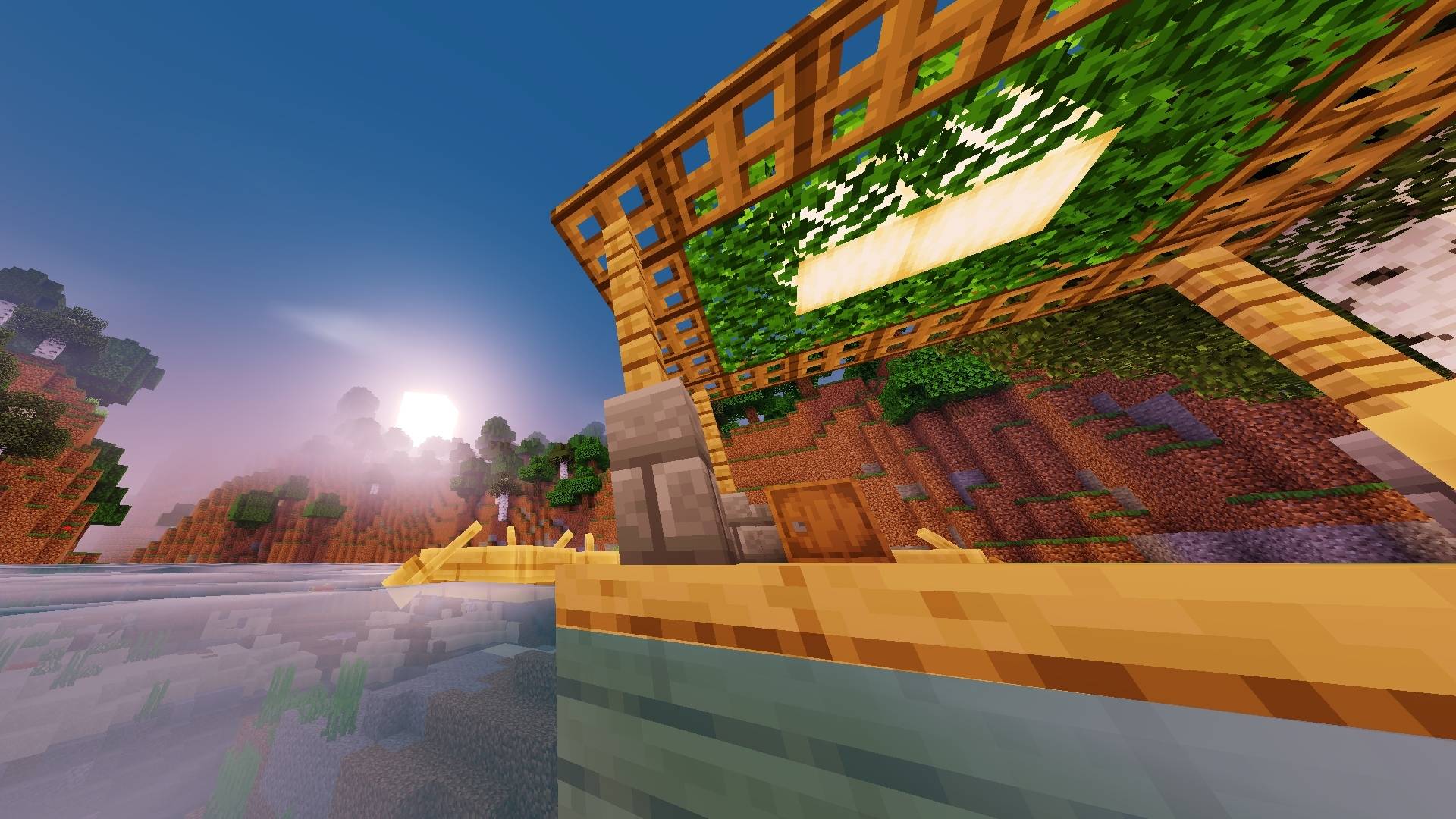
A visual enhancement pack for Minecraft Bedrock Edition, bringing richer lighting, atmospheric effects, vibrant colors, and a more immersive world — built…
⬇ Download on CurseForge
Nova Horizon
Enhanced Minecraft visuals. Lightweight, atmospheric, and built for Android.
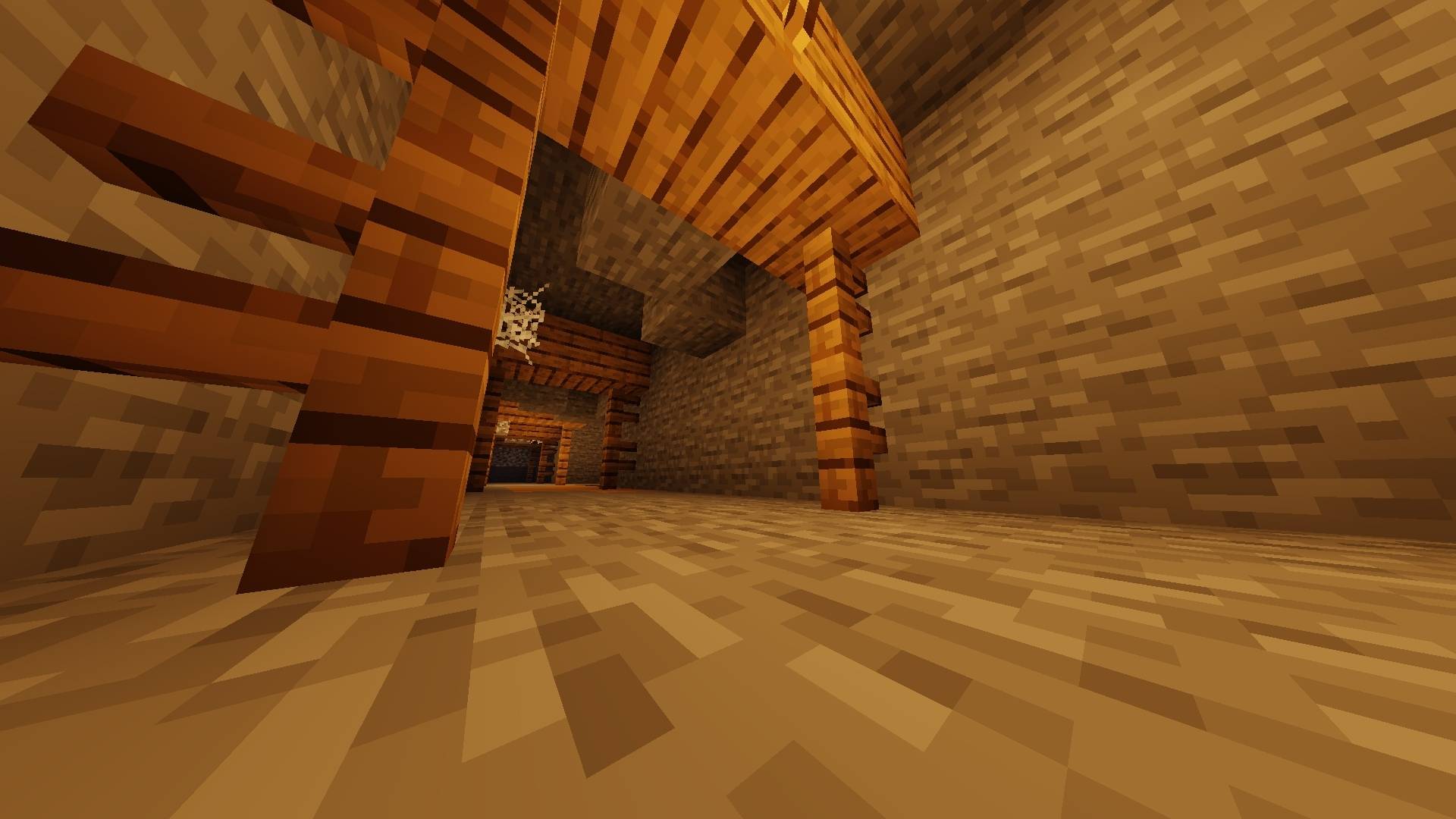
Nova Horizon is a lightweight visual enhancement for Minecraft Bedrock Edition, featuring improved lighting, atmospheric effects, vibrant environments, enhanced water, and immersive visuals.
Android Only
Nova Horizon currently supports Android Minecraft only through compatible loaders or patched Minecraft clients.
Installation
Requirements
- Minecraft Bedrock Edition on Android
- MB Loader or a compatible patched Minecraft client
- The Nova Horizon
.mcpackfile
Method 1 — MB Loader
- Download the latest Nova Horizon
.mcpack. - Open the
.mcpackfile with MB Loader. - Follow MB Loader's installation/import process.
- Launch Minecraft.
- Enable Nova Horizon in the appropriate resource/shader section.
- Enter a world and enjoy.
Method 2 — Patched Minecraft
- Download the latest Nova Horizon
.mcpack. - Open/import the pack using your patched Minecraft client.
- Enable the pack in Minecraft's resource/shader settings.
- Restart Minecraft if required.
- Enter a world and enjoy Nova Horizon.
Features
- Atmospheric lighting
- Enhanced water
- Improved environmental visuals
- Vibrant colors
- Immersive lighting effects
- Lightweight design
- Android-focused performance
Compatibility
Platform: Android
Minecraft Edition: Bedrock
Supported: MB Loader / compatible patched Minecraft clients
Note: Nova Horizon is currently developed and tested specifically for Android. Compatibility with other platforms or clients is not guaranteed.
- Edition: Minecraft Bedrock
- File type: .mcpack
- Minecraft versions listed: 26.30, 26.40
- How to install: Download the .mcpack. → Open it — Minecraft imports it under Resource Packs. → Activate it in Global Resources, or for one world under Resource Packs → Available.
- Where to get it: Opens on CurseForge — not every file is mirrored on our own servers.
Install steps are the general flow for this file type — How to install Minecraft Bedrock texture packs walks through it step by step.
- Pack type: .mcpack — a single pack
- Manifest requires Minecraft 1.26.30 or newer
- Complete pack — everything it depends on is inside the file
- Download size: 1.2 MB
- Download link checked 3 Oct 2026 — working
These come from our own check of the pack file, not from the source page.