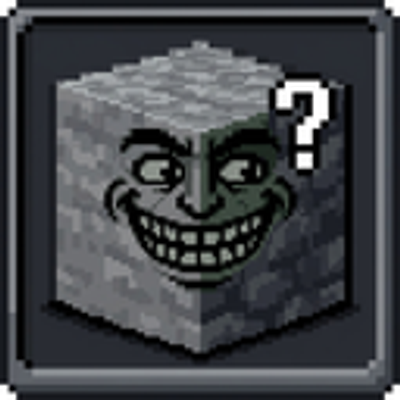
PrankOres Addon by Srkuls
Bedrock texture pack listed for Minecraft 1.17–26.x. File opened and checked on 22 Oct 2026; installs from the MC Bedrock Mods app on Android.
PrankOre addon is for pranking friends with changing ore's texture with common blocks like netherracks, stones or deepslates
⬇ Download on CurseForge
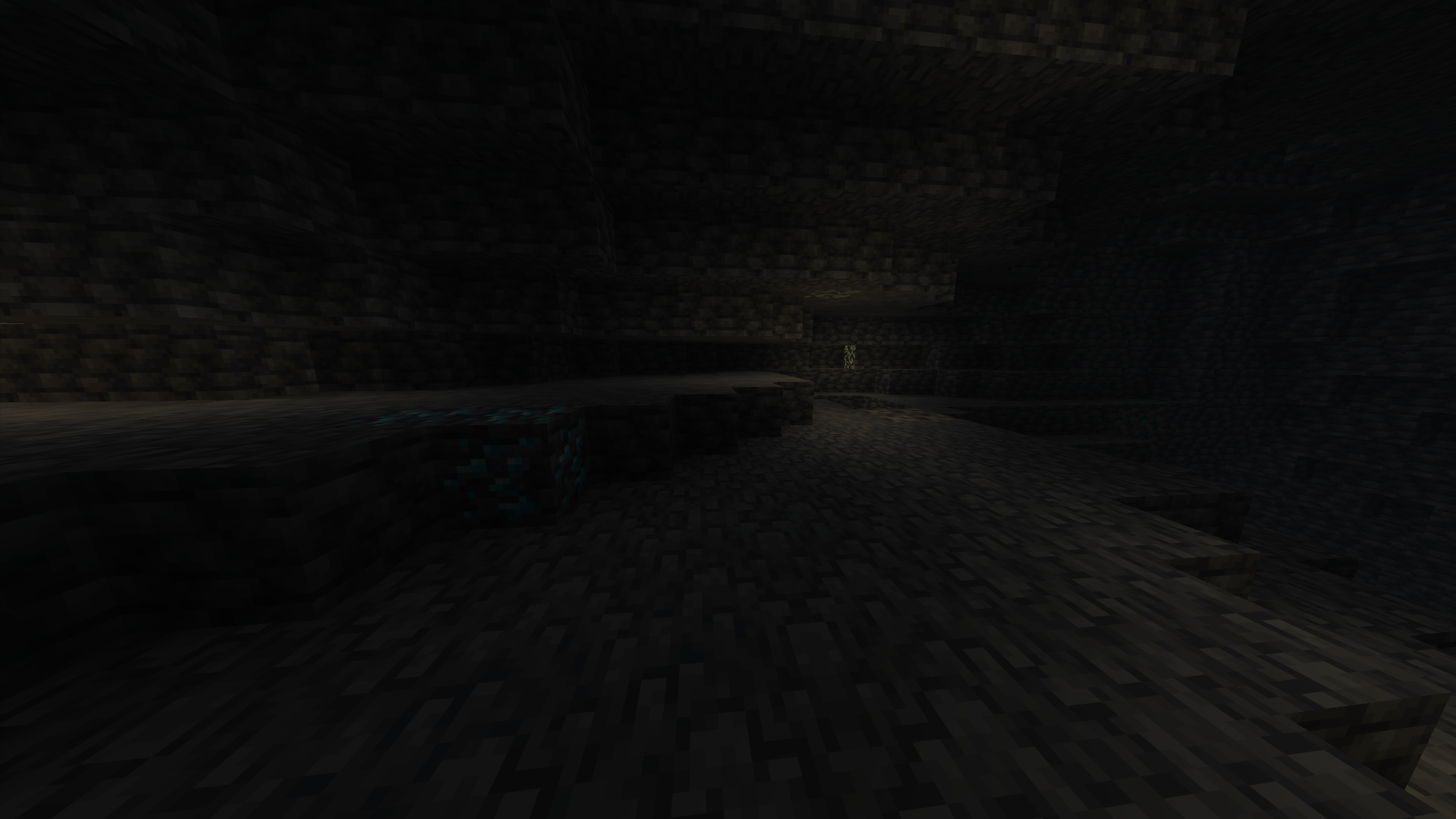
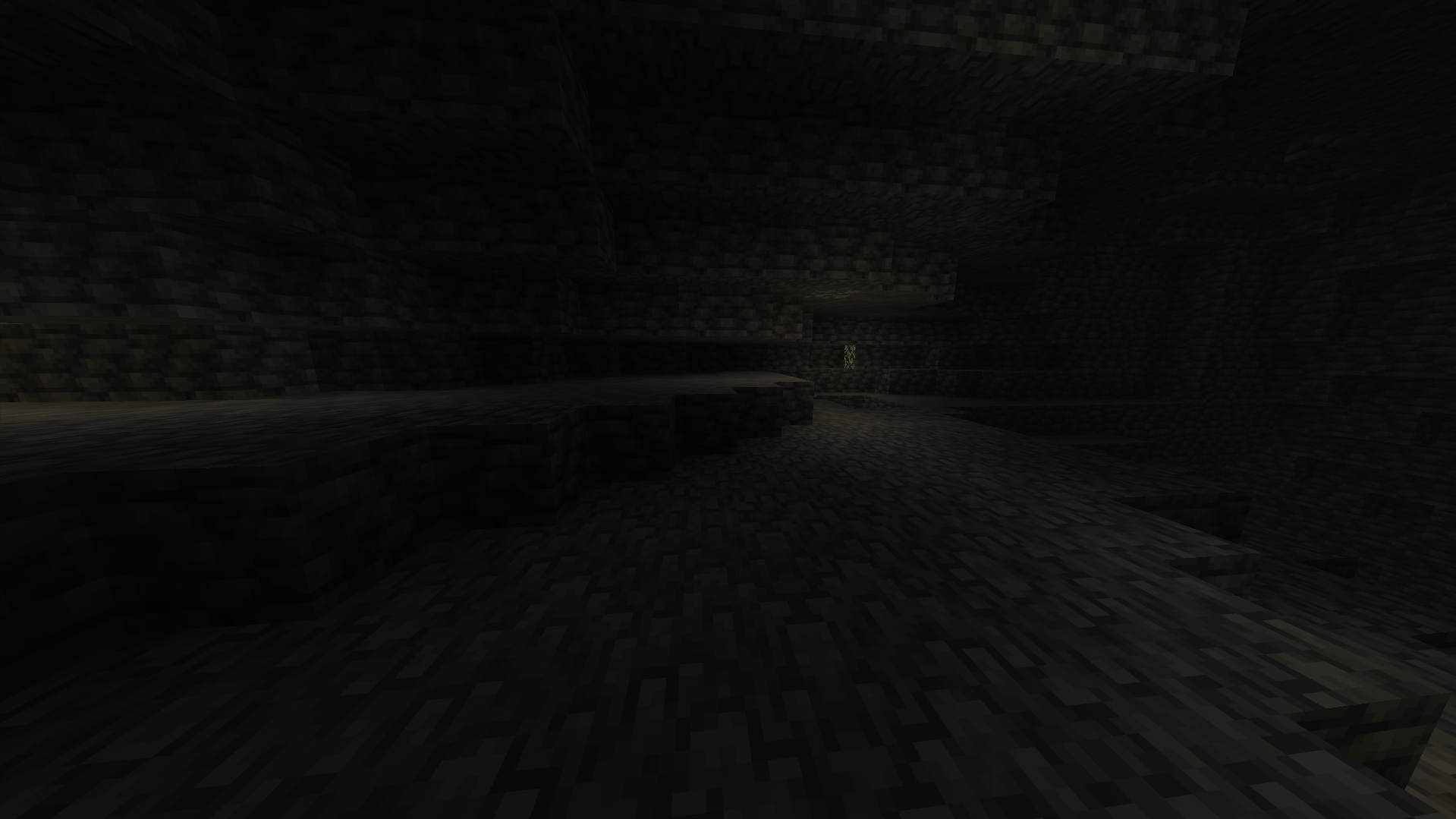
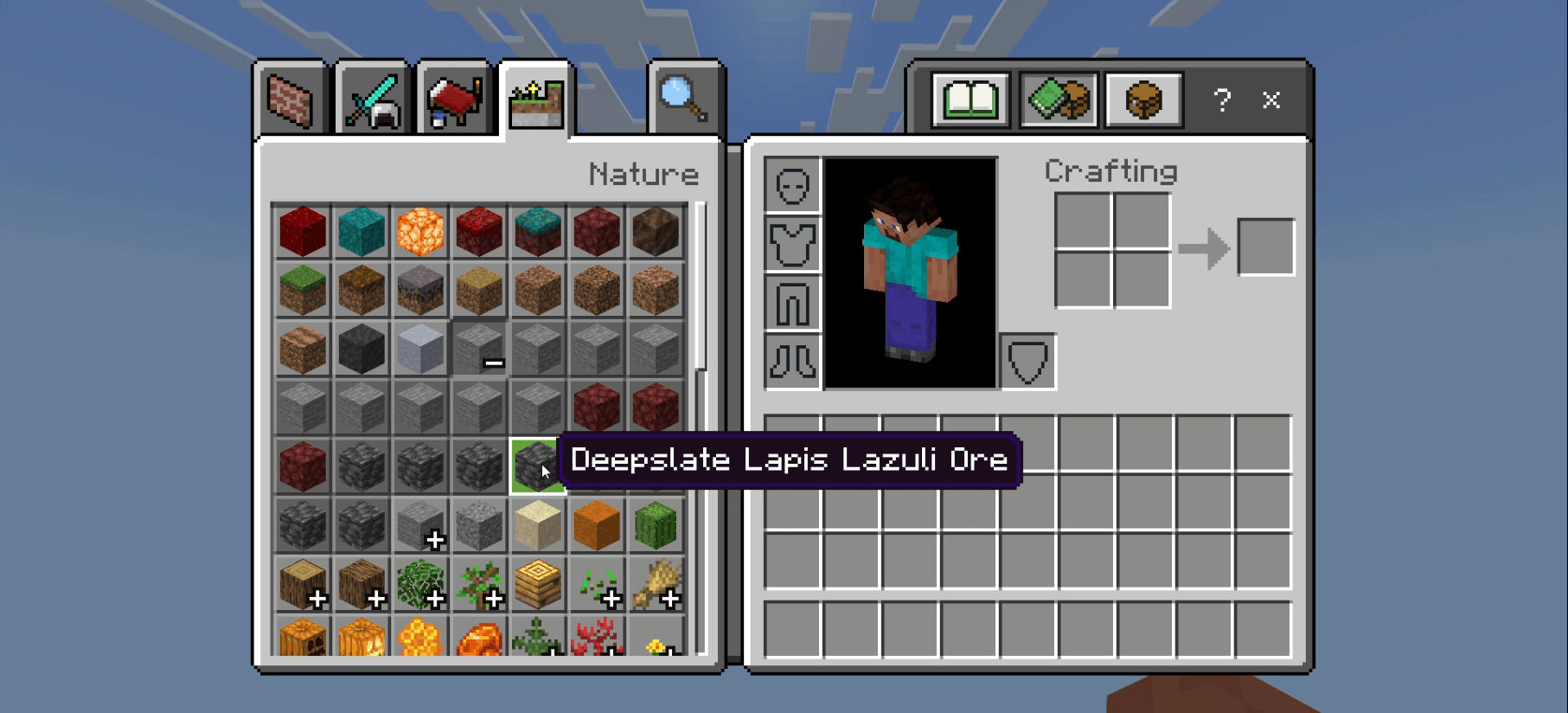
# 🎭 Ore Camouflage (Bedrock Edition) - One-Click Prank Pack (.mcpack)
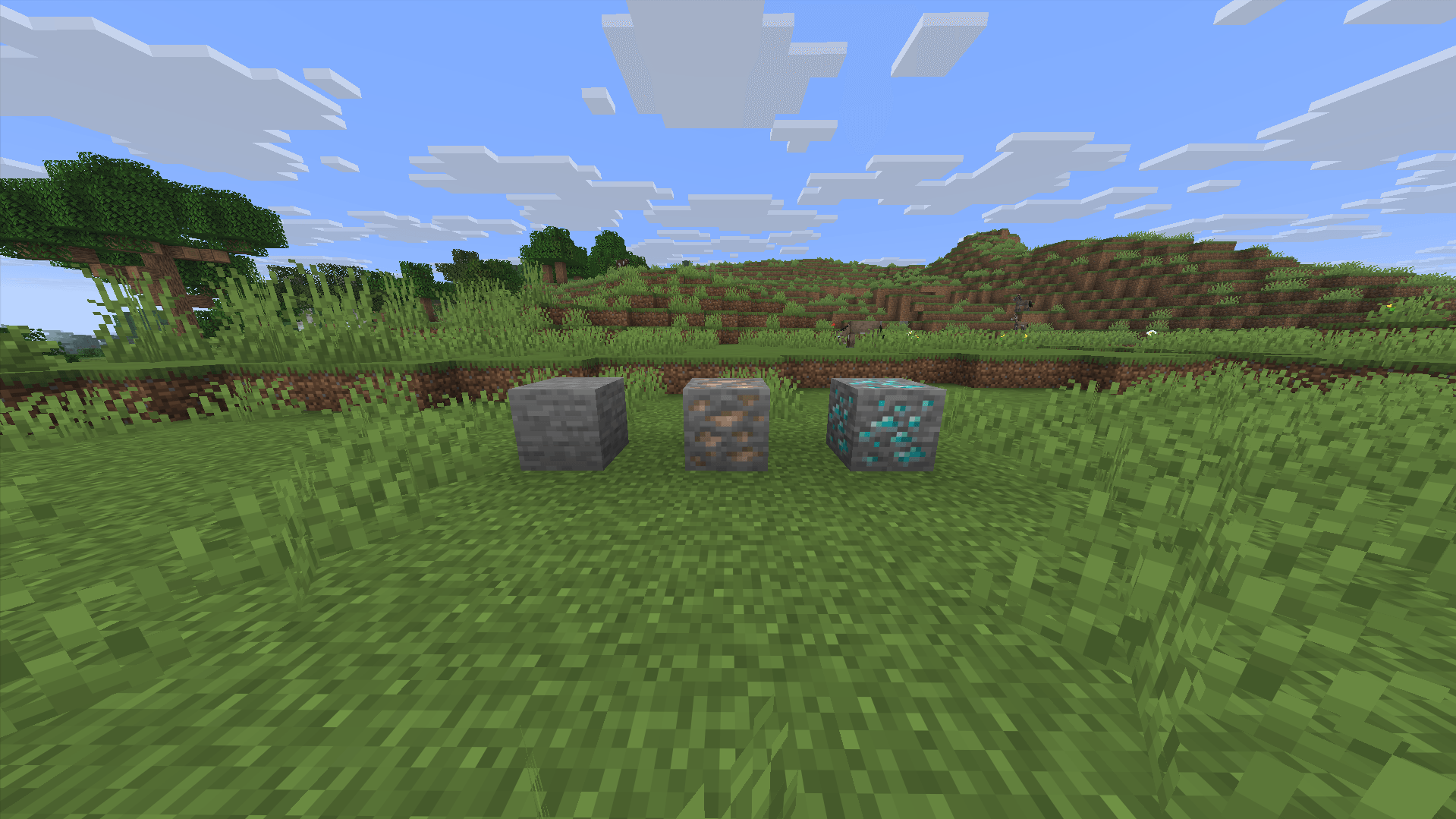
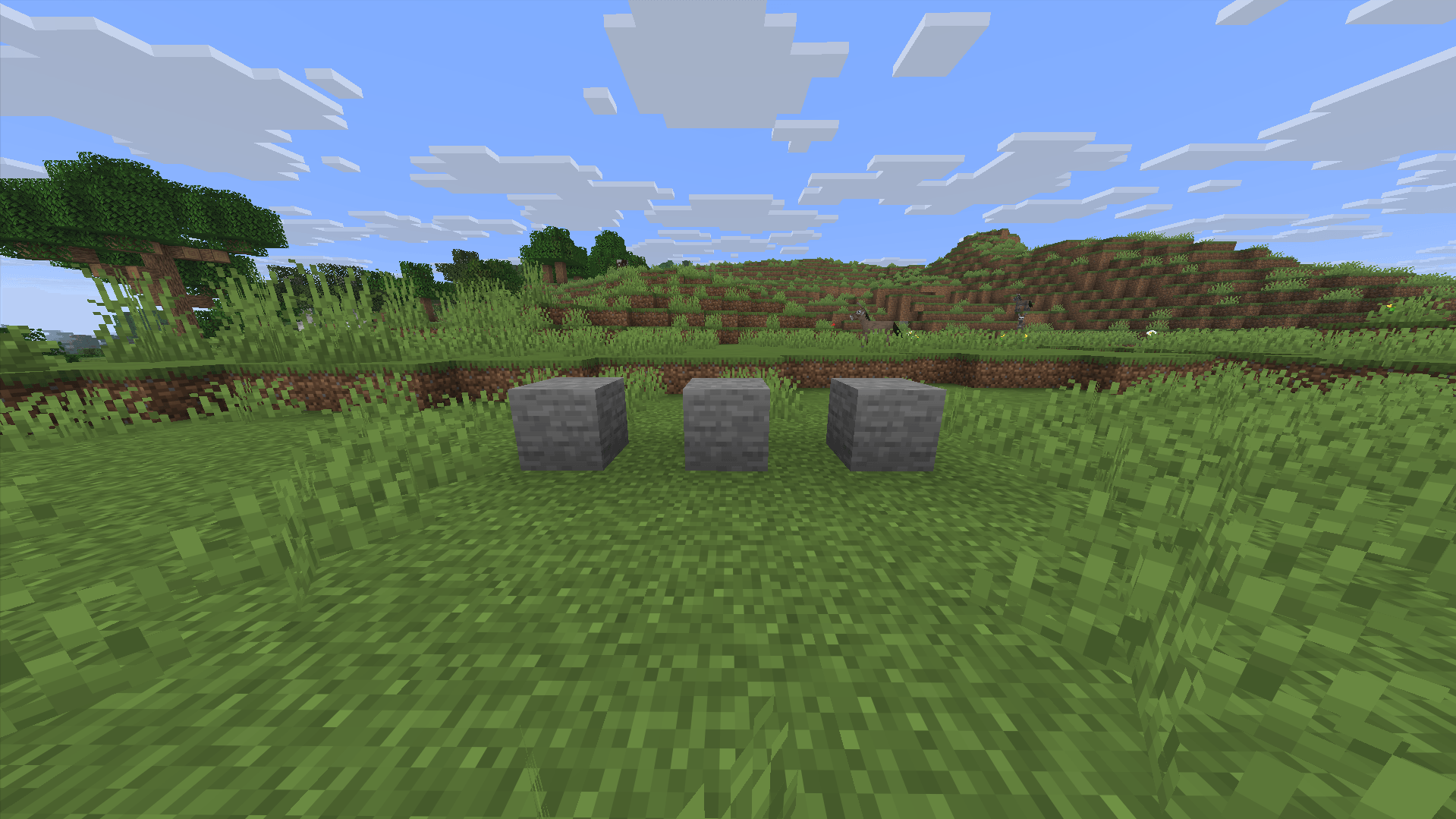
Disguise all ores in Minecraft Bedrock Edition! **Ore Camouflage** turns all Overworld and Nether ores into standard Stone, Deepslate, Netherrack, and Blackstone textures.
Perfect for trolling your friends on Realms, Realm servers, or multiplayer survival worlds across Mobile, Console, and PC!
---
## ✨ Key Features:
- 🪨 **Overworld Ores**: Coal, Iron, Copper, Gold, Redstone, Lapis, Diamond, and Emerald look **100% like regular Stone**.
- 🧱 **Deepslate Ores**: All Deepslate ore variants look **100% like Deepslate**.
- 🔥 **Nether Ores**: Nether Quartz, Nether Gold, and Ancient Debris look **100% like Netherrack**.
- ⬛ **Gilded Blackstone**: Disguised as standard **Blackstone**.
- 📲 **1-Click Import**: Download `.mcpack` and double-click to import instantly into Minecraft Bedrock!
---
## 📱 Platforms & Compatibility:
- **Platforms**: Windows 10/11, iOS, Android, Xbox, PlayStation, Nintendo Switch.
- **Bedrock Versions**: 1.17+ up to the latest 1.21+ updates.
---
## ⚙️ How to Install (Bedrock Edition):
1. Download `Ore_Camouflage_Bedrock_v1.1.0.mcpack`.
2. Open/Double-click the file on your device (Minecraft will open automatically and import it).
3. Go to **Settings** -> **Global Resources** (or World Settings) -> **My Packs** and activate **Ore Camouflage**.
- Edition: Minecraft Bedrock
- File type: .mcpack
- Minecraft versions listed: 26.20, 26.13, 26.30
- How to install: Download the .mcpack. → Open it — Minecraft imports it under Resource Packs. → Activate it in Global Resources, or for one world under Resource Packs → Available.
- Where to get it: Opens on CurseForge — not every file is mirrored on our own servers.
Install steps are the general flow for this file type — How to install Minecraft Bedrock texture packs walks through it step by step.
- Pack type: .mcpack — a single pack
- Manifest requires Minecraft 1.17.0 or newer
- Complete pack — everything it depends on is inside the file
- Download size: 37 KB
- Download link checked 24 Oct 2026 — working
These come from our own check of the pack file, not from the source page.