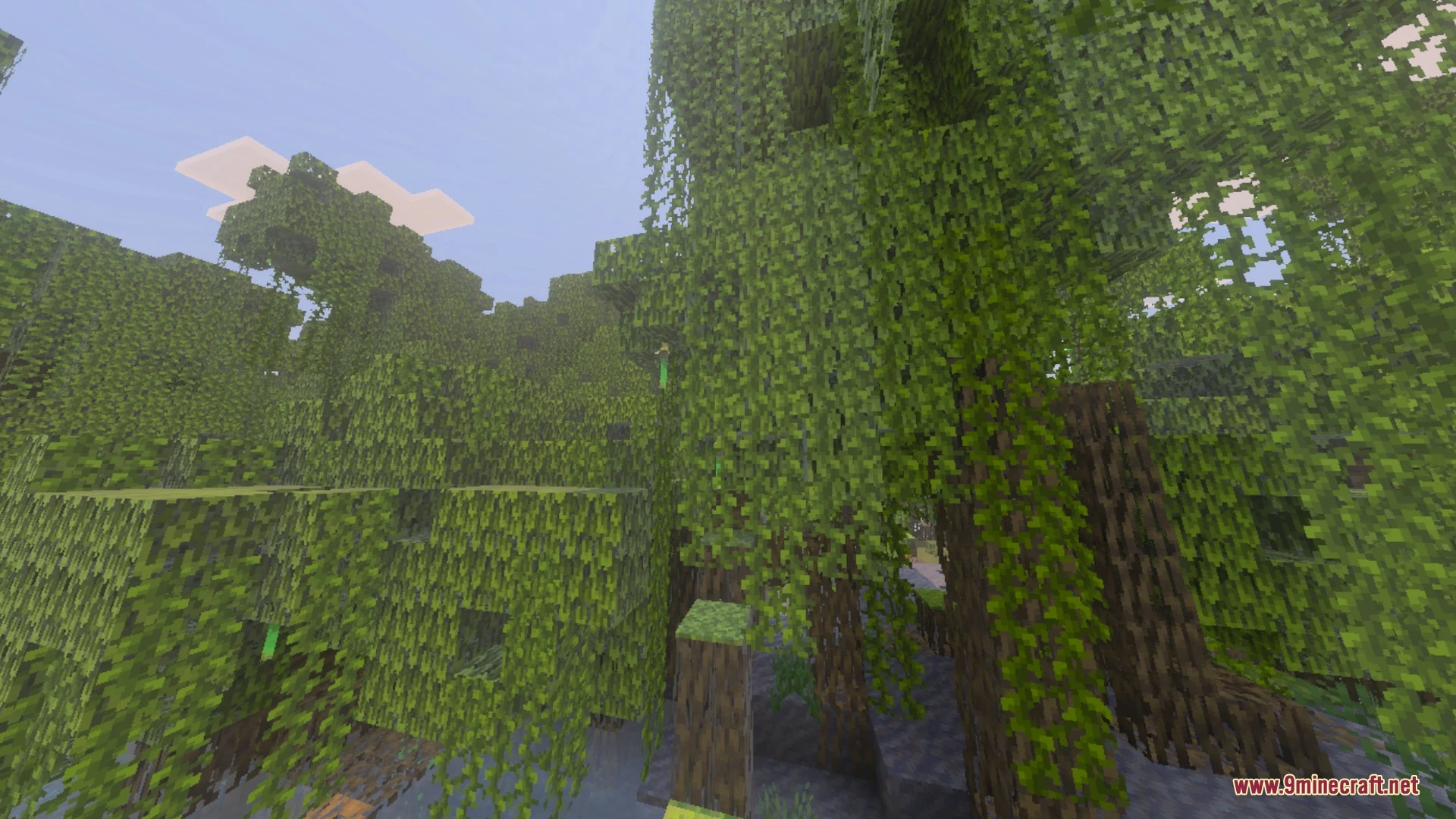
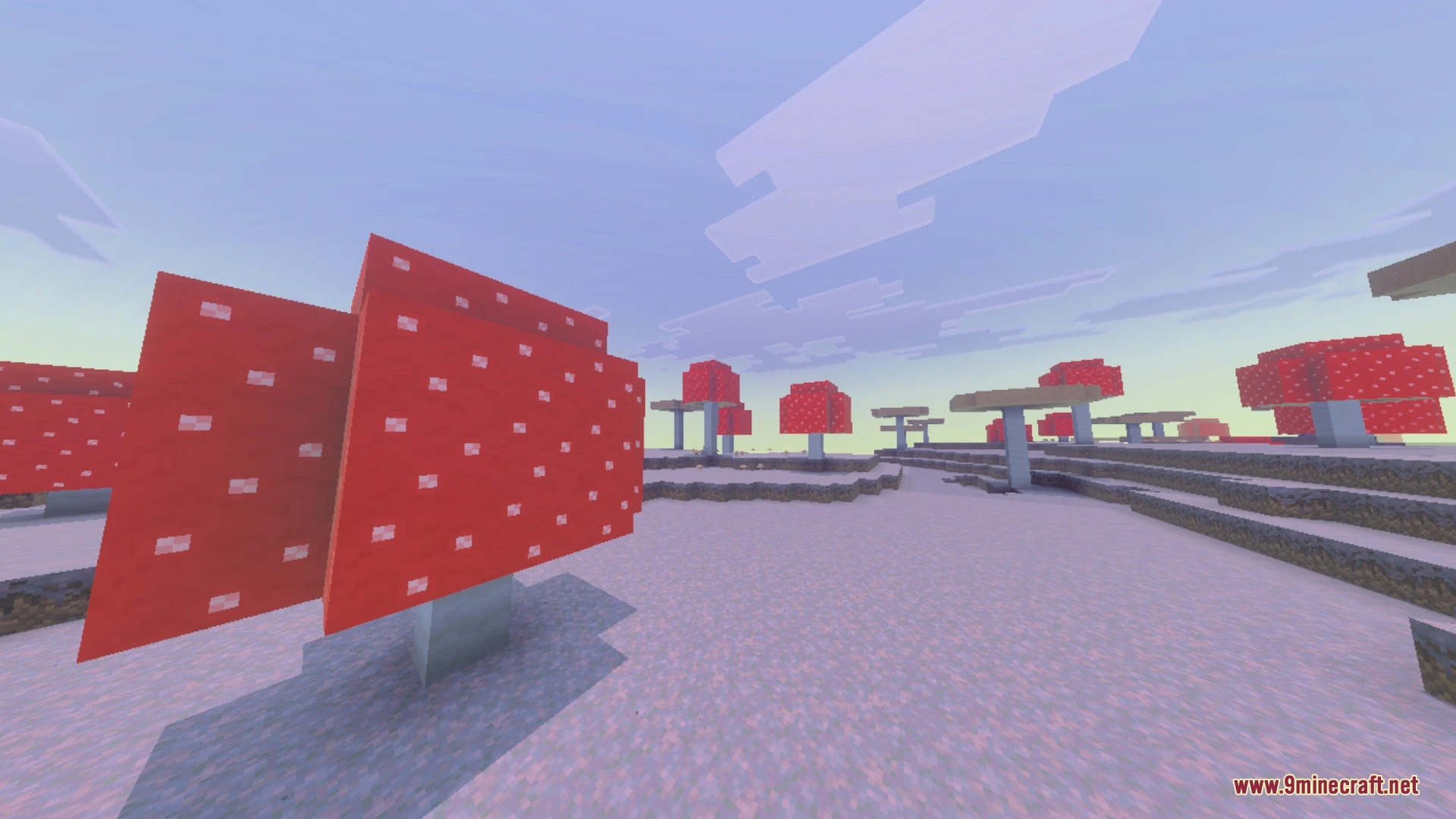
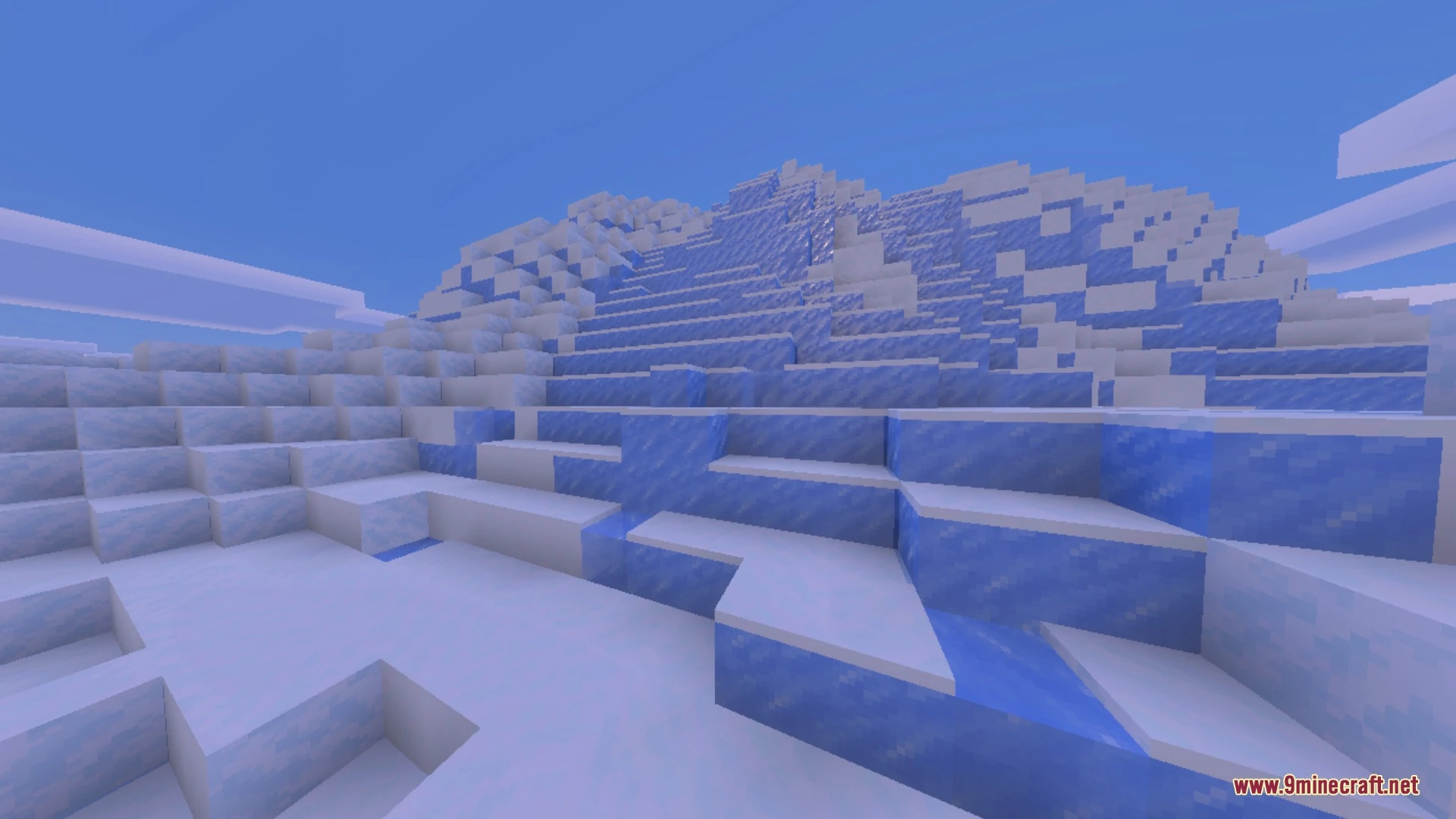
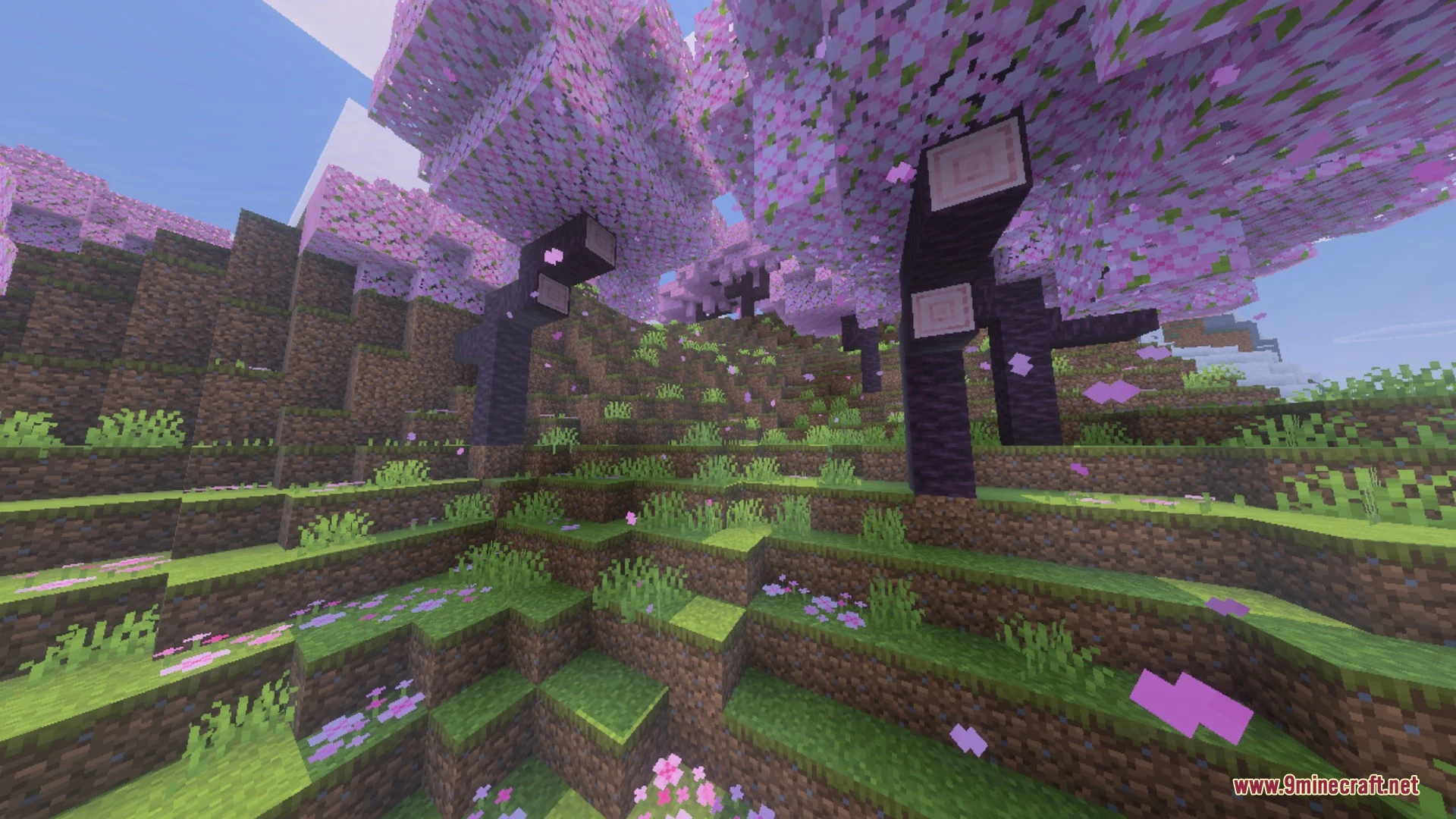
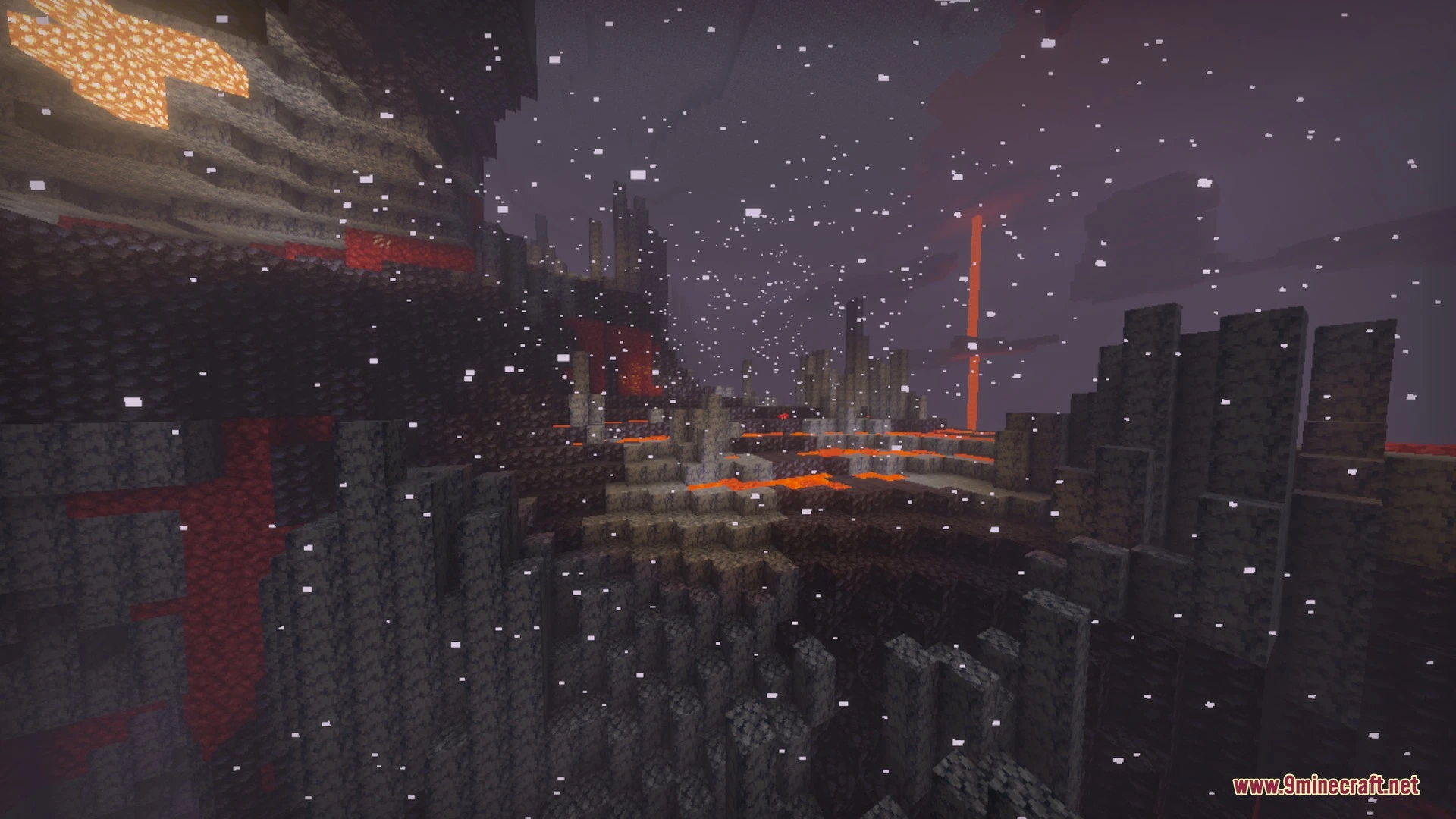
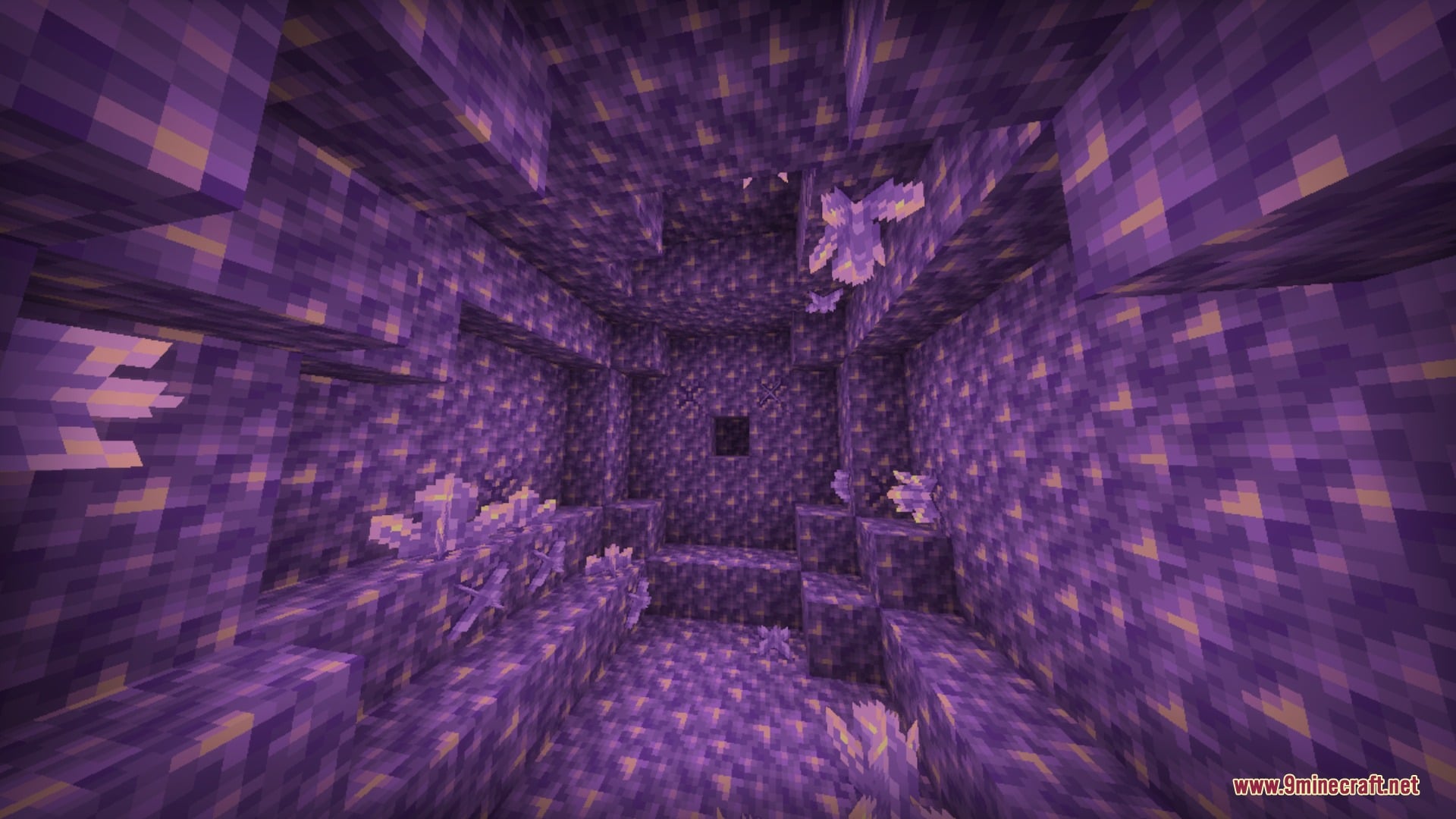
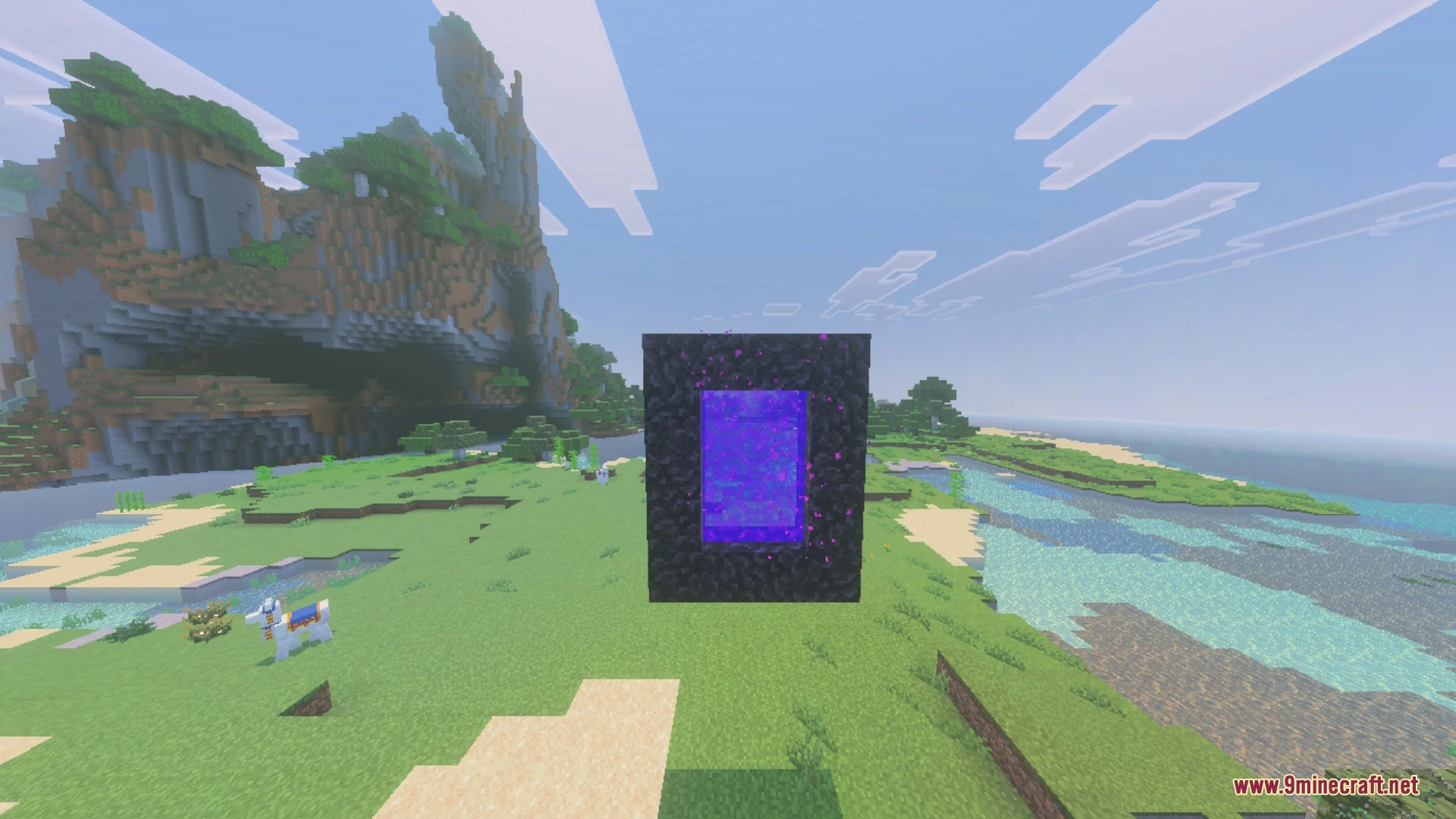
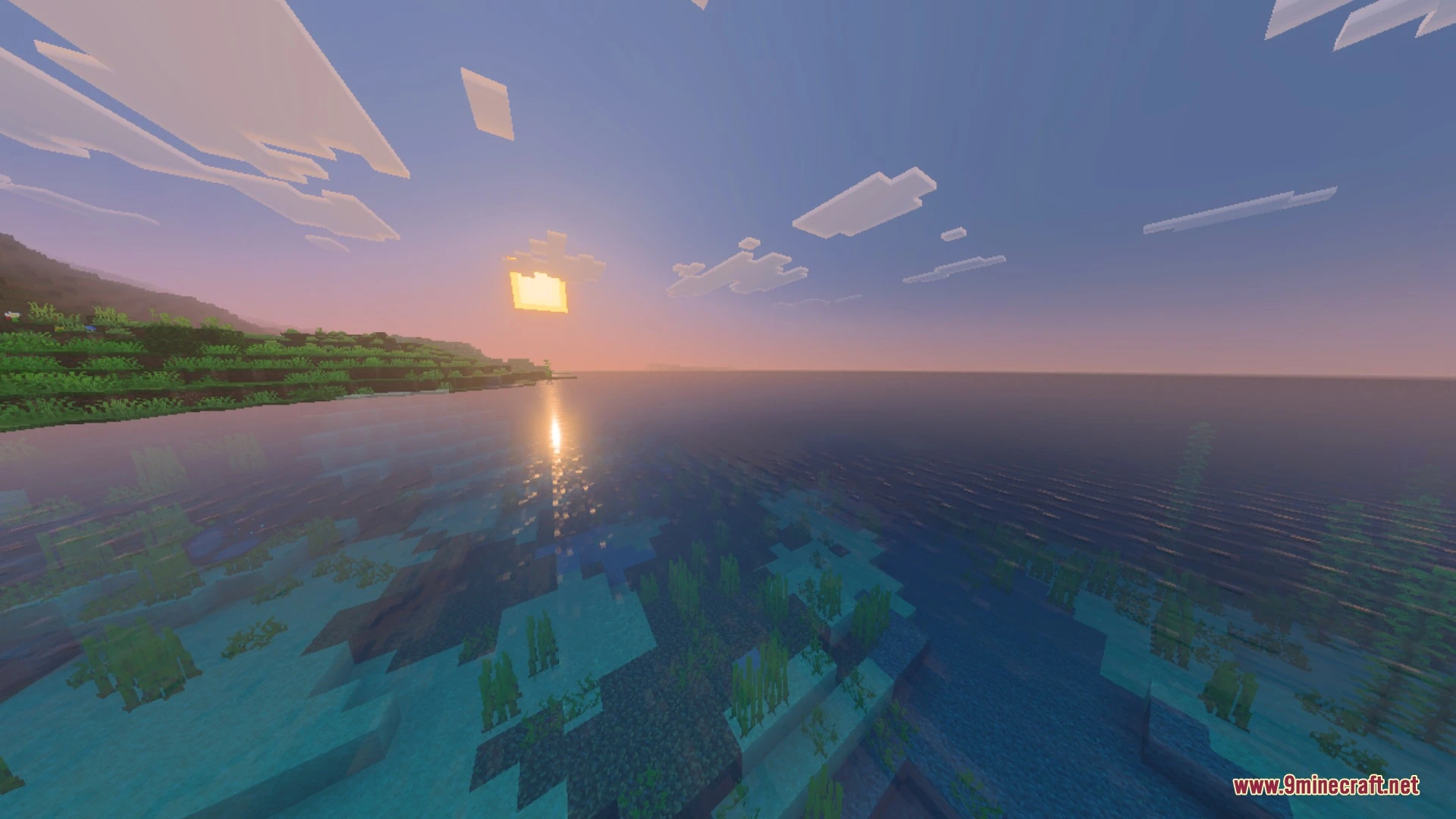
Better 3D Armors replaces flat armor visuals with fully modeled 3D gear for every tier while keeping the classic vanilla style. It adds custom geometry for helmets, chestplates, leggings, and boots that fit naturally during player animations. The pack also introduces accurate enchantment glint and complete dyeing support for leather equipment.
Features:
- Every armor tier features custom 3D helmets, chestplates, leggings, and boots.
- Leather armor supports all 16 dyes with matching bright colors.
- Enchantment glow cleanly wraps around every 3D model.
- Armor pieces fit naturally during movement and player animations.
- Metal sets feature crisp plating and material-accurate shading.
Screenshots:
Better 3D Armors Shader Download Links
Quick facts
- Edition: Minecraft Bedrock
- File type: .mcpack
- Minecraft version listed: 1.21
- How to install: Download the .mcpack. → Open it — Minecraft imports it under Resource Packs. → Activate it in Global Resources, or for one world under Resource Packs → Available.
- Where to get it: In MCModsHub, or directly above on this page.
Install steps are the general flow for this file type — How to install Minecraft Bedrock texture packs walks through it step by step.
Verified by MCModsHub
- Pack type: .mcpack — a single pack
- Manifest requires Minecraft 1.21.0 or newer
- Complete pack — everything it depends on is inside the file
- Download link checked 25 Aug 2026 — working
- Mirrored on our own servers — the download does not depend on the original host
These come from our own check of the pack file, not from the source page.