
Wolfa Optimizer
Bedrock texture pack listed for Minecraft 1.21–26.x. File opened and checked on 30 Aug 2026; installs from the MC Bedrock Mods app on Android.
Join Discord Wolfa Optimizer Wolfa Optimizer is a lightweight Minecraft Bedrock resource pack designed to improve performance while keeping the game as…
⬇ Download on CurseForgeThe author built this one for Minecraft 26.40. On other versions it may install and then do nothing.
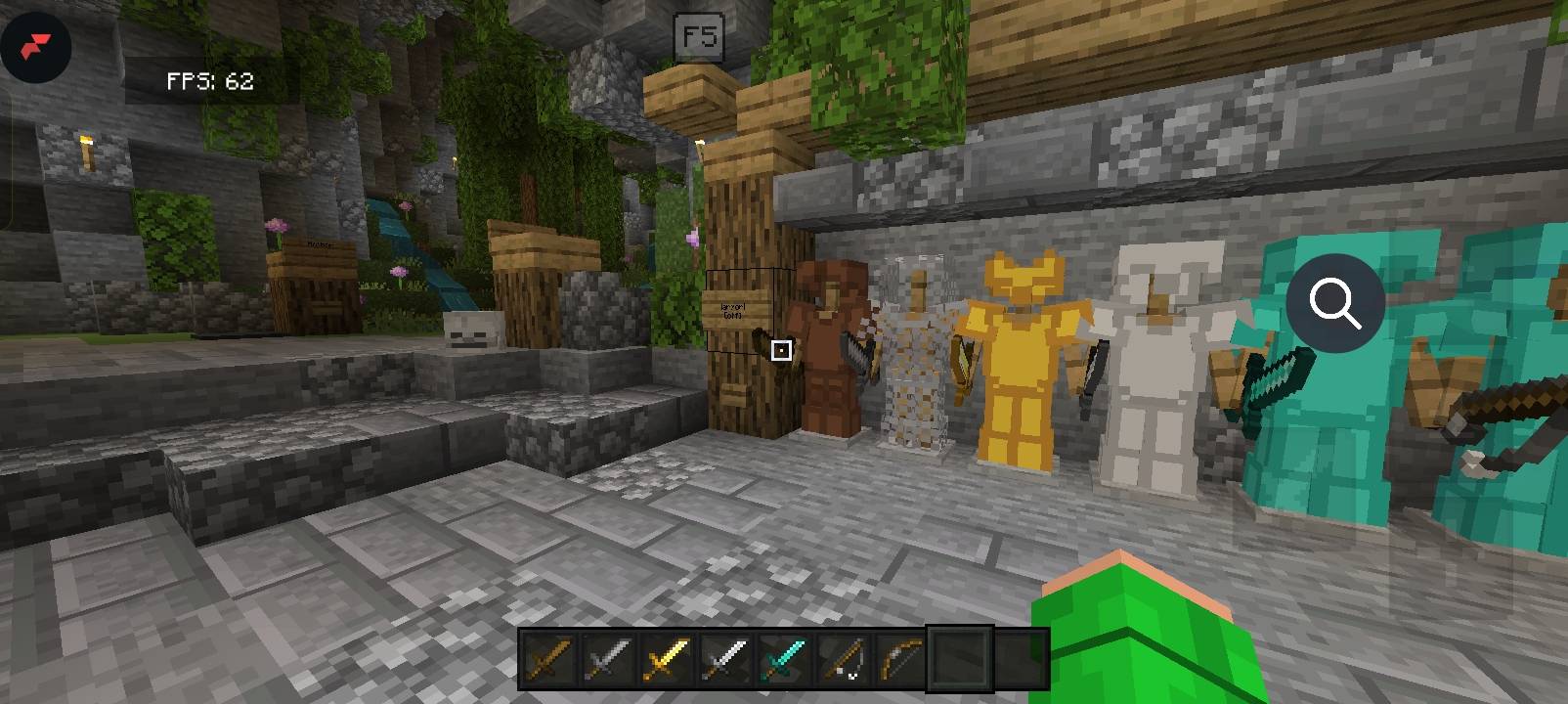
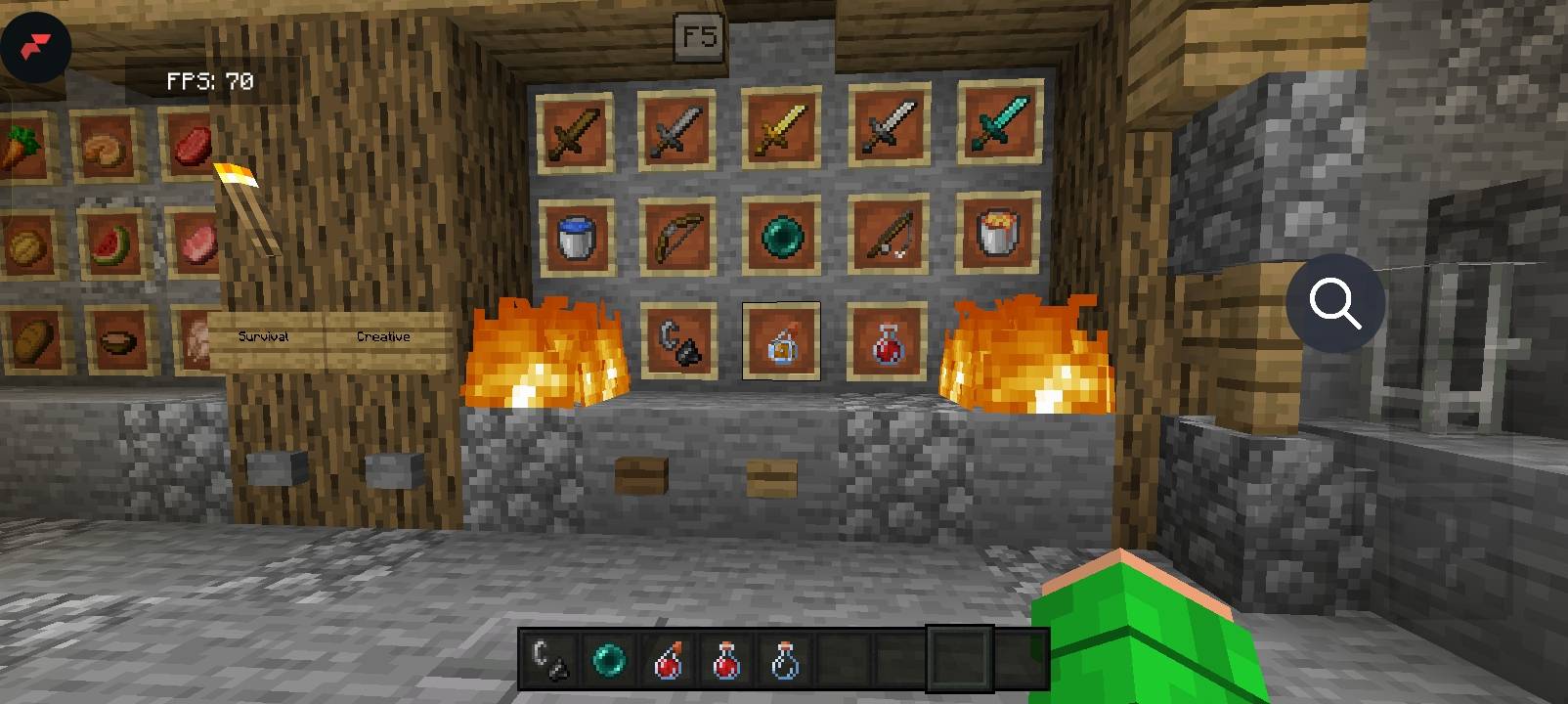
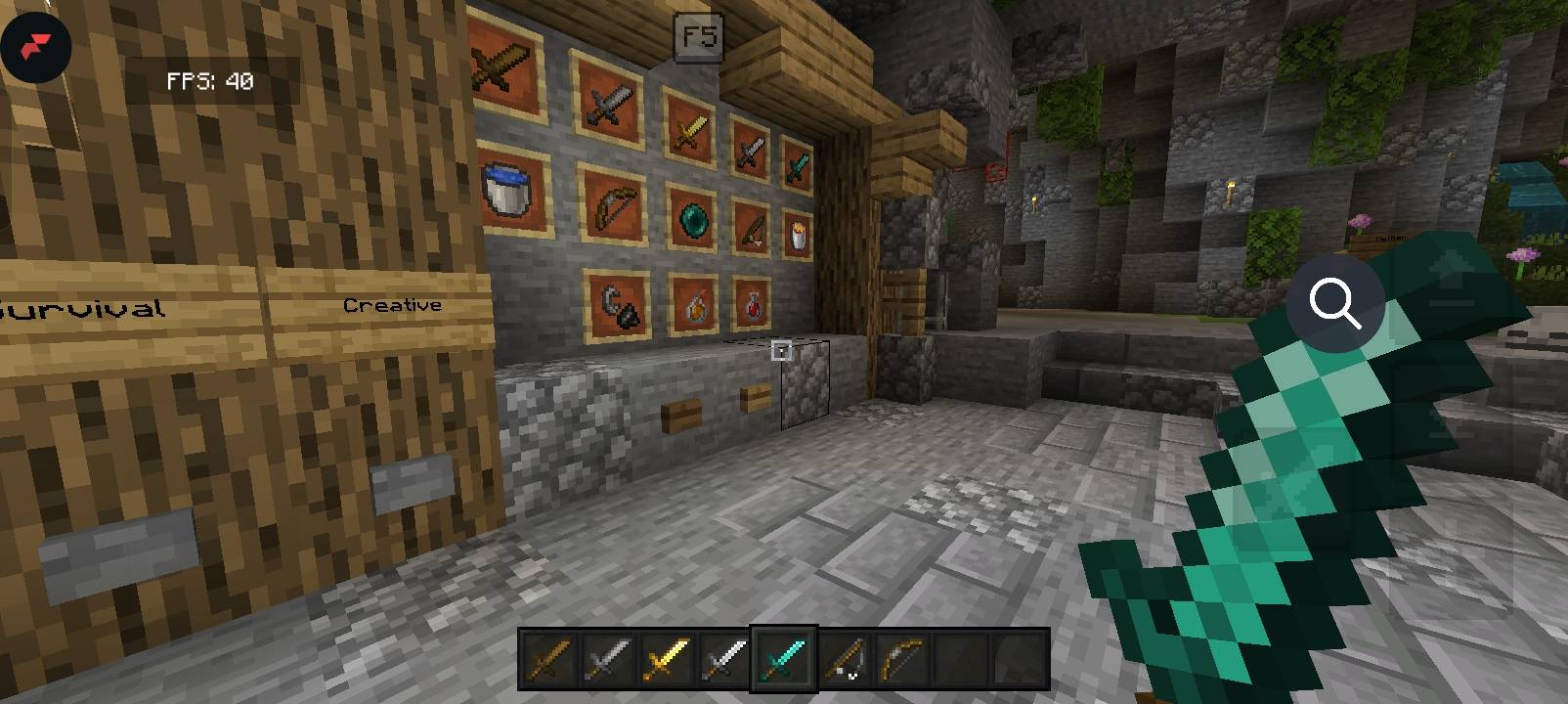
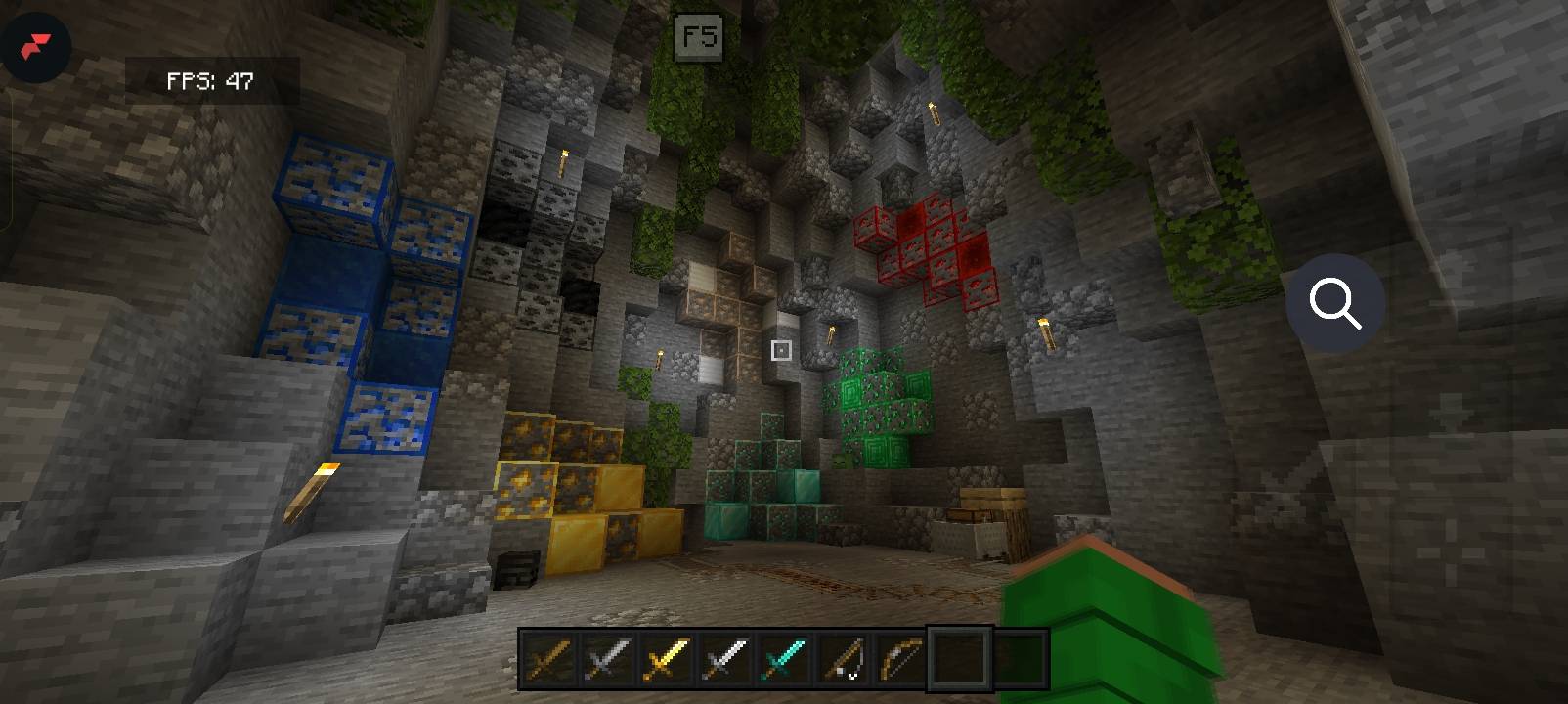
Join Discord
Wolfa Optimizer
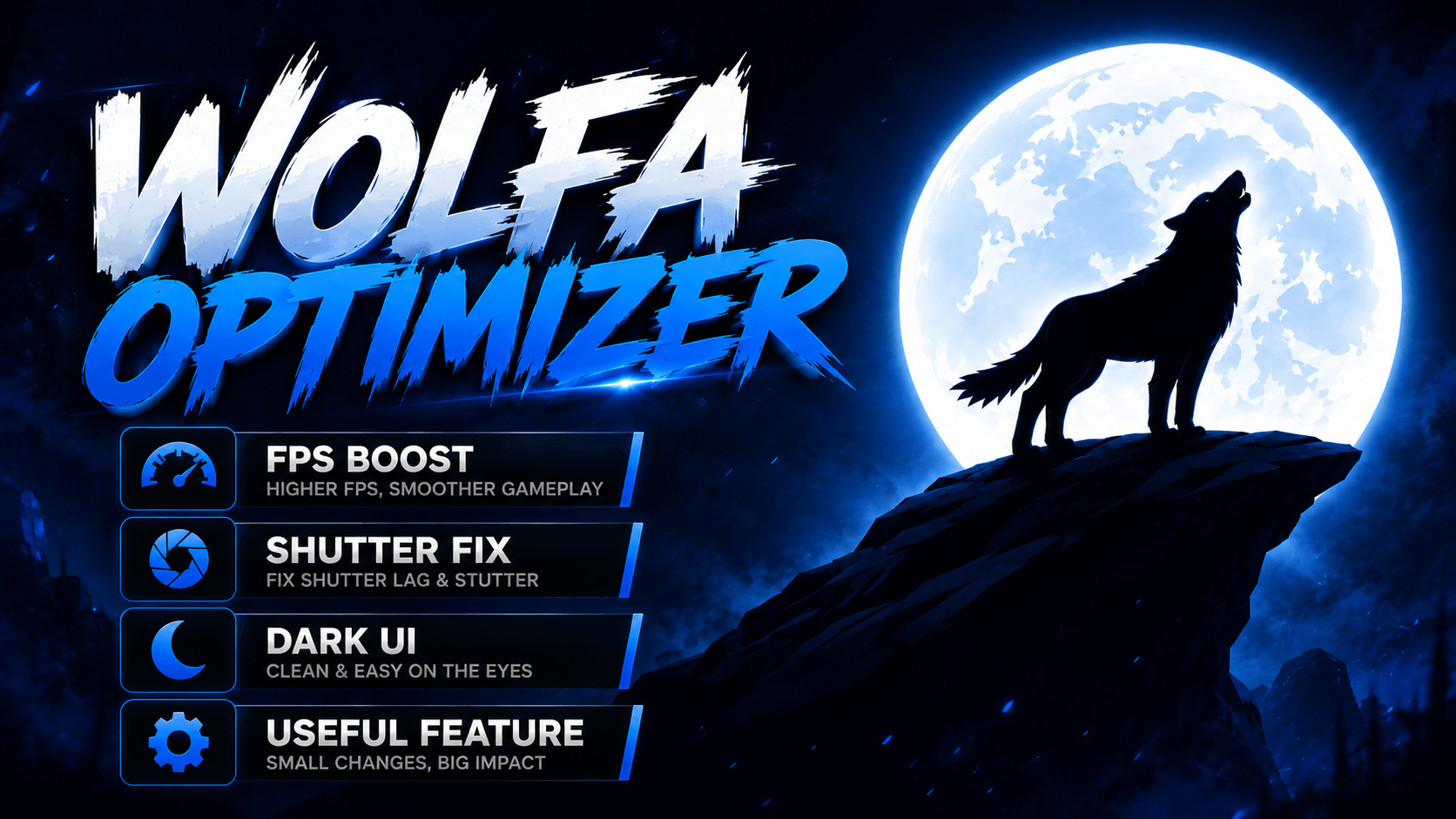
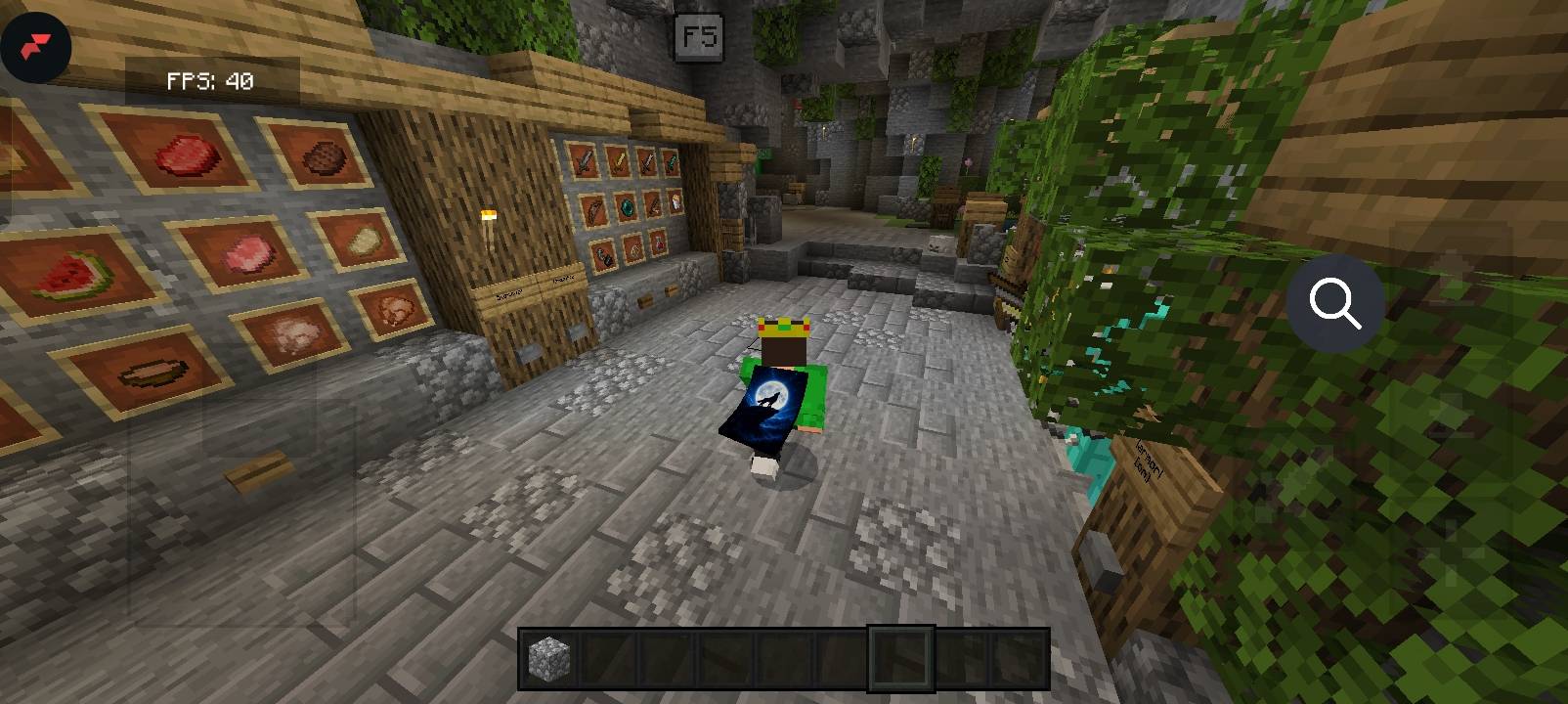
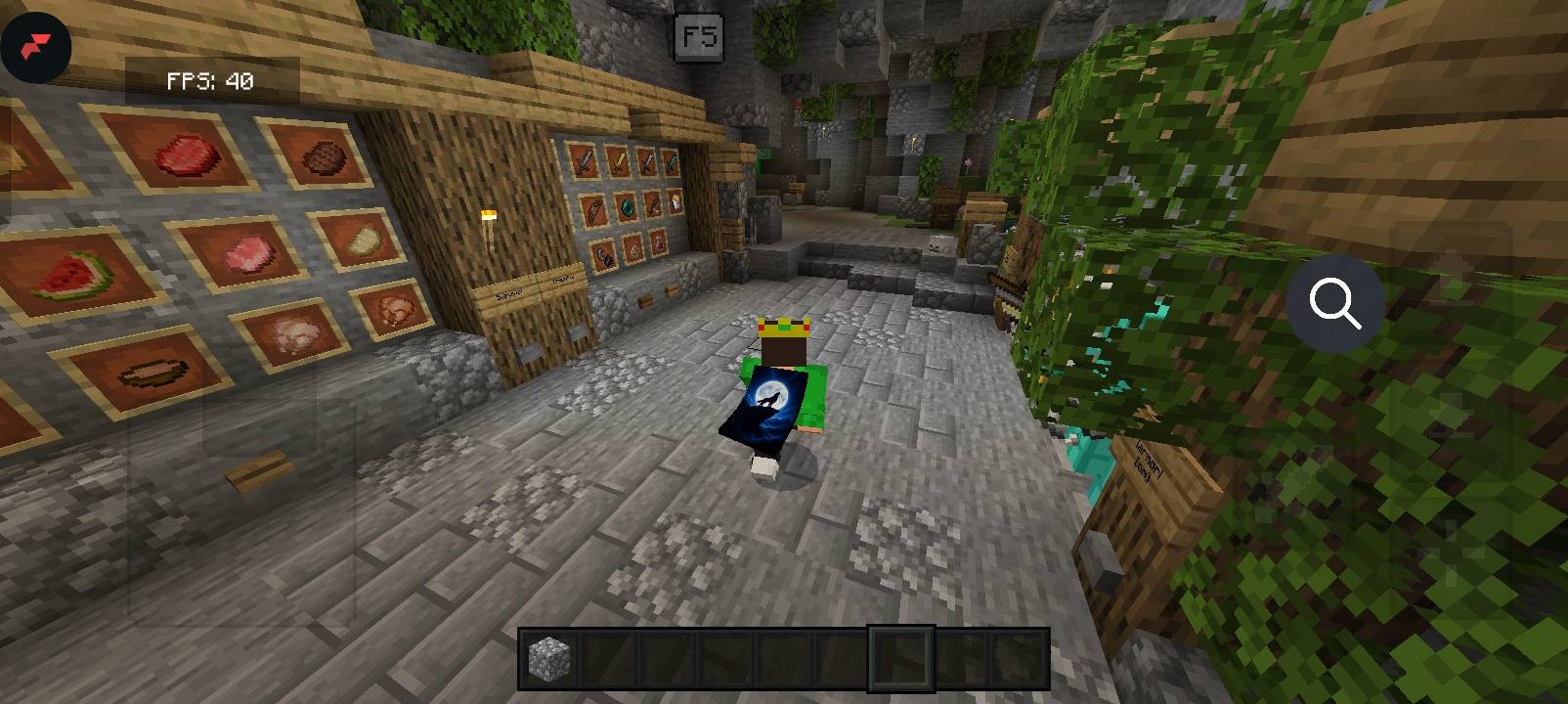
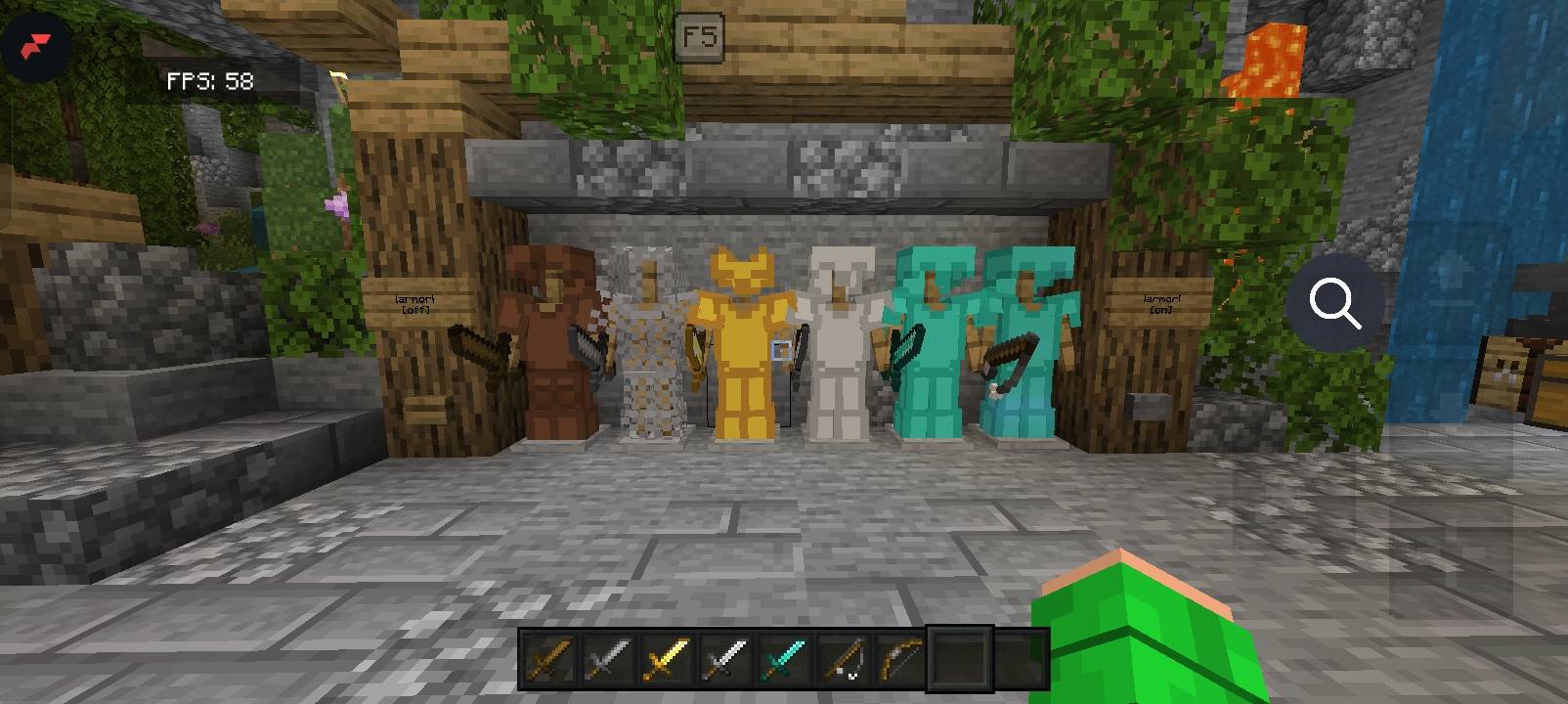
Wolfa Optimizer is a lightweight Minecraft Bedrock resource pack designed to improve performance while keeping the game as close to the original vanilla experience as possible.
Unlike many FPS packs, Wolfa Optimizer focuses on reducing lag without significantly changing the look and feel of Minecraft. The pack removes unnecessary visual effects and optimizes rendering to help deliver smoother gameplay, especially on low-end and mid-range devices.
Features
- ⚡ Boosts FPS and overall performance
- 🎮 Preserves the vanilla Minecraft experience
- ✨ Reduces unnecessary visual effects
- 📱 Optimized for low-end and mid-range devices
- 🔋 Helps reduce lag and stuttering
- 🌍 Compatible with both singleplayer and multiplayer
- 🛠️ Lightweight and easy to use
Compatibility
- Minecraft Bedrock Edition
- Compatible with the latest supported game versions listed on this page
- Works alongside most resource packs
Installation
1. Download the pack.
2. Import it into Minecraft.
3. Activate Wolfa Optimizer in your Resource Packs.
4. Move it to the top of your active resource pack list for the best results.
Report Issues
Found a bug or have a suggestion? Leave a comment on this project page so it can be fixed in a future update.
Thank you for downloading Wolfa Optimizer. Enjoy a smoother, faster Minecraft experience! 🐺⚡
- Edition: Minecraft Bedrock
- File type: .mcpack
- Minecraft version listed: 26.40
- How to install: Download the .mcpack. → Open it — Minecraft imports it under Resource Packs. → Activate it in Global Resources, or for one world under Resource Packs → Available.
- Where to get it: Opens on CurseForge — not every file is mirrored on our own servers.
Install steps are the general flow for this file type — How to install Minecraft Bedrock texture packs walks through it step by step.
- Pack type: .mcpack — a single pack
- Manifest requires Minecraft 1.21.0 or newer
- Complete pack — everything it depends on is inside the file
- Download size: 2.0 MB
- Download link checked 4 Oct 2026 — working
These come from our own check of the pack file, not from the source page.