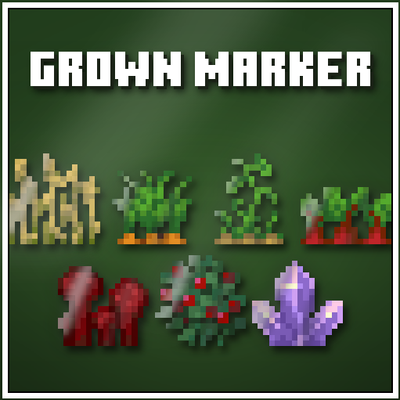
Fully Grown Crop Marker
Bedrock texture pack listed for Minecraft 1.20–26.x. File opened and checked on 2 Oct 2026; installs from the MC Bedrock Mods app on Android.
Never miss a ready crop again! Fully Grown Crop Marker adds a shine effect to any fully grown crop so you can spot harvest-ready crops instantly…
⬇ Download on CurseForgeThe author built this one for Minecraft 26.50. On other versions it may install and then do nothing.
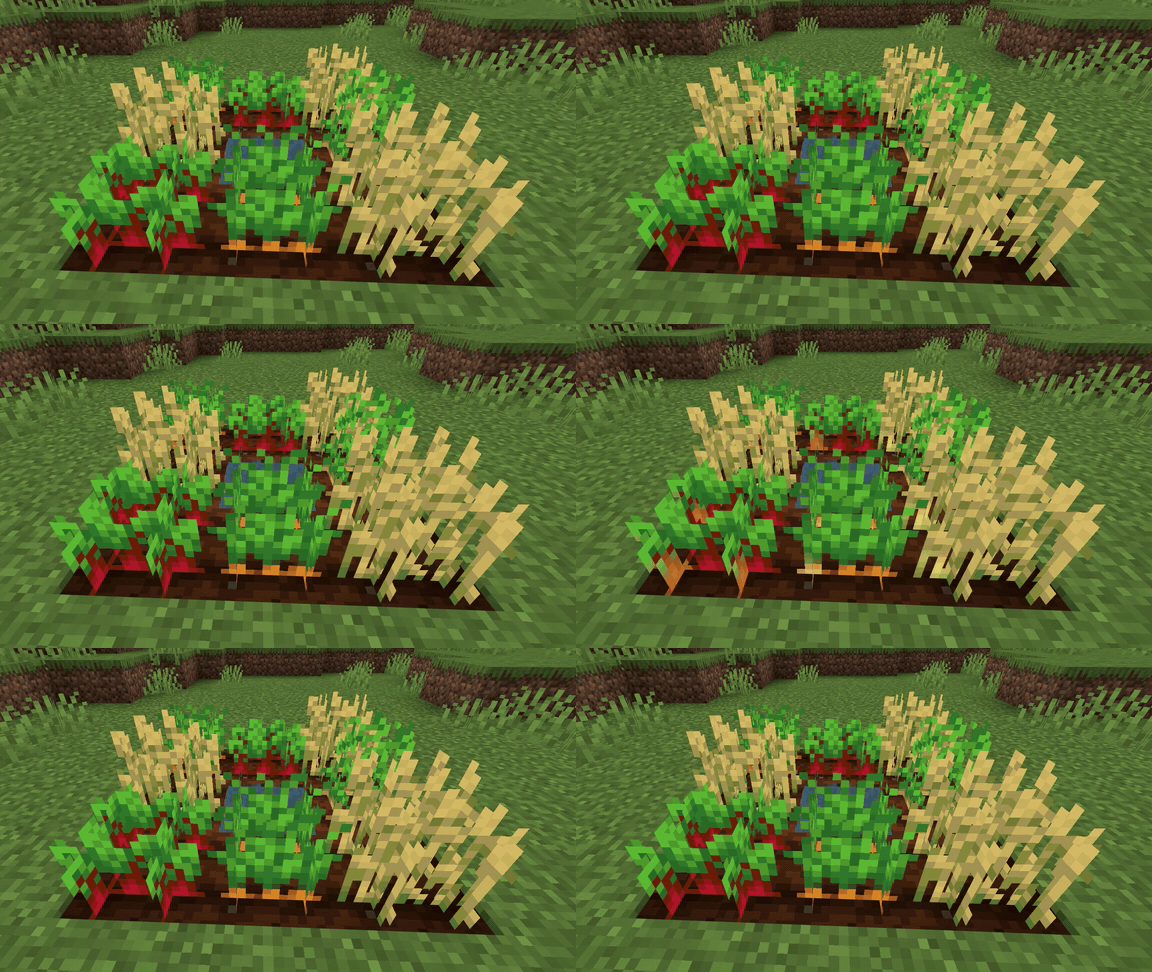
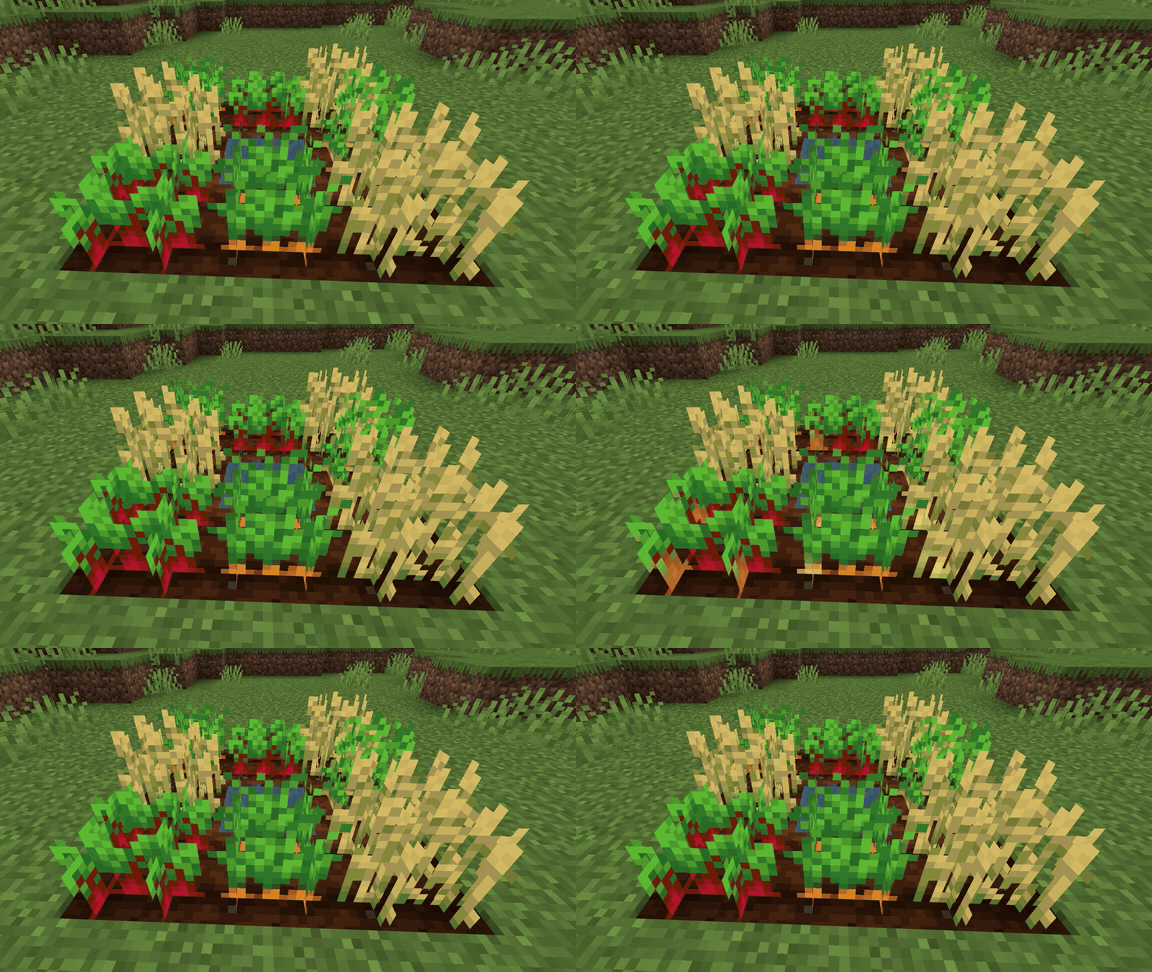
Never miss a fully grown crop again. Fully Grown Crop Marker adds a shine effect to any crop that is ready to harvest — so you can spot ripe crops at a glance without having to check each one individually.
Features
- Fully grown crops get a visible shine effect — unripe crops look completely normal
- Spot harvest-ready crops instantly from a distance
- Works on wheat, carrots, potatoes, beetroot and more
- Lightweight resource pack
EXPLORE MY OTHER PROJECTS








- Edition: Minecraft Bedrock
- File type: .mcpack
- Minecraft version listed: 26.50
- How to install: Download the .mcpack. → Open it — Minecraft imports it under Resource Packs. → Activate it in Global Resources, or for one world under Resource Packs → Available.
- Where to get it: Opens on CurseForge — not every file is mirrored on our own servers.
Install steps are the general flow for this file type — How to install Minecraft Bedrock texture packs walks through it step by step.
- Save it as Fully-Grown-Crop-Marker.mcaddon before opening — it downloads as .mcpack, but it is a .mcaddon pack
- Manifest requires Minecraft 1.20.0 or newer
- Complete pack — everything it depends on is inside the file
- Download size: 126 KB
- Download link checked 24 Oct 2026 — working
These come from our own check of the pack file, not from the source page.