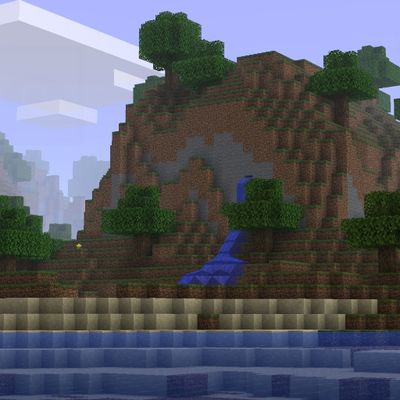
Texture packsBedrock
classic graphics
Bedrock texture pack listed for Minecraft 26.x. File opened and checked on 10 Oct 2026; installs from the MC Bedrock Mods app on Android.
I don't know my version
Open Minecraft and look at the bottom-left corner of the main screen — the version is printed there, like v1.26.30.
The game writes a 1. in front; the buttons above leave it off. v1.26.30 in the game is 26.30 here.
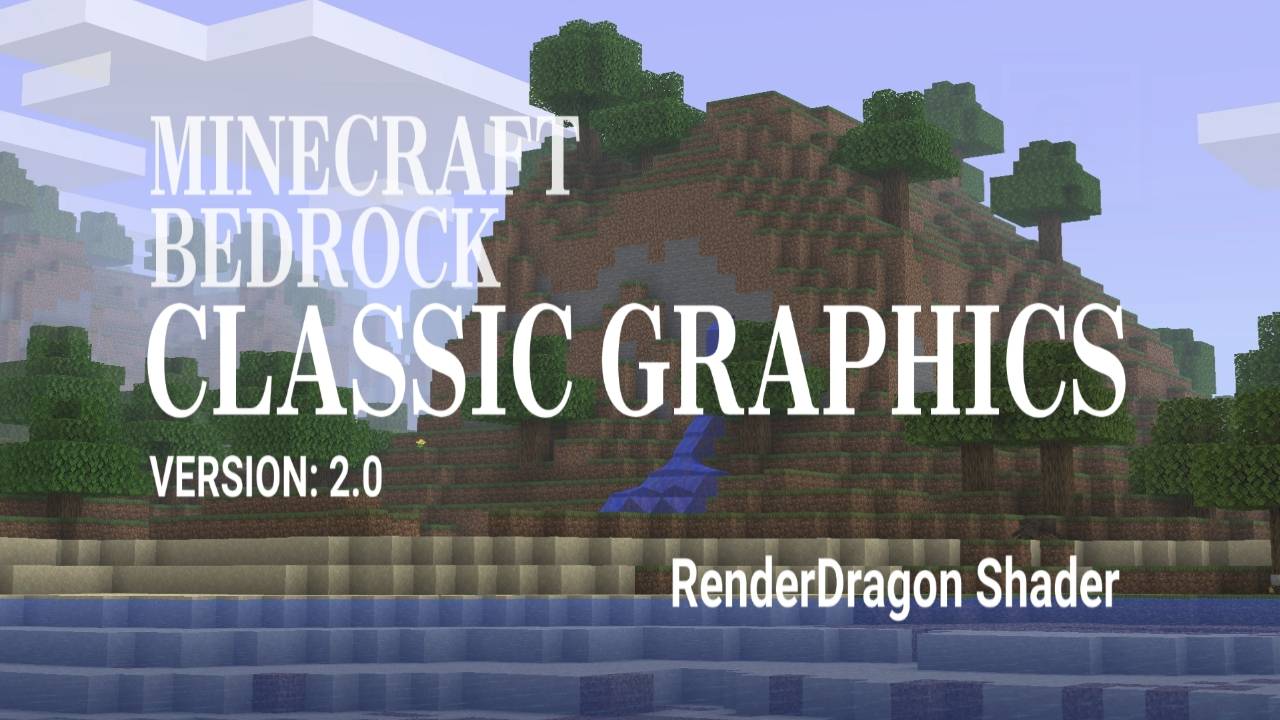
classic graphics
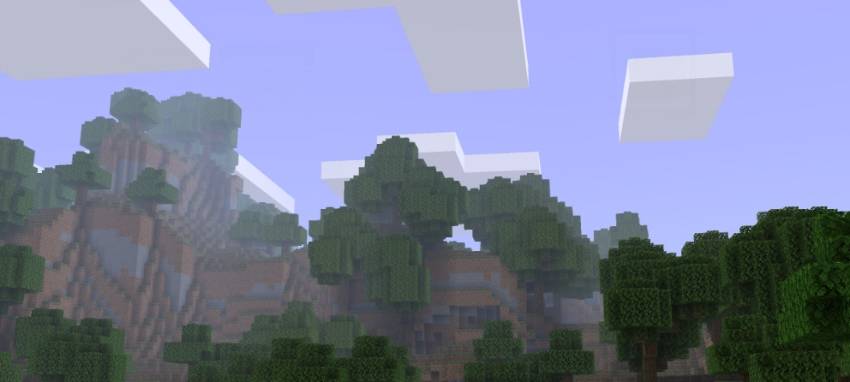
this texture pack makes your minecraft to matches how b1.7.3 looks like.
features:
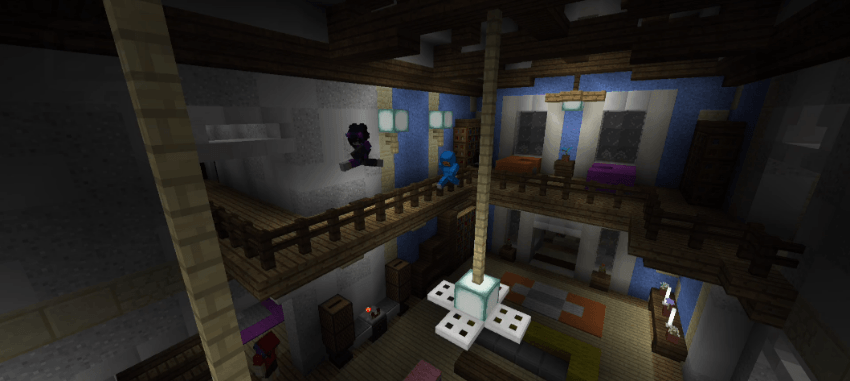
- no tinted lightmap ( night color, torch/lightsource block )
- matches sky color like b1.7.3
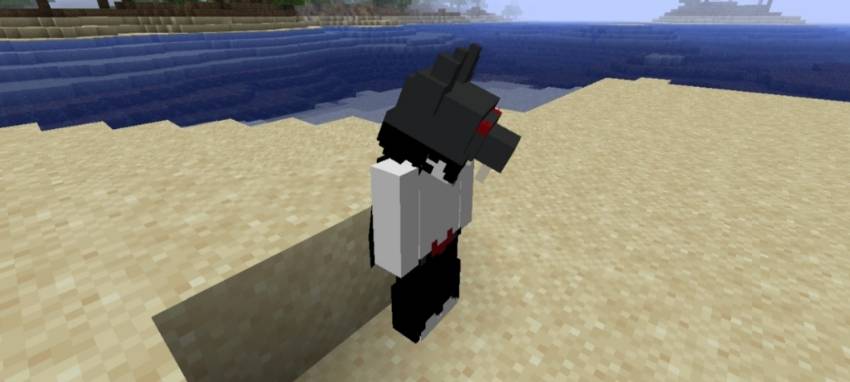
- entities have darker shades to matches b1.7.3
- lowered clouds y level
- emissive blocks/textures
this is RD shaders, so you need to use the correct tools to use this ( e.g. MaterialBinLoader, Minecraft patch, or any shaderloader ).
works on:
Android, Windows, Ios
preview:
light block
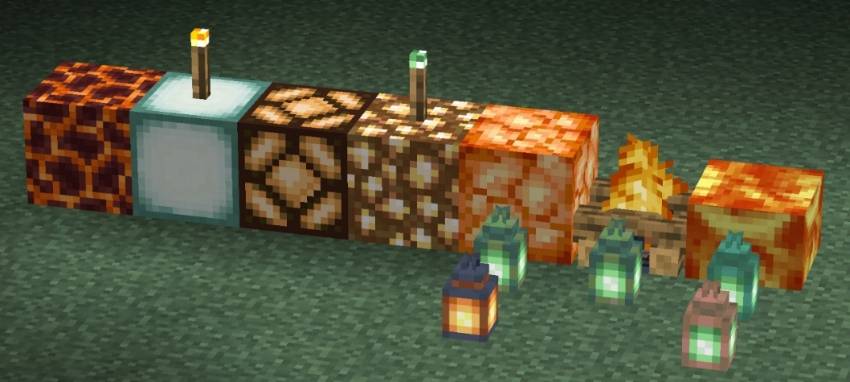
low light block
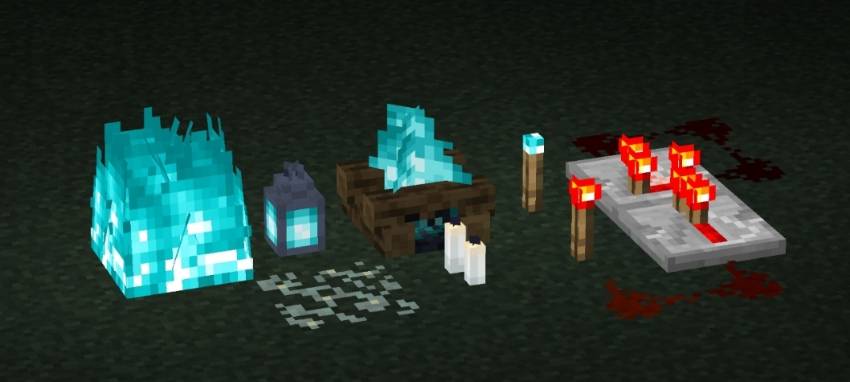
scenery
entity
night
note:
to create an emissive block, change the alpha/transparency of your desired texture to be 252 or 99%.
current issue: top side of clouds doesnt render if under some y levels
Quick facts
- Edition: Minecraft Bedrock
- File type: .mcpack
- Minecraft versions listed: 26.50, 26.30, 26.40
- How to install: Download the .mcpack. → Open it — Minecraft imports it under Resource Packs. → Activate it in Global Resources, or for one world under Resource Packs → Available.
- Where to get it: In MCModsHub, or directly above on this page.
Install steps are the general flow for this file type — How to install Minecraft Bedrock texture packs walks through it step by step.
File checked by MCModsHub
- Pack type: .mcpack — a single pack
- Complete pack — everything it depends on is inside the file
- Download size: 872 KB
- Download link checked 5 Oct 2026 — working
These come from our own check of the pack file, not from the source page.