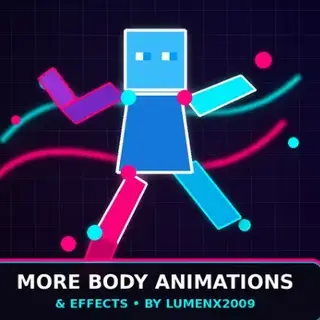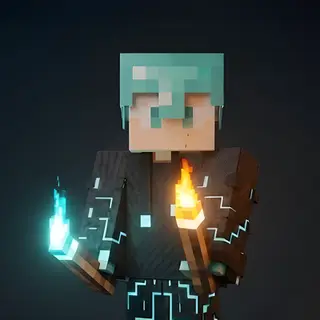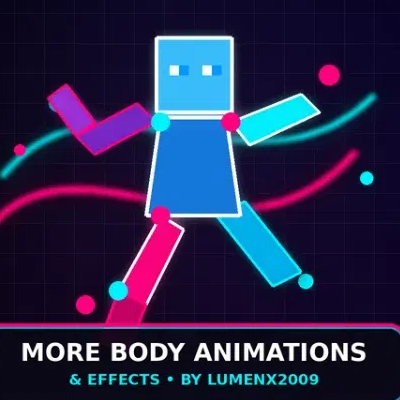
More body animations and stuffs by lumenx2009
Bedrock texture pack listed for Minecraft 26.x. File opened and checked on 13 Oct 2026; installs from the MC Bedrock Mods app on Android.
⬇ Download
# More Body Animation and Effects
**By Lumenx2009**
### Summary (short tagline, ~1 sentence)
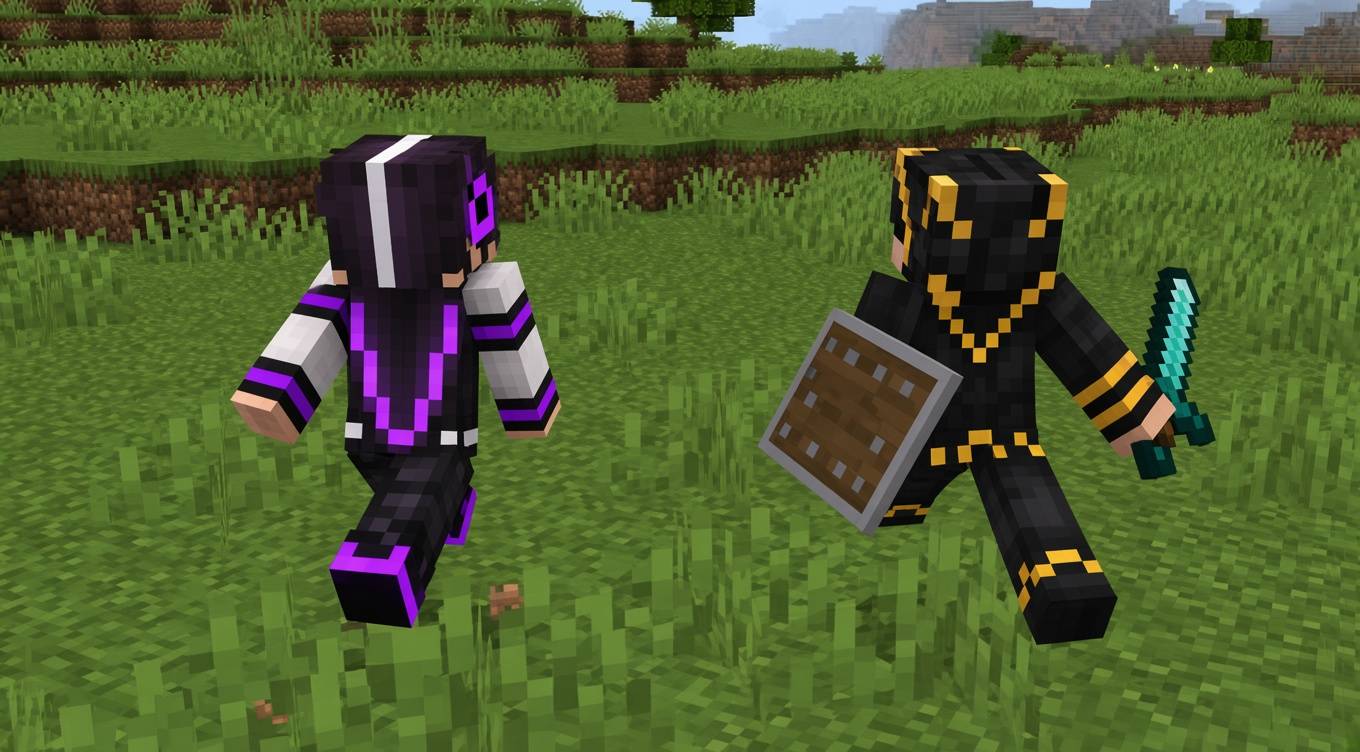
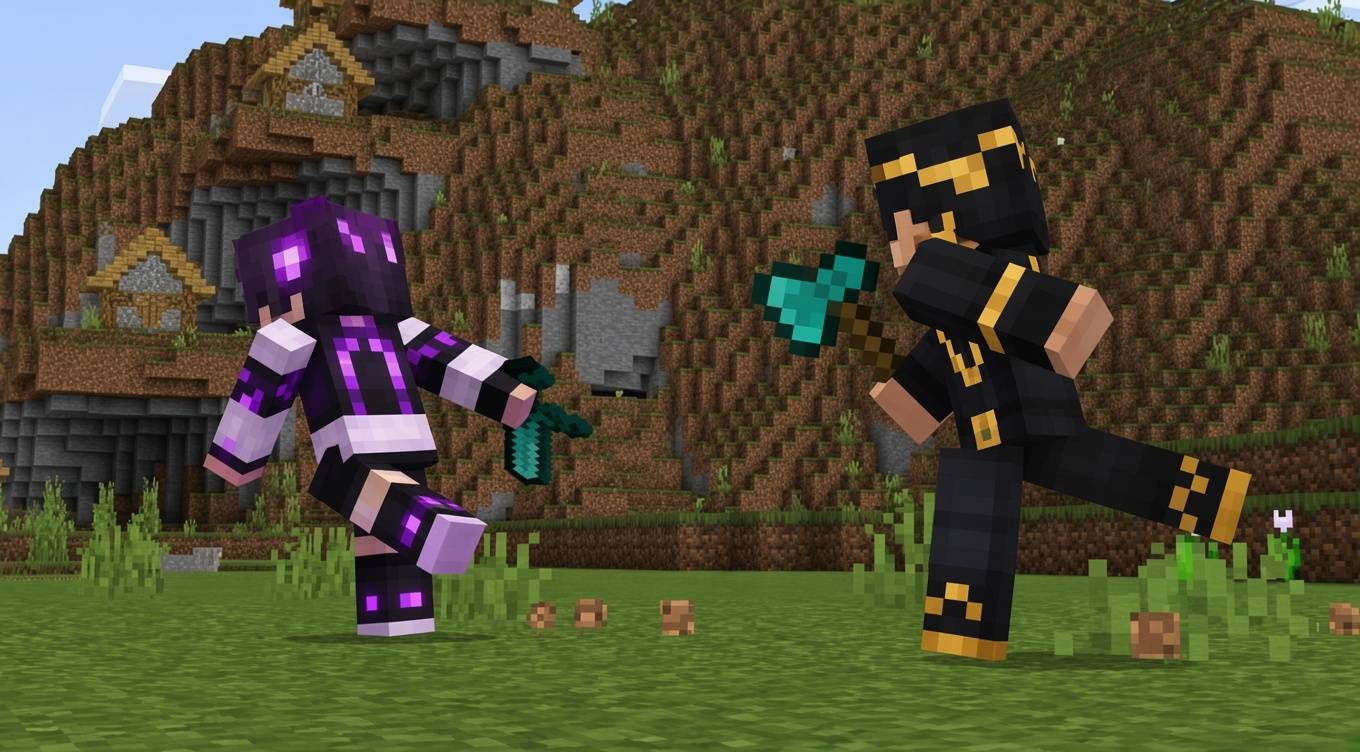
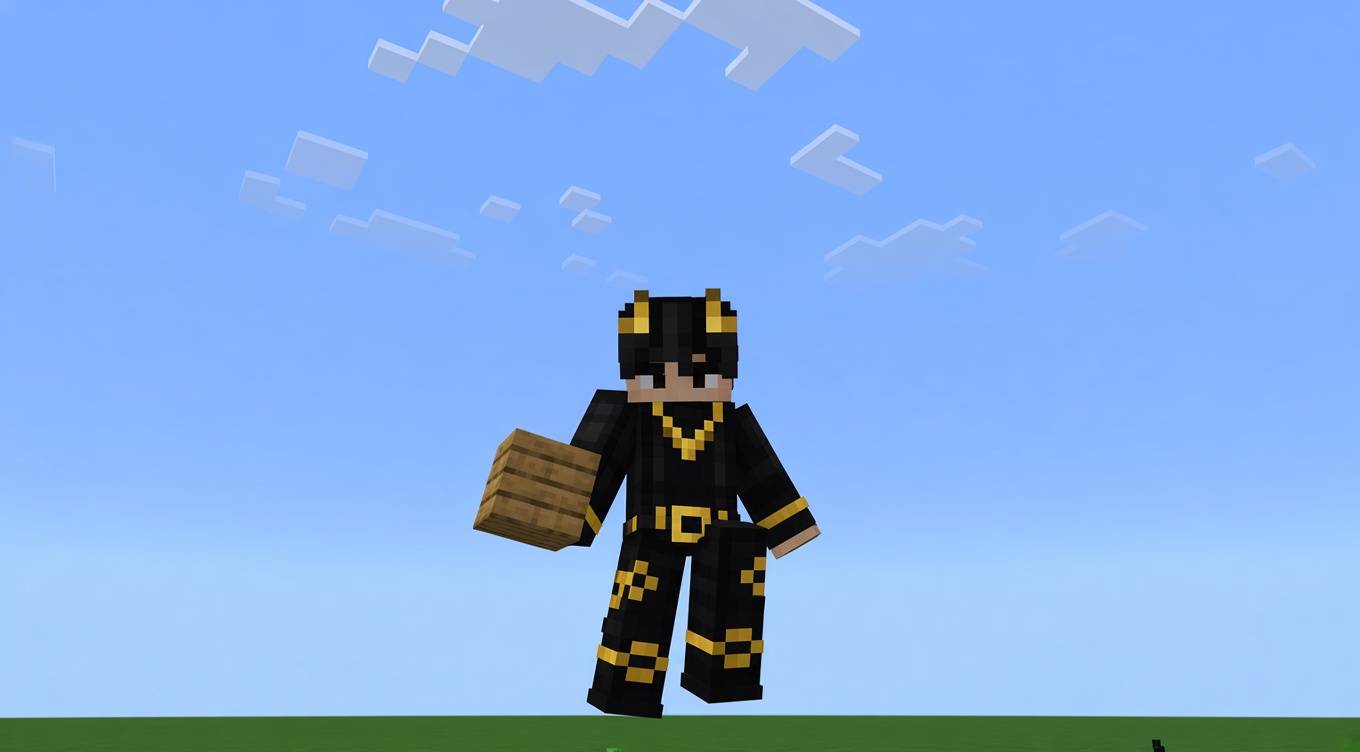
Replaces 20+ vanilla player animations (idle, walk, run, swim, climb, and more) with smoother custom ones, plus ambient particle effects — glowing items, critical hit sparks, sleep/water splashes — all in one lightweight add-on.
---
## Description (main body)
**More Body Animation and Effects** brings extra life to your world with two systems working together:
**🕺 Body Animations**
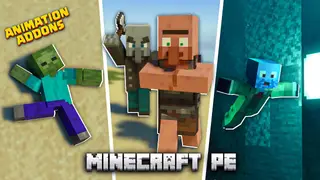
- 20+ custom replacement animations that play automatically based on what you're doing: Idle, Walk, Run, Sneak, Jump, Crawl, Swim, Climb, Fall, Bow, Fishing Rod, Eat, Drink, Minecart, Melee, Sit, Hurt, Crossbow, Map, and Fly
- These are passive/contextual — they trigger on their own, there's no emote wheel or menu to "play" one manually
- An in-game info panel lists what each animation does, plus admin controls to enable/disable animations globally or for specific players
- No changes to your player skin/model — works with any skin, persona, or cape
**✨ Particles & Effects**
- Glowing particle effect on dropped items (Overworld, Nether, and The End)
- Critical hit particle effects
- Sleep and water splash particle effects
- Custom glow-item render effects
### Requirements
- Minecraft Bedrock **1.26.20+**
- No experimental toggles needed — runs on stable scripting APIs
- Enable both the Behavior Pack and Resource Pack in your world
### Installation
1. Download the `.mcaddon` file
2. Open it (or double-click) — Minecraft will import both packs automatically
3. Go to your world settings → **Behavior Packs** → activate "More Body Animation and Effects"
4. Repeat for **Resource Packs**
### Notes
- Version: 1.0.0
- No changes to vanilla player model/skin
- Compatible with most other add-ons; if you run into script errors, check for conflicts with other scripting-based add-ons in the same world
### Credits
Built and maintained by **Lumenx2009**.
---
- Edition: Minecraft Bedrock
- File type: .mcpack
- Minecraft versions listed: 26.0.02, 26.0, 26.3
- How to install: Download the .mcpack. → Open it — Minecraft imports it under Resource Packs. → Activate it in Global Resources, or for one world under Resource Packs → Available.
- Where to get it: In MCModsHub, or directly above on this page.
Install steps are the general flow for this file type — How to install Minecraft Bedrock texture packs walks through it step by step.
- Pack type: .mcaddon — behaviour and resource pack in one file
- Complete pack — everything it depends on is inside the file
- Download size: 12.5 MB
- Download link checked 6 Oct 2026 — working
These come from our own check of the pack file, not from the source page.