ShadersBedrock
Creative HD Material Pack – Minecraft with RTX Shader (26.x, 1.21)
Bedrock resource pack listed for Minecraft 1.21. File opened and checked on 8 Oct 2026; installs from the MC Bedrock Mods app on Android.
⬇ Download
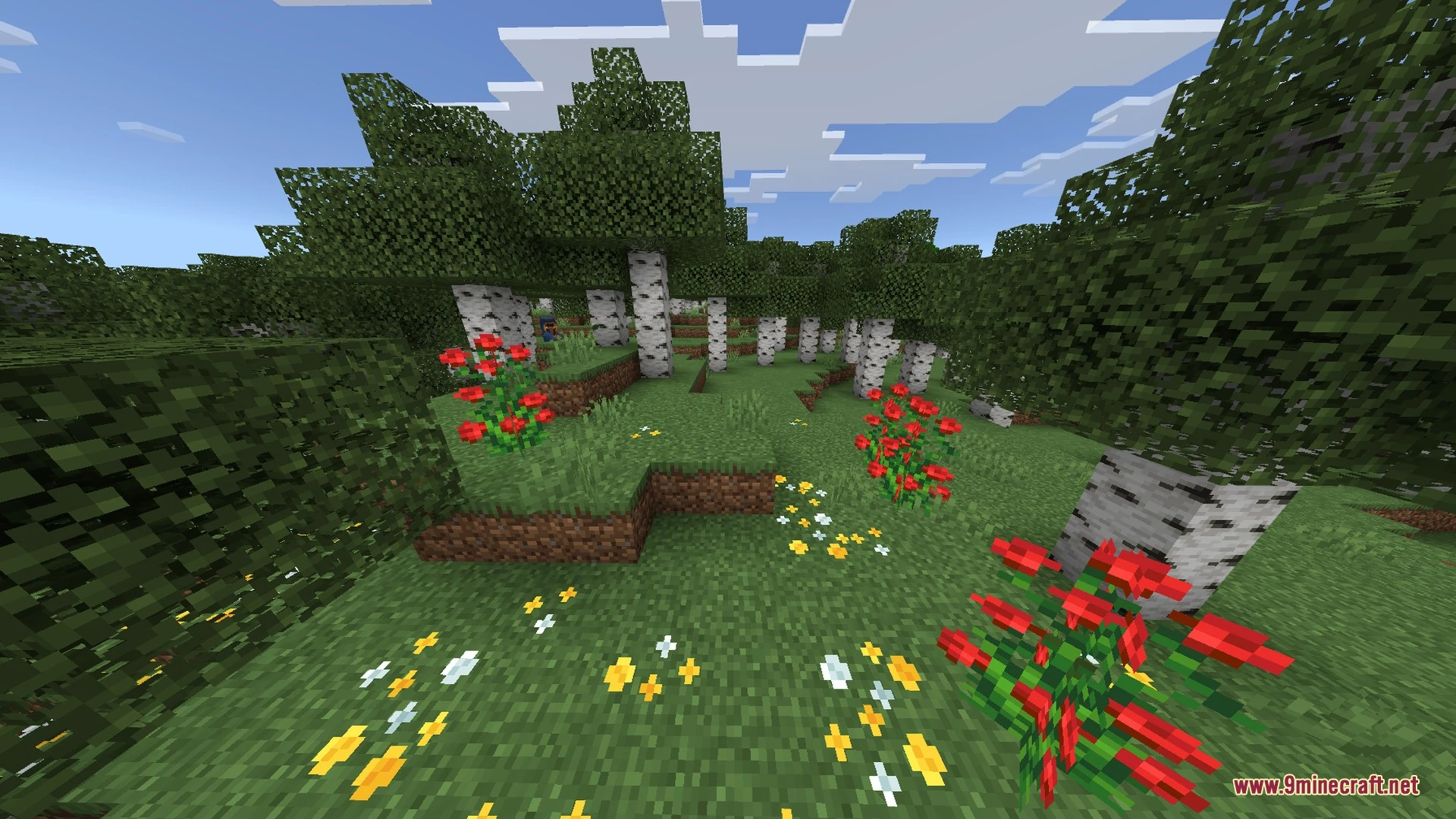
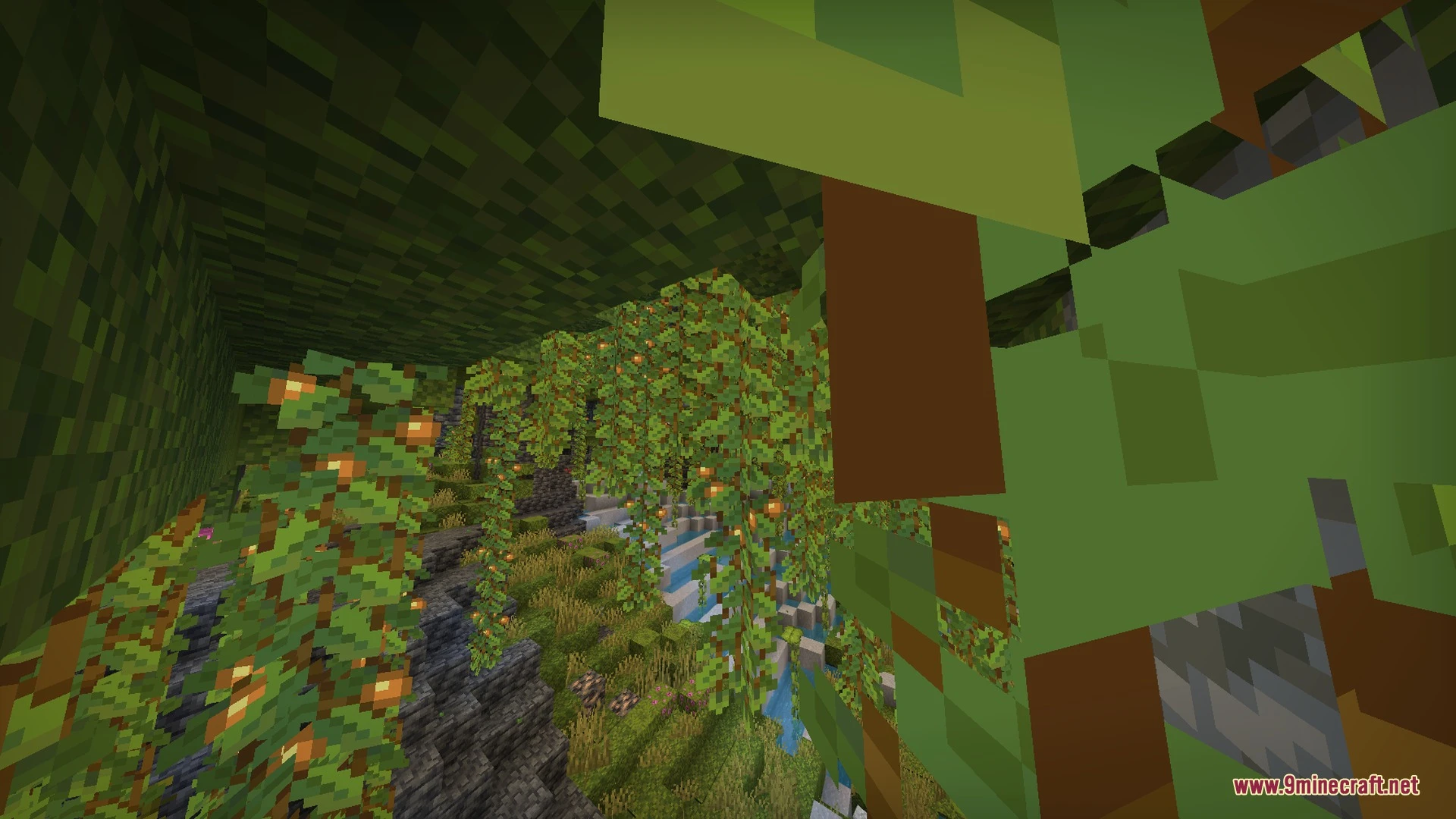
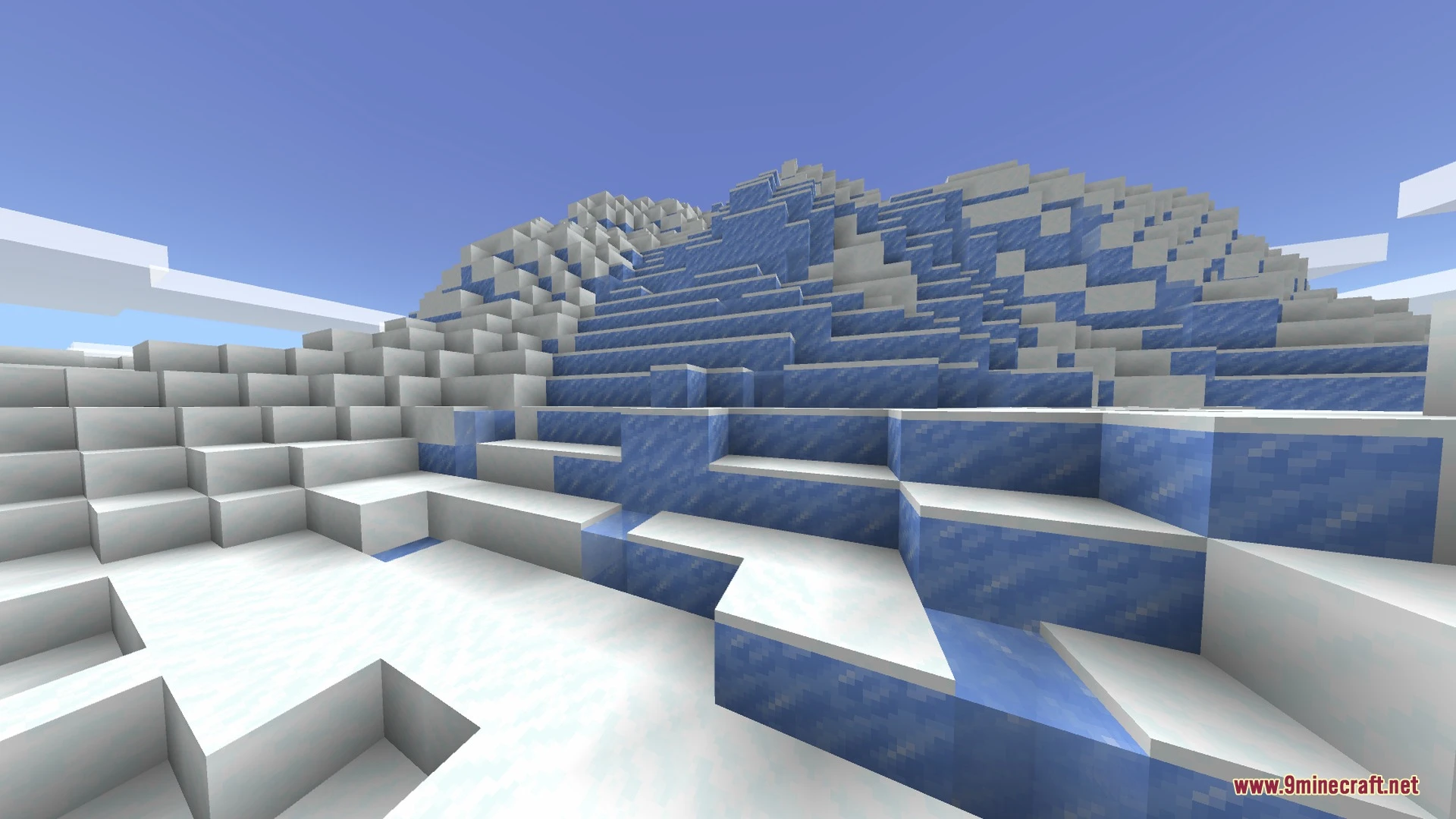
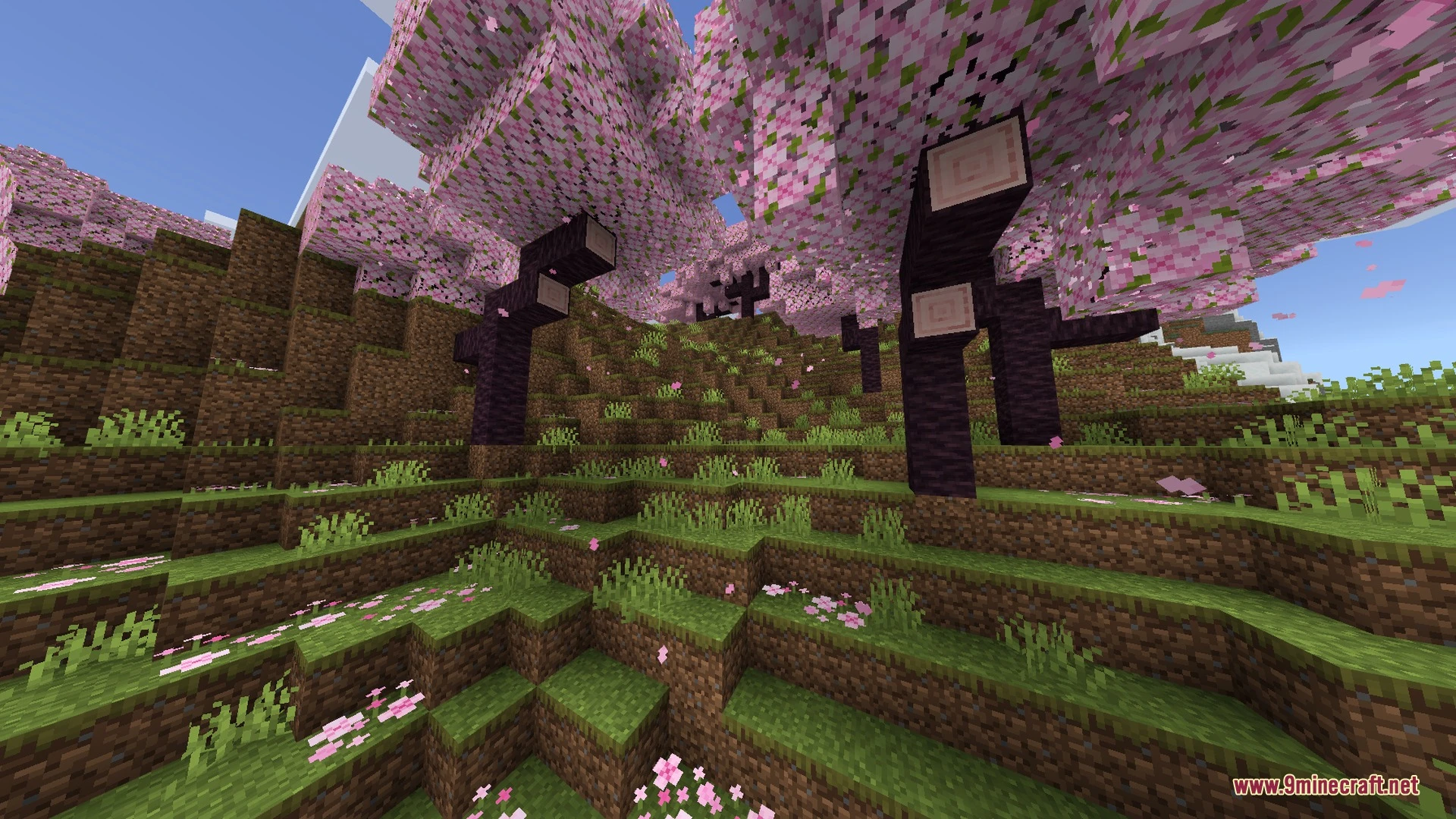
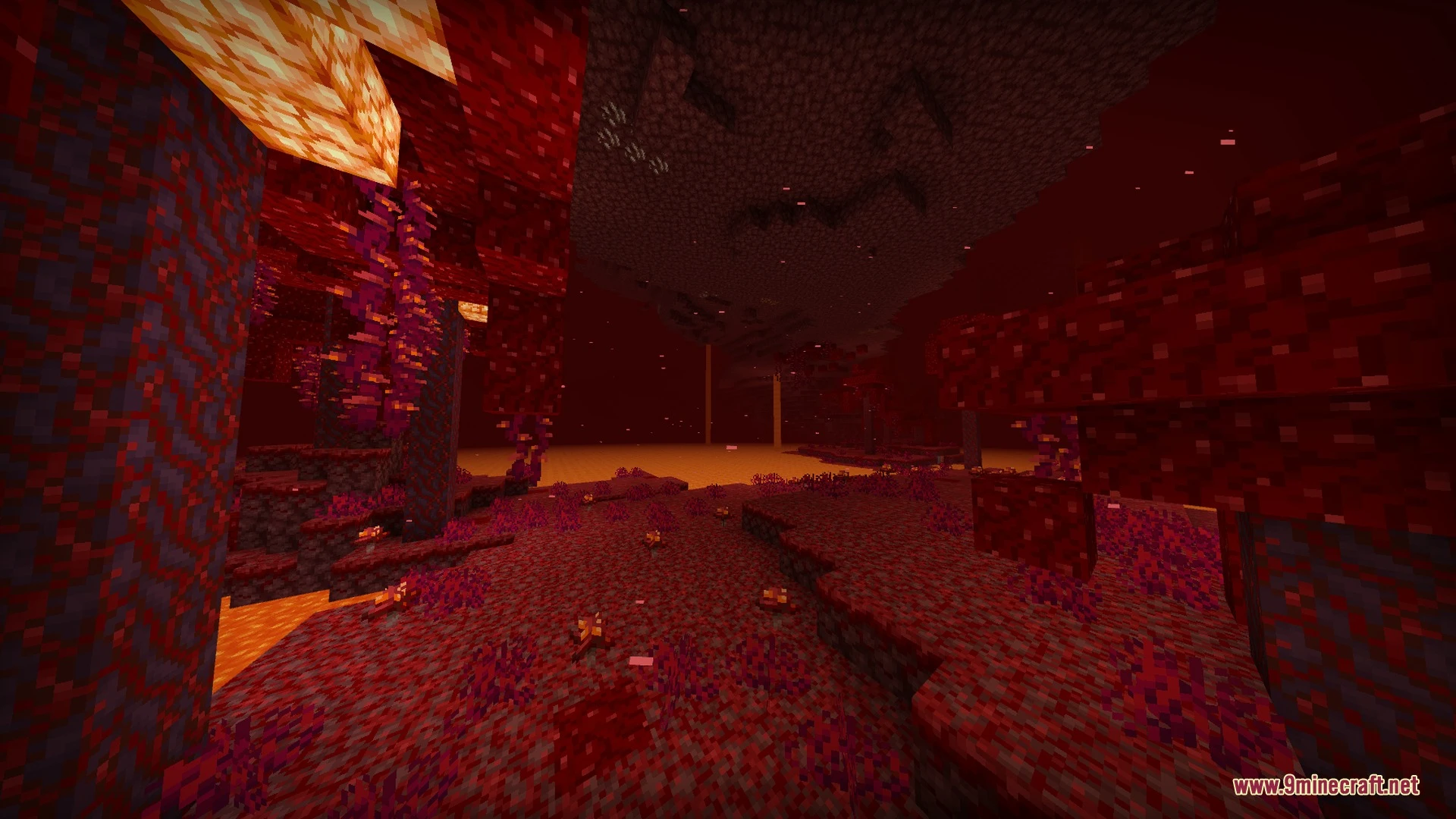
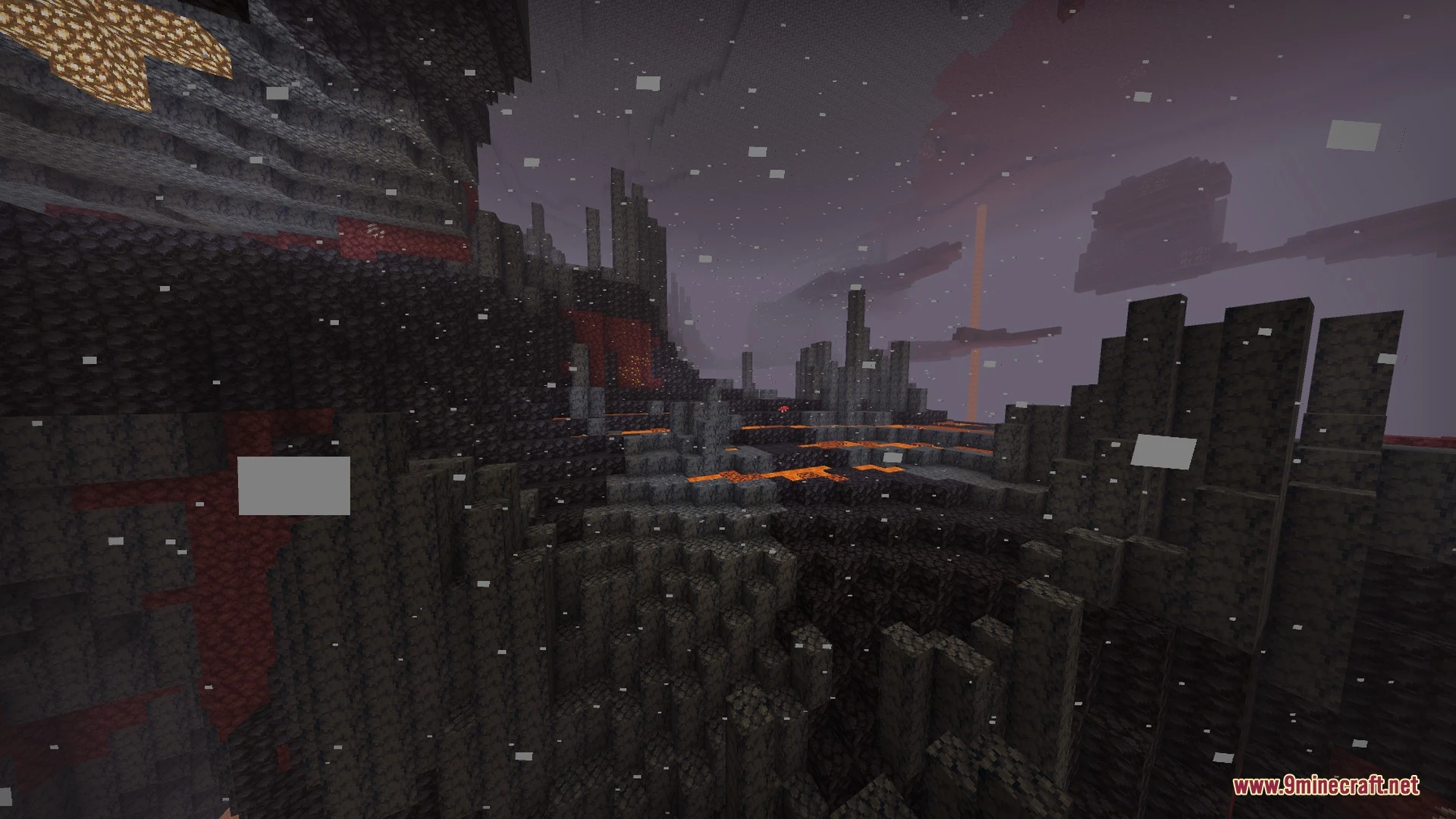
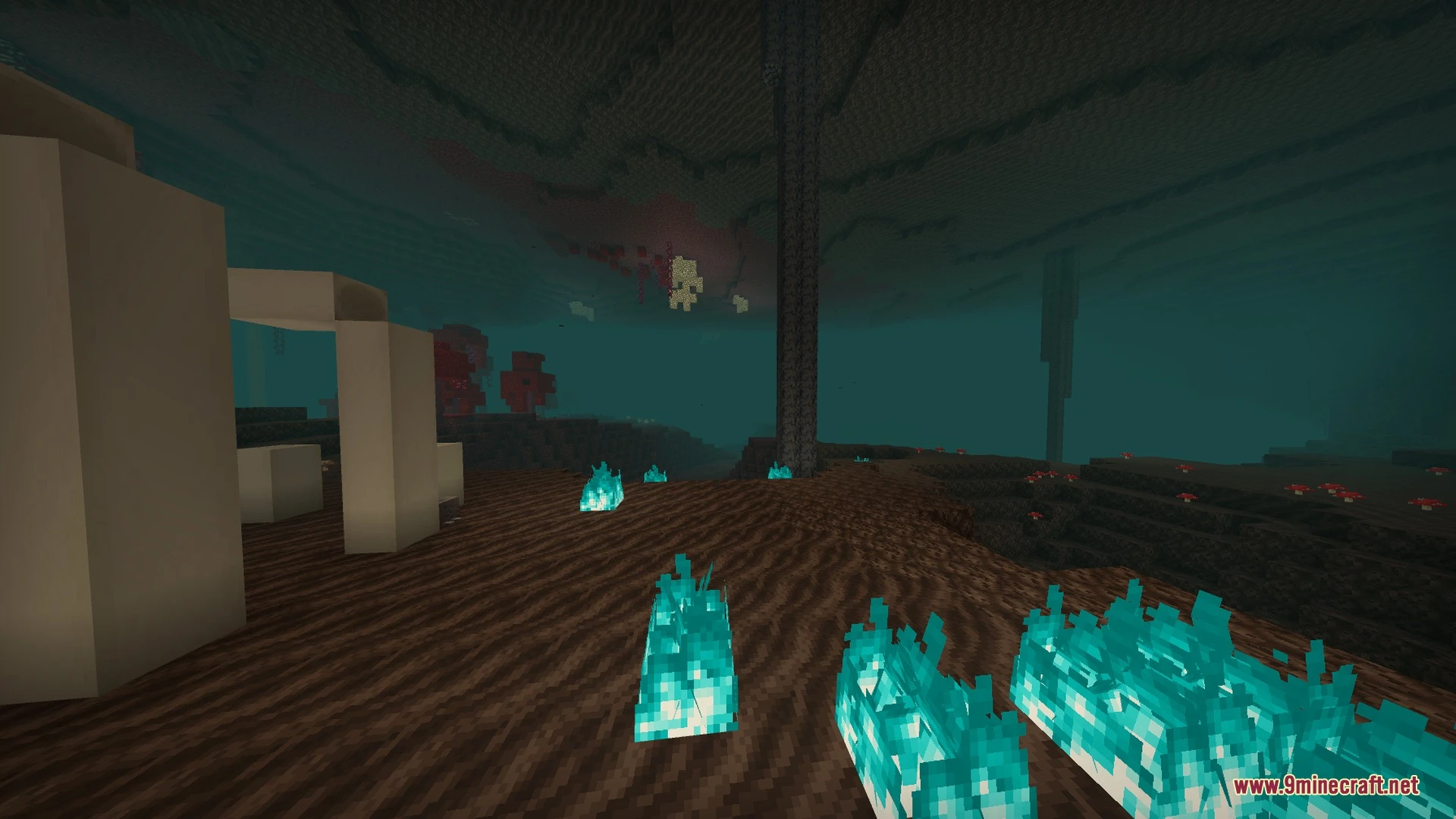
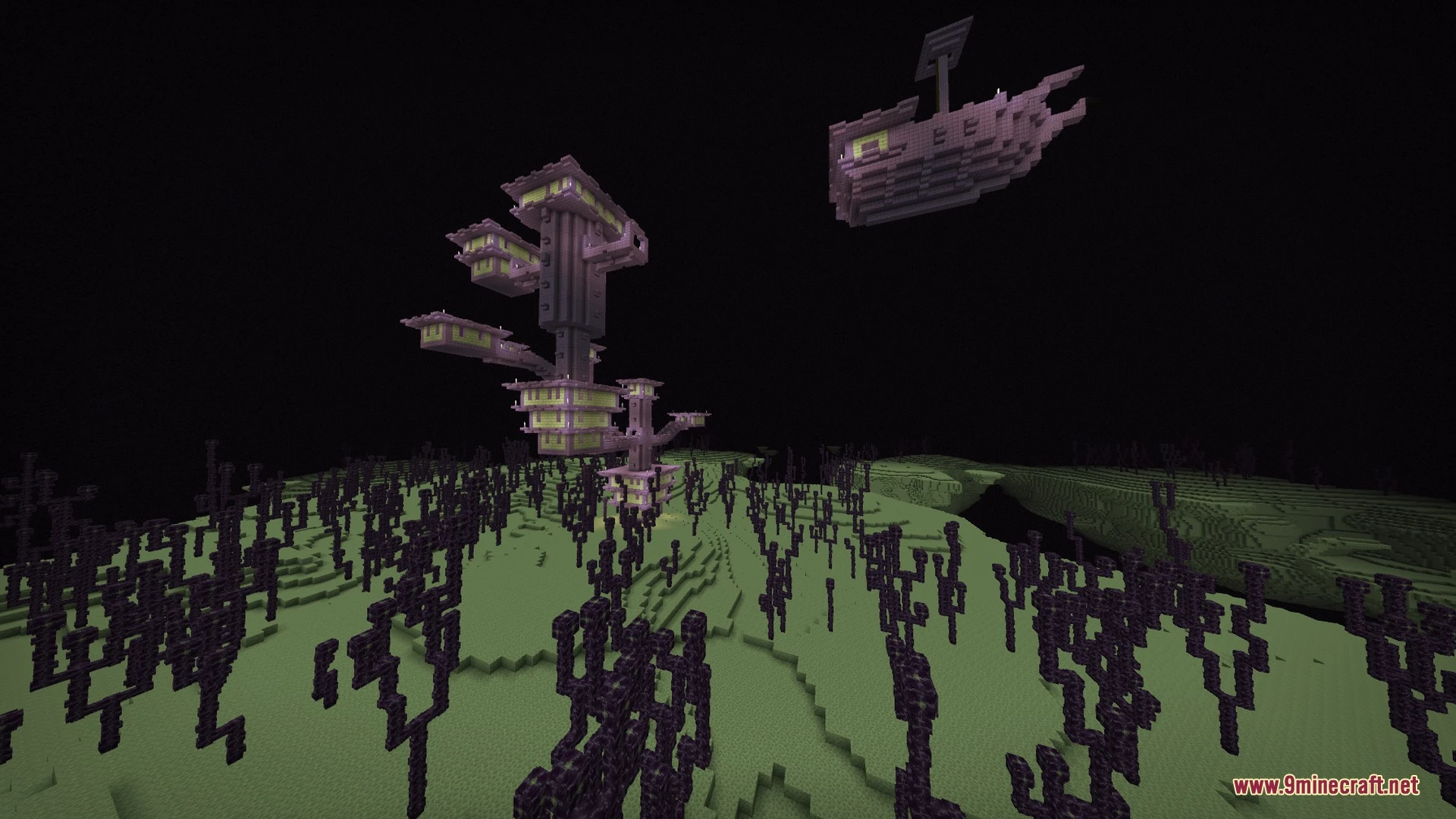
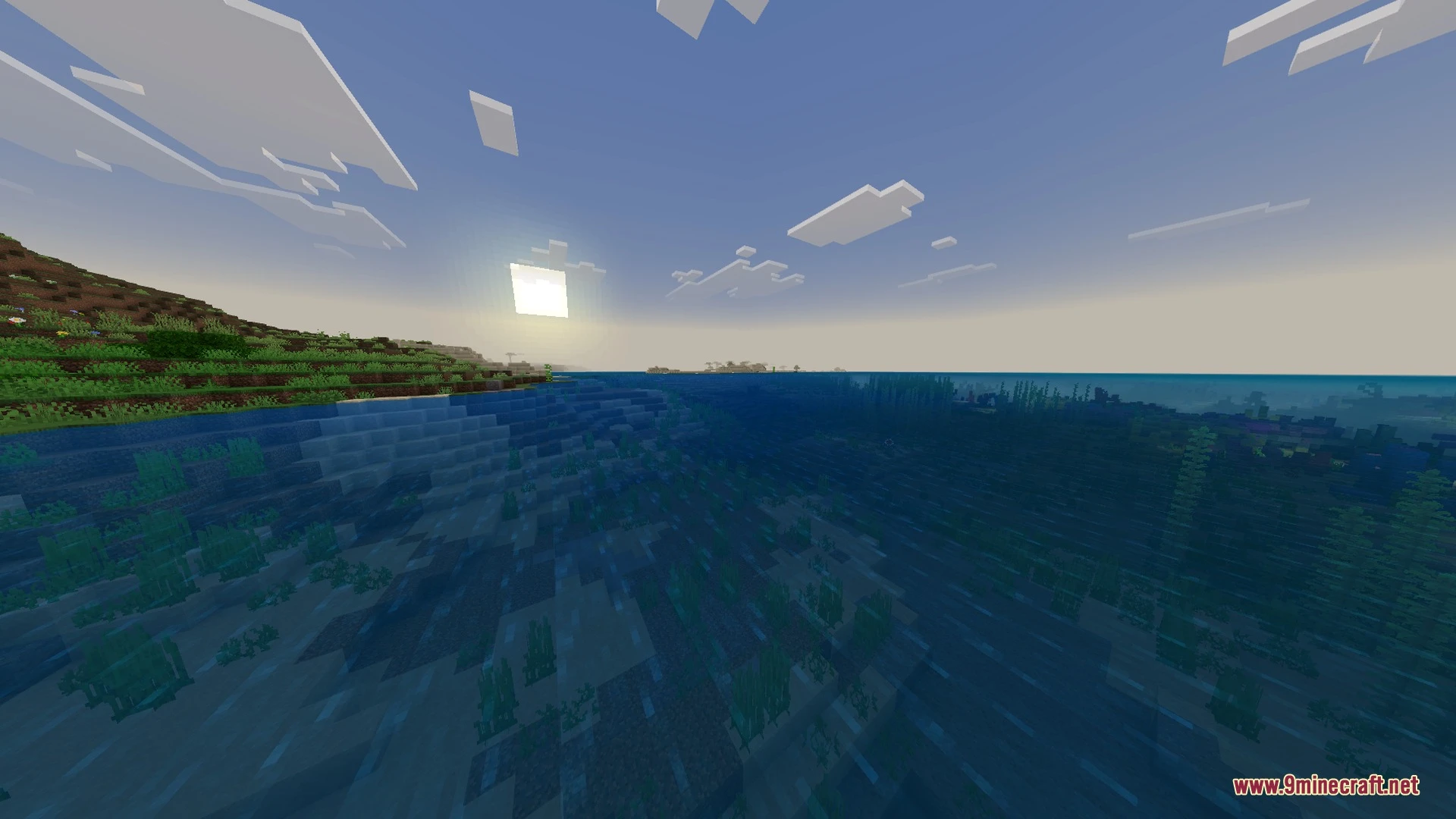
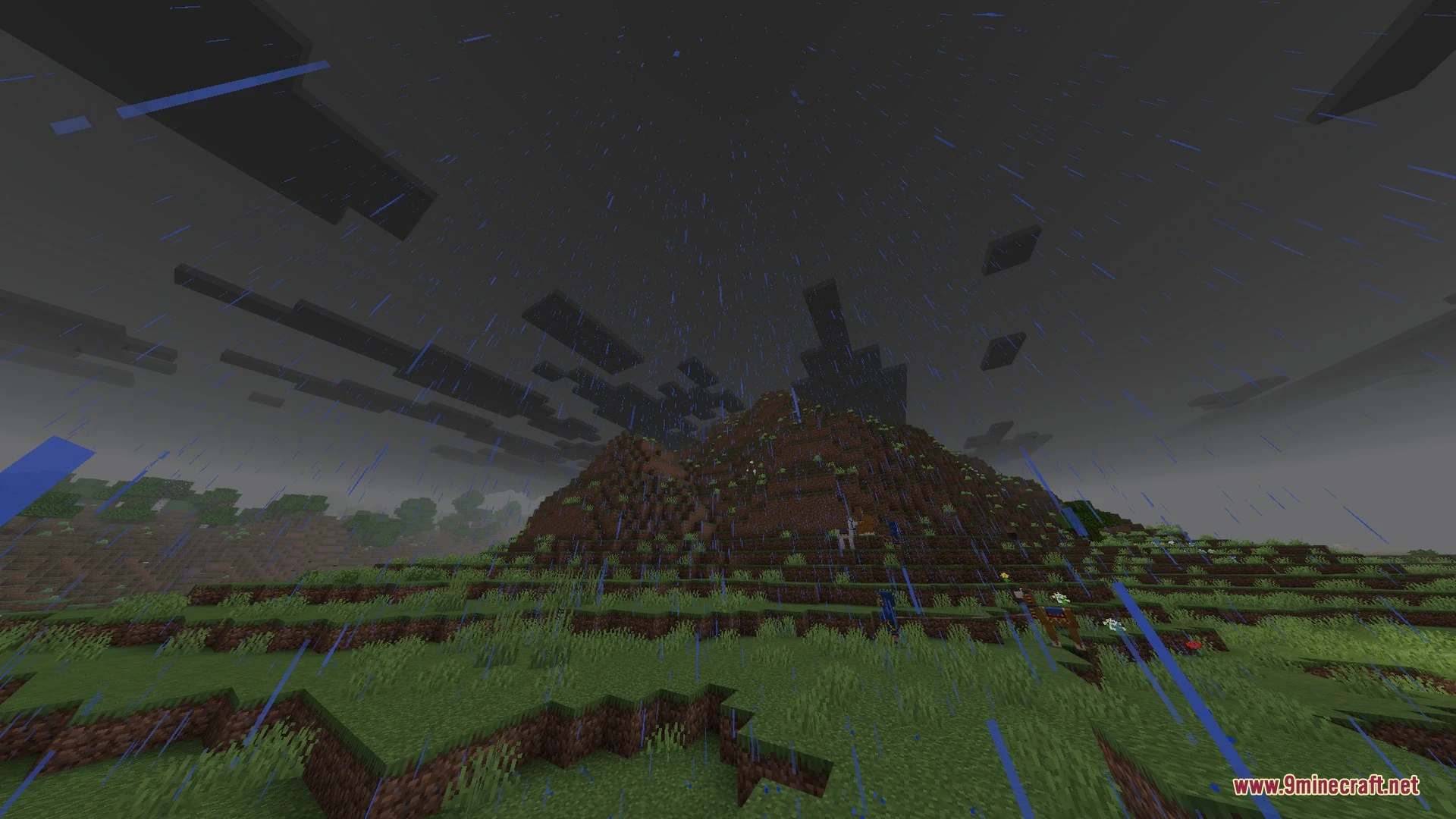
Creative HD Material Pack brings 88 high-definition exotic PBR textures to your ray tracing worlds by replacing Education Edition element blocks. It allows you to build with unique materials without modifying standard vanilla blocks or needing behavior packs. You can pair it with other visual packs to expand your creative building palette.
Features:
- Replaces Education Edition blocks with unique high-definition PBR materials.
- Works alongside other ray tracing and visual packs.
- Renames blocks in English to match their new appearances.
- Adds exotic building surfaces without replacing regular vanilla blocks.
- Functions as a world resource pack for custom builds.
Screenshots:
Creative HD Material Pack Download Links
Quick facts
- Edition: Minecraft Bedrock
- File type: .mcpack
- Minecraft version listed: 1.21
- How to install: Download the .mcpack. → Open it — Minecraft imports it under Resource Packs. → Activate it in Global Resources, or for one world under Resource Packs → Available.
- Where to get it: In MCModsHub, or directly above on this page.
Install steps are the general flow for this file type — How to install Minecraft Bedrock texture packs walks through it step by step.
File checked by MCModsHub
- Pack type: .mcpack — a single pack
- Manifest requires Minecraft 1.21.100 or newer
- Complete pack — everything it depends on is inside the file
- Download link checked 26 Aug 2026 — working
- Mirrored on our own servers — the download does not depend on the original host
These come from our own check of the pack file, not from the source page.