DeltaForce 3D Sword Only
Bedrock texture pack listed for Minecraft 26.x. File opened and checked on 12 Oct 2026; installs from the MC Bedrock Mods app on Android.
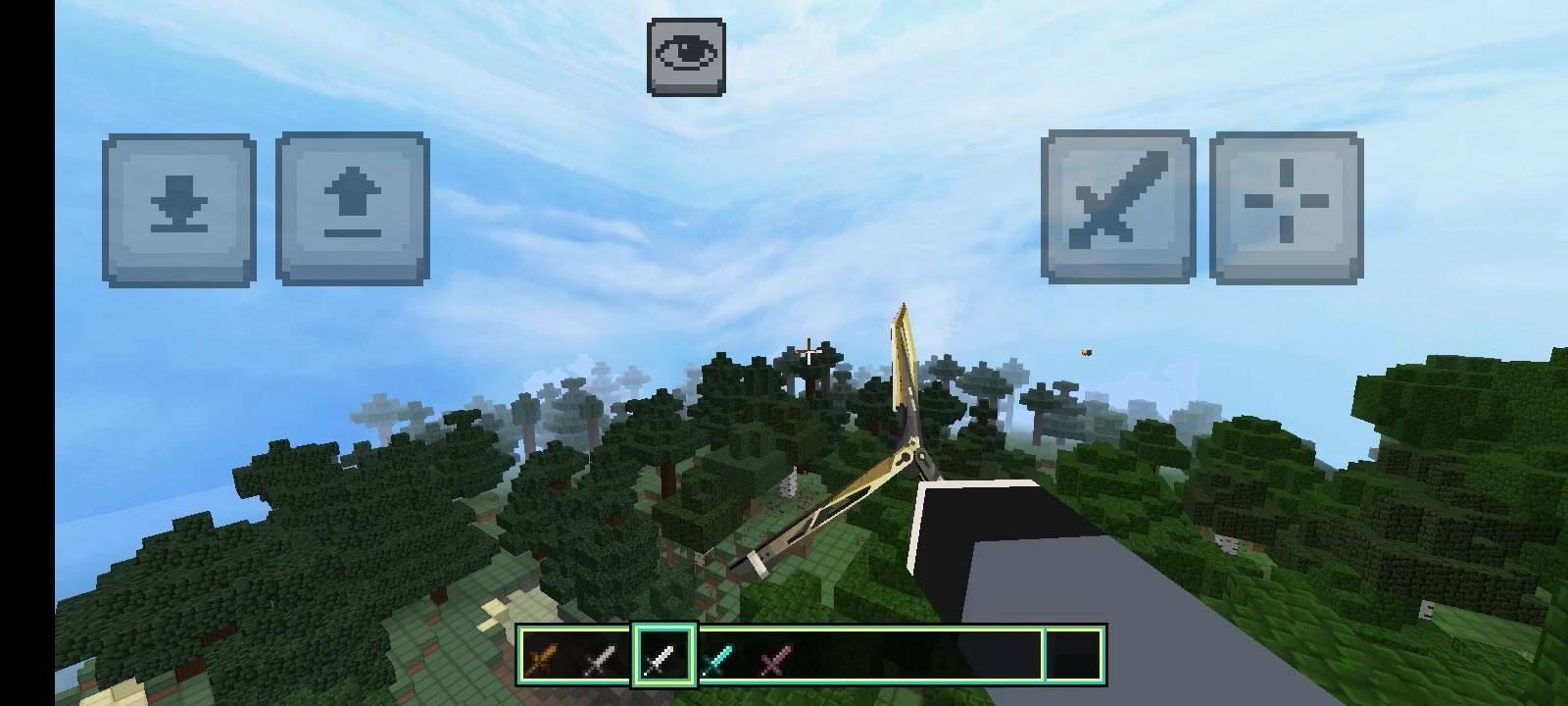
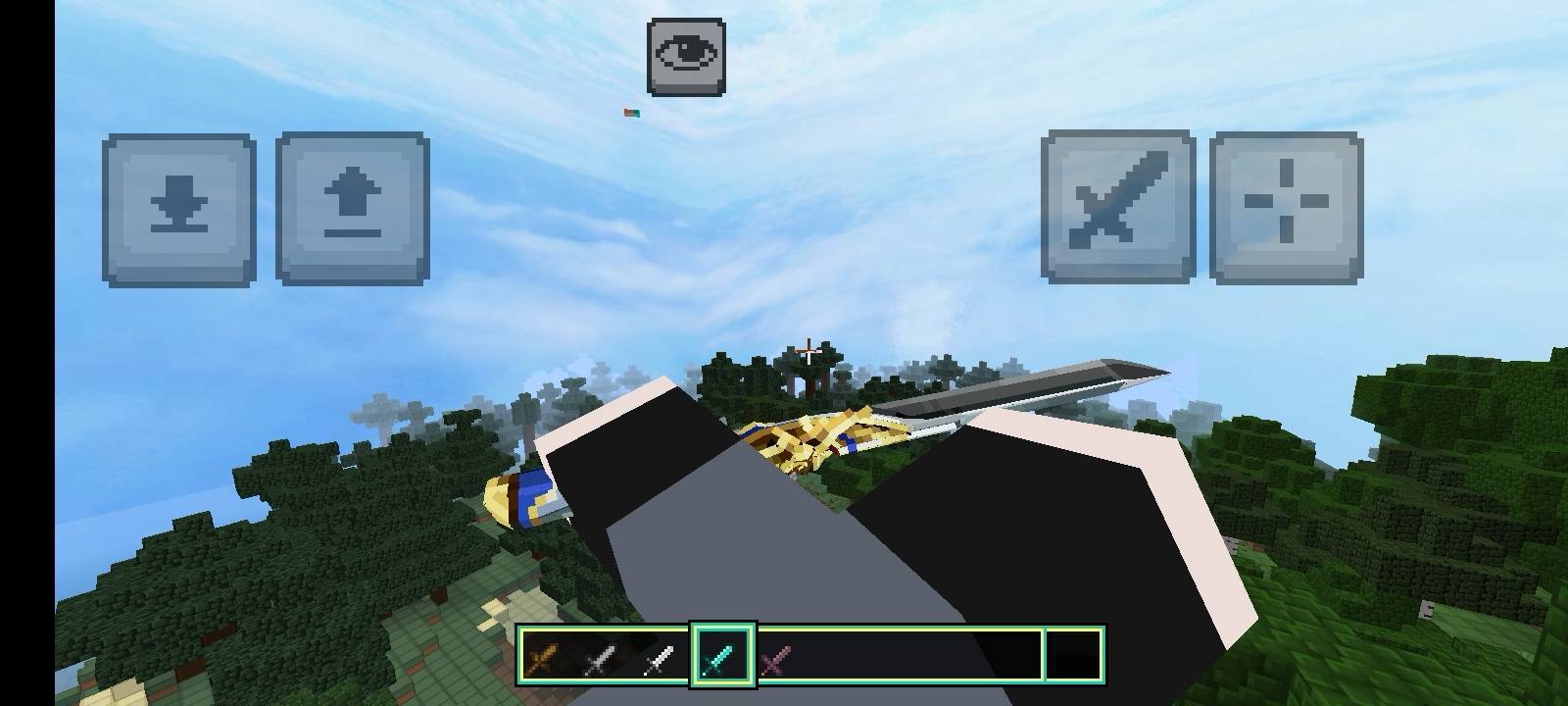
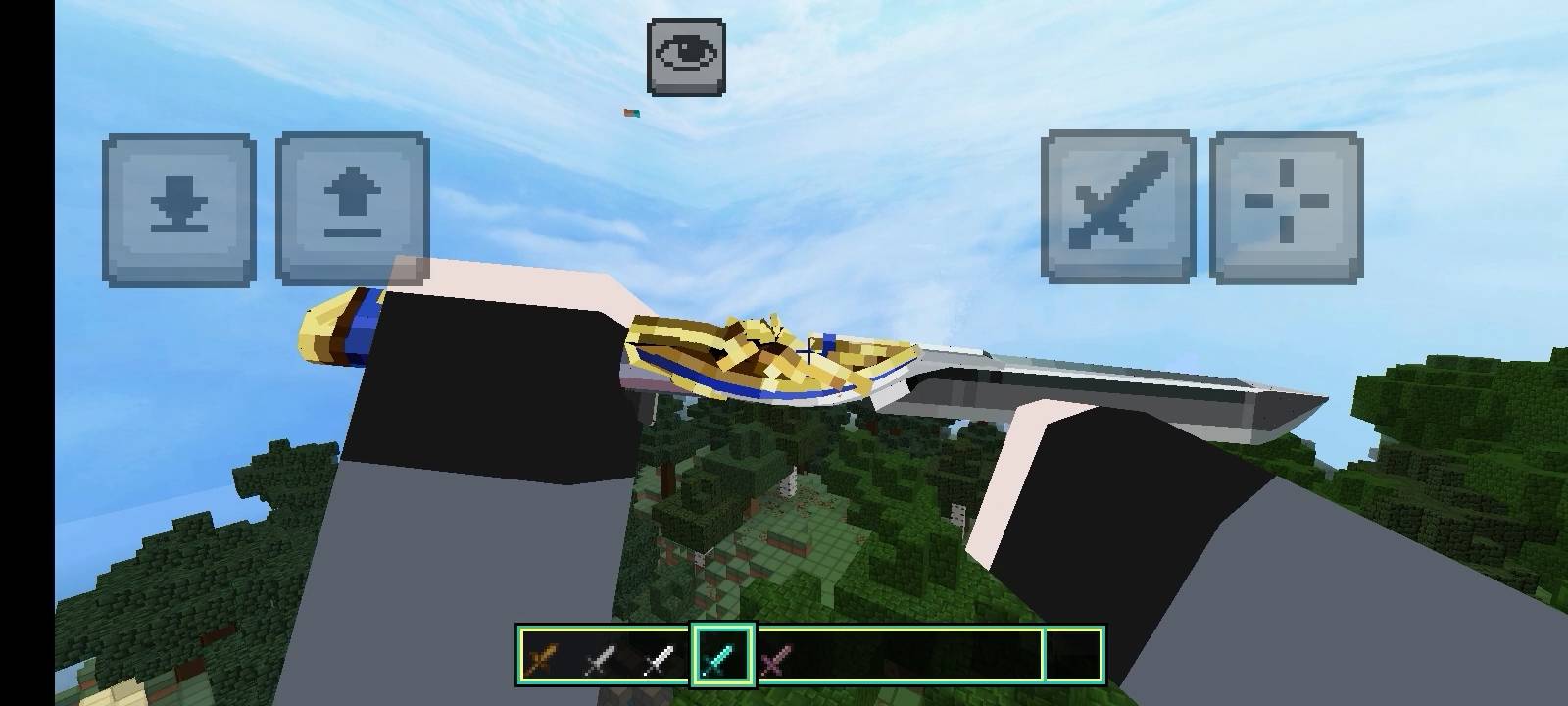
A Minecraft Bedrock resource pack that replaces vanilla sword items with custom 3D Delta Force-style models, textures, names, and animations for an…
⬇ Download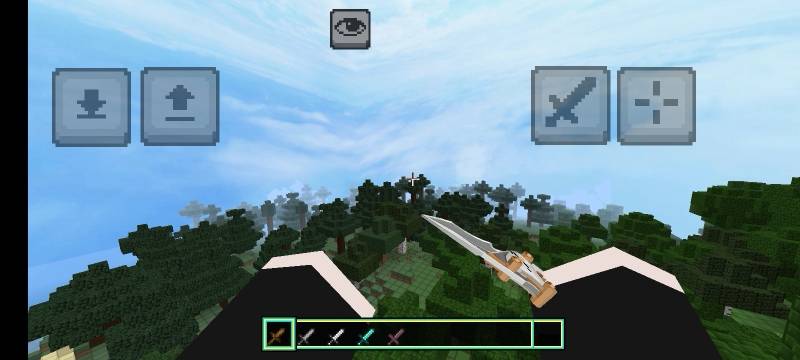
================================================================
Pack Performance Warning
Low-spec devices or those with small RAM are likely to experience severe lag, drops in framerate, or force closes when using this resource pack.
High Performance Required: This pack contains heavy textures, custom models, and animations that require a high-end device to run smoothly.
Low-End Device Risk: Using this pack on low-spec smartphones or PCs will likely cause severe lag, freezing, or game crashes.
Recommendation: It is strongly recommended to use a device with a powerful processor and ample RAM for the best gameplay experience.
================================================================
DeltaForce 3D Custom Vanilla Weapons
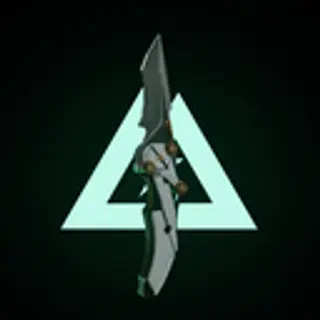
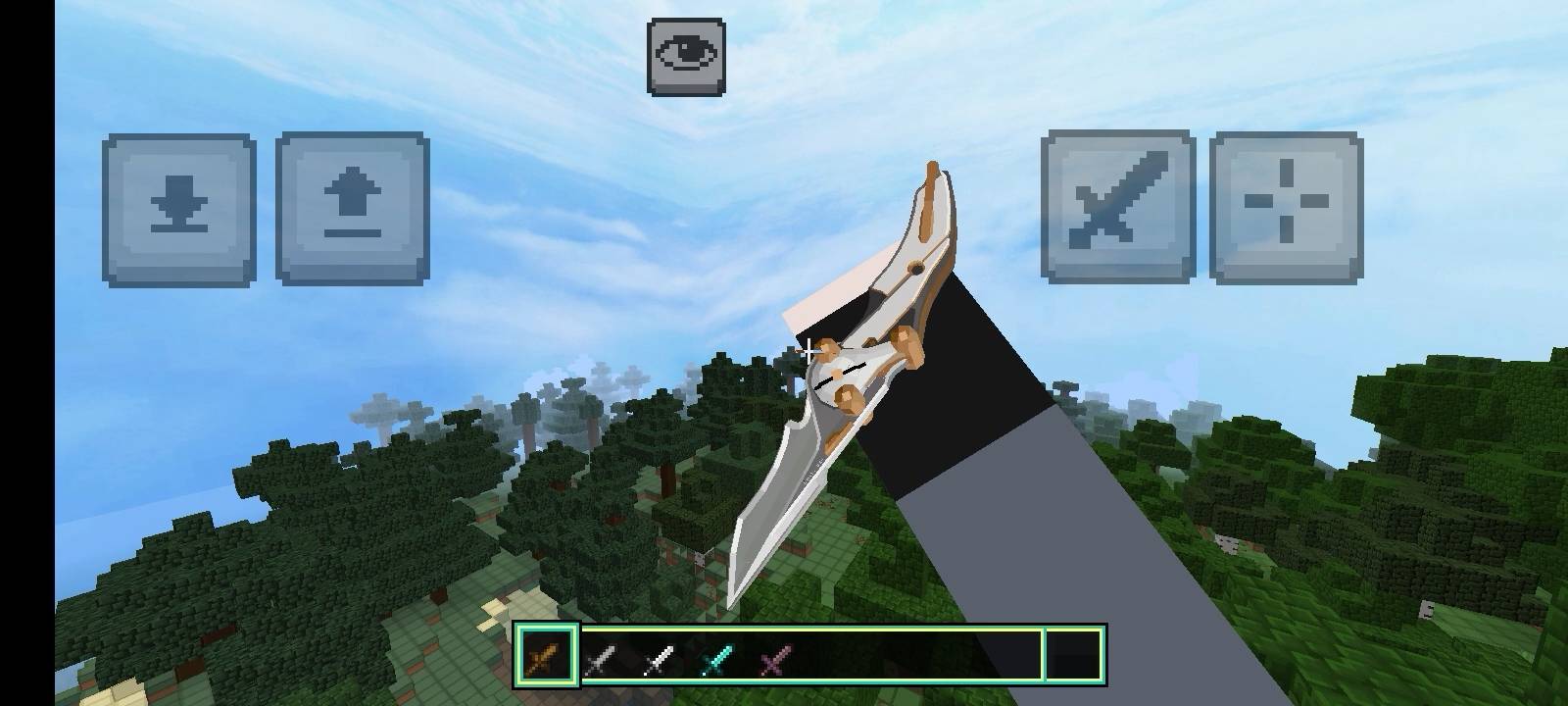
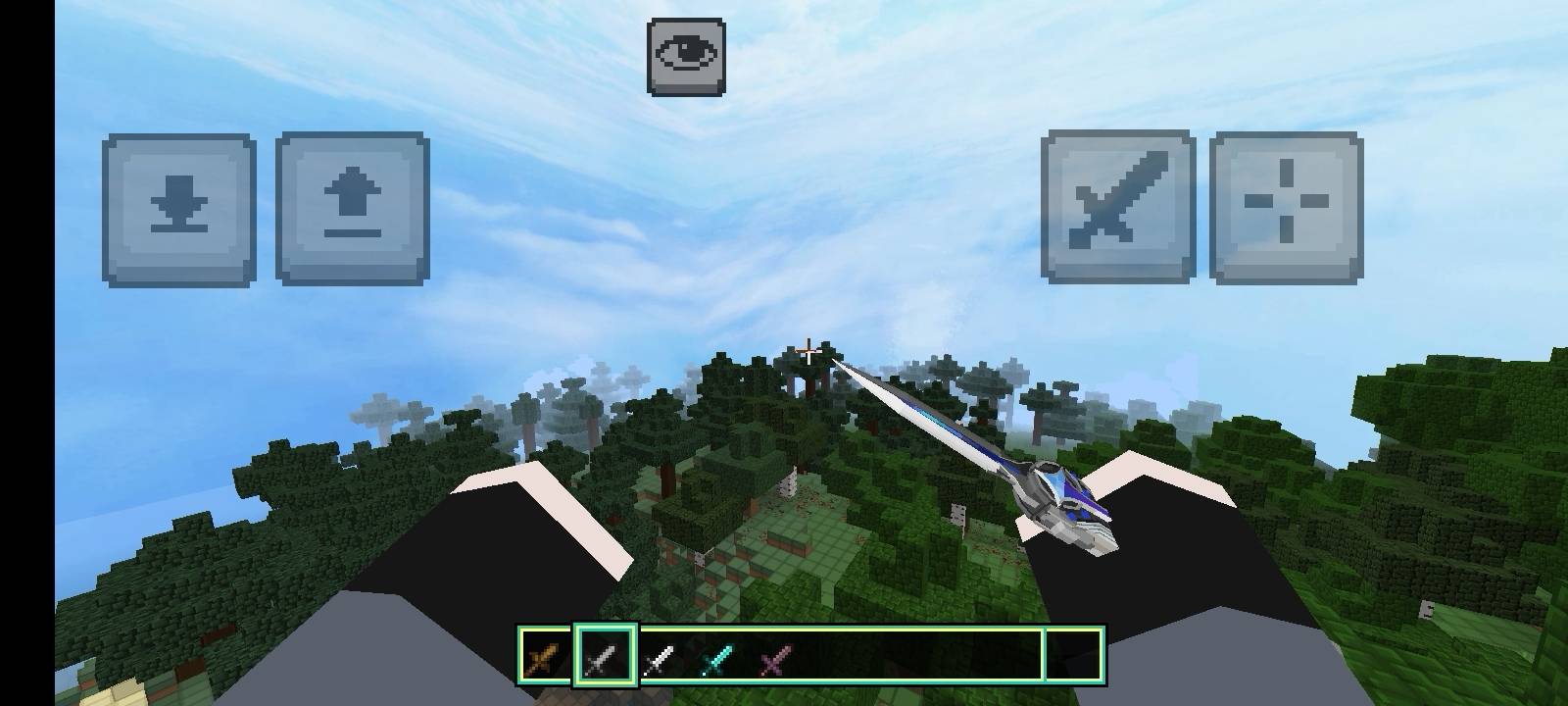
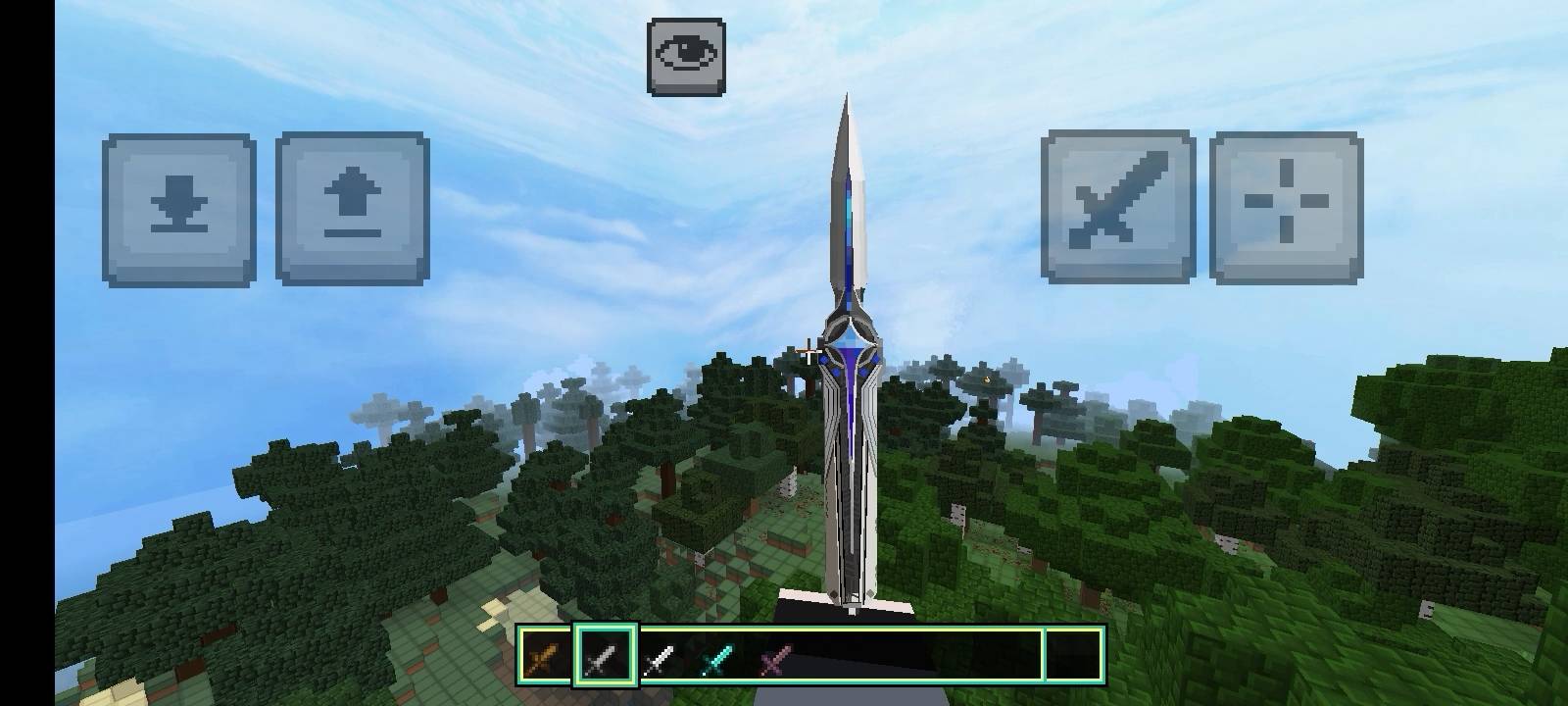
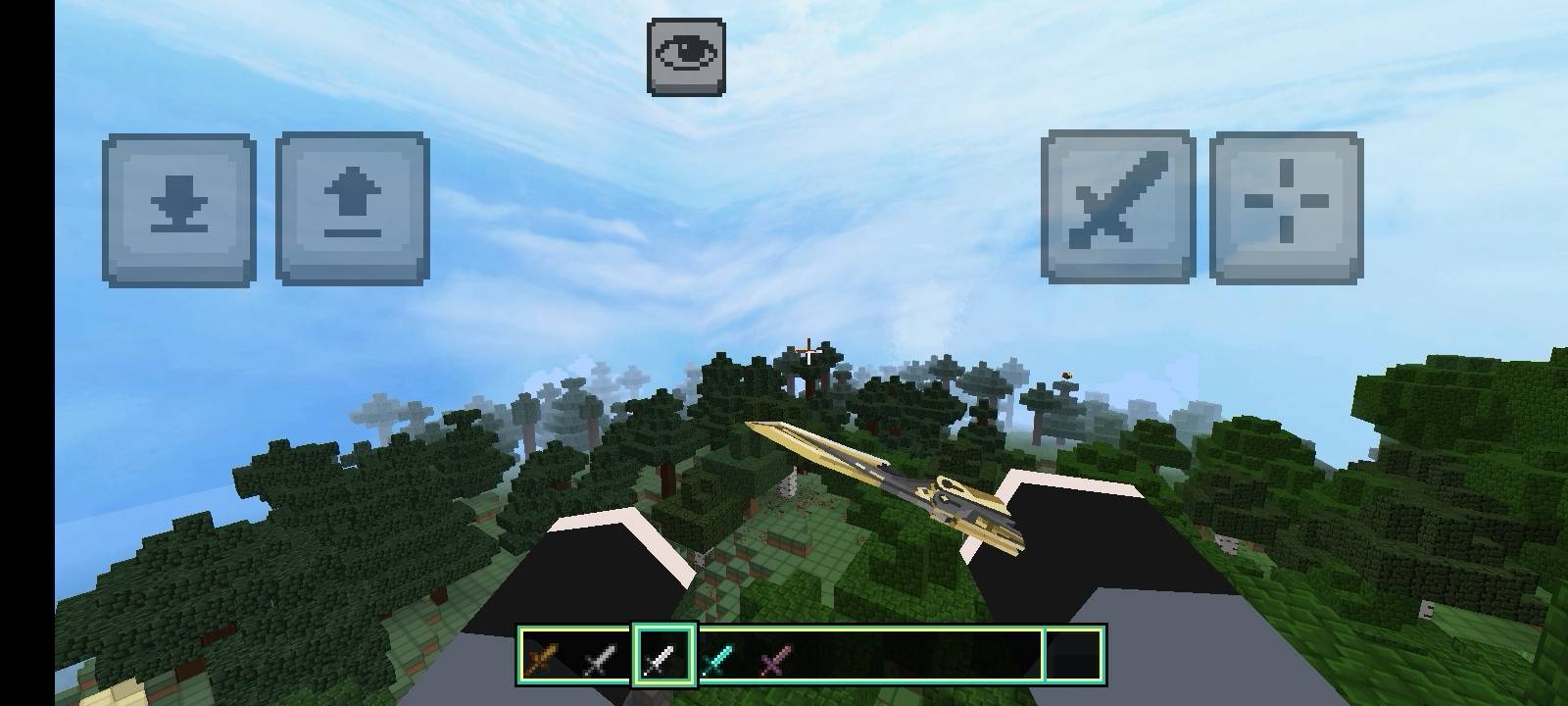
This resource pack replaces vanilla Minecraft sword items with custom 3D models, textures, and animations inspired by Delta Force / anime-style weapon designs. The vanilla held-item rendering is hidden and replaced with fully custom attachable models for a more immersive weapon-holding experience.
Features:
Custom 3D sword models with unique textures
Original draw, inspect, and melee animations
Custom sound effects for each weapon
Renamed weapons with unique identities:
Wooden Sword → Mercy
Stone Sword → Desmoulins' Edge
Iron Sword → Cobra Vanguard
Diamond Sword → Dark Star
Netherite Sword → Creed
Compatibility:
Minecraft Bedrock Edition, minimum engine version 1.17.0
Enjoy a fresh new look for your favorite melee weapons in Minecraft!
- Edition: Minecraft Bedrock
- File type: .mcpack
- Minecraft versions listed: 26.30, 26.40
- How to install: Download the .mcpack. → Open it — Minecraft imports it under Resource Packs. → Activate it in Global Resources, or for one world under Resource Packs → Available.
- Where to get it: In MCModsHub, or directly above on this page.
Install steps are the general flow for this file type — How to install Minecraft Bedrock texture packs walks through it step by step.
- Pack type: .mcpack — a single pack
- Complete pack — everything it depends on is inside the file
- Download size: 1.1 MB
- Download link checked 8 Oct 2026 — working
These come from our own check of the pack file, not from the source page.