ShadersBedrock
Azure Visuals Shader (26.x) – Saturated Color Grading and Sharp Foliage
Bedrock shader pack for the Vibrant Visuals mode listed for Minecraft 1.21. File opened and checked on 28 Aug 2026; installs from the MC Bedrock Mods app on Android.
⬇ Download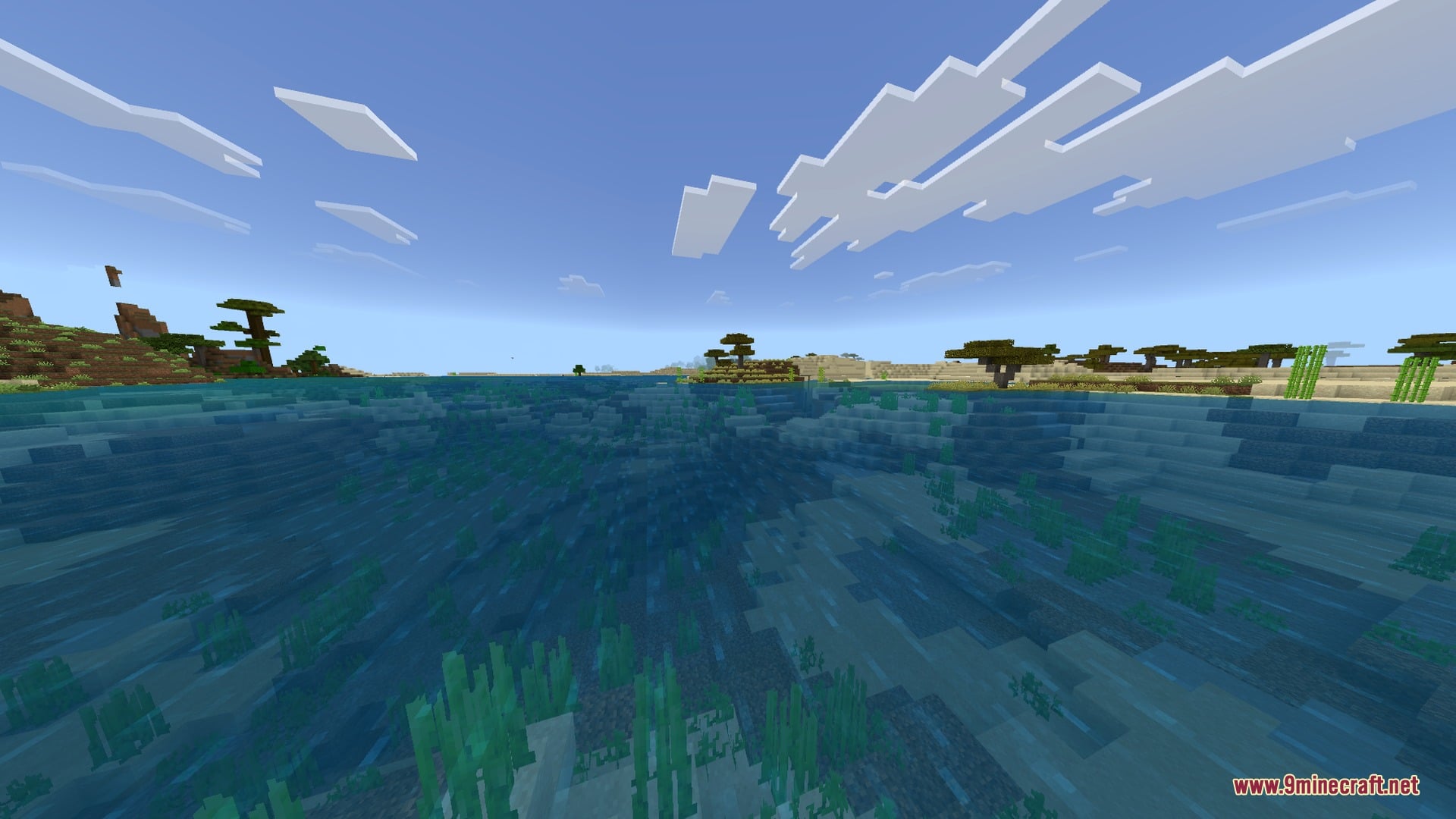
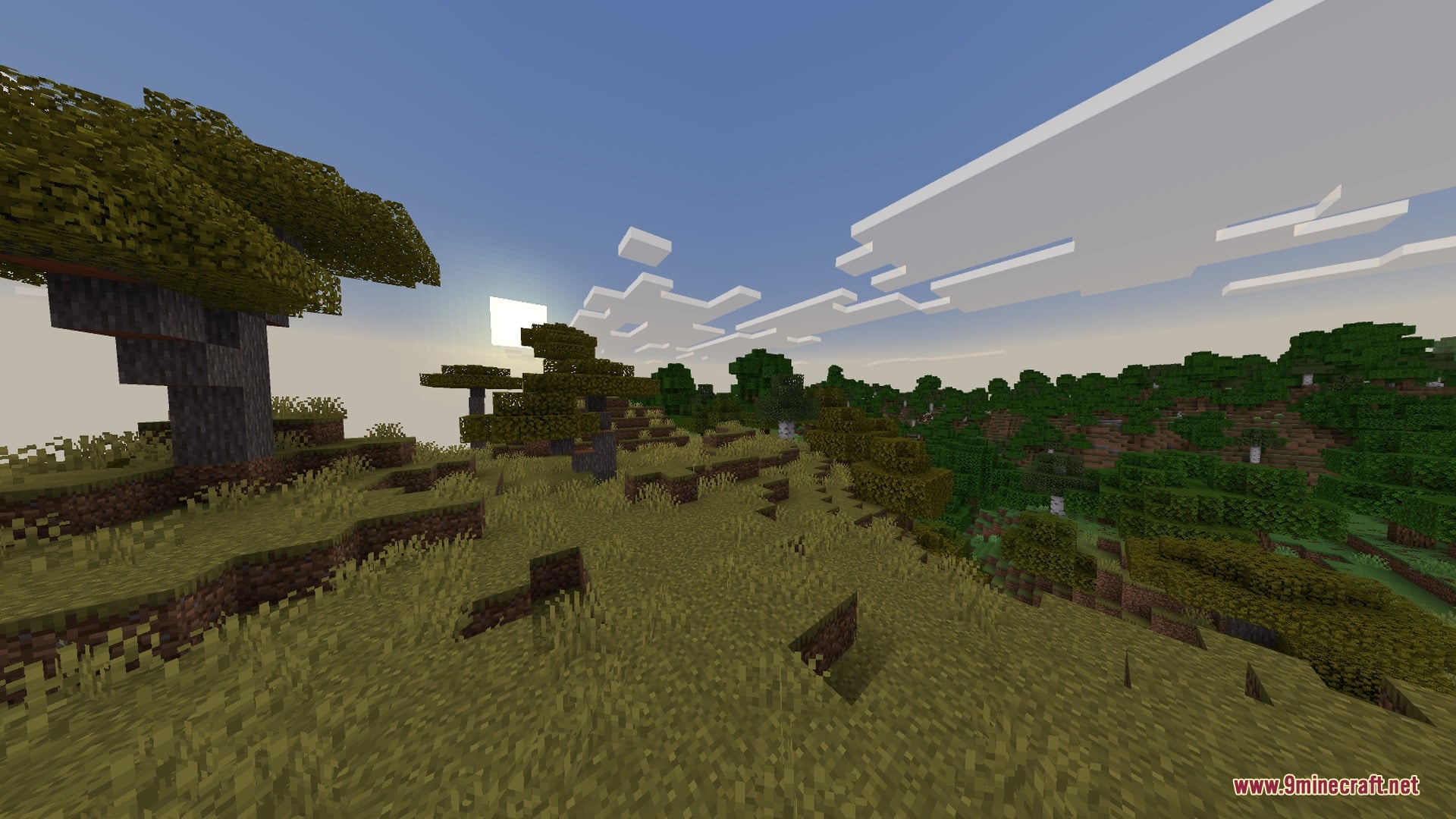
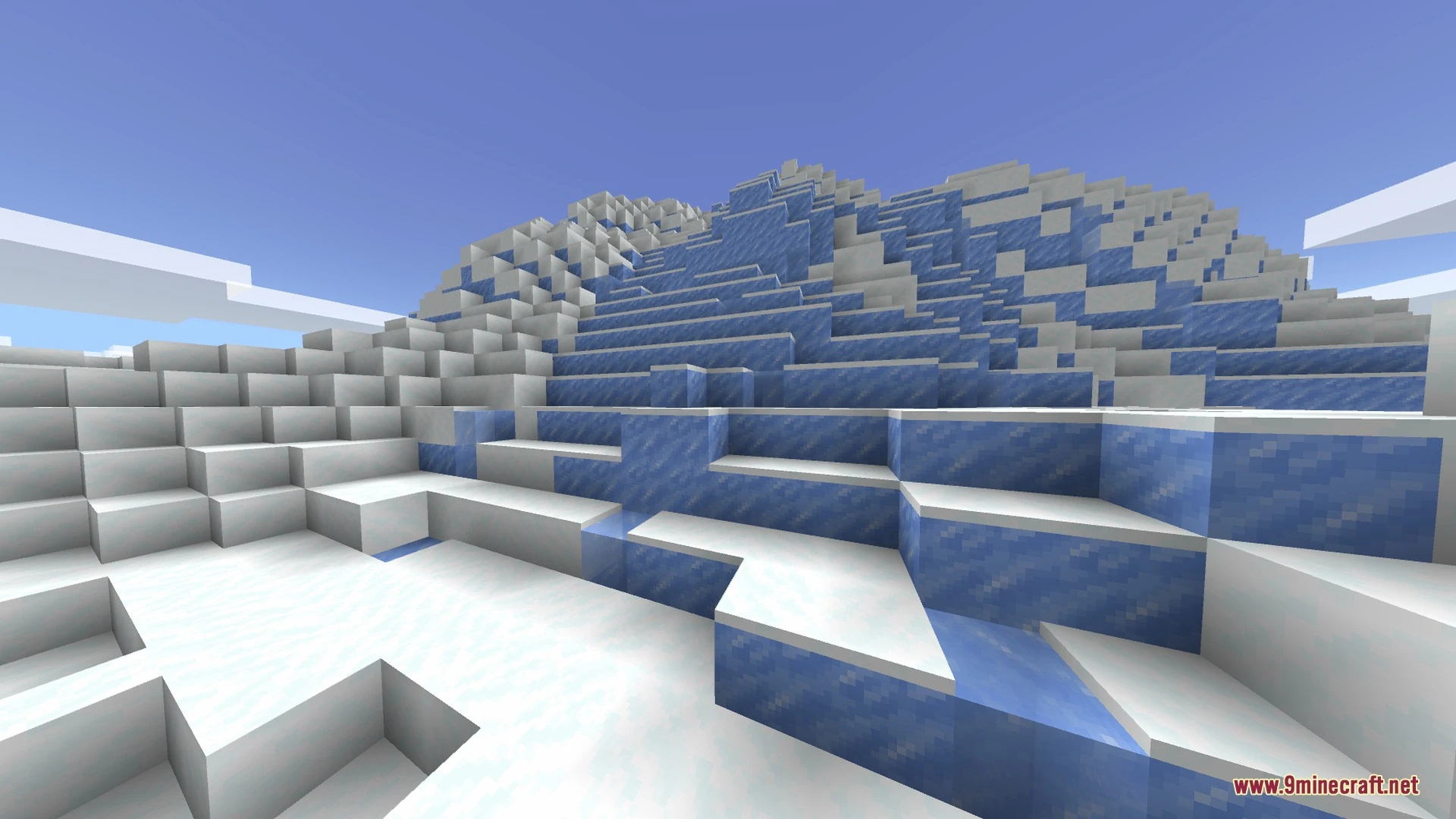
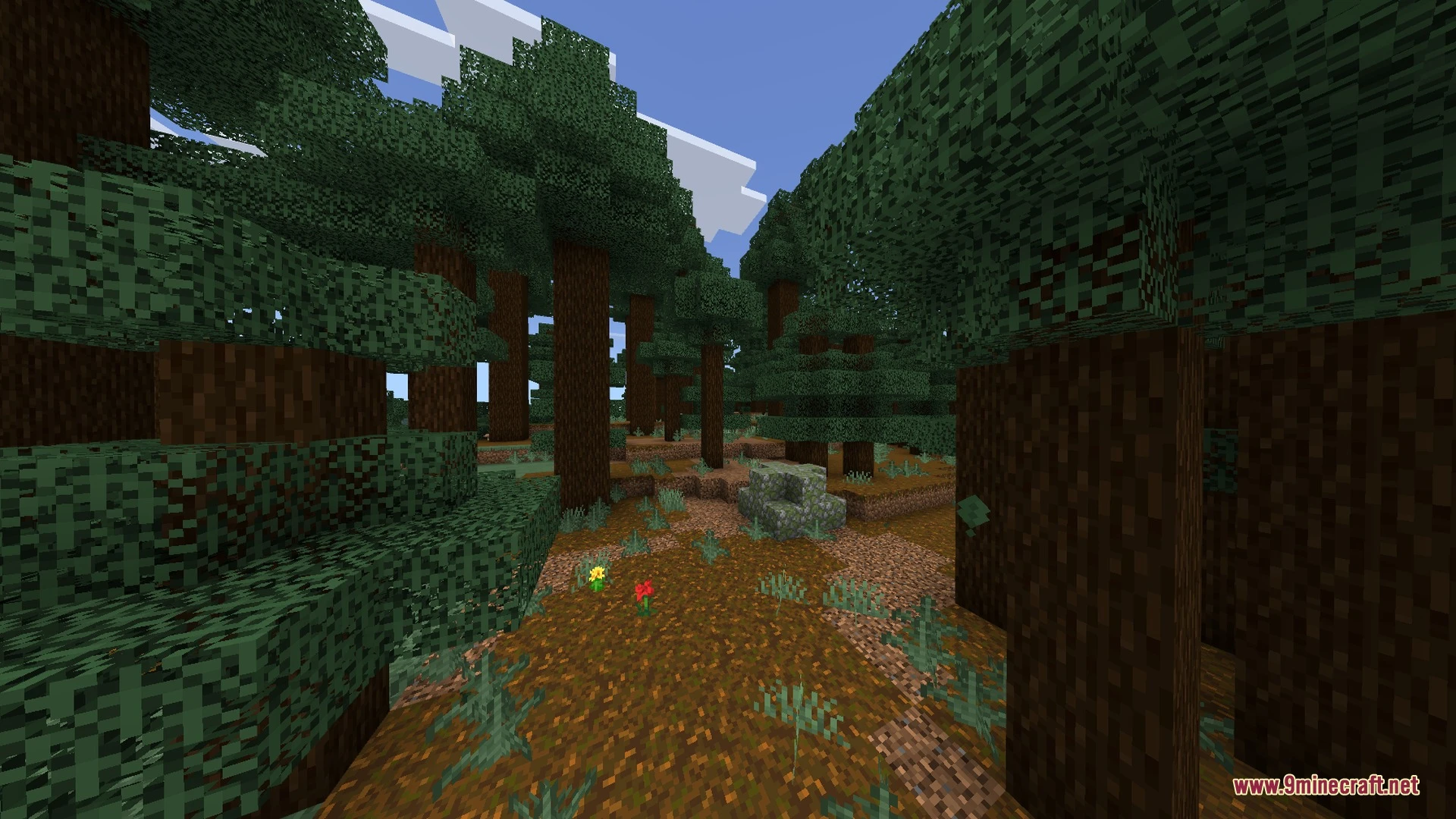
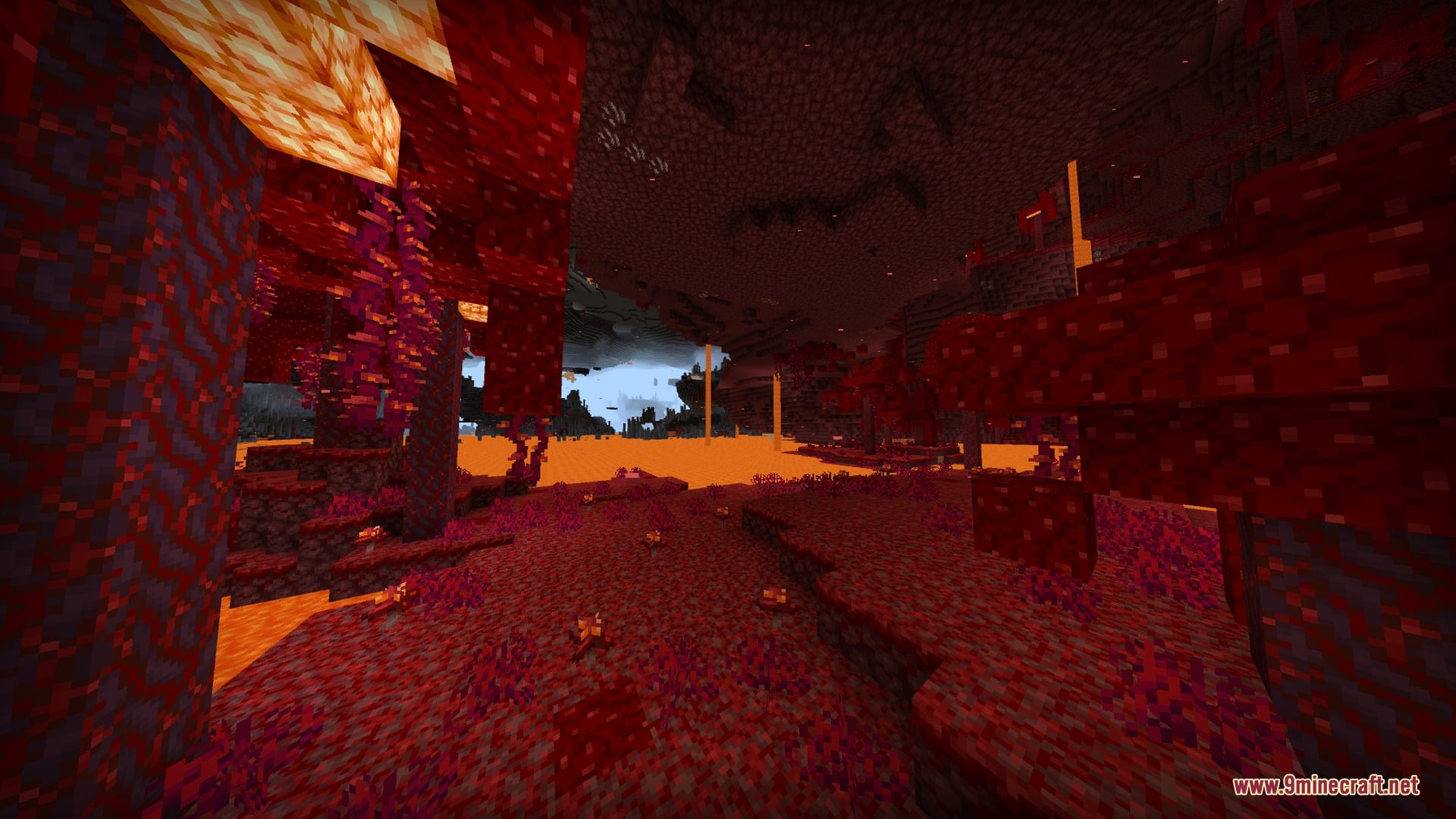
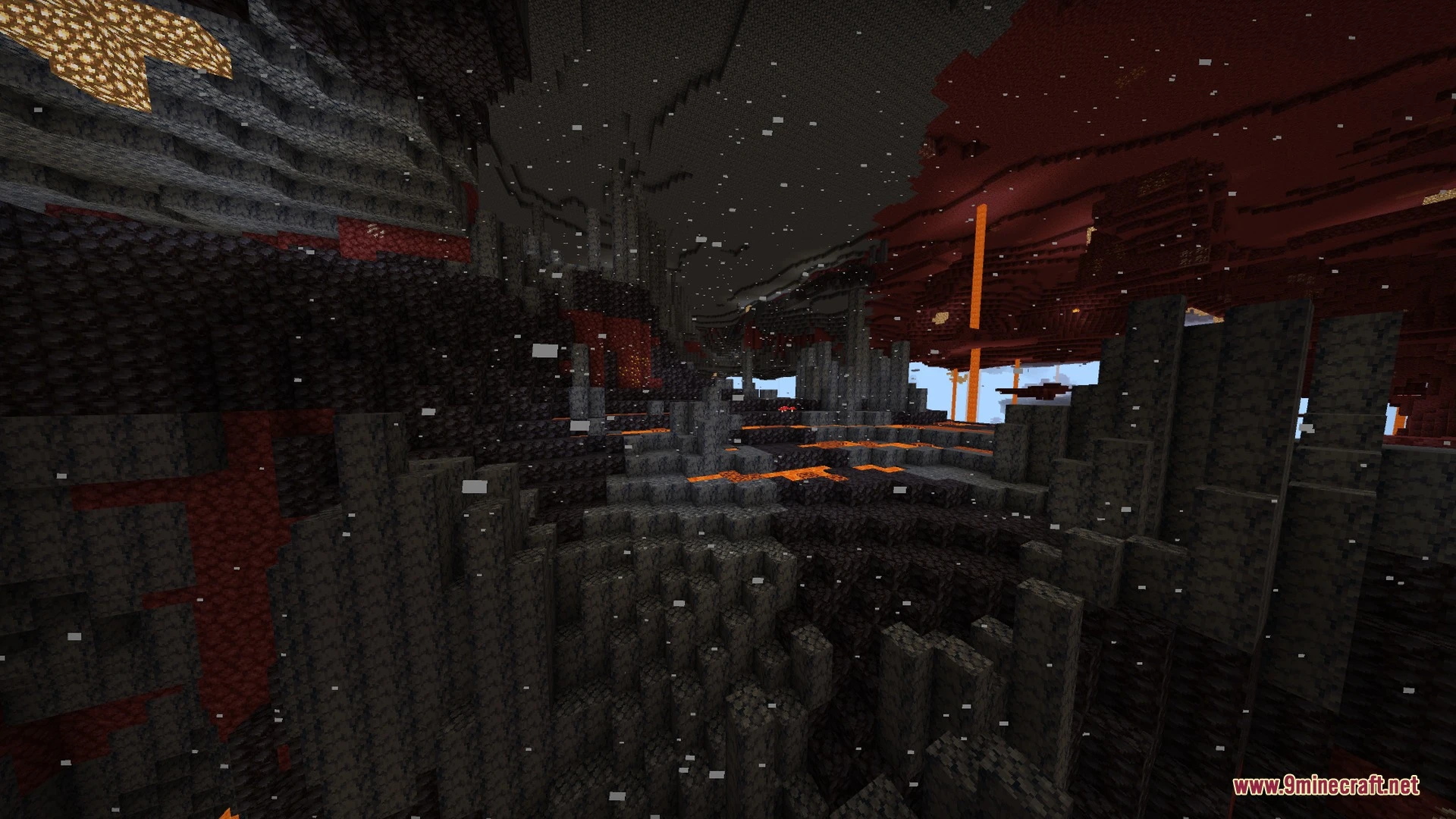
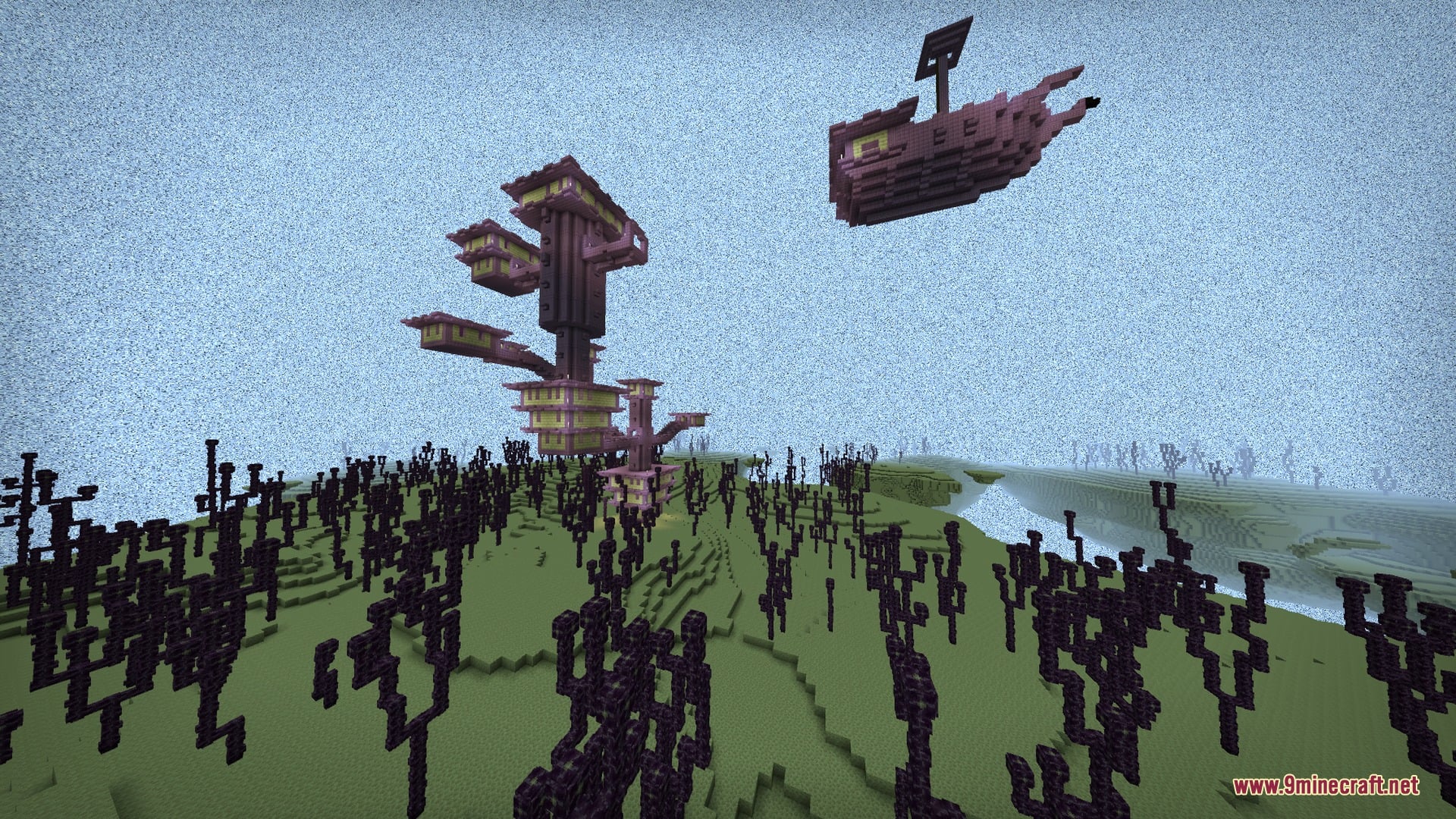
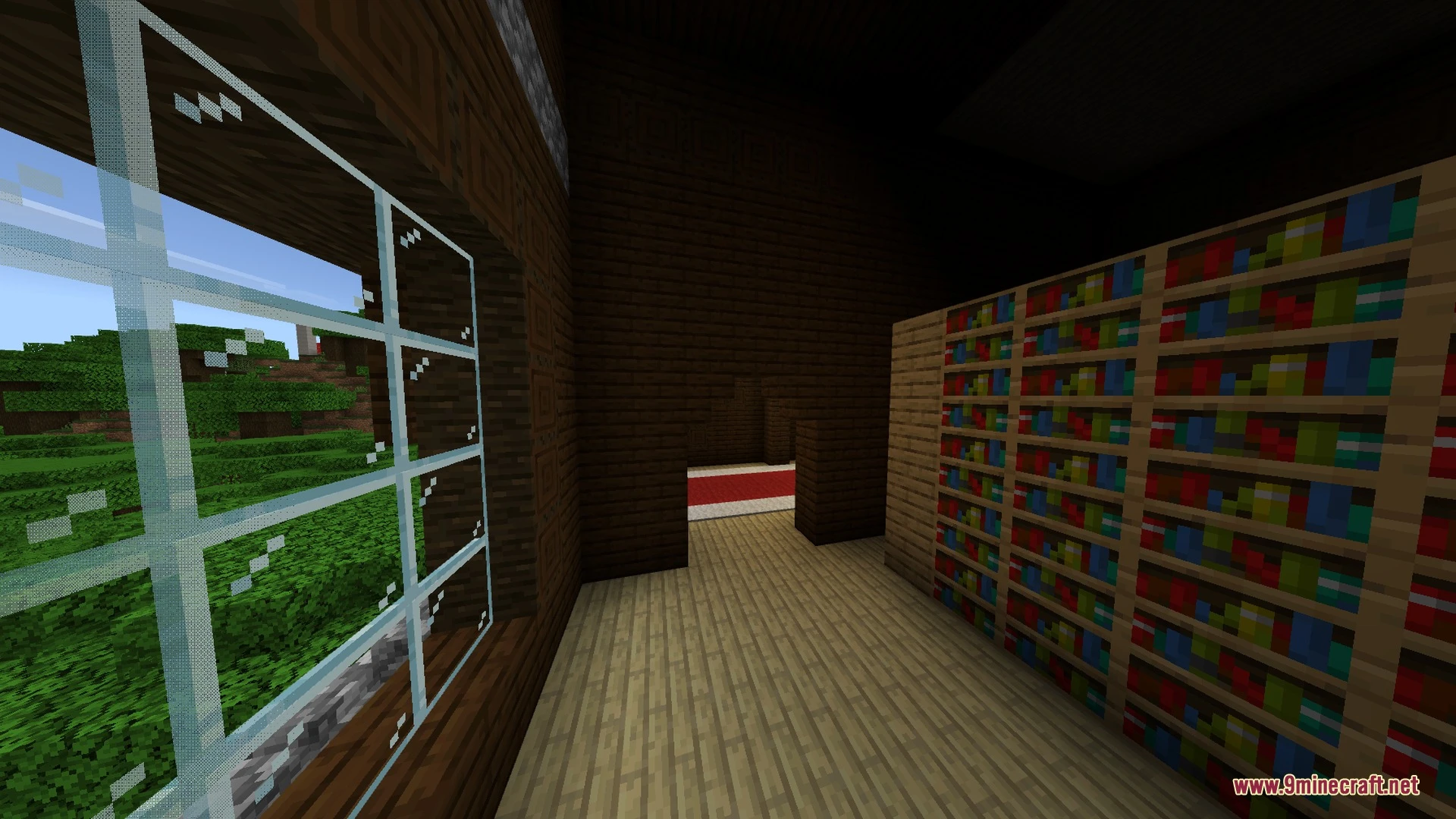
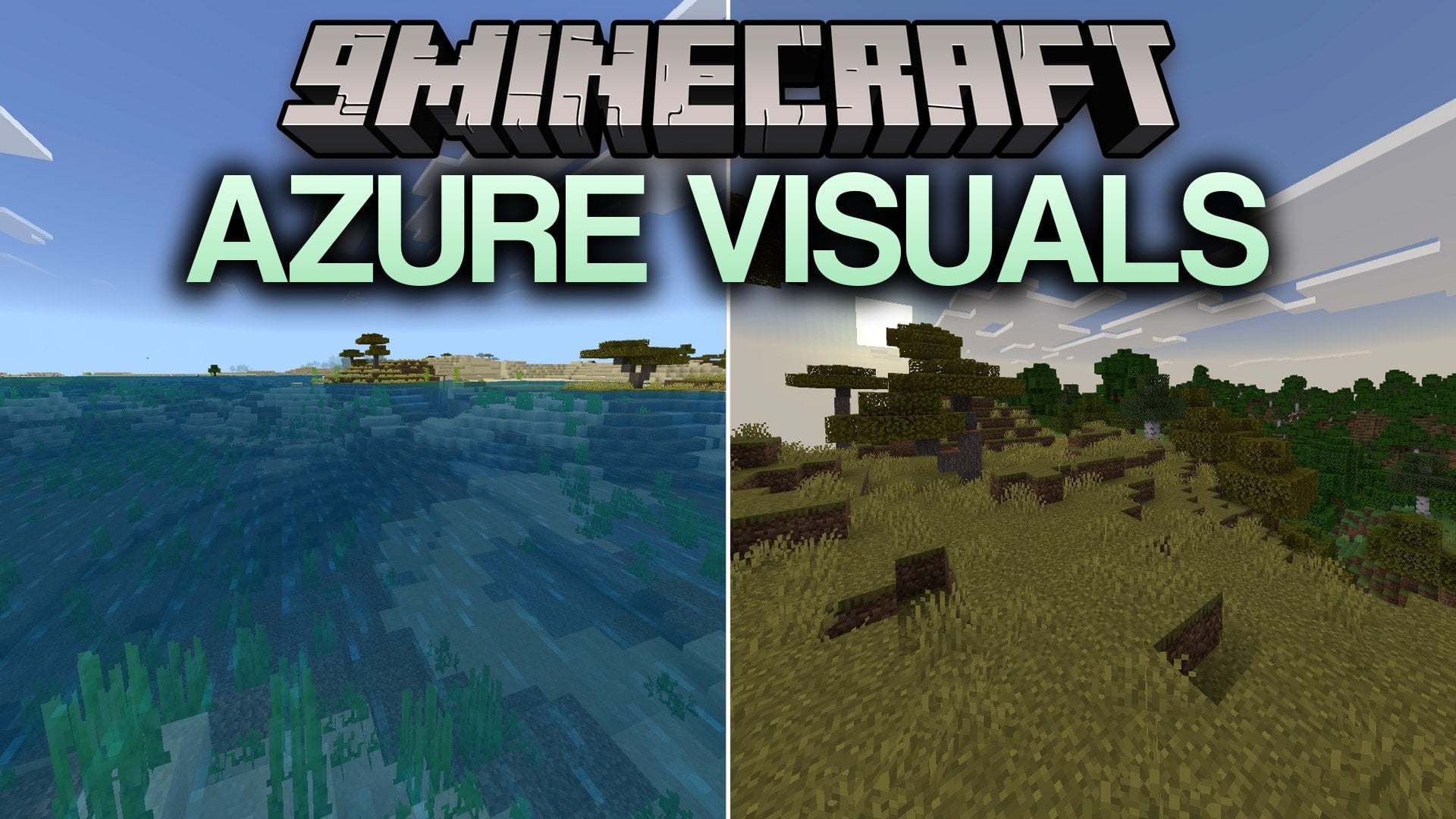
Azure Visuals boosts the colors and sharpness across your Minecraft world. It gives every biome bright lime foliage, rich blue skies, and high saturation that makes your scenery pop in screenshots and videos. The pack keeps everything clean and sharp while running smoothly on any mobile device.
Features:
- Adds bright lime-green tones to grass and plant life.
- Features deep blue skies paired with crisp white clouds.
- Applies high saturation color grading across every biome.
- Provides warm details for tree and terrain textures.
- Delivers sharp visual quality without causing frame rate lag.
Screenshots:
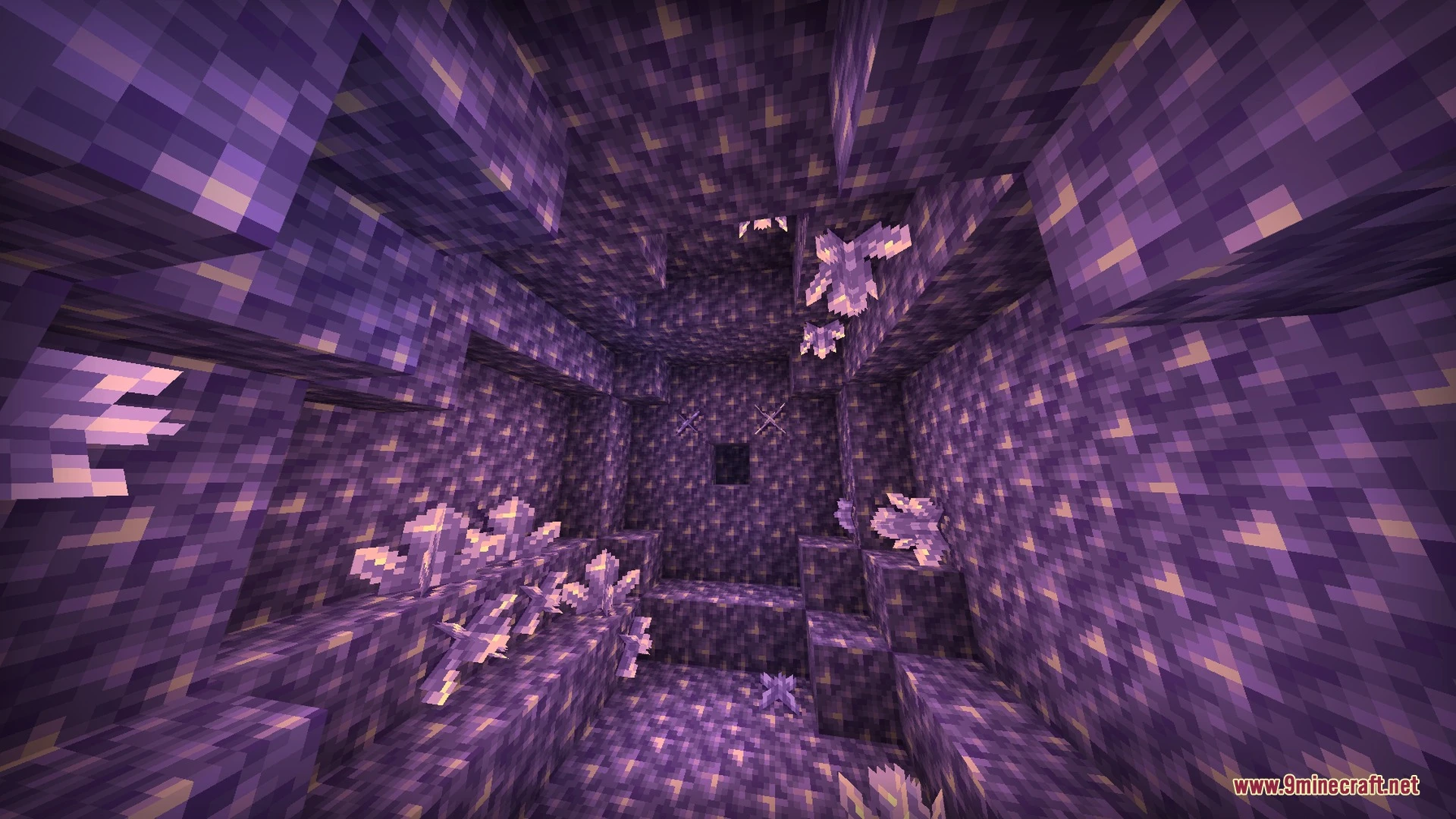
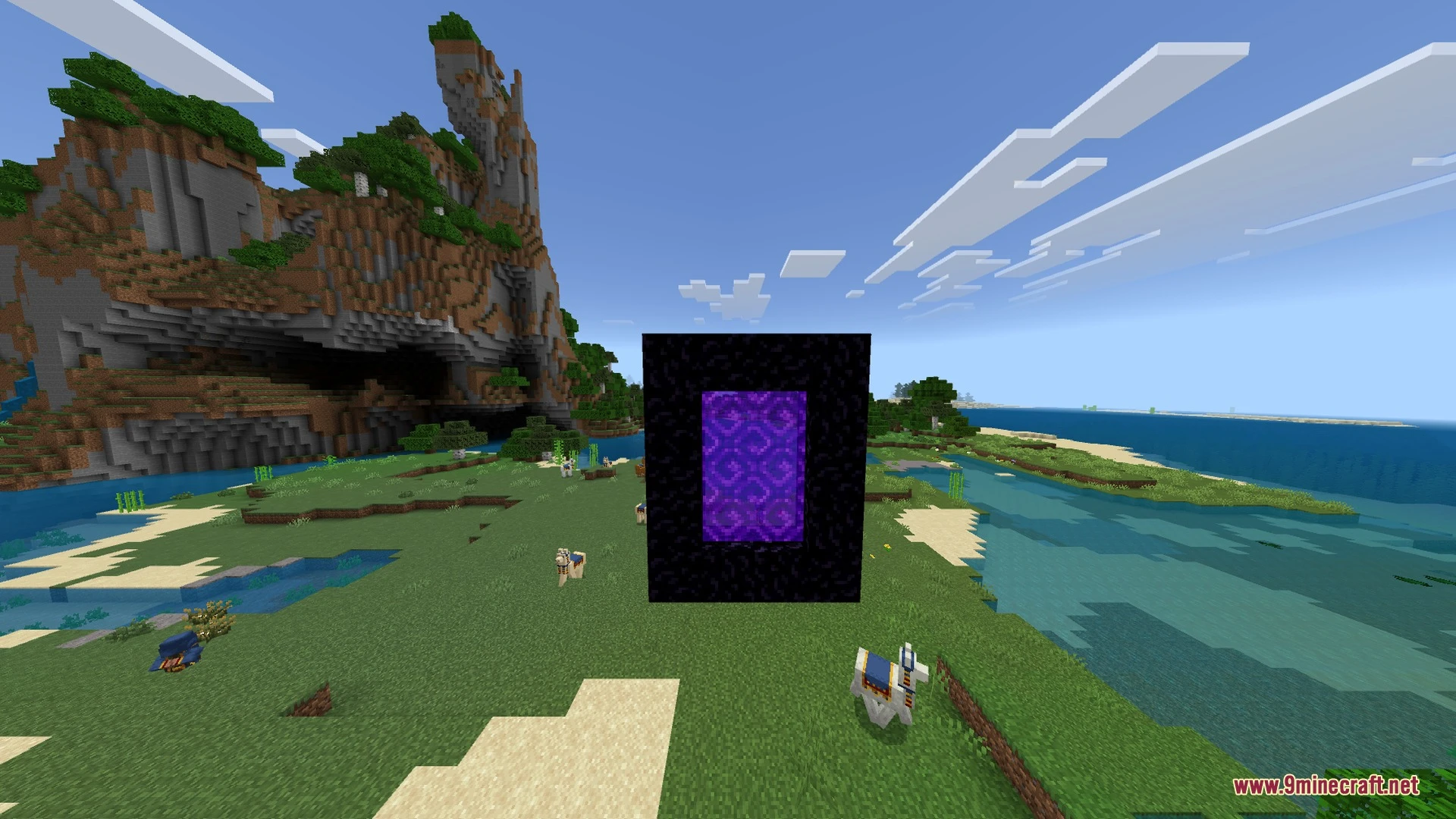
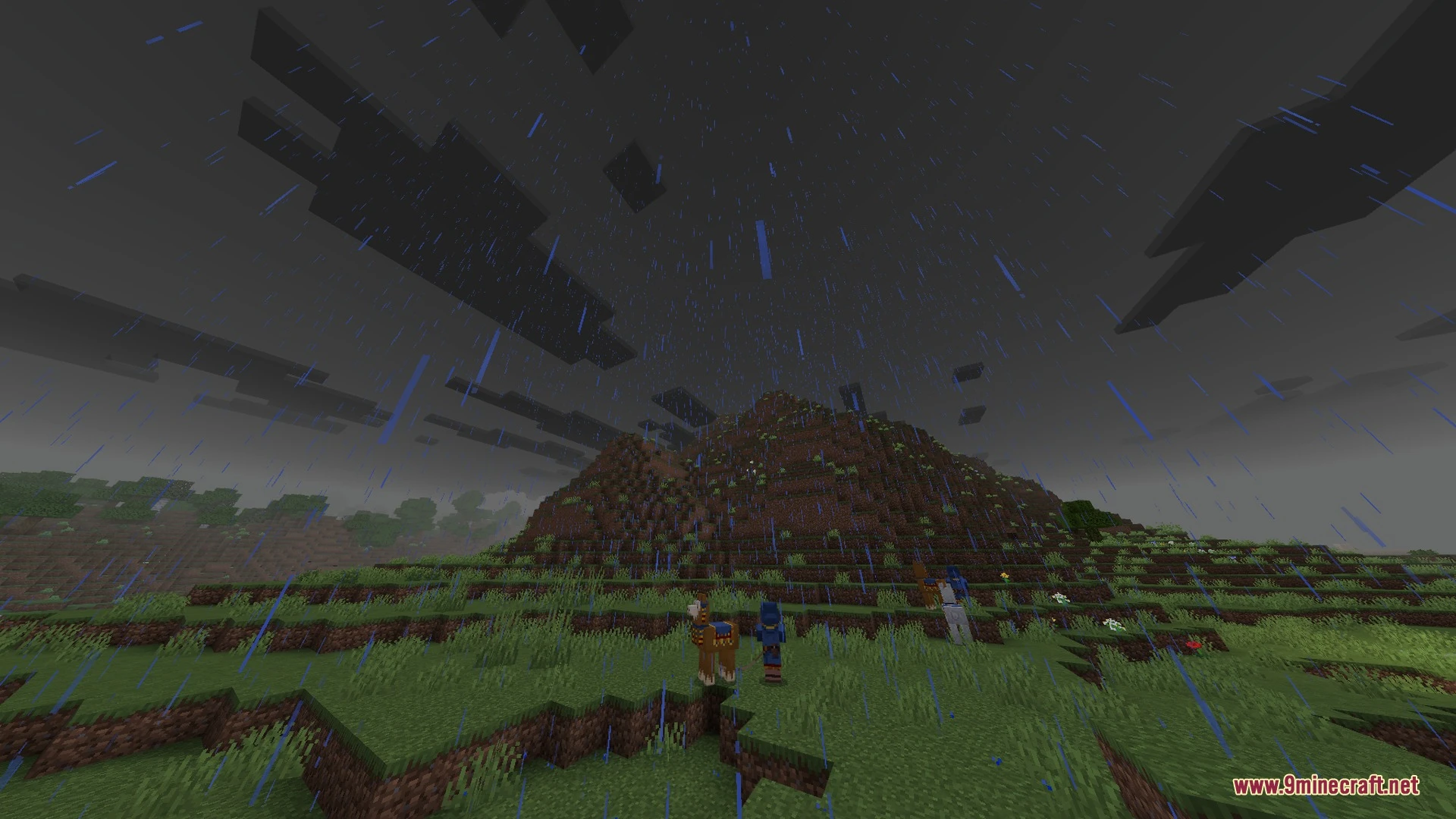
Azure Visuals Shader Download Links
Quick facts
- Edition: Minecraft Bedrock
- File type: .mcpack
- How to install: Download the .mcpack. → Open it — Minecraft imports it under Resource Packs. → Activate it in Global Resources, or for one world under Resource Packs → Available.
- Where to get it: In MCModsHub, or directly above on this page.
Install steps are the general flow for this file type — How to install Minecraft Bedrock texture packs walks through it step by step.
File checked by MCModsHub
- Pack type: .mcaddon — behaviour and resource pack in one file
- Manifest requires Minecraft 1.21.90 or newer
- Complete pack — everything it depends on is inside the file
- Download link checked 28 Aug 2026 — working
- Mirrored on our own servers — the download does not depend on the original host
These come from our own check of the pack file, not from the source page.