ShadersBedrock
Custom Atmospherics Shader (26.x) – Switchable Sky Presets for Mobile Bedrock
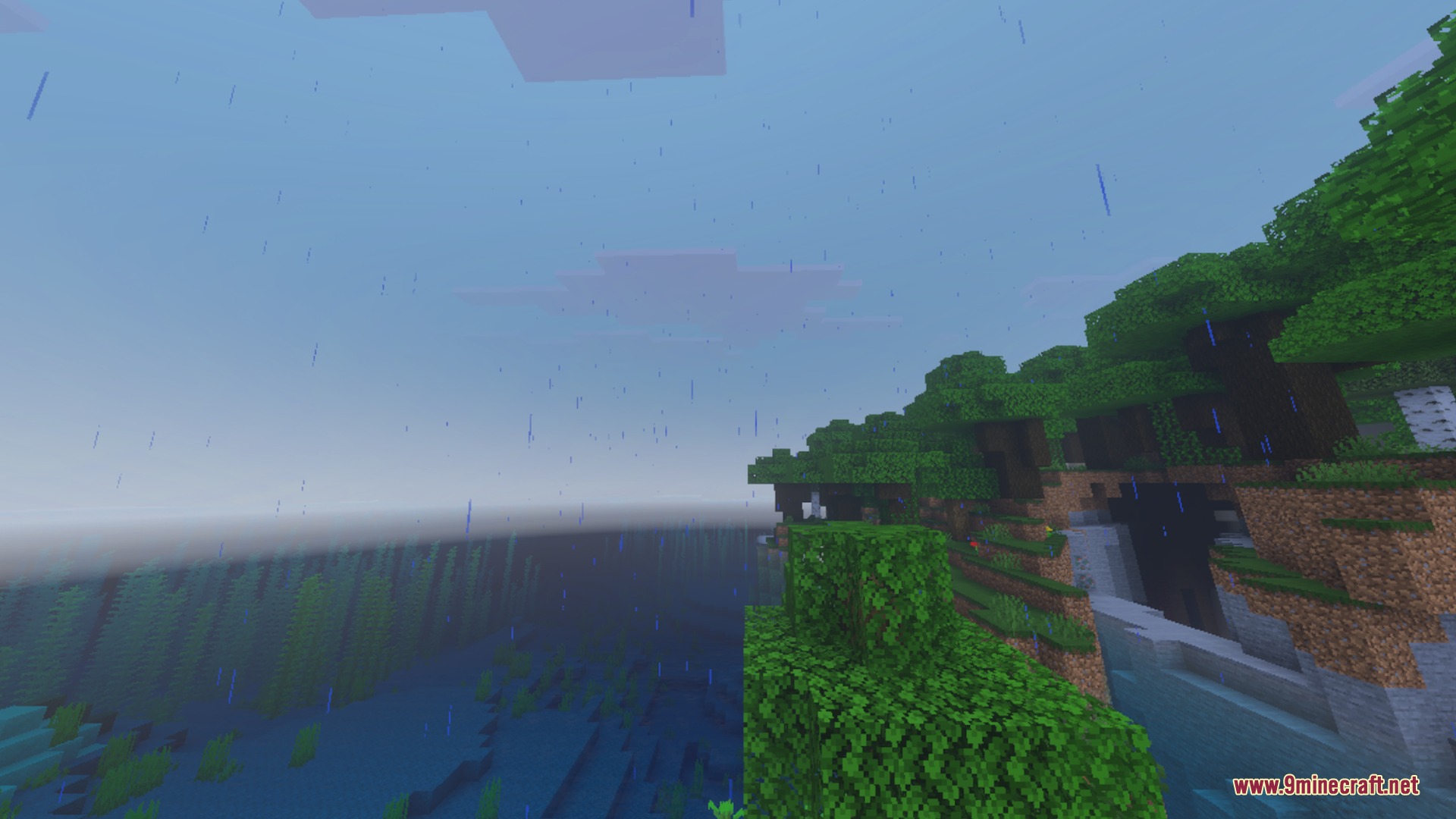
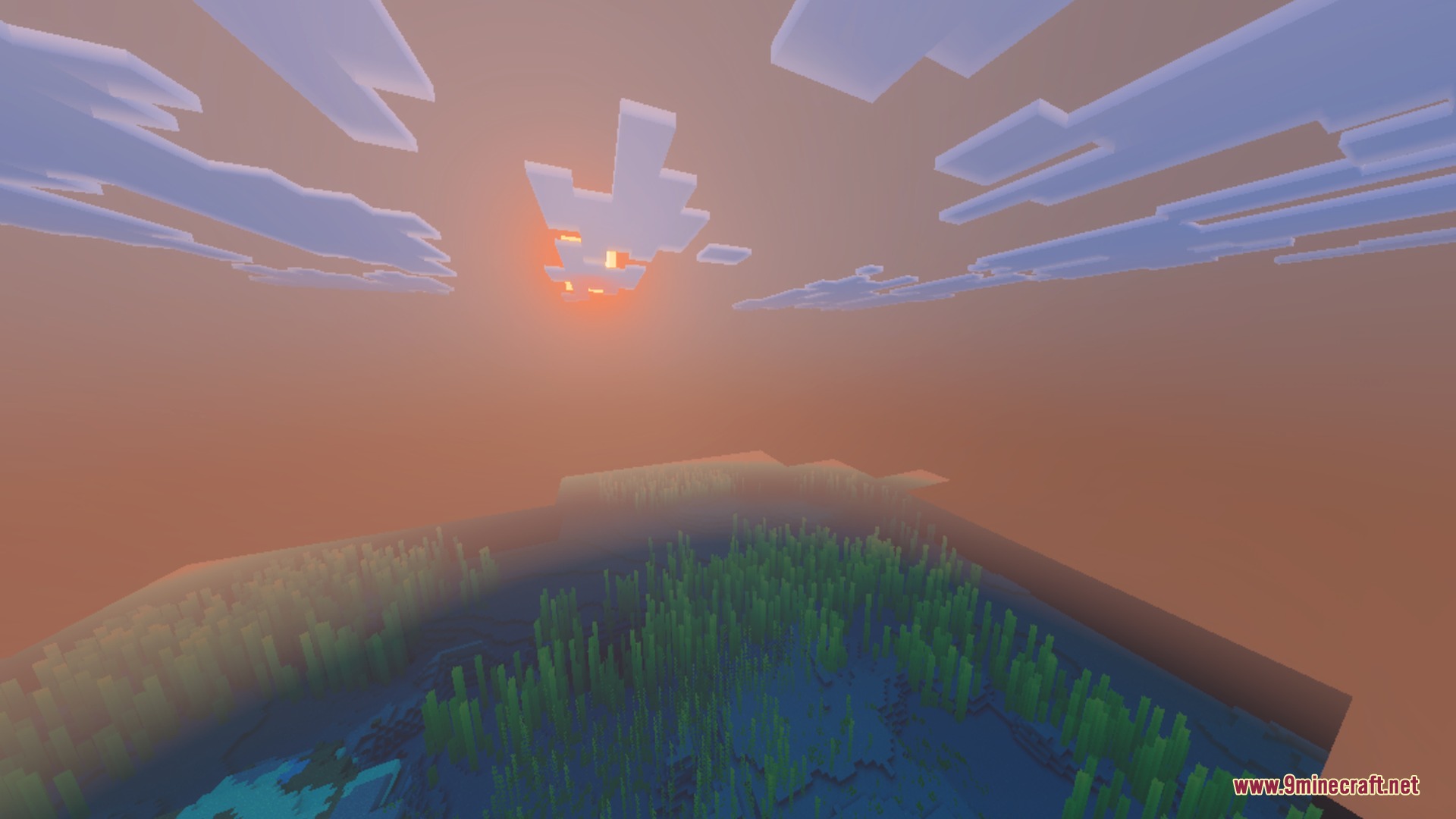
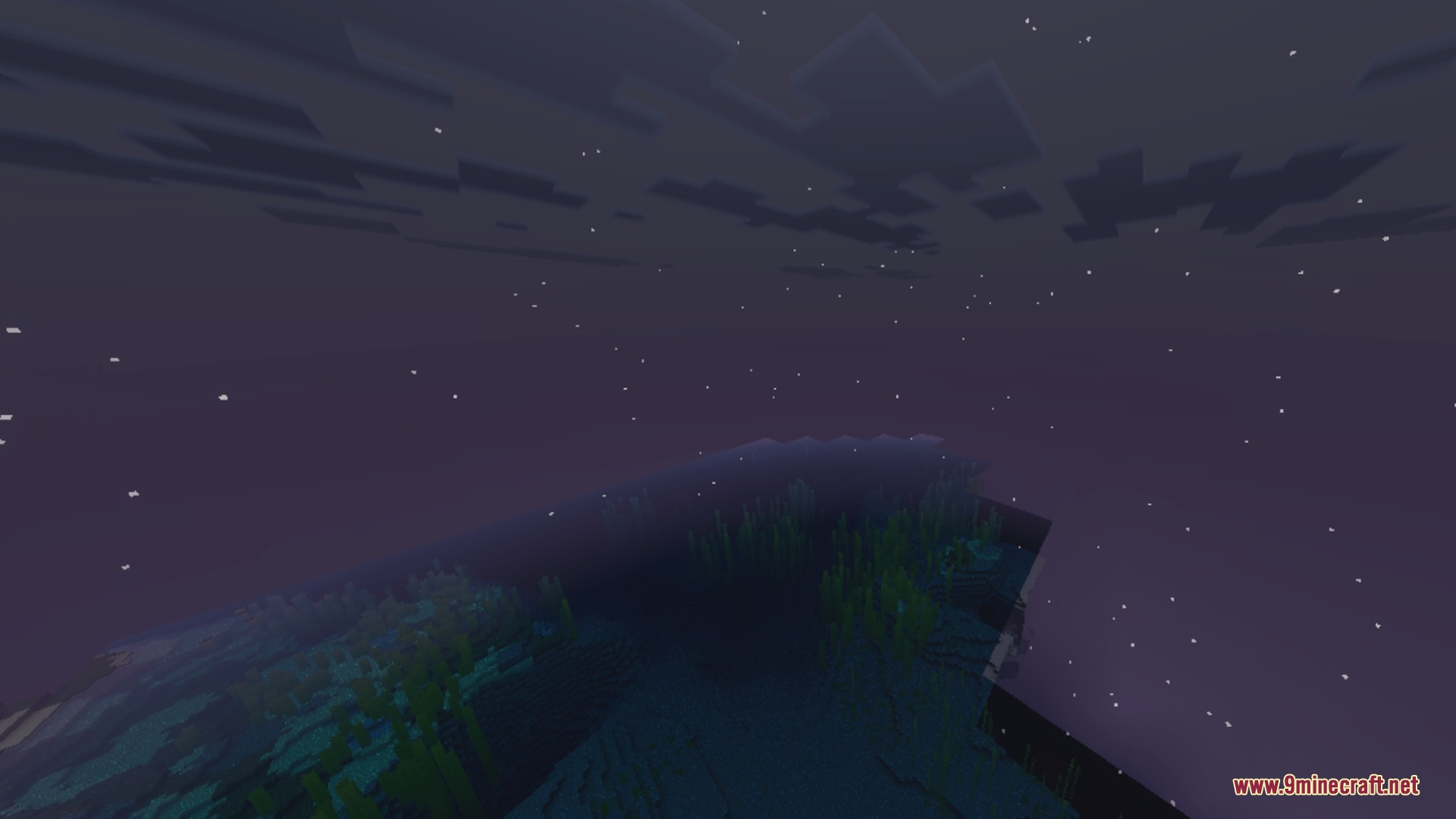
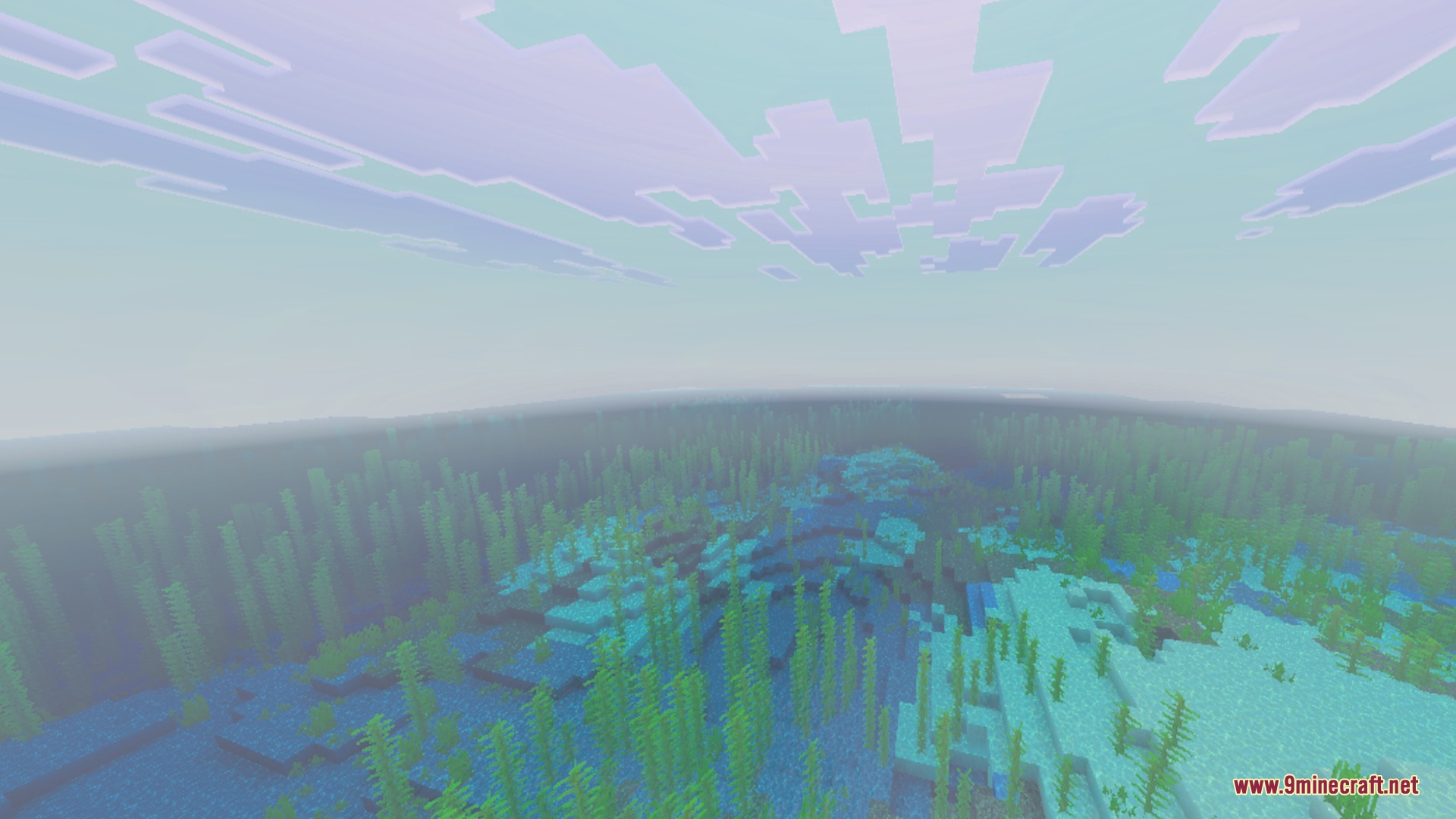
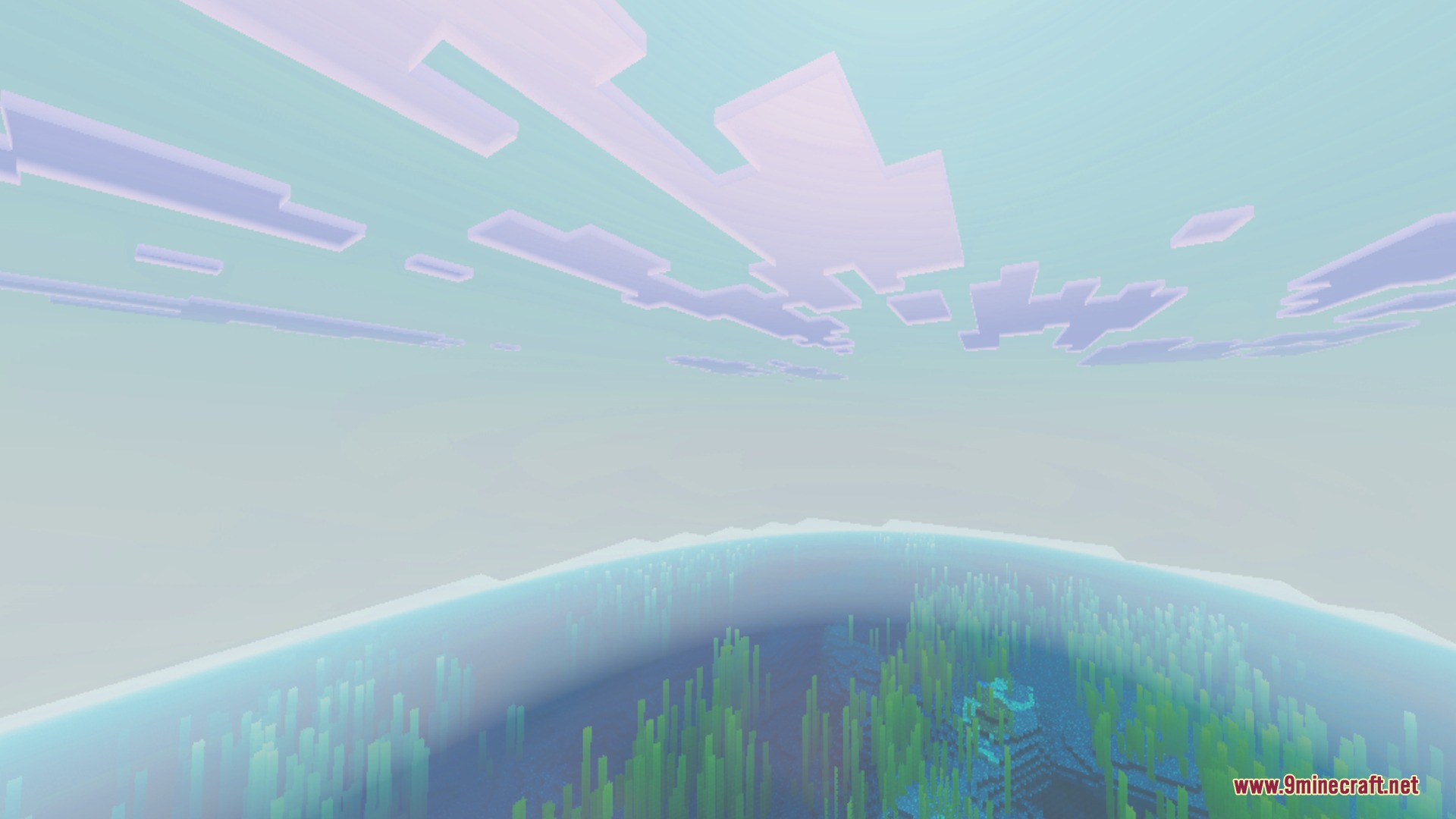
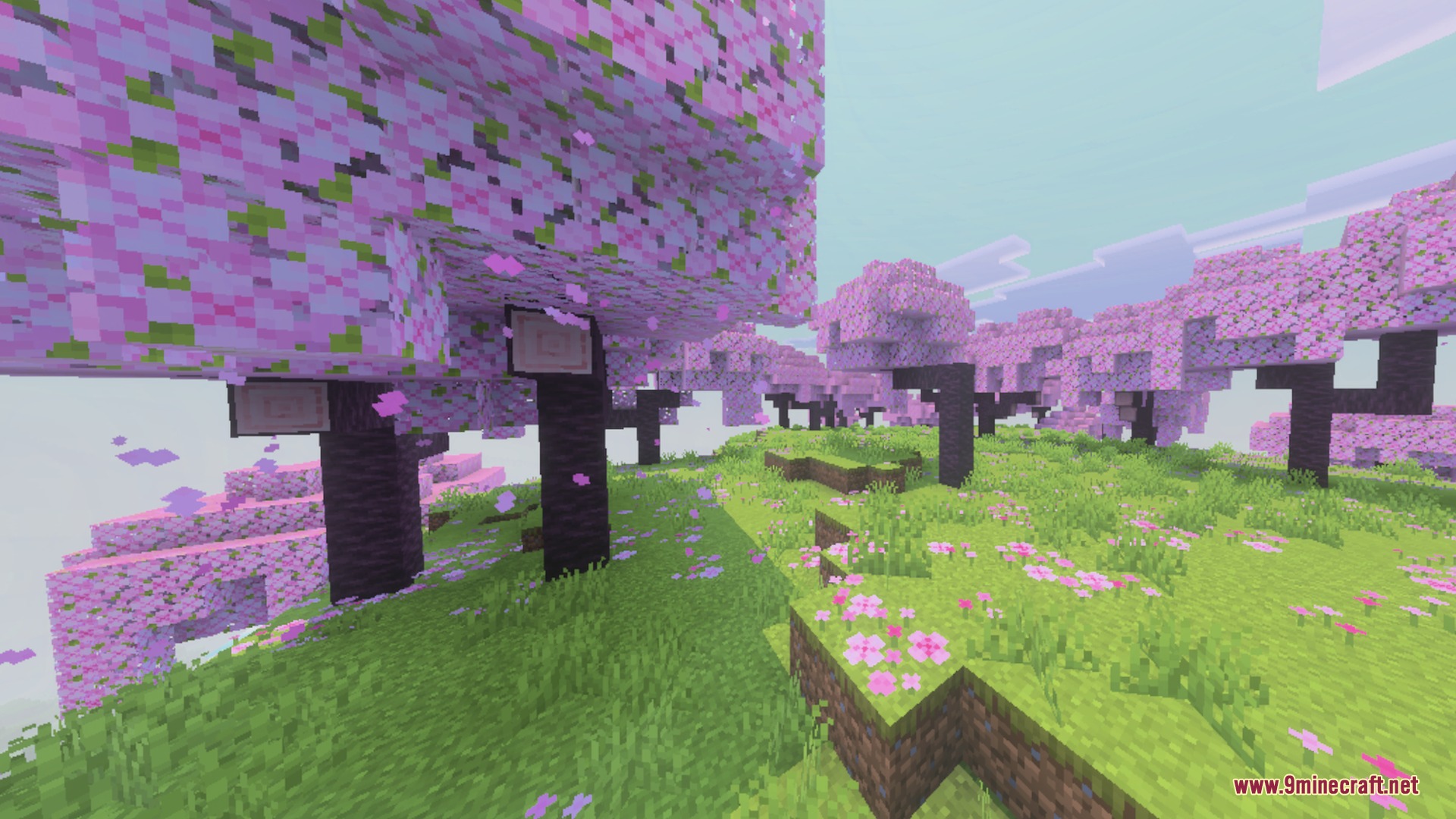
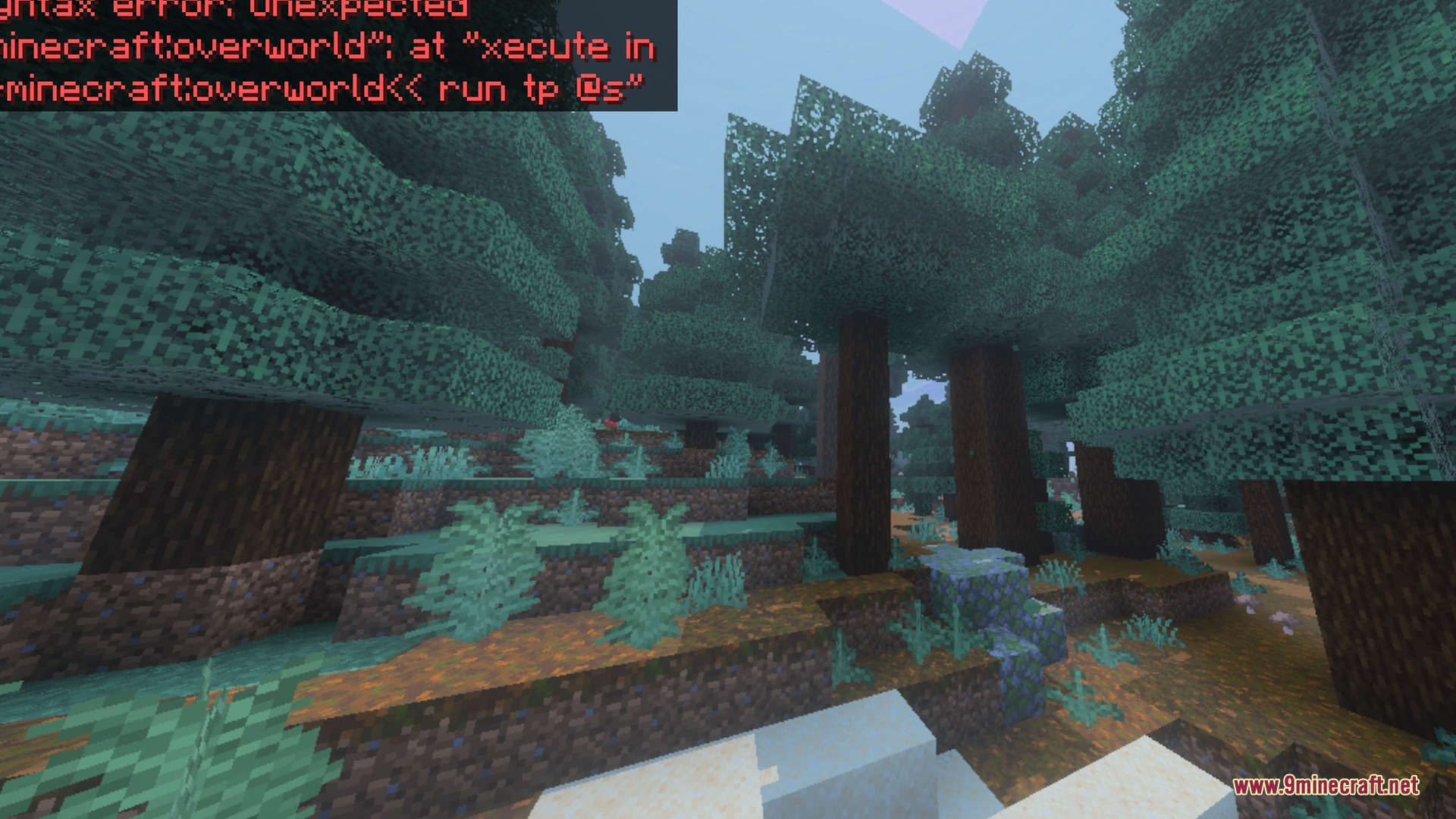
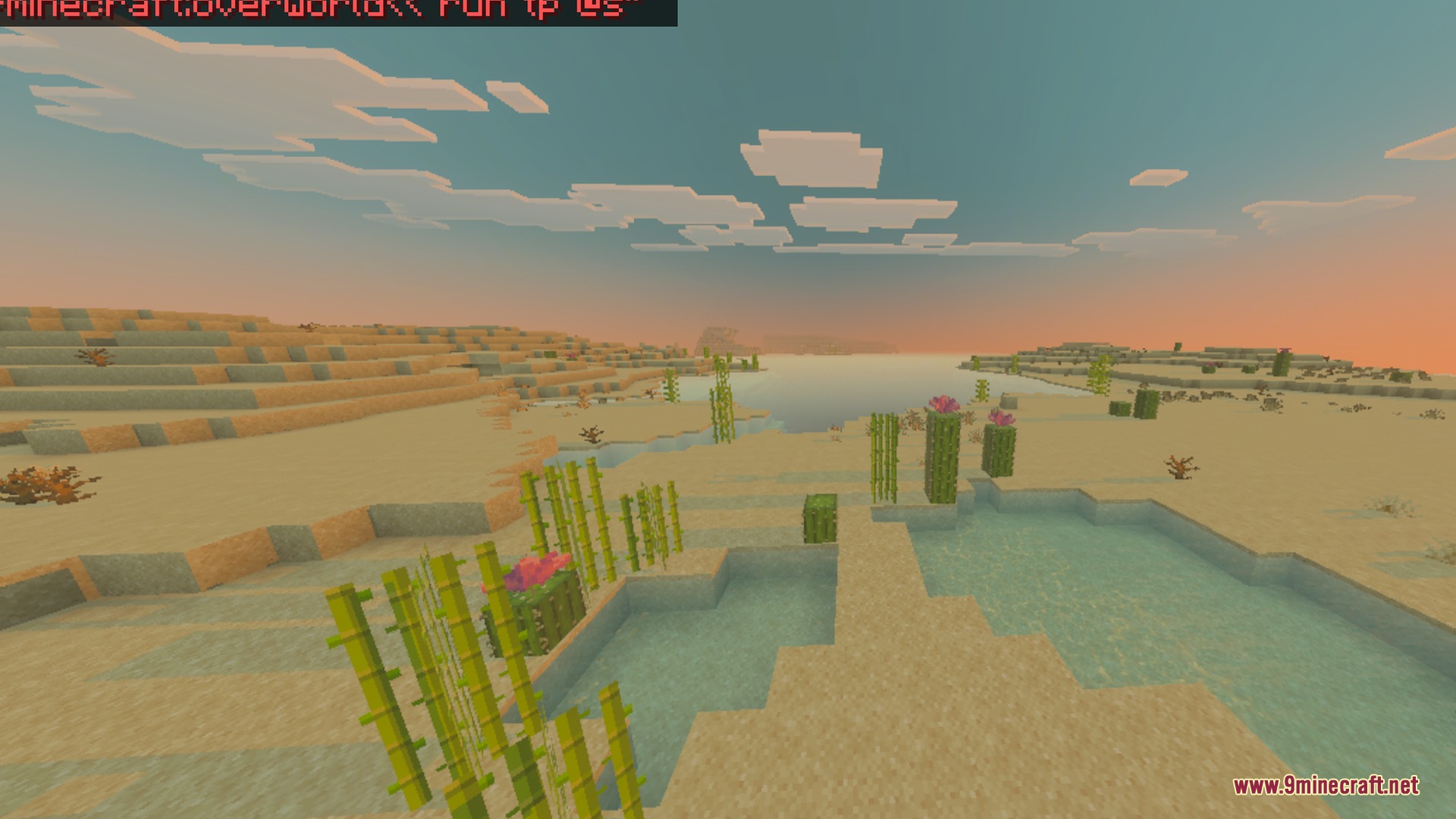
Custom Atmospherics lets you change the look of your world sky directly from the game menu. You can switch between different visual presets to match your personal playstyle. It gives your world a clean visual boost without complicated setup.
Features:
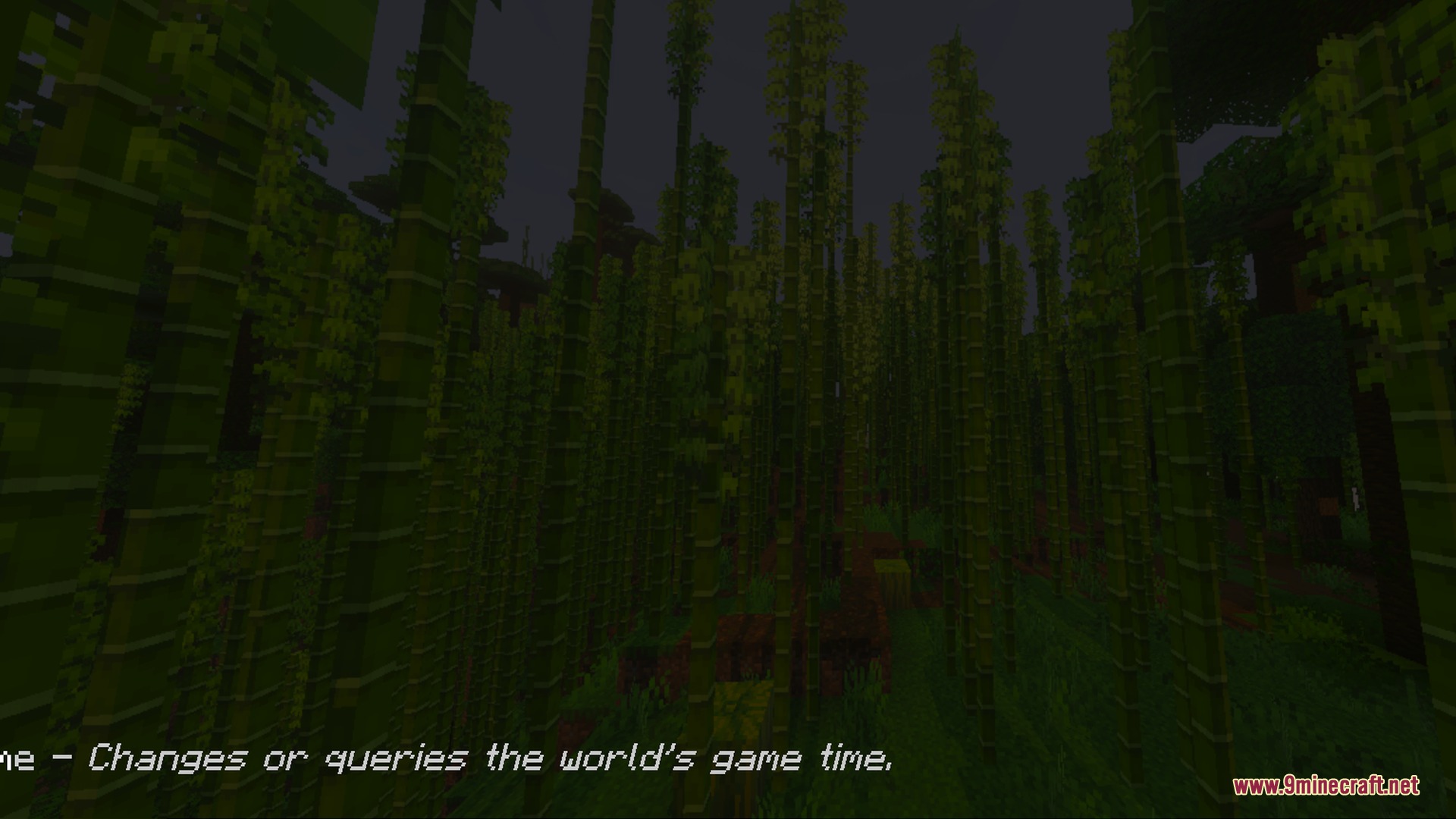
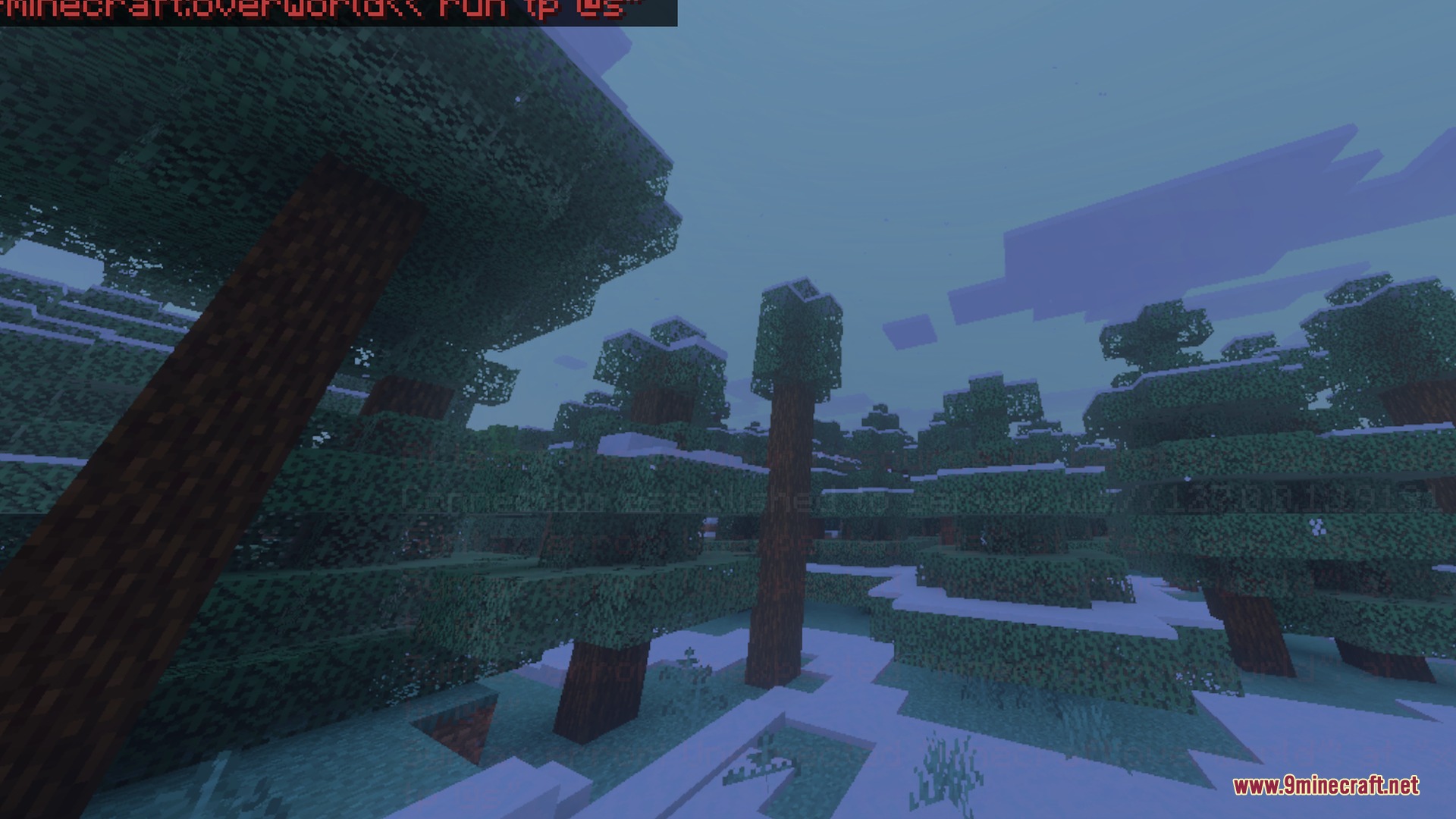
- Lets you customize the sky atmosphere in your world.
- Includes a Dynamic sky preset for active visuals.
- Offers a Clear Blue Sky option for bright days.
- Includes the classic Default visual mode.
- Quickly change presets inside your video settings menu.
Screenshots:
Motion:
Custom Atmospherics Shader Download Links
Quick facts
- Edition: Minecraft Bedrock
- File type: .mcpack
- How to install: Download the .mcpack. → Open it — Minecraft imports it under Resource Packs. → Activate it in Global Resources, or for one world under Resource Packs → Available.
- Where to get it: In MCModsHub, or directly above on this page.
Install steps are the general flow for this file type — How to install Minecraft Bedrock texture packs walks through it step by step.
Verified by MCModsHub
- Save it as 501774.mcaddon before opening — it downloads as .mcpack, but it is a .mcaddon pack
- Manifest requires Minecraft 1.20.30 or newer
- Complete pack — everything it depends on is inside the file
- Download size: 241 KB
- Download link checked 29 Aug 2026 — working
- Mirrored on our own servers — the download does not depend on the original host
These come from our own check of the pack file, not from the source page.