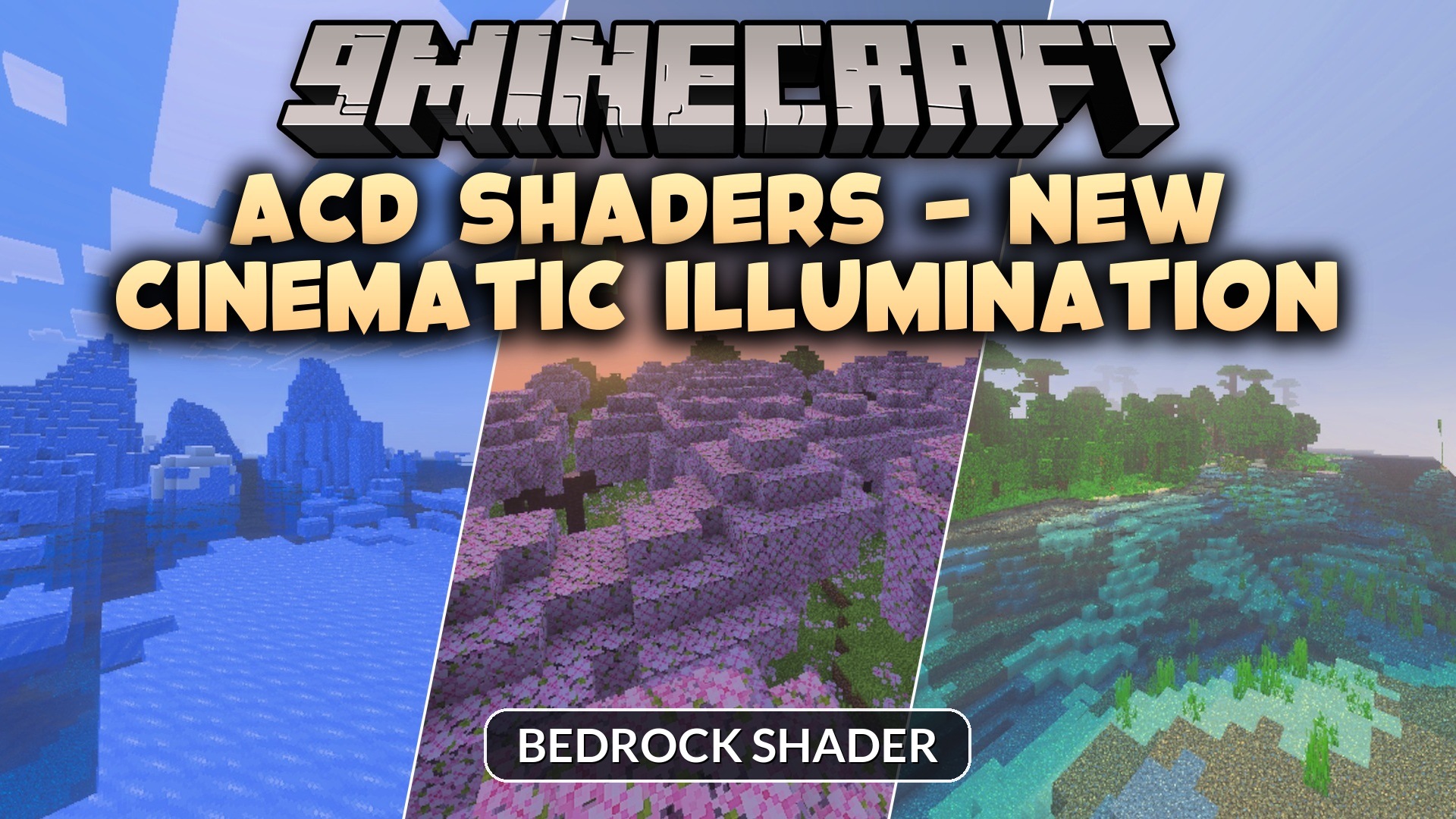
ACD Shaders – New Cinematic Illumination Shader (26.x, 1.21)
Bedrock shader pack for the Vibrant Visuals mode listed for Minecraft 1.21. File opened and checked on 29 Aug 2026; installs from the MC Bedrock Mods app on Android.
⬇ Download

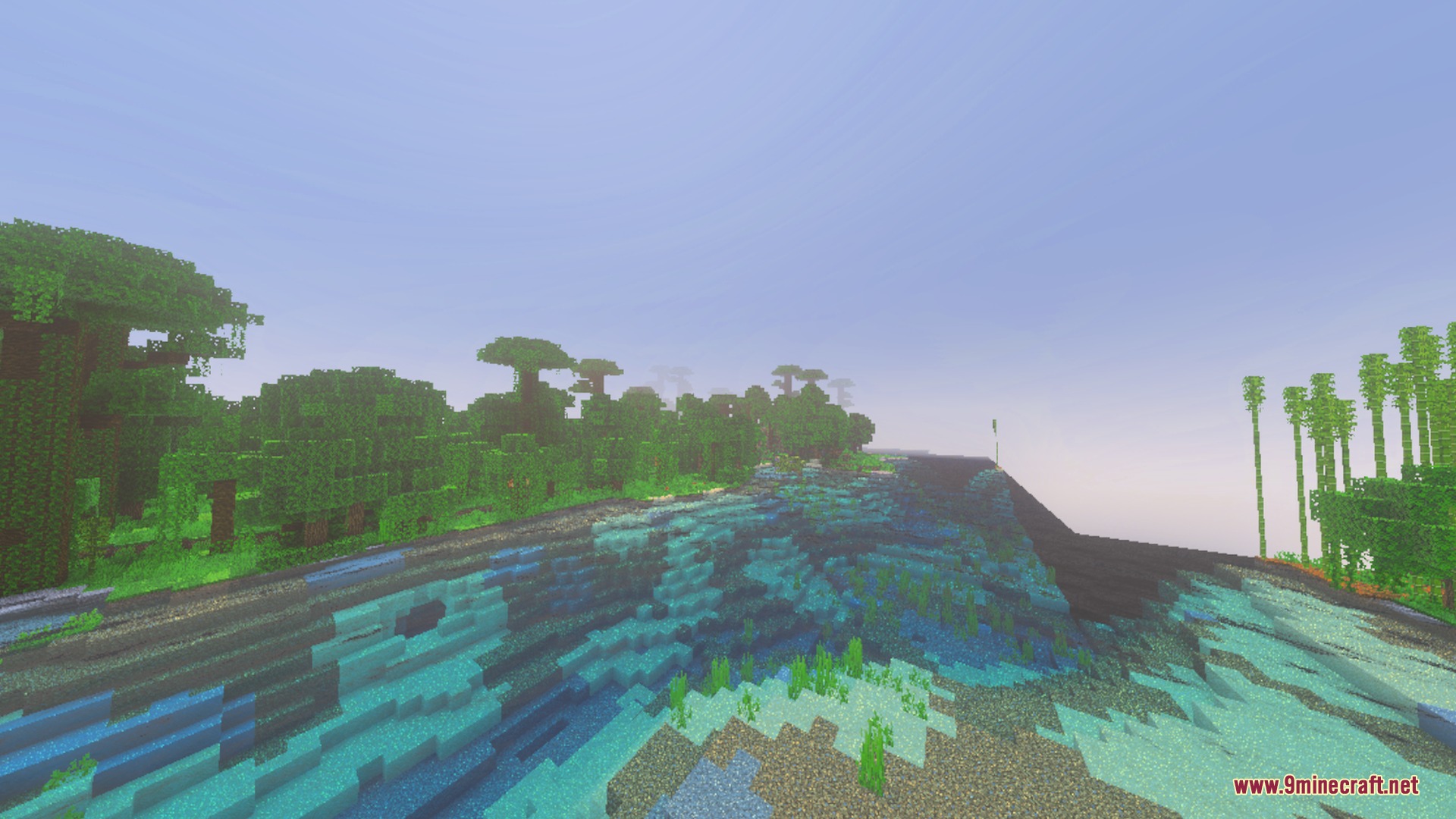
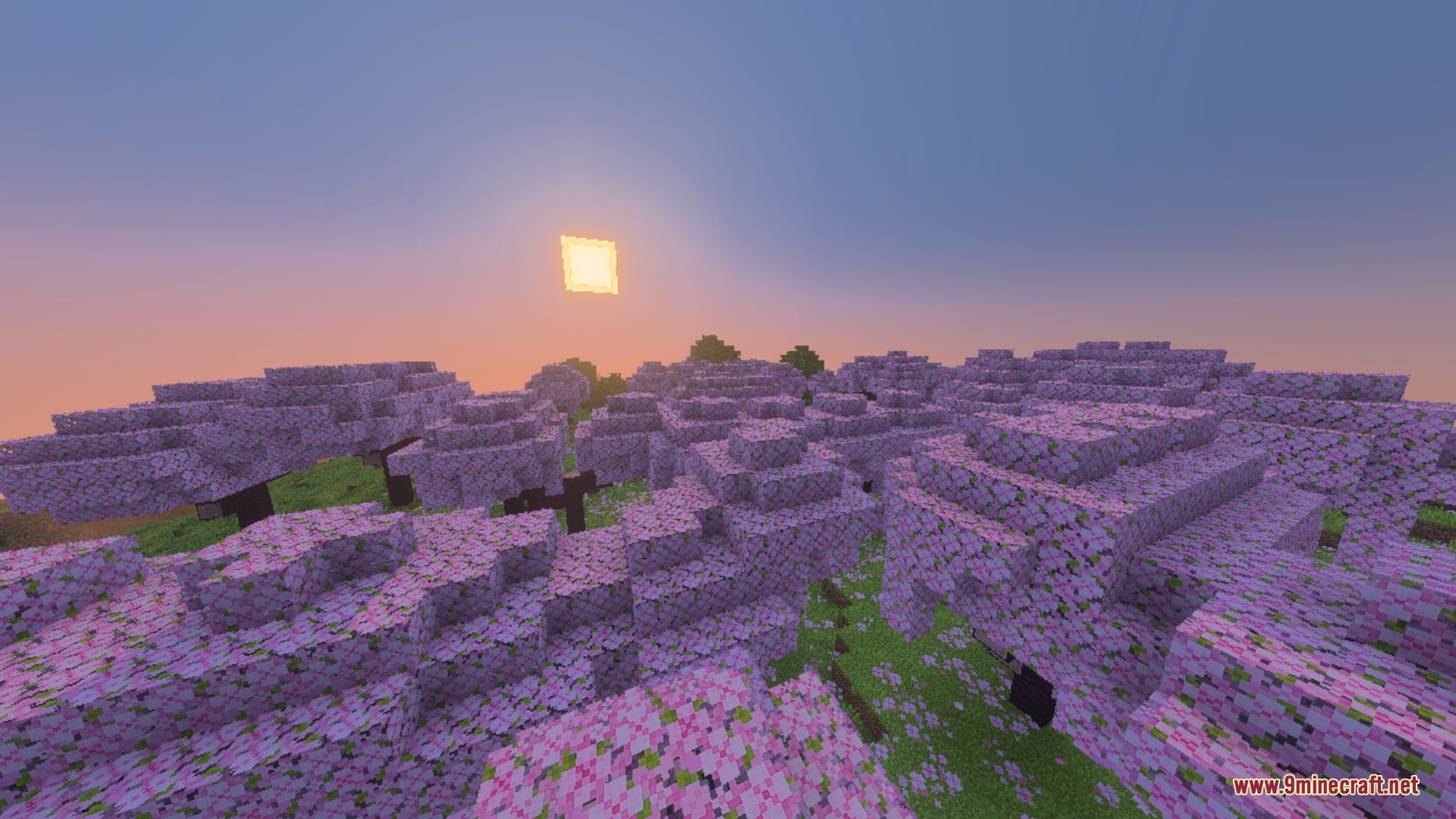
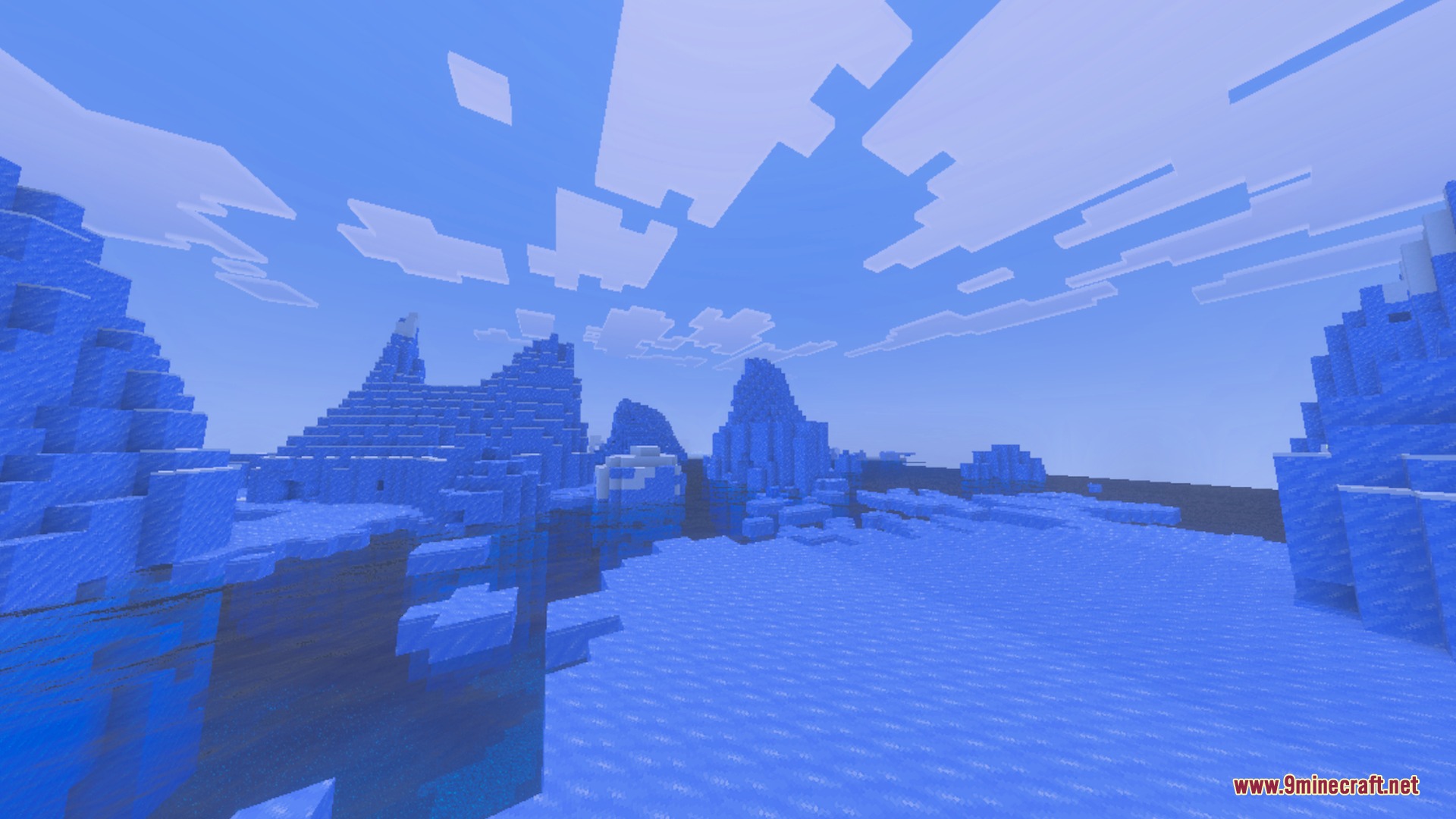
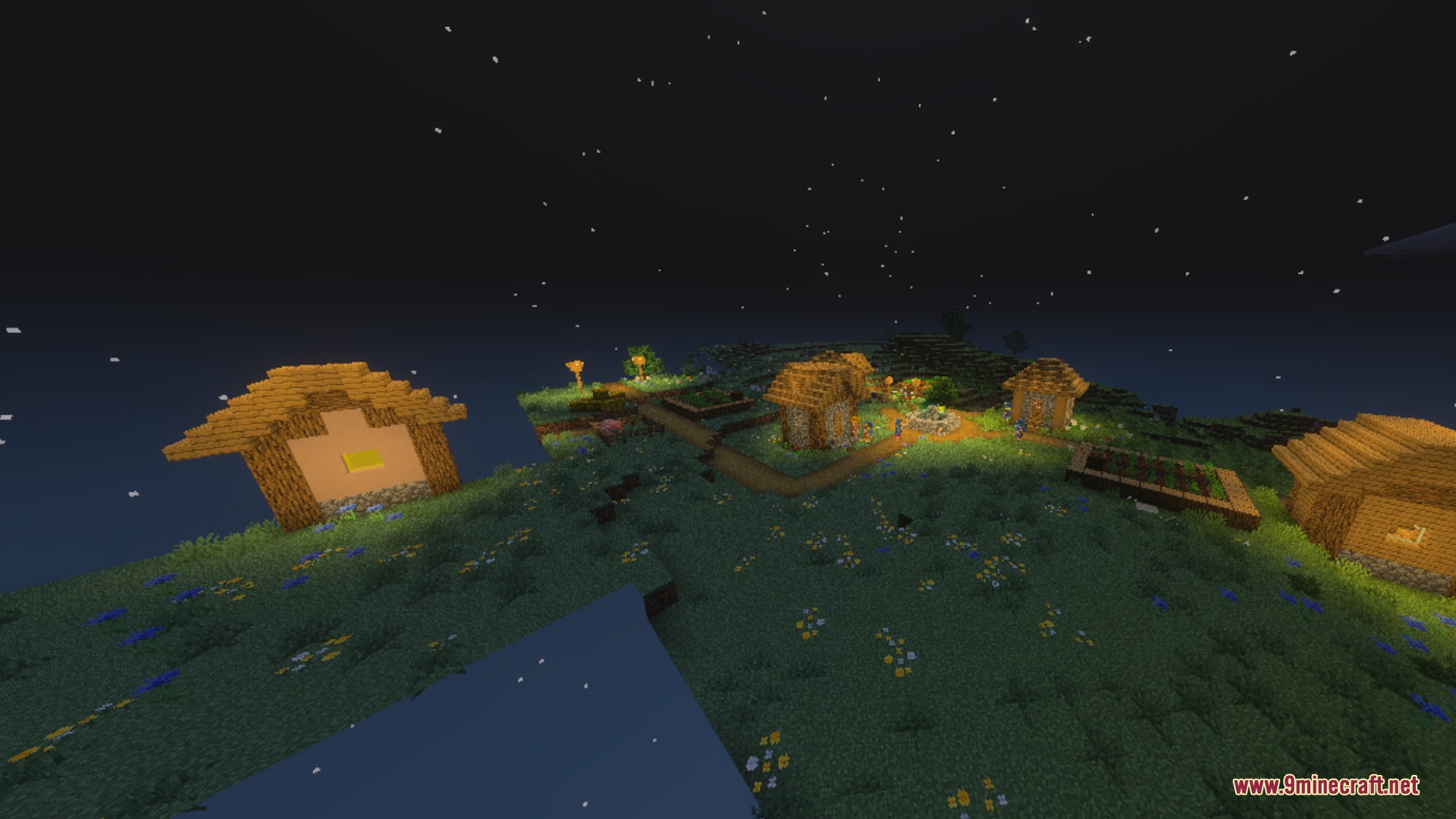
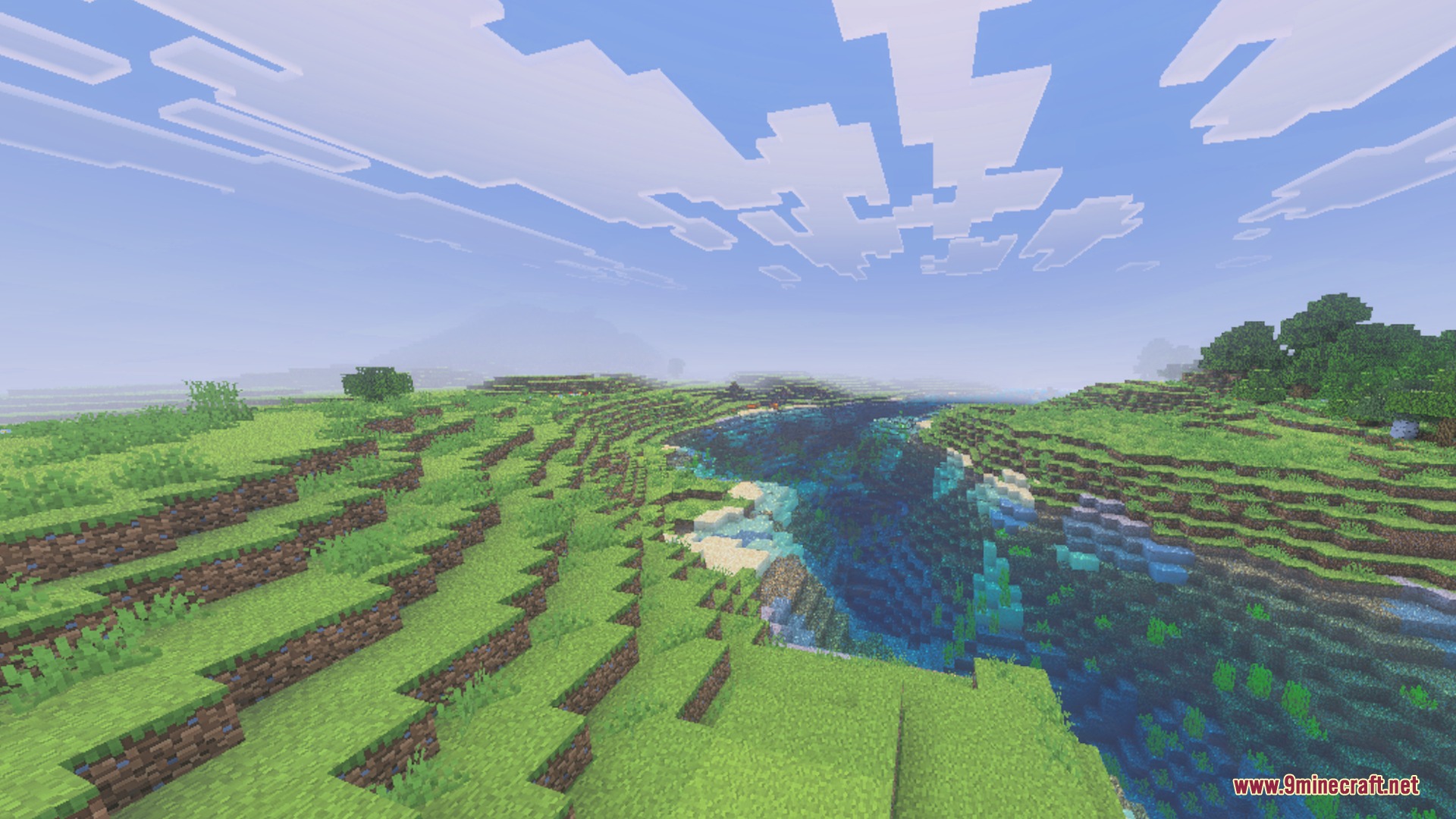
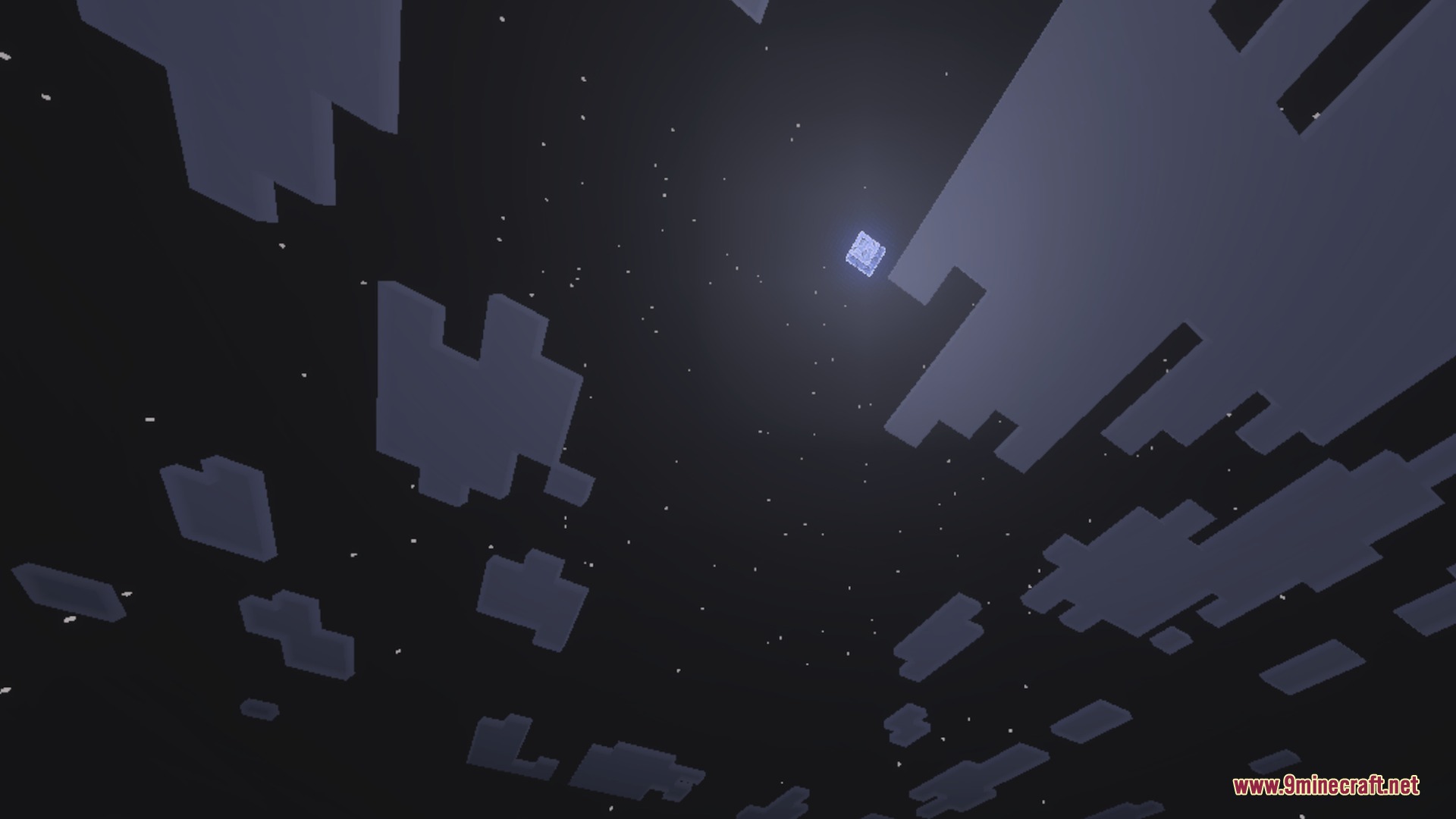
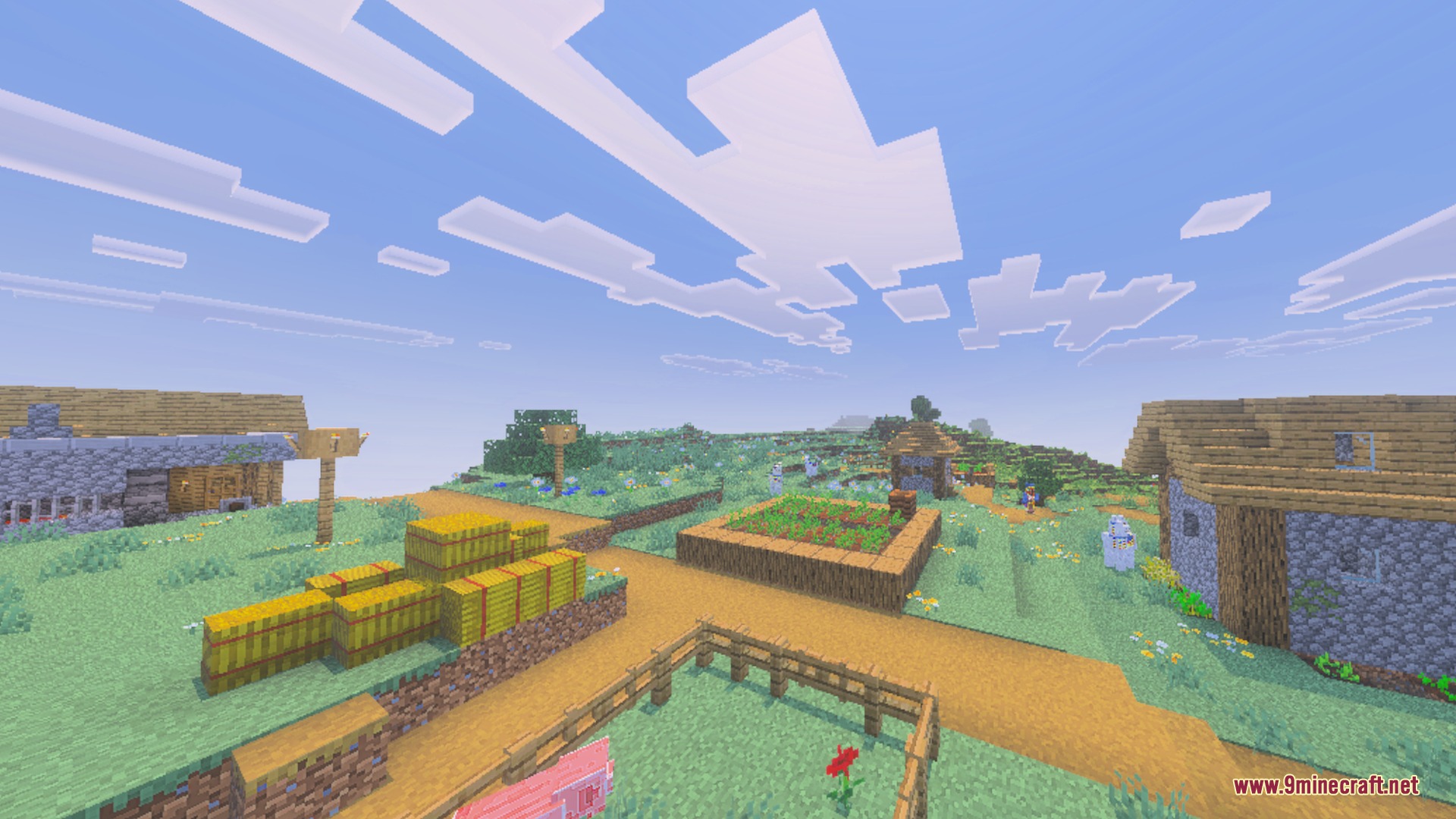
ACD brings realistic lighting and cinematic visual effects to Minecraft Bedrock worlds. It adds animated water, soft shadows, volumetric god rays, and custom sky details across all dimensions. The shader runs smoothly on mid-range devices without causing heavy frame drops.
This shader is developed by ACD Studios. If you have questions, bug reports, or feedback about the pack, you can reach the creator at acdstudios@mailum.com, or follow their WhatsApp channel to get notified whenever a new update or version is released.
Features:
- Realistic dynamic lighting with soft shadows across all biomes.
- Animated Gerstner water with improved surface reflections.
- Volumetric god rays, height fog, and atmospheric clouds.
- Custom atmospheric effects for both the Nether and the End.
- Optimized performance designed to run smoothly on mid-range devices.
🎛️ Compare Bedrock Shaders Side by Side →
Drag across real in-game scenes — find YOUR perfect MCPE shader.
Screenshots:
ACD Shaders Download Links
- Edition: Minecraft Bedrock
- File type: .mcpack
- Minecraft version listed: 1.21
- How to install: Download the .mcpack. → Open it — Minecraft imports it under Resource Packs. → Activate it in Global Resources, or for one world under Resource Packs → Available.
- Where to get it: In MCModsHub, or directly above on this page.
Install steps are the general flow for this file type — How to install Minecraft Bedrock texture packs walks through it step by step.
- Pack type: .mcpack — a single pack
- Manifest requires Minecraft 1.21.120 or newer
- Complete pack — everything it depends on is inside the file
- Download link checked 29 Aug 2026 — working
- Mirrored on our own servers — the download does not depend on the original host
These come from our own check of the pack file, not from the source page.