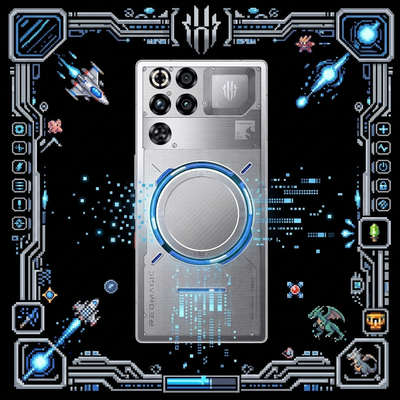
phone of Undying
Bedrock texture pack listed for Minecraft 1.16–26.x. File opened and checked on 30 Aug 2026; installs from the MC Bedrock Mods app on Android.
Changes the Totem of Undying texture into a phone — and it might just be your favorite model too. by MoterLemon92454
⬇ Download on CurseForge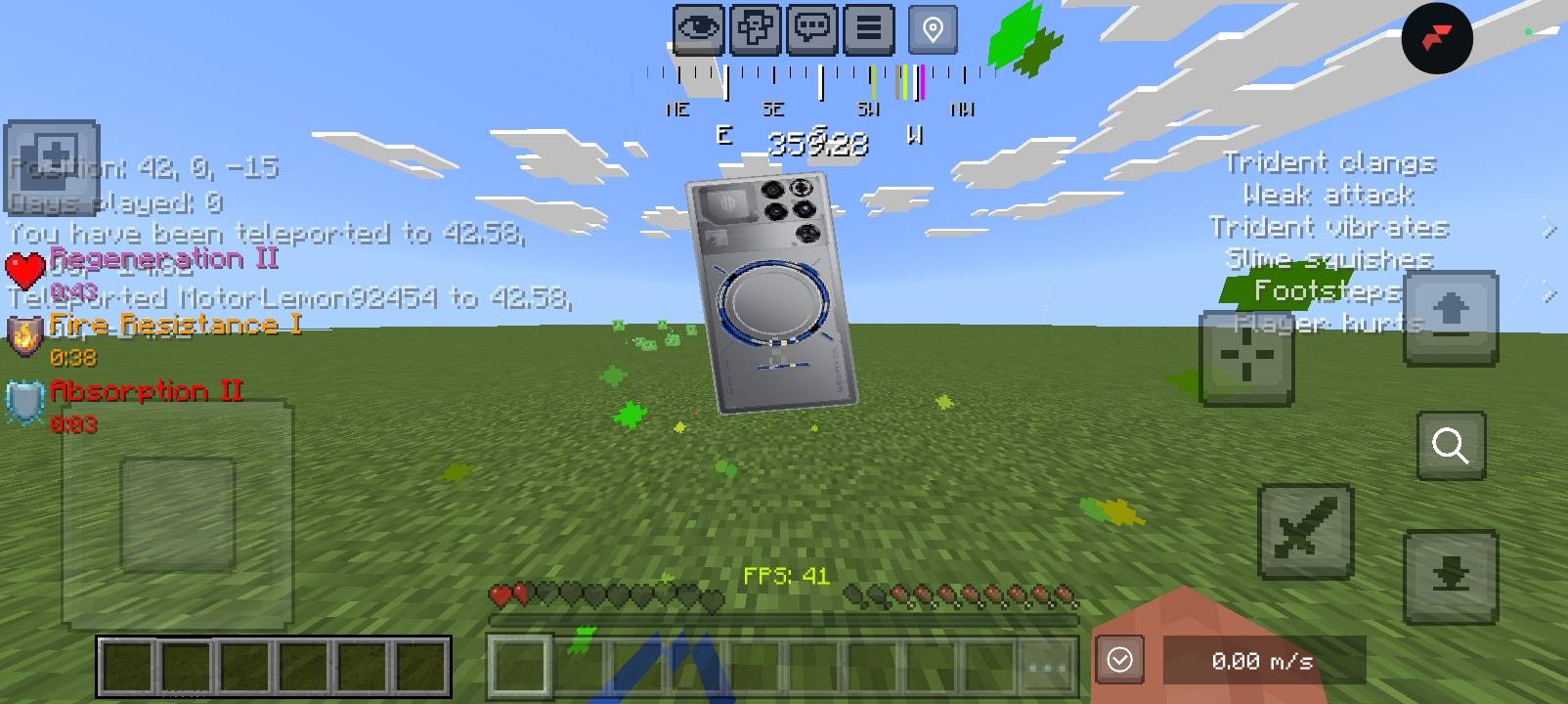
# Phone of Undying
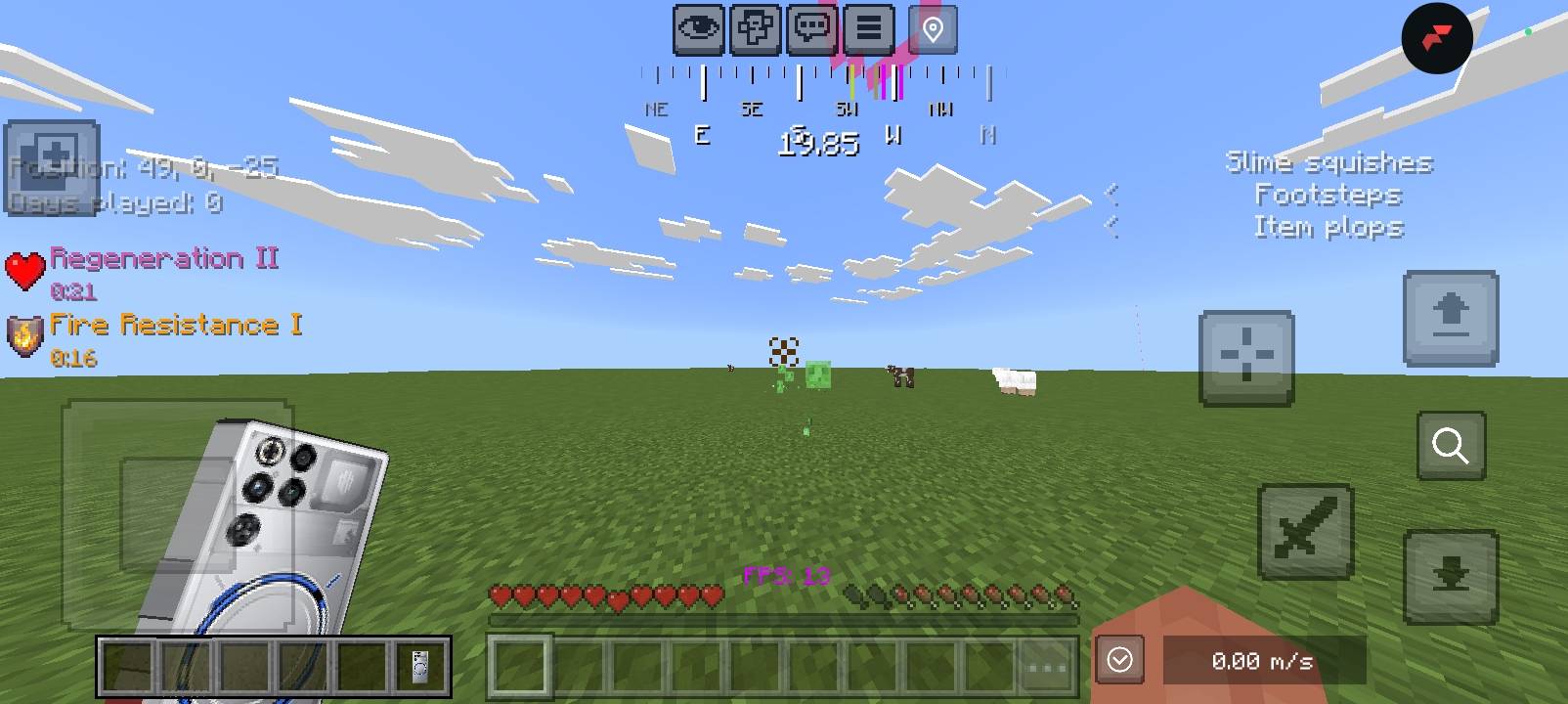
Replaces the **Totem of Undying** texture with a flagship smartphone design — transparent background, lightweight resolution, zero impact on your framerate.
---
## ✨ Features
- **5 selectable phone models** — switch anytime from the in-game Pack Settings menu
- **Totem-only edit** — no other items, blocks, or vanilla assets are modified
- **Optimized textures** — every variant is a uniform 256×256px, so file size and load time stay minimal
- **Transparent backgrounds** — clean item icon with no white box artifacts
- **Bedrock native** — built with the official Subpacks system, no scripts or behavior pack required
## 📱 Available Models
| # | Model |
|---|-------|
| 1 | RedMagic 11 Pro |
| 2 | Xiaomi 17 Ultra |
| 3 | Vivo X300 Ultra |
| 4 | Oppo Find X9 Pro |
| 5 | iQOO 15 |
## 🎮 How to Select a Model
1. Enable the pack under **Resource Packs**
2. Tap the **⚙️ Settings** icon next to the pack name
3. Drag the slider to your preferred phone model
4. Done — your Totem of Undying now displays that device
## 📥 Installation
1. Download the `.mcpack` file
2. Open it (tap on mobile, double-click on PC/Windows) — Minecraft imports it automatically
3. Go to **Settings > Global Resources**, or your world's **Resource Packs** tab
4. Activate the pack, then configure your model via the Settings gear icon
## ✅ Compatibility
- Minecraft Bedrock Edition **1.16.0+**
- Works on mobile, Windows, and console
- No conflicts with other item/entity texture packs
## 📝 Notes
- This is a **texture-only** pack — no gameplay, recipe, or behavior changes
- Product images used are for visual/fan-art purposes; all phone brand names and designs belong to their respective
- manufacturers
---
**Author:** MoterLemon92454
- Edition: Minecraft Bedrock
- File type: .mcpack
- Minecraft versions listed: 26.30, 26.40
- How to install: Download the .mcpack. → Open it — Minecraft imports it under Resource Packs. → Activate it in Global Resources, or for one world under Resource Packs → Available.
- Where to get it: Opens on CurseForge — not every file is mirrored on our own servers.
Install steps are the general flow for this file type — How to install Minecraft Bedrock texture packs walks through it step by step.
- Pack type: .mcpack — a single pack
- Manifest requires Minecraft 1.16.0 or newer
- Complete pack — everything it depends on is inside the file
- Download size: 1.5 MB
- Download link checked 10 Oct 2026 — working
These come from our own check of the pack file, not from the source page.