Dark Glass Ui | Bedrock
Bedrock texture pack listed for Minecraft 1.21–26.x. File opened and checked on 30 Aug 2026; installs from the MC Bedrock Mods app on Android.
⬇ Download on CurseForge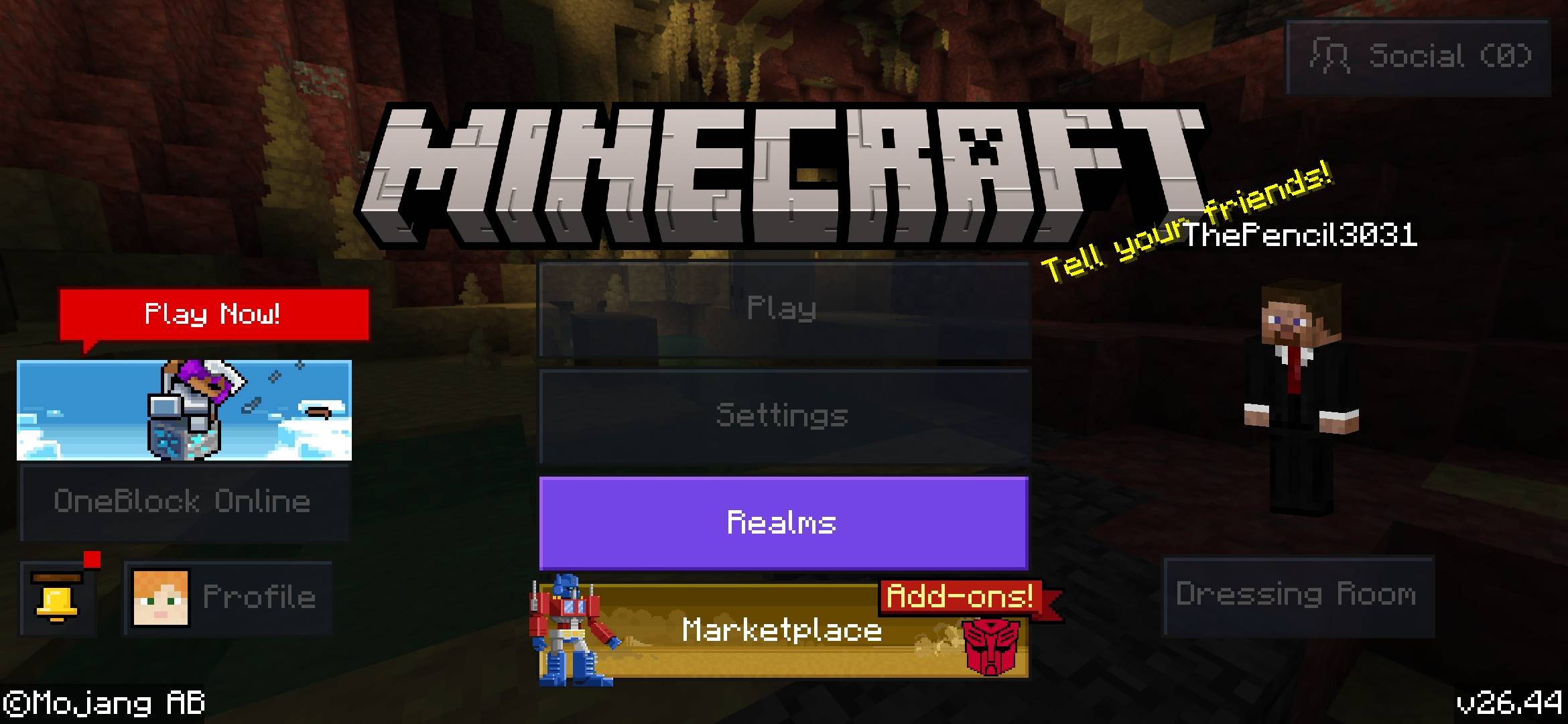
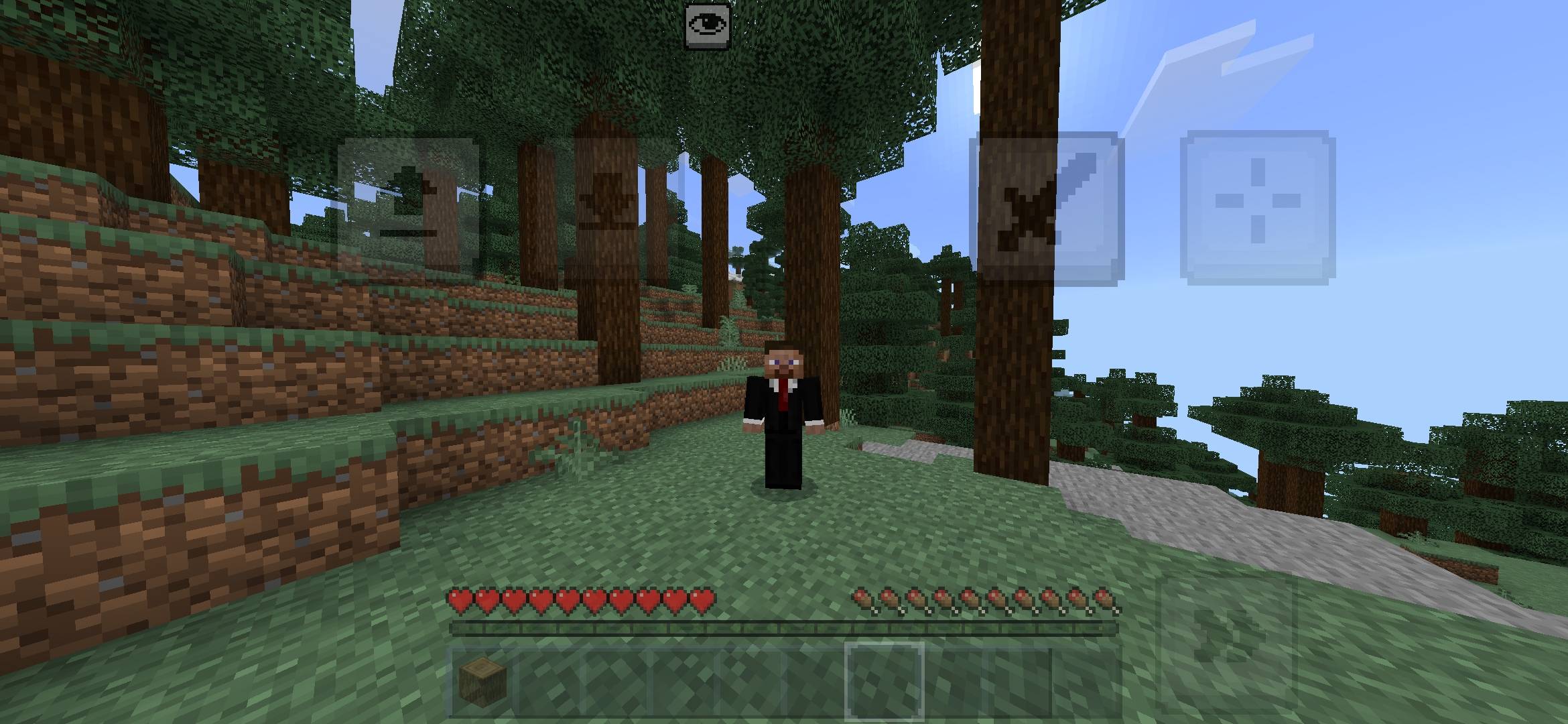
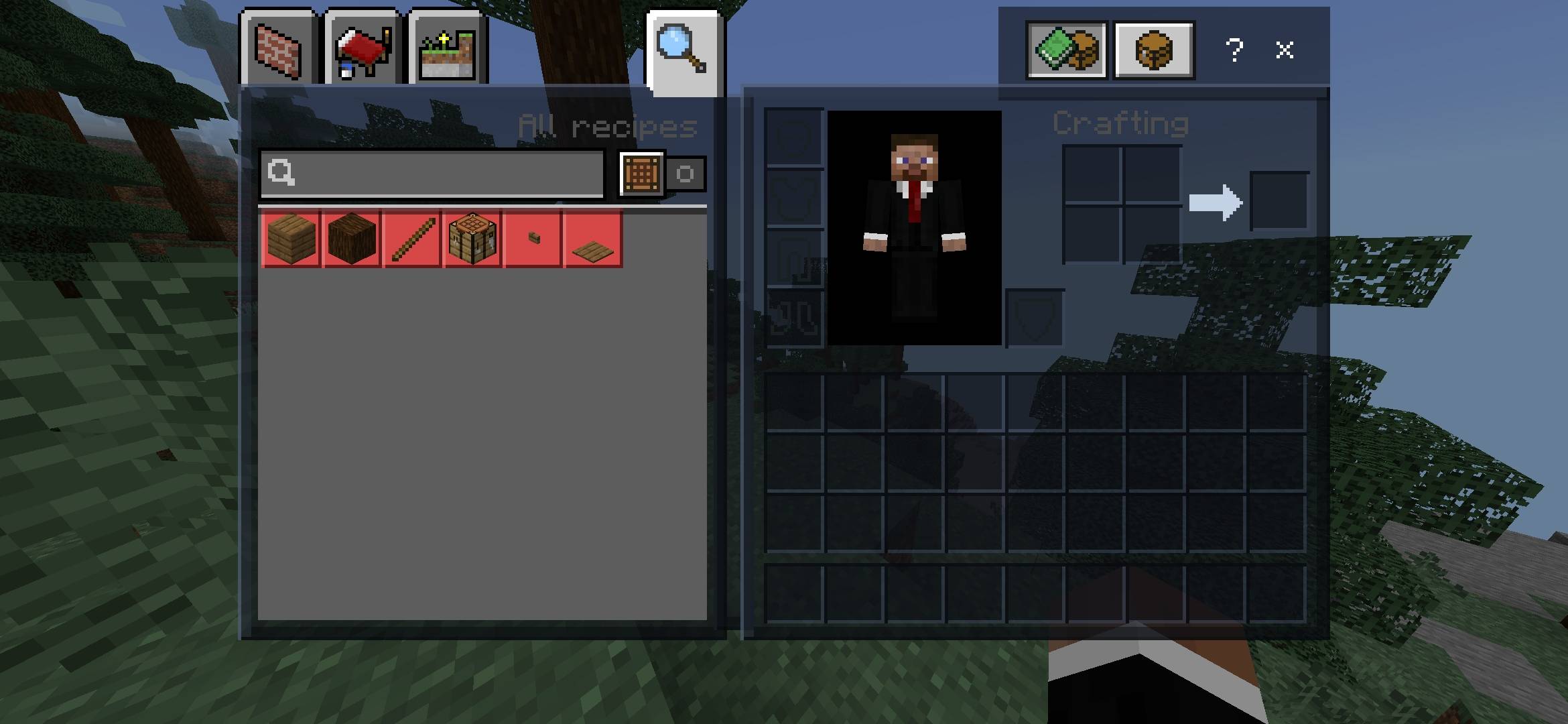
Dark Glass GUI is a dark and transparent glass-style GUI resource pack for Minecraft Bedrock Edition.
✨ Features
🖤 Dark transparent hotbar
🎒 Dark inventory interface
⏸️ Dark pause menu
🛠️ Dark workstation interfaces
🌑 Clean and minimal design
📱 Designed for Minecraft Bedrock/mobile
🎮 Keeps gameplay unchanged
📦 Installation
Download the .mcpack file.
Open the file with Minecraft.
Wait for Minecraft to import the pack.
Go to Settings → Global Resources.
Activate M.K Dark Glass GUI.
Enter your world and enjoy!
⚠️ Compatibility
Made for Minecraft Bedrock Edition. Compatibility may vary between Minecraft versions.
❤️ Credits
Created by Pencil3031
- Edition: Minecraft Bedrock
- File type: .mcpack
- Minecraft versions listed: 26.30, 26.40
- How to install: Download the .mcpack. → Open it — Minecraft imports it under Resource Packs. → Activate it in Global Resources, or for one world under Resource Packs → Available.
- Where to get it: Opens on CurseForge — not every file is mirrored on our own servers.
Install steps are the general flow for this file type — How to install Minecraft Bedrock texture packs walks through it step by step.
- Pack type: .mcpack — a single pack
- Manifest requires Minecraft 1.21.0 or newer
- Complete pack — everything it depends on is inside the file
- Download size: 31 KB
- Download link checked 10 Oct 2026 — working
These come from our own check of the pack file, not from the source page.