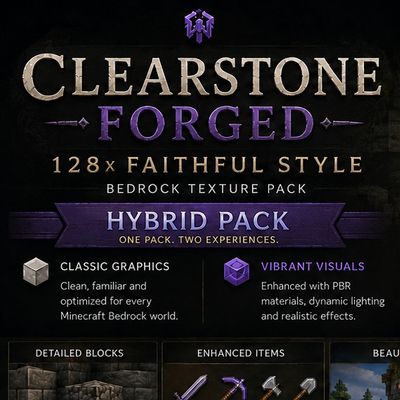
Clearstone 128x – Faithful Style
Bedrock texture pack listed for Minecraft 1.21–26.x. File opened and checked on 30 Aug 2026; installs from the MC Bedrock Mods app on Android.
A detailed Faithful-style 128x texture pack for Minecraft Bedrock with enhanced blocks, items and landscapes, plus Classic Graphics, Vibrant Visuals and…
⬇ Download on CurseForge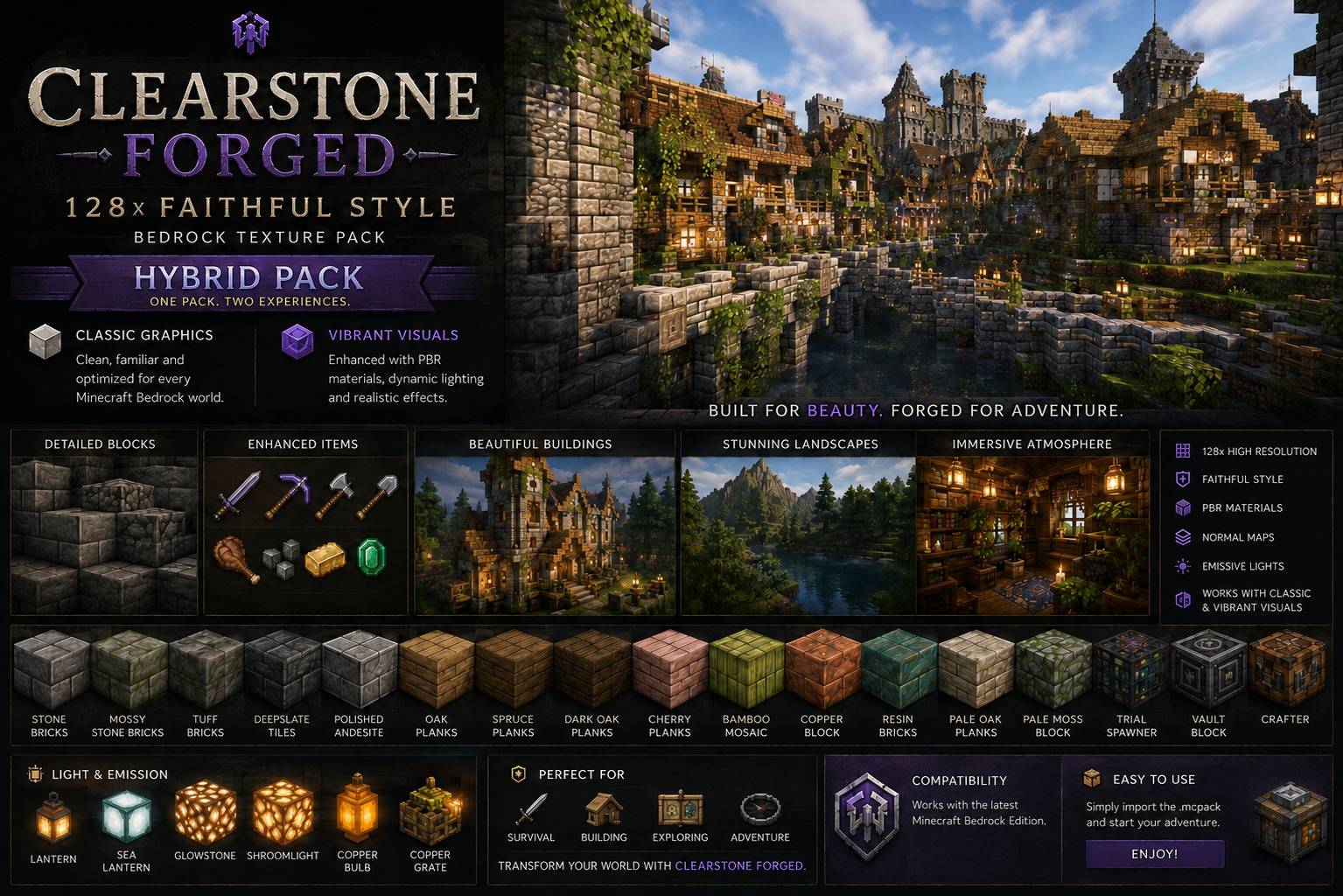
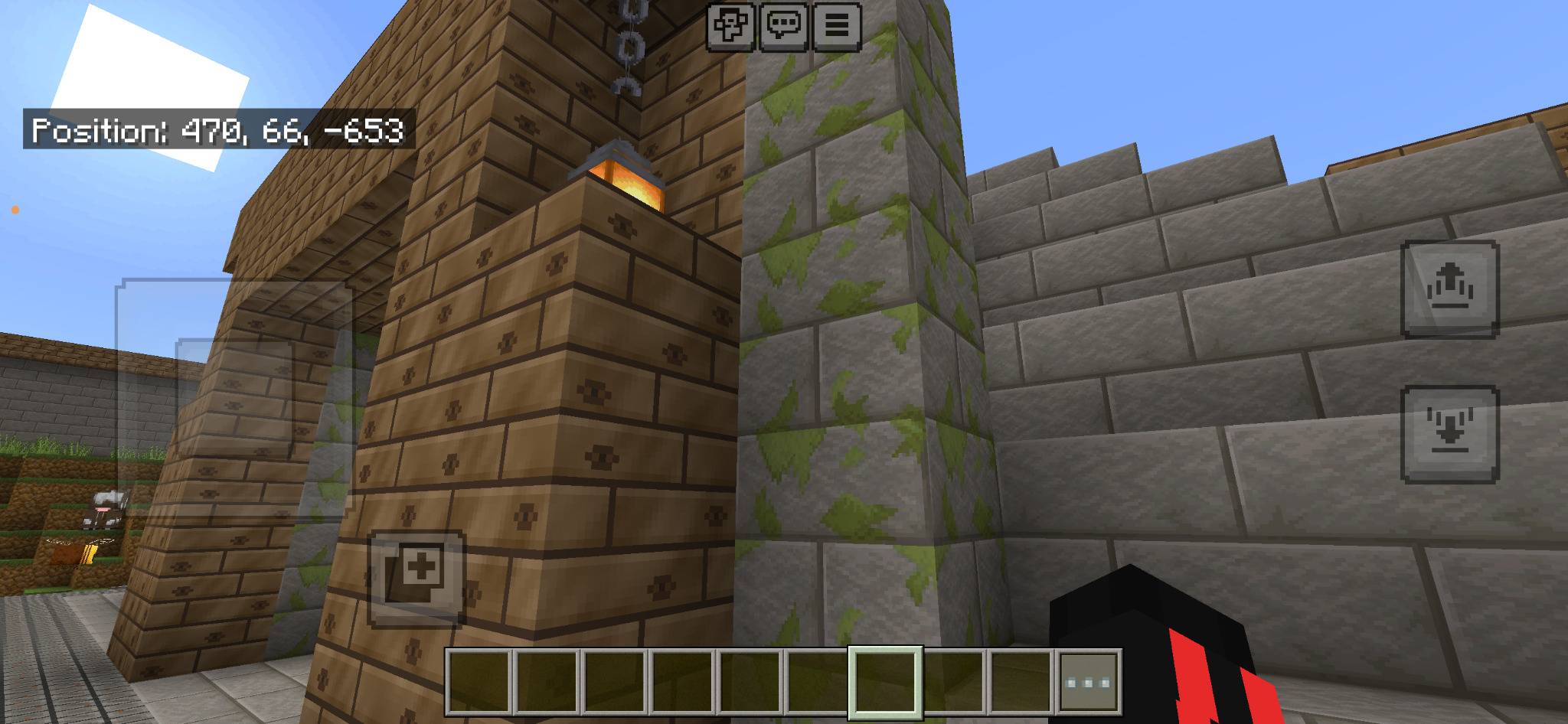
Clearstone 128x – Faithful Style
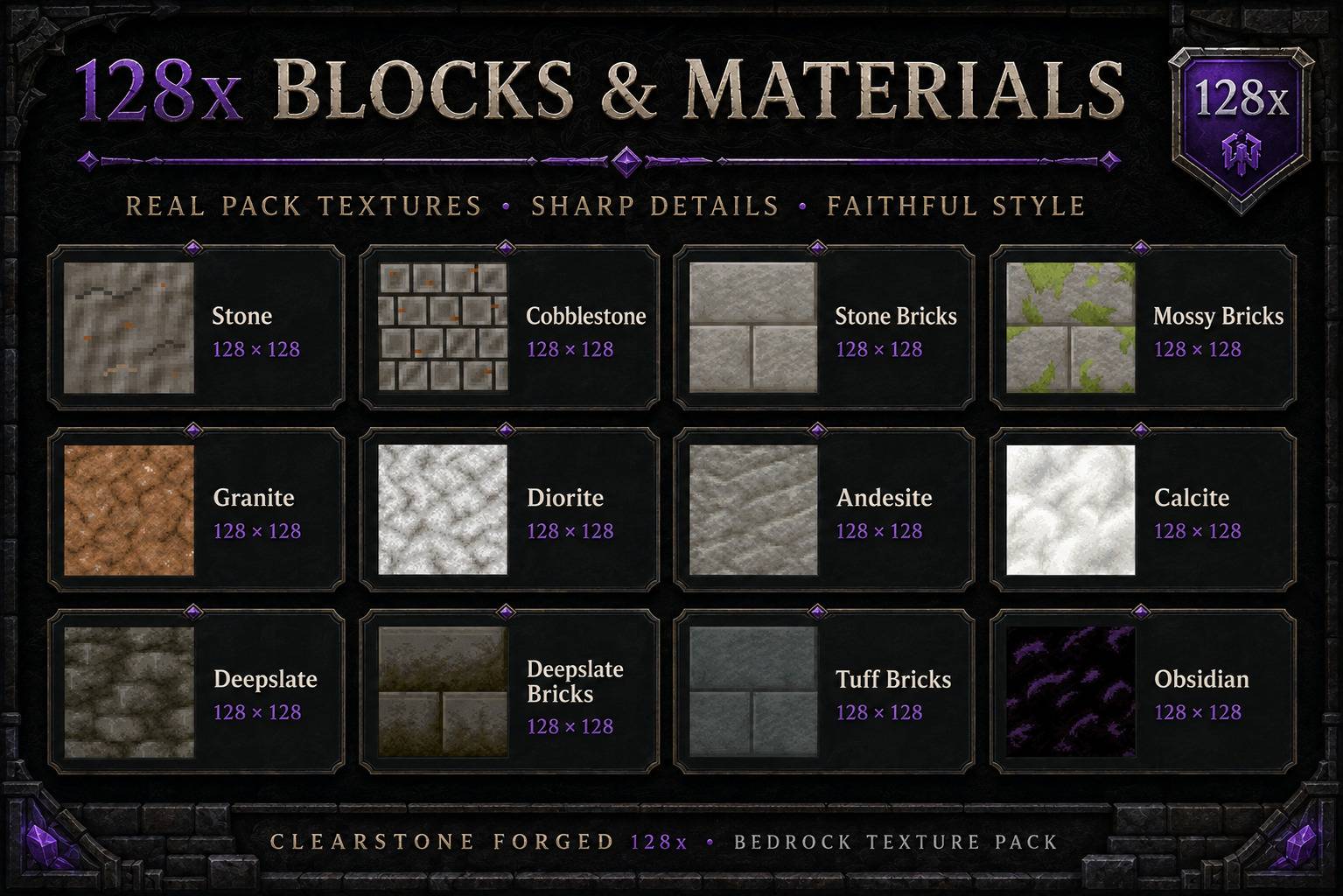
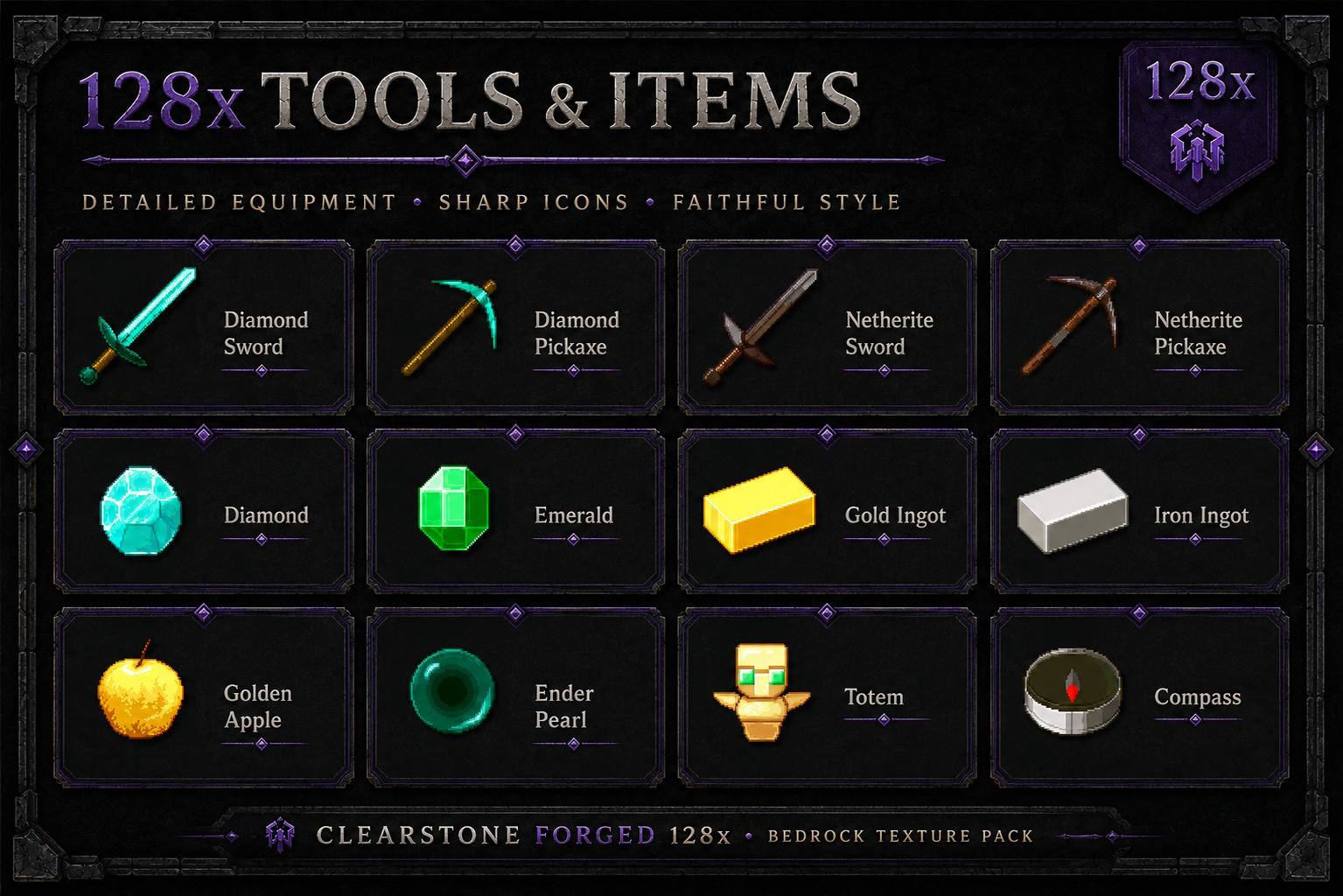
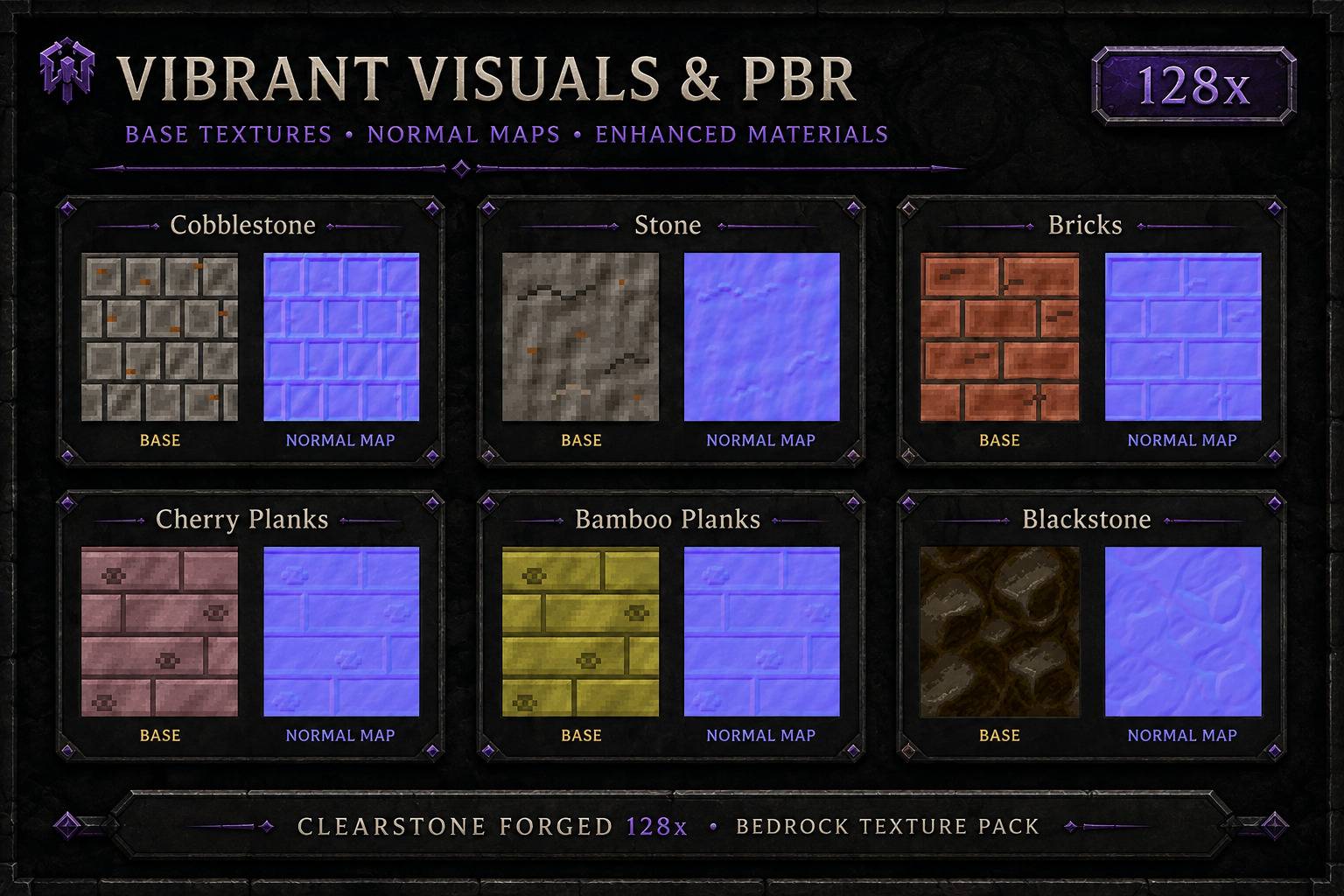
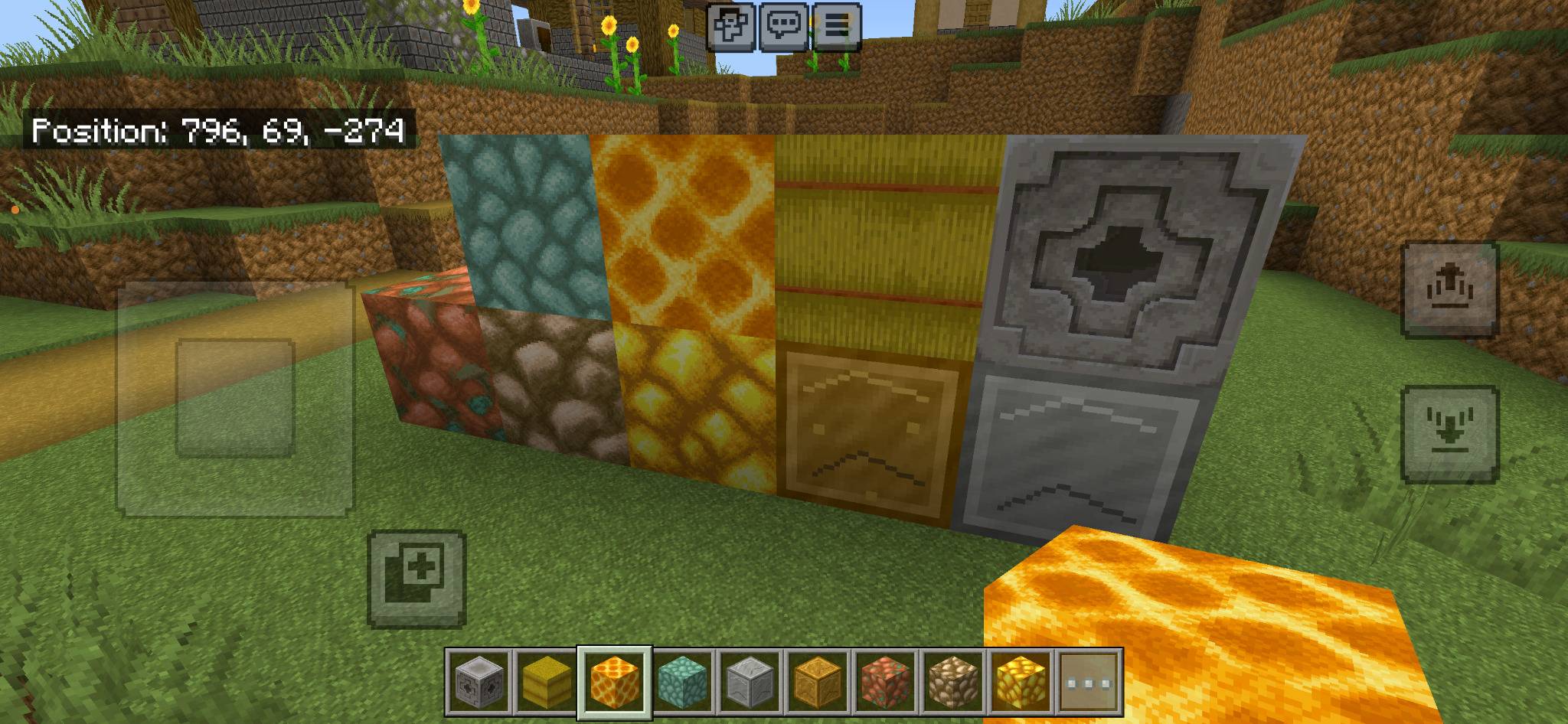
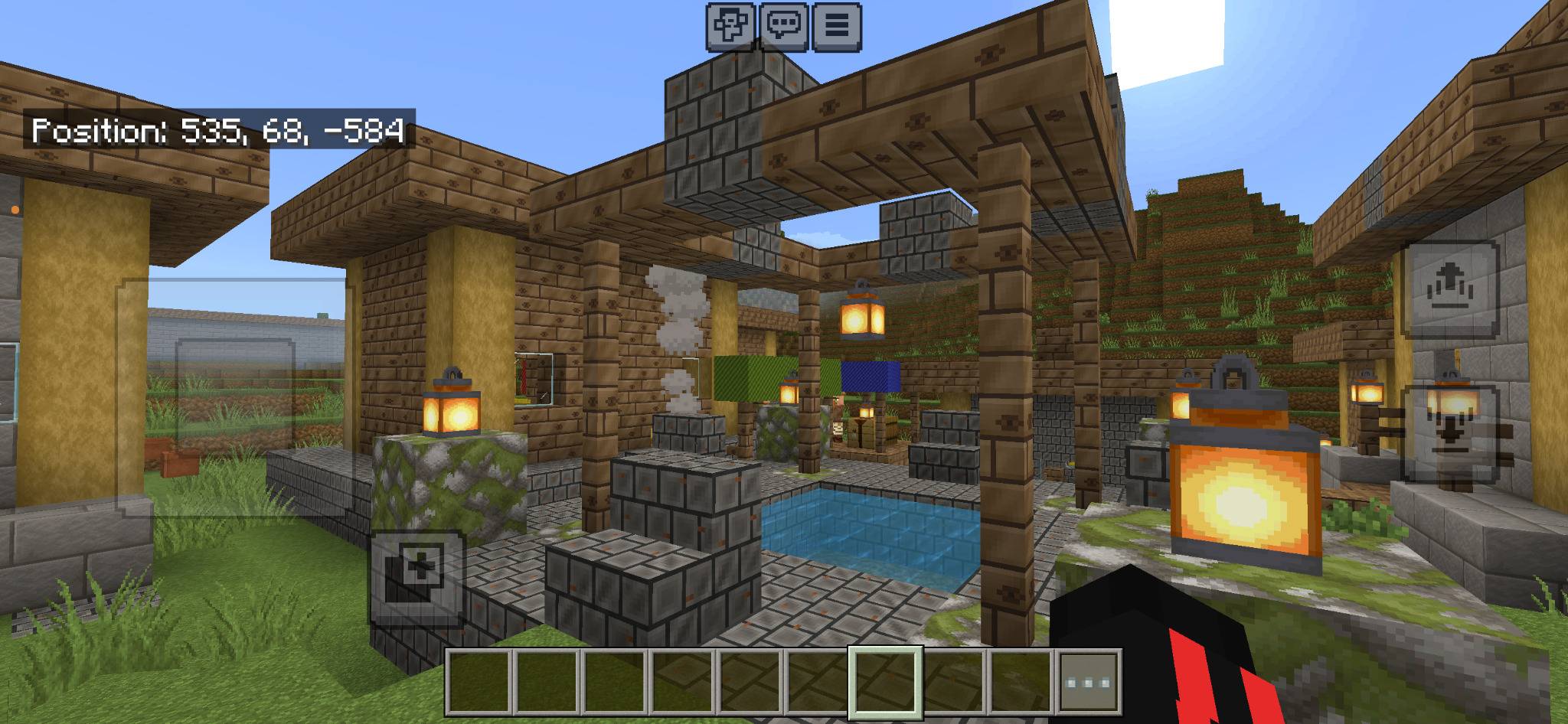
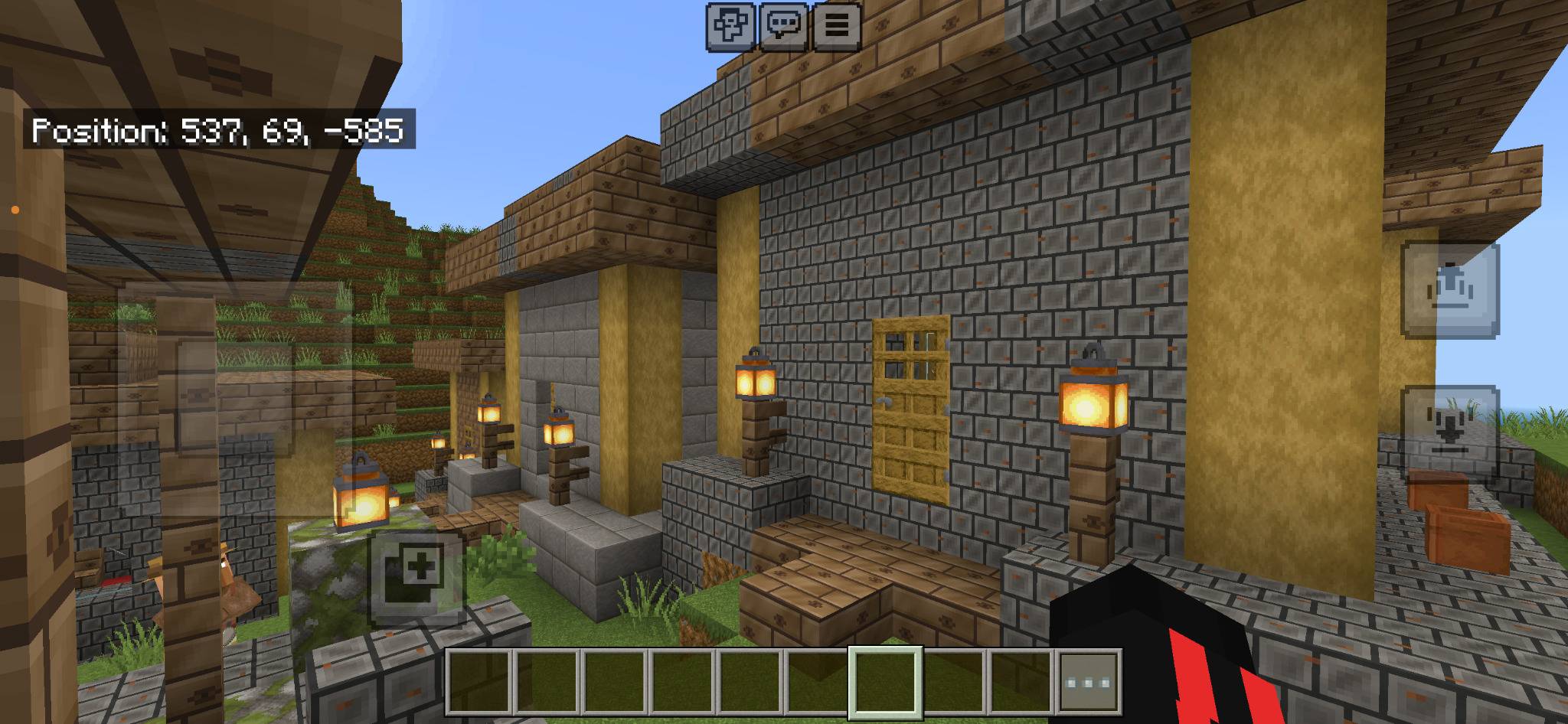
Clearstone Forged 128x is a high-resolution texture pack for Minecraft Bedrock Edition that keeps the familiar Minecraft appearance while adding sharper details and a refined medieval forged style.
Blocks, items, materials, buildings and landscapes have been enhanced with detailed 128x textures. The pack supports both normal Bedrock graphics and Vibrant Visuals in one package.
✦ Main Features
- High-resolution 128x textures
- Faithful-style Minecraft appearance
- Classic Bedrock graphics support
- Vibrant Visuals support
- PBR materials
- Normal maps for selected textures
- Enhanced stone, wood and metal surfaces
- Improved tools and item textures
- Detailed building materials
- Enhanced villages and medieval structures
- Improved terrain and landscapes
- Selected emissive light sources
- Multiplayer support
- Bedrock Dedicated Server support
- One complete hybrid resource pack
Classic Graphics & Vibrant Visuals
Clearstone Forged 128x combines support for both Minecraft graphics modes in one resource pack.
With normal Bedrock graphics enabled, the regular high-resolution textures remain available.
On supported devices using Vibrant Visuals, selected materials can additionally use:
- Surface depth
- Normal maps
- Metallic properties
- Roughness differences
- Enhanced material definition
- Improved lighting response
- Selected emissive textures
Vibrant Visuals is optional and is not required to use the normal 128x textures.
Installation on Minecraft Bedrock
- Download the
.mcpackfile. - Open the downloaded file with Minecraft Bedrock Edition.
- Wait until Minecraft confirms that the resource pack was imported successfully.
- Open the settings of your world.
- Select Resource Packs.
- Open My Packs.
- Find Faithful Style Bedrock Clearstone Forged 128x – Texture Pack.
- Select the pack and press Activate.
- Start or restart the world.
If your device supports Vibrant Visuals, it can additionally be enabled in the Minecraft video settings.
Updating the Texture Pack
The internal pack version is:
2.0.0
The pack uses the same internal UUID when updating this 128x edition. A newer release can therefore replace an older version without requiring a new world.
If Minecraft continues to display older textures, remove the previous cached version from the Minecraft storage settings and import the latest .mcpack file again.
Bedrock Dedicated Server Installation
1. Rename the File
Rename the downloaded file extension:
Faithful-Style-Bedrock-Clearstone-Forged-128x-Texture-Pack.mcpack
to:
Faithful-Style-Bedrock-Clearstone-Forged-128x-Texture-Pack.zip
Extract the ZIP archive.
2. Copy the Resource Pack
Copy the extracted resource-pack folder into the following server directory:
resource_packs/
Example:
resource_packs/Clearstone-Forged-128x/
The folder must directly contain:
manifest.jsonpack_icon.pngtexturesLICENSE.txt
Do not place another .mcpack or ZIP file inside the resource-pack folder.
3. Assign the Pack to Your World
Open your server world directory:
worlds/YOUR_WORLD_NAME/
Create or edit:
world_resource_packs.json
Add the following entry:
[
    {
        "pack_id": "c192b227-9f82-4867-b116-881fc7395734",
        "version": [2, 0, 0]
    }
]
The UUID comes from the header.uuid section of the included manifest.json.
Do not use the module UUID.
4. Servers with Existing Resource Packs
If world_resource_packs.json already contains other resource packs, do not remove them.
Add Clearstone Forged 128x as another entry:
[
    {
        "pack_id": "EXISTING-RESOURCE-PACK-UUID",
        "version": [1, 0, 0]
    },
    {
        "pack_id": "c192b227-9f82-4867-b116-881fc7395734",
        "version": [2, 0, 0]
    }
]
Remember to place a comma between the entries.
5. Require the Texture Pack
To require connected players to download the server resource pack, open:
server.properties
Set:
texturepack-required=trueUse false instead if players should be allowed to join without accepting the resource pack.
6. Restart the Server
Completely stop and restart the Bedrock Dedicated Server.
During startup, check the server log and confirm that the resource pack was loaded successfully.
If the log reports that the configured pack could not be found, check that:
- The pack is inside
resource_packs - The folder directly contains
manifest.json - The UUID matches
header.uuid - The version is
[2, 0, 0] world_resource_packs.jsonis located inside the correct world folder- The correct world is selected through
level-nameinserver.properties
Updating a Dedicated Server
When installing a newer version:
- Stop the server.
- Replace the existing resource-pack folder.
- Open the new
manifest.json. - Check the new
header.version. - Update the version inside
world_resource_packs.jsonif it has changed. - Restart the server.
Players may need to reconnect so Minecraft can download the updated resource pack.
Compatibility
- Minecraft Bedrock Edition
- Windows
- Android
- iOS
- Consoles where external resource packs are supported
- Singleplayer
- Multiplayer
- Bedrock Dedicated Server
- Classic Graphics
- Vibrant Visuals on supported devices
Performance depends on the device. Because this is a 128x texture pack, it requires more memory and graphics performance than a normal 16x or 64x resource pack.
Faithful Style Bedrock Clearstone Forged 128x – Texture Pack
Created by Lightscribe
- Edition: Minecraft Bedrock
- File type: .mcpack
- Minecraft versions listed: 1.21, 26.0, 26.40
- How to install: Download the .mcpack. → Open it — Minecraft imports it under Resource Packs. → Activate it in Global Resources, or for one world under Resource Packs → Available.
- Where to get it: Opens on CurseForge — not every file is mirrored on our own servers.
Install steps are the general flow for this file type — How to install Minecraft Bedrock texture packs walks through it step by step.
- Pack type: .mcpack — a single pack
- Manifest requires Minecraft 1.21.120 or newer
- Complete pack — everything it depends on is inside the file
- Download size: 12.4 MB
- Download link checked 10 Oct 2026 — working
These come from our own check of the pack file, not from the source page.