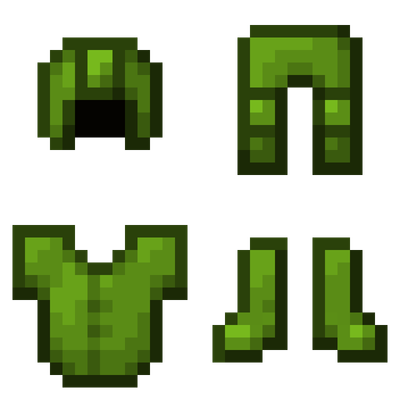
Better Leather Armor
Bedrock texture pack listed for Minecraft 26.x. File opened and checked on 30 Aug 2026; installs from the MC Bedrock Mods app on Android.
⬇ Download on CurseForge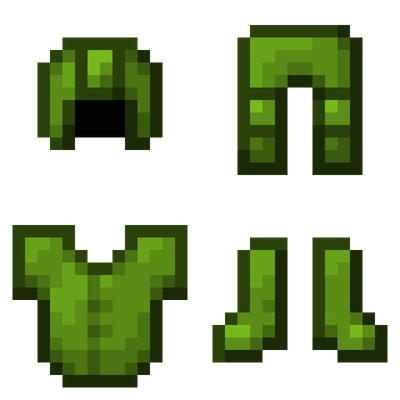
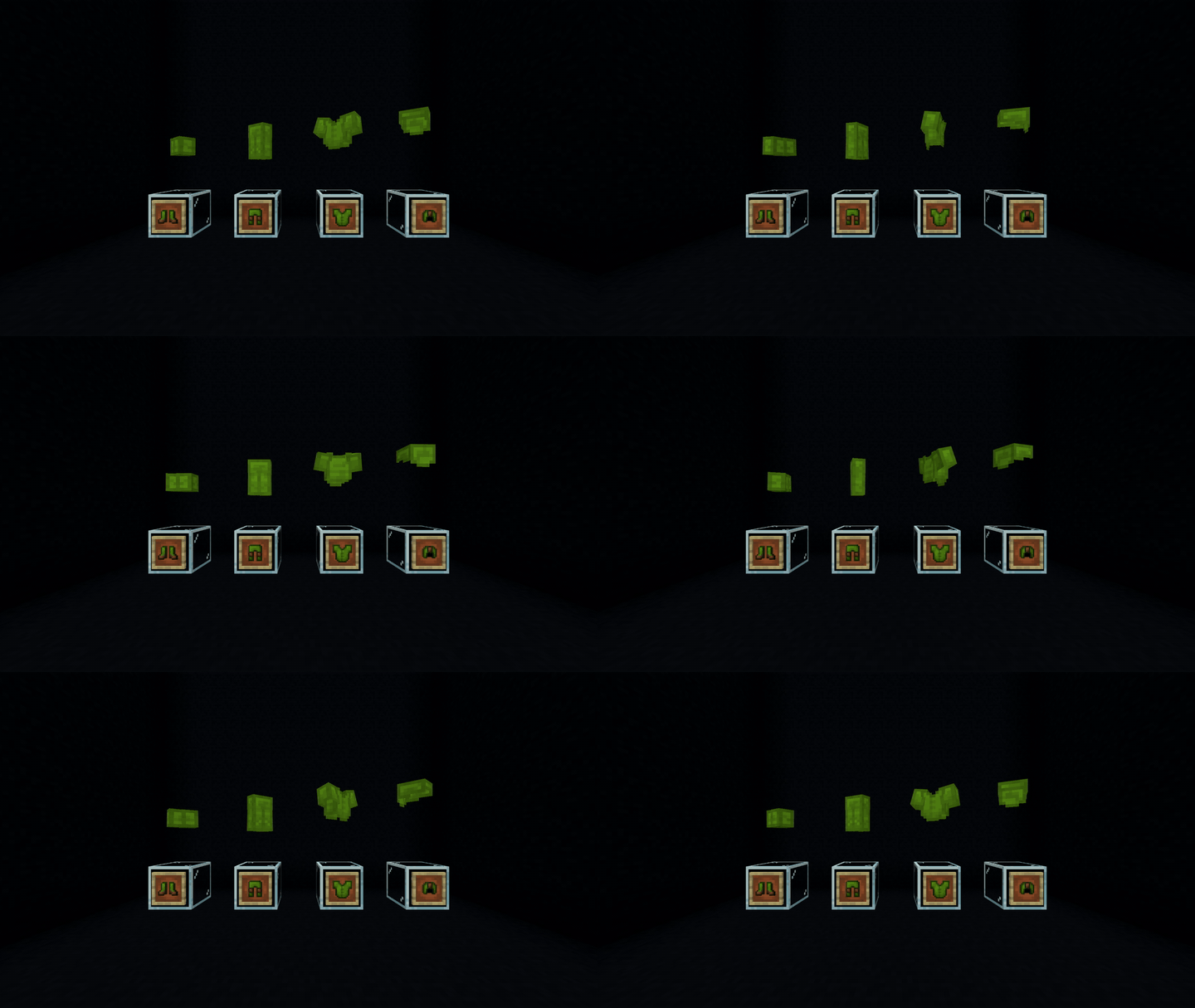
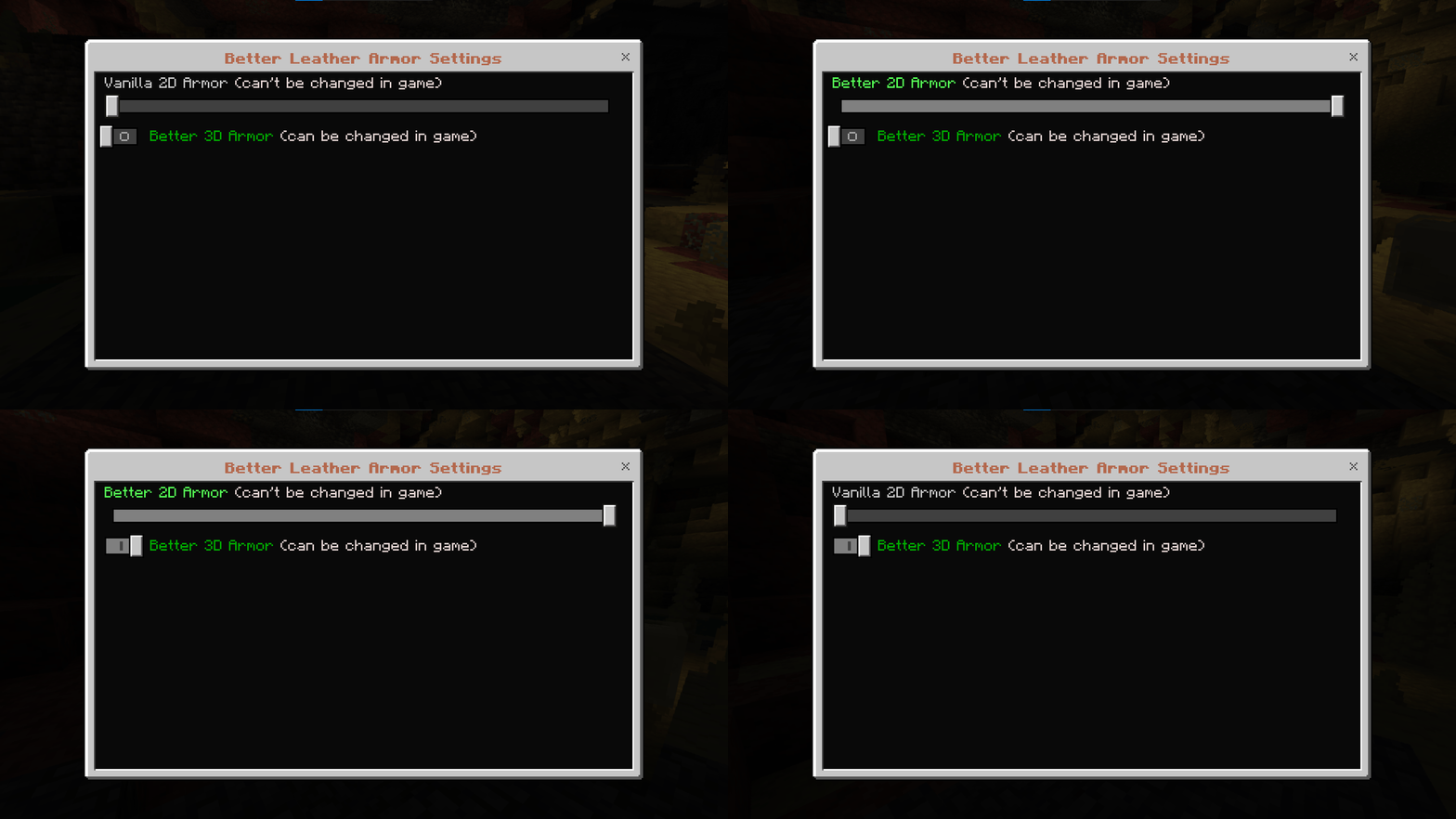
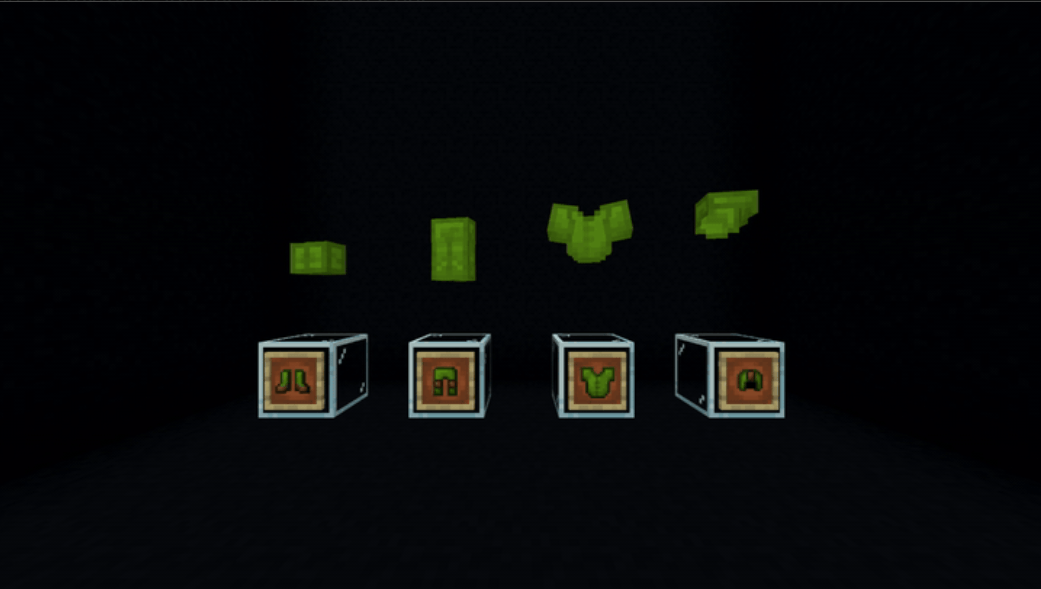
Better Leather Armor
Removes the annoying brown parts of leather armor that stay visible when it’s dyed, making the armor fully dyeable in both 2D and 3D renders.
No more random brown bits. The whole armor render matches the color you dyed it.
Feedback & Suggestions
Have an idea for improving the project, found something that doesn't work quite right, or just have a suggestion? Feel free to send me feedback or suggestions through my Discord (Link down below)
Credits
Textures: GrapeGamer8978
Design: GrapeGamer8978
Testers: Nan
Please do not use, copy, or redistribute my work without permission.
If you would like to use this project for a server, public realm, or other project, please either join my Discord — the fastest way to contact me — or leave a comment here and ask first.
Thank you for taking the time to check out my creation!
Links
YouTube: @GrapeGamer8978
CurseForge: @Graqegamer8978
Plannet MC: @GrapeGamer8978
MCPEDL: @GraqeGamer8978
Discord: discord.gg/Ykf9CNXJdq
- Edition: Minecraft Bedrock
- File type: .mcpack
- Minecraft versions listed: 26.20, 26.30, 26.40
- How to install: Download the .mcpack. → Open it — Minecraft imports it under Resource Packs. → Activate it in Global Resources, or for one world under Resource Packs → Available.
- Where to get it: Opens on CurseForge — not every file is mirrored on our own servers.
Install steps are the general flow for this file type — How to install Minecraft Bedrock texture packs walks through it step by step.
- Save it as Better Leather Armor.mcaddon before opening — it downloads as .mcpack, but it is a .mcaddon pack
- Manifest requires Minecraft 1.26.20 or newer
- Complete pack — everything it depends on is inside the file
- Download size: 17 KB
- Download link checked 10 Oct 2026 — working
These come from our own check of the pack file, not from the source page.