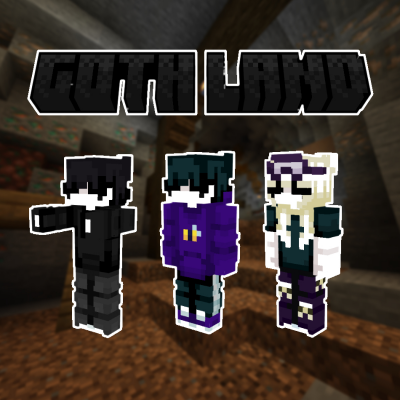
GothLand
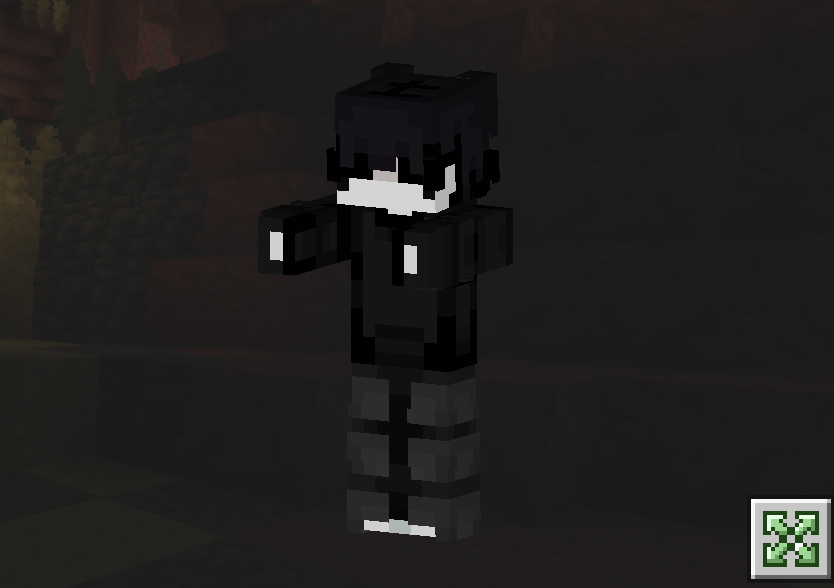
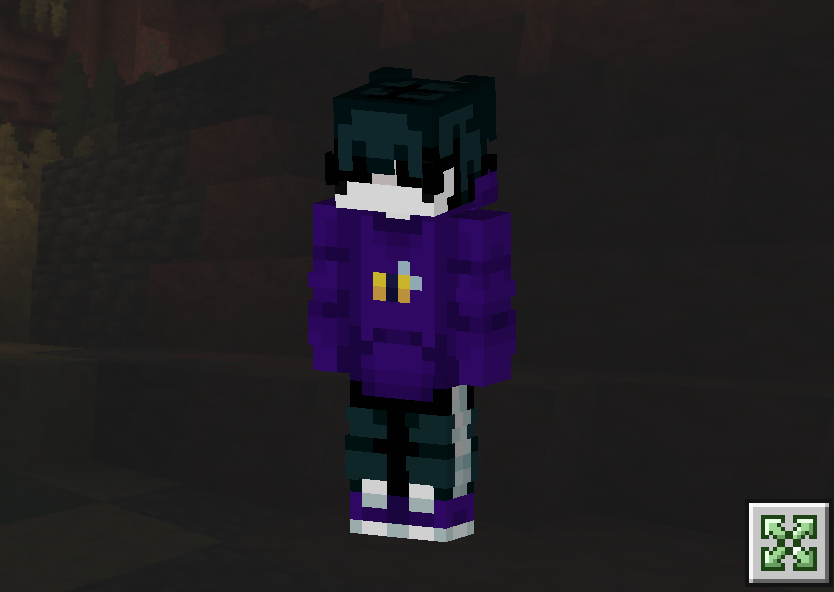
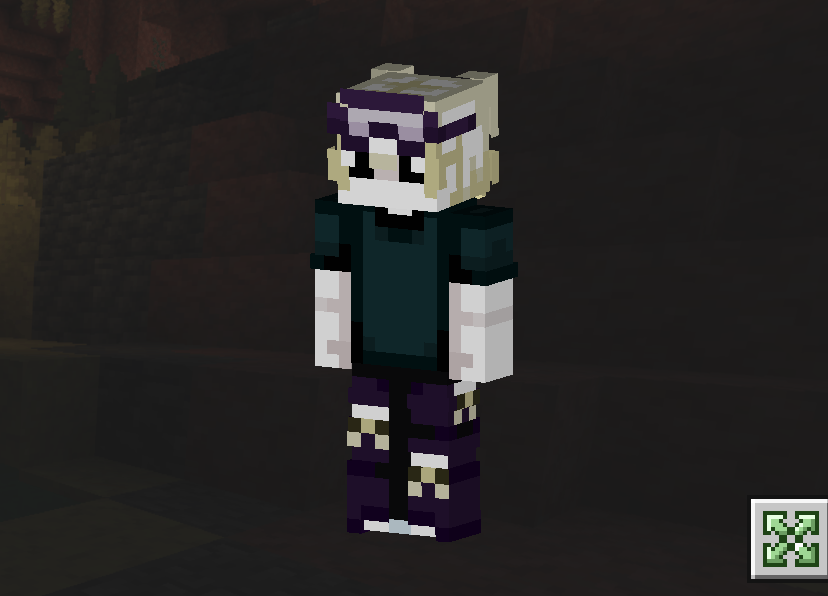
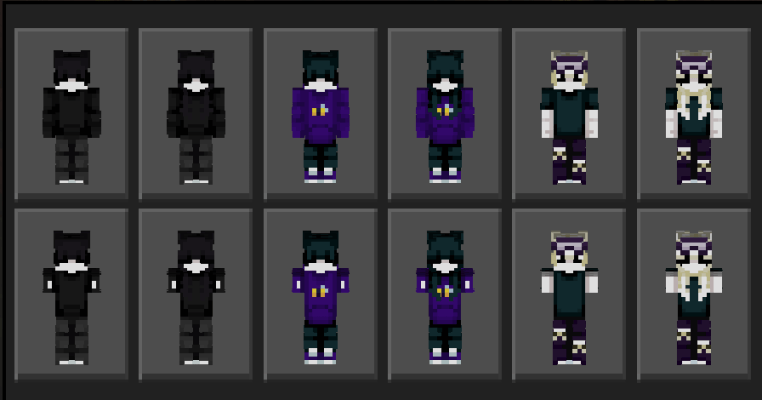
🏰 GothLand Skin Pack for Minecraft Bedrock 🖤 Step into a shadowy paradise with the GothLand collection! Featuring 12 dark, stylish skins inspired by the…
⬇ Download on CurseForge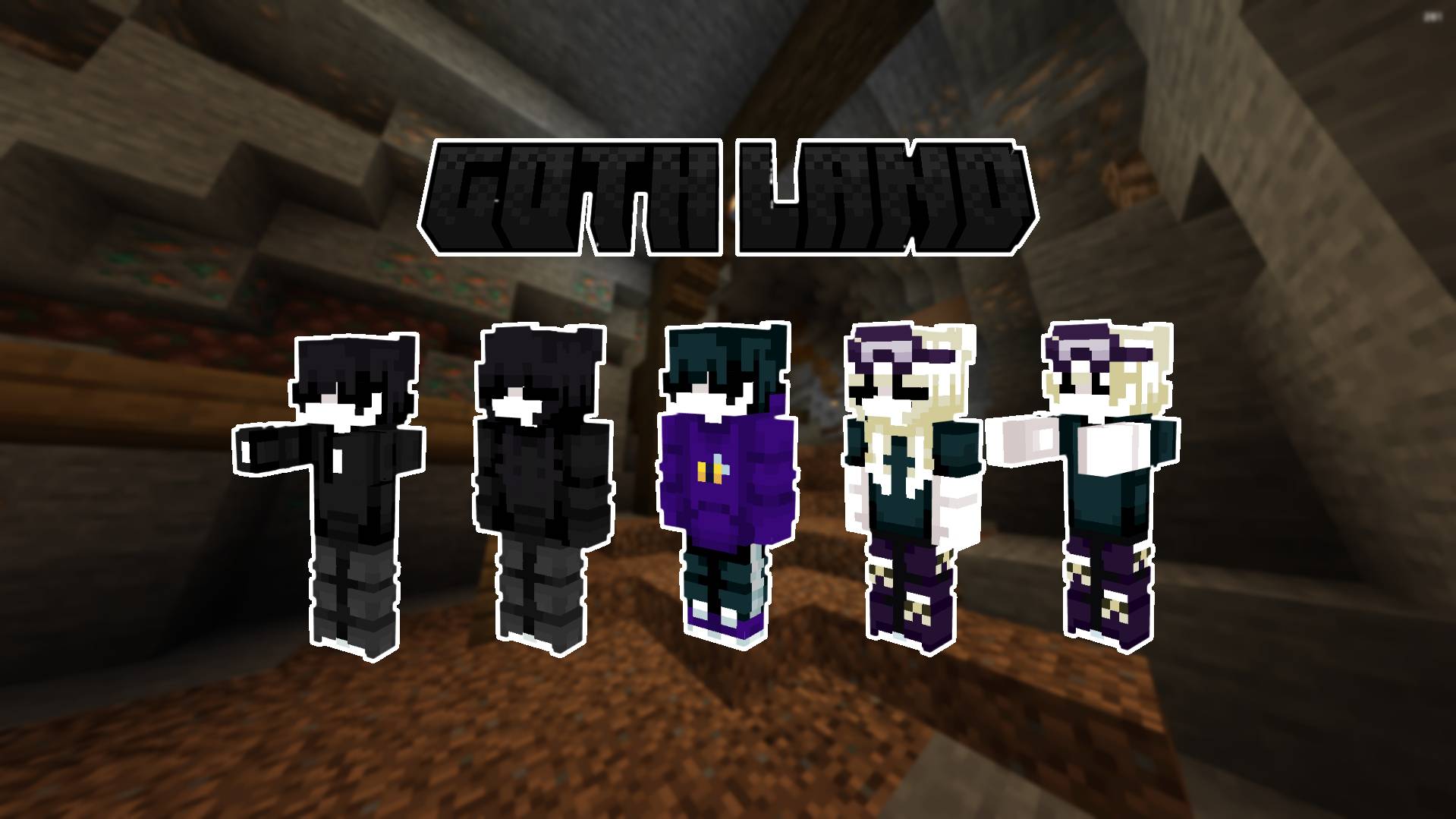
✨ Pack Features:
-
🖌️ Hive Aesthetic: Clean color blocking and high-visibility textures designed to look crisp in fast-paced minigames.
-
👥 12 Diverse Variants: A massive selection of gothic styles to switch up your look whenever you want.
-
📱 Full Compatibility: Works seamlessly across all Bedrock platforms (iOS, Android, Windows 10, Xbox, PlayStation, Switch).
⚠️ Server Compatibility Note: Custom model features like zombie arms are strictly non-functional on The Hive due to server-side geometry rules every!
- Edition: Minecraft Bedrock
- File type: .mcpack
- Minecraft versions listed: 1.20.40, 1.21.30, 0.16.2
- How to install: Download the .mcpack skin pack. → Open it — Minecraft imports it. → Open the Dressing Room and select the skin.
- Where to get it: Opens on CurseForge — not every file is mirrored on our own servers.
Install steps are the general flow for this file type — How to apply a custom Minecraft skin walks through it step by step.
- Save it as GothLand.mcaddon before opening — it downloads as .mcpack, but it is a .mcaddon pack
- Complete pack — everything it depends on is inside the file
- Download size: 33 KB
- Download link checked 30 Aug 2026 — working
These come from our own check of the pack file, not from the source page.