ShadersBedrock
Sunglid Visuals Shader (26.x) – Warm Color Grading and Waving Foliage
Bedrock shader pack for the Vibrant Visuals mode listed for Minecraft 1.21. File opened and checked on 30 Aug 2026; installs from the MC Bedrock Mods app on Android.
⬇ Download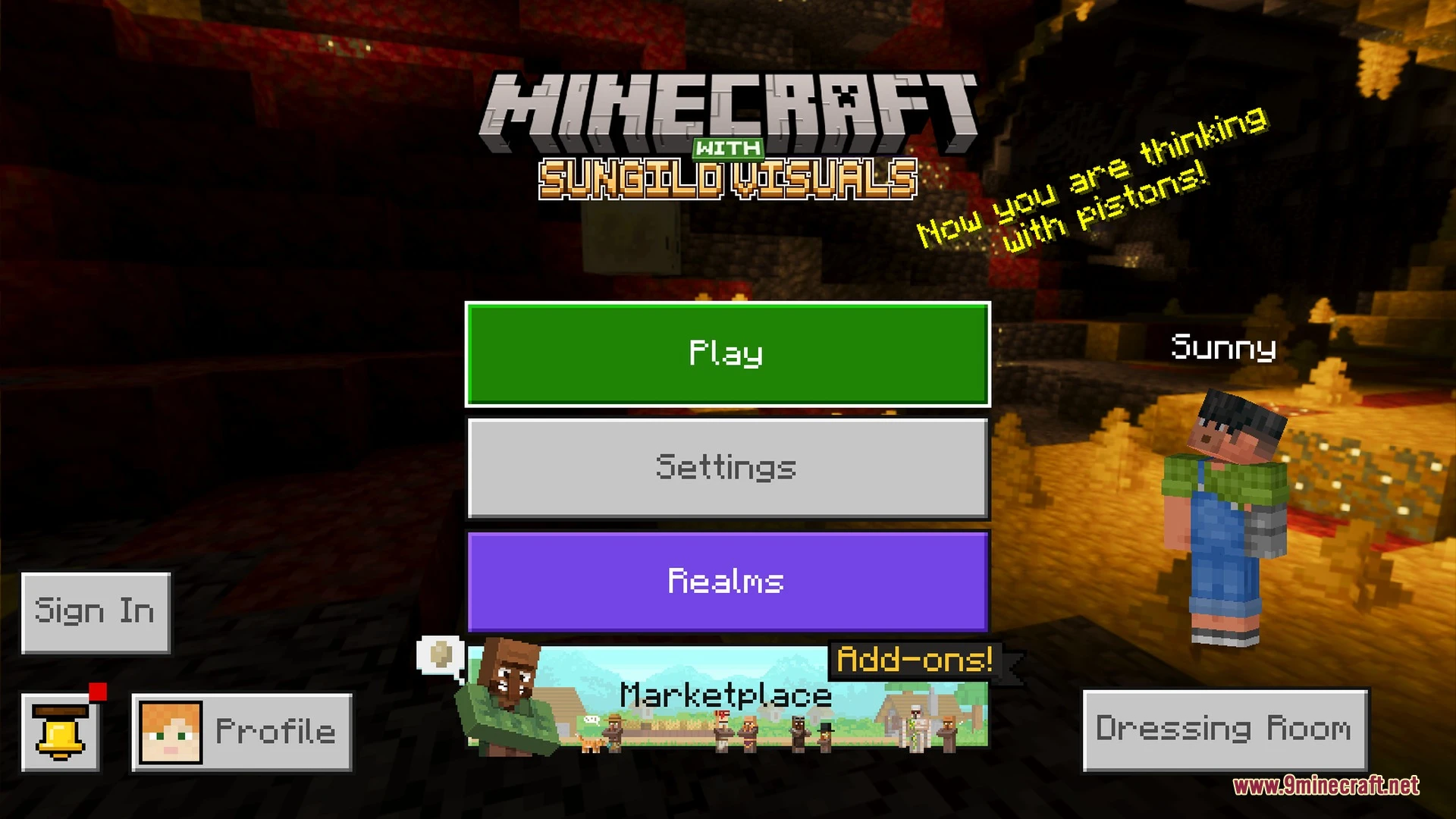
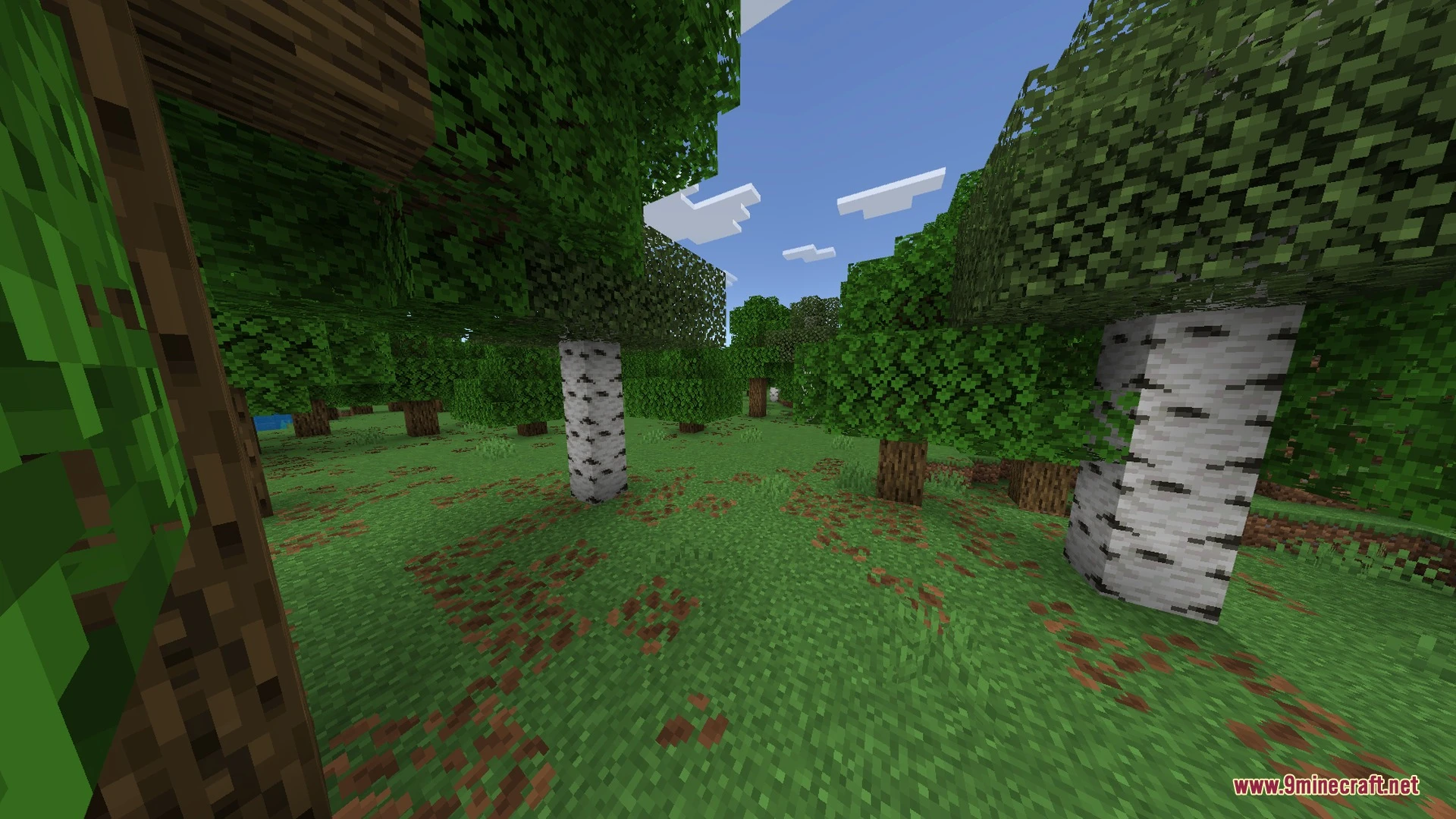
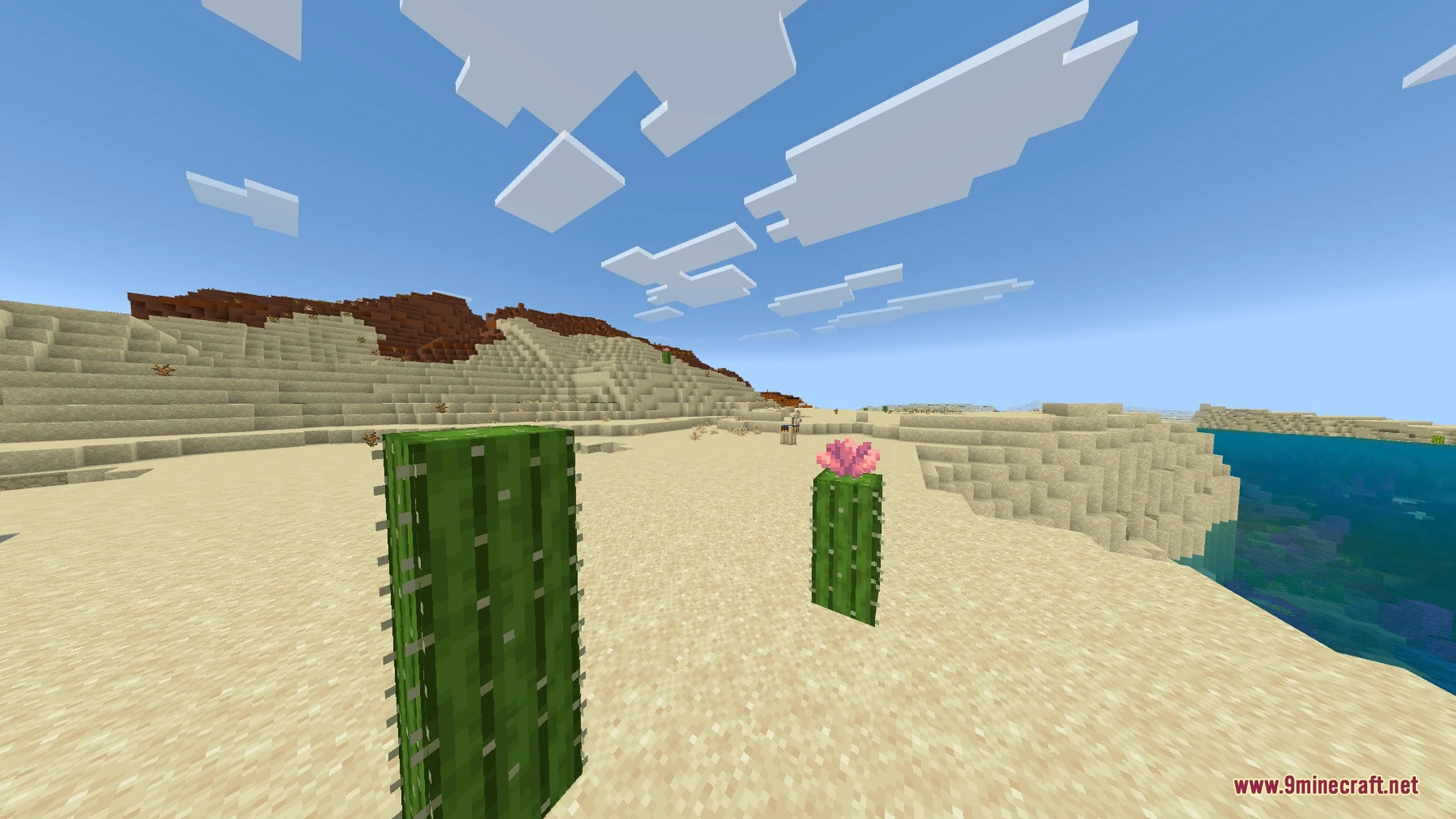
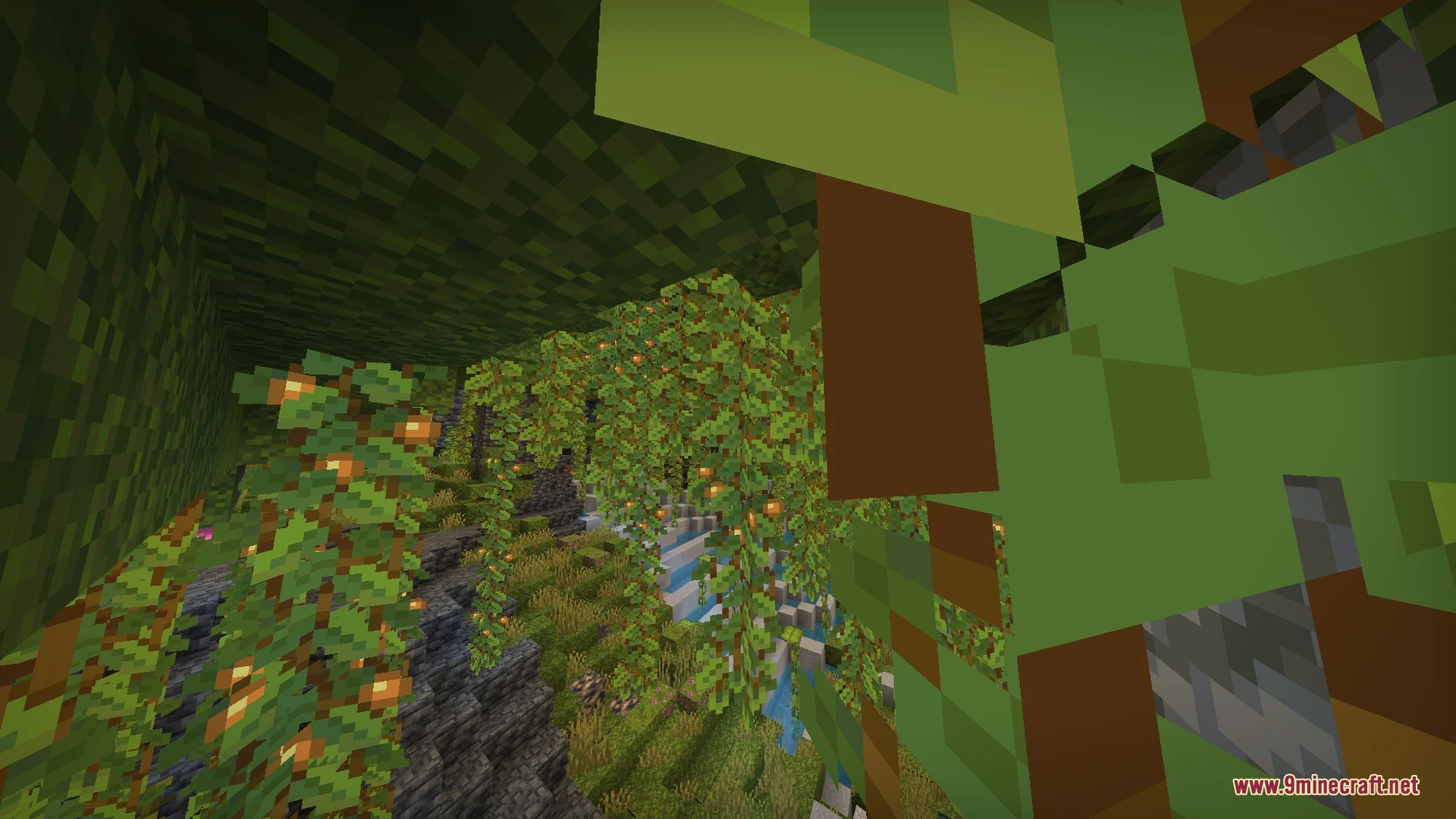
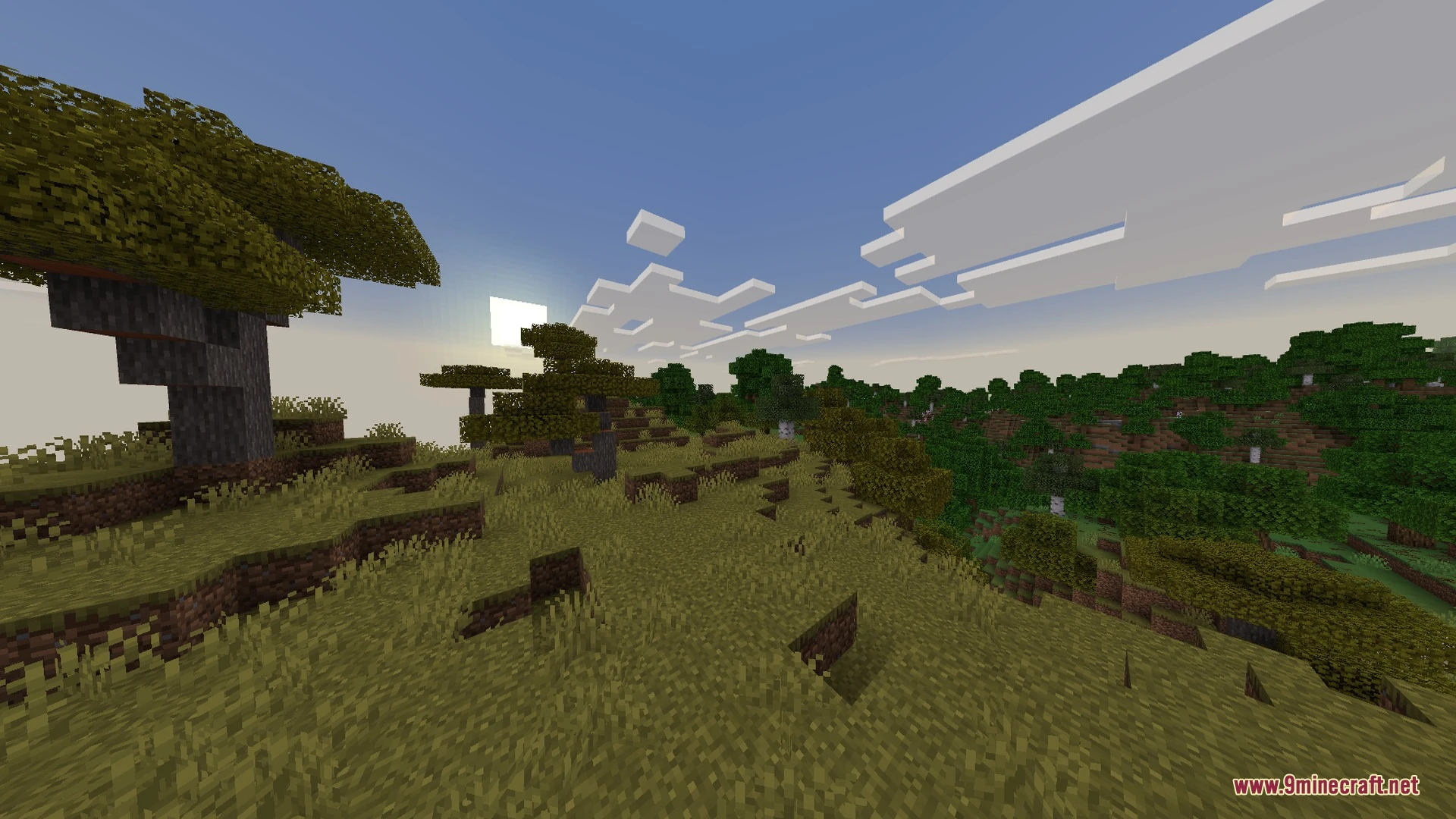
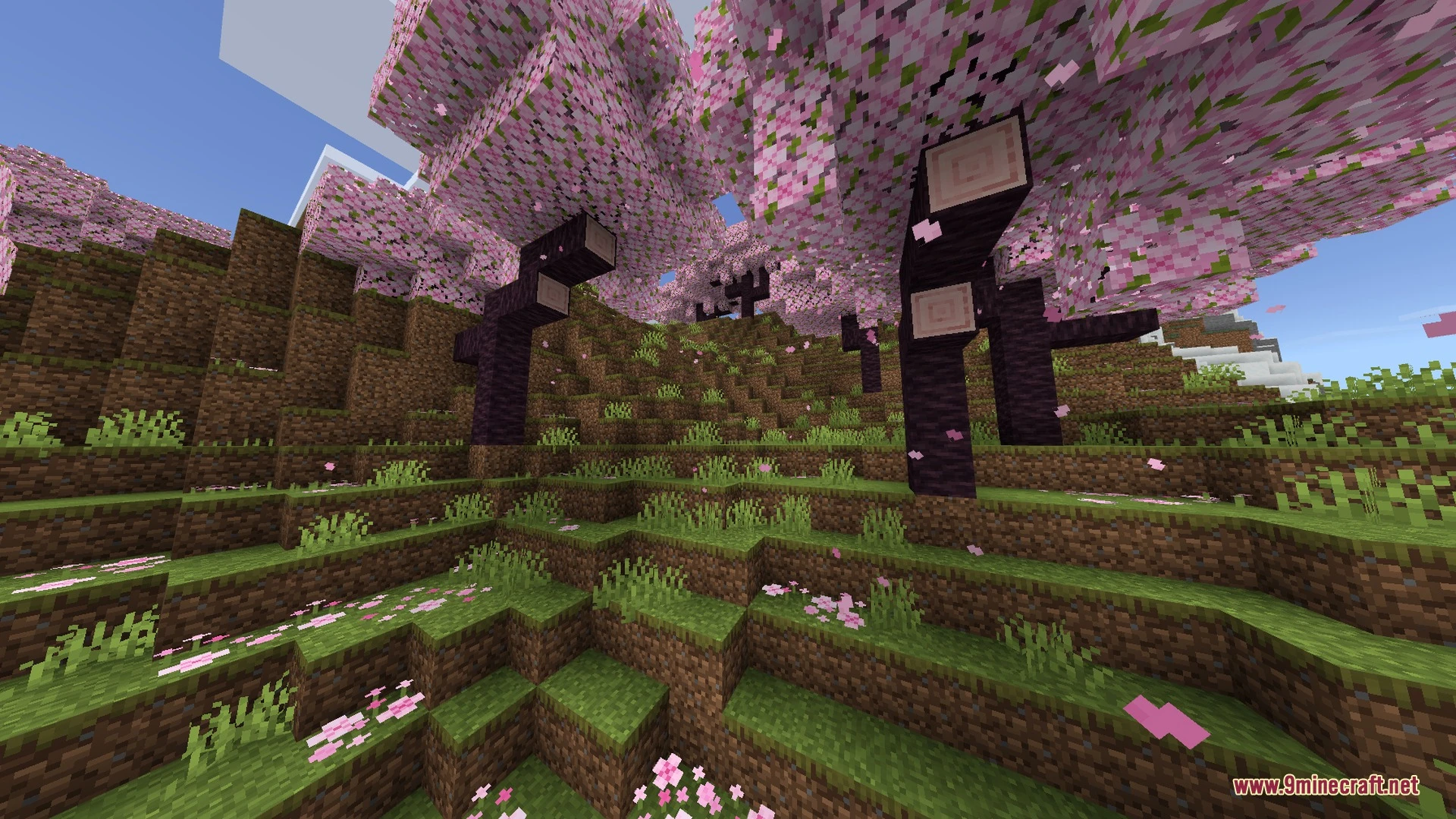
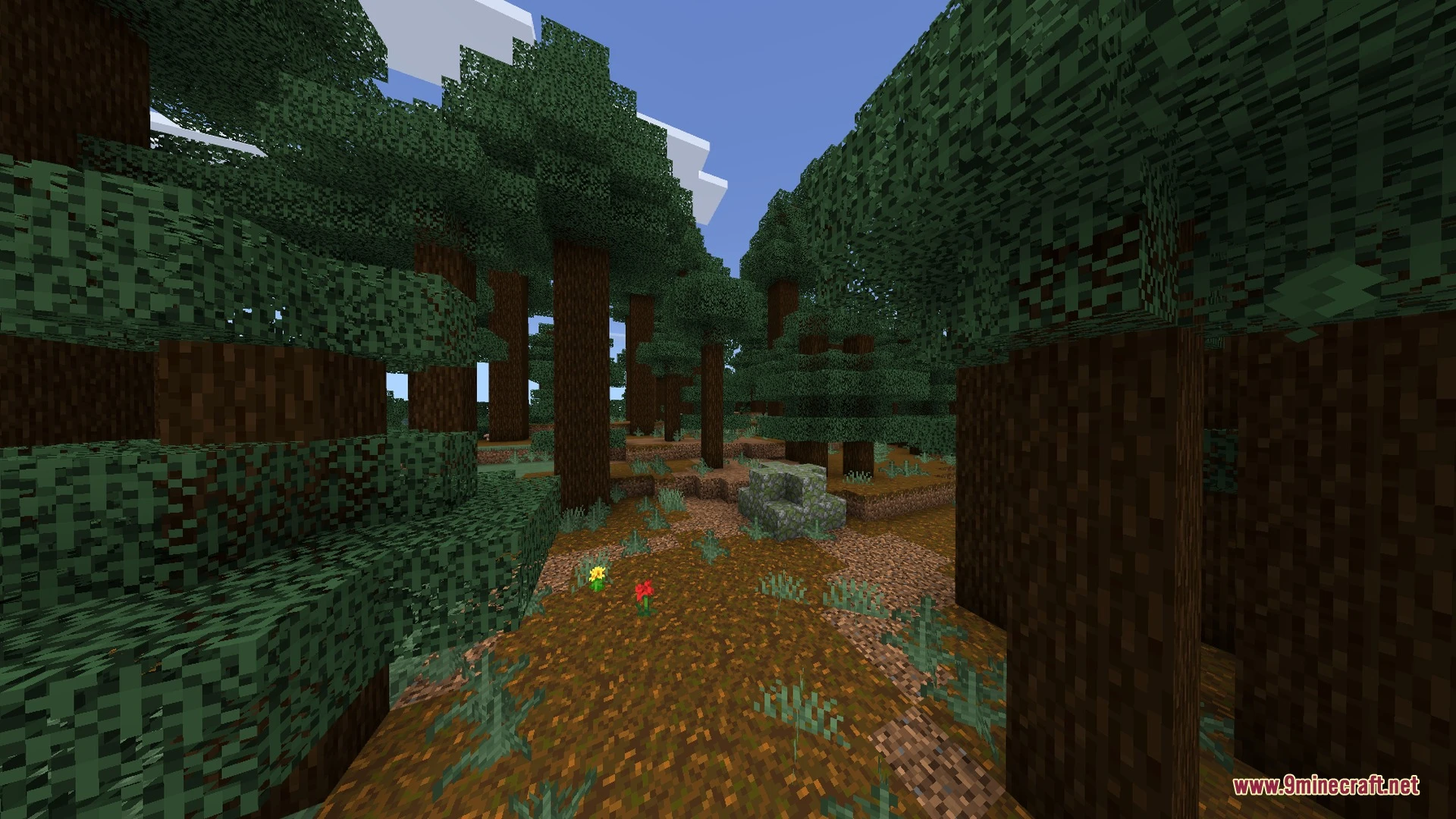
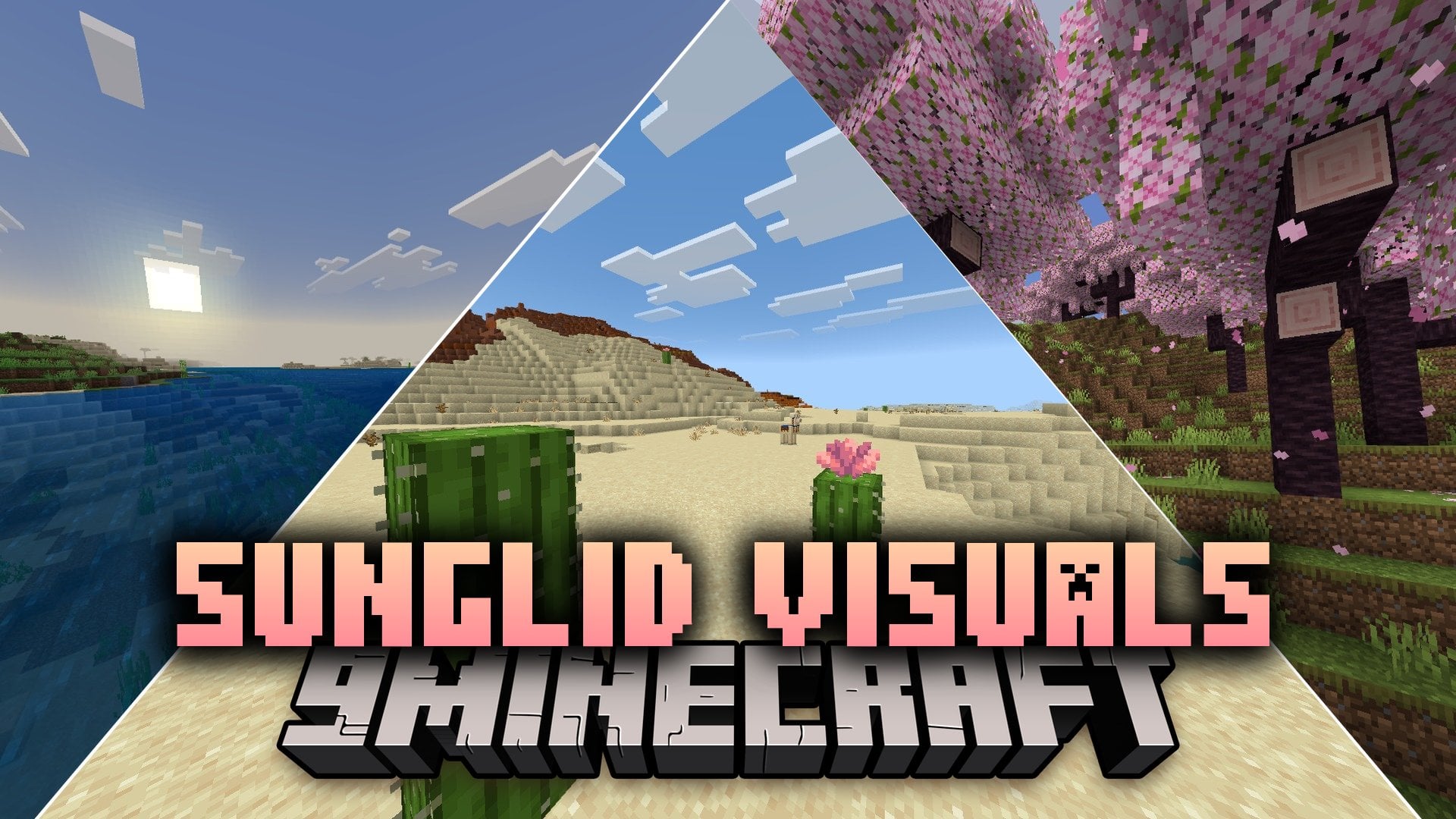
Sunglid Visuals brings warm golden color tones to every biome across your world. It enhances your views with amber sunsets, glowing village lanterns, and rich foliage shading. You can also enjoy cozy night scenes along with smooth waving plants and tree leaves.
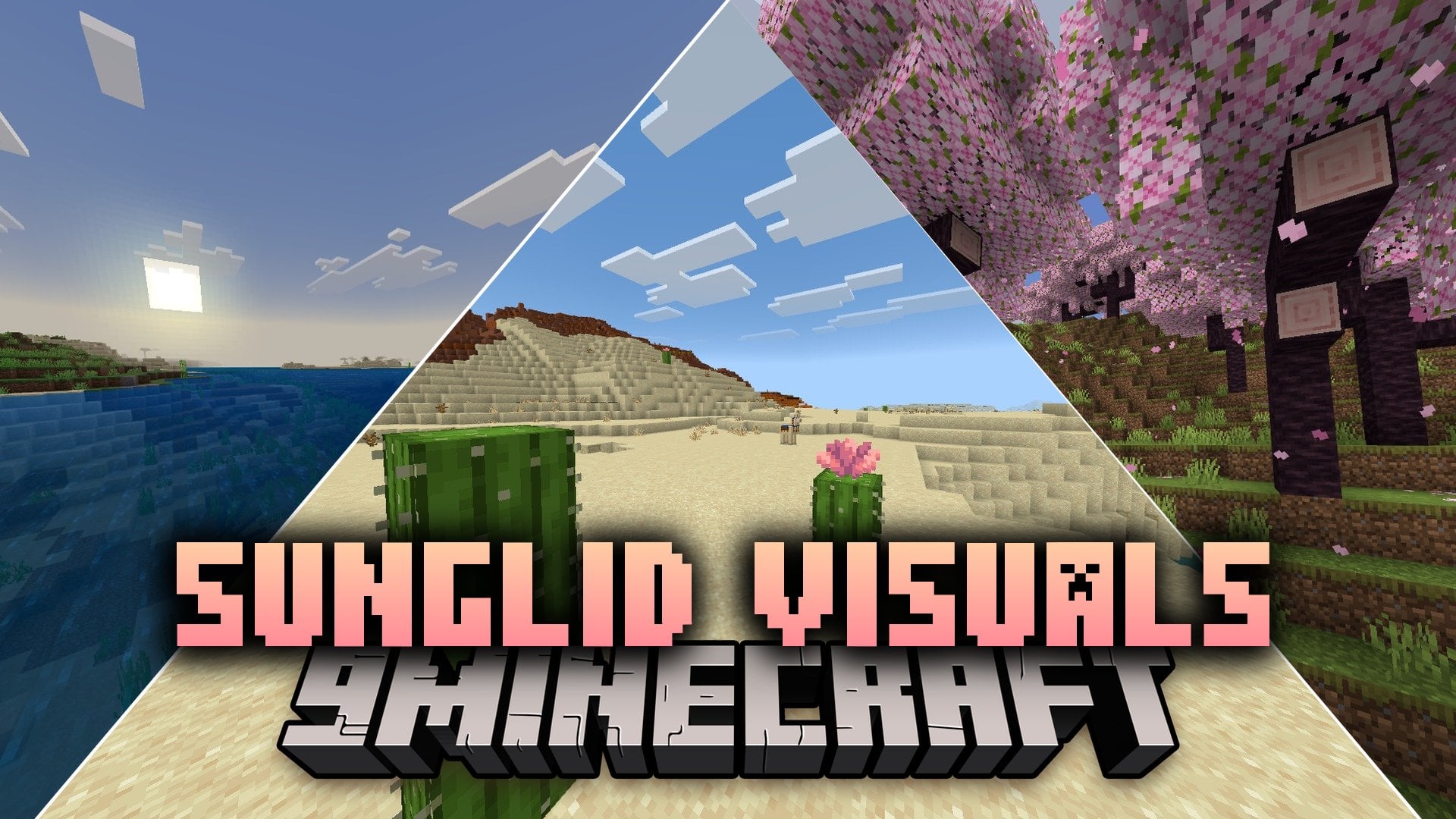
Features:
- Warm golden color grading across every biome.
- Amber sunsets over cherry blossom groves.
- Glowing lantern and torch lighting for cozy nights.
- Rich foliage shading with warm green tones.
- Smooth waving animations for plants and leaves.
Screenshots:
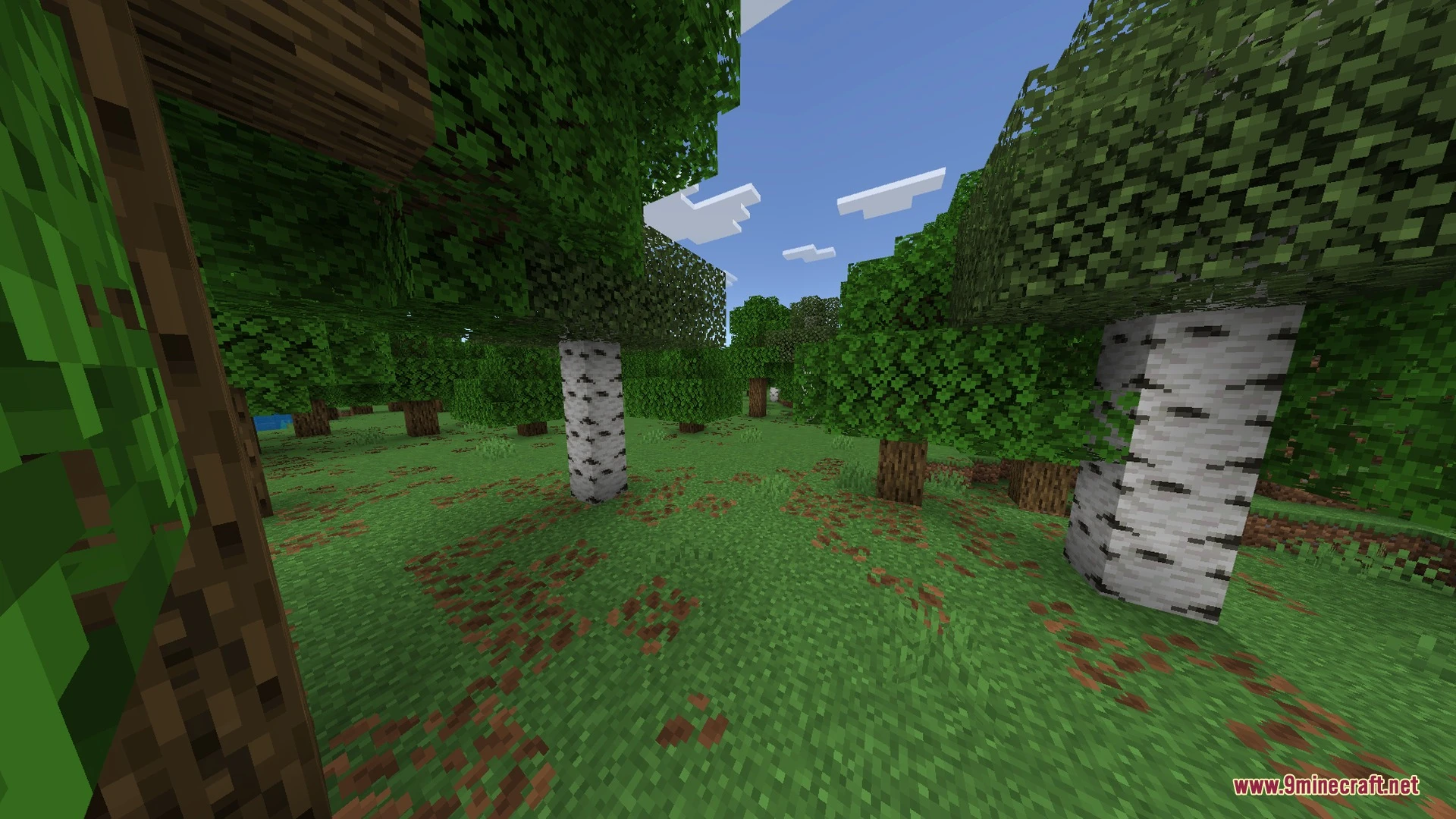
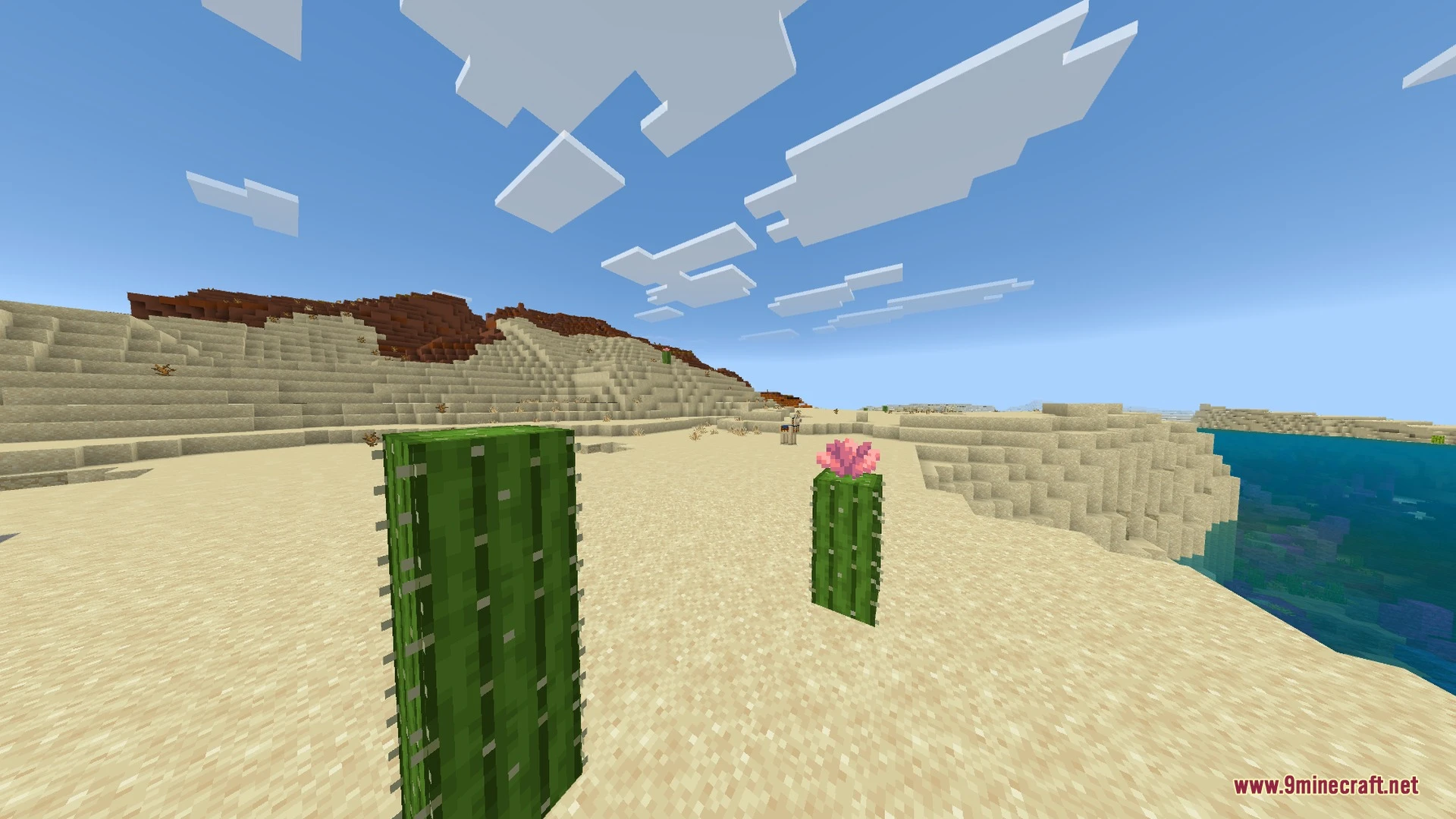
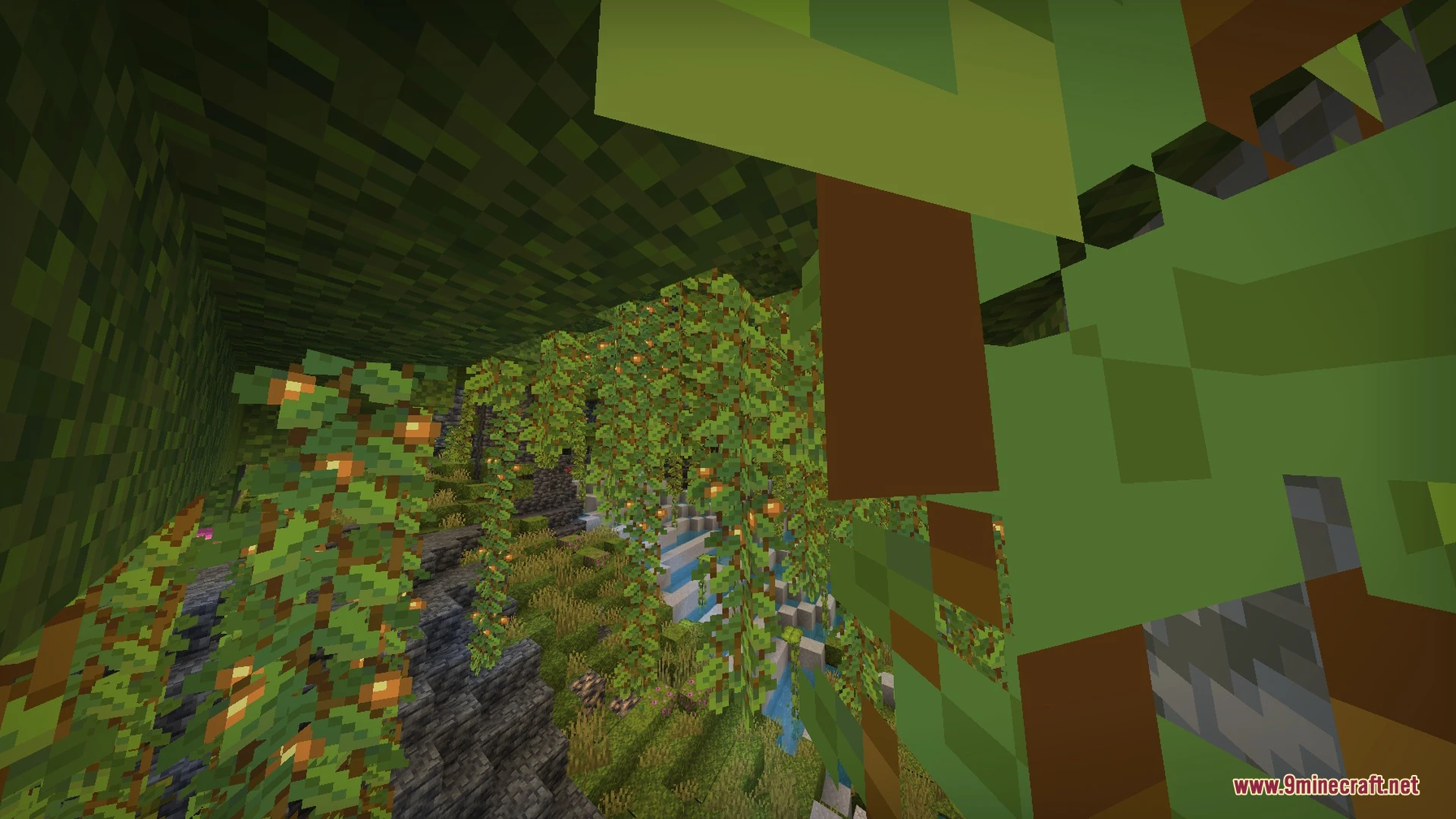
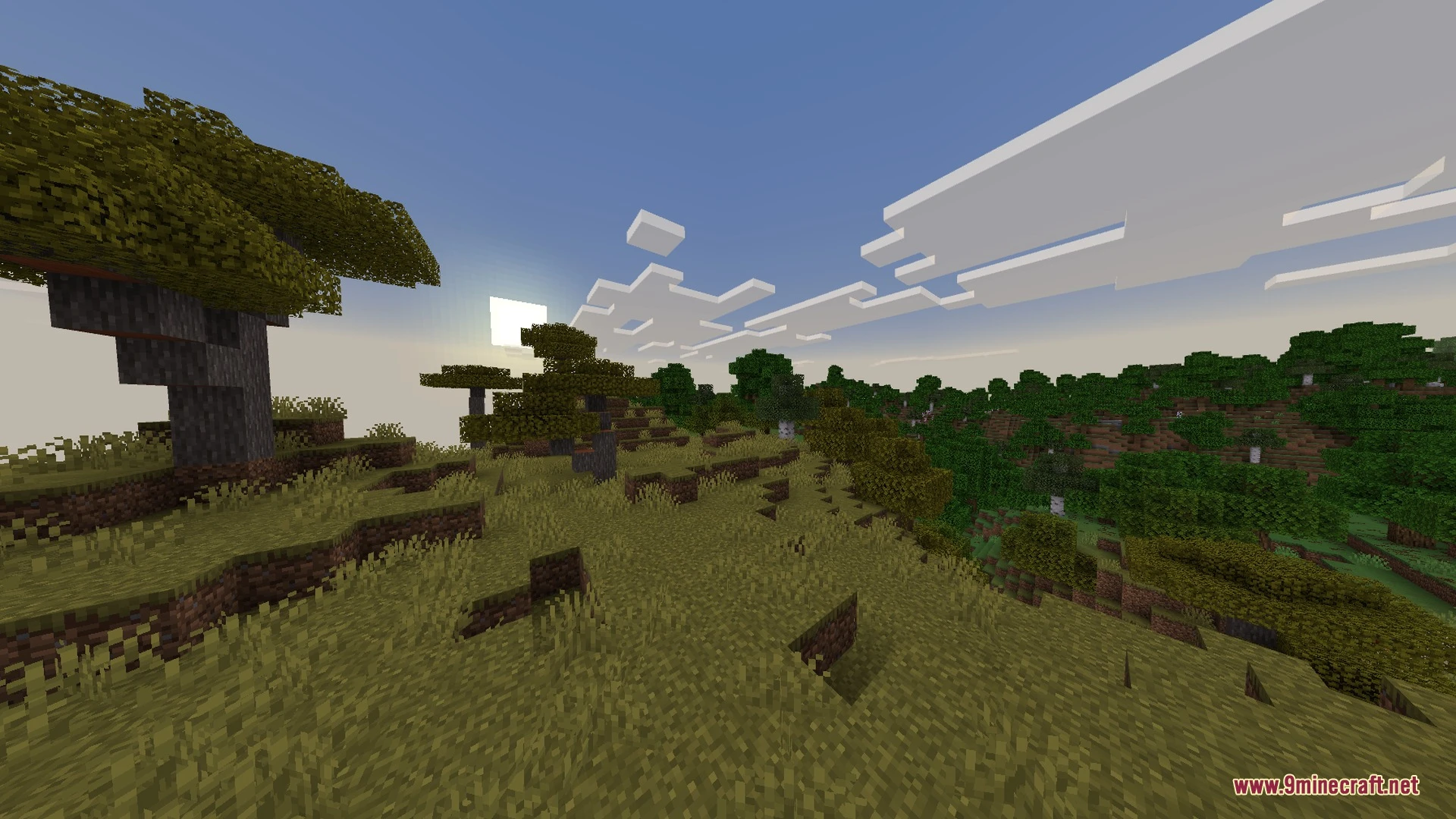
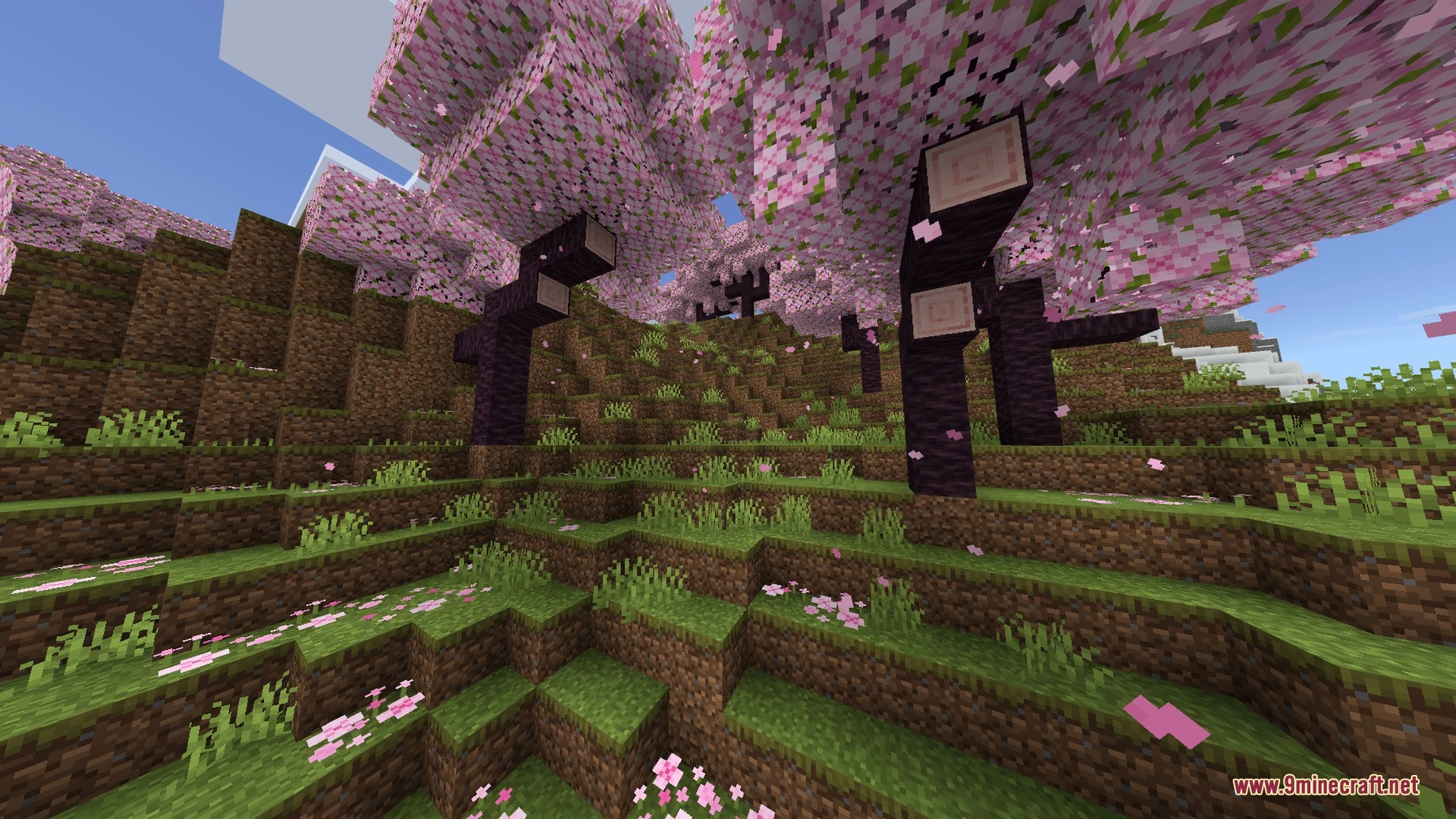
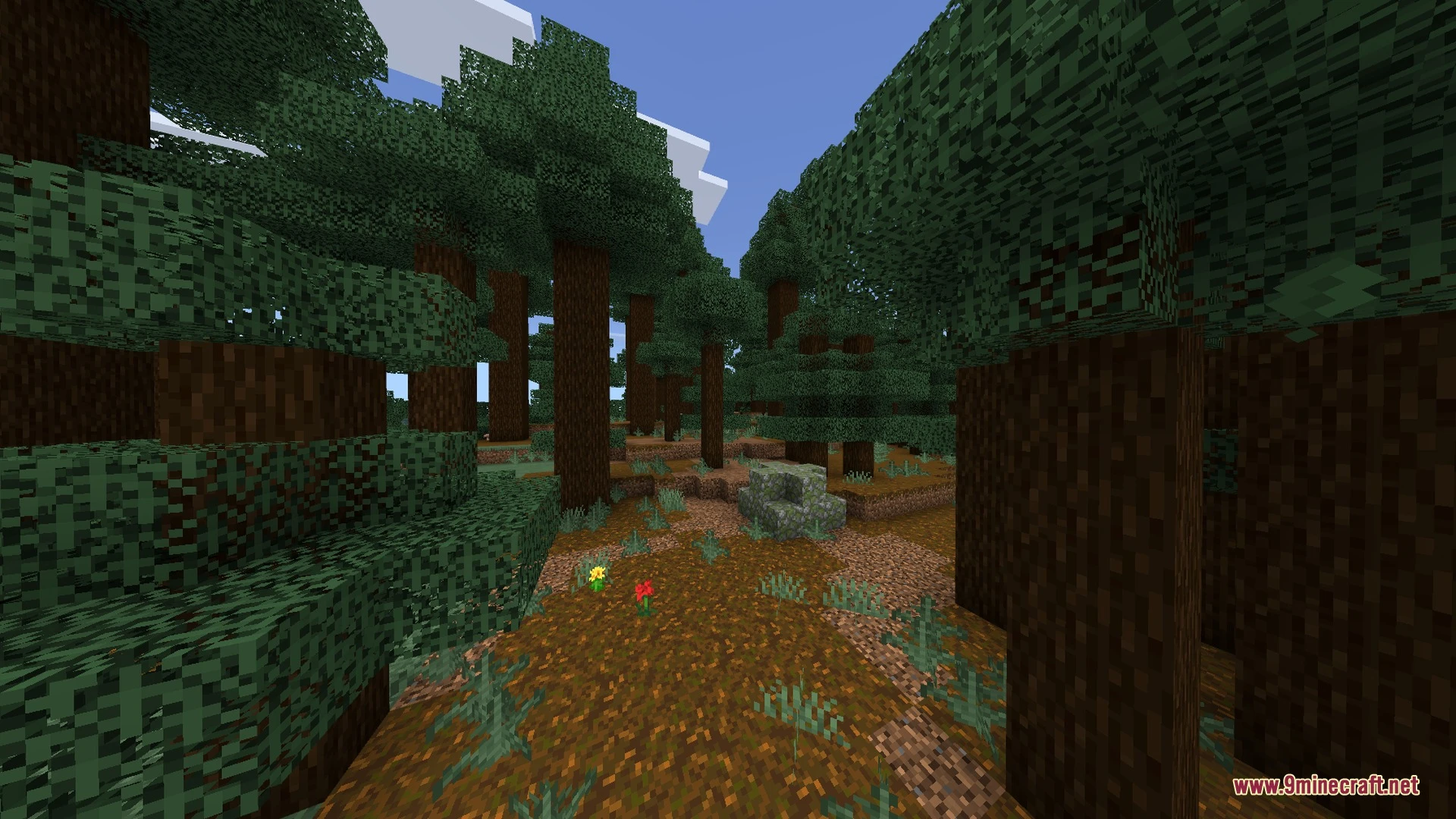
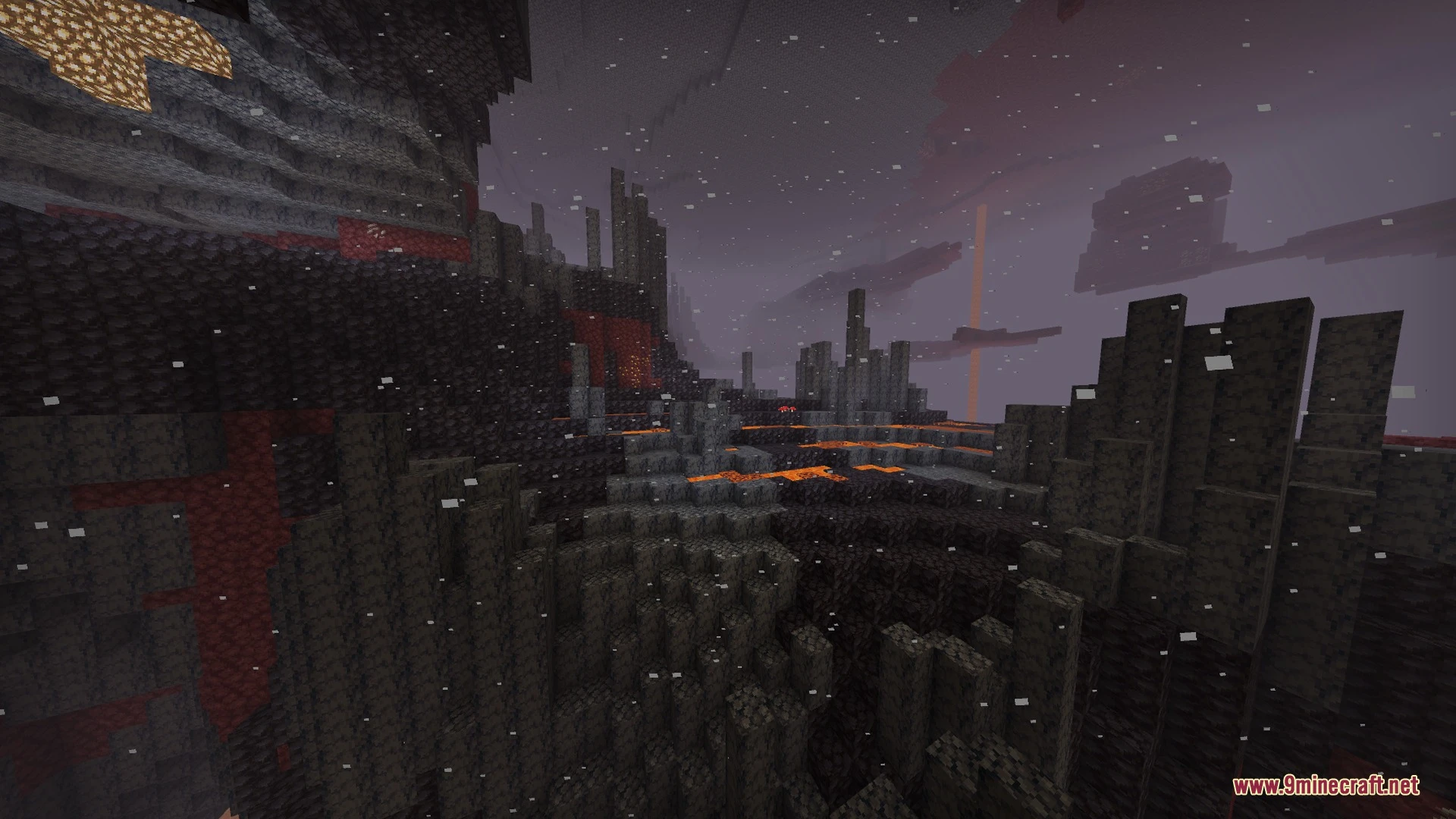
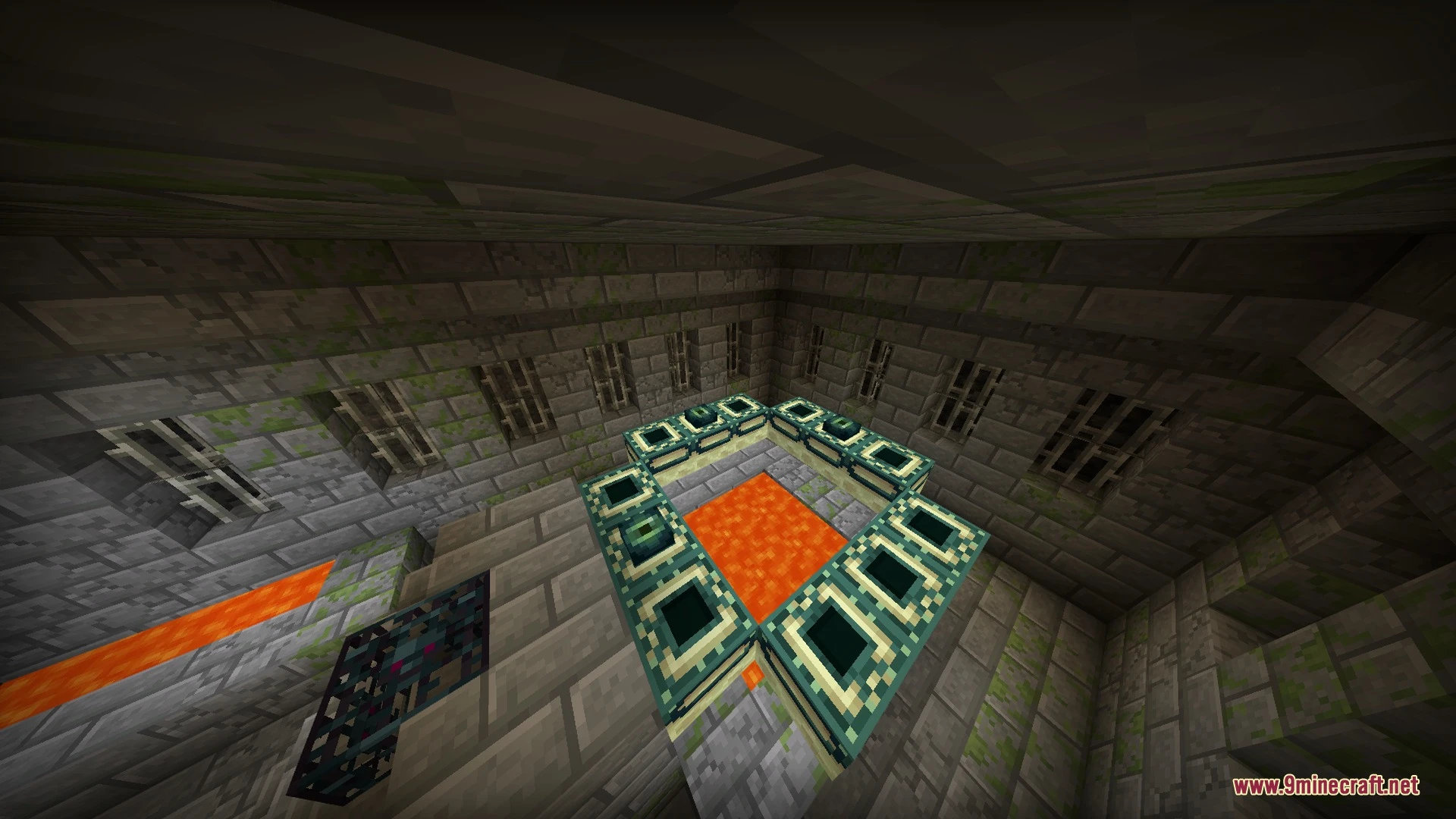
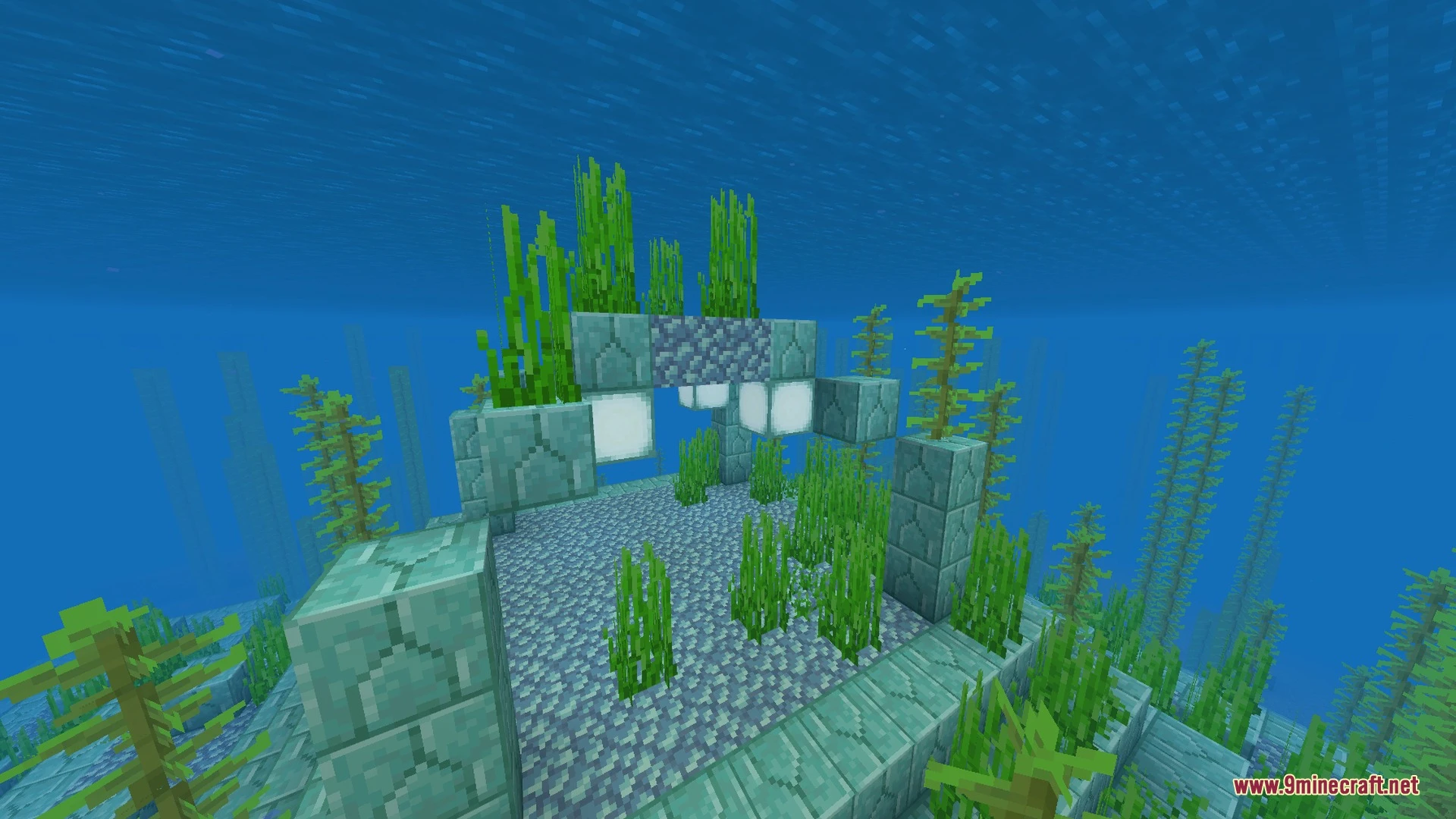
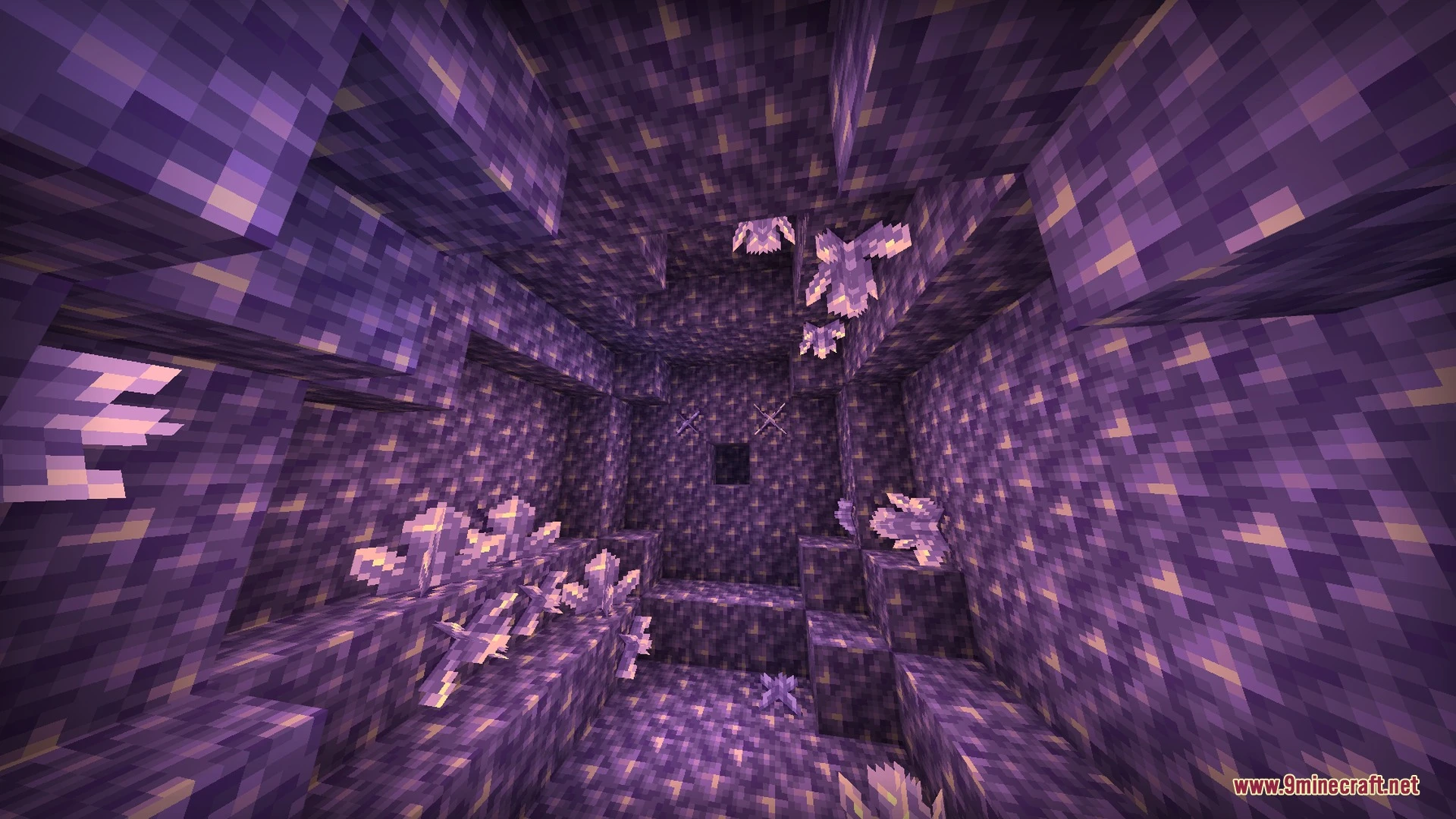
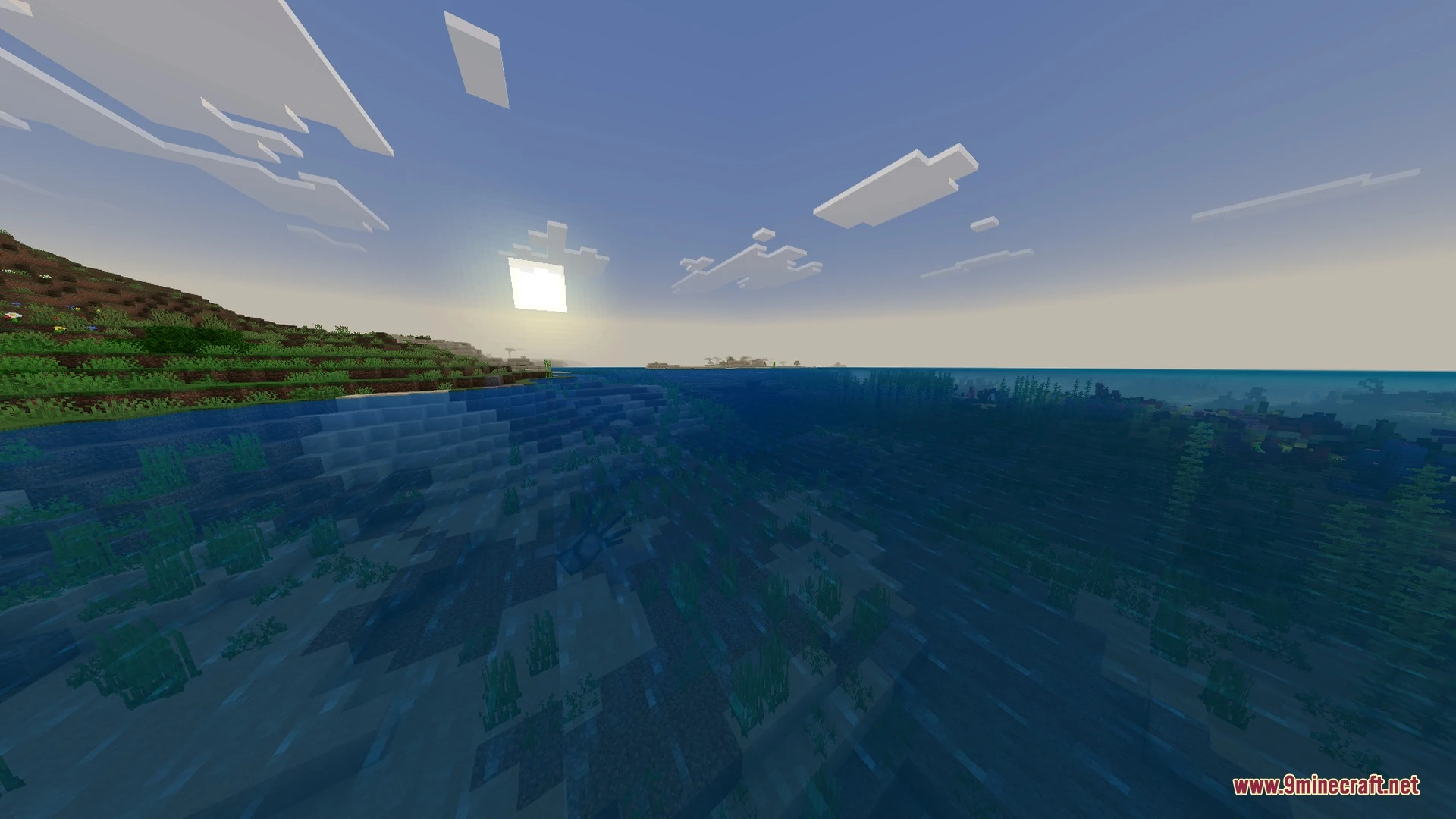
Sunglid Visuals Shader Download Links
Quick facts
- Edition: Minecraft Bedrock
- File type: .mcpack
- How to install: Download the .mcpack. → Open it — Minecraft imports it under Resource Packs. → Activate it in Global Resources, or for one world under Resource Packs → Available.
- Where to get it: In MCModsHub, or directly above on this page.
Install steps are the general flow for this file type — How to install Minecraft Bedrock texture packs walks through it step by step.
File checked by MCModsHub
- Pack type: .mcaddon — behaviour and resource pack in one file
- Manifest requires Minecraft 1.21.120 or newer
- Complete pack — everything it depends on is inside the file
- Download link checked 30 Aug 2026 — working
- Mirrored on our own servers — the download does not depend on the original host
These come from our own check of the pack file, not from the source page.