Sun & Moon Path Shader (26.x, 1.21) – Diagonal Sunsets and Skybox Bloom
Bedrock resource pack listed for Minecraft 1.21. File opened and checked on 30 Aug 2026; installs from the MC Bedrock Mods app on Android.
Sun & Moon Path brings BSL-style sky angles and diagonal celestial paths to your world. It creates realistic diagonal sunsets, warm golden twilight glows…
⬇ Download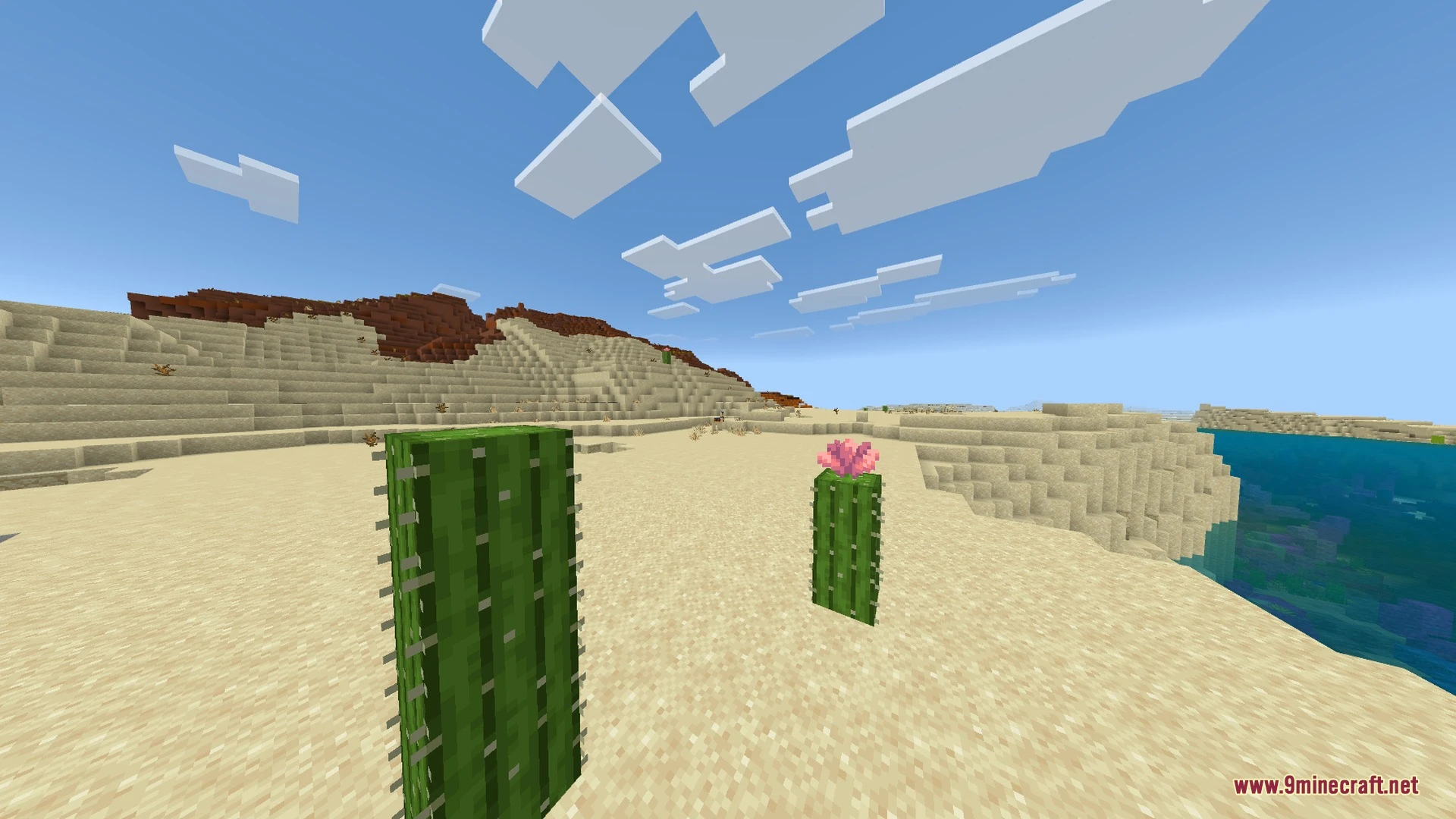
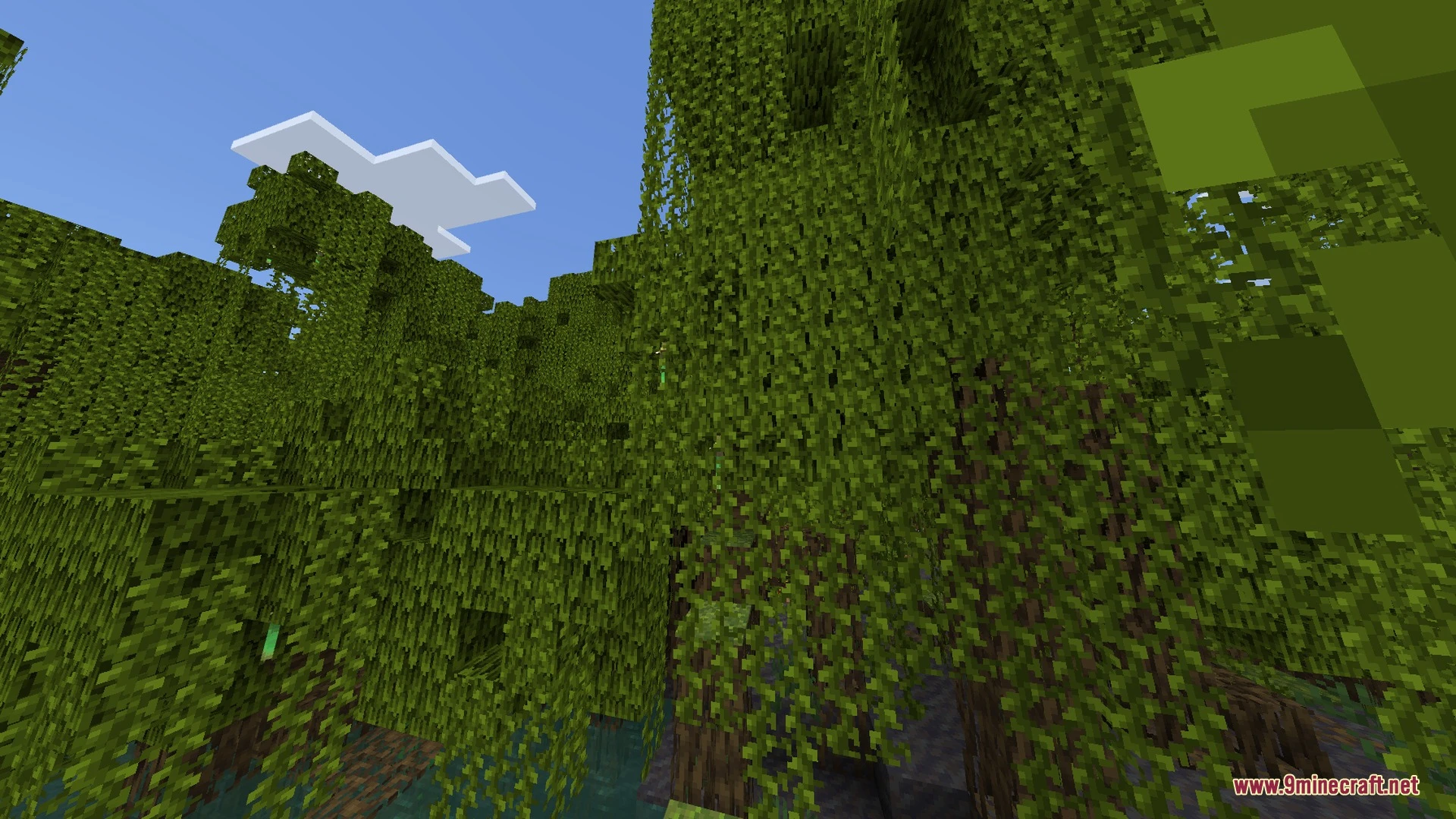
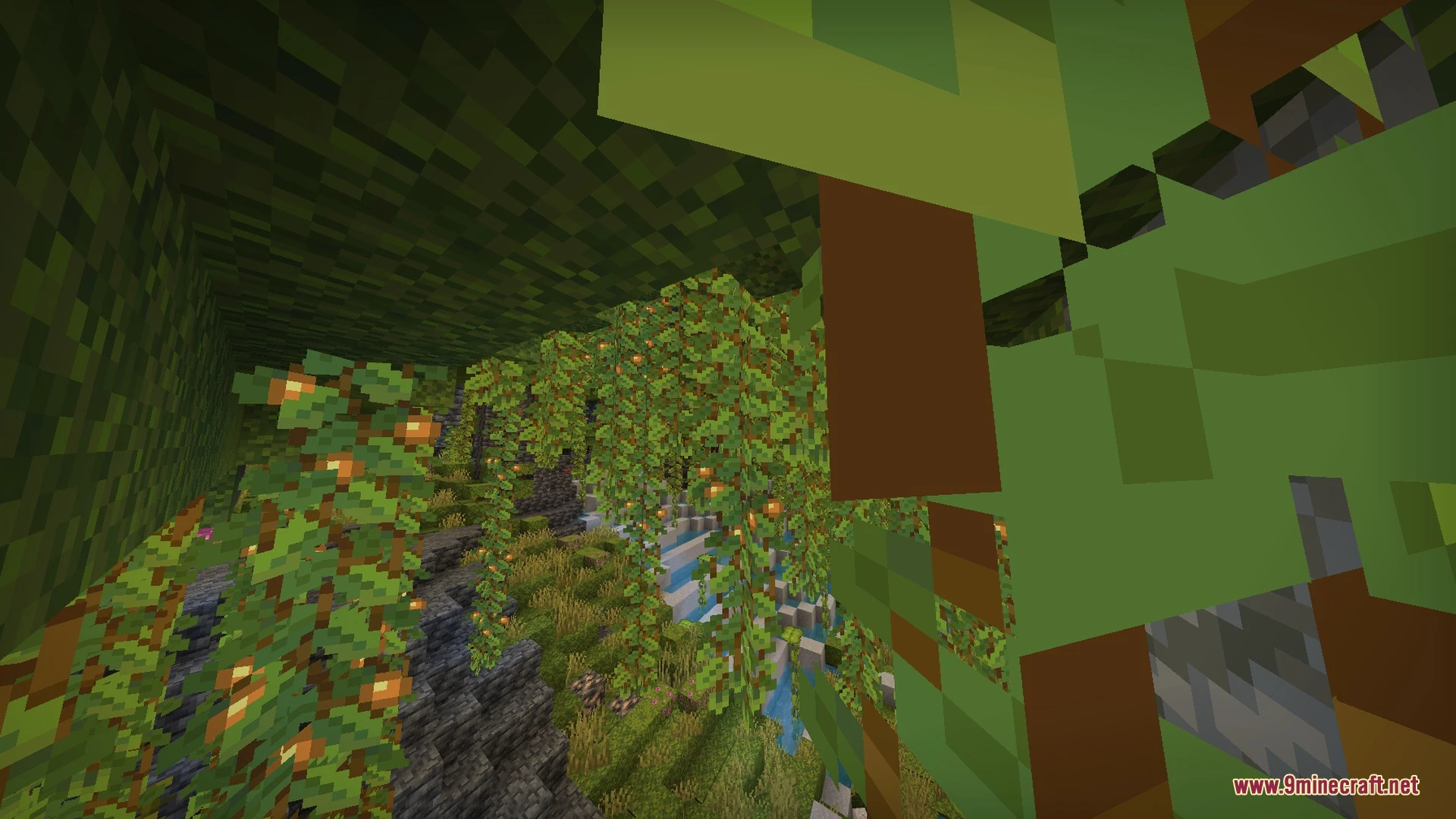
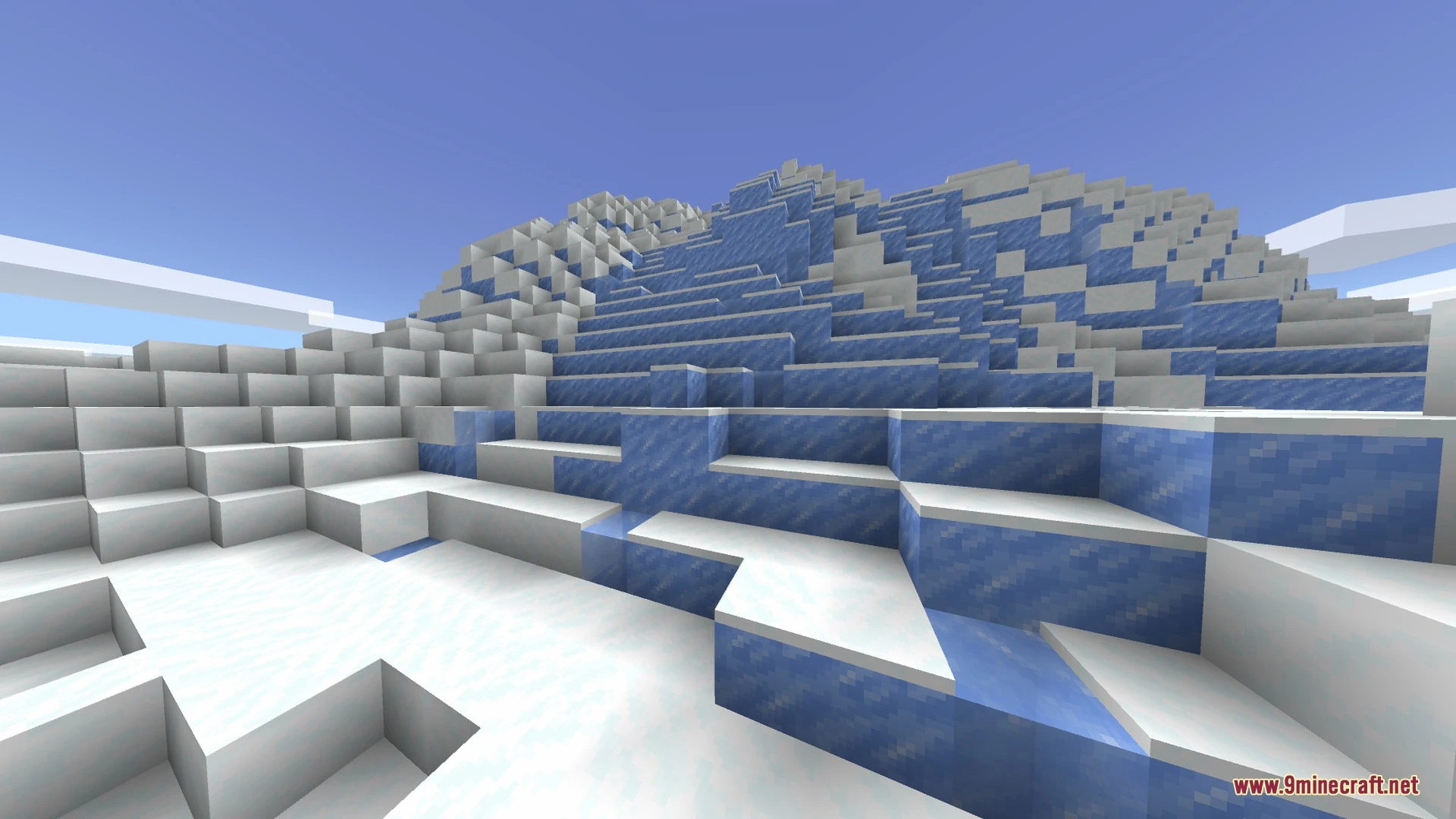
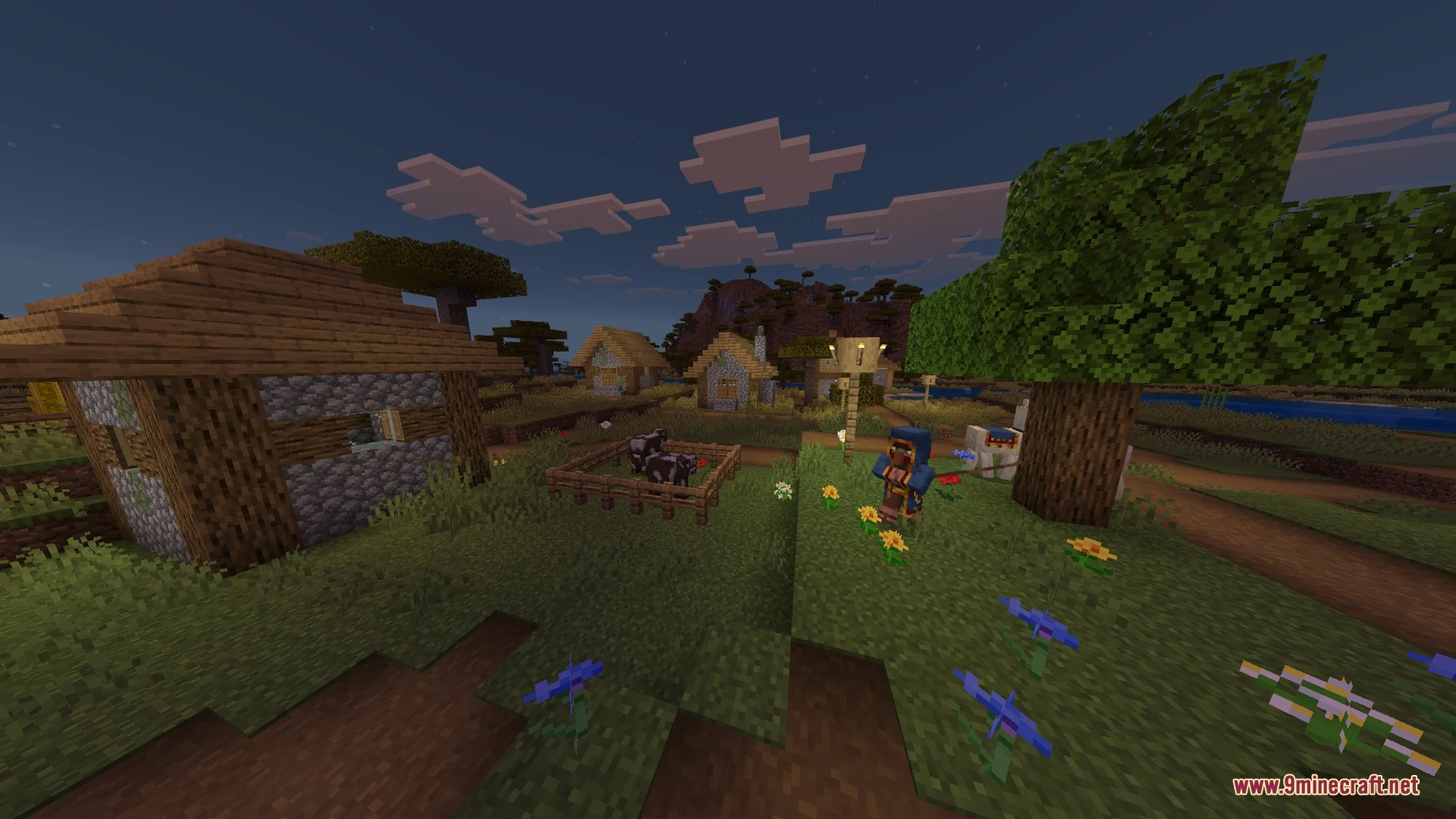
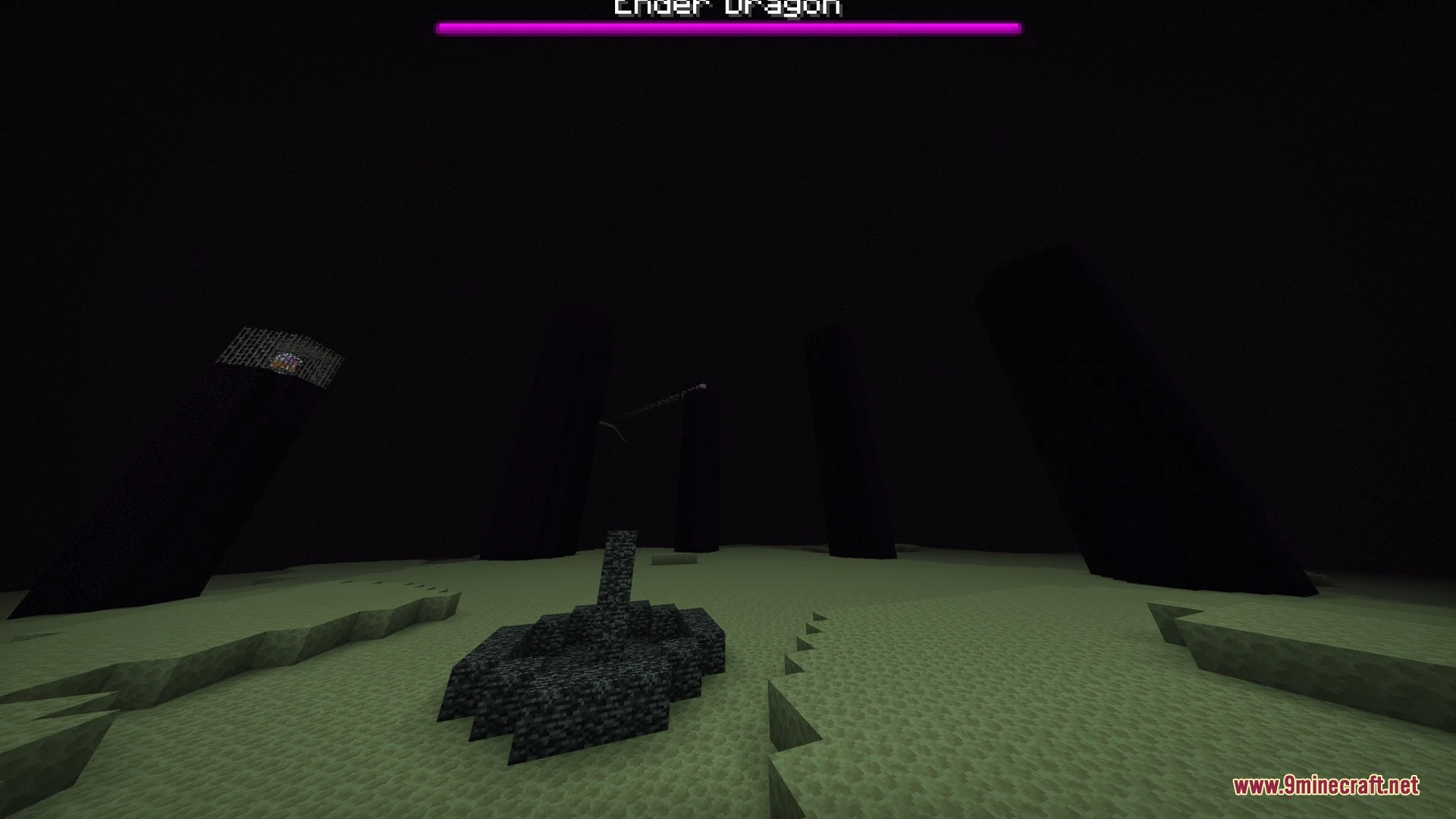
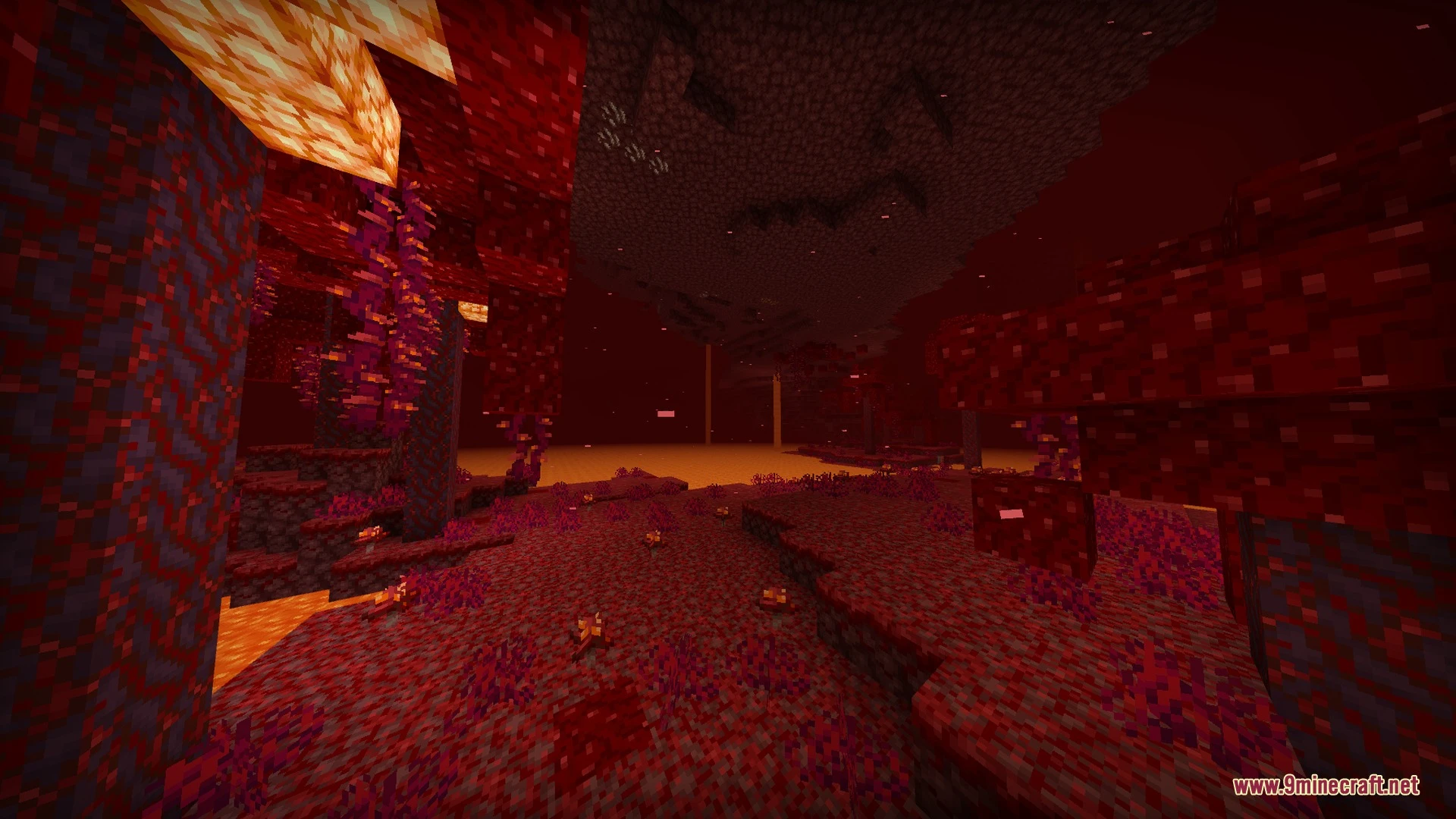
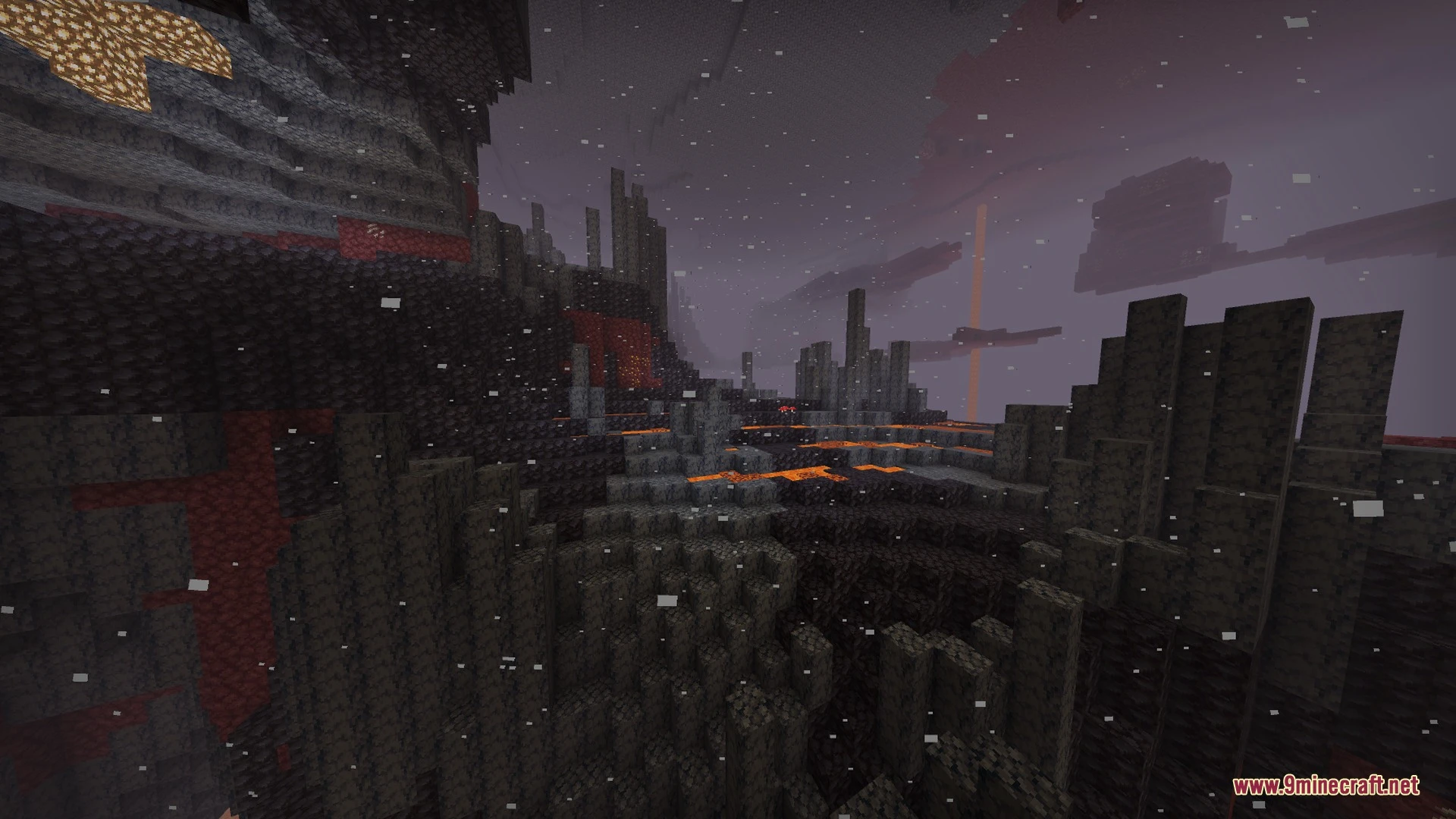
Sun & Moon Path brings BSL-style sky angles and diagonal celestial paths to your world. It creates realistic diagonal sunsets, warm golden twilight glows, and shifted moonrises using smart skybox art. This lightweight visual pack runs smoothly across mobile devices and consoles without slowing down your game.
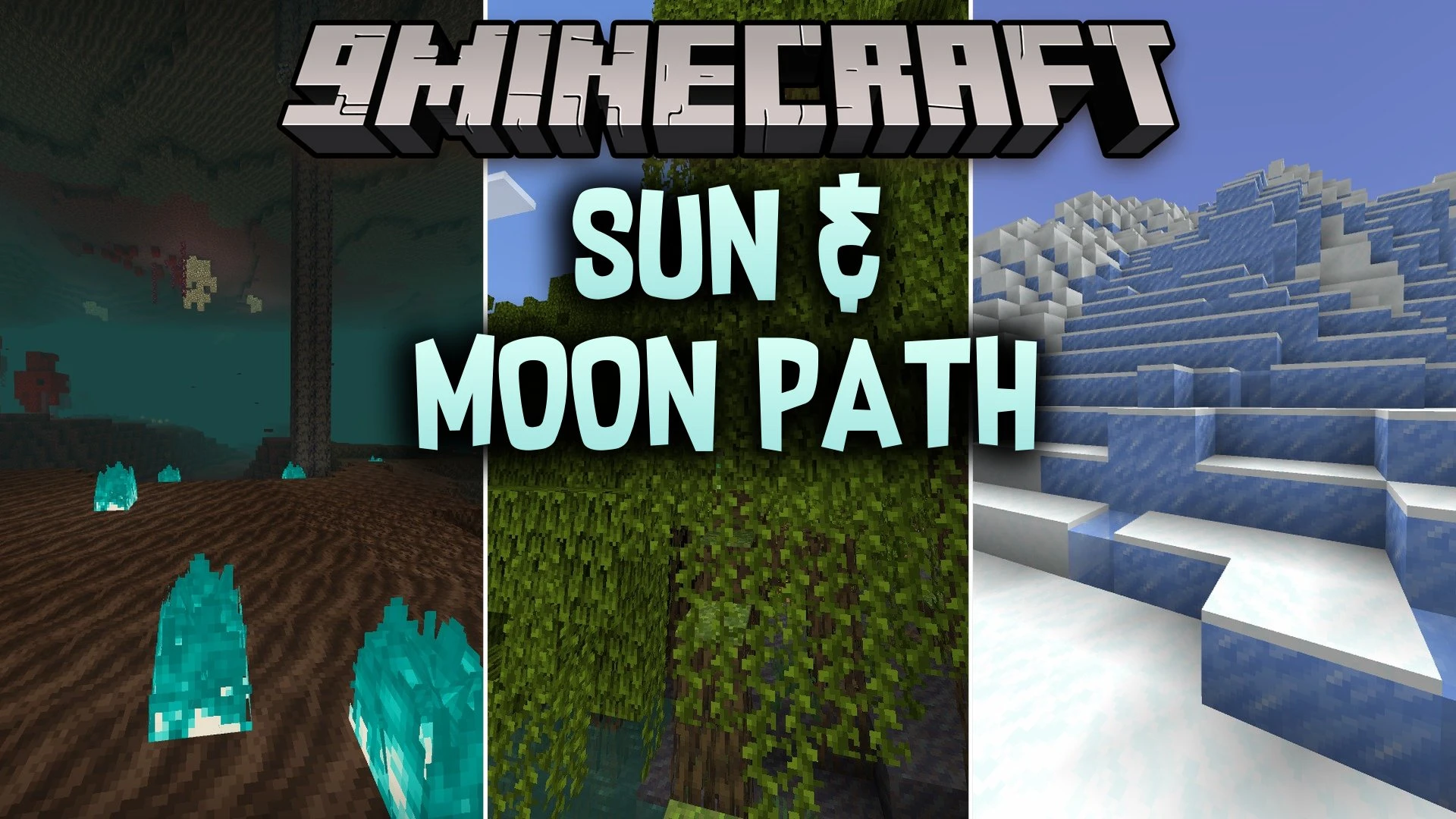
Features:
- Simulates a tilted axis for realistic diagonal sunsets and moonrises.
- Adds warm golden hues and atmospheric sky gradients all day.
- Includes a subpackage option for cubic sun and moon styles.
- Features painted bloom effects for a gentle late afternoon glow.
- Maintains smooth lightweight performance on mobile phones and consoles.
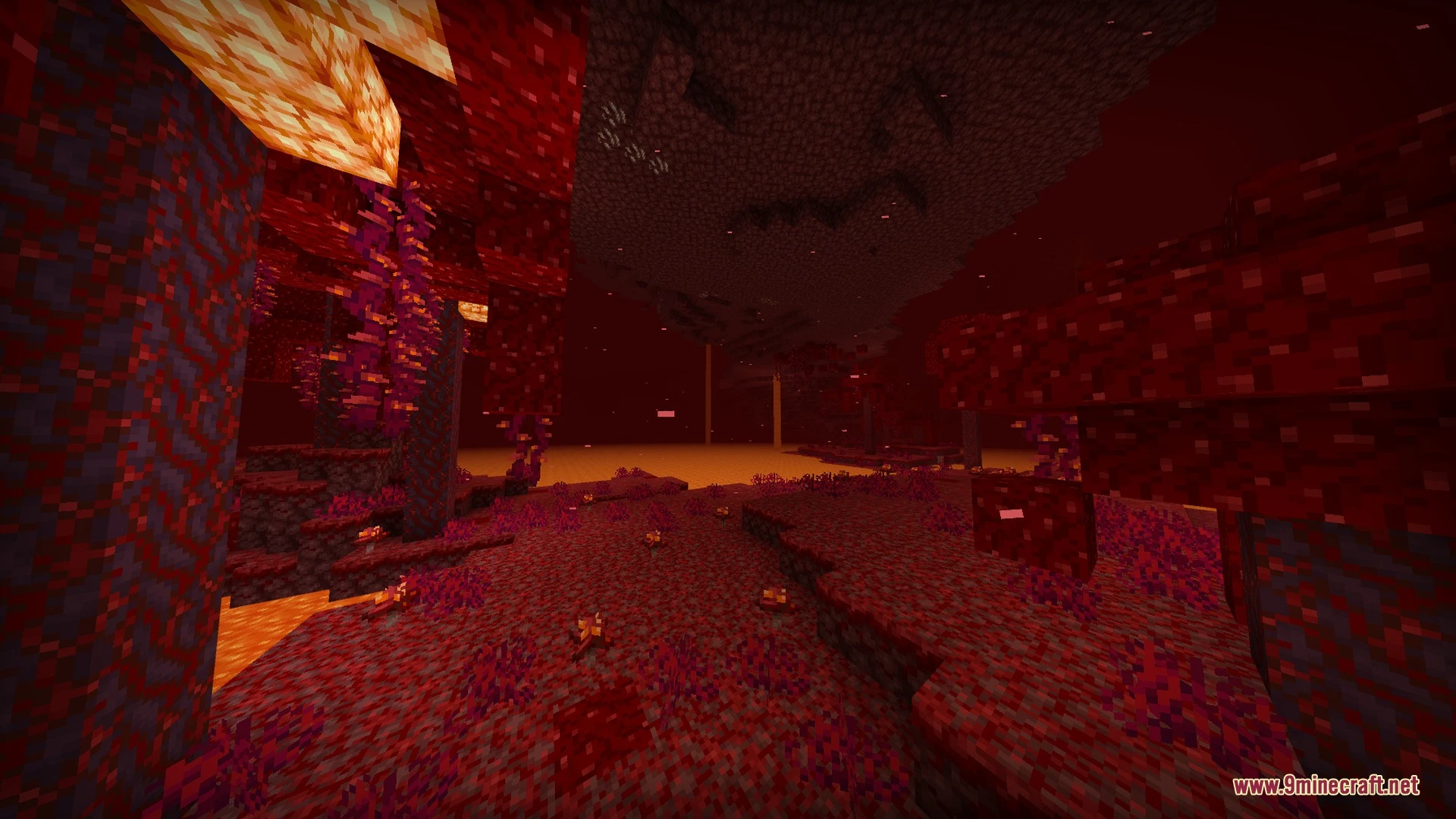
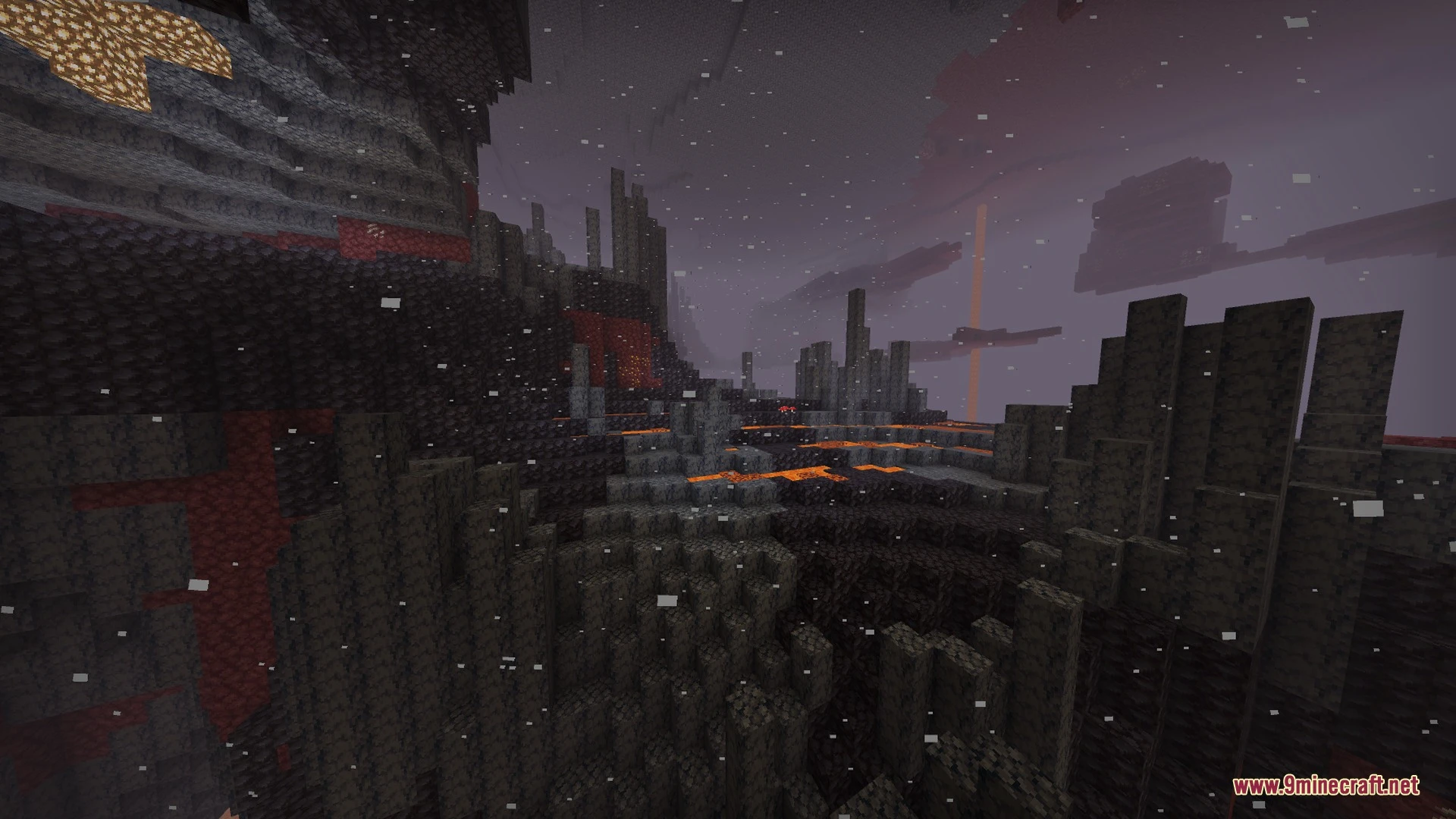
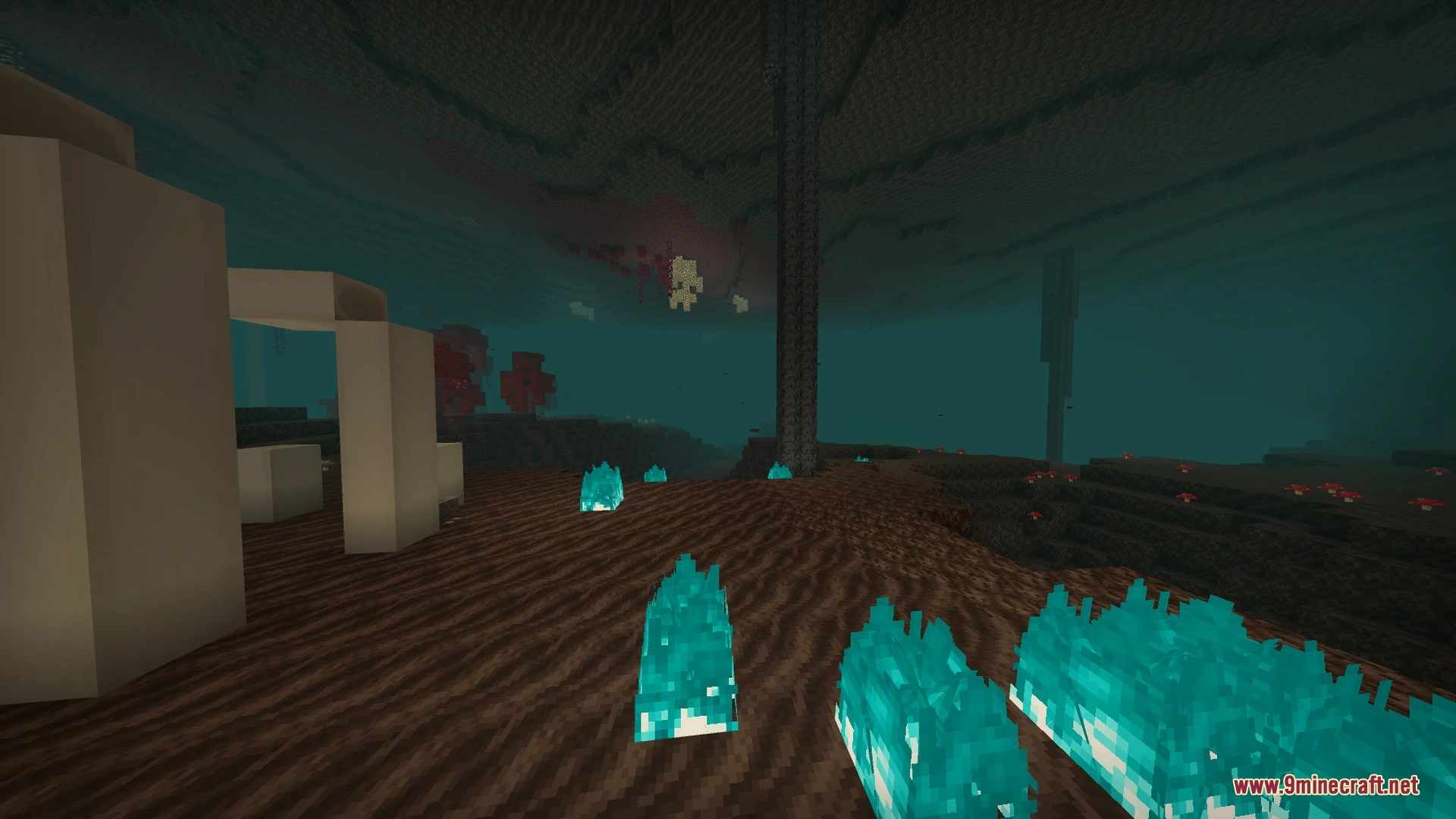
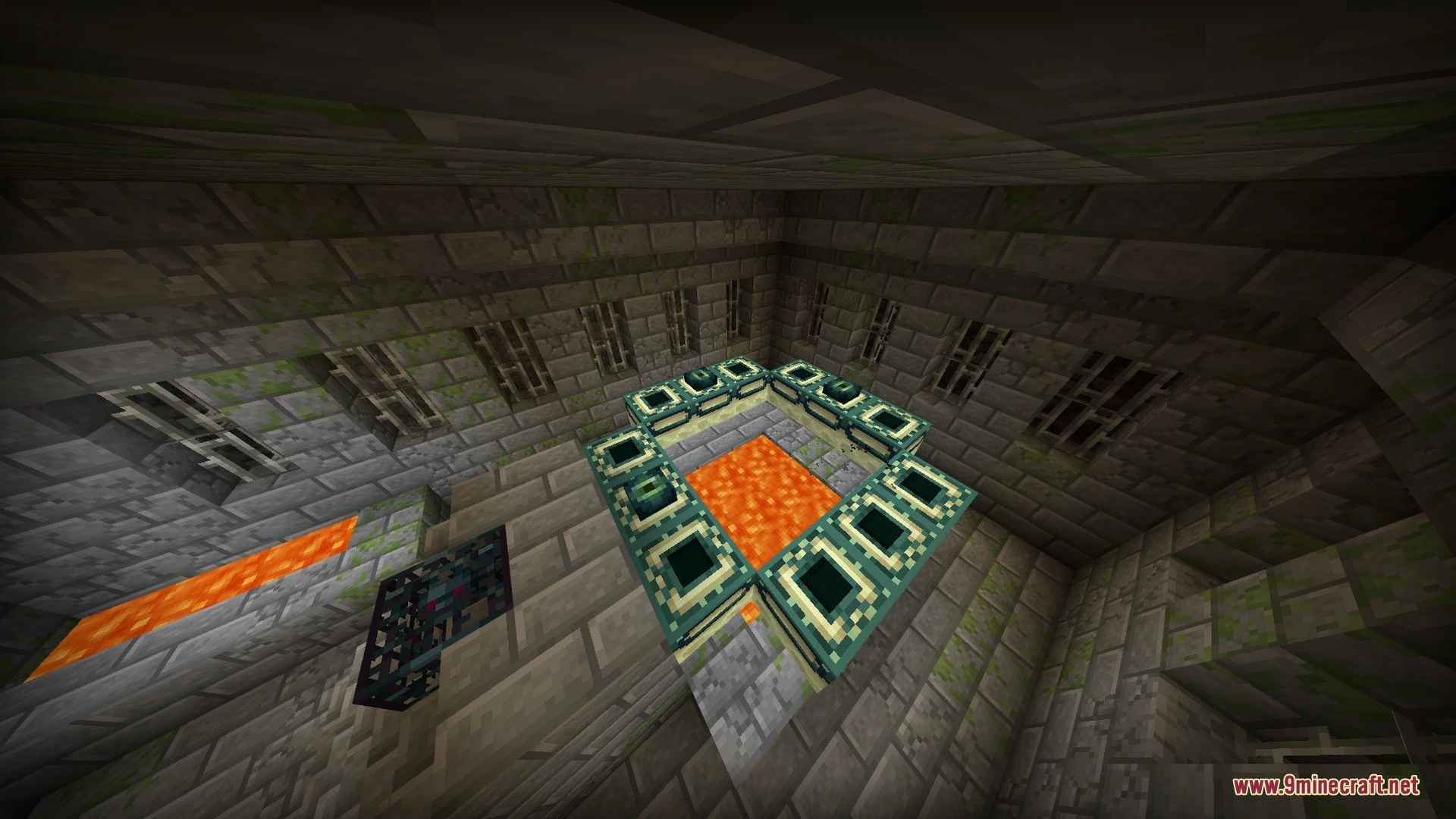
Screenshots:
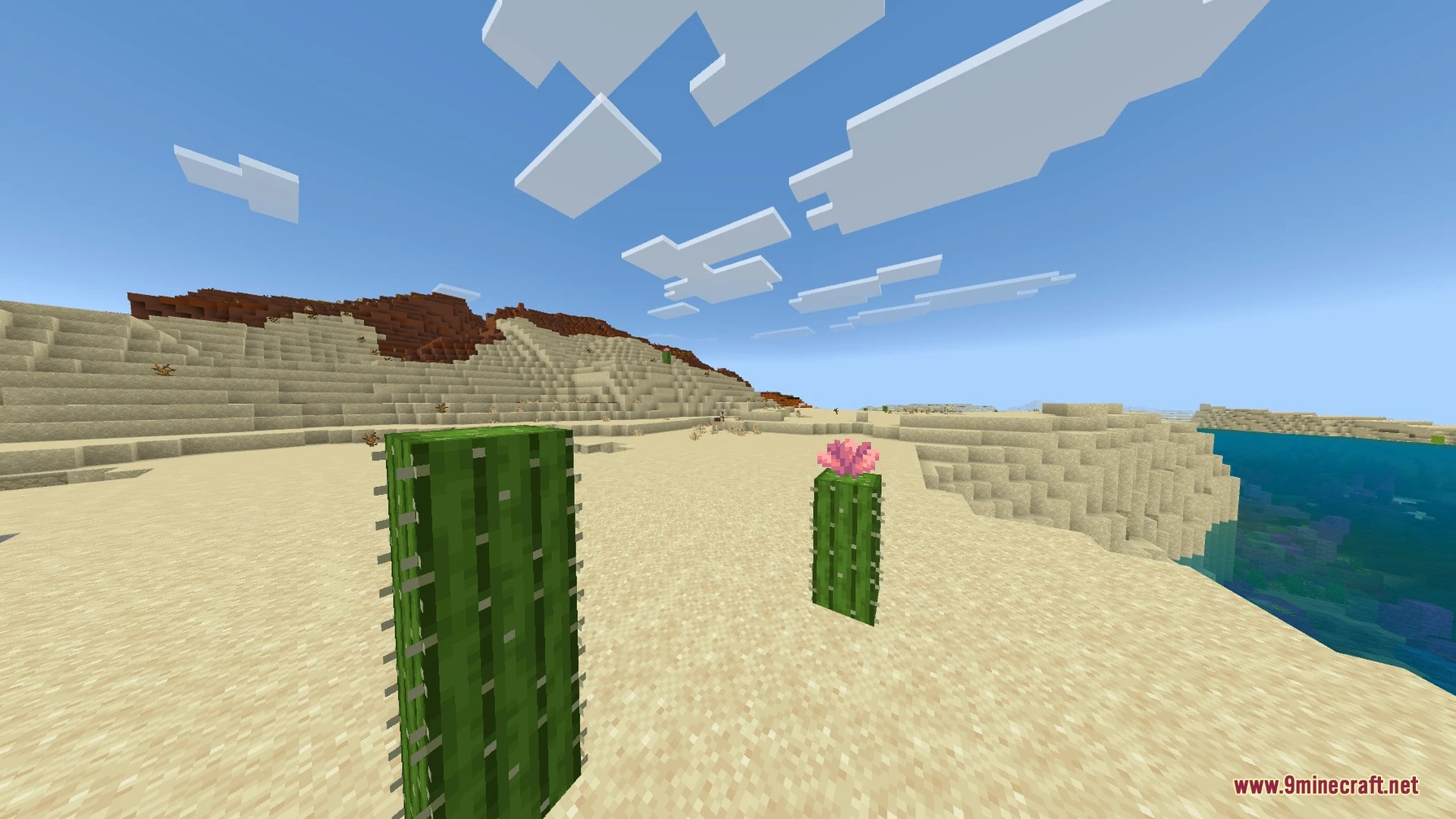
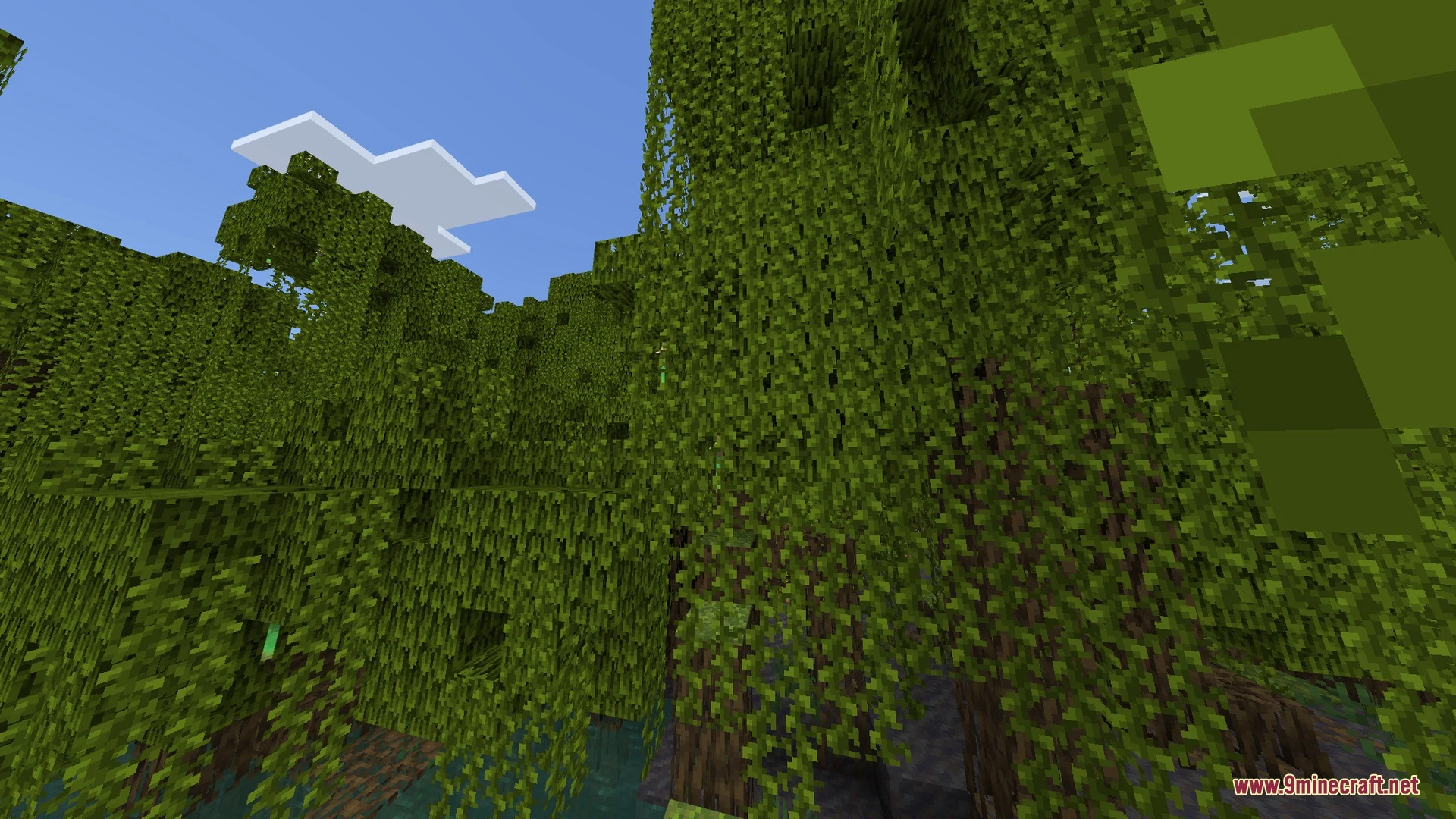
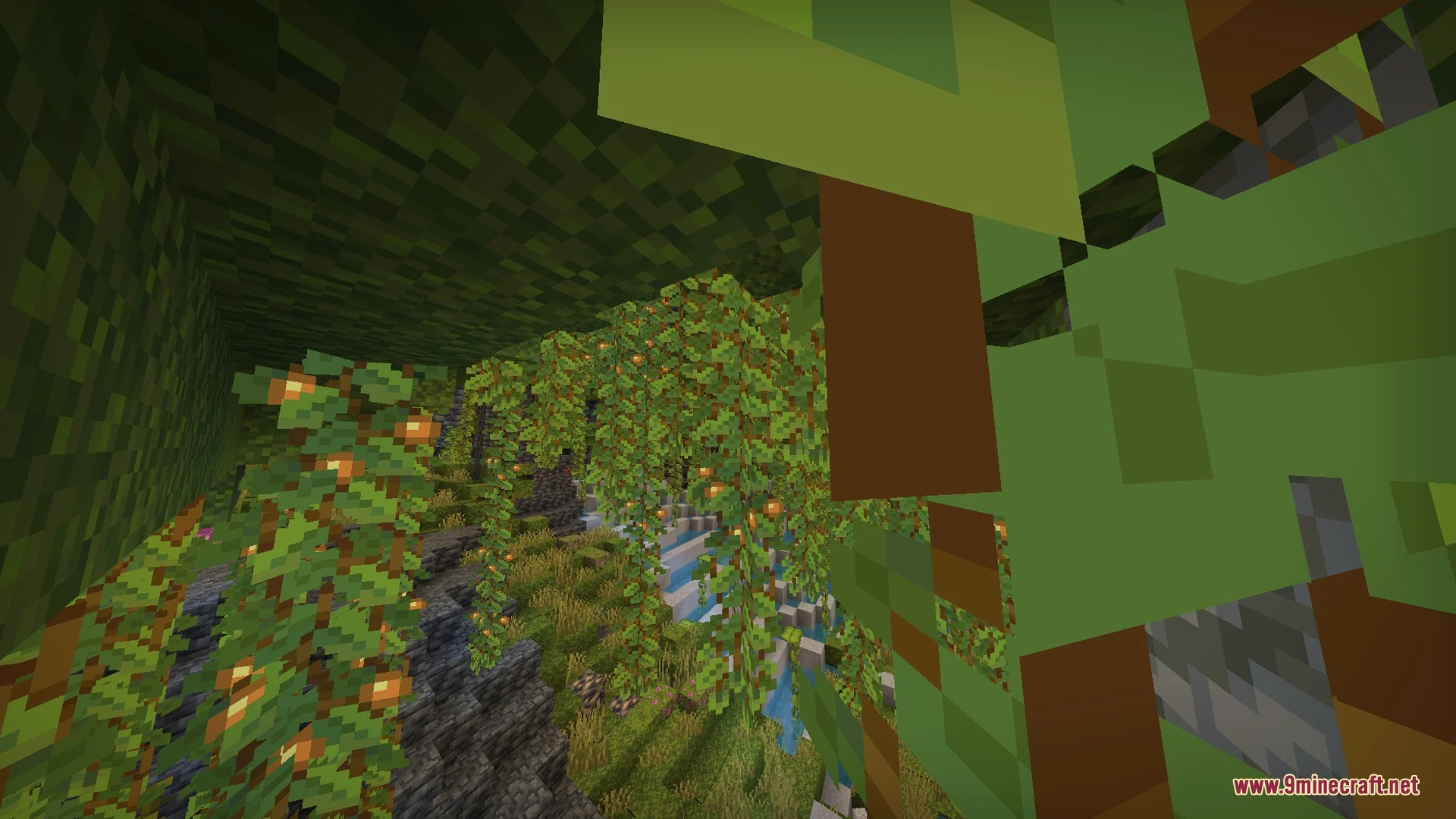
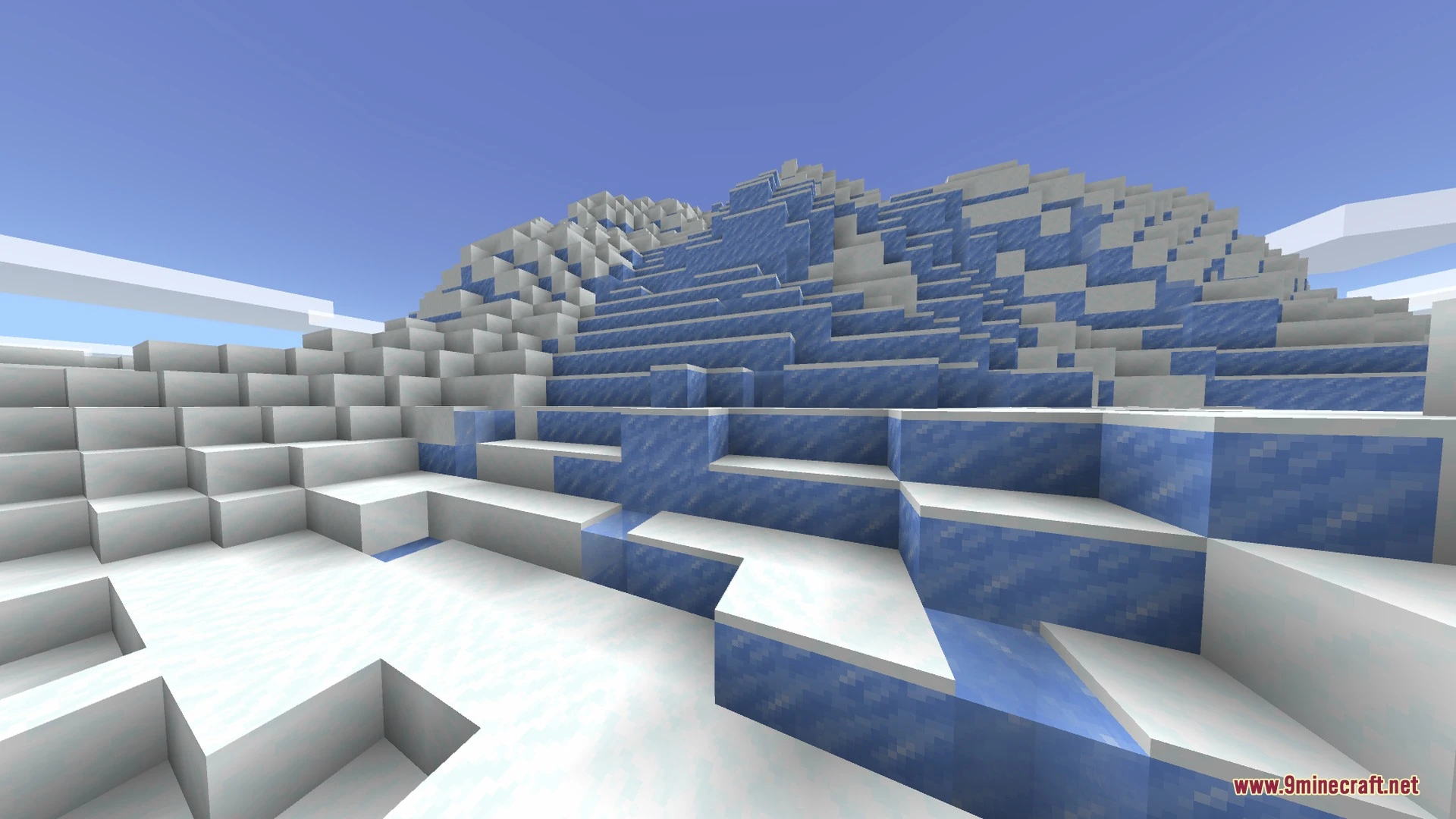
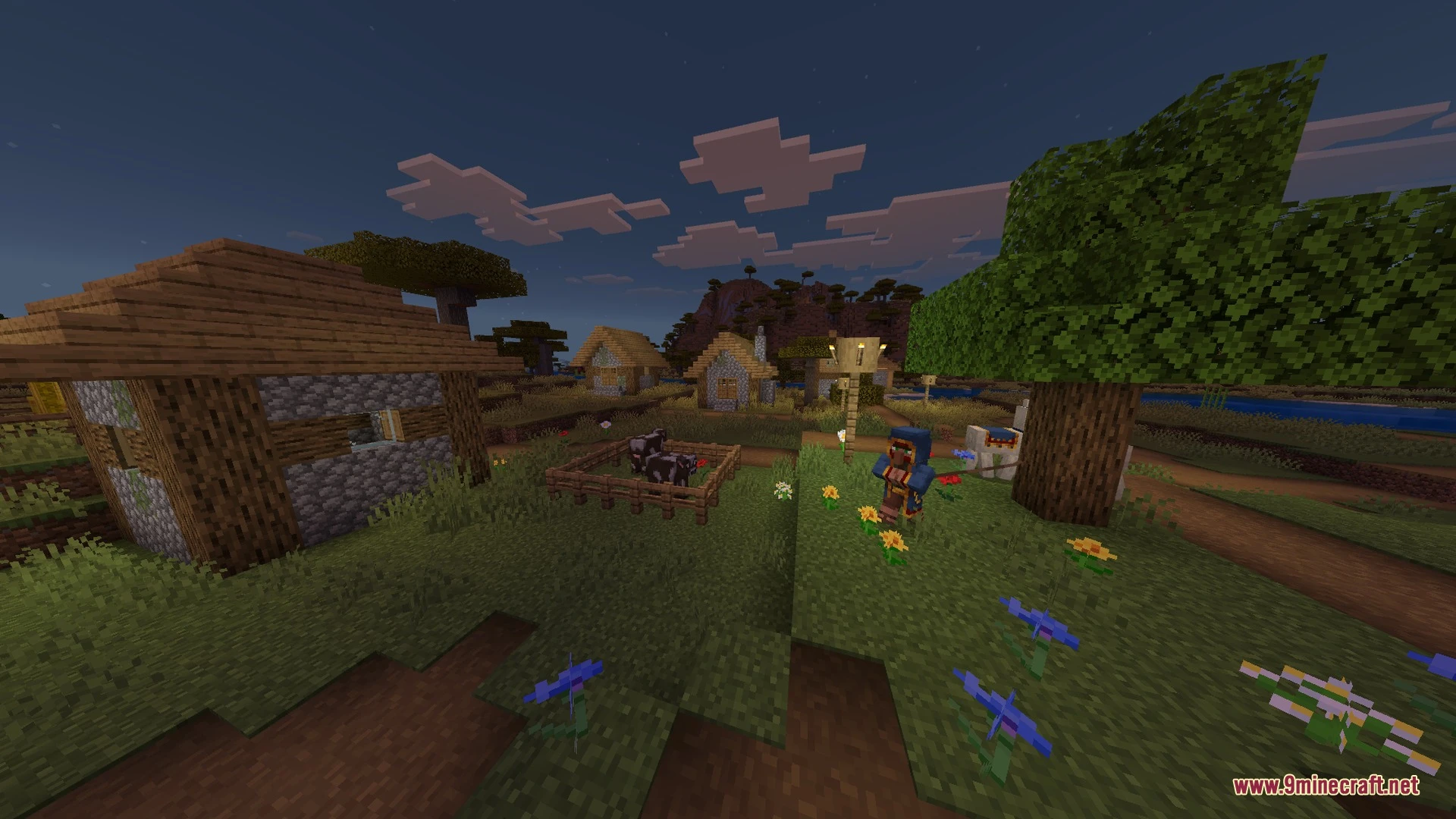
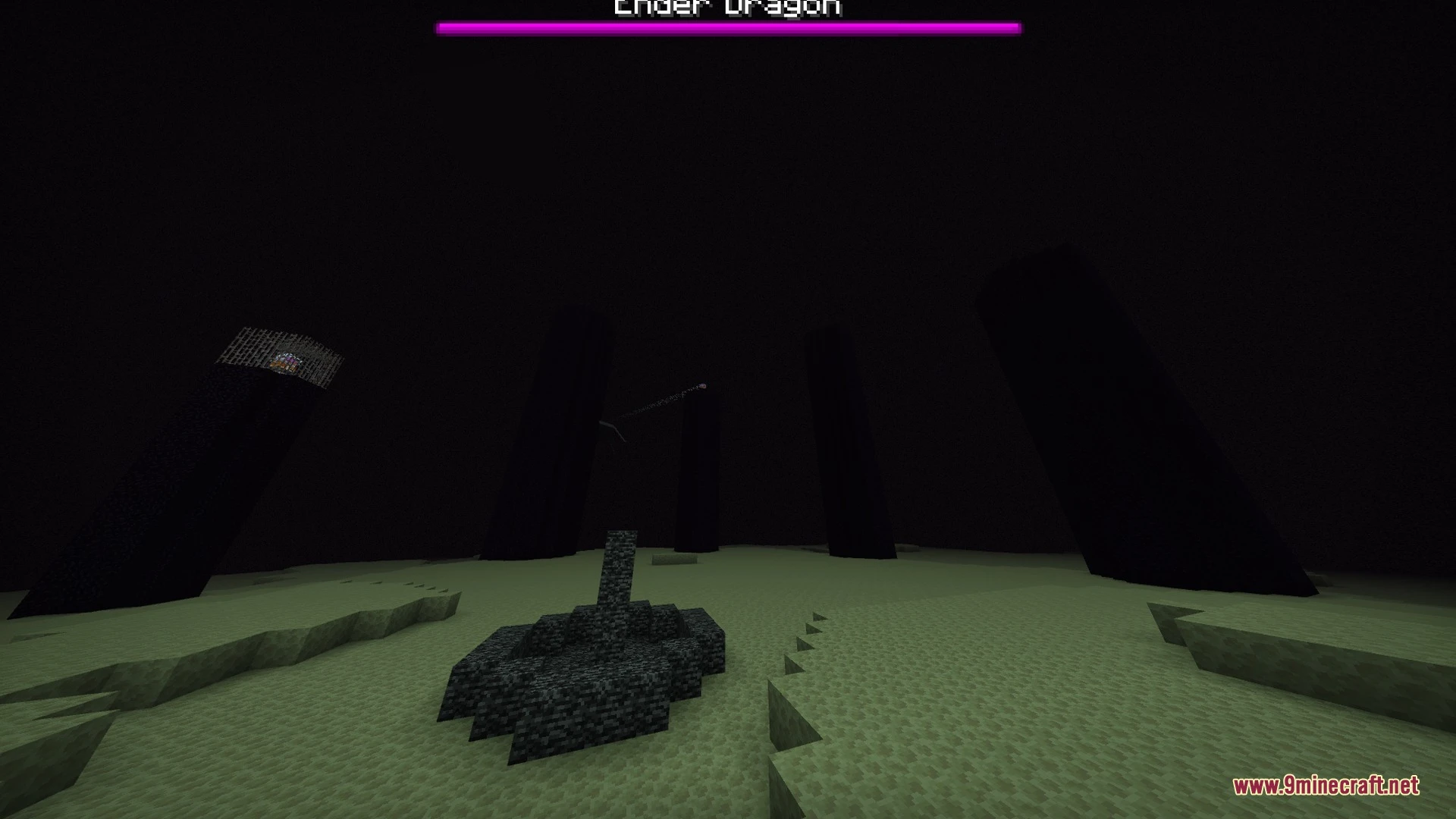
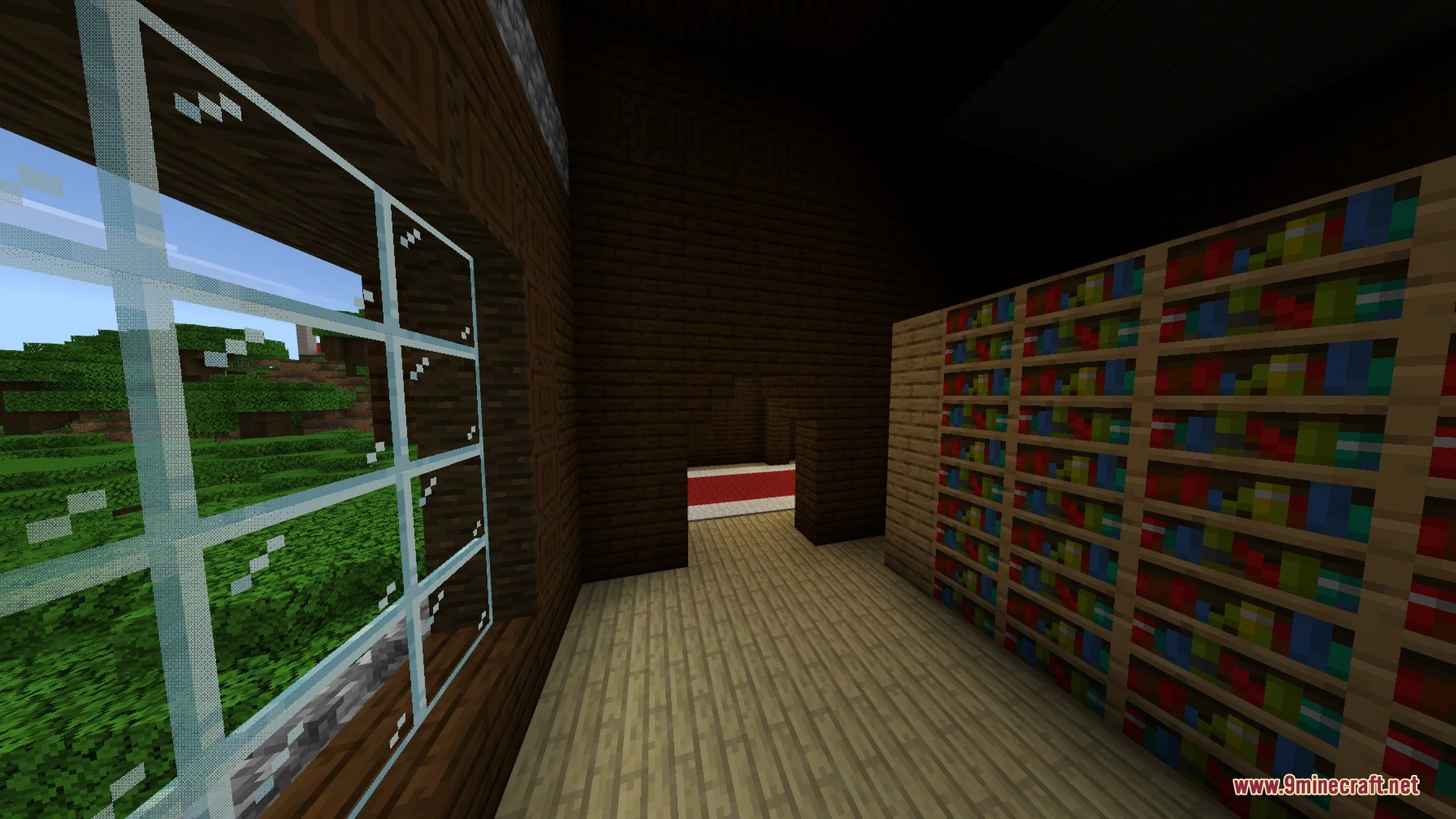
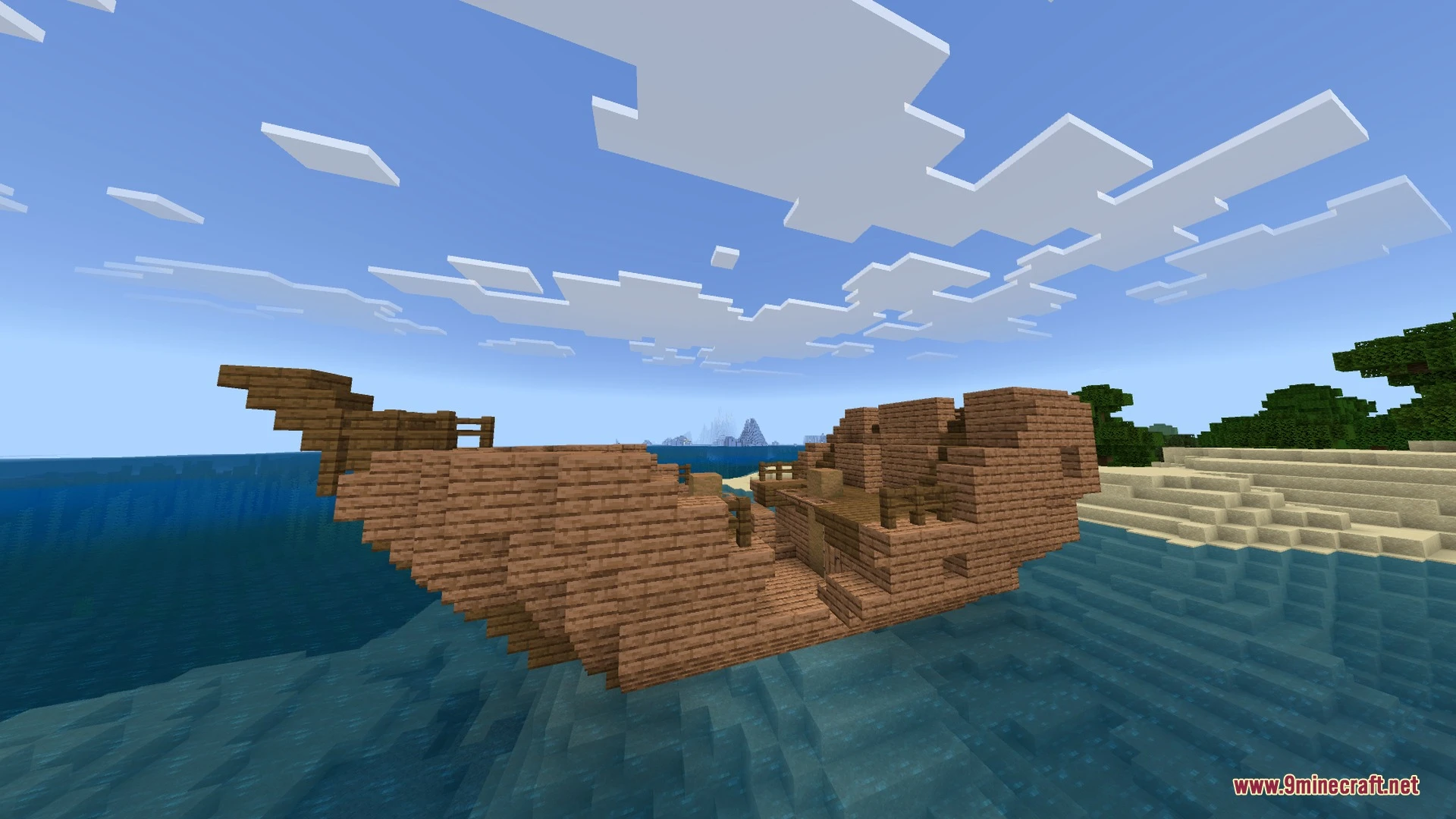
Sun & Moon Path Shader Download Links
- Edition: Minecraft Bedrock
- File type: .mcpack
- Minecraft version listed: 1.21
- How to install: Download the .mcpack. → Open it — Minecraft imports it under Resource Packs. → Activate it in Global Resources, or for one world under Resource Packs → Available.
- Where to get it: In MCModsHub, or directly above on this page.
Install steps are the general flow for this file type — How to install Minecraft Bedrock texture packs walks through it step by step.
- Pack type: .mcpack — a single pack
- Manifest requires Minecraft 1.21.40 or newer
- Complete pack — everything it depends on is inside the file
- Download link checked 30 Aug 2026 — working
- Mirrored on our own servers — the download does not depend on the original host
These come from our own check of the pack file, not from the source page.