ShadersBedrock
Horizen Shader (26.x) – Soft Sunlight and Clear Water on Any Device
Bedrock RenderDragon shader pack listed for Minecraft 26.x. File opened and checked on 30 Aug 2026; installs from the MC Bedrock Mods app on Android.
⬇ Download
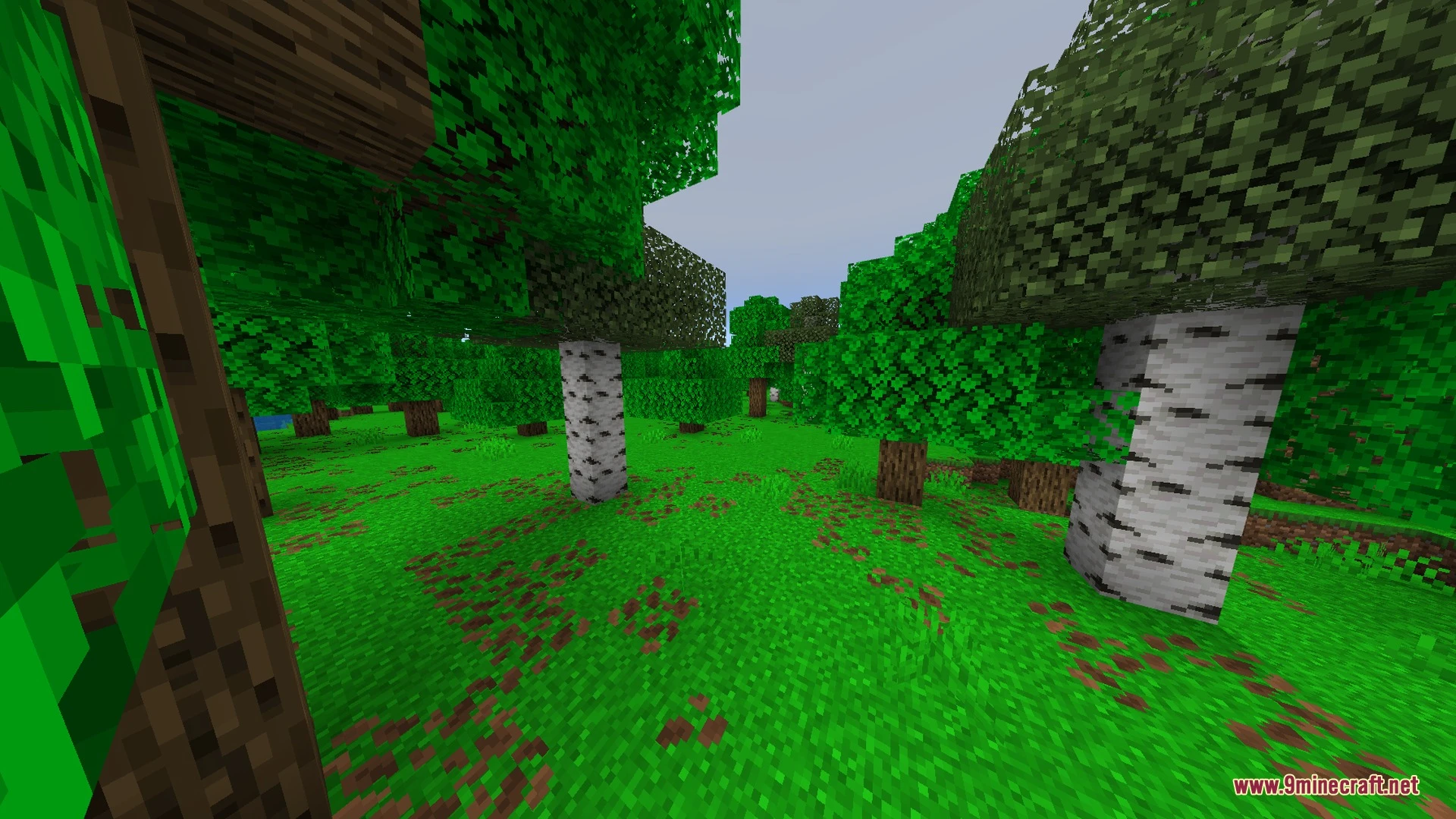
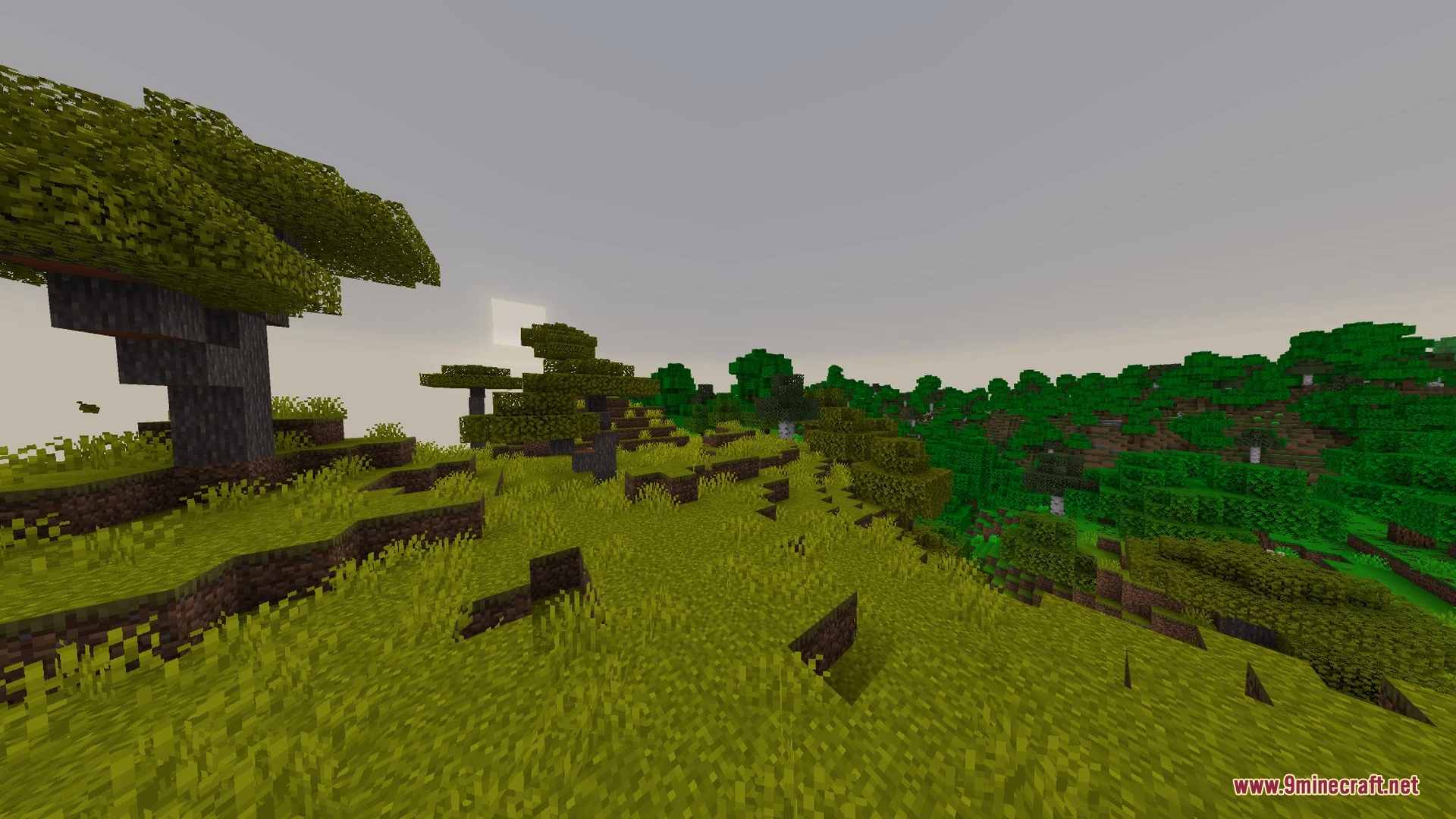
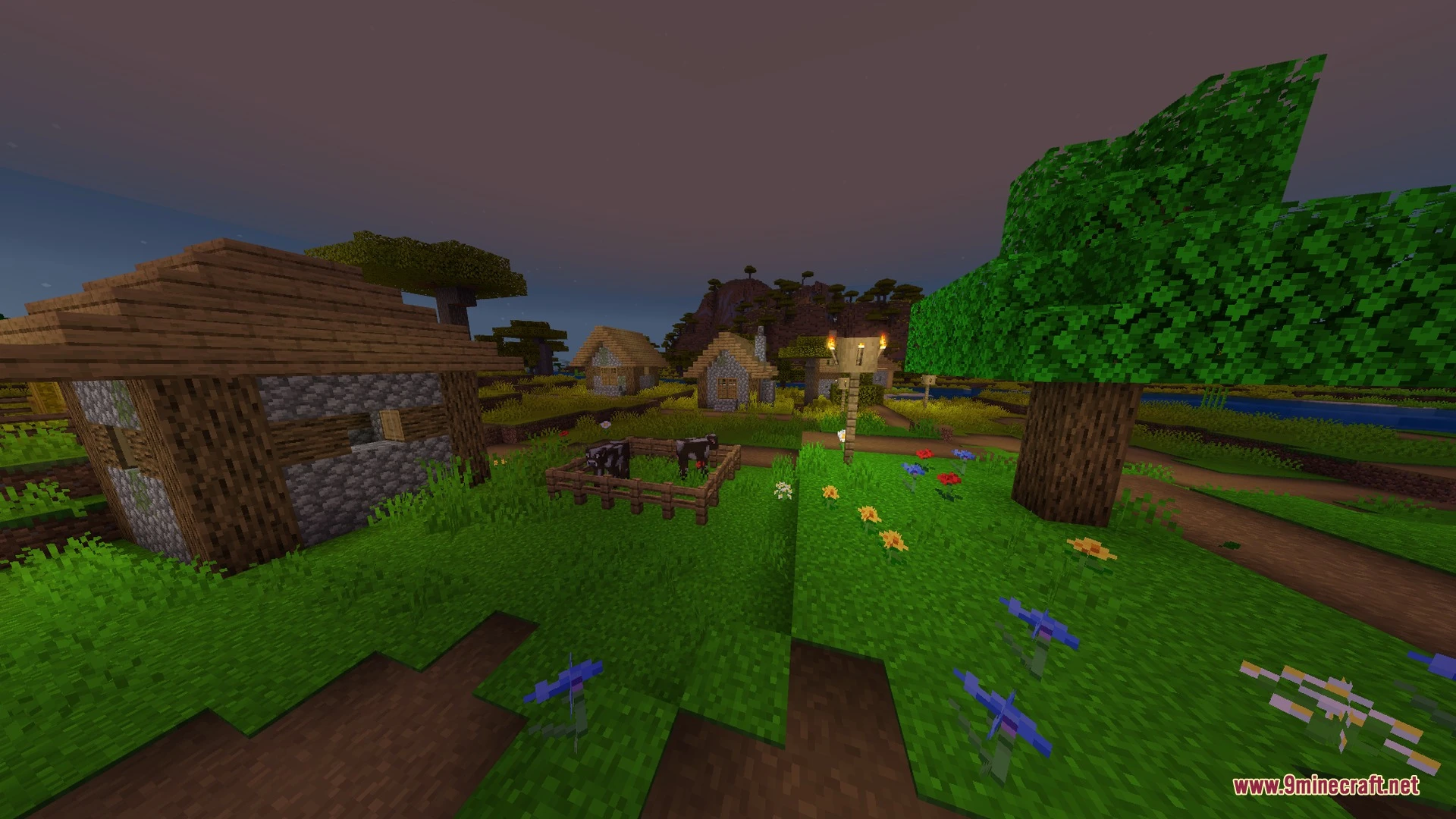
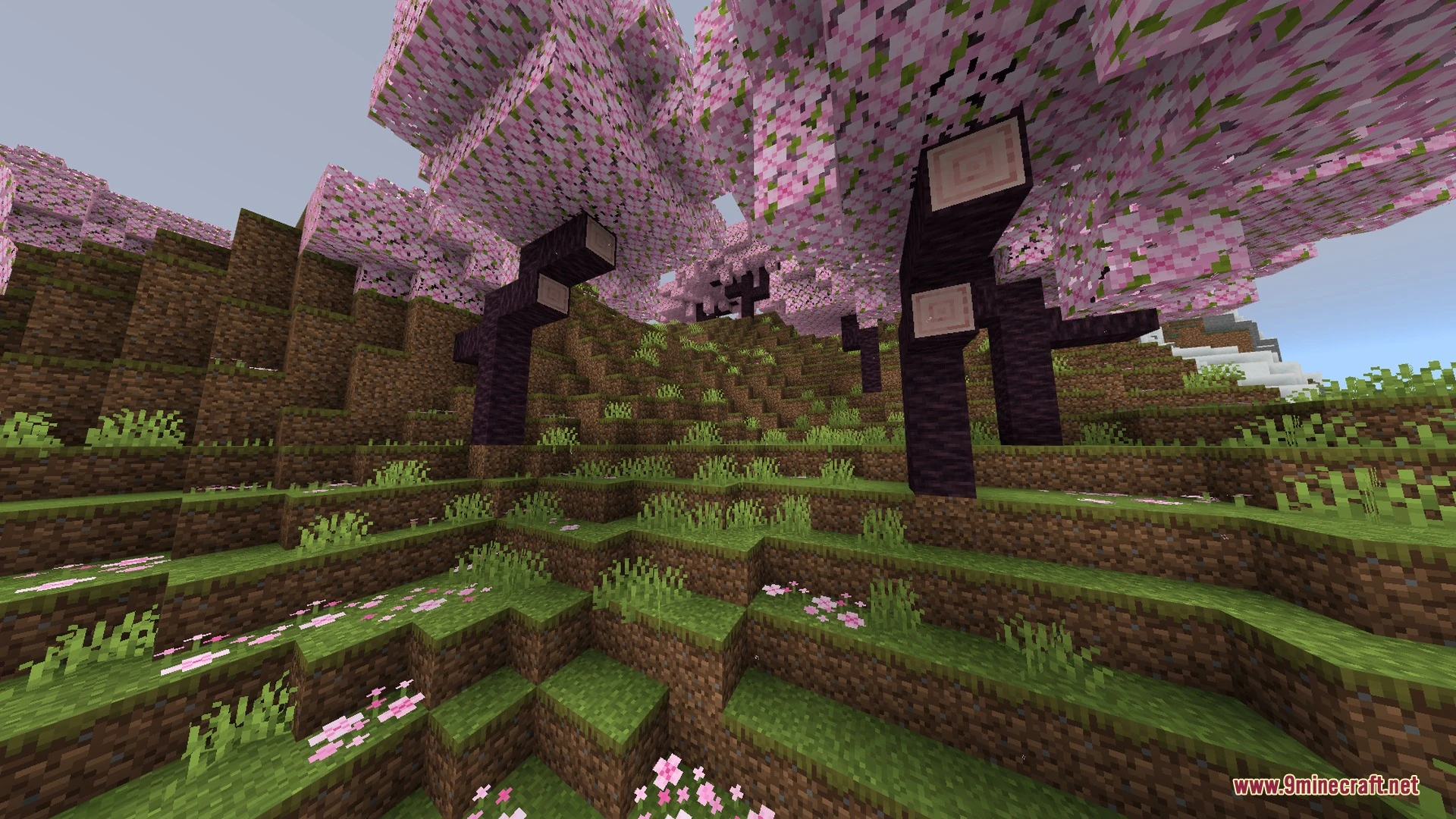
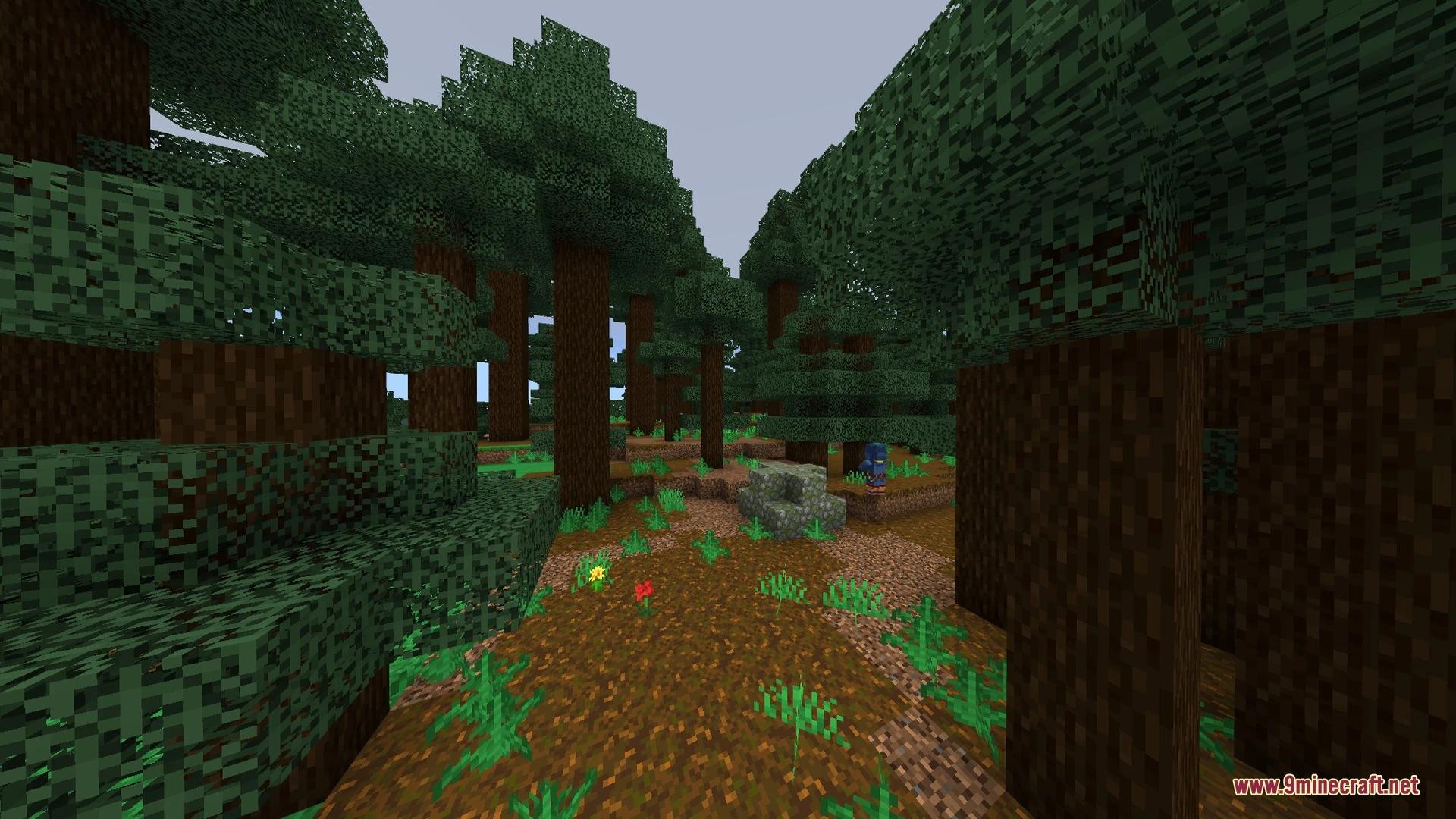
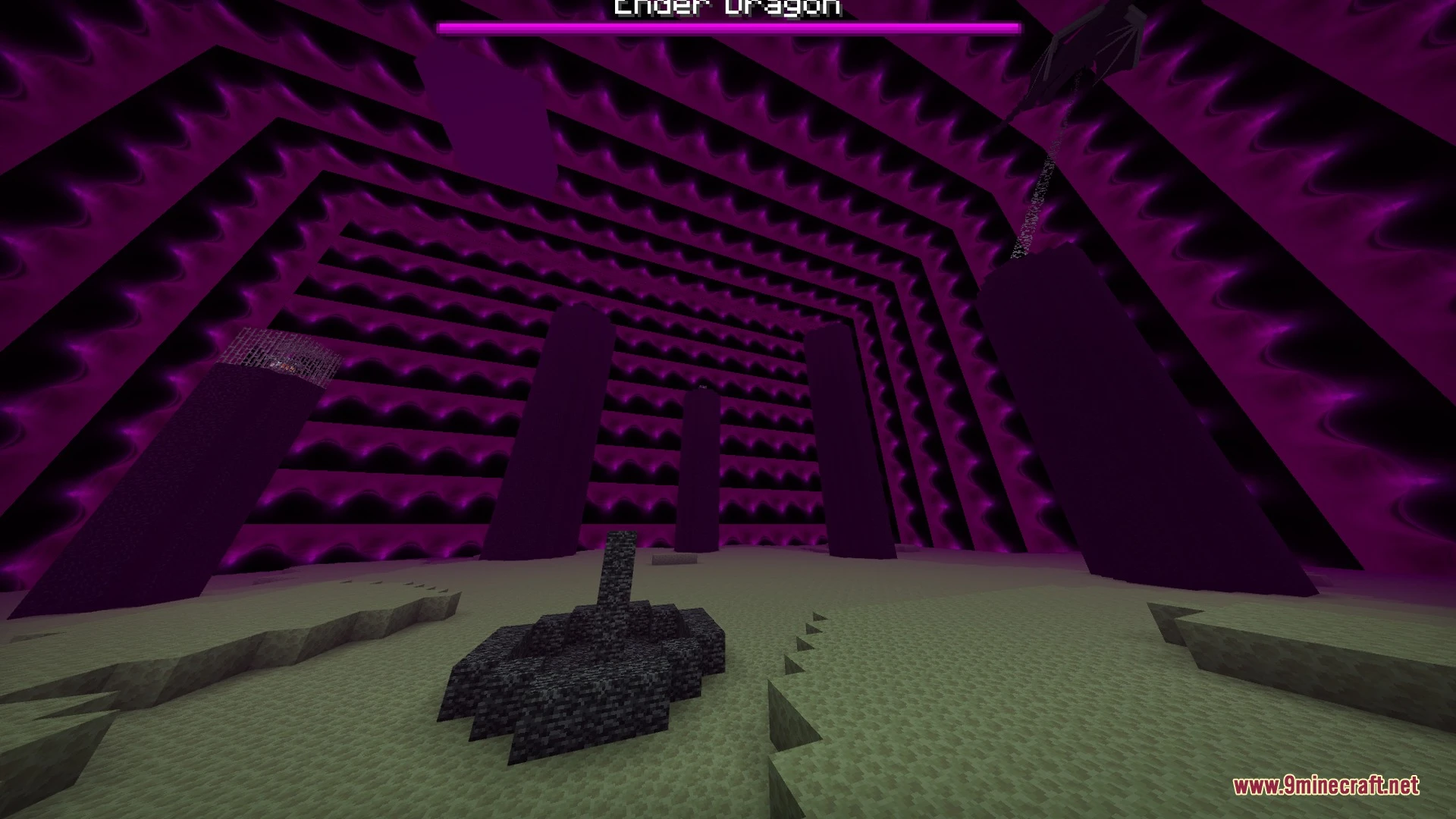
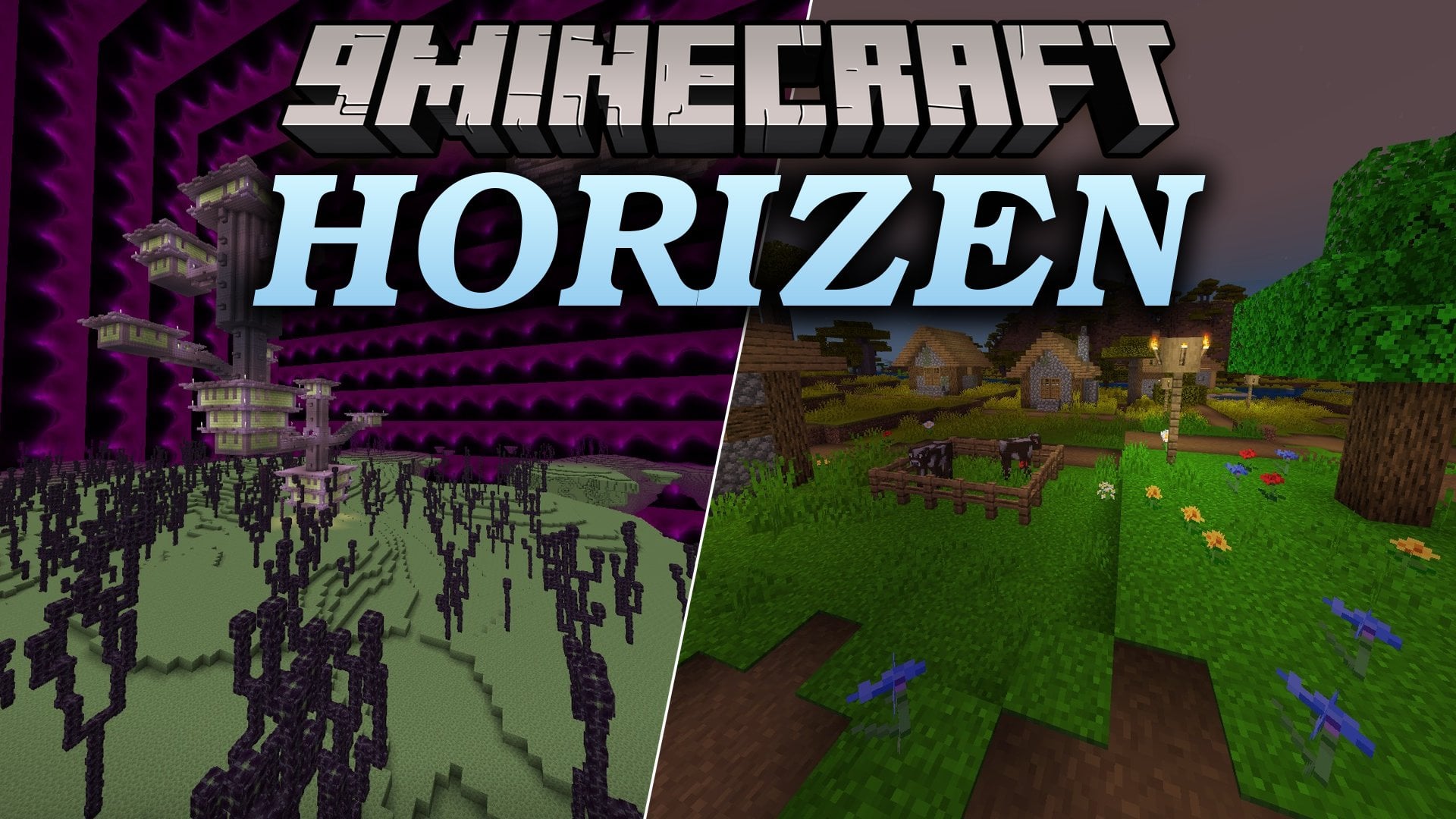
Horizen brings gentle sunlight, soft lighting, and natural sky colors to your Bedrock worlds. It includes built-in quality presets that allow you to adjust visual details for both low-end and high-end devices. Players can enjoy clean water surfaces, glowing ores, and custom skies during survival adventures.
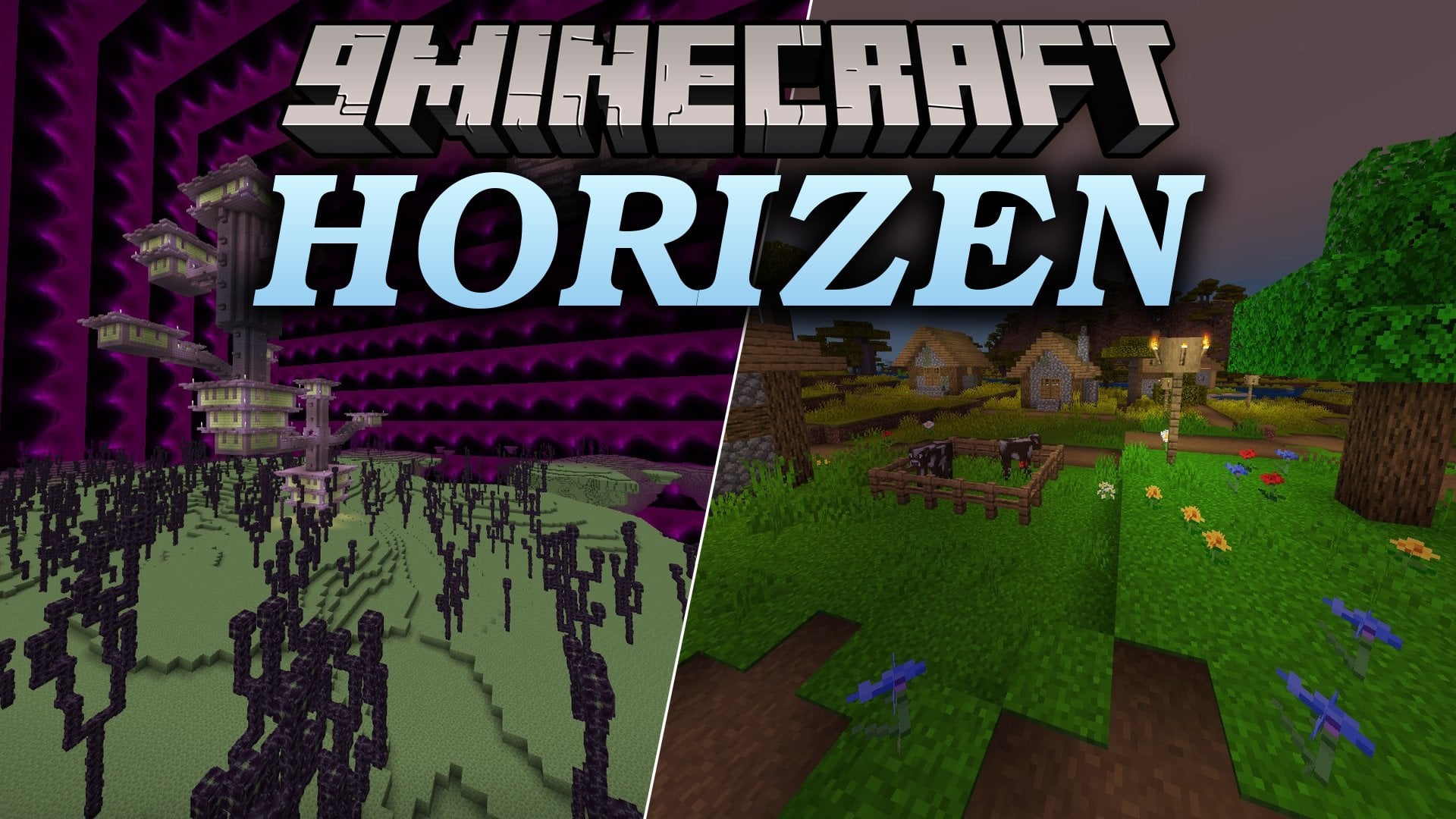
Features:
- Brings soft lighting effects paired with natural sunlight.
- Includes three built-in quality presets for Low, Default, and High settings.
- Adds detailed clouds and beautiful sky colors throughout day and night.
- Features glowing ore blocks and clear water surfaces.
- Runs smoothly across a wide range of mobile devices.
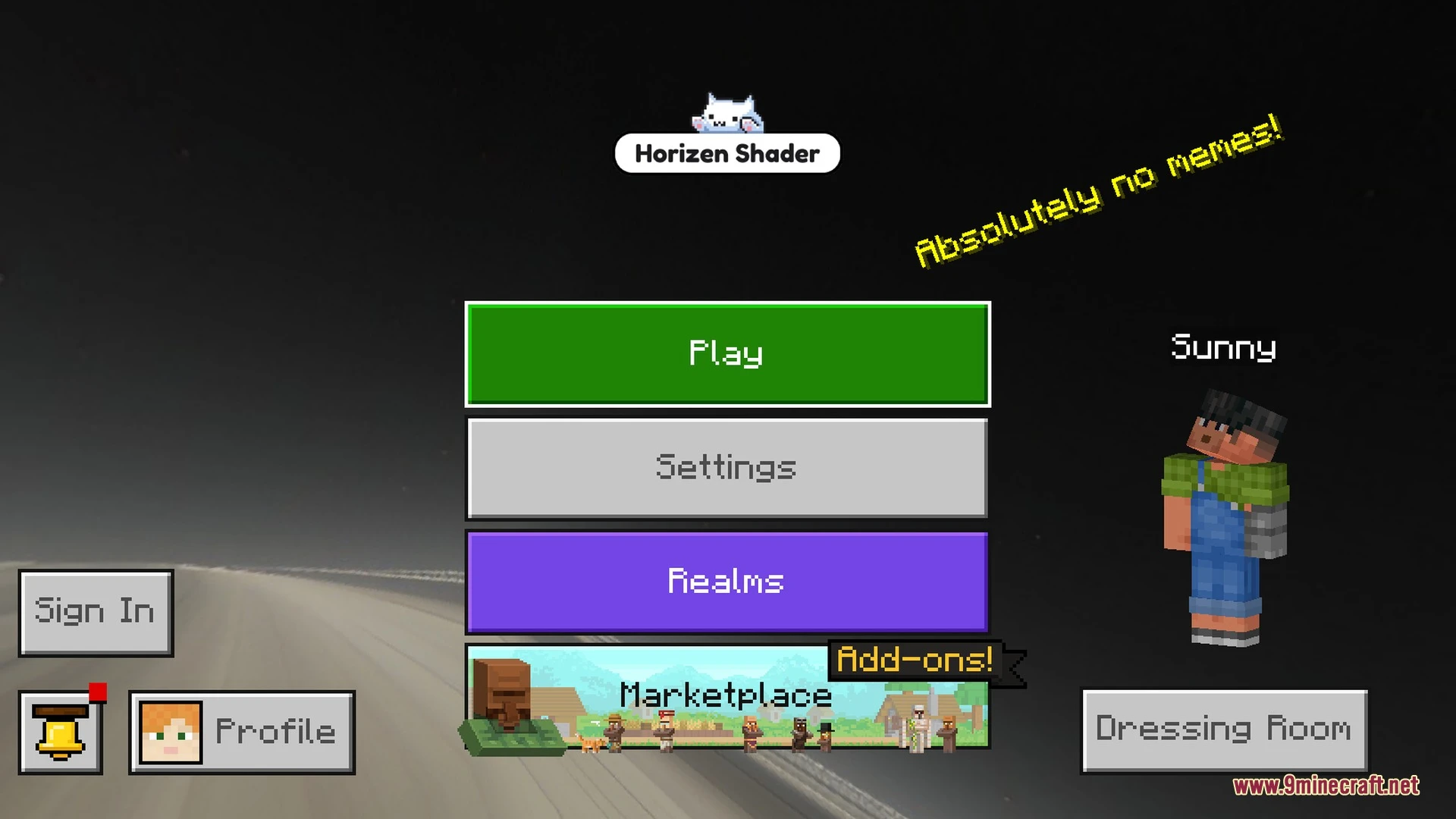
Screenshots:
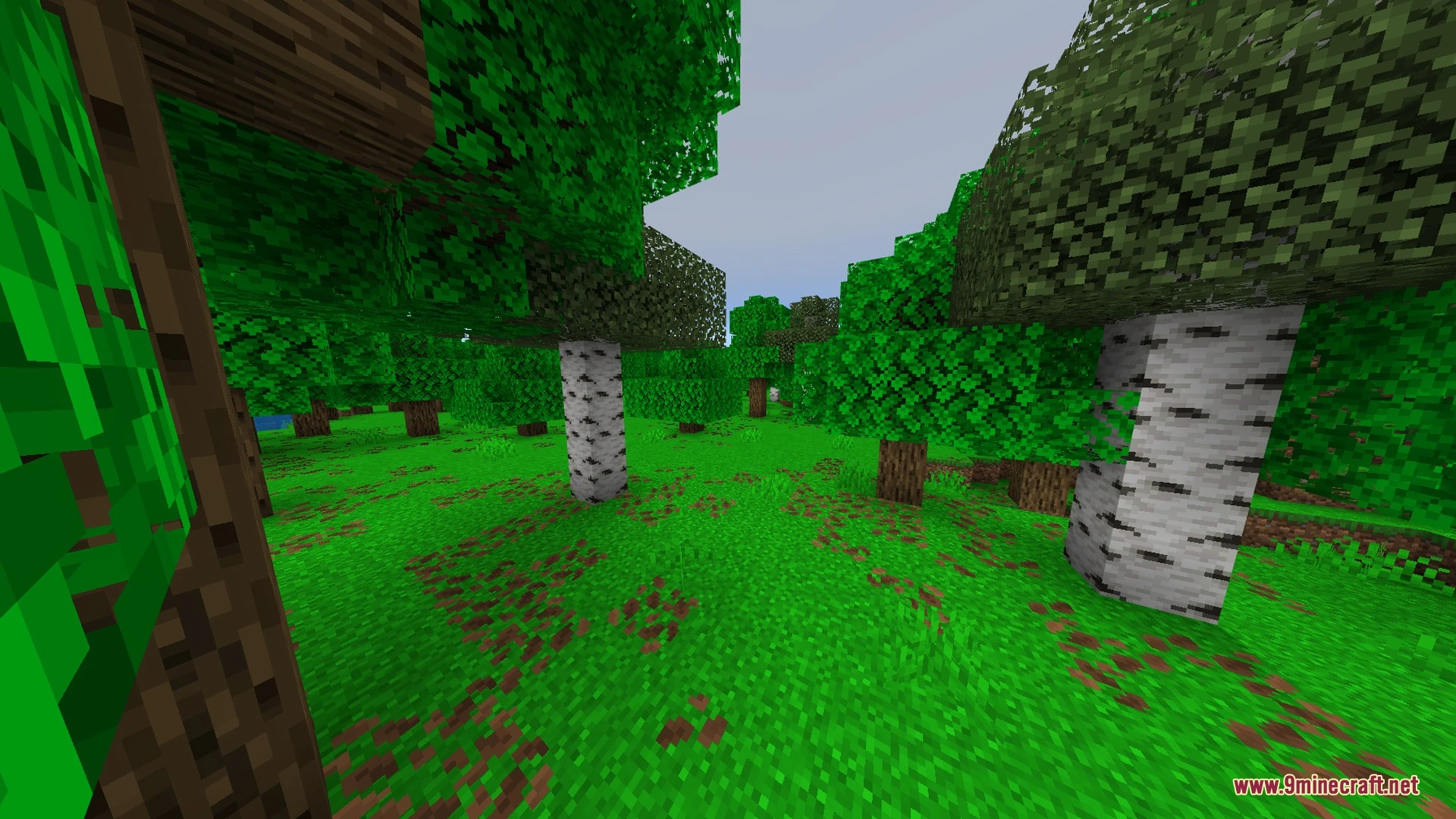
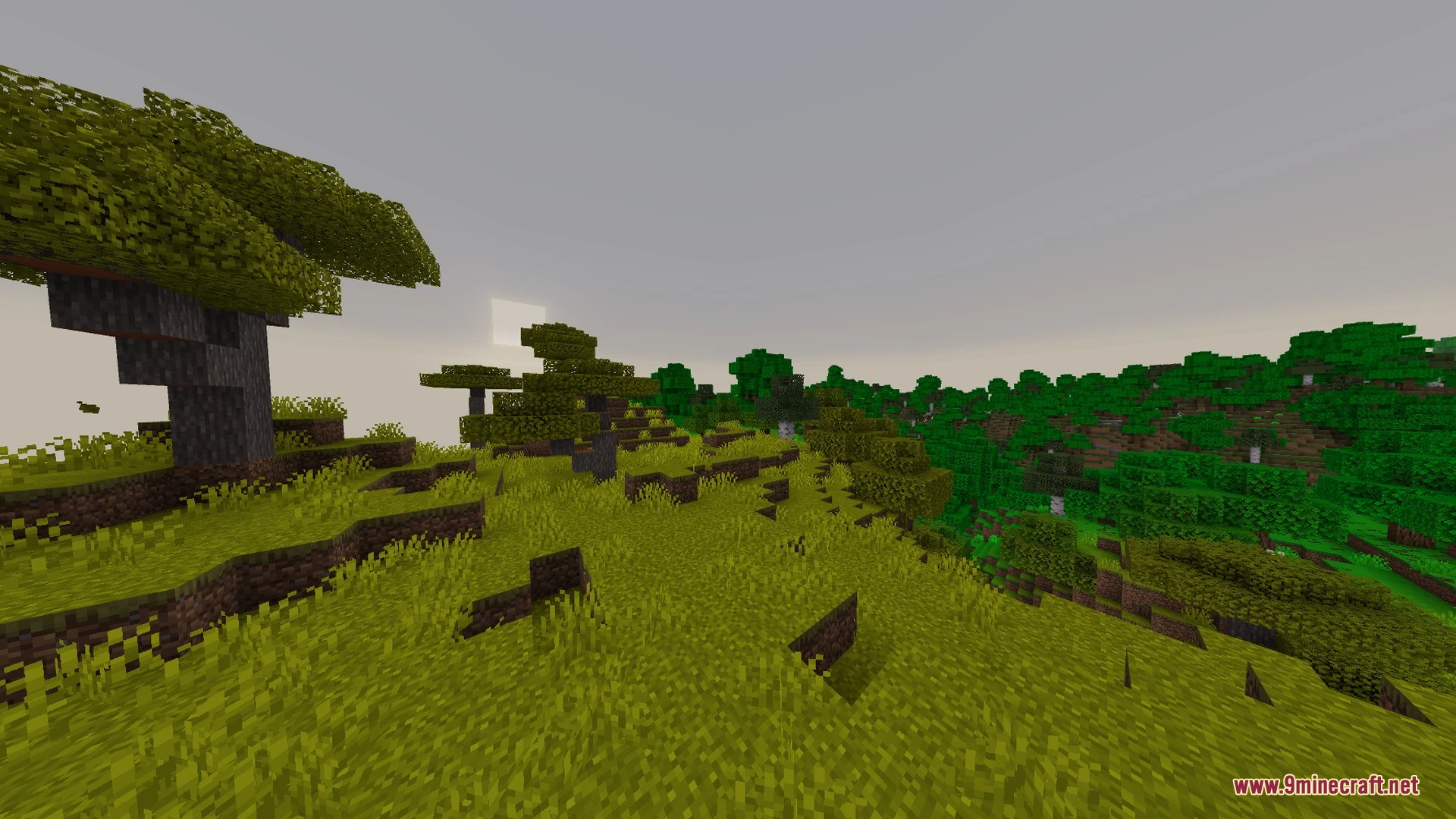
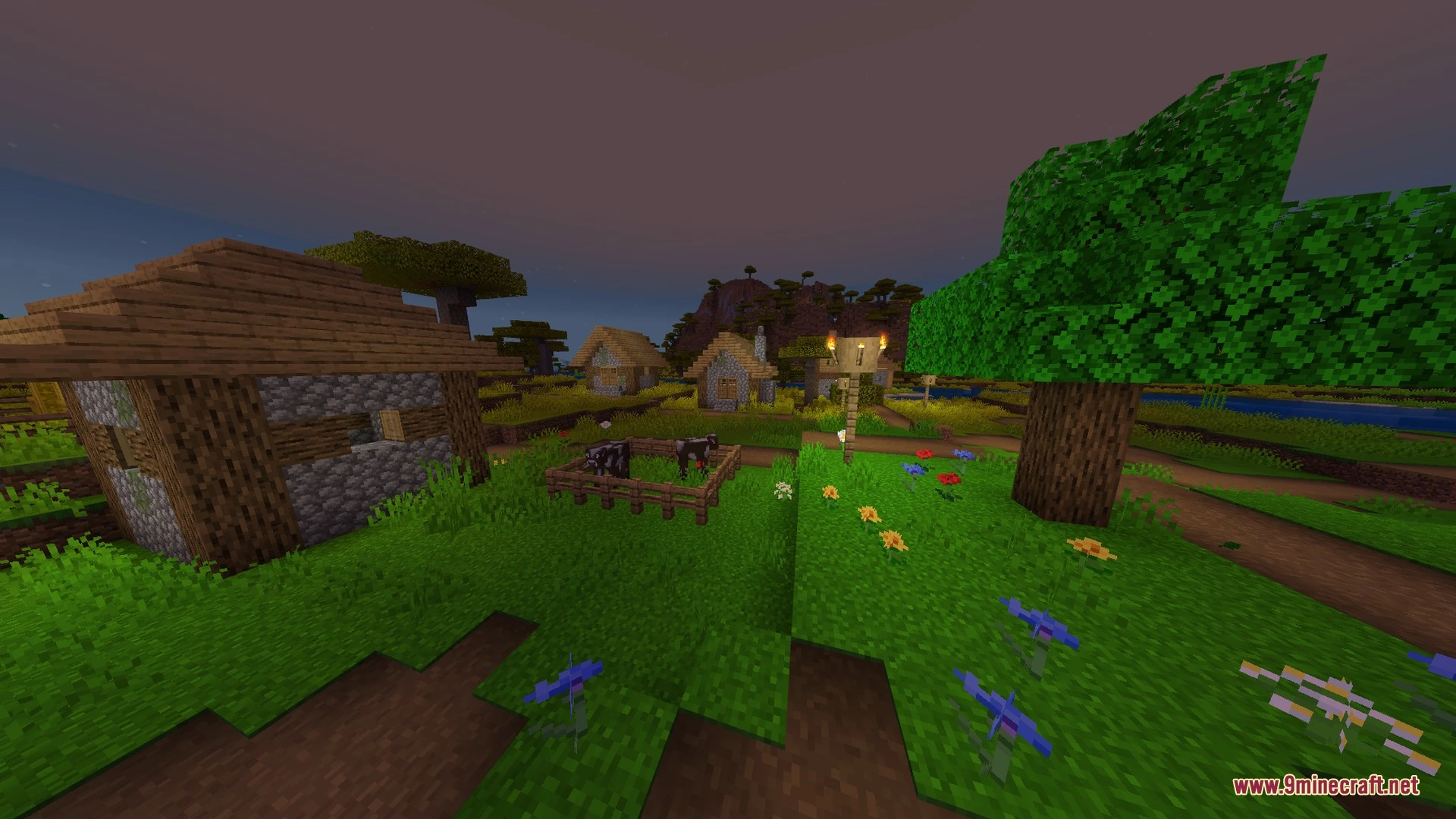
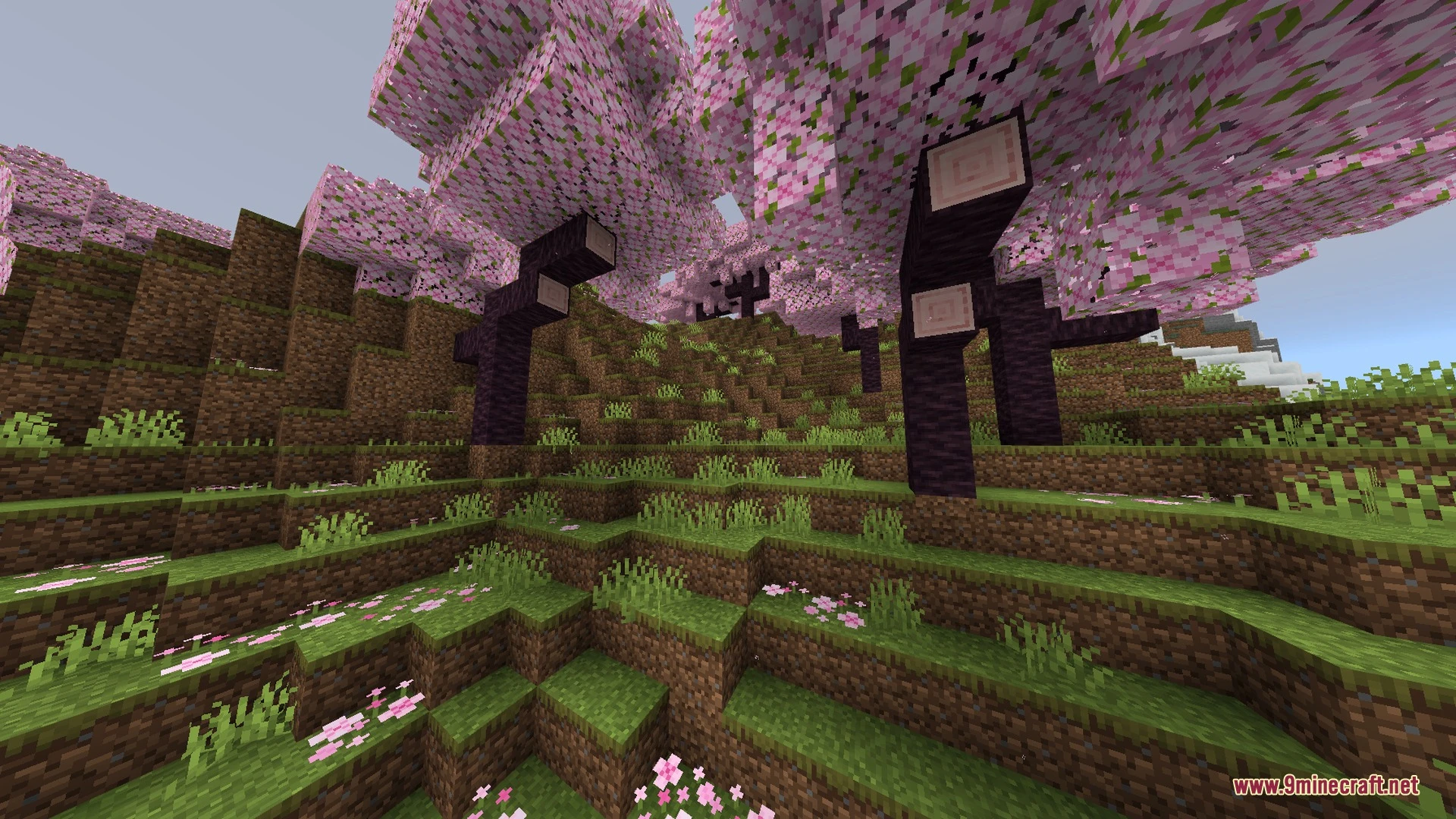
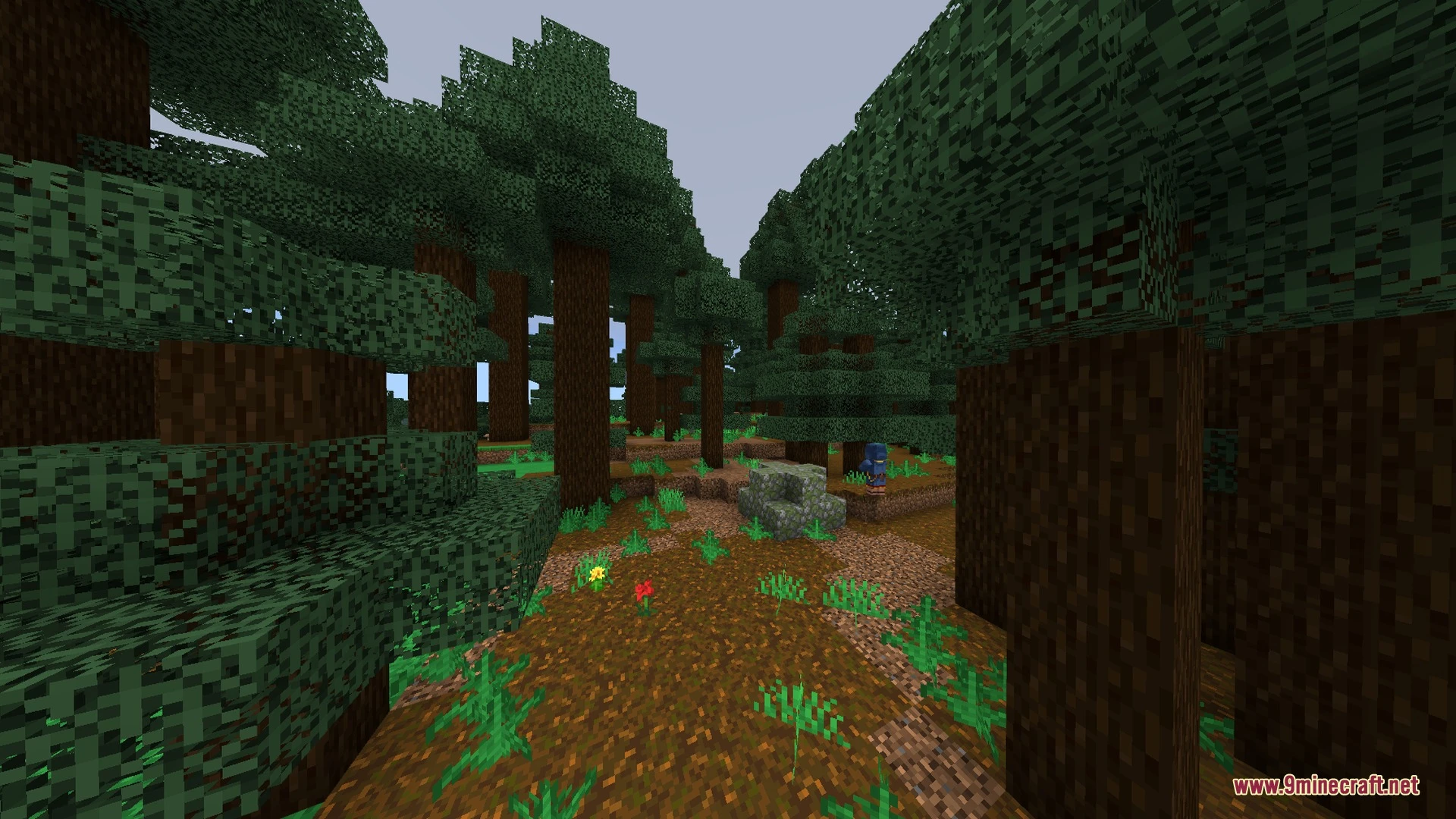
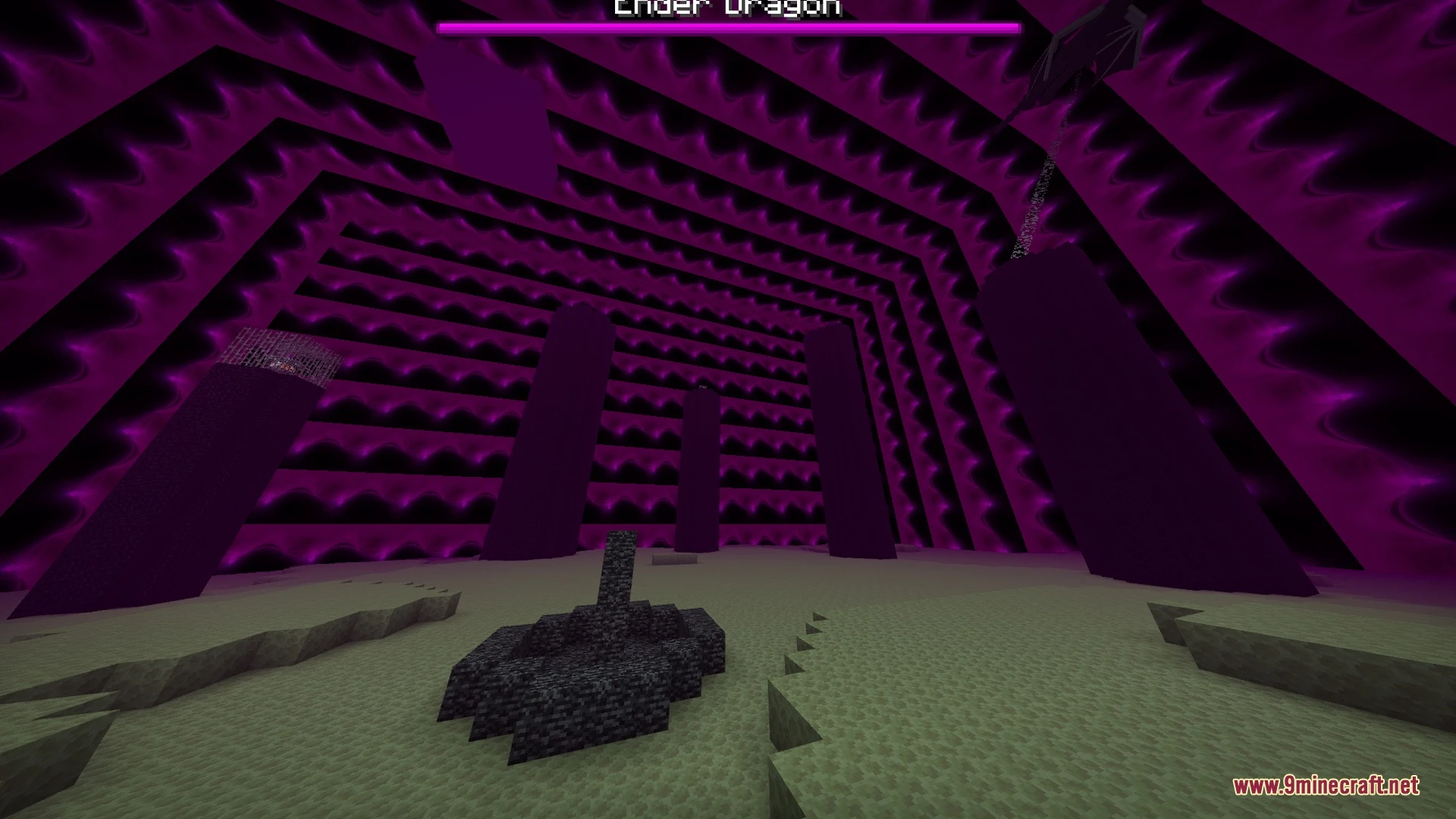
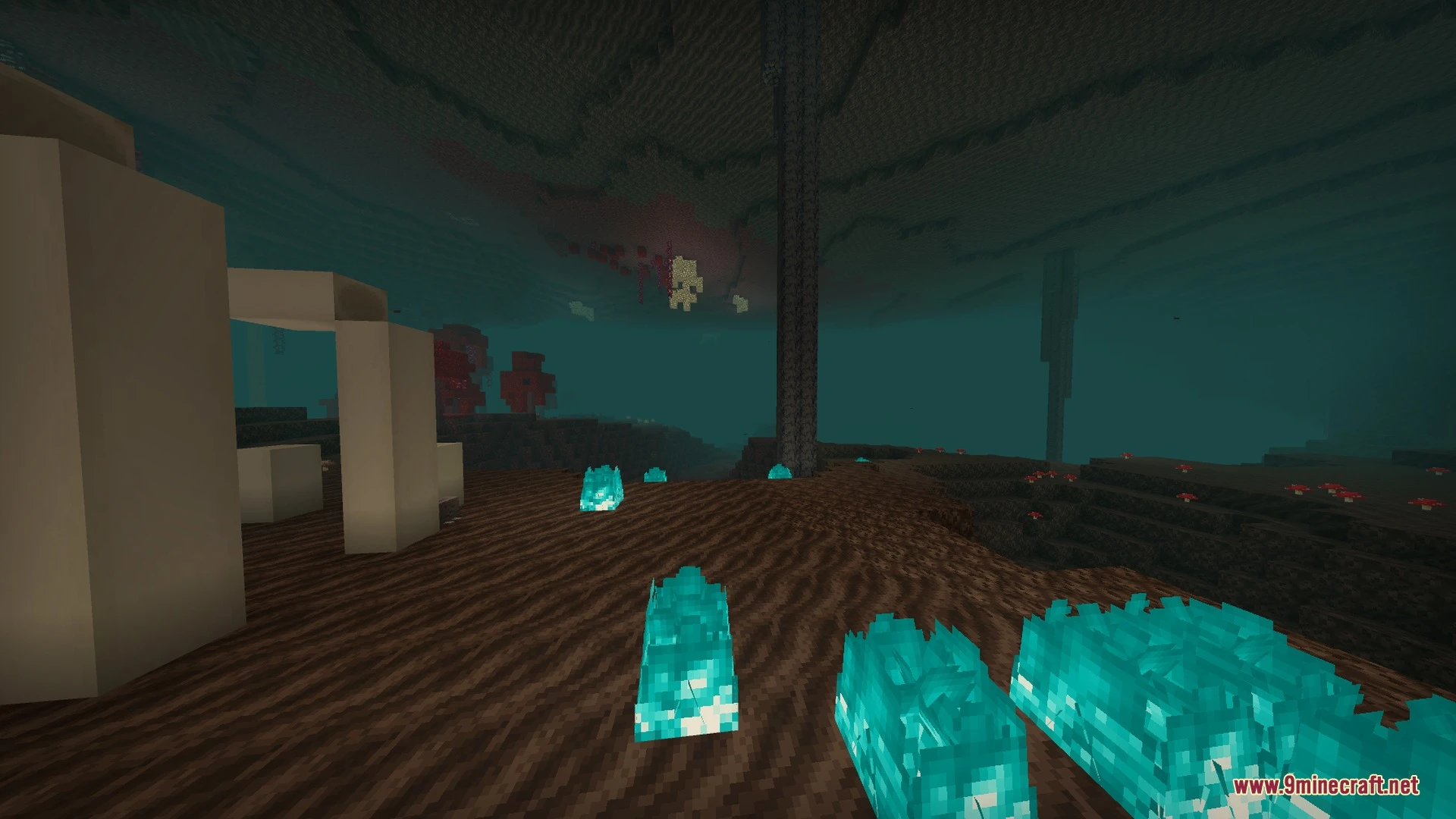
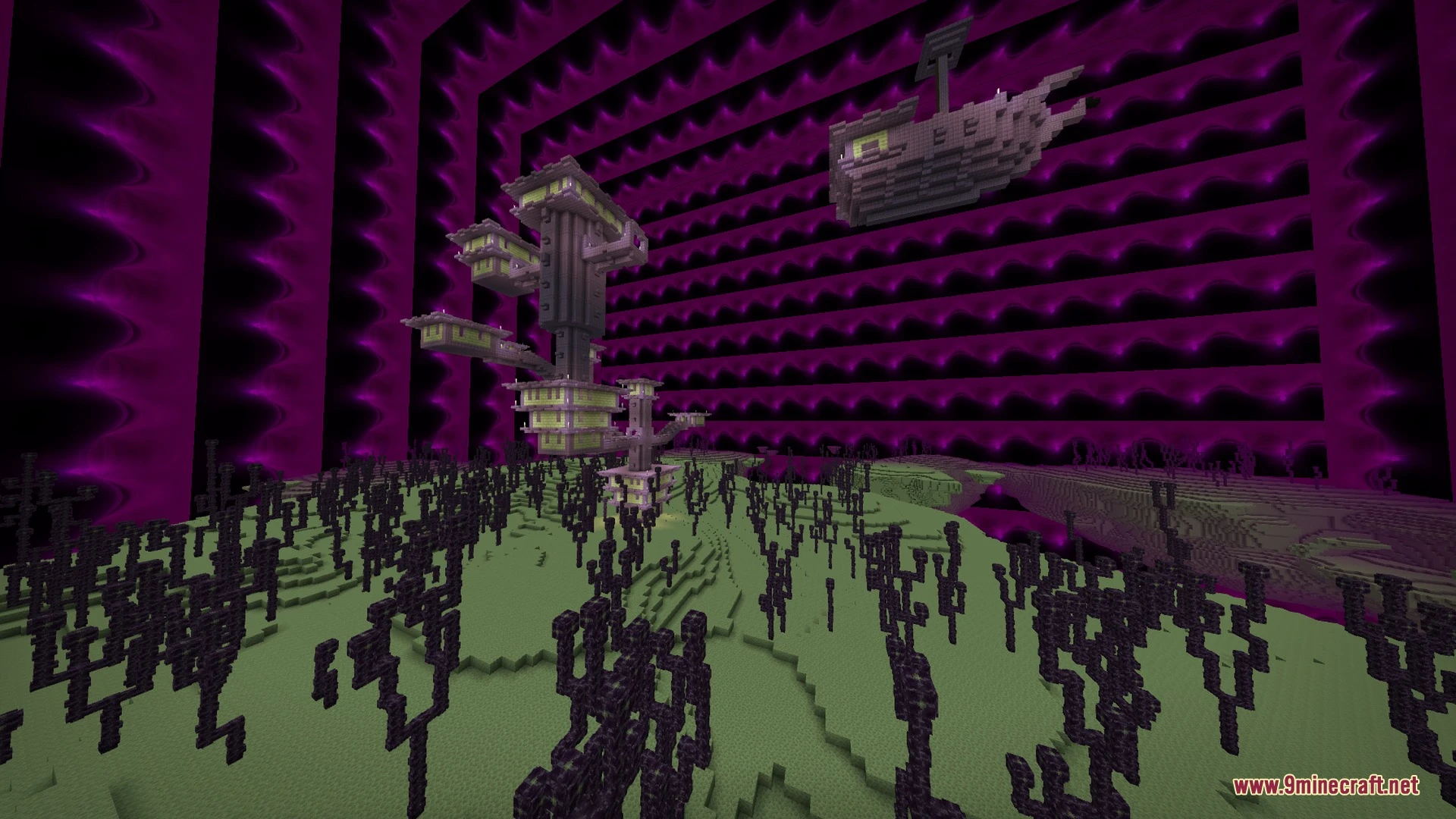
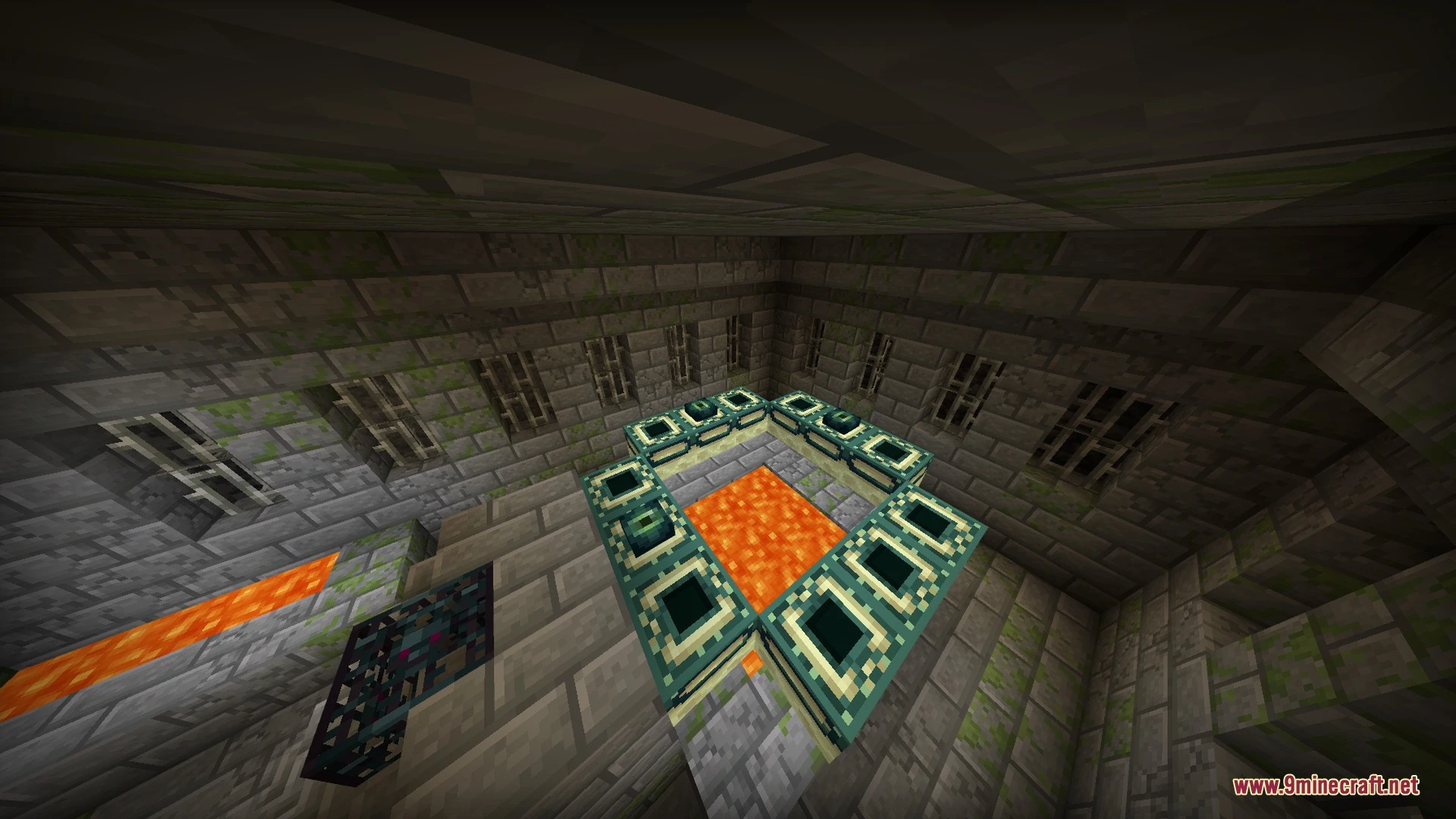
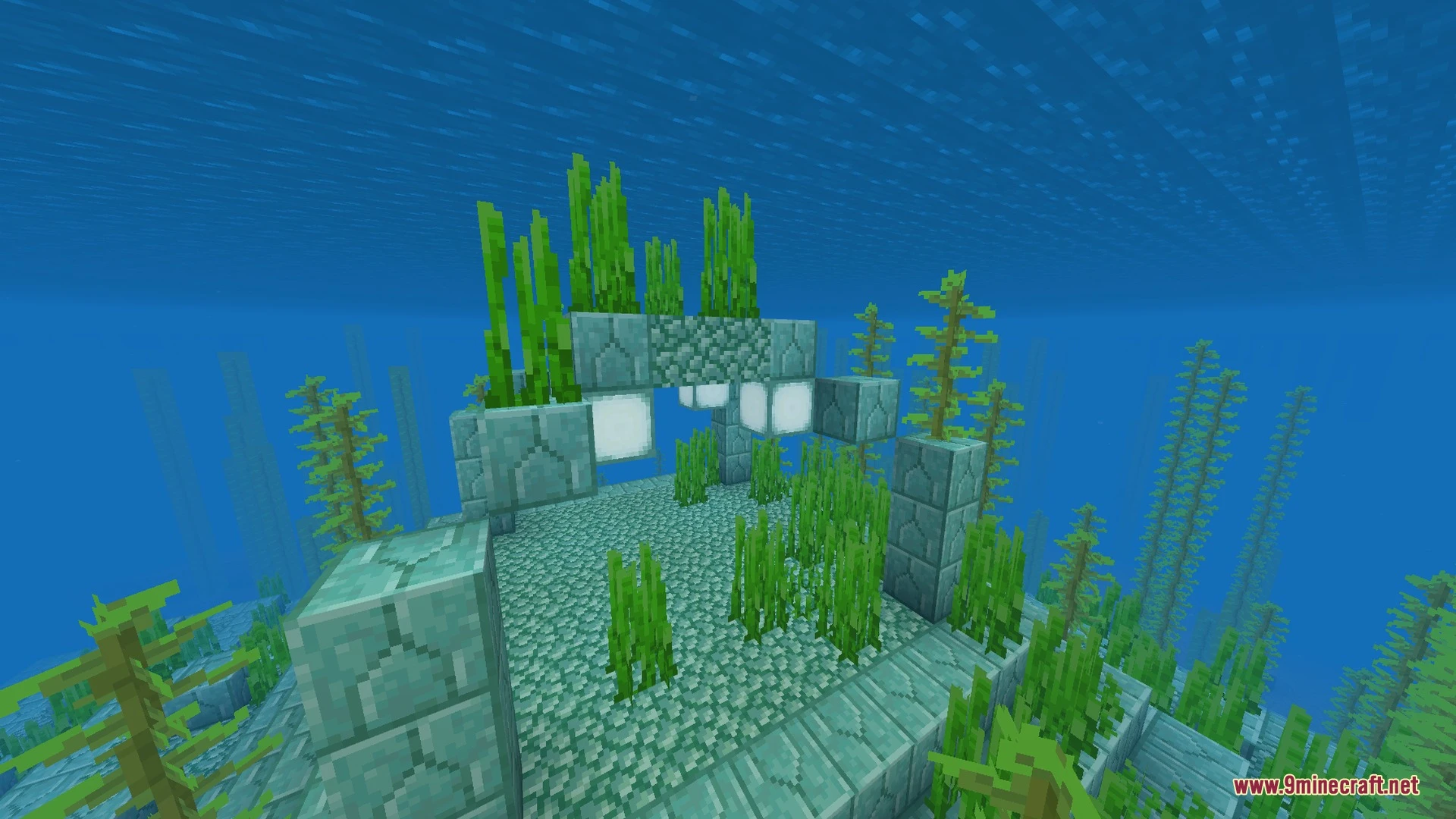
Horizen Shader Download Links
Quick facts
- Edition: Minecraft Bedrock
- File type: .mcpack
- How to install: Download the .mcpack. → Open it — Minecraft imports it under Resource Packs. → Activate it in Global Resources, or for one world under Resource Packs → Available.
- Where to get it: In MCModsHub, or directly above on this page.
Install steps are the general flow for this file type — How to install Minecraft Bedrock texture packs walks through it step by step.
File checked by MCModsHub
- Pack type: .mcaddon — behaviour and resource pack in one file
- Manifest requires Minecraft 1.26.30 or newer
- Complete pack — everything it depends on is inside the file
- Download link checked 30 Aug 2026 — working
- Mirrored on our own servers — the download does not depend on the original host
These come from our own check of the pack file, not from the source page.