Home›Bedrock›Texture packs›Xnova Remastered Texture Pack (26.x, 1.21) – Custom First-Person Animations
Texture packsBedrock
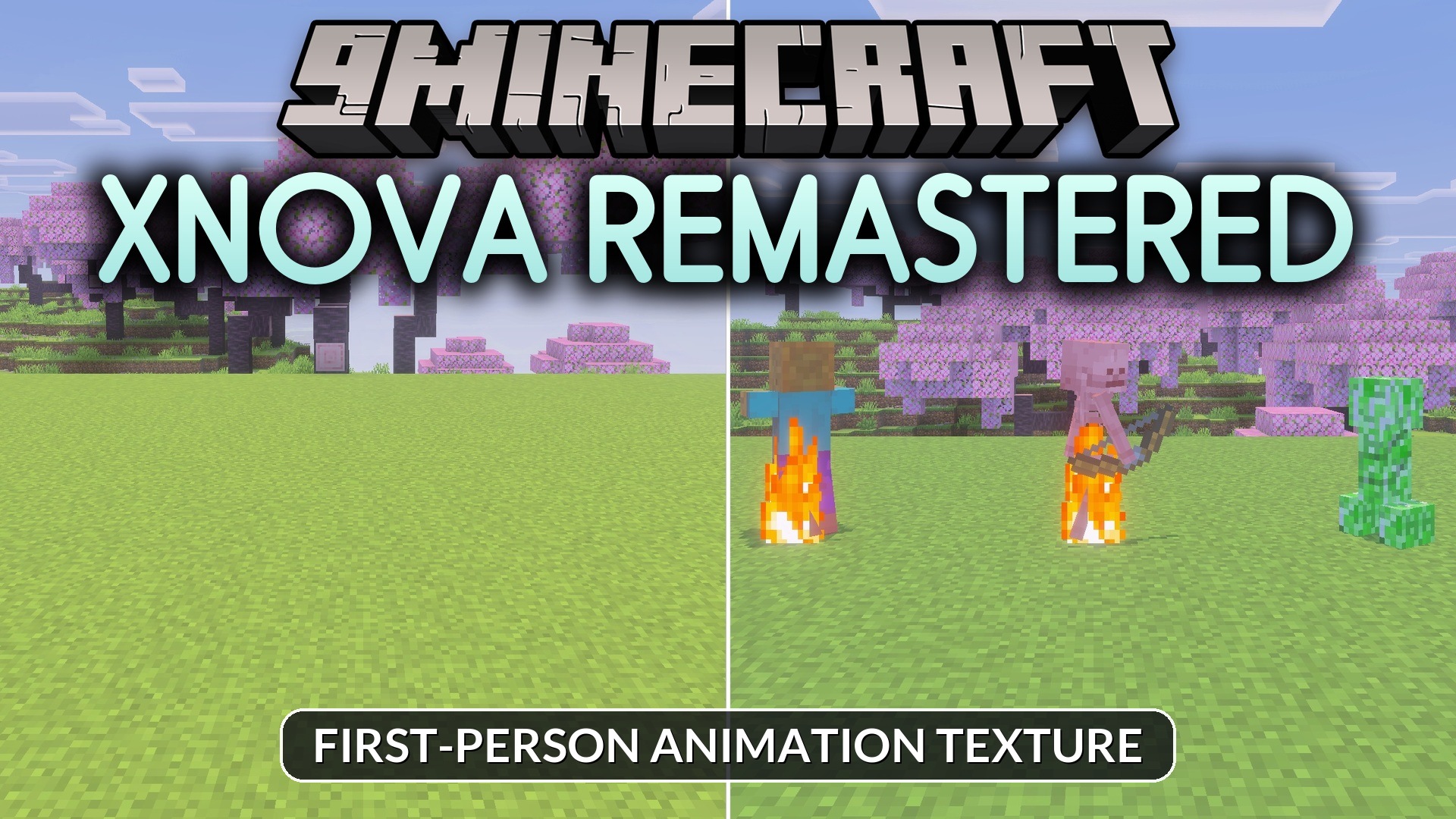
Xnova Remastered Texture Pack (26.x, 1.21) – Custom First-Person Animations
Bedrock texture pack listed for Minecraft 1.21. File opened and checked on 29 Sep 2026; installs from the MC Bedrock Mods app on Android.
⬇ Download
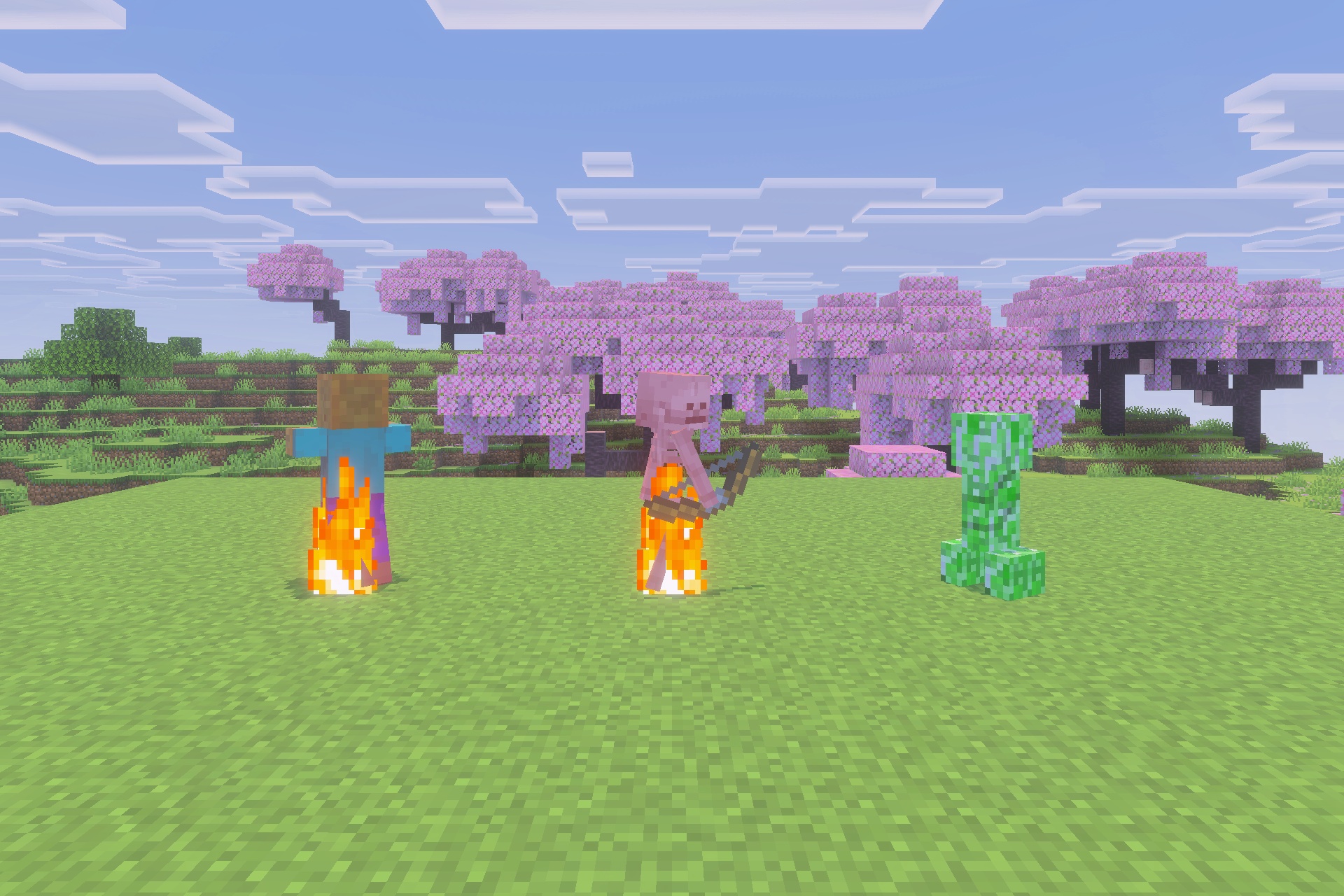
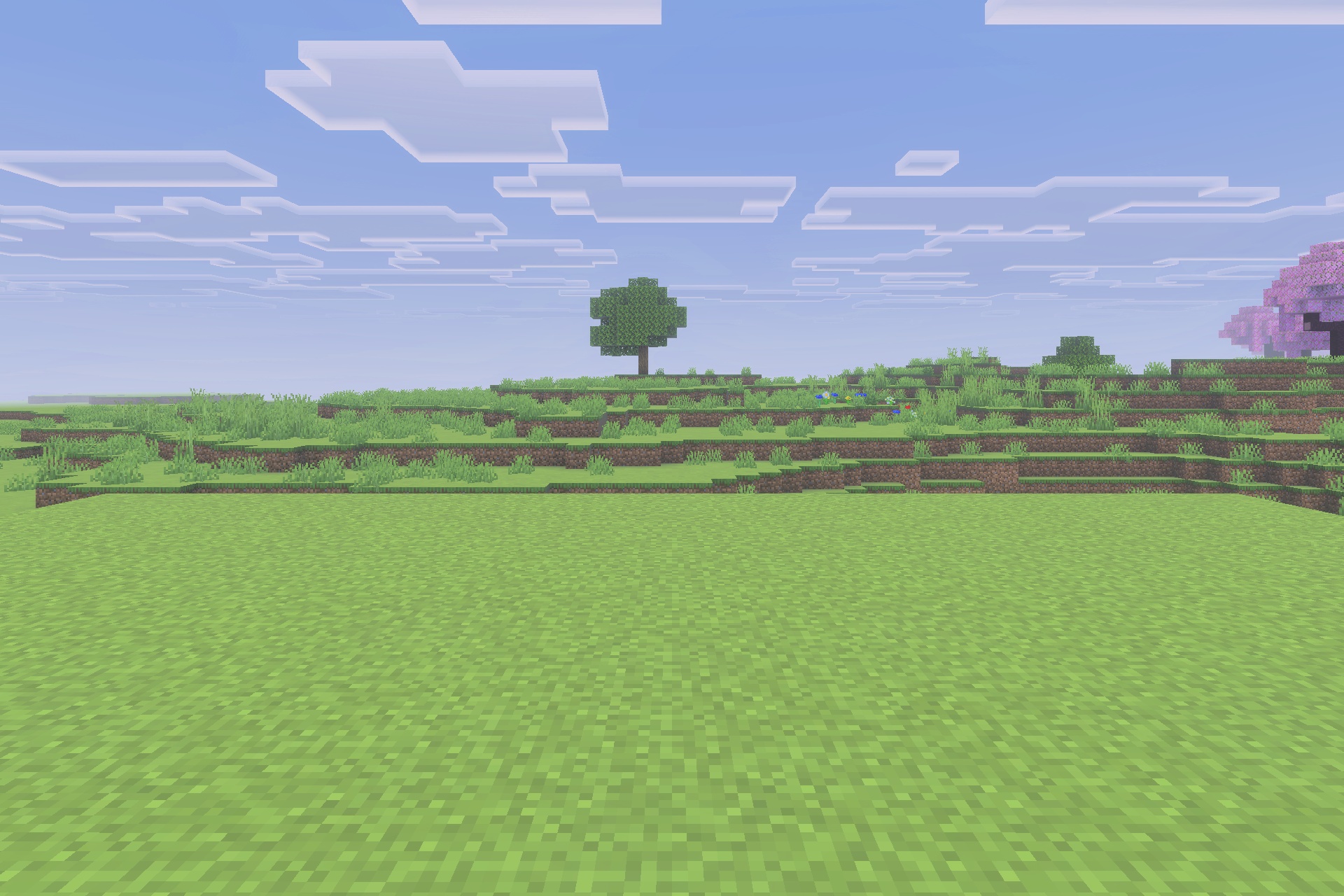
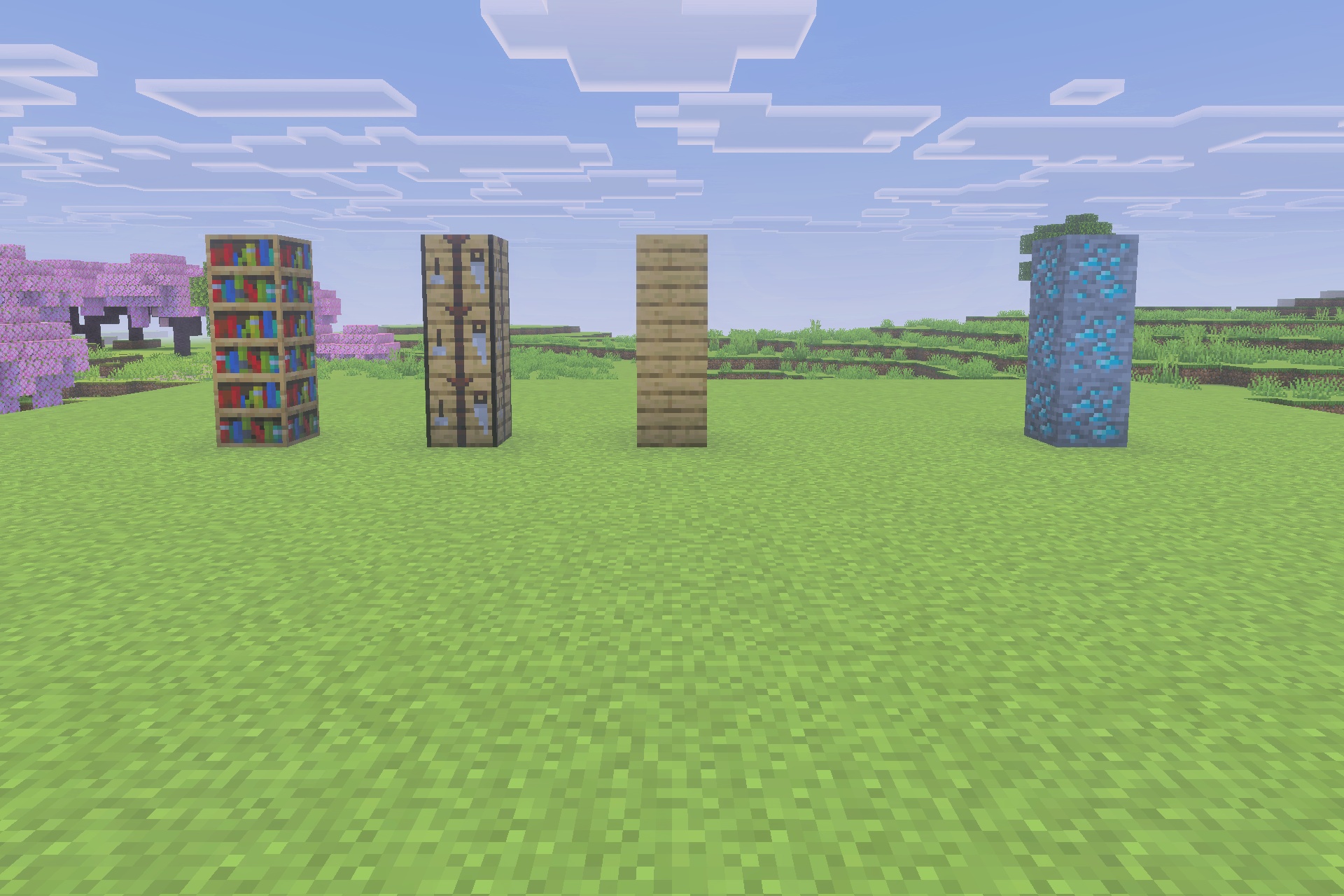
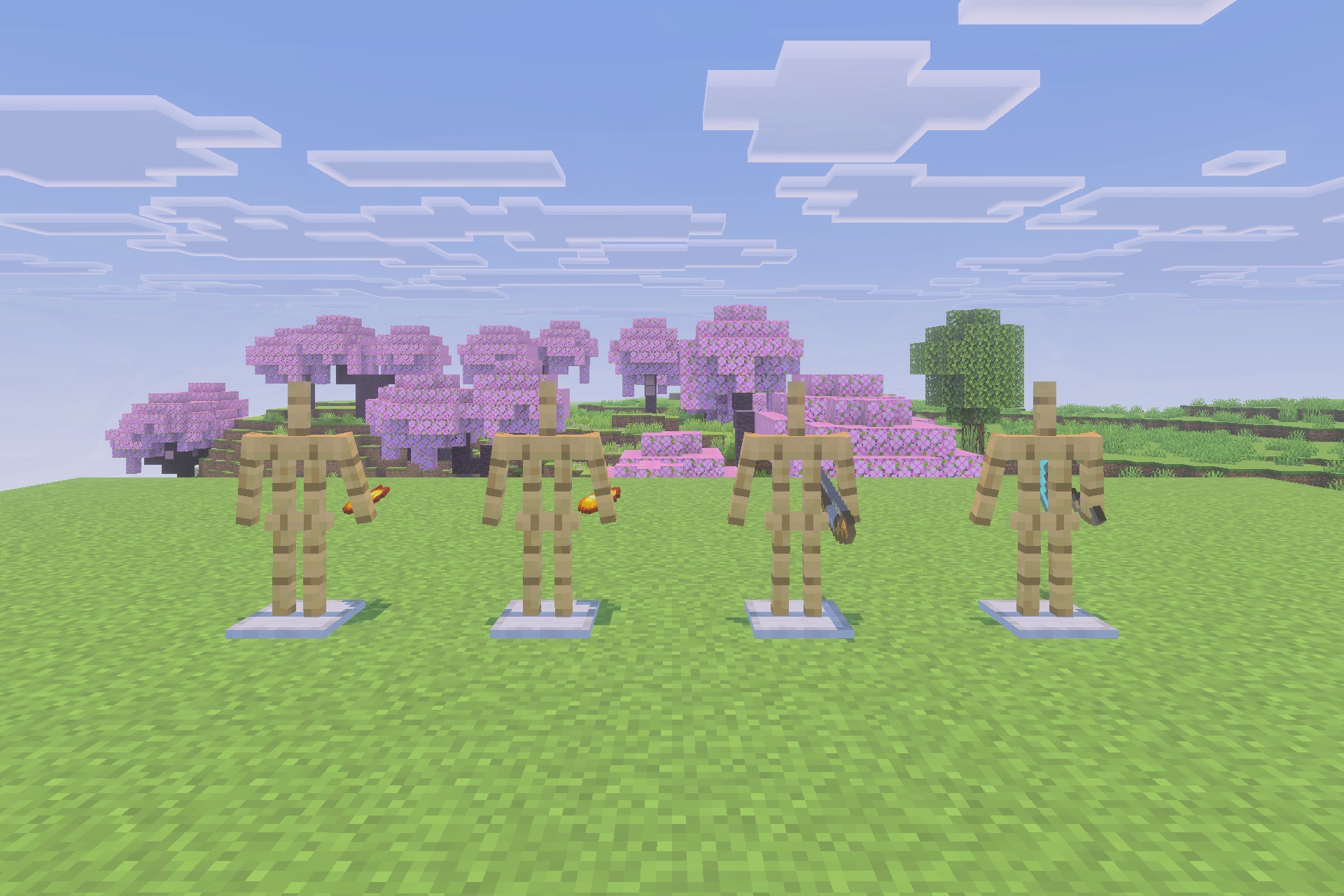
Xnova Remastered brings refreshed first-person animations and detailed 3D item models to your game. It gives Steve and Alex realistic 3D skin layers while offering customizable hand modes. You can easily switch between custom and default animation styles to fit your gameplay.
Features:
- Adds new and improved first-person player animations.
- Introduces detailed 3D models for tools and items.
- Adds 3D skin layers for Steve and Alex.
- Lets you customize hand modes using an in-game panel.
- Allows switching between custom and default animations.
Screenshots:
Xnova Remastered Texture Pack Download Links
Quick facts
- Edition: Minecraft Bedrock
- File type: .mcpack
- Minecraft version listed: 1.21
- How to install: Download the .mcpack. → Open it — Minecraft imports it under Resource Packs. → Activate it in Global Resources, or for one world under Resource Packs → Available.
- Where to get it: In MCModsHub, or directly above on this page.
Install steps are the general flow for this file type — How to install Minecraft Bedrock texture packs walks through it step by step.
File checked by MCModsHub
- Pack type: .mcpack — a single pack
- Manifest requires Minecraft 1.21.130 or newer
- Complete pack — everything it depends on is inside the file
- Download size: 950 KB
- Download link checked 31 Aug 2026 — working
- Mirrored on our own servers — the download does not depend on the original host
These come from our own check of the pack file, not from the source page.