Sasuke Uchiha sword
Bedrock texture pack listed for Minecraft 26.x. File opened and checked on 31 Aug 2026; installs from the MC Bedrock Mods app on Android.
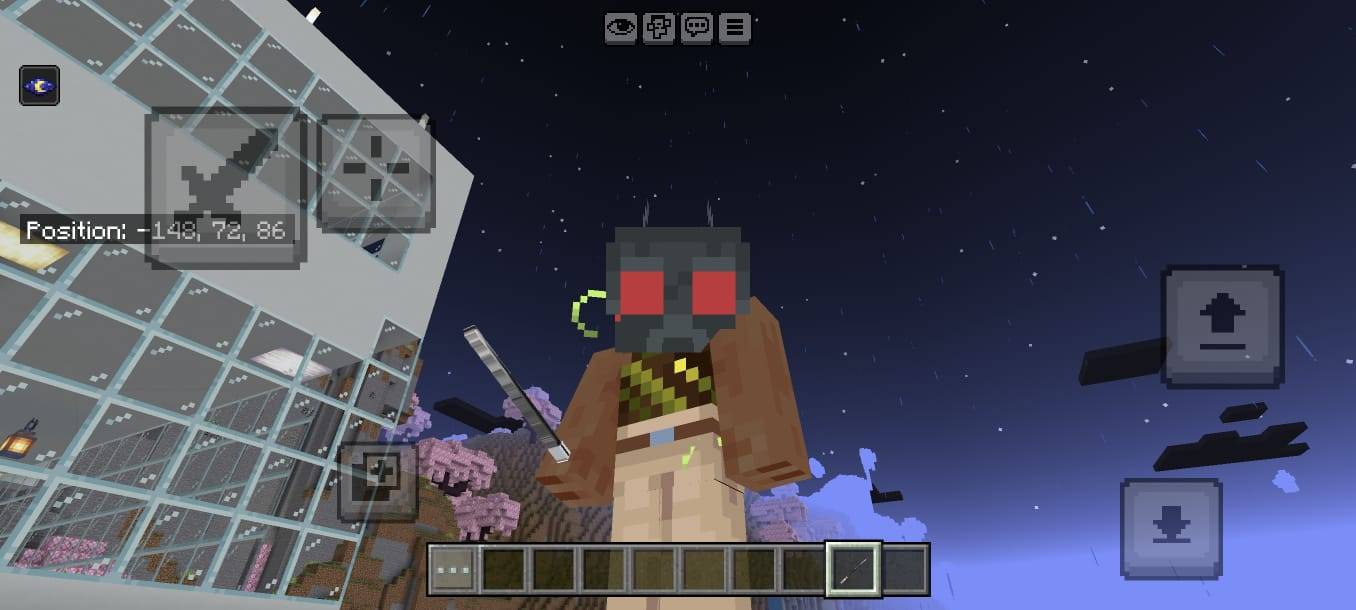
⚔️ Sasuke Uchiha Sword Texture Pack ⚔️ Bring the power of the Uchiha to Minecraft! Featuring a dark ninja-style sword with purple, black and red details…
⬇ Download on CurseForge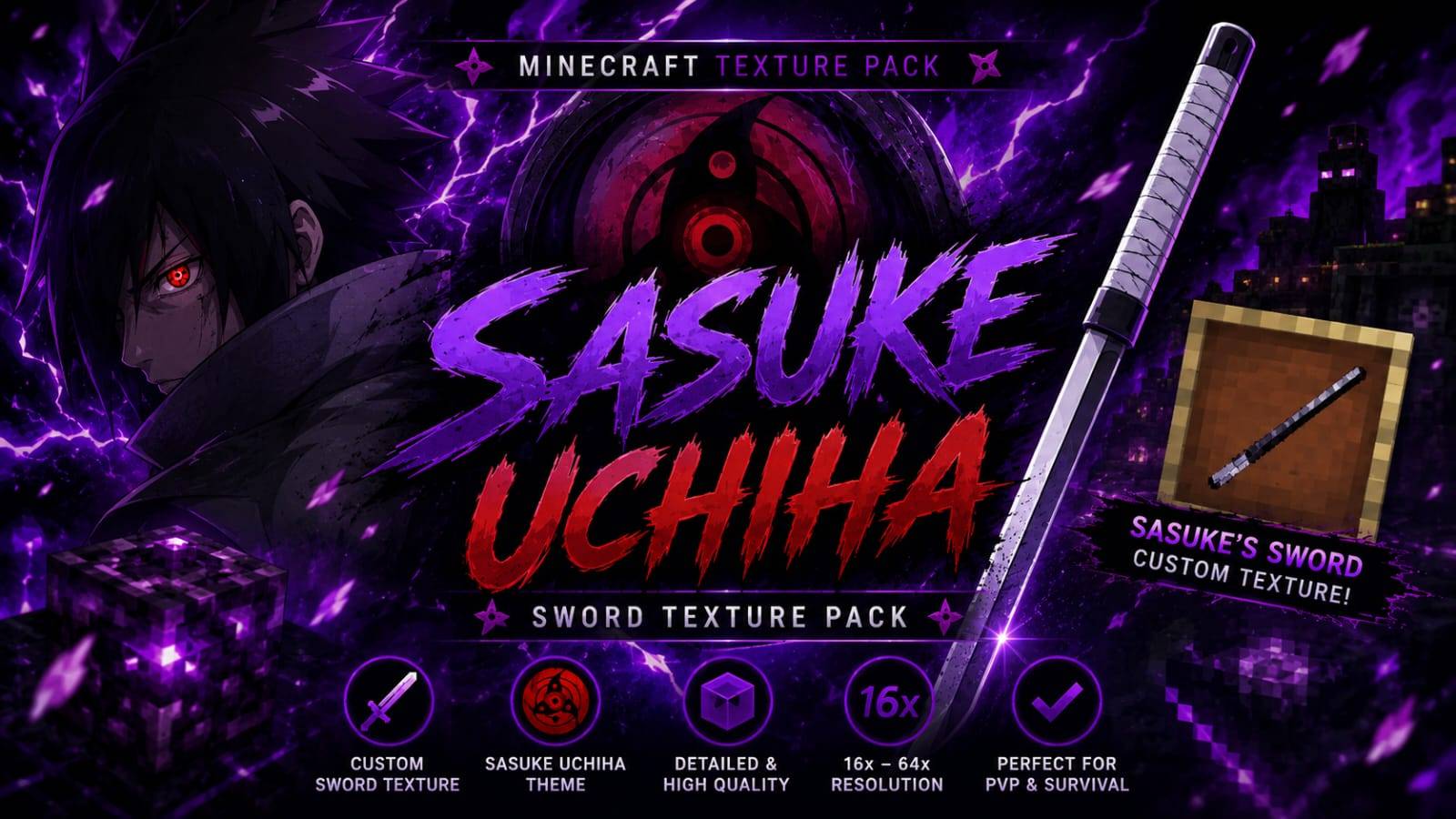
⚔️ SASUKE UCHIHA SWORD — PREMIUM TEXTURE PACK
🔥 Unleash the power of the Uchiha! Transform your Minecraft sword into a dark, powerful and stylish ninja weapon inspired by the legendary Sasuke Uchiha aesthetic.
🩸 ABOUT THIS TEXTURE PACK
The Sasuke Uchiha Sword Texture Pack is designed for Minecraft players who love anime, ninja and dark-fantasy aesthetics. The sword combines purple, black, red and metallic details to create a powerful Uchiha-inspired appearance.
The design is focused on giving your sword a unique and premium visual identity while keeping the weapon recognizable and suitable for normal Minecraft gameplay.
⚔️ SWORD DESIGN
- 🗡️ Custom anime-inspired sword appearance
- 🟣 Purple and black dark-energy theme
- 🔴 Red Sharingan-inspired visual elements
- ✨ Detailed blade and handle styling
- 🛡️ Dark metallic guard design
- 🔥 Strong ninja-warrior aesthetic
- 💜 Purple chakra-inspired visual theme
🎮 PERFECT FOR
PvP • Survival • Adventure • Hardcore • Anime Worlds • Ninja Builds • Fantasy Maps • Custom Maps • Minecraft Videos
🔥 VISUAL EXPERIENCE
The sword is designed to stand out during gameplay, screenshots and combat. Its dark color combination and bright purple-red accents create a dramatic appearance that fits perfectly with ninja, anime and fantasy-themed Minecraft worlds.
🩸 UCHIHA-INSPIRED THEME
The visual identity takes inspiration from the dark red and purple aesthetic commonly associated with the Uchiha theme. The combination of a powerful sword design, eye-inspired elements and purple energy creates a unique anime-style presentation.
📦 TEXTURE PACK DETAILS
- 📌 Type: Sword Texture Pack
- 🎨 Theme: Sasuke Uchiha / Anime / Ninja
- 🟣 Main Colors: Purple, Black & Red
- ⚔️ Focus: Sword Appearance
- 🎮 Recommended: PvP, Survival & Adventure
- ✨ Style: Dark, Powerful & Premium
⚡ GAMEPLAY
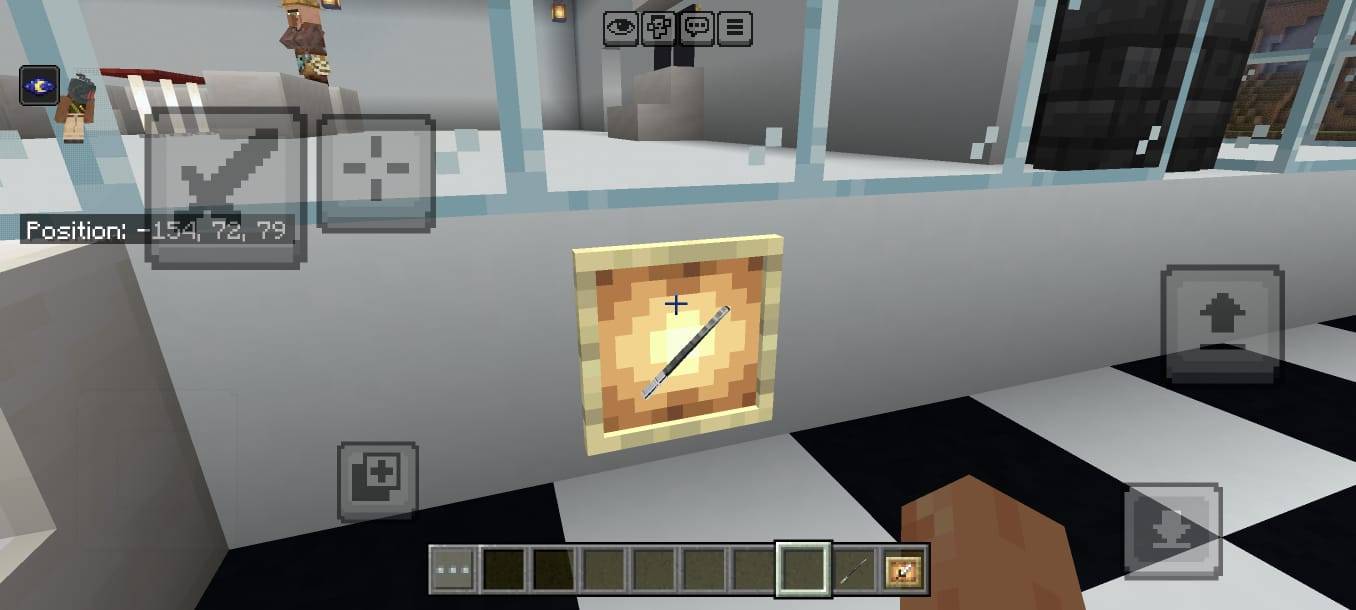
This texture pack focuses on the visual appearance of the sword. It does not intentionally add new gameplay mechanics or abilities by itself. Your Minecraft gameplay remains familiar while your sword receives a completely different visual style.
📸 SHOWCASE & AI DISCLAIMER
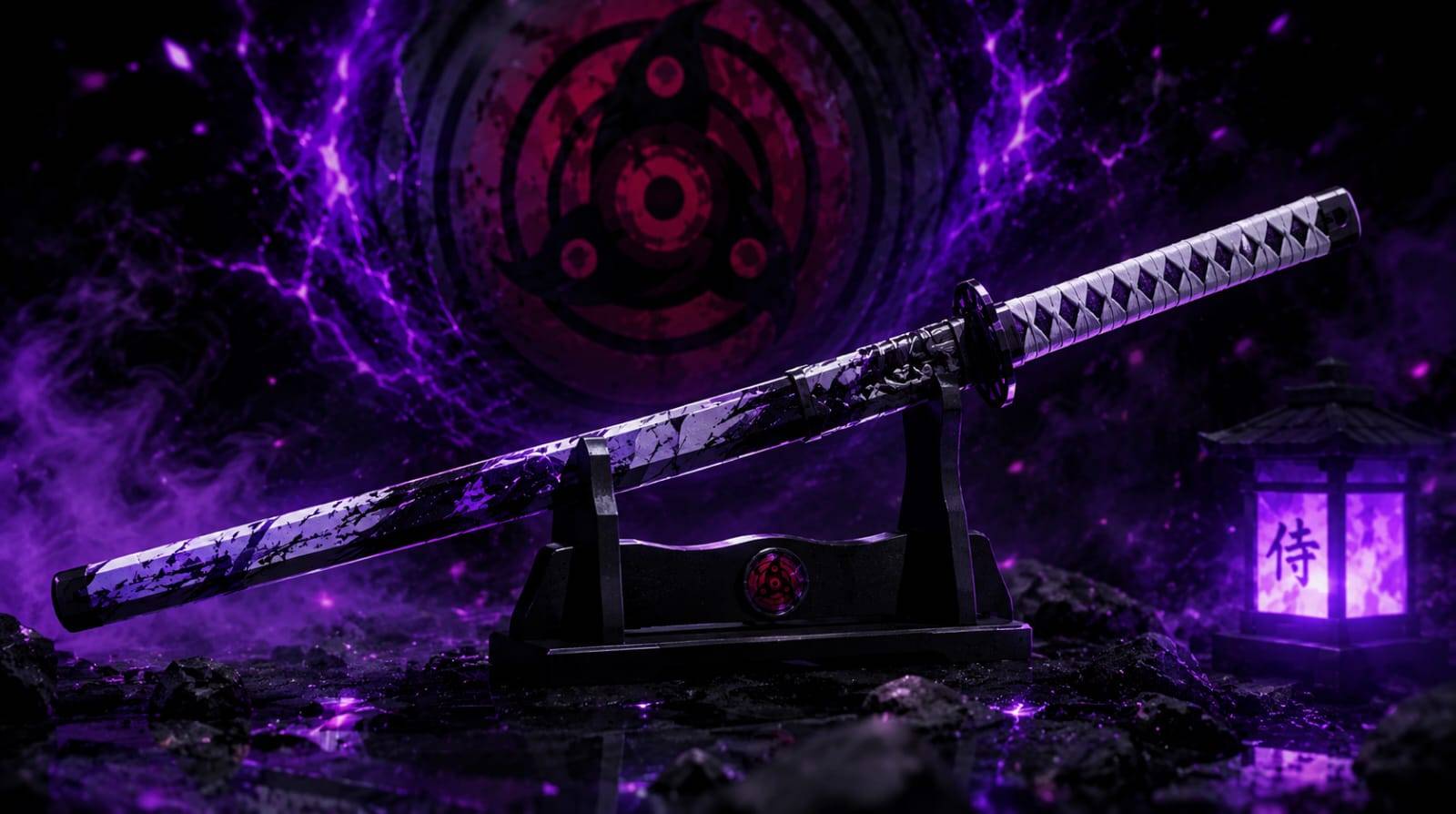
The promotional images, thumbnails, logos, banners and showcase artwork used for this project may be AI-generated or AI-enhanced for presentation and promotional purposes.
AI-enhanced showcase images may include improved lighting, effects, backgrounds, particles or other visual enhancements. Therefore, promotional images may not represent the exact in-game texture pixel-for-pixel.
⚠️ IMPORTANT
Minecraft version compatibility may vary depending on the Minecraft version and resource-pack format. Always use a compatible Minecraft version when installing the pack.
Sasuke Uchiha and related Naruto characters, names and concepts belong to their respective copyright holders. This texture pack is a fan-made project and is not officially affiliated with or endorsed by the respective copyright owners.
👑 FS_HERE
© FS_HERE — ALL RIGHTS RESERVED
PREMIUM STYLE • ORIGINAL PROJECT • SASUKE UCHIHA SWORD
Unauthorized copying, redistribution, re-uploading or claiming this project as your own is not permitted.
- Edition: Minecraft Bedrock
- File type: .mcpack
- Minecraft versions listed: 26.20, 26.13, 26.30
- How to install: Download the .mcpack. → Open it — Minecraft imports it under Resource Packs. → Activate it in Global Resources, or for one world under Resource Packs → Available.
- Where to get it: Opens on CurseForge — not every file is mirrored on our own servers.
Install steps are the general flow for this file type — How to install Minecraft Bedrock texture packs walks through it step by step.
- Pack type: .mcpack — a single pack
- Complete pack — everything it depends on is inside the file
- Download size: 16 KB
- Download link checked 11 Oct 2026 — working
These come from our own check of the pack file, not from the source page.