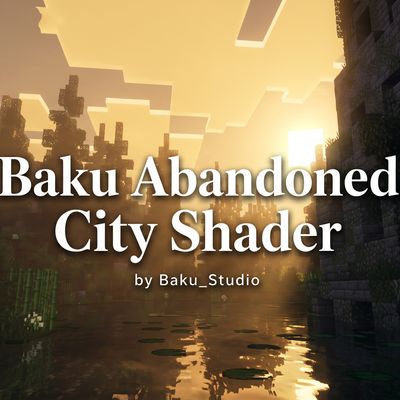
Baku Abandoned City Shader
Bedrock texture pack listed for Minecraft 1.21–26.x. File opened and checked on 31 Aug 2026; installs from the MC Bedrock Mods app on Android.
Baku Abandoned City Shader by Baku_Studio – Soft cinematic Vibrant Visuals with warm sunlight, atmospheric haze, muted greens and ...
⬇ Download on CurseForge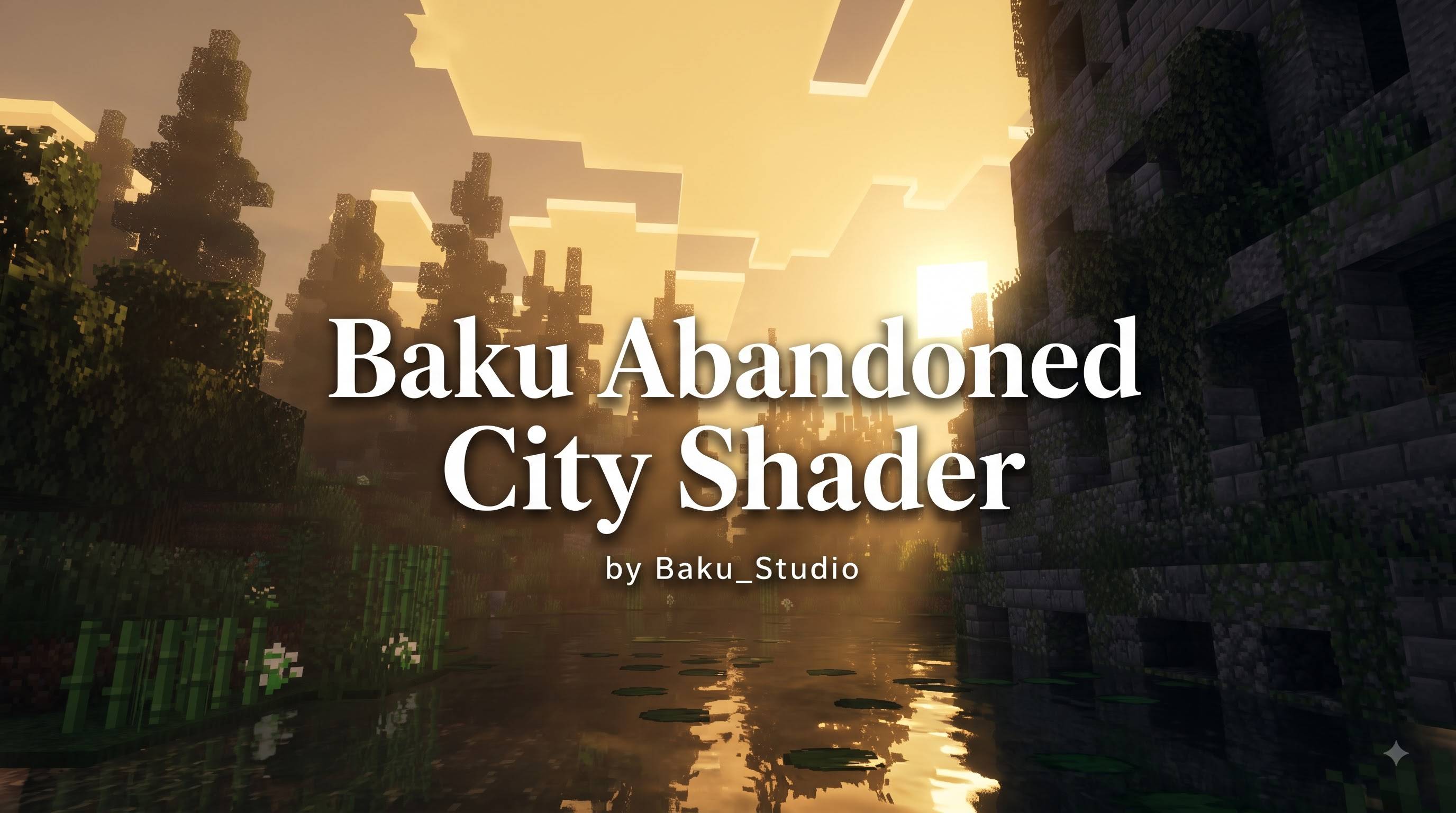
Baku Abandoned City Shader
Author: Baku_Studio
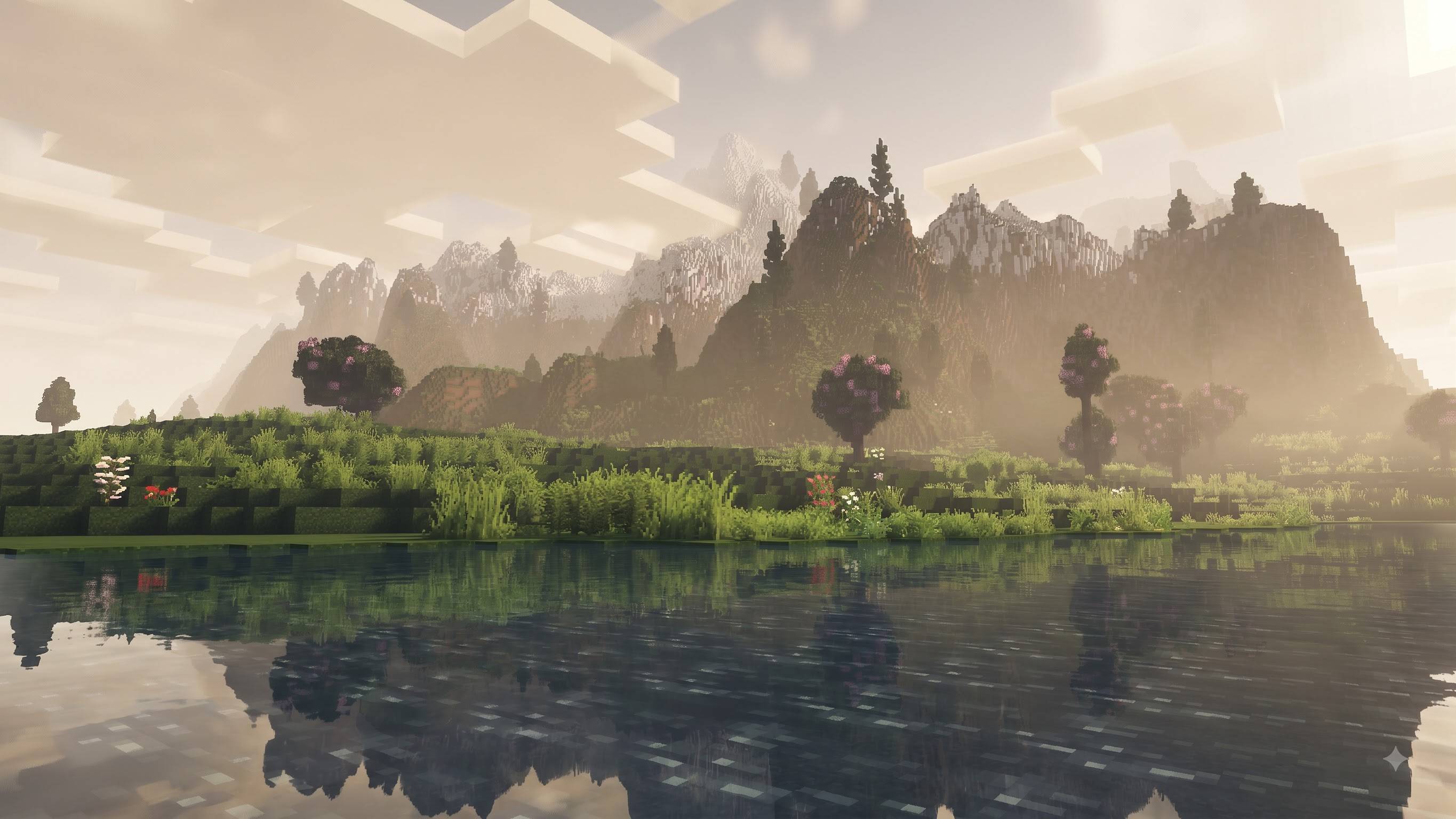
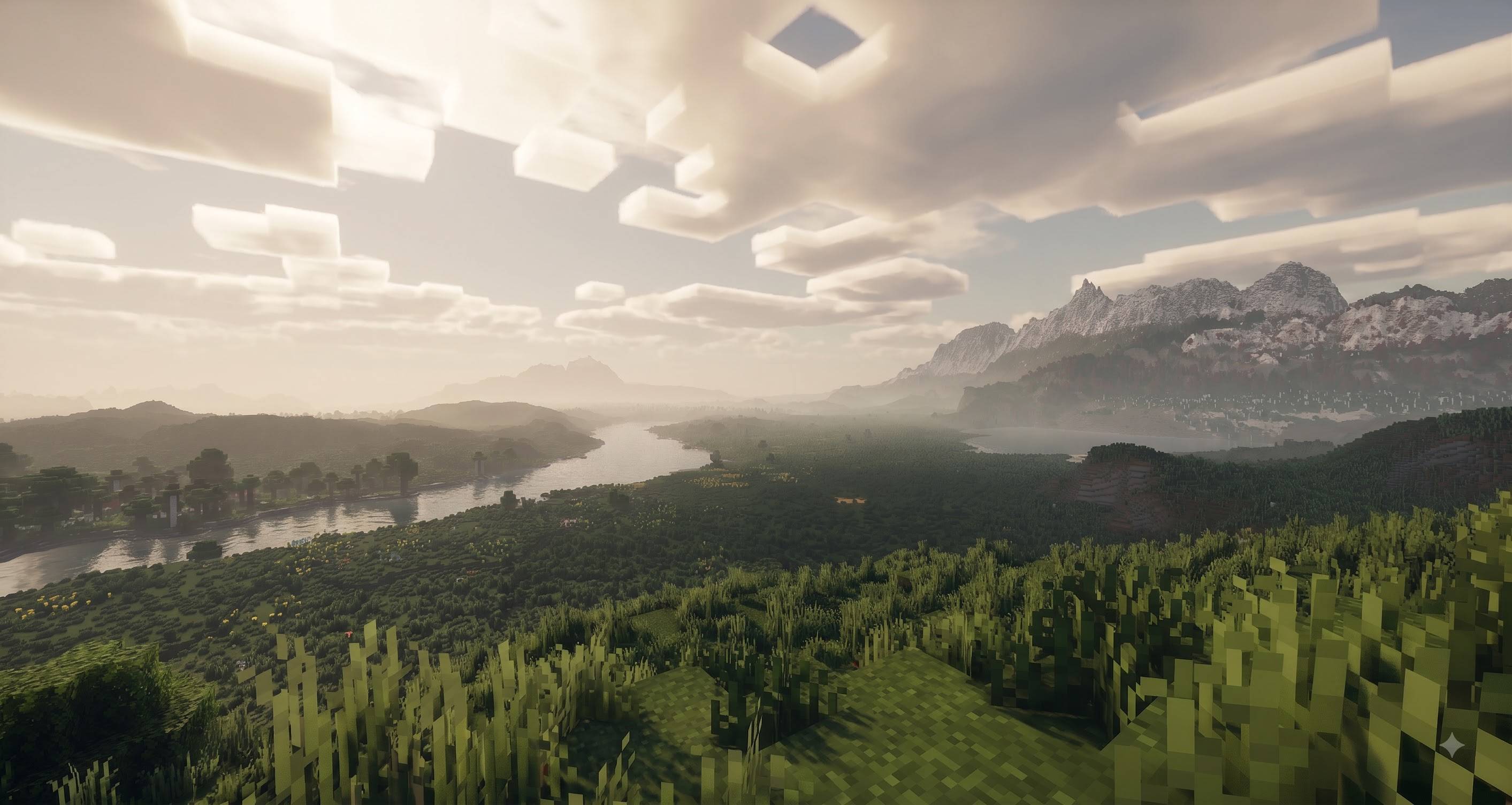
Baku Abandoned City Shader is an original Minecraft Bedrock Edition resource pack built for the official Vibrant Visuals (RenderDragon) graphics mode. It is designed to reproduce a soft, cinematic, atmospheric daylight look with natural lighting, gentle fog, muted greens and calm teal water while fully preserving Minecraft’s classic block style and pixel textures.
Pack Information
- Pack Name: Baku Abandoned City Shader
- Author: Baku_Studio
- Type: Vibrant Visuals / PBR Resource Pack
- Supported Versions: Minecraft Bedrock Edition & Pocket Edition 1.21.120 and newer (1.21 – 1.26 generation)
- Required Graphics Mode: Vibrant Visuals
- Platform: Android, iOS, Windows, Xbox, PlayStation (devices that support Vibrant Visuals)
Installation
- Import into Minecraft Bedrock.
- Activate the pack.
- Set Graphics Mode → Vibrant Visuals.
- Play.
Visual Style
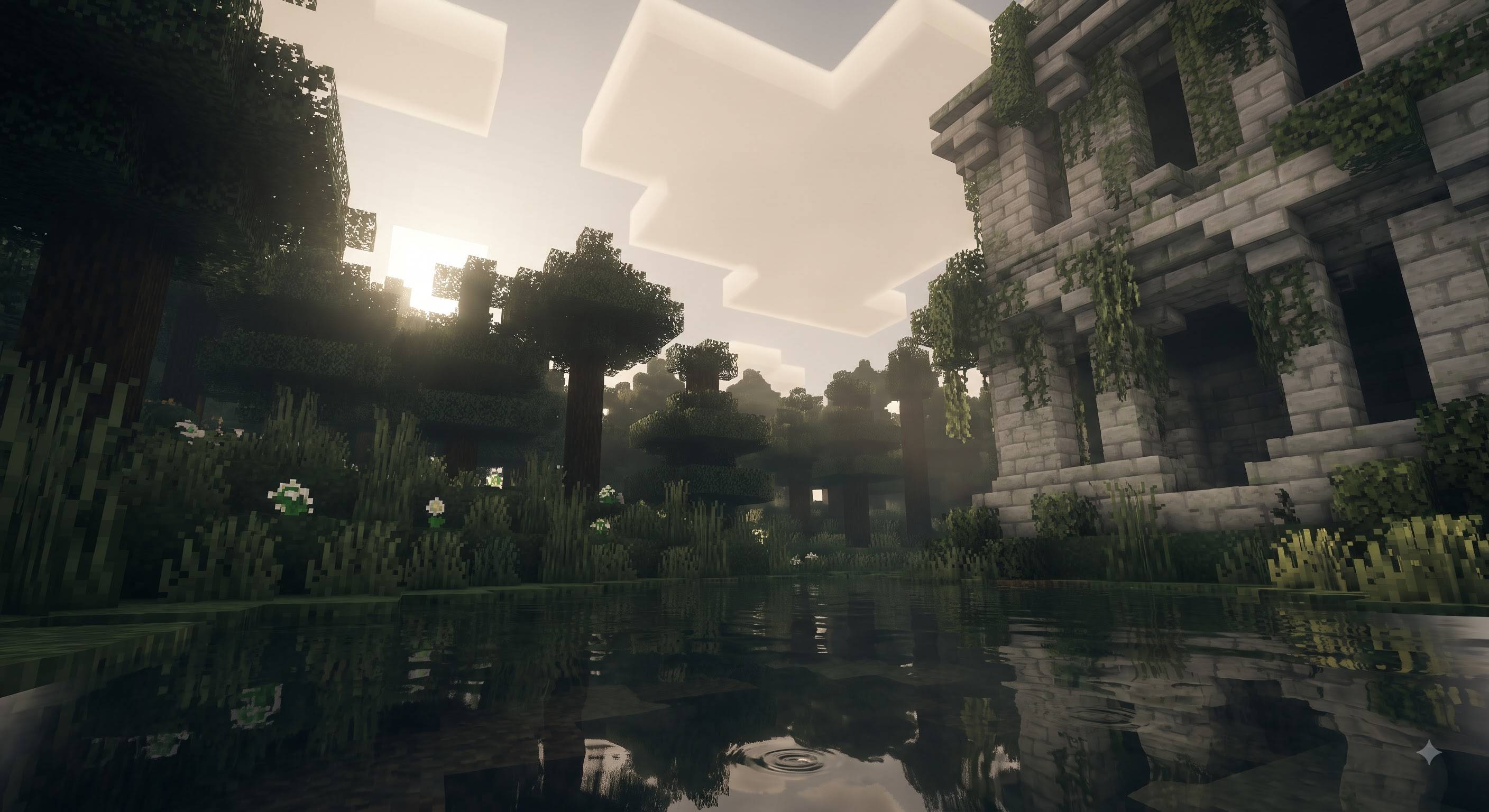
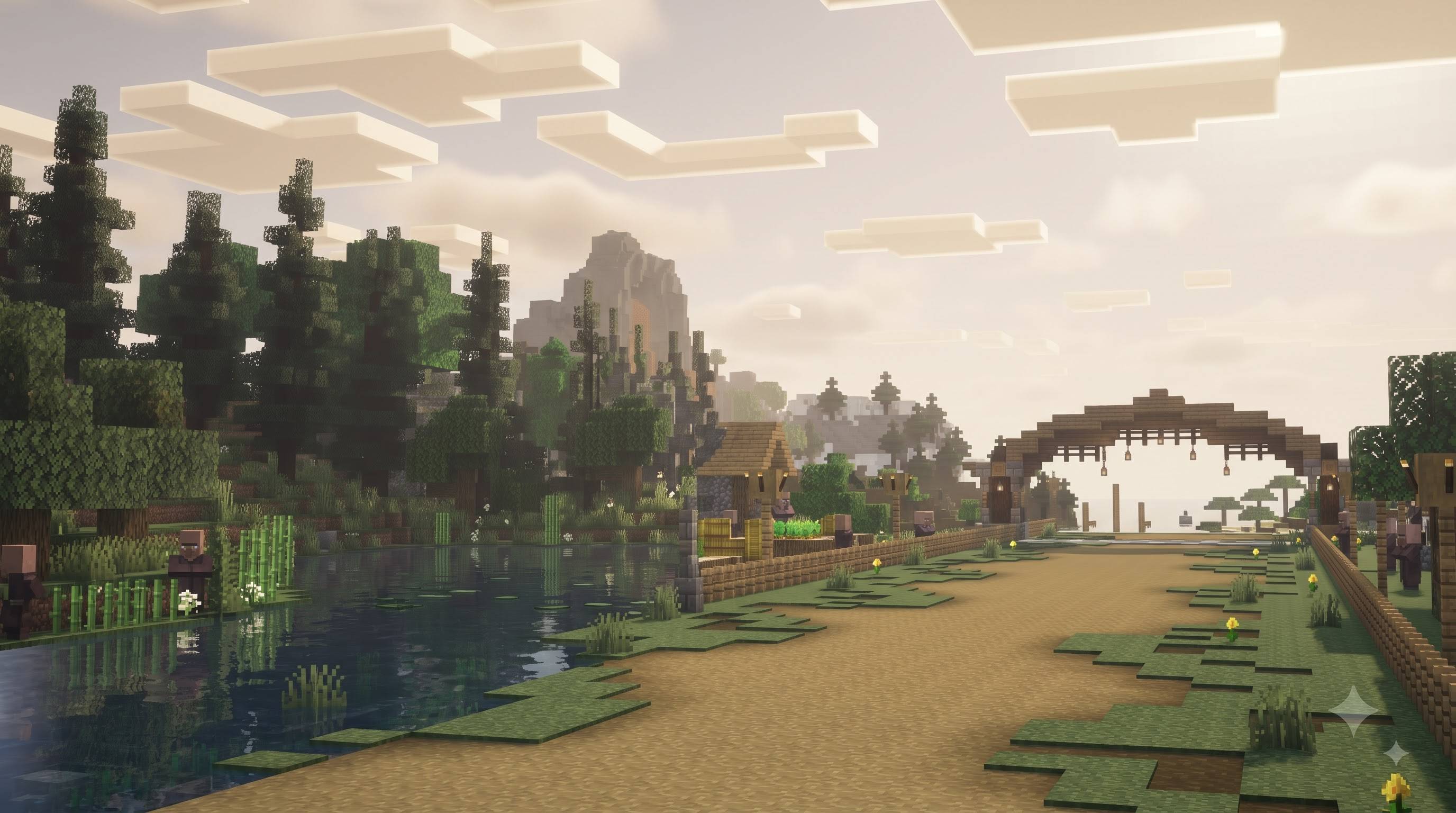
The pack focuses on a peaceful, soft, slightly hazy cinematic atmosphere. Lighting is warm-neutral and diffused. Shadows stay soft and never pure black. Distant terrain fades naturally into atmospheric haze. Colors remain muted and natural — especially the greens of grass and leaves. Water appears translucent teal/cyan with soft reflections. The overall mood is calm, immersive and modern while still looking unmistakably like Minecraft.
Features
Lighting
- Soft warm-neutral directional sunlight
- Smooth highlight rolloff (no harsh white clipping)
- Balanced ambient fill so shadows remain visible
- Natural contrast between direct sun, ambient light and shade
Atmosphere & Fog
- Soft layered distance fog
- Atmospheric haze and depth separation
- Bright horizon glow
- Mie scattering for gentle sun glow / bloom-like effect
- Smooth blending of distant terrain into the sky
Color Grading
- Muted cinematic green vegetation
- Natural medium-to-dark grass and leaf tones
- Soft shadow lift
- Controlled highlight compression
- Subtle warm color temperature (~5800 K)
- Filmic-style tone mapping
Water
- Translucent teal / cyan-green body color
- Soft environment and sky reflections
- Gentle surface waves
- Soft specular highlights
- Depth-based coloration
- Not flat blue and not mirror-like
Shadows & Materials
- Soft natural shadow appearance
- Subtle ambient occlusion influence through lighting balance
- Default PBR material response tuned for realistic roughness
- Preserves original Minecraft block textures and geometry
Time of Day Support
- Keyframed values for sunrise, day, sunset and night
- Warmer light and stronger haze at sunrise/sunset
- Cooler ambient tones at night
What This Pack Does NOT Do
- Does not replace Minecraft textures with realistic or AI-upscaled textures
- Does not change block geometry or proportions
- Does not require RTX, Java Edition, OptiFine, Iris or any external shader loader
- Does not use unsupported or invented JSON properties
Technical Details
- Uses only official Vibrant Visuals systems:
- lighting/global.json
- atmospherics/atmospherics.json
- color_grading/color_grading.json
- water/water.json
- pbr/global.json
- Capability: "pbr"
- Minimum engine version: 1.21.120
- Lightweight configuration-only pack (excellent performance)
Installation
- Import the .mcpack file into Minecraft Bedrock.
- Activate Baku Abandoned City Shader in Global Resources or World Resource Packs.
- Go to Settings → Video → Graphics Mode and select Vibrant Visuals.
- Enter any world.
Performance
The pack is very lightweight because it only adjusts lighting, atmosphere, water and color grading parameters. It runs well on mobile devices that support Vibrant Visuals as well as on Windows and consoles.
Credits
Created by Baku_Studio.
This is an original implementation inspired by cinematic soft-lighting reference visuals. No proprietary shader source code was used or copied.
- Edition: Minecraft Bedrock
- File type: .mcpack
- Minecraft versions listed: 1.21, 26.0
- How to install: Download the .mcpack. → Open it — Minecraft imports it under Resource Packs. → Activate it in Global Resources, or for one world under Resource Packs → Available.
- Where to get it: Opens on CurseForge — not every file is mirrored on our own servers.
Install steps are the general flow for this file type — How to install Minecraft Bedrock texture packs walks through it step by step.
- Pack type: .mcpack — a single pack
- Manifest requires Minecraft 1.21.120 or newer
- Complete pack — everything it depends on is inside the file
- Download size: 10 KB
- Download link checked 11 Oct 2026 — working
These come from our own check of the pack file, not from the source page.