ShadersBedrock
Newb NightfFall Official Shader (26.x) – Starry Night Skies for Render Dragon
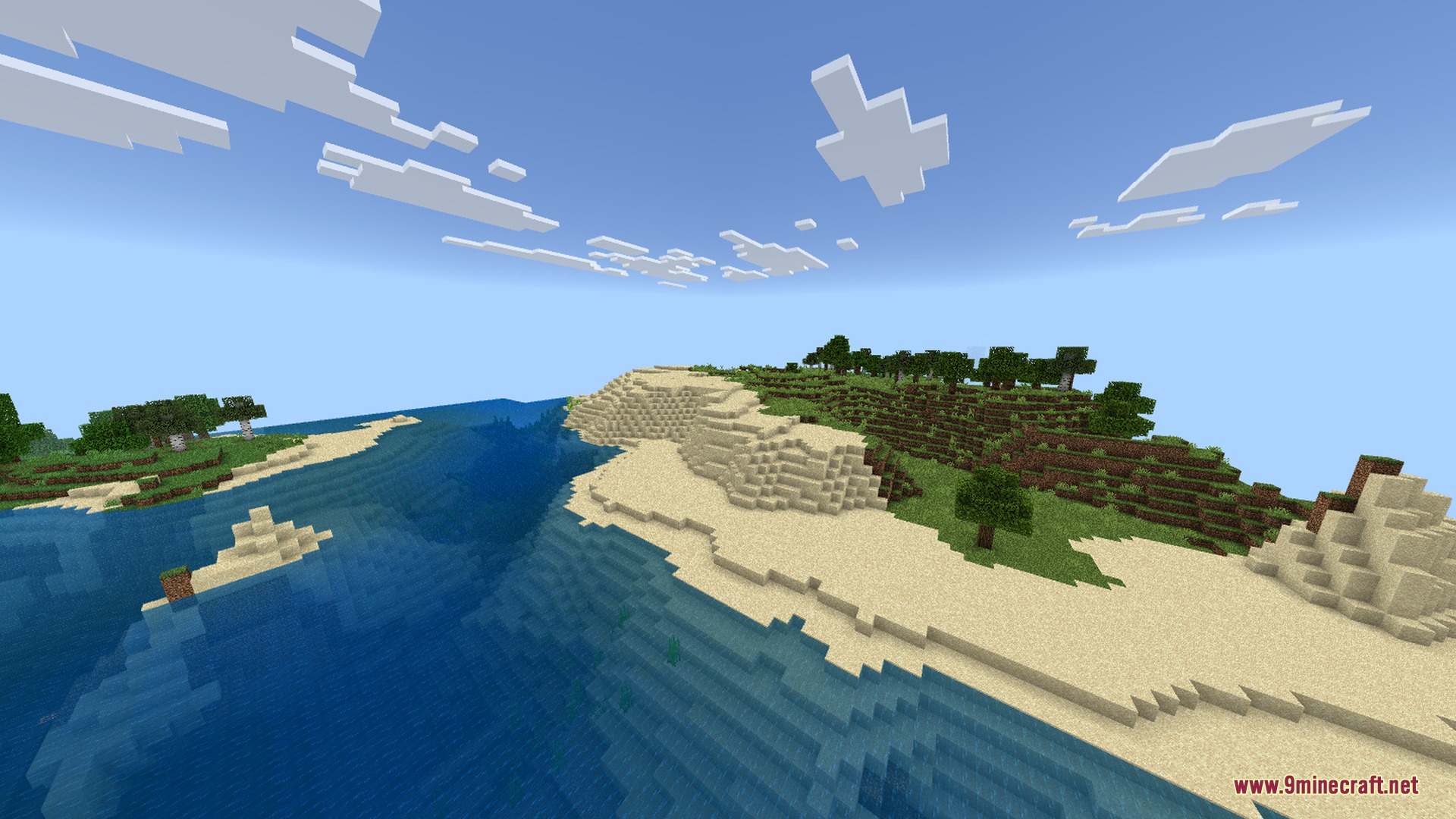
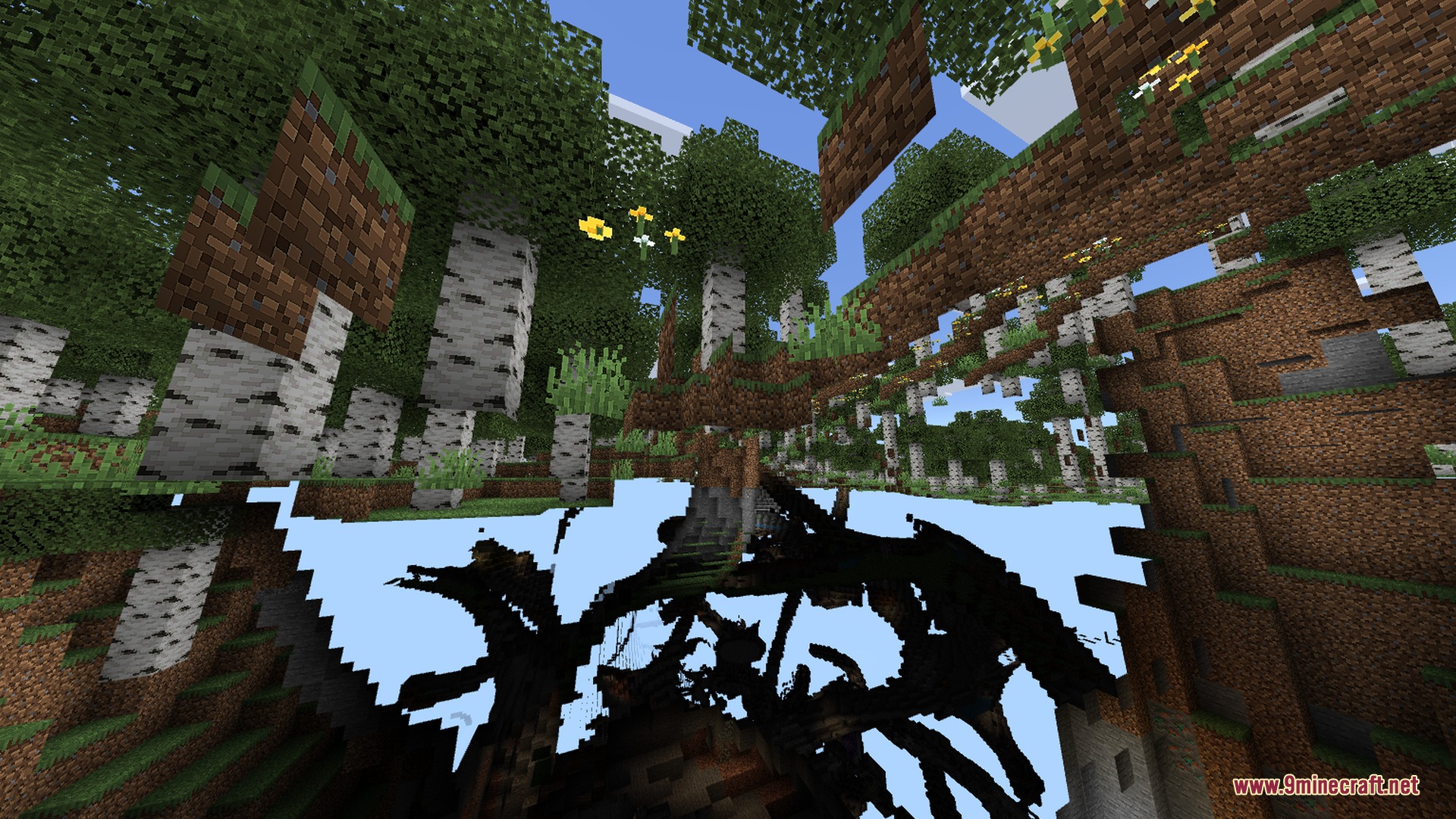
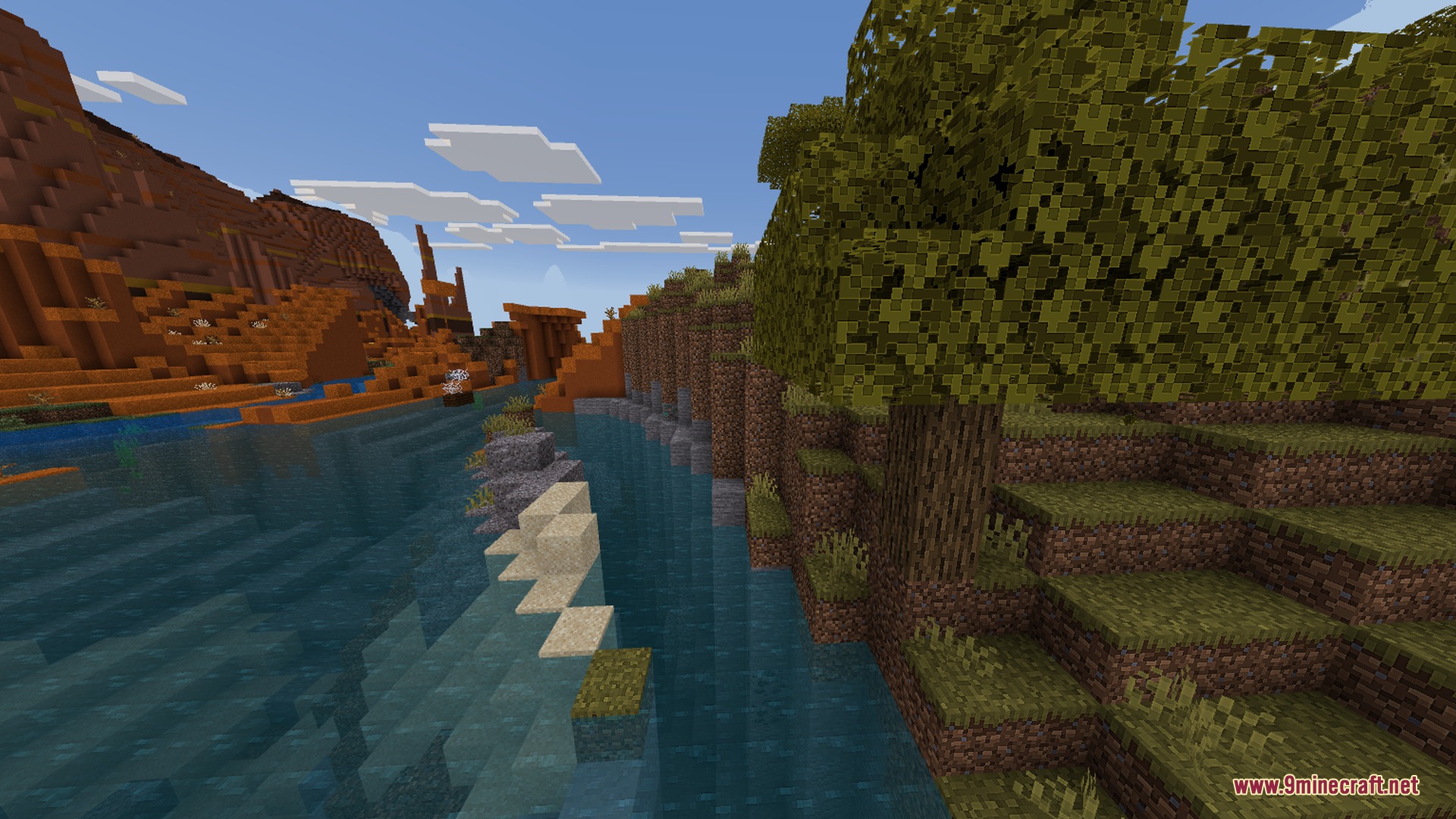
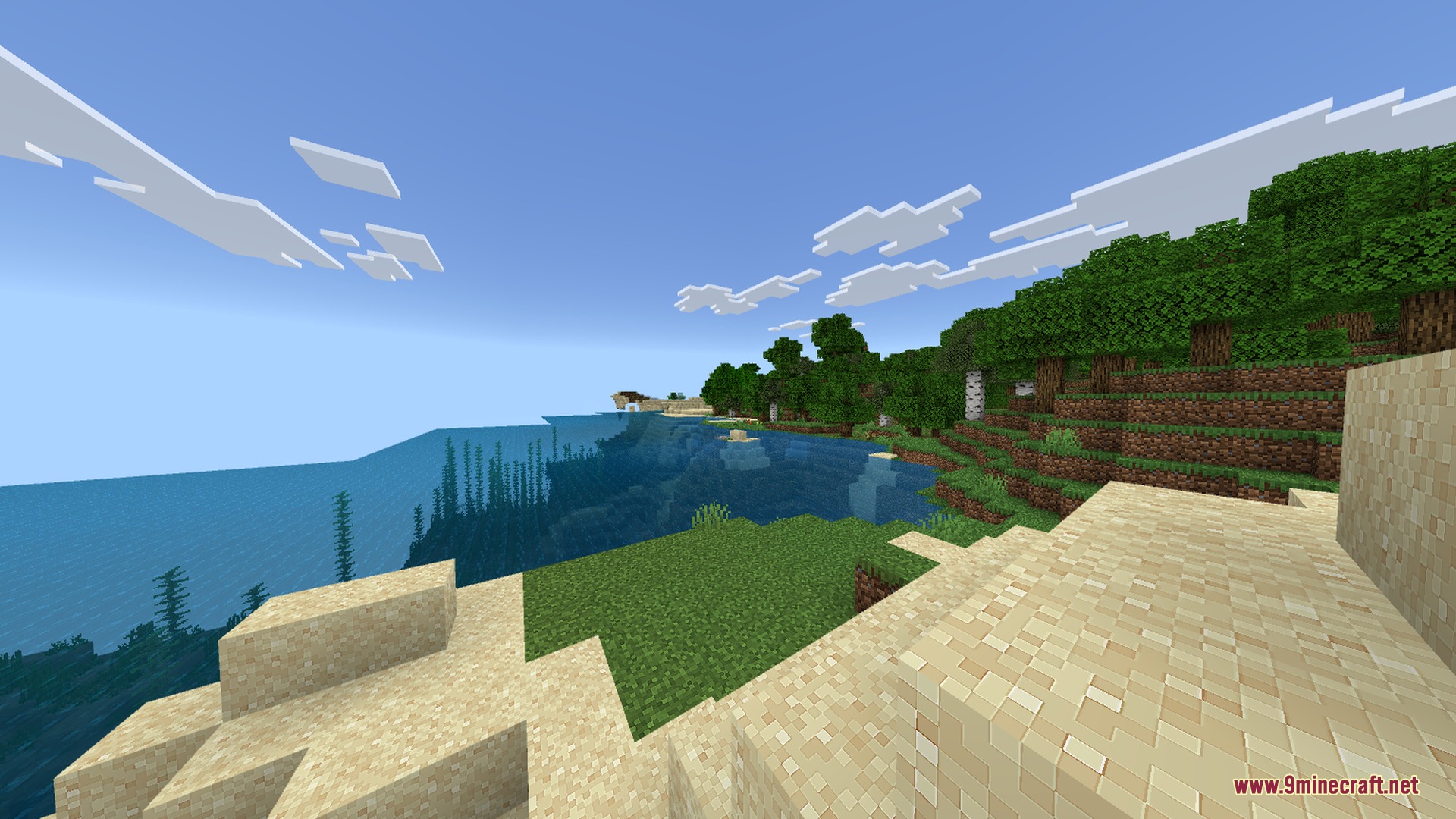
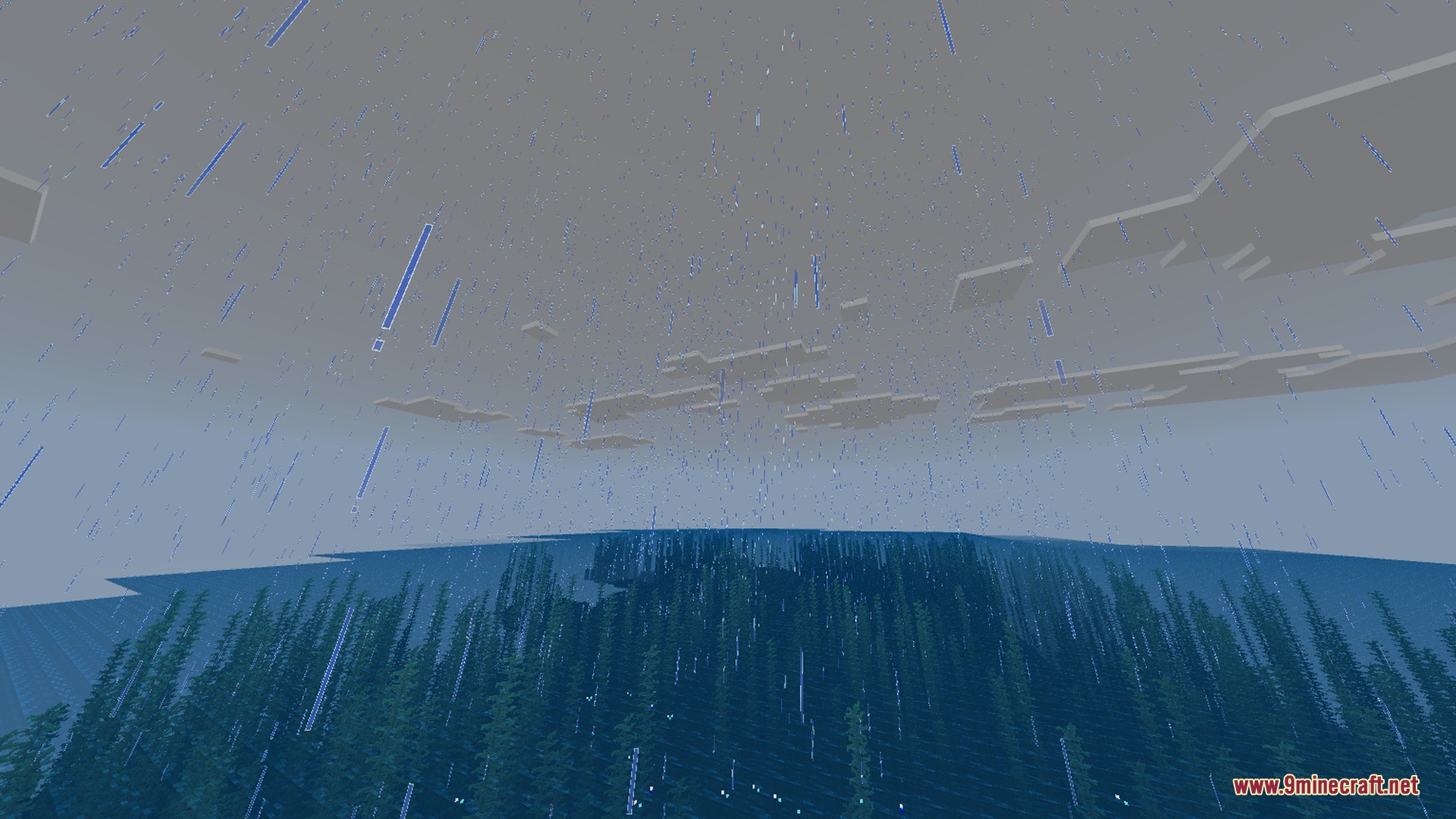
Newb NightfFall Official brings fantasy-inspired skies and softer environmental lighting to your Bedrock worlds. It enhances sunrises, sunsets, and dark night skies to make your landscapes look magical. The pack is tailored for Render Dragon devices to give you clean visuals without slowing down gameplay.
Features:
- Adds a beautiful starry night sky to your world.
- Upgrades clouds with cleaner and softer shapes.
- Improves colorful sunrise and sunset horizons.
- Brings fantasy-style lighting to nighttime environments.
- Runs smoothly with full Render Dragon optimization.
Screenshots:
Newb NightfFall Official Shader Download Links
Quick facts
- Edition: Minecraft Bedrock
- File type: .mcpack
- How to install: Download the .mcpack. → Open it — Minecraft imports it under Resource Packs. → Activate it in Global Resources, or for one world under Resource Packs → Available.
- Where to get it: In MCModsHub, or directly above on this page.
Install steps are the general flow for this file type — How to install Minecraft Bedrock texture packs walks through it step by step.
Verified by MCModsHub
- Pack type: .mcpack — a single pack
- Manifest requires Minecraft 1.26.10 or newer
- Complete pack — everything it depends on is inside the file
- Download size: 1.6 MB
- Download link checked 31 Aug 2026 — working
- Mirrored on our own servers — the download does not depend on the original host
These come from our own check of the pack file, not from the source page.