ShadersBedrock
Enchanted Outline Shader (26.x) – Custom Glowing Gear Outlines with Zero Lag
Bedrock shader pack for the Vibrant Visuals mode listed for Minecraft 26.x. File opened and checked on 24 Oct 2026; installs from the MC Bedrock Mods app on Android.
⬇ Download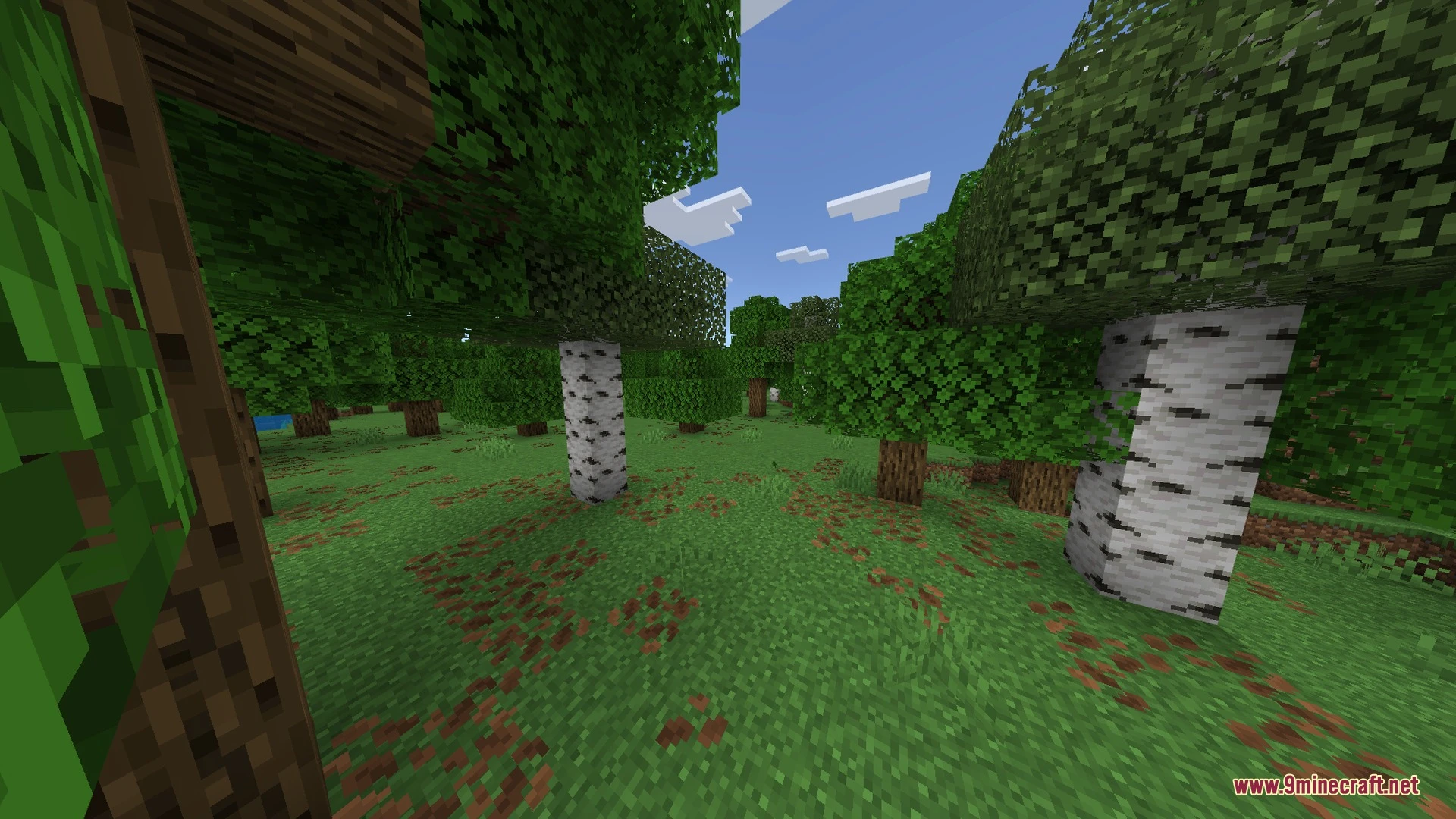
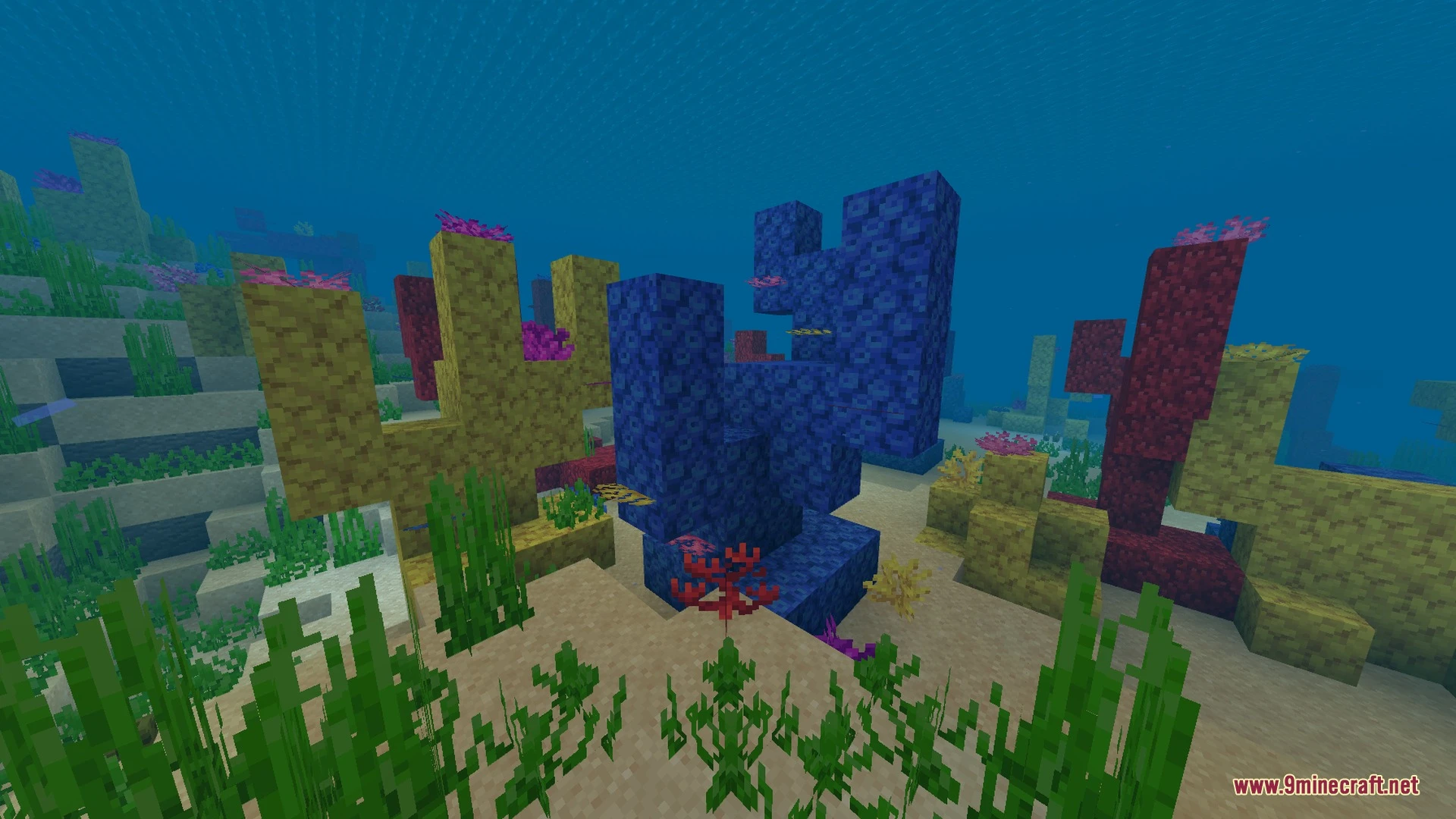
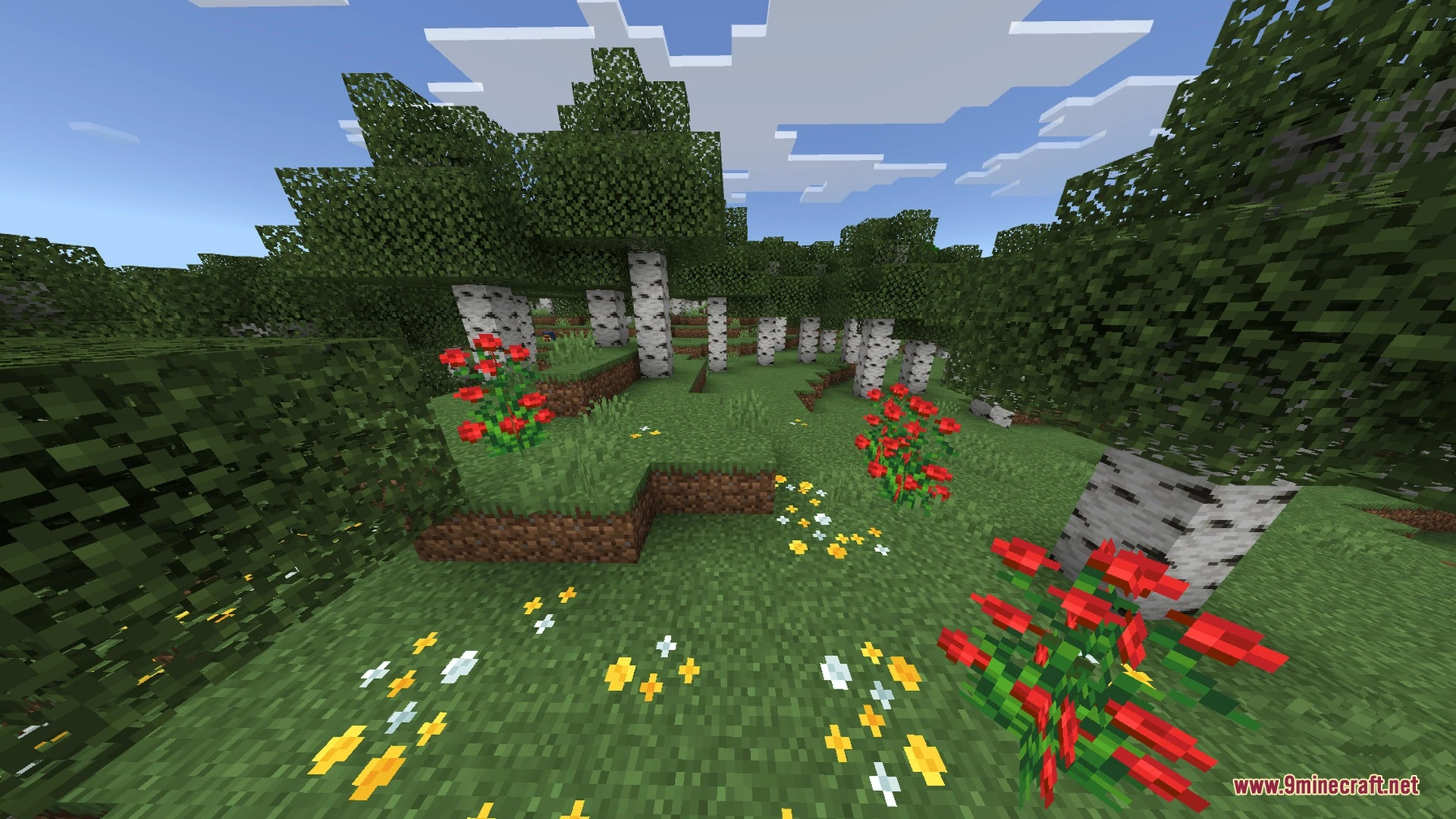
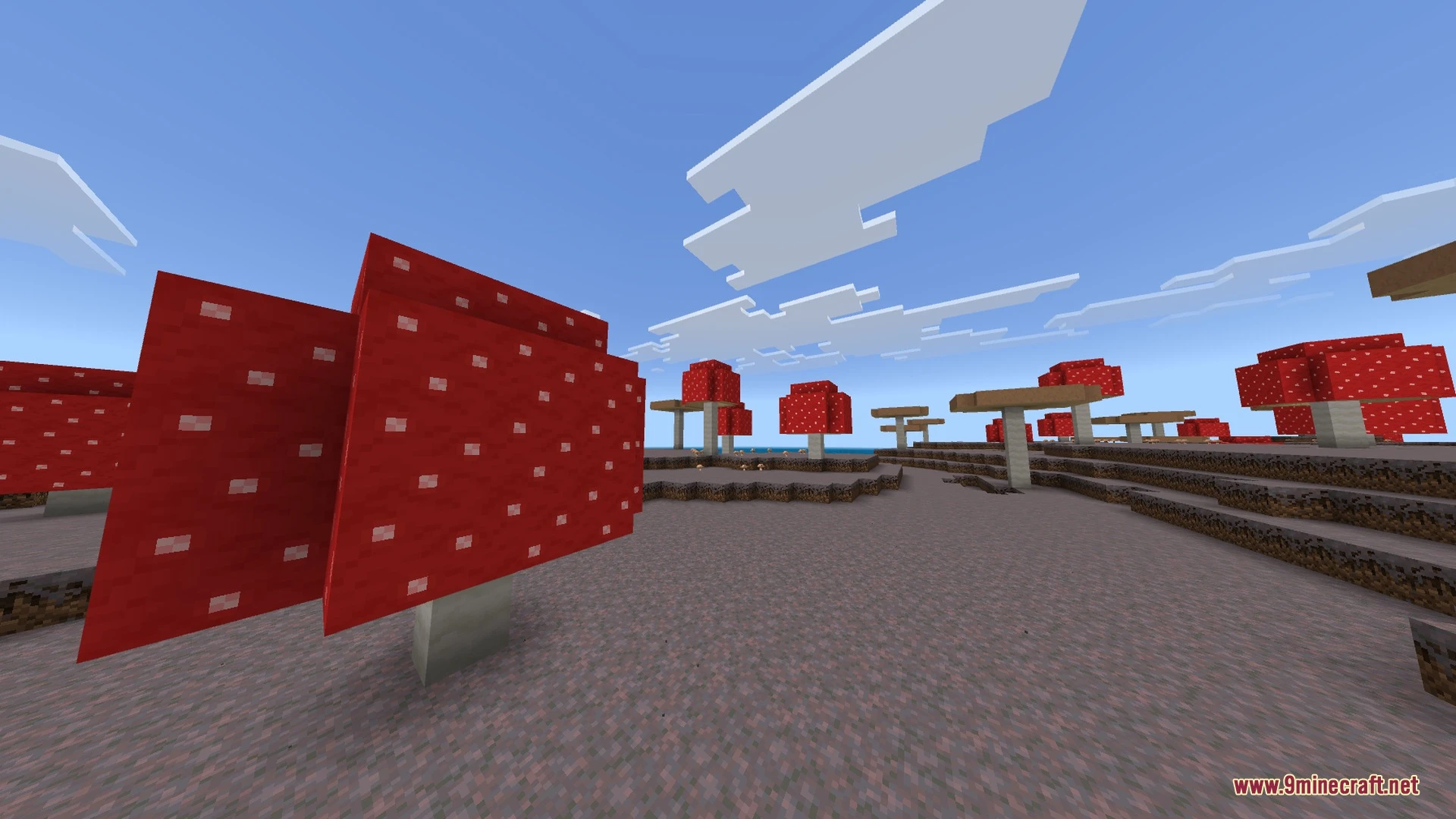
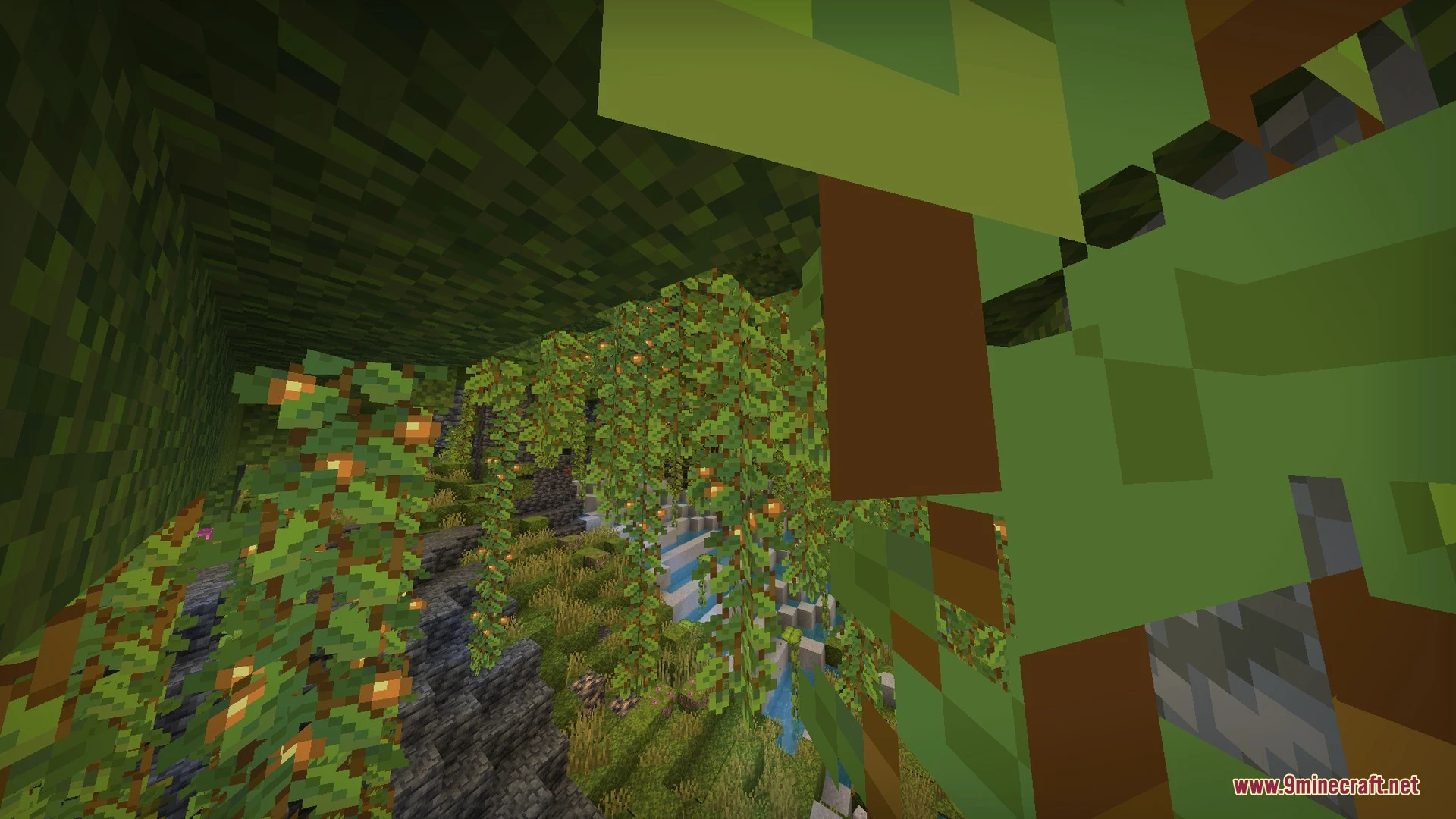
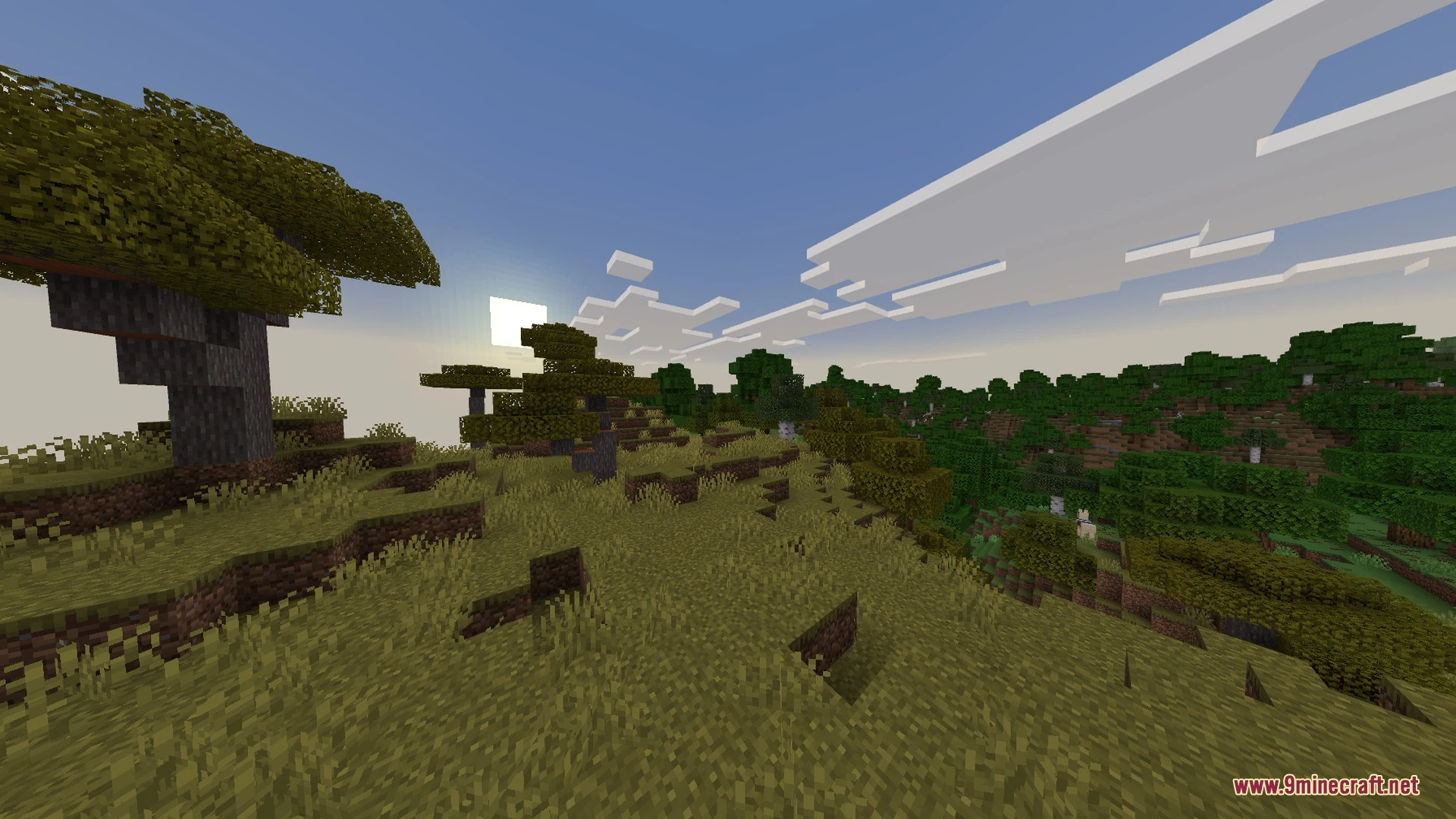
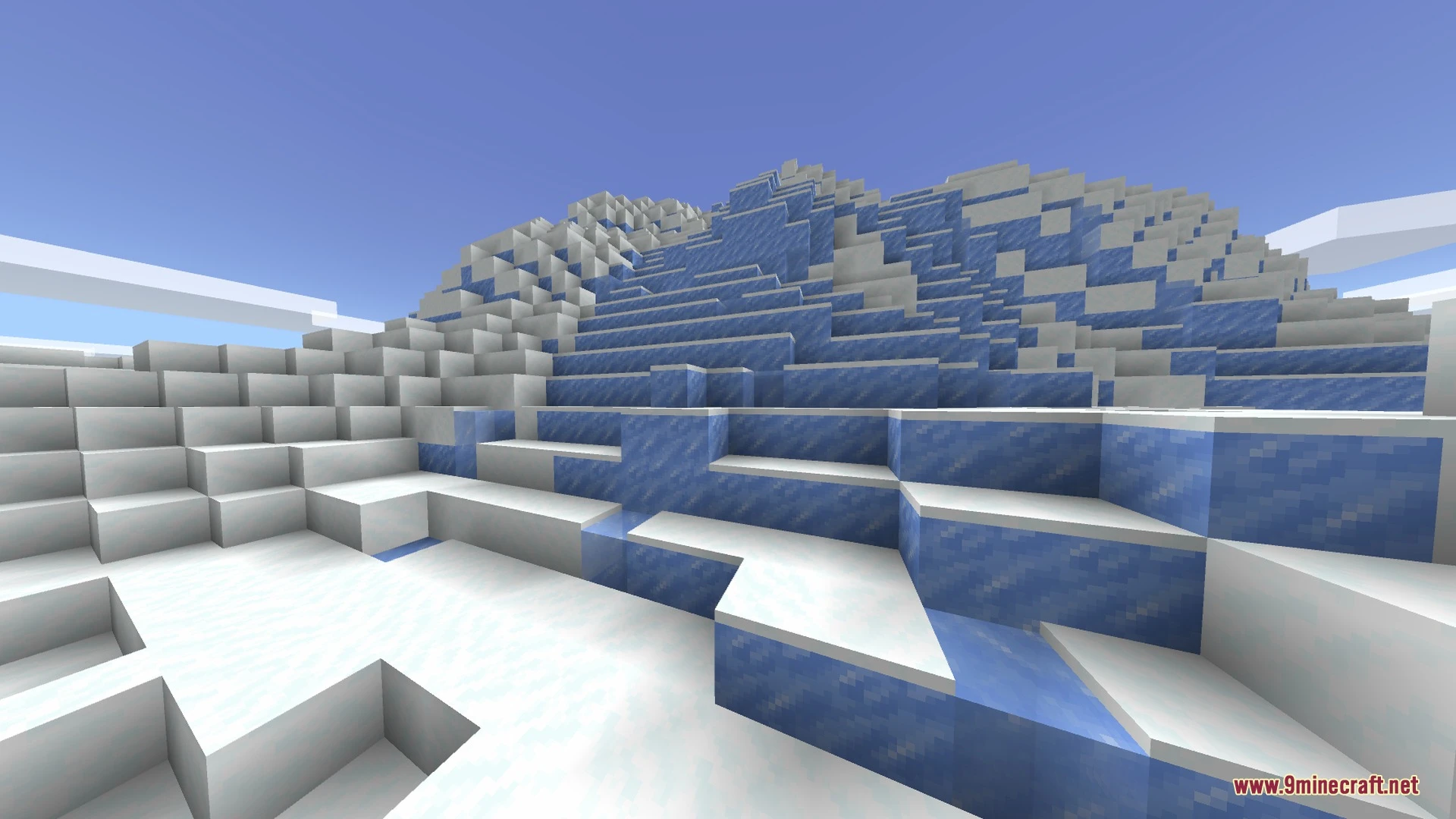
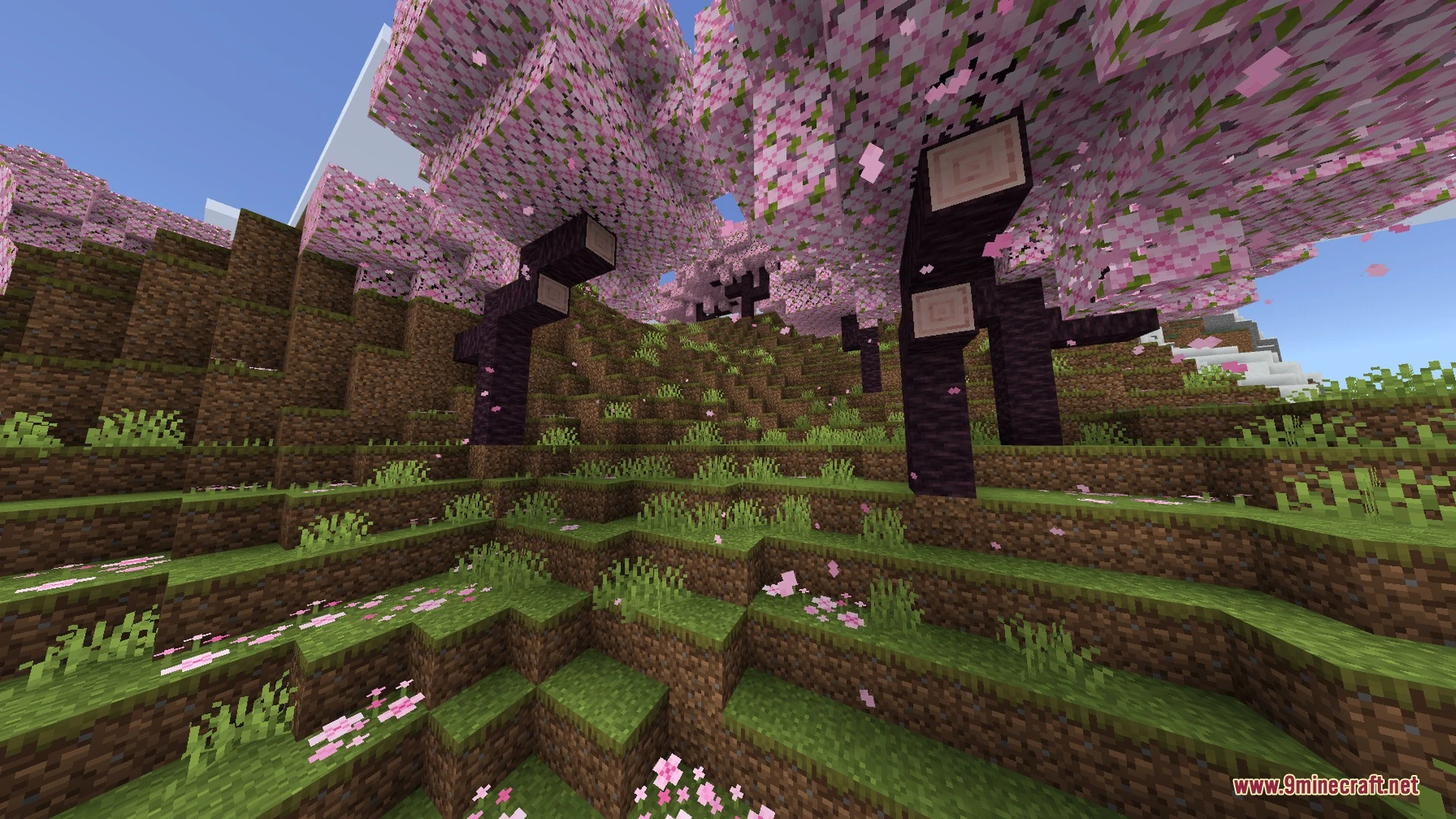
Enchanted Outline adds clean, glowing outlines to enchanted gear so valuable tools and weapons stand out easily. It lets you spot your best swords and pickaxes instantly inside messy chests and inventories. The visual effect keeps the vanilla feel while making equipment identification fast and simple.
Features:
- Adds bright, glowing outlines to enchanted pickaxes and swords.
- Pickaxes support customizable glint colors, outline colors, and sizes.
- Includes three rainbow modes with animated color-cycling effects.
- Offers four different sword sizes and adjustable outline thickness.
- Runs smooth with zero frame rate drops on any device.
Screenshots:
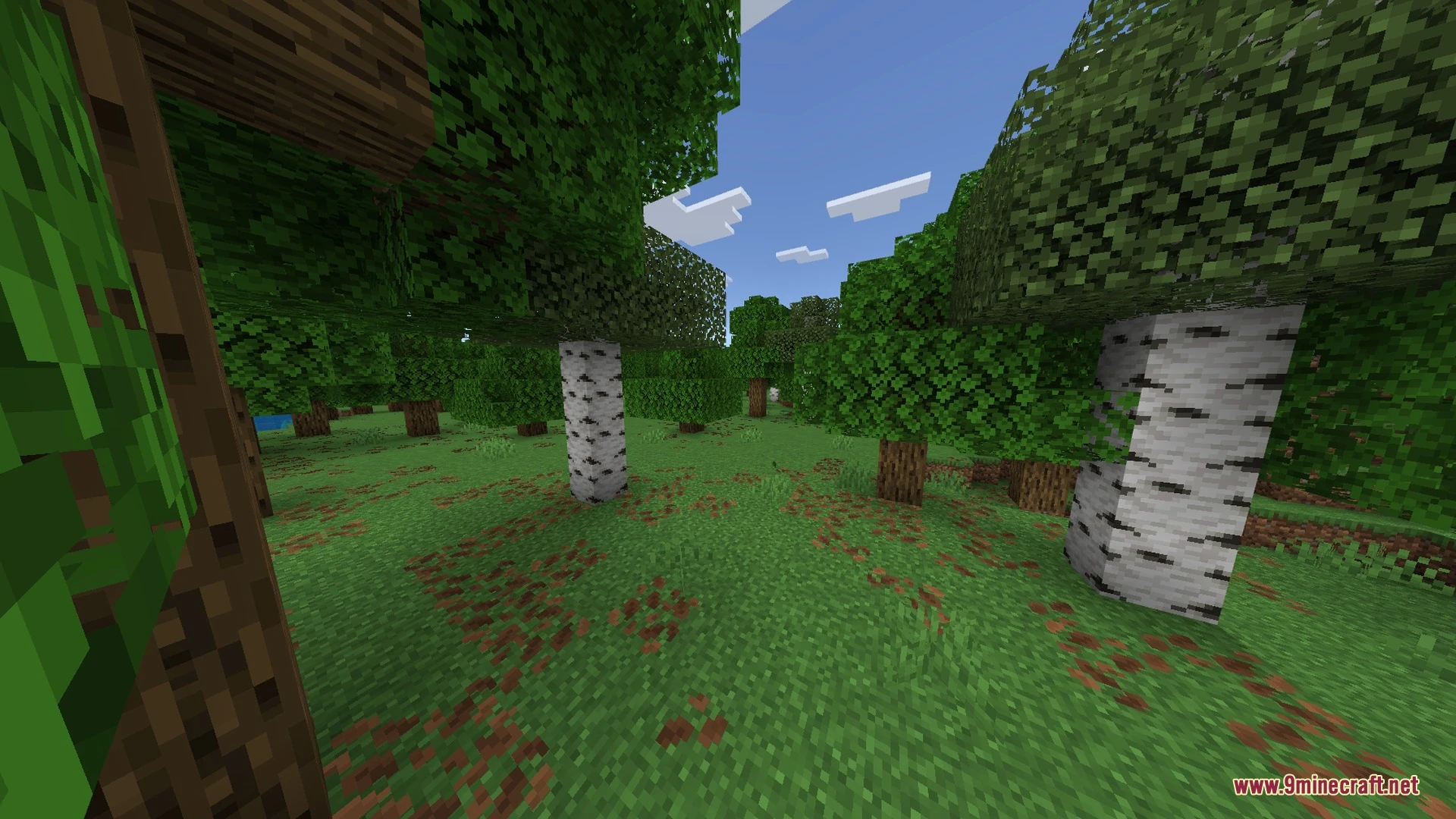
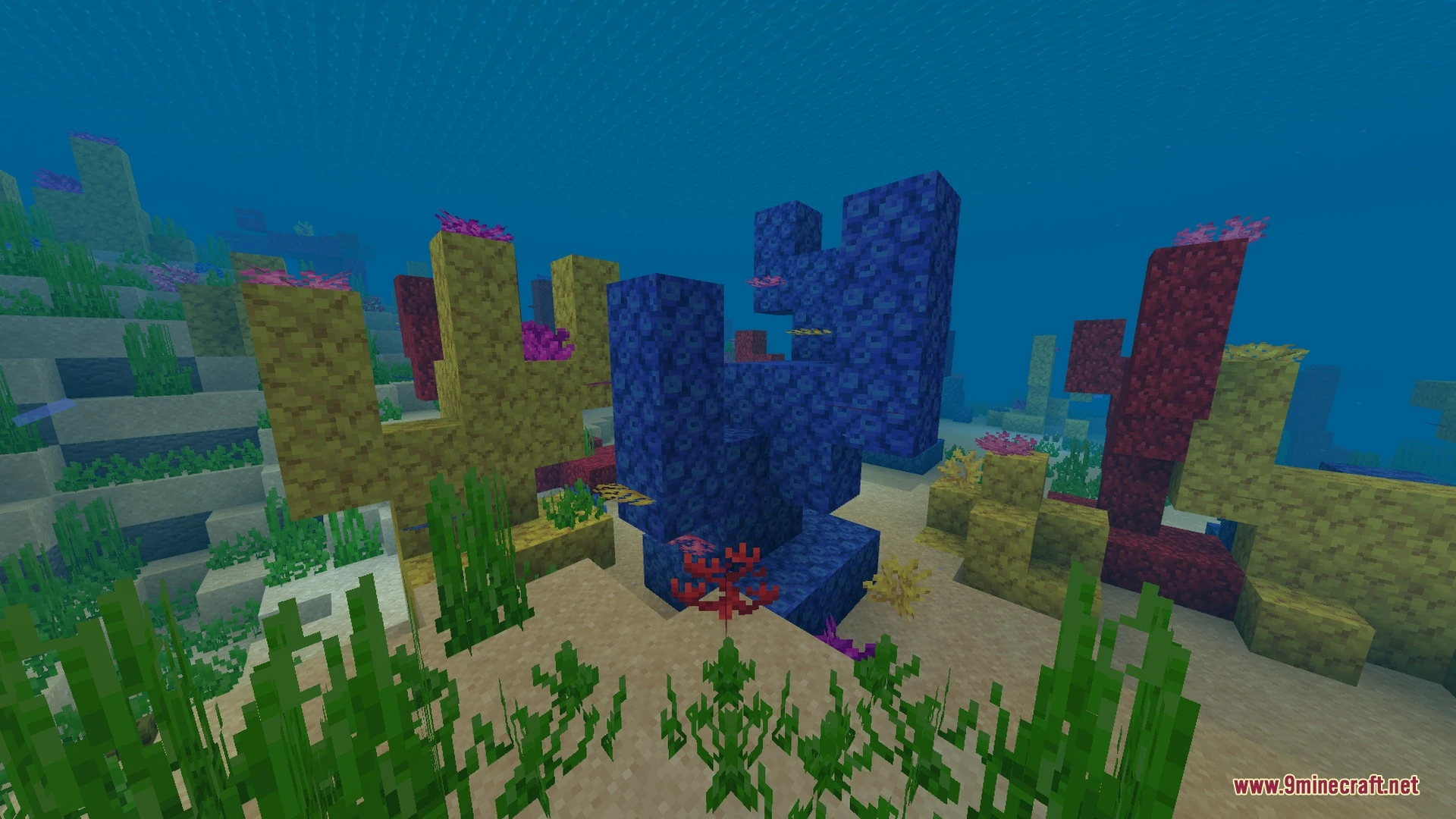
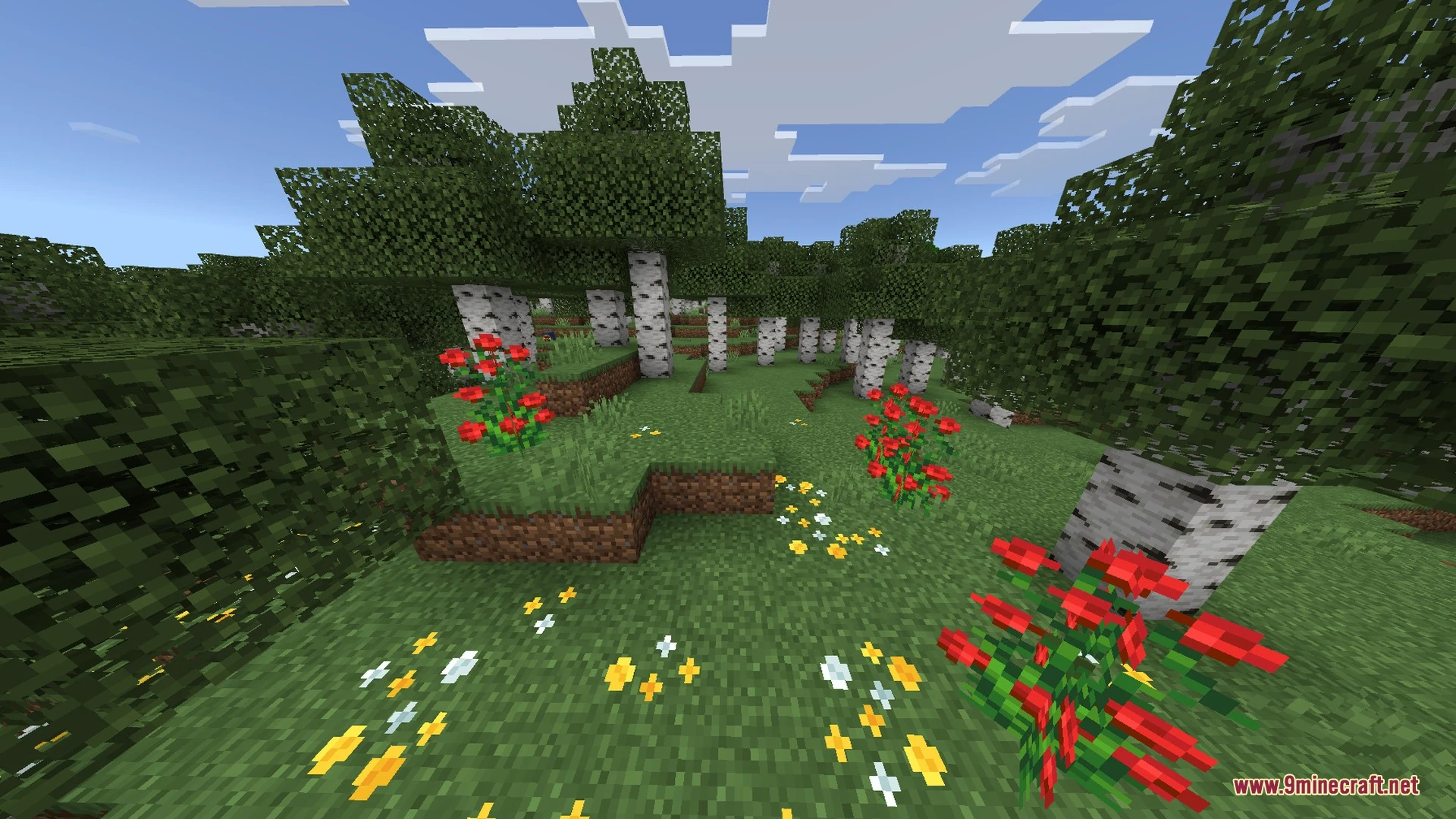
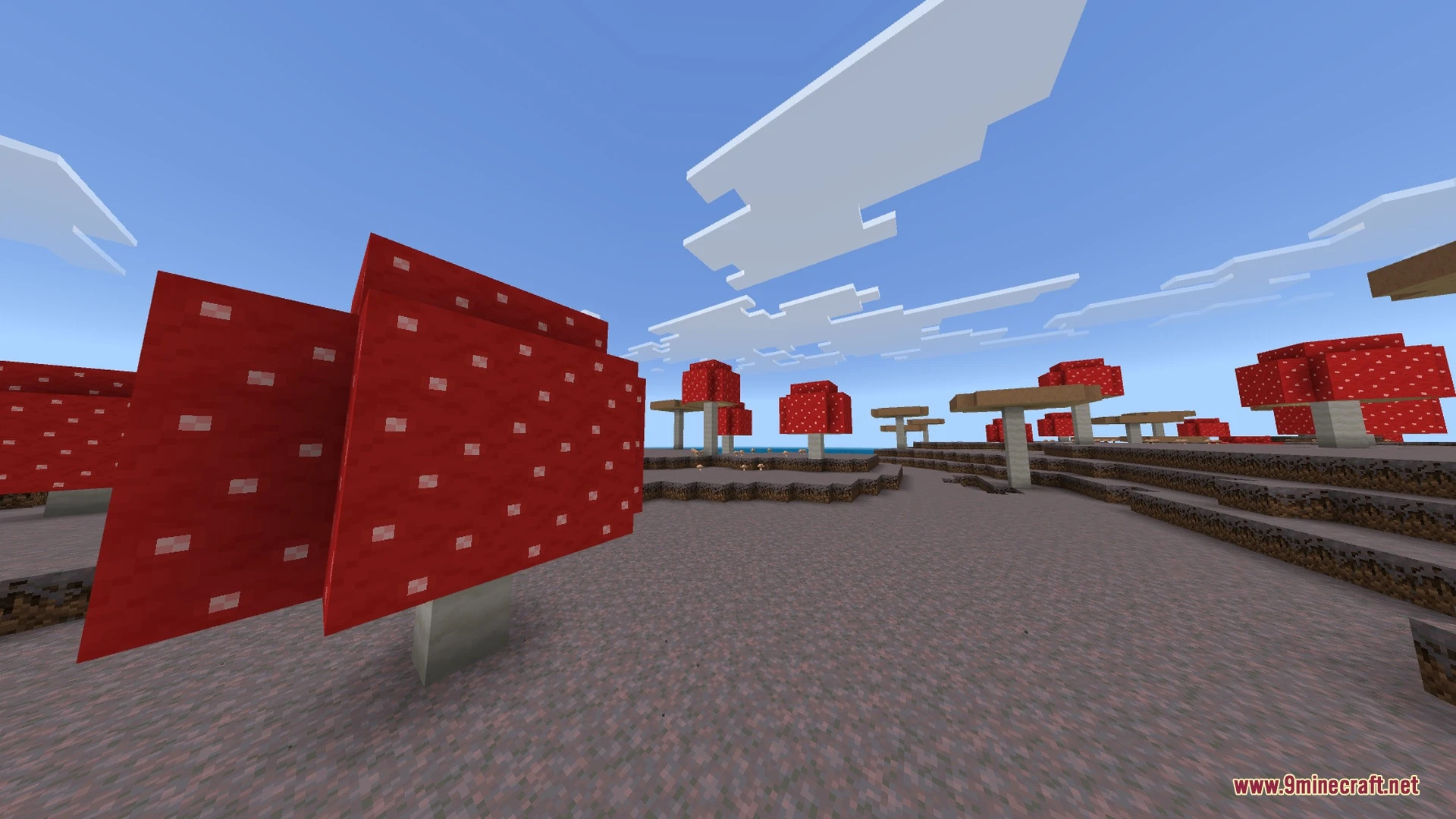
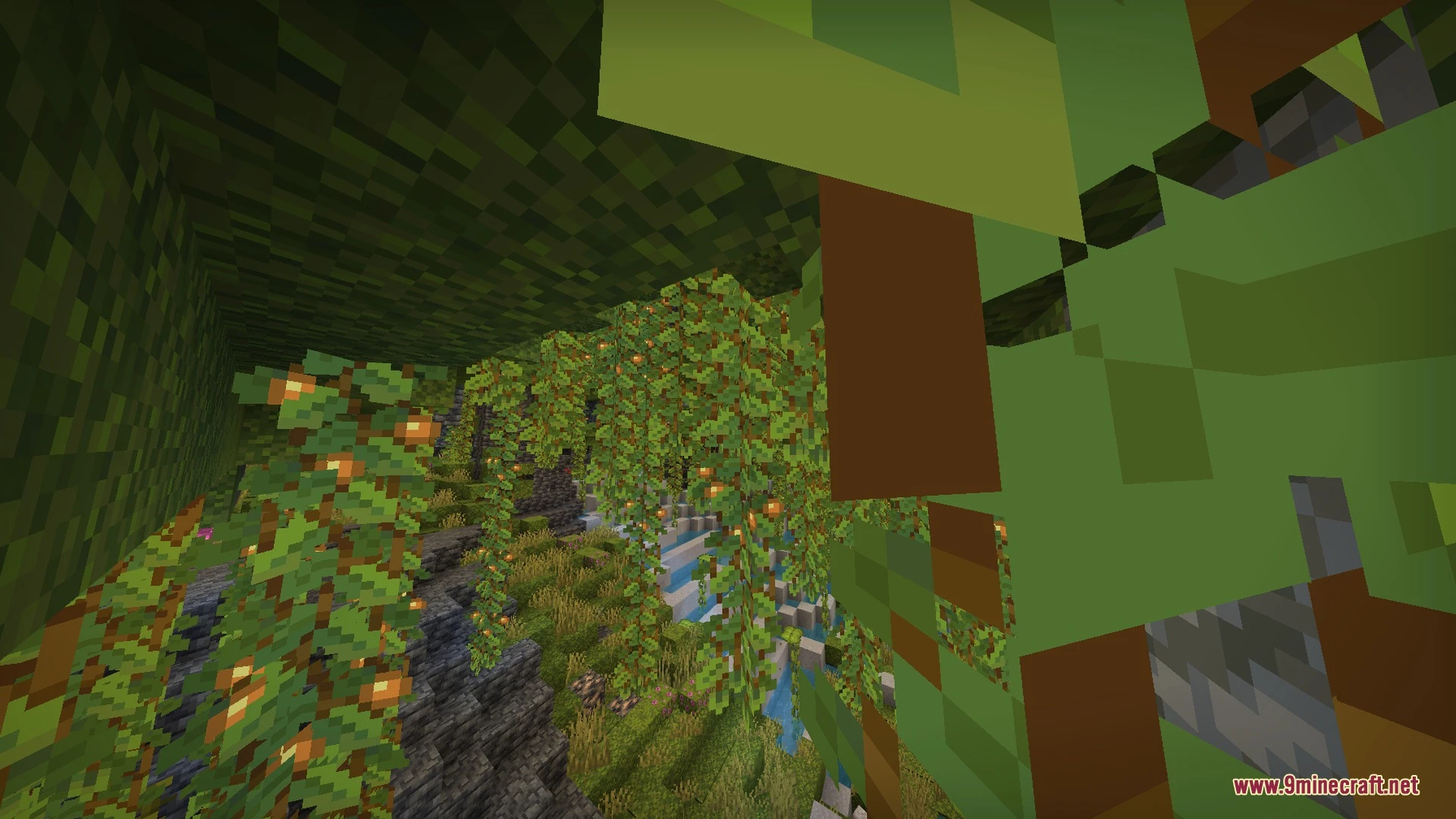
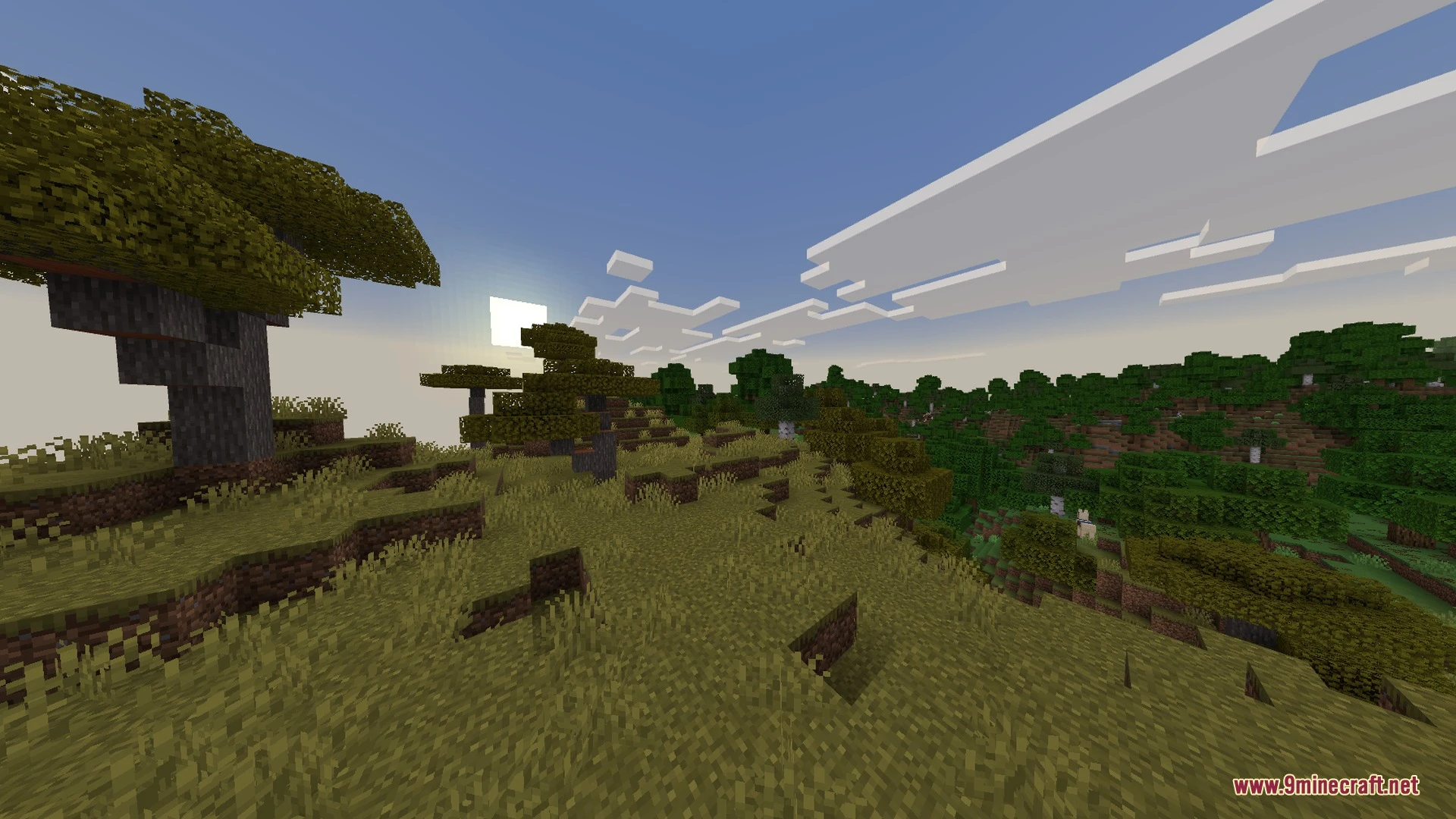
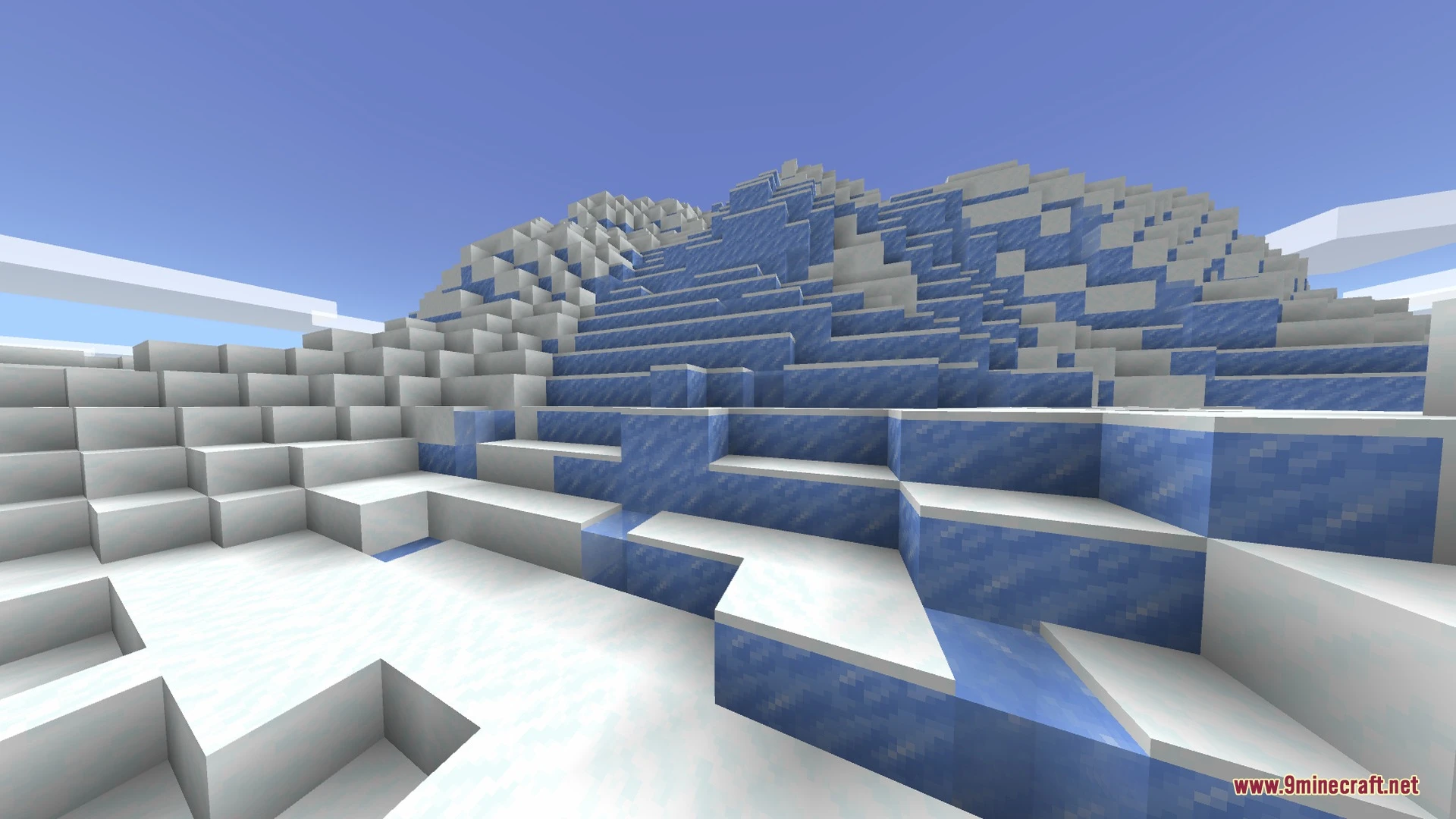
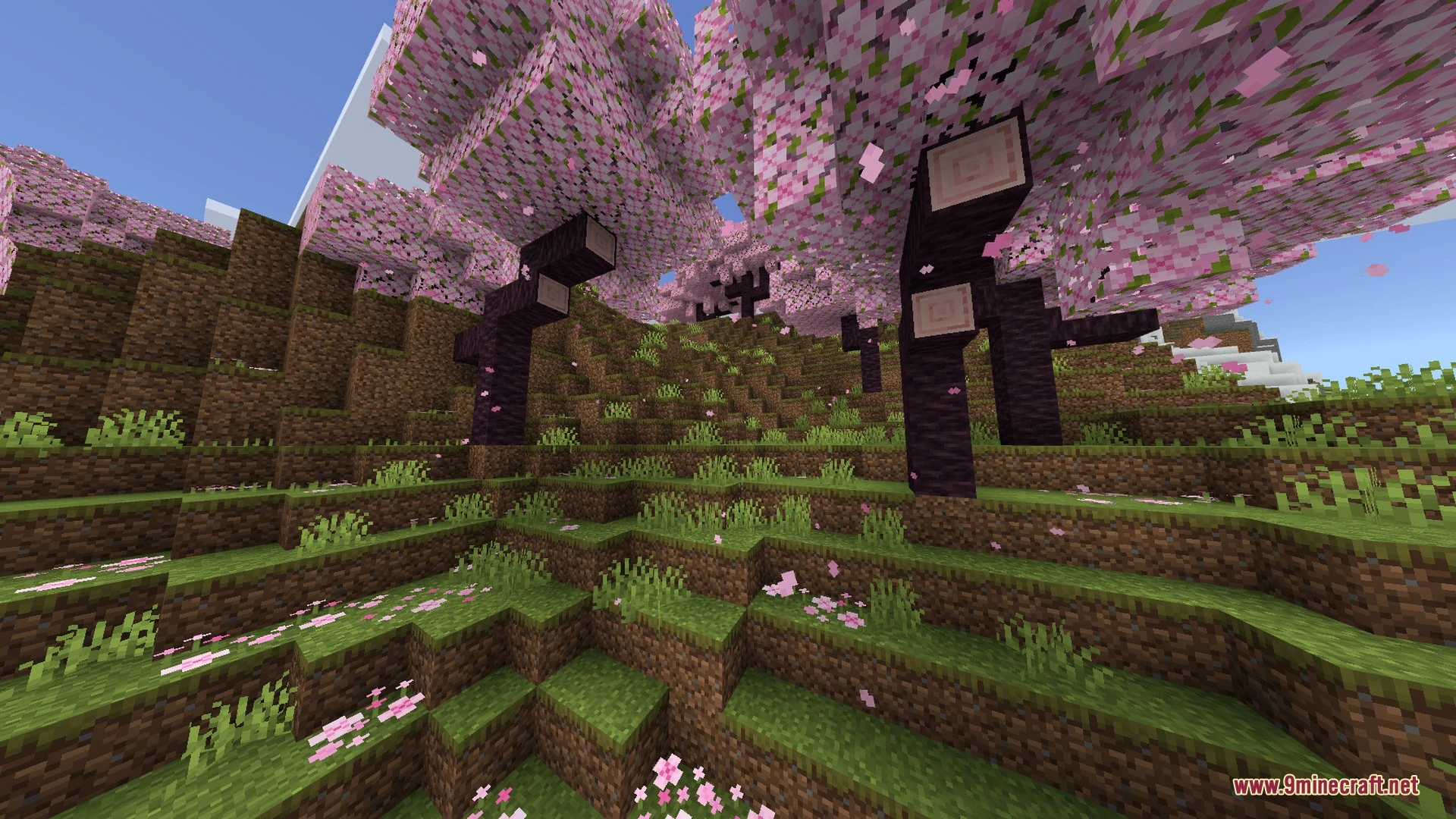
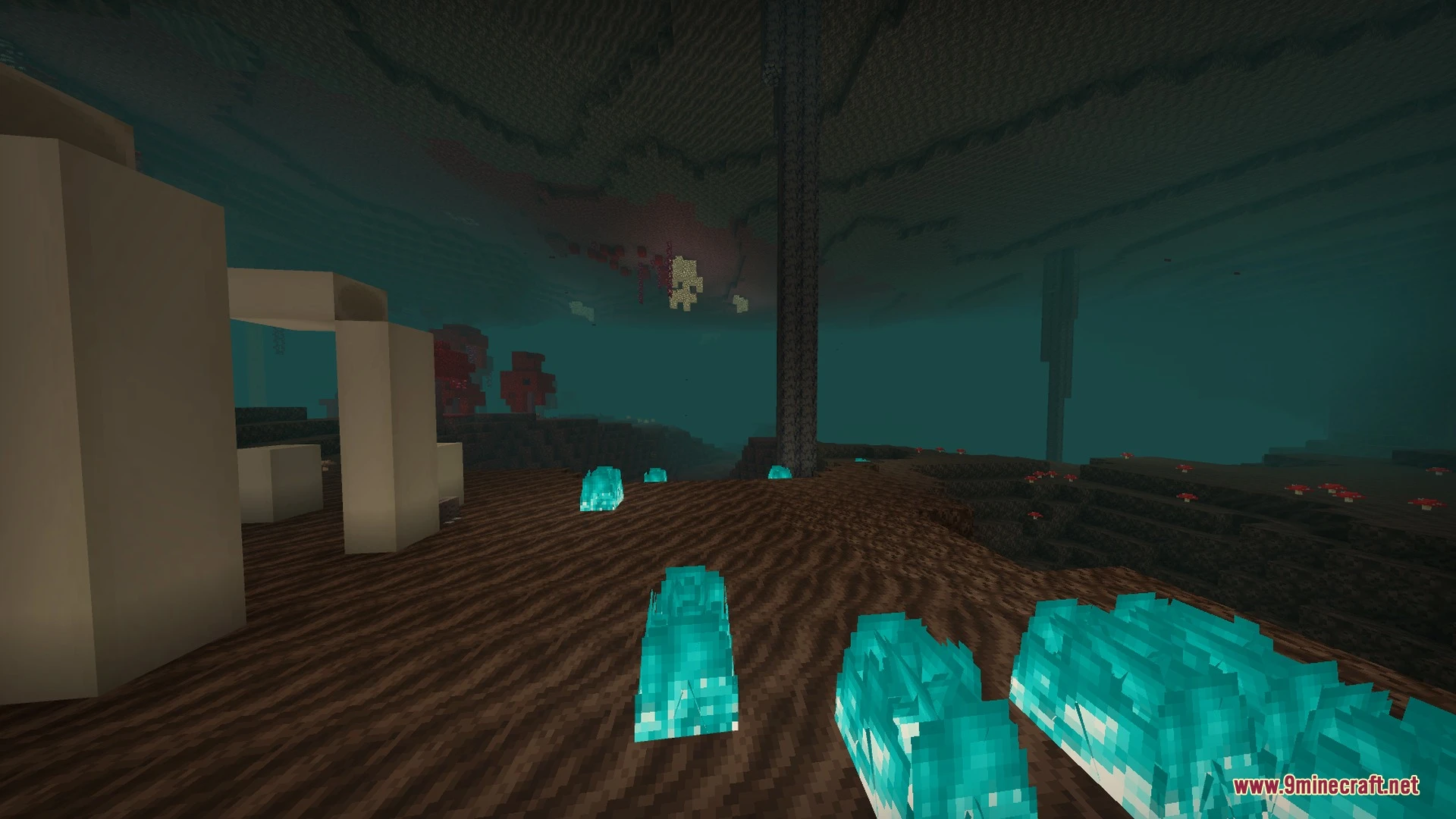
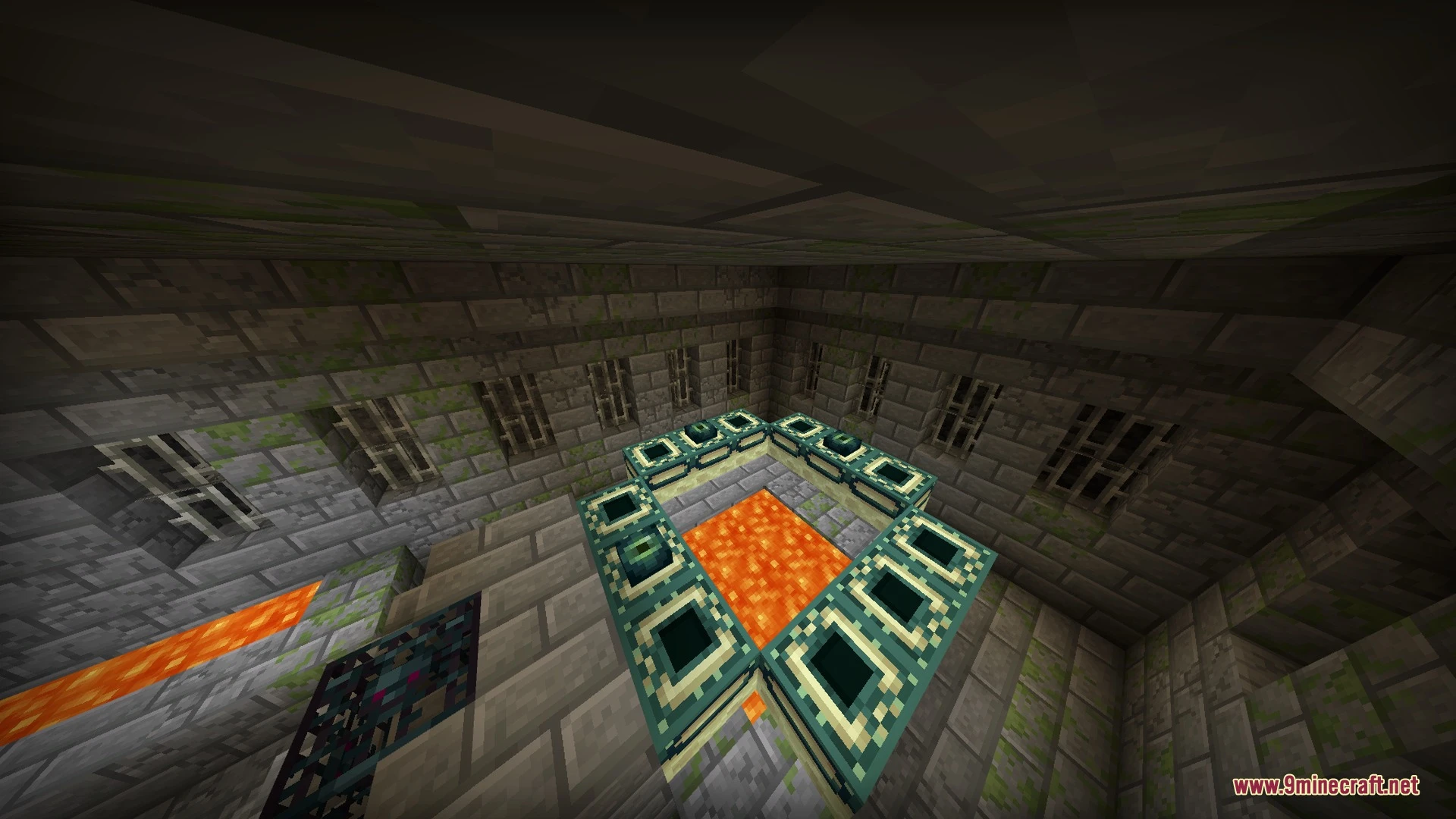
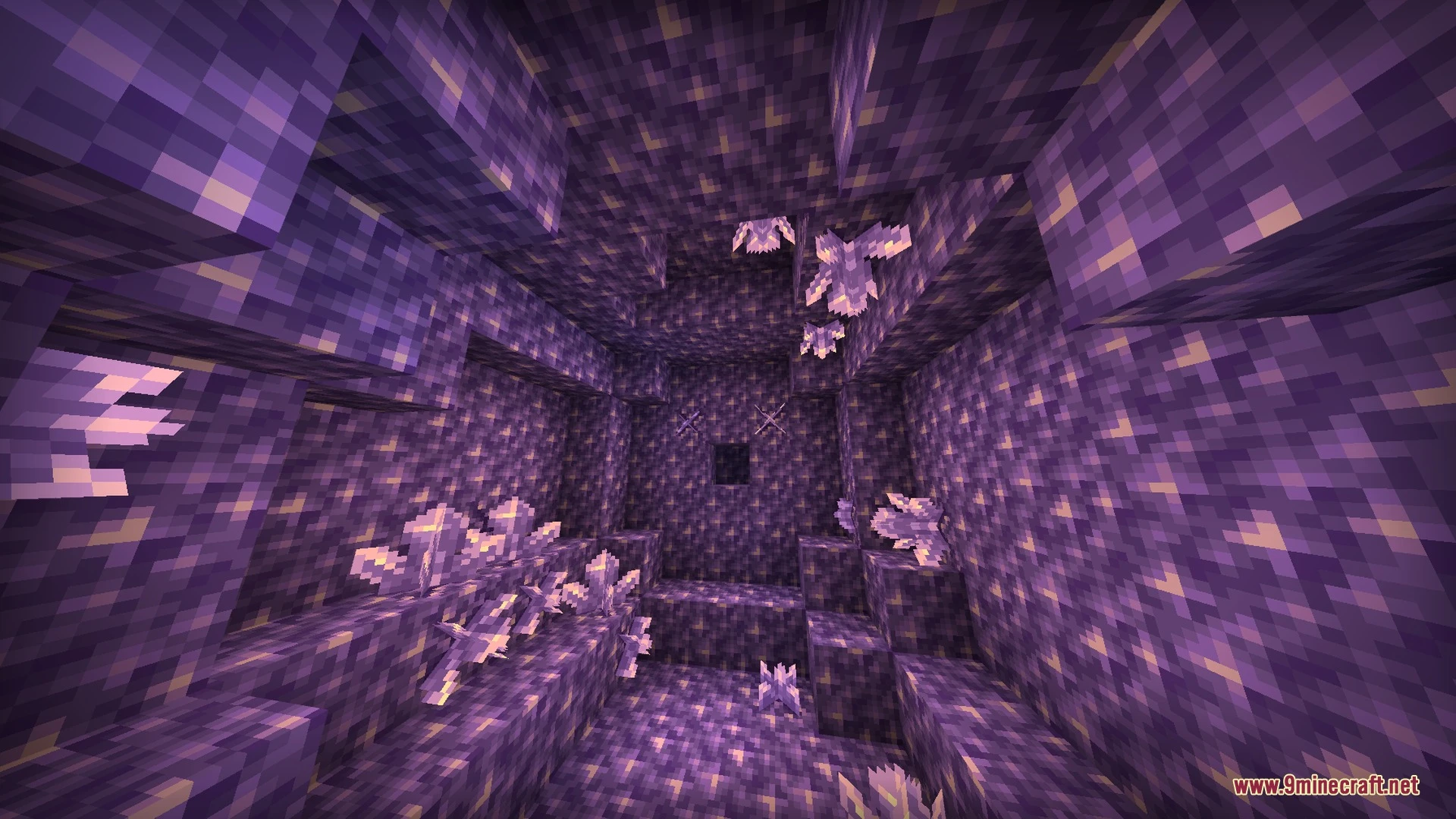
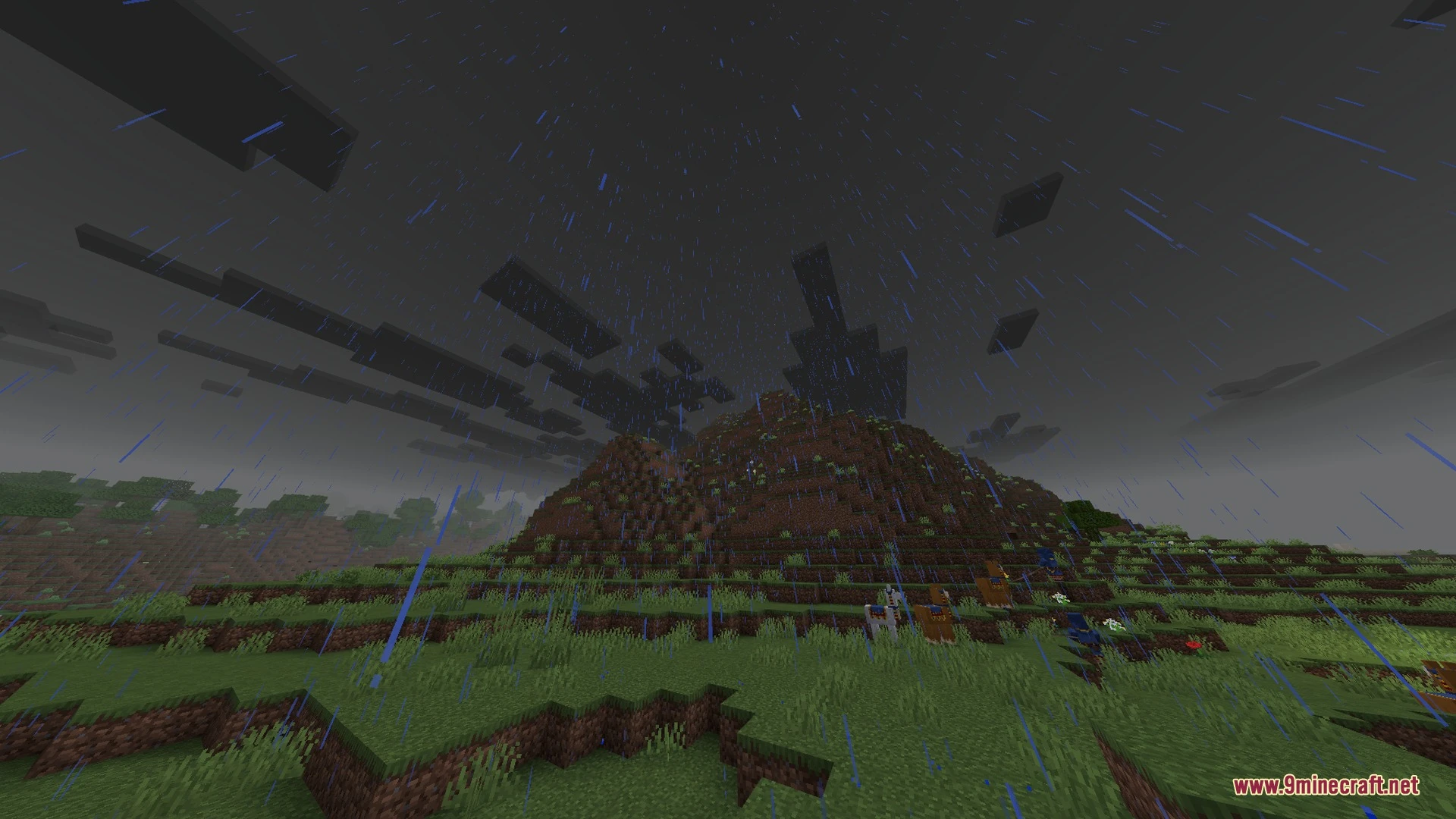
Enchanted Outline Shader Download Links
Quick facts
- Edition: Minecraft Bedrock
- File type: .mcpack
- How to install: Download the .mcpack. → Open it — Minecraft imports it under Resource Packs. → Activate it in Global Resources, or for one world under Resource Packs → Available.
- Where to get it: In MCModsHub, or directly above on this page.
Install steps are the general flow for this file type — How to install Minecraft Bedrock texture packs walks through it step by step.
File checked by MCModsHub
- Pack type: .mcpack — a single pack
- Manifest requires Minecraft 1.26.10 or newer
- Complete pack — everything it depends on is inside the file
- Download link checked 31 Aug 2026 — working
- Mirrored on our own servers — the download does not depend on the original host
These come from our own check of the pack file, not from the source page.