ShadersBedrock
PandaMine's Mip-Mapper Shader (26.x) – Sharper Distant Blocks and Zero
Bedrock resource pack listed for Minecraft 1.21. File opened and checked on 1 Sep 2026; installs from the MC Bedrock Mods app on Android.
⬇ Download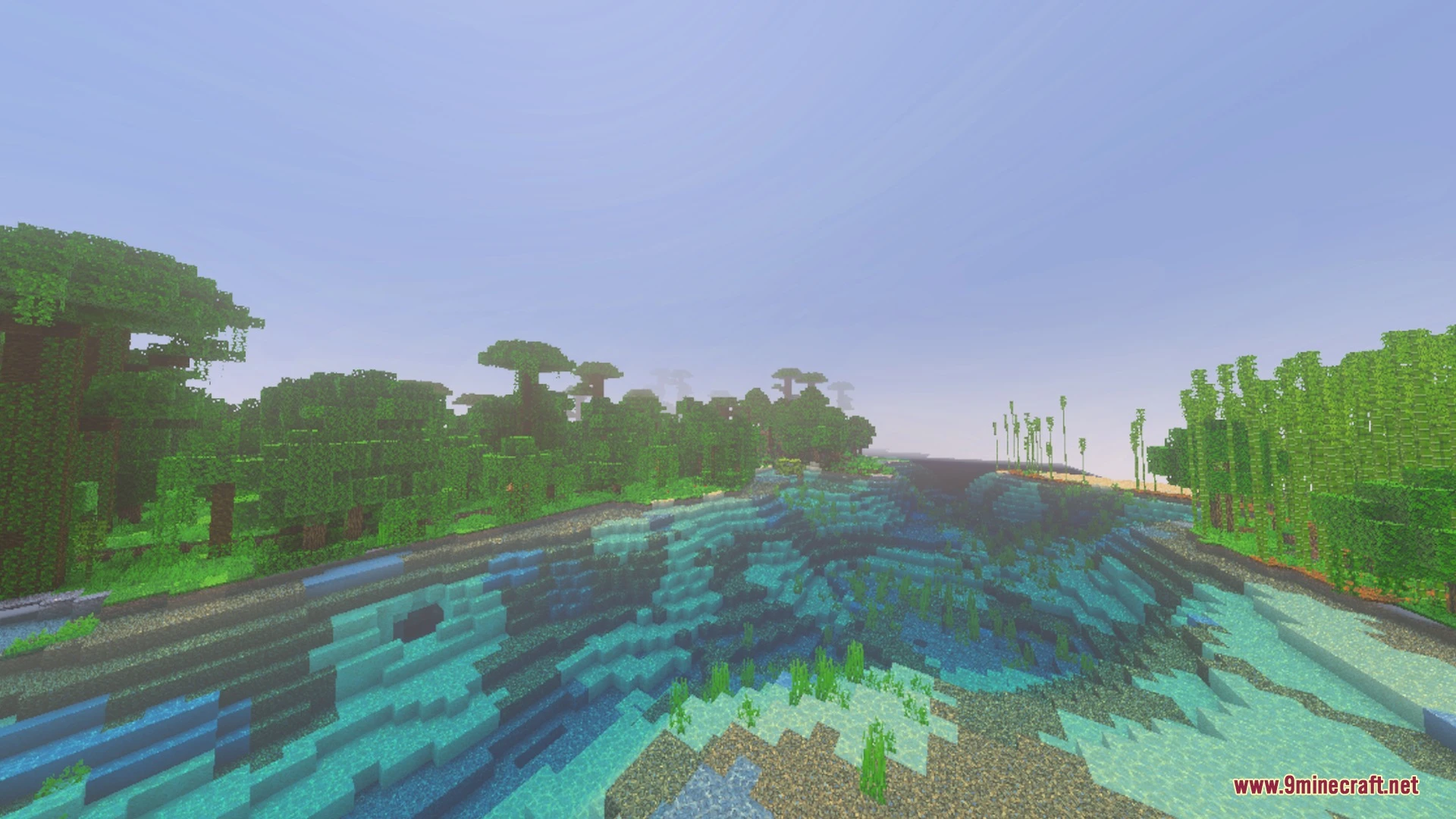
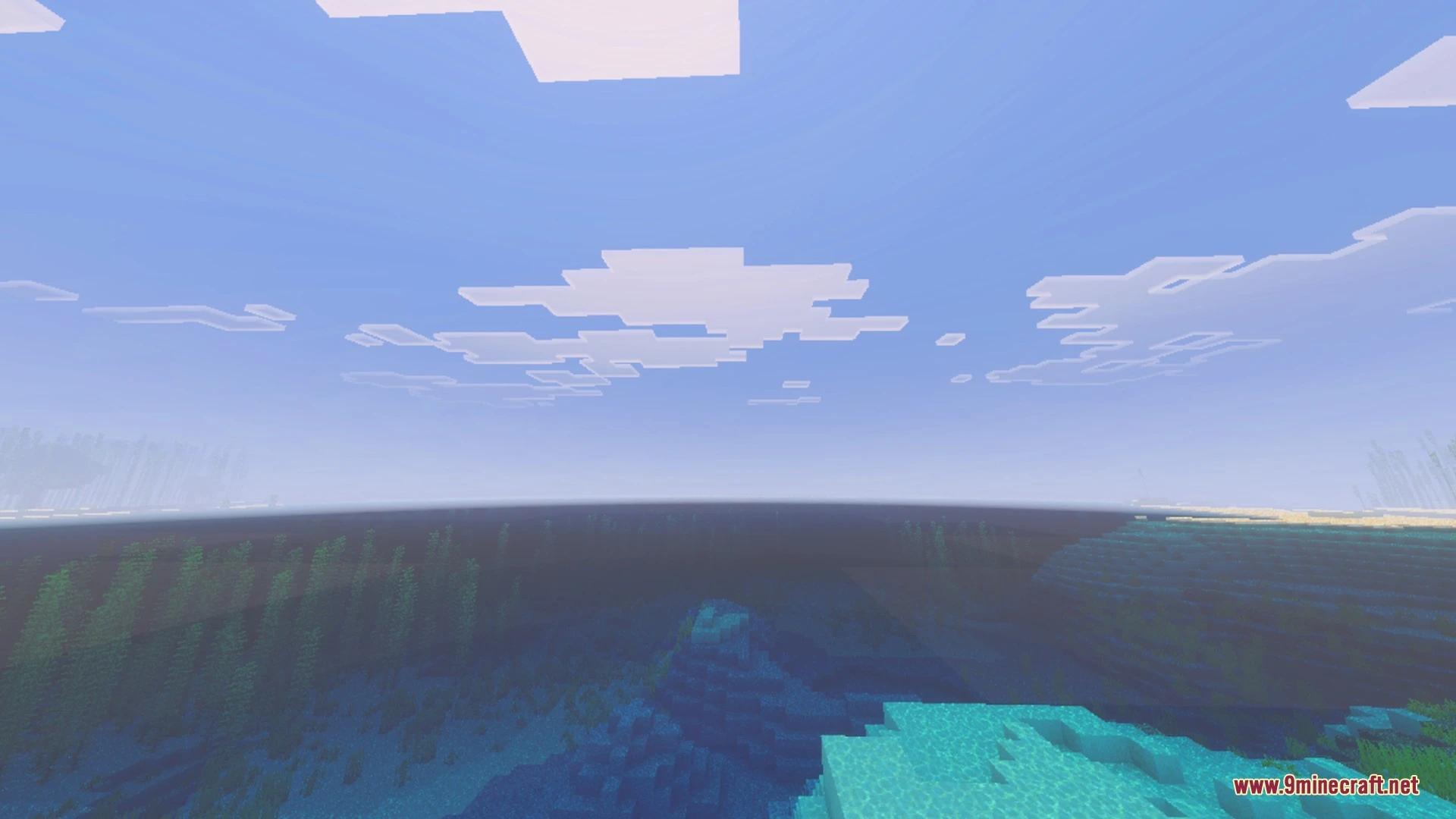
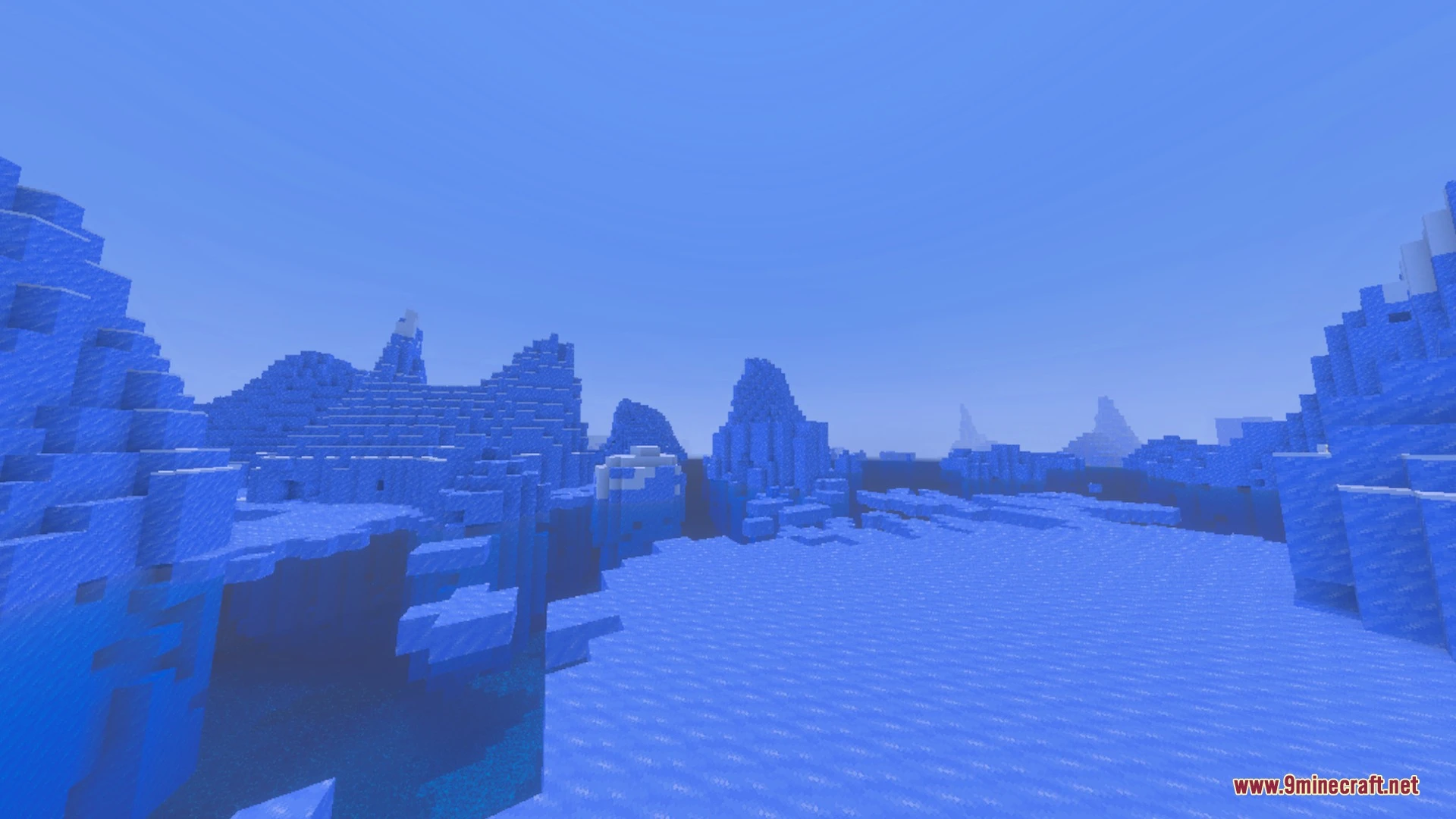
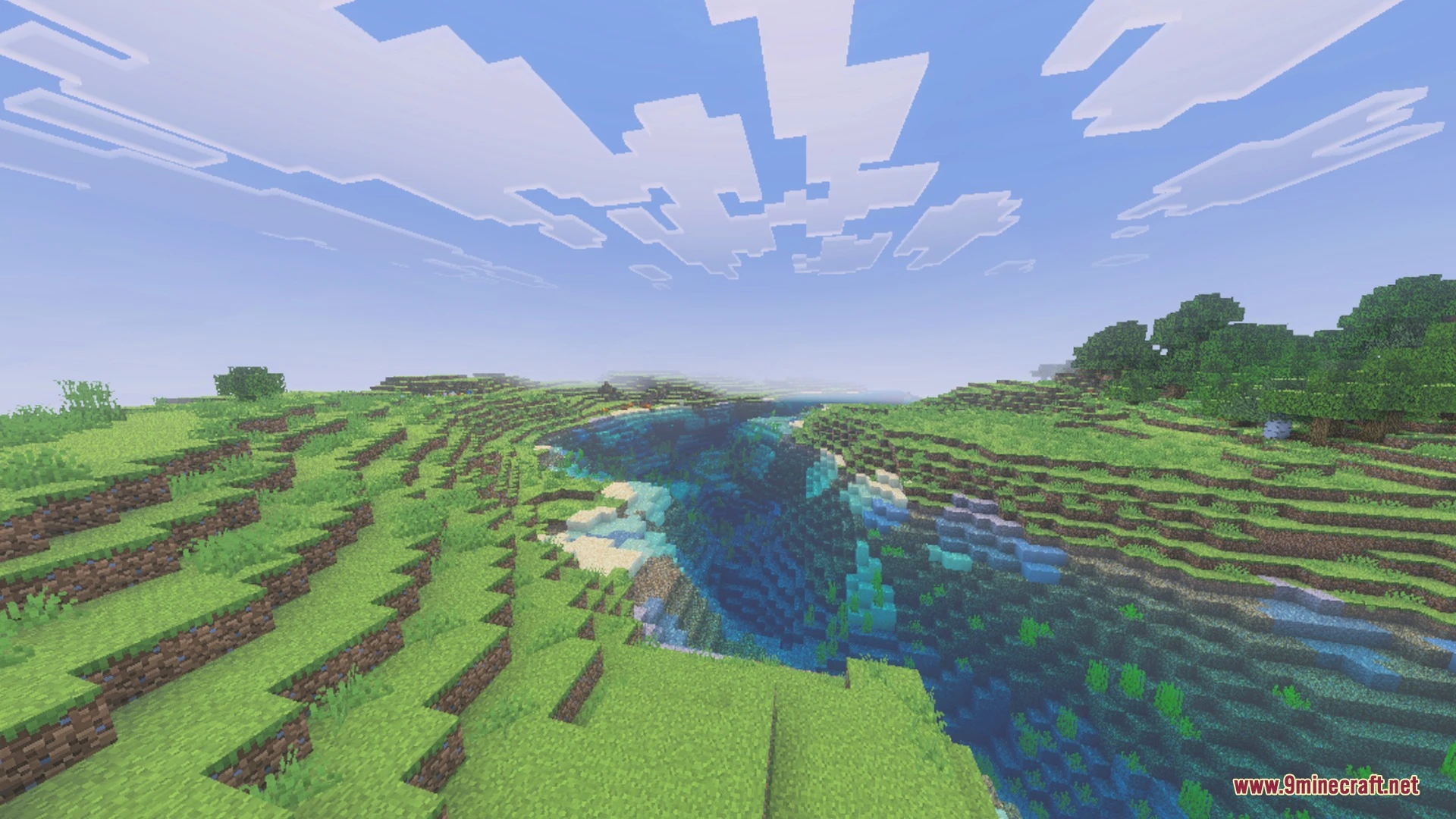
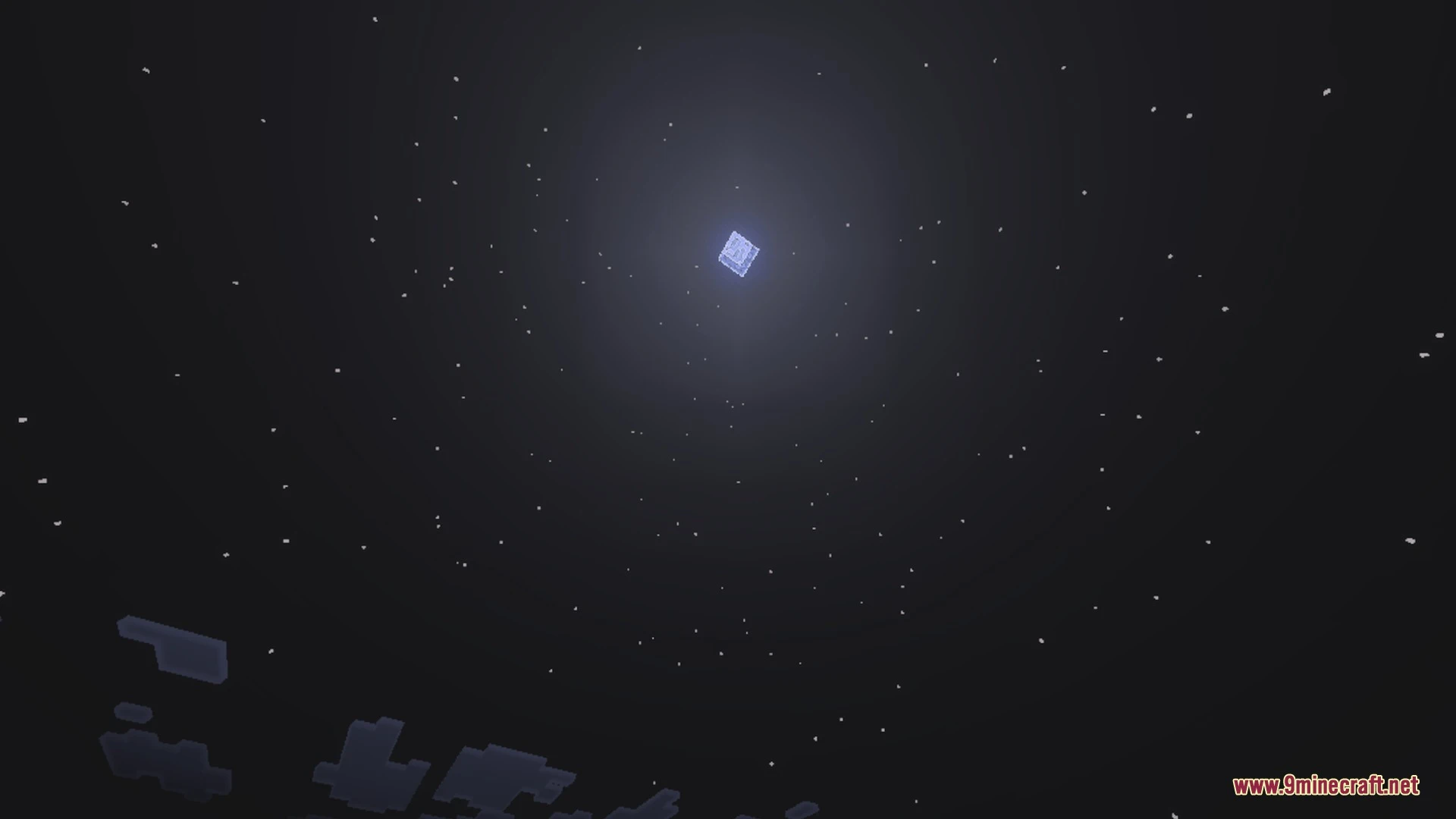
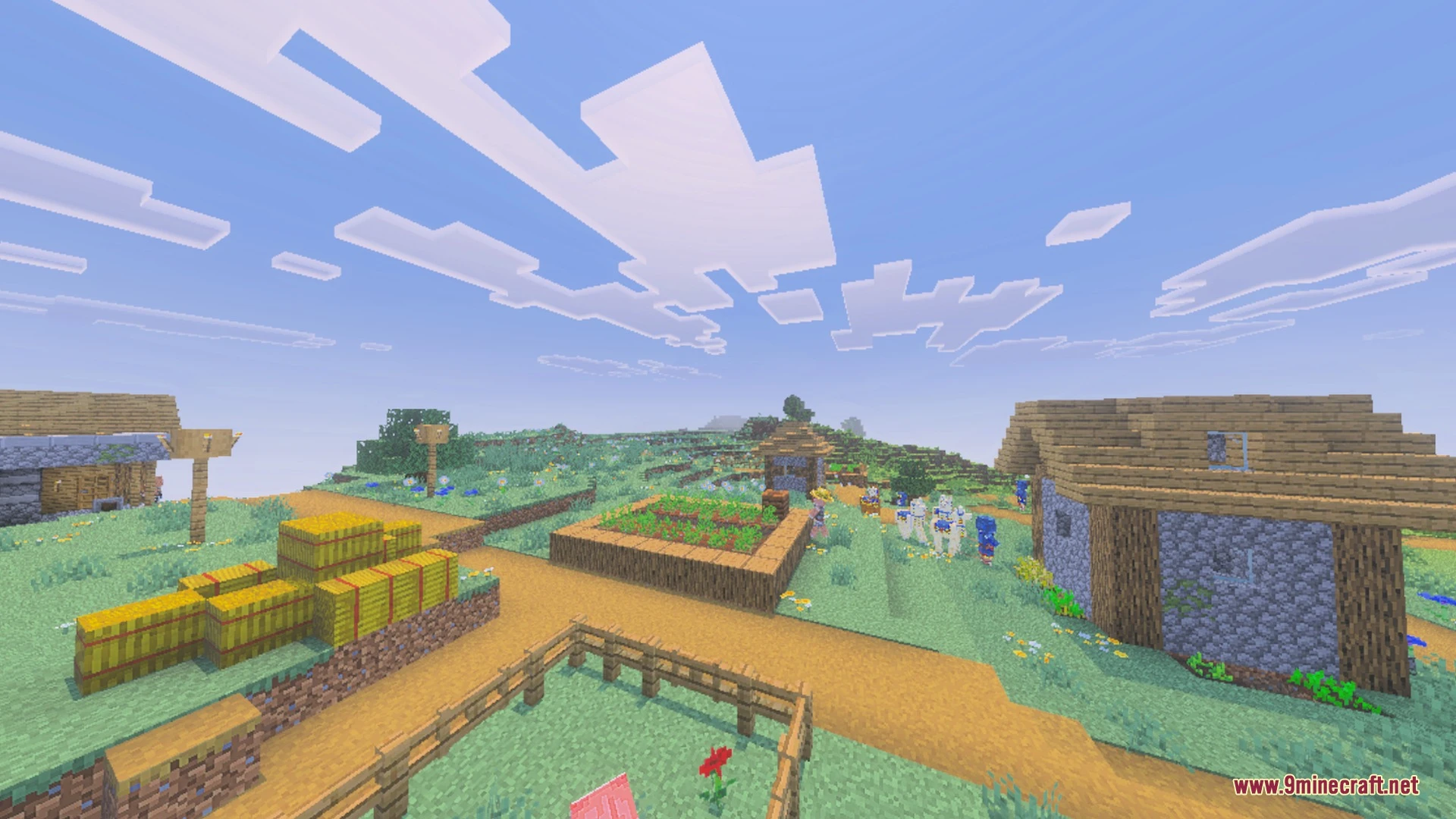
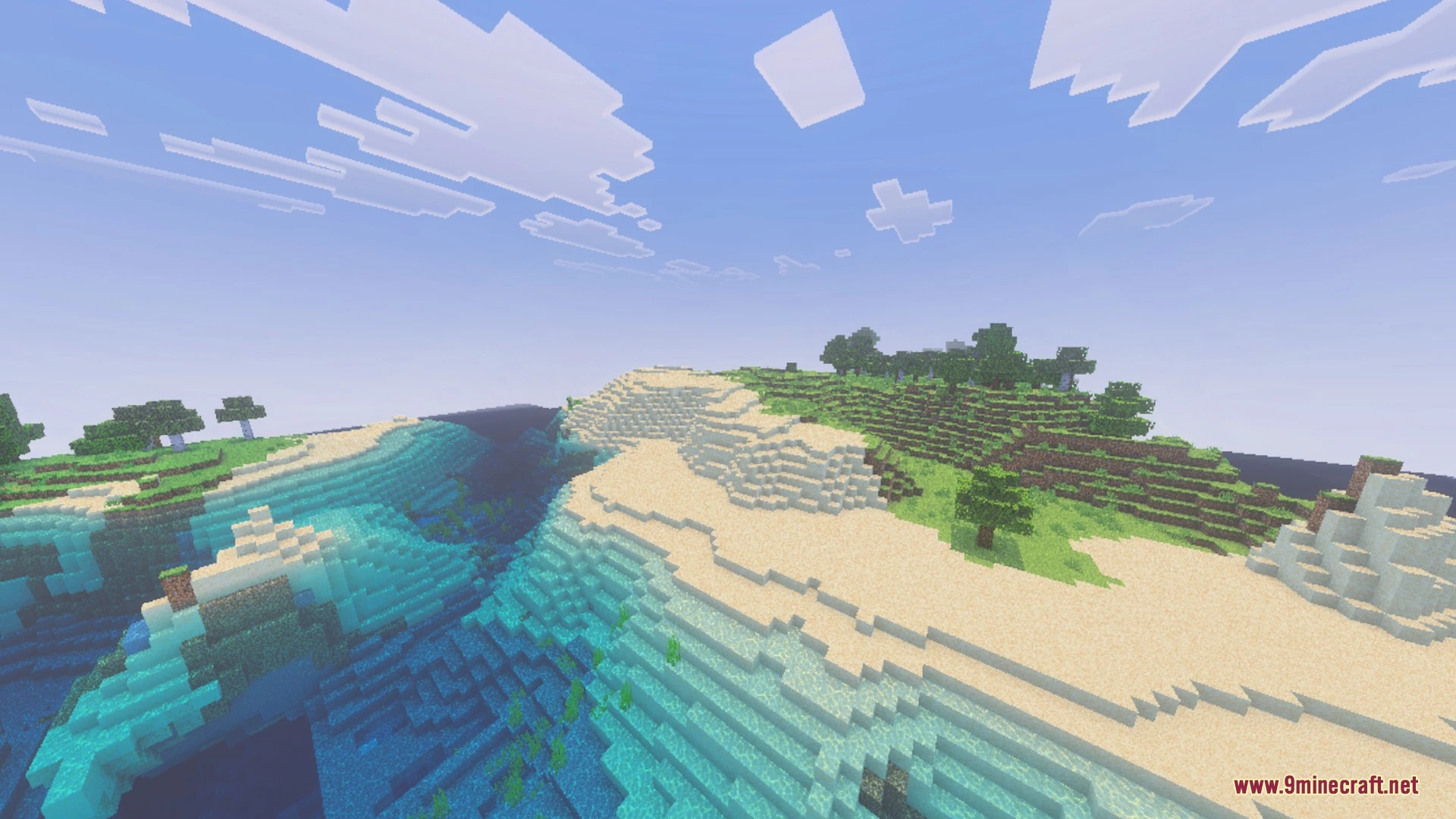
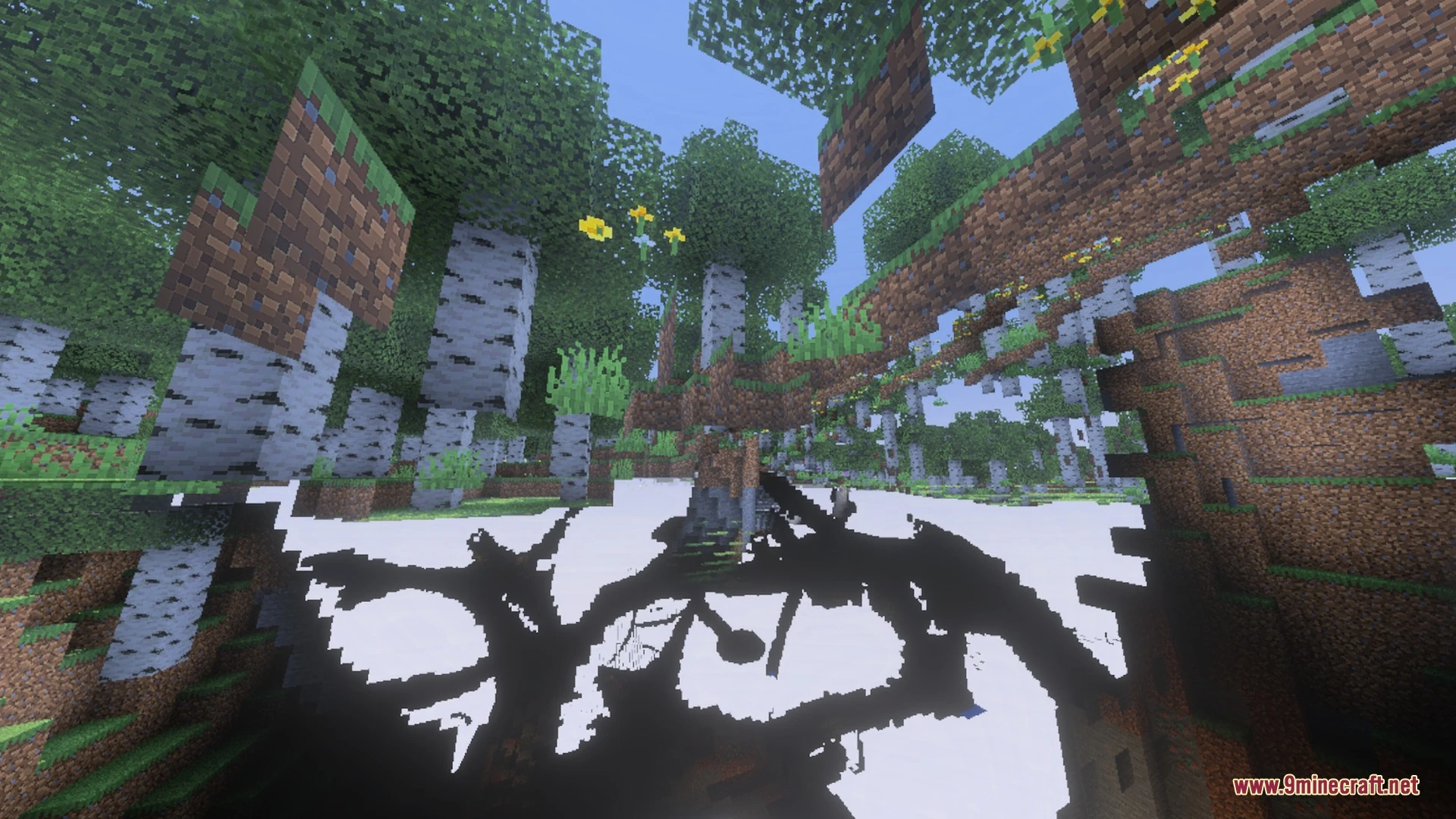
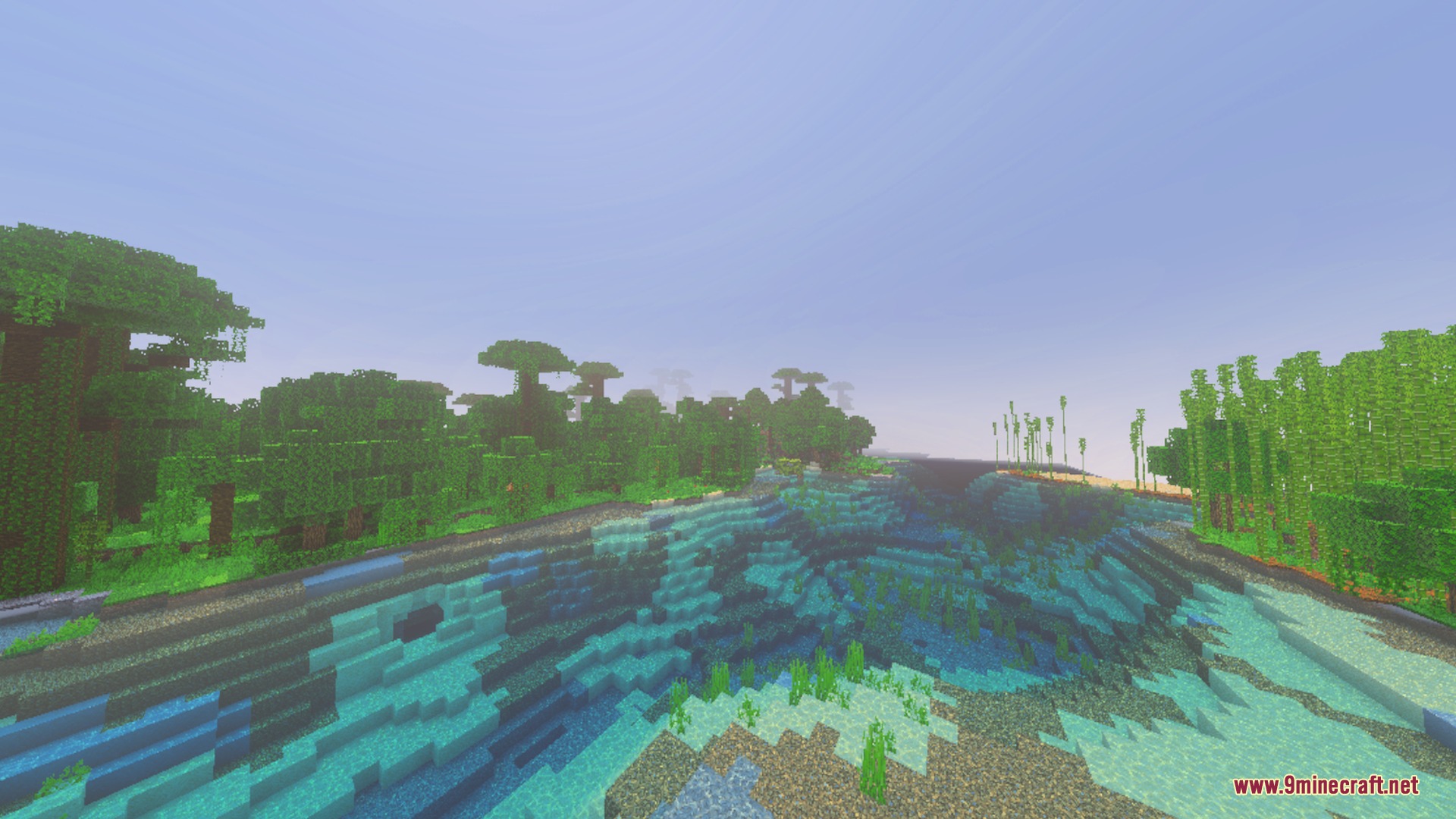
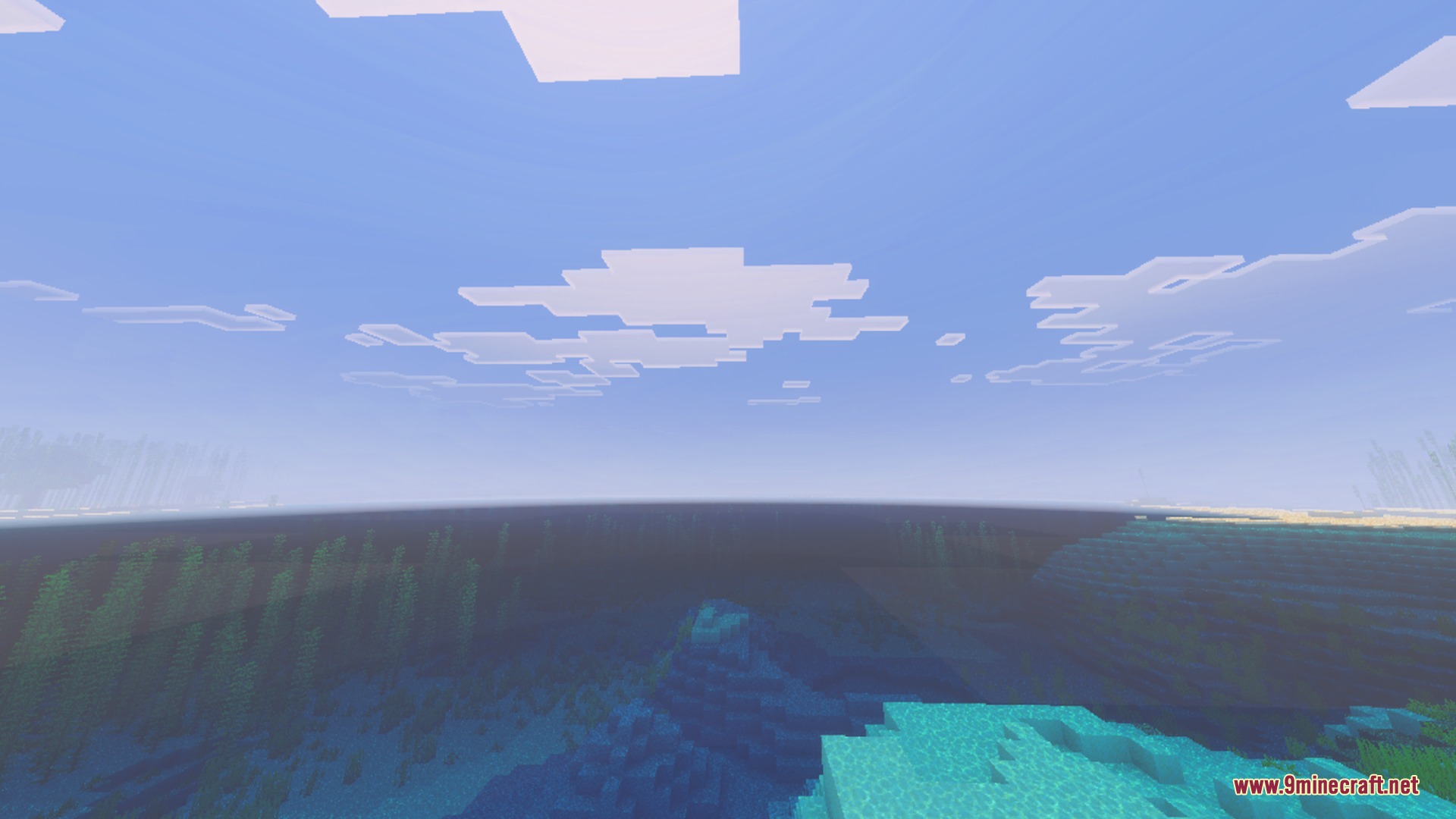
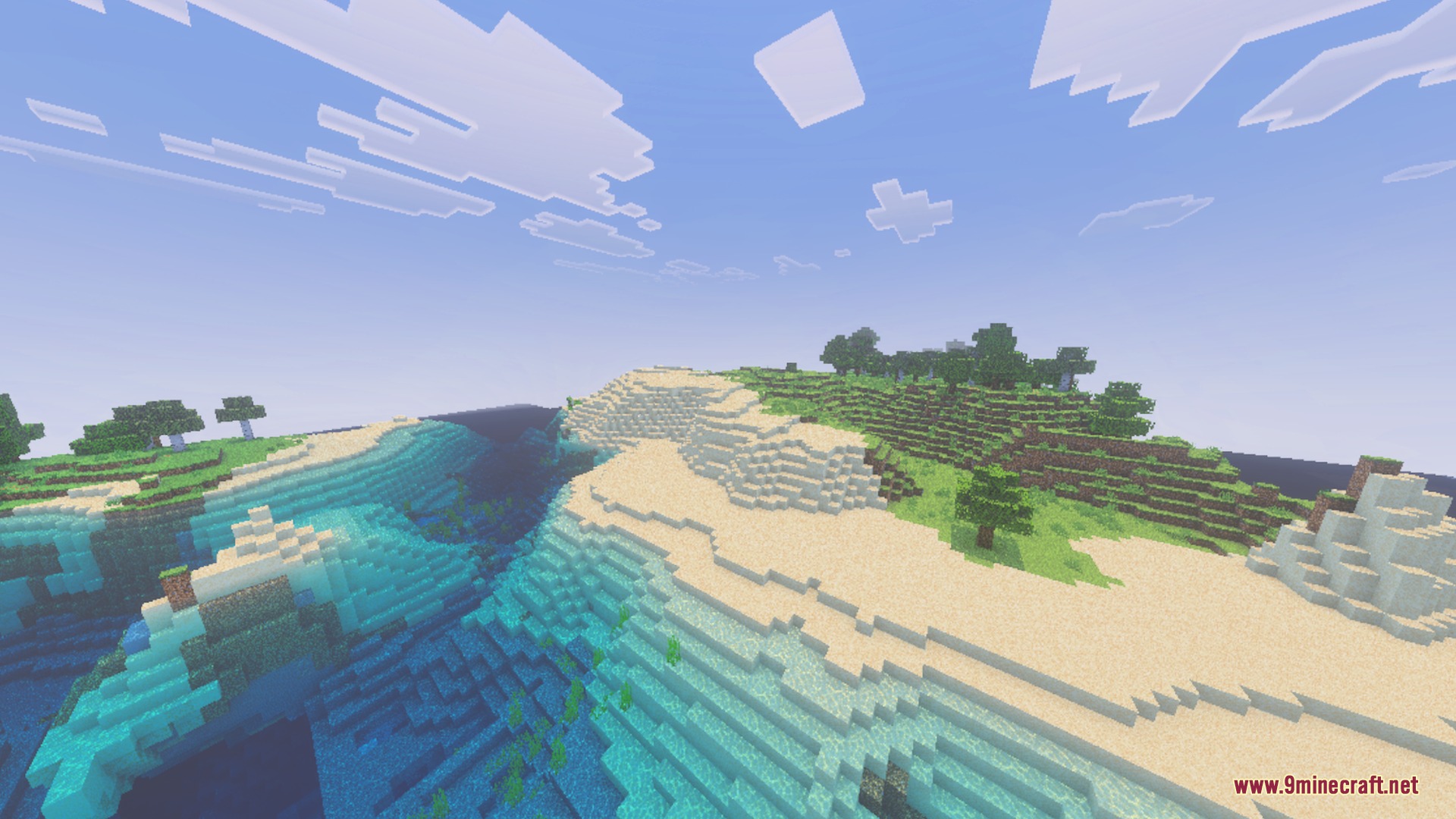
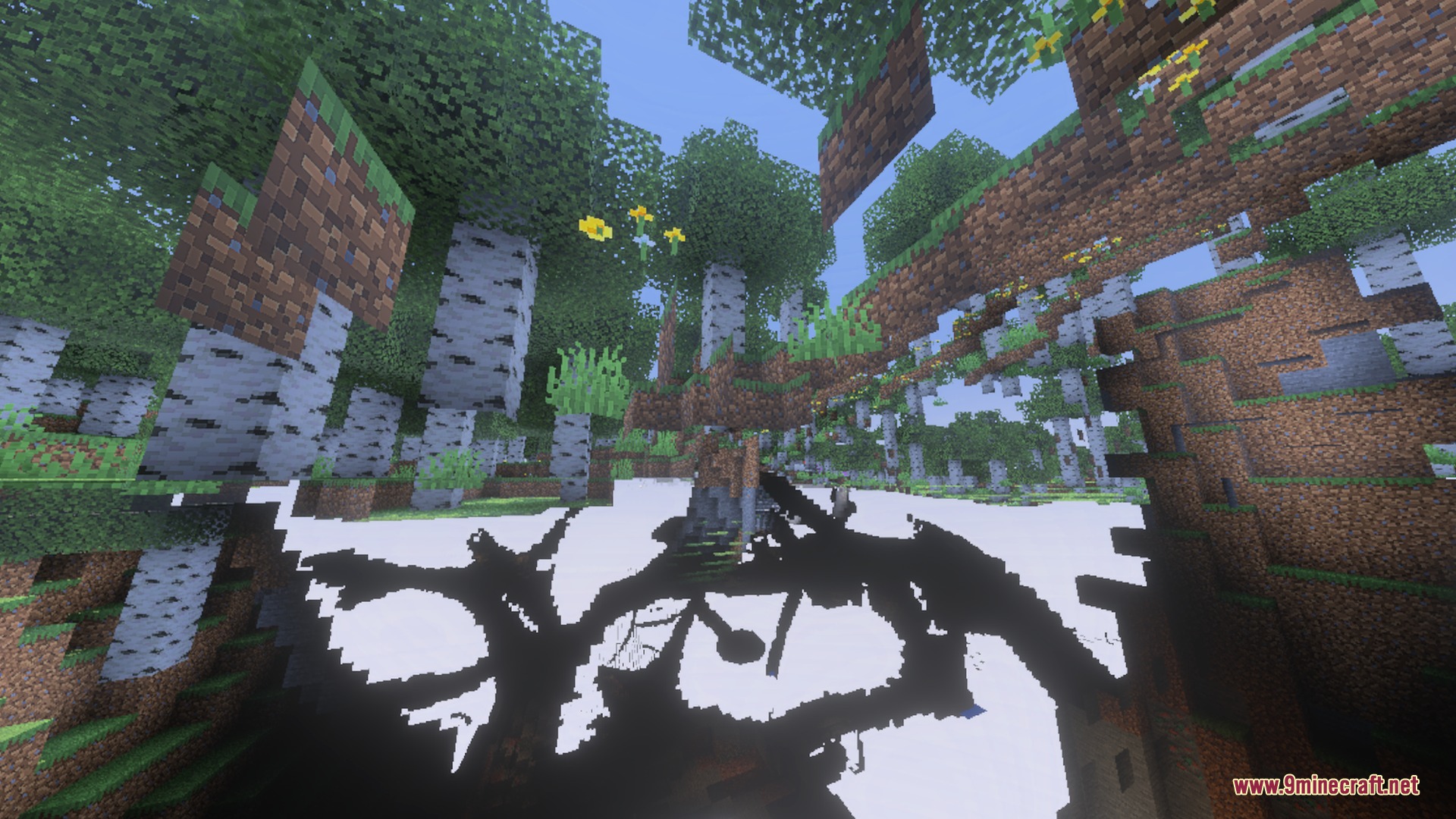
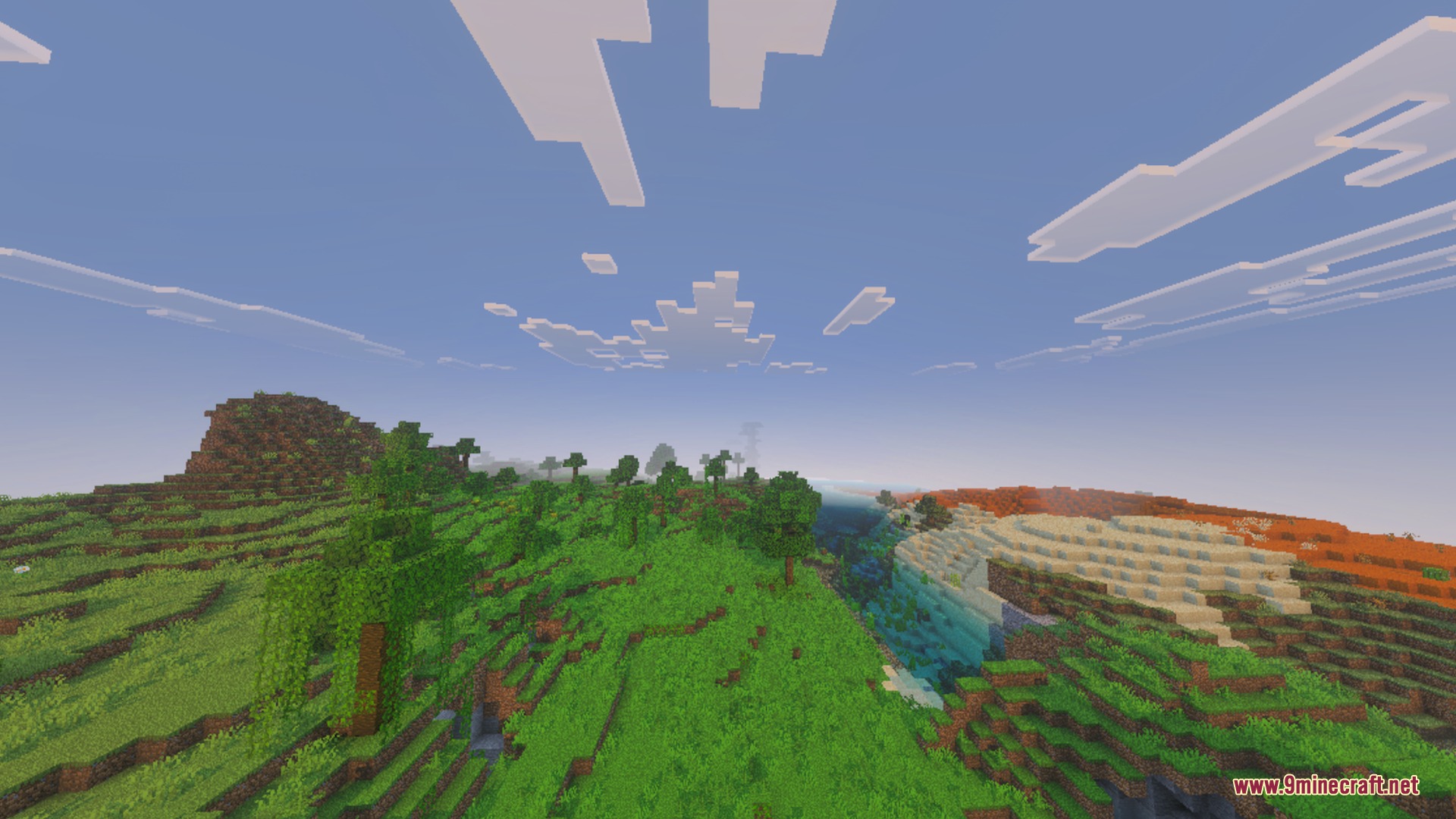
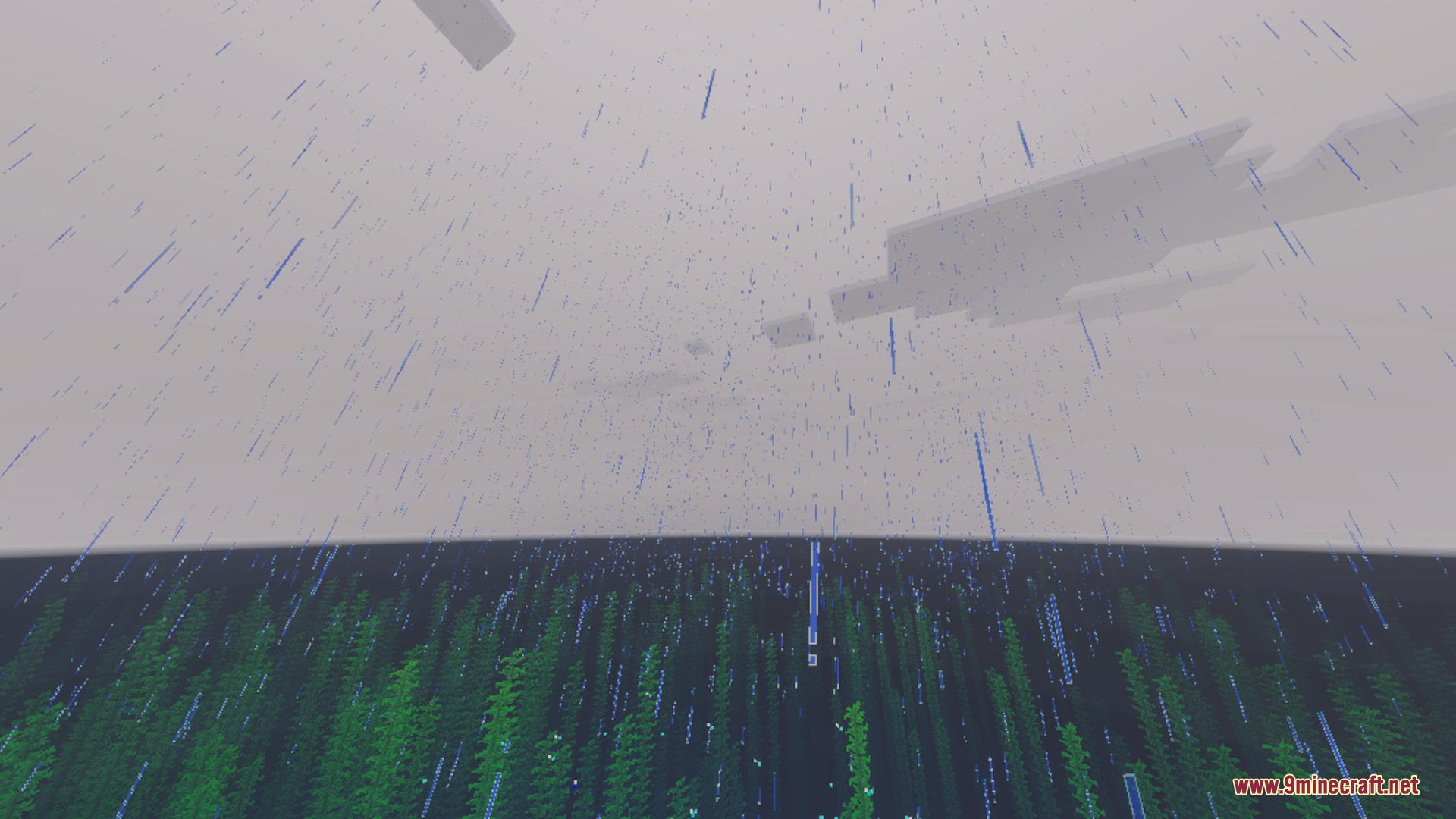
PandaMine’s Mip-Mapper Shader adjusts mip-map levels to help you balance visual quality and smooth performance. It makes distant blocks look sharper and eliminates annoying texture flickering or z-fighting in your world. This pack is especially helpful when playing with vibrant graphics or ray tracing setups on your device.
Features:
- Adjusts mip-map levels for quality or speed.
- Makes distant blocks look much sharper.
- Removes z-fighting and texture flickering glitches.
- Improves rendering speed on supported mobile devices.
- Enhances visuals for vibrant graphics and ray tracing.
Screenshots:
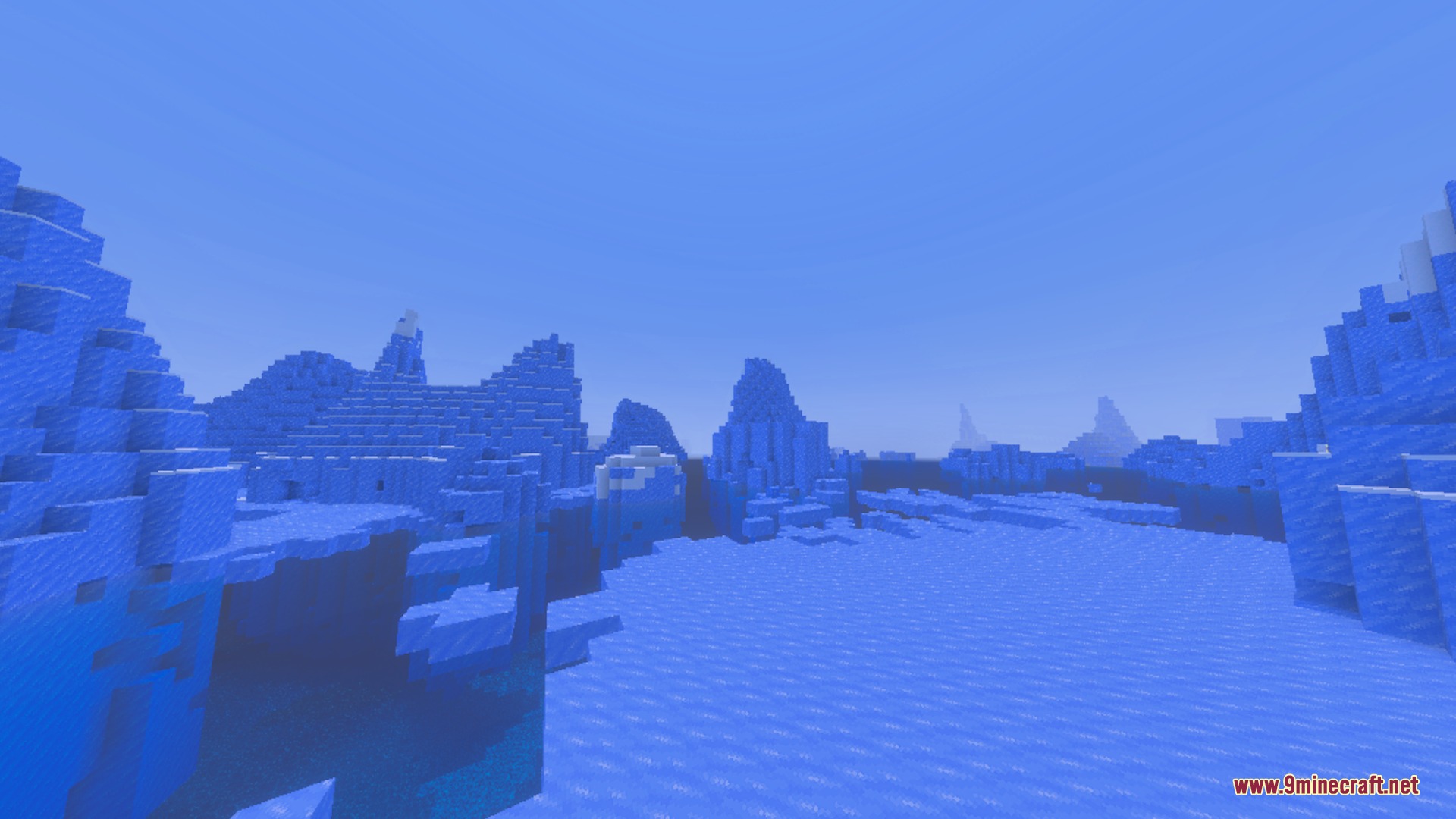
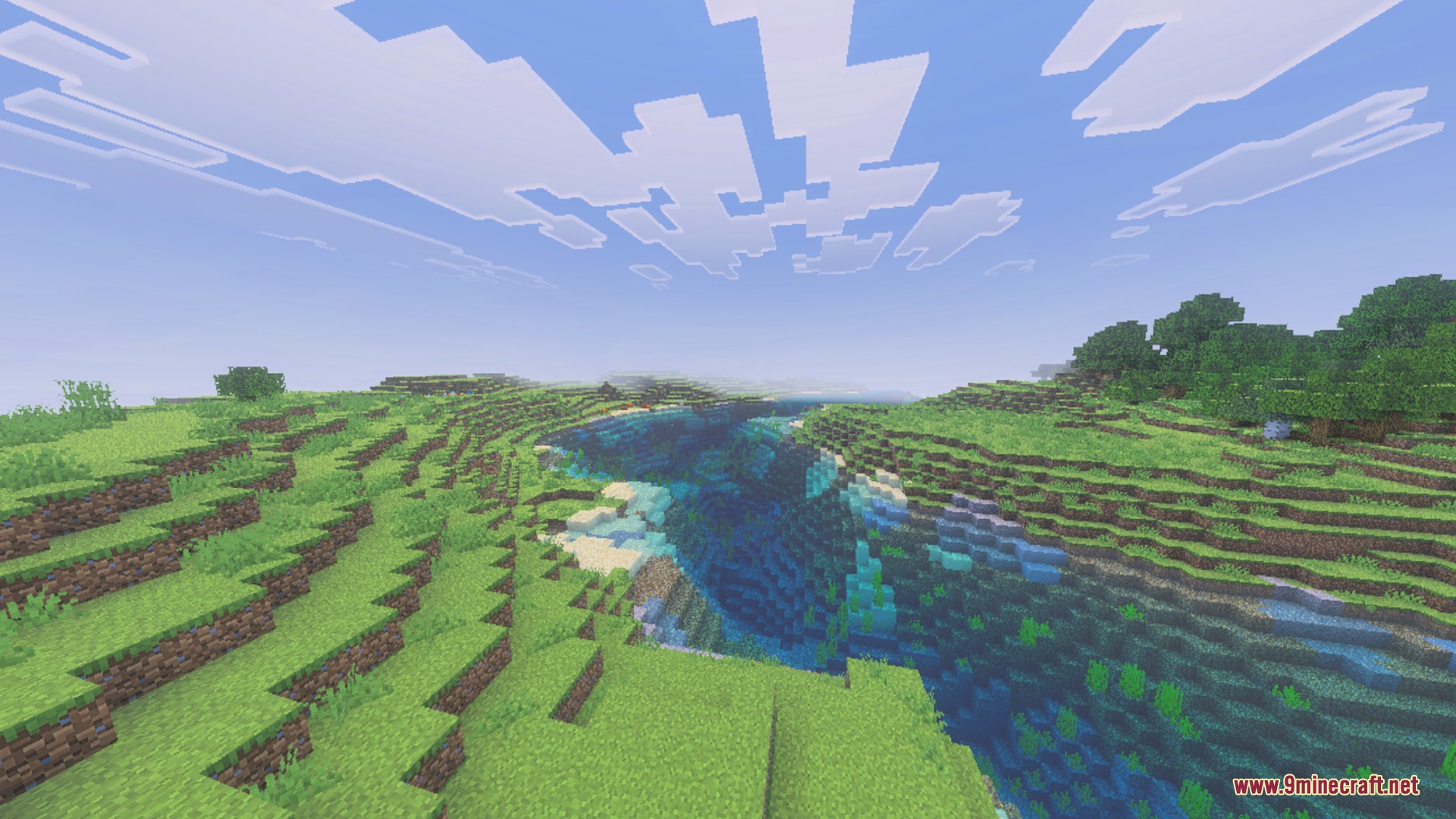
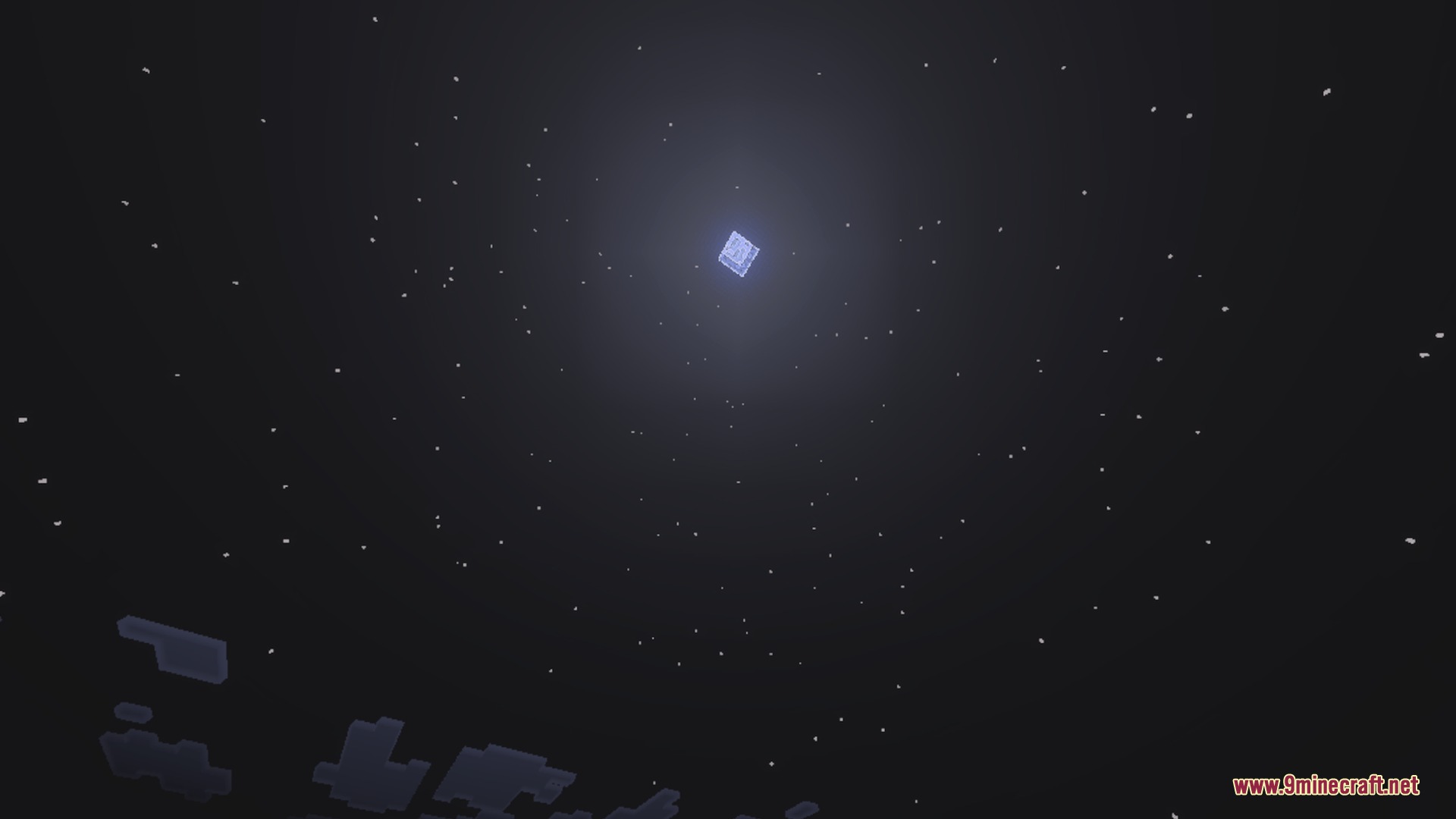
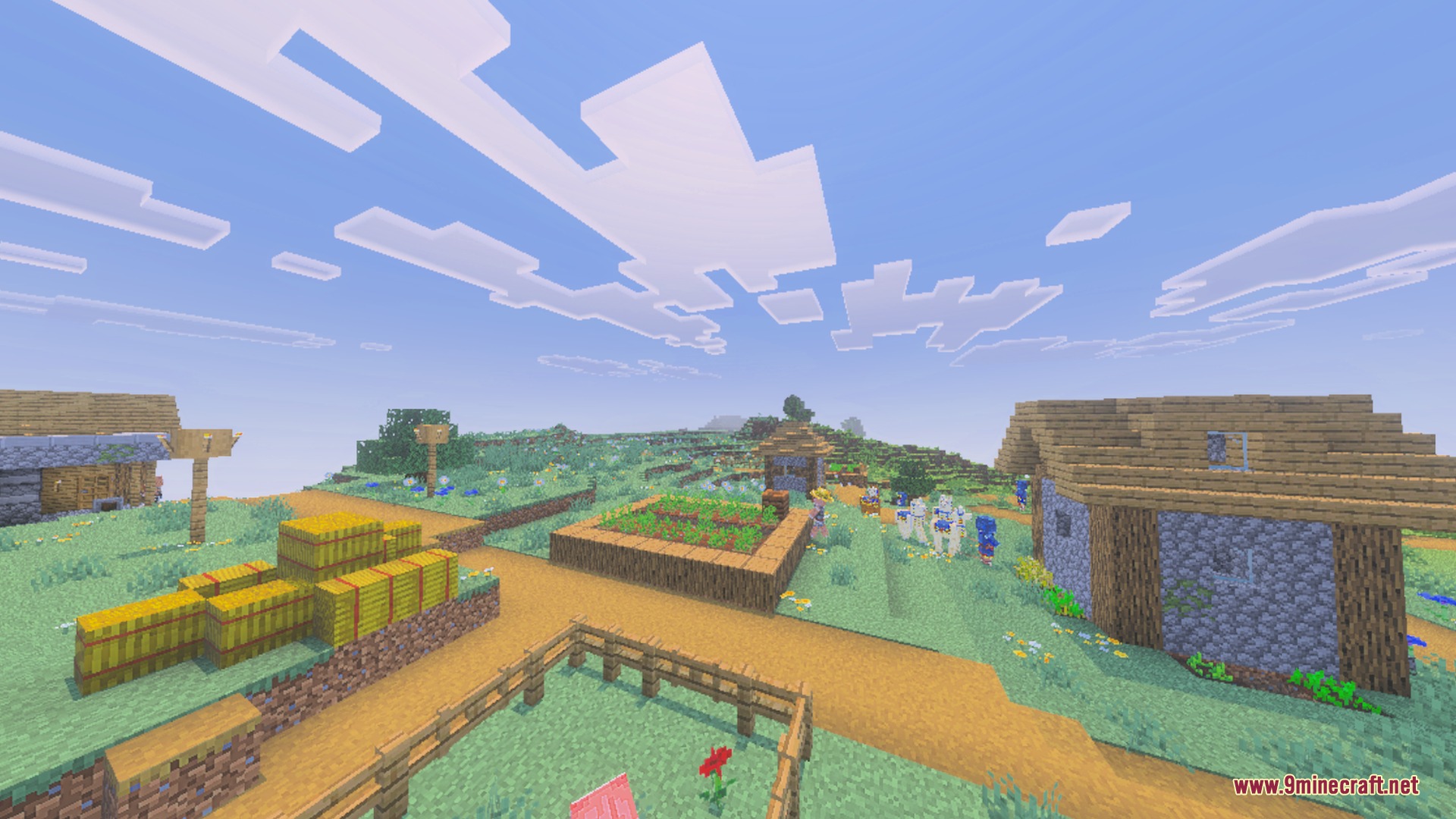
PandaMine’s Mip-Mapper Shader Download Links
Quick facts
- Edition: Minecraft Bedrock
- File type: .mcpack
- How to install: Download the .mcpack. → Open it — Minecraft imports it under Resource Packs. → Activate it in Global Resources, or for one world under Resource Packs → Available.
- Where to get it: In MCModsHub, or directly above on this page.
Install steps are the general flow for this file type — How to install Minecraft Bedrock texture packs walks through it step by step.
File checked by MCModsHub
- Pack type: .mcpack — a single pack
- Manifest requires Minecraft 1.21.0 or newer
- Complete pack — everything it depends on is inside the file
- Download link checked 1 Sept 2026 — working
- Mirrored on our own servers — the download does not depend on the original host
These come from our own check of the pack file, not from the source page.