ShadersBedrock
MXZ Shader (26.x, 1.21) – Realistic Lighting and Clear Water on Any Mobile
Bedrock RenderDragon shader pack listed for Minecraft 1.20–1.21. File opened and checked on 1 Sep 2026; installs from the MC Bedrock Mods app on Android.
⬇ Download
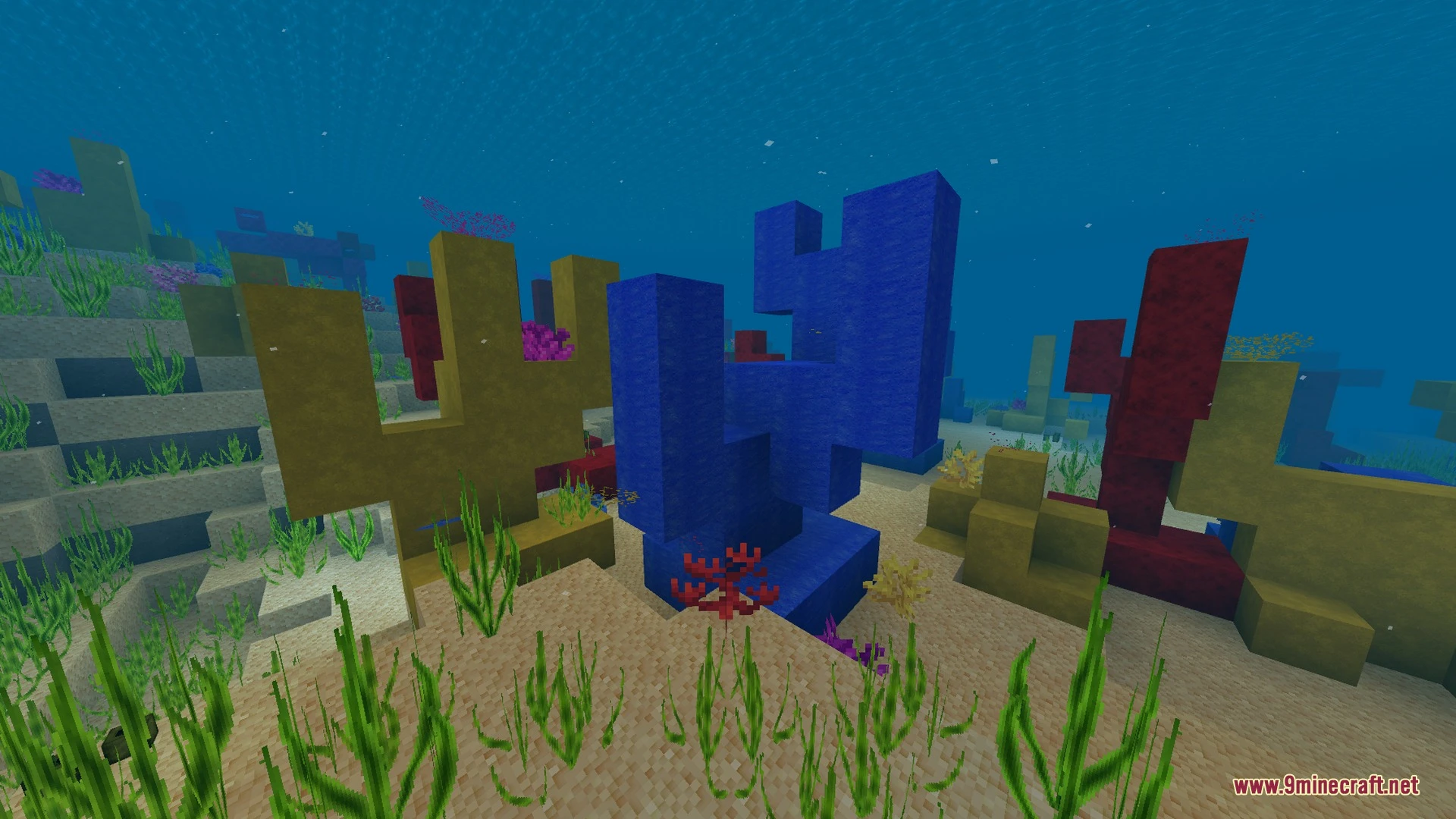
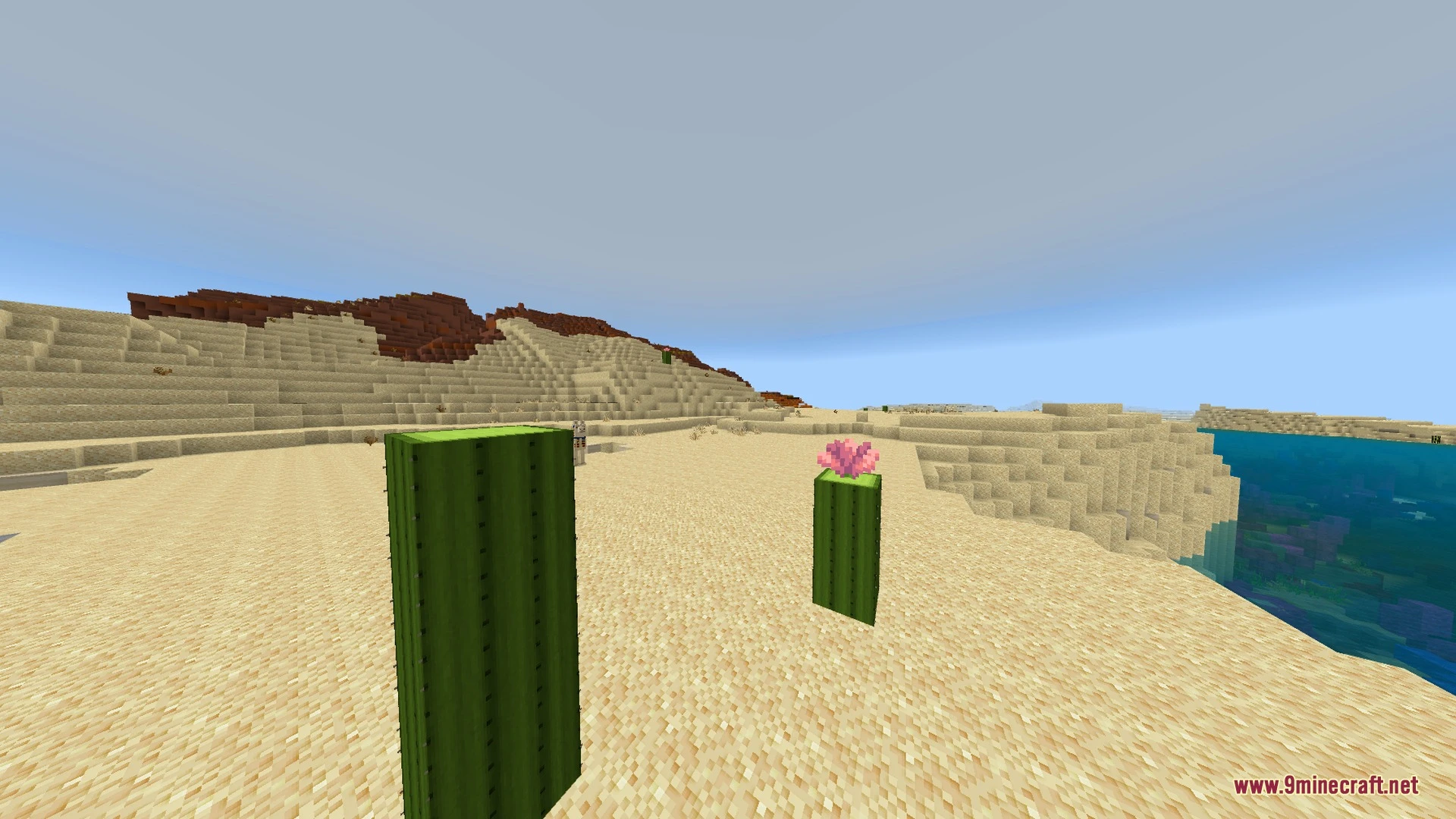
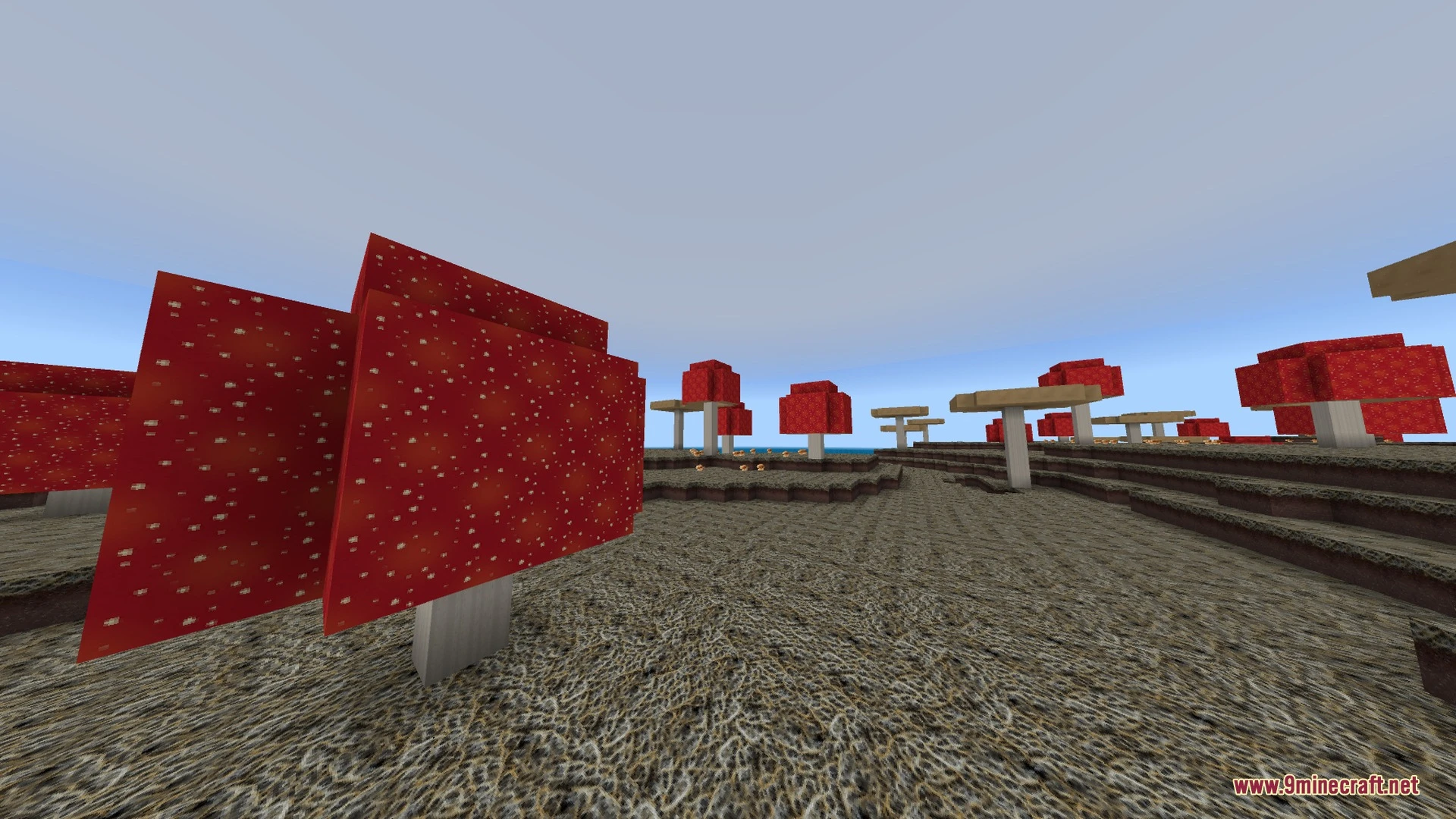
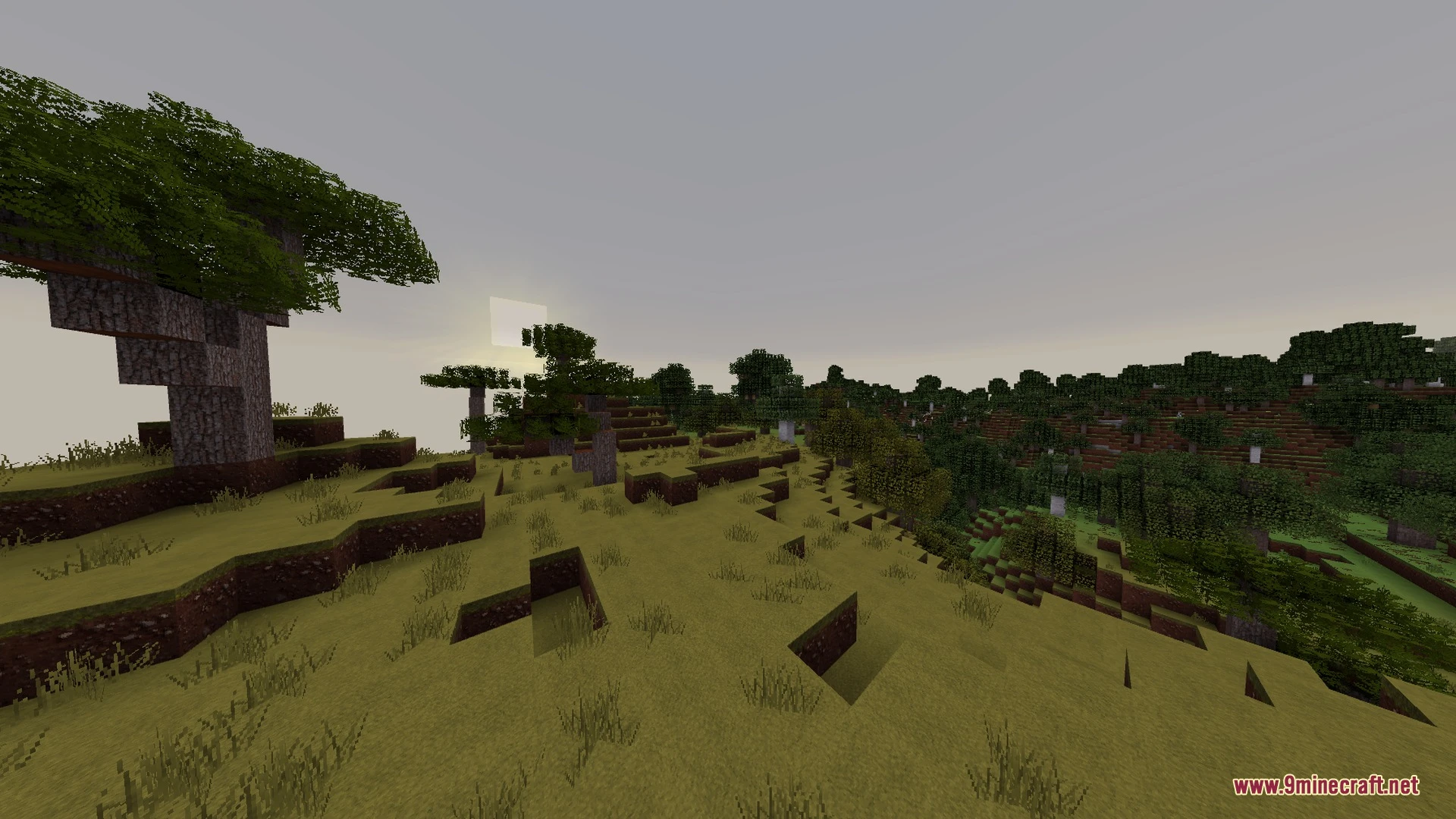
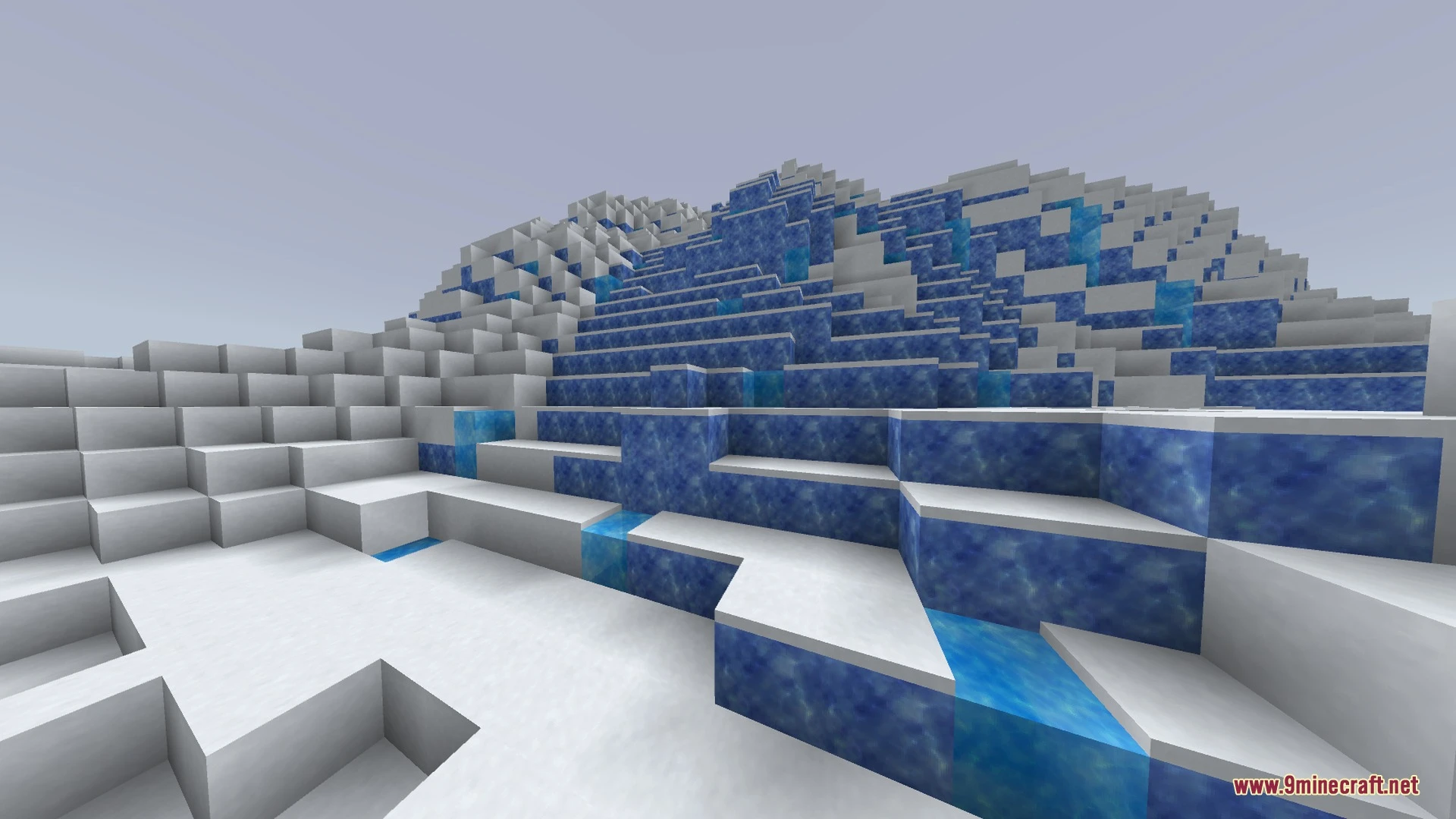
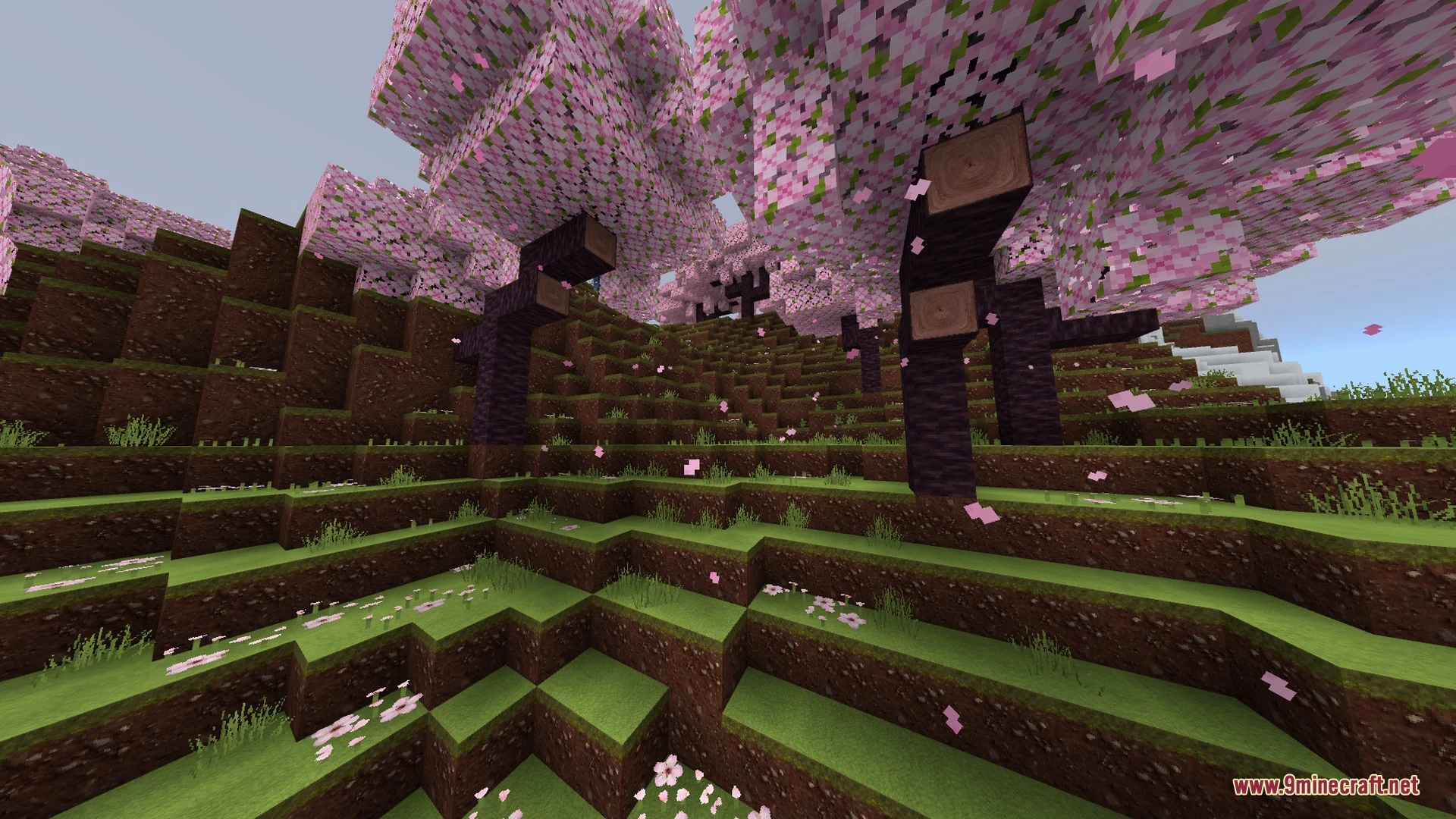
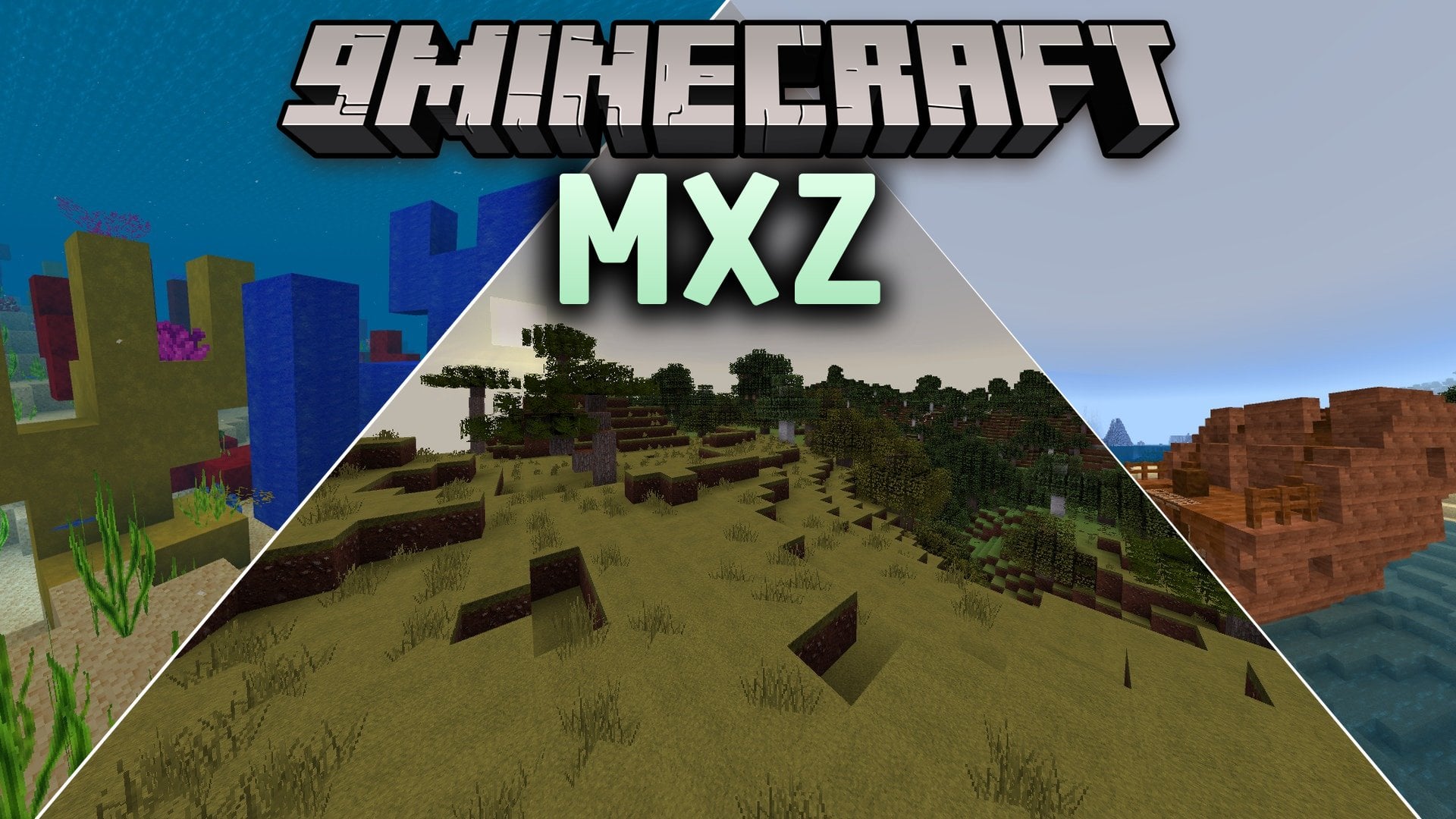
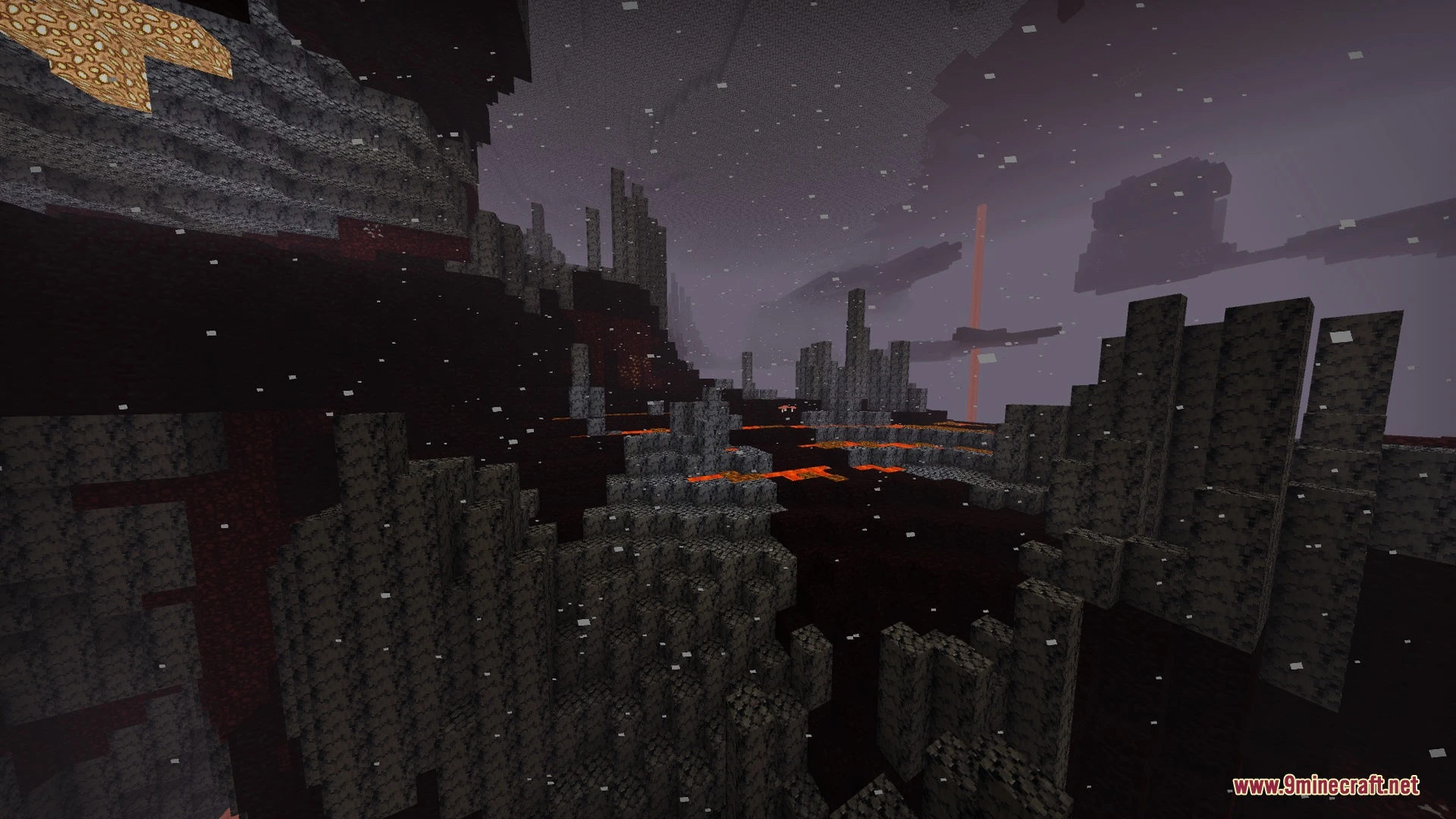
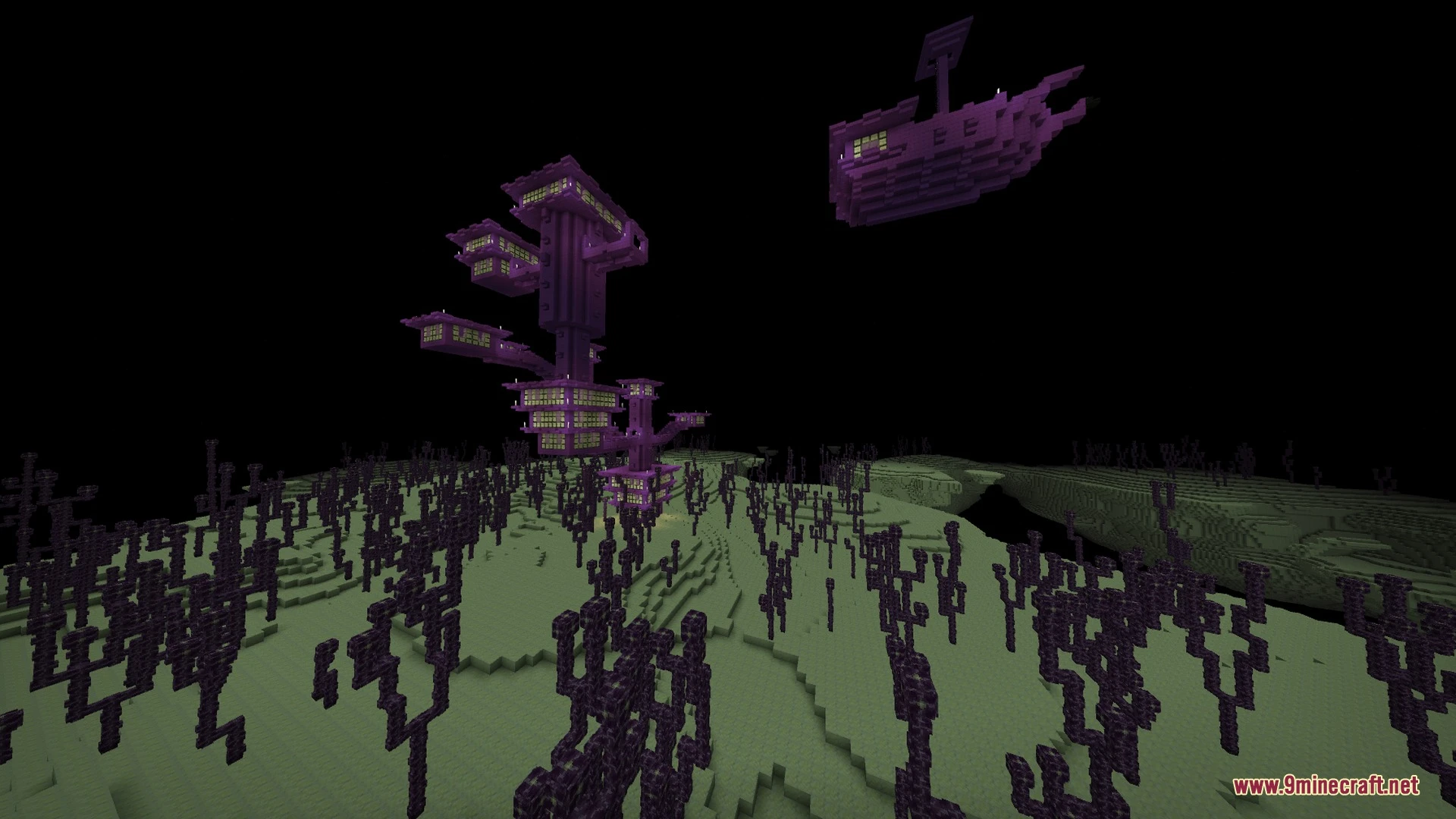
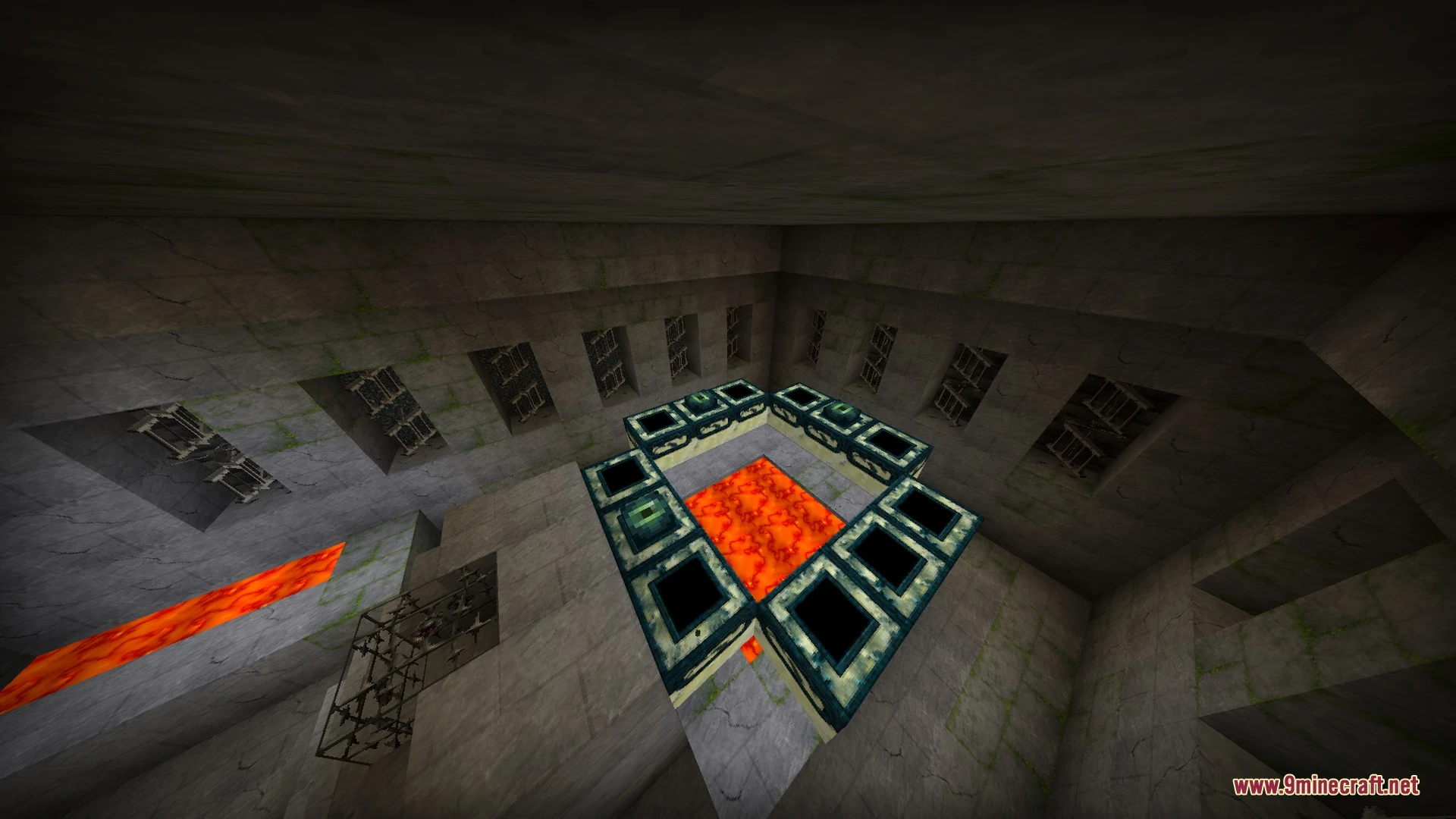
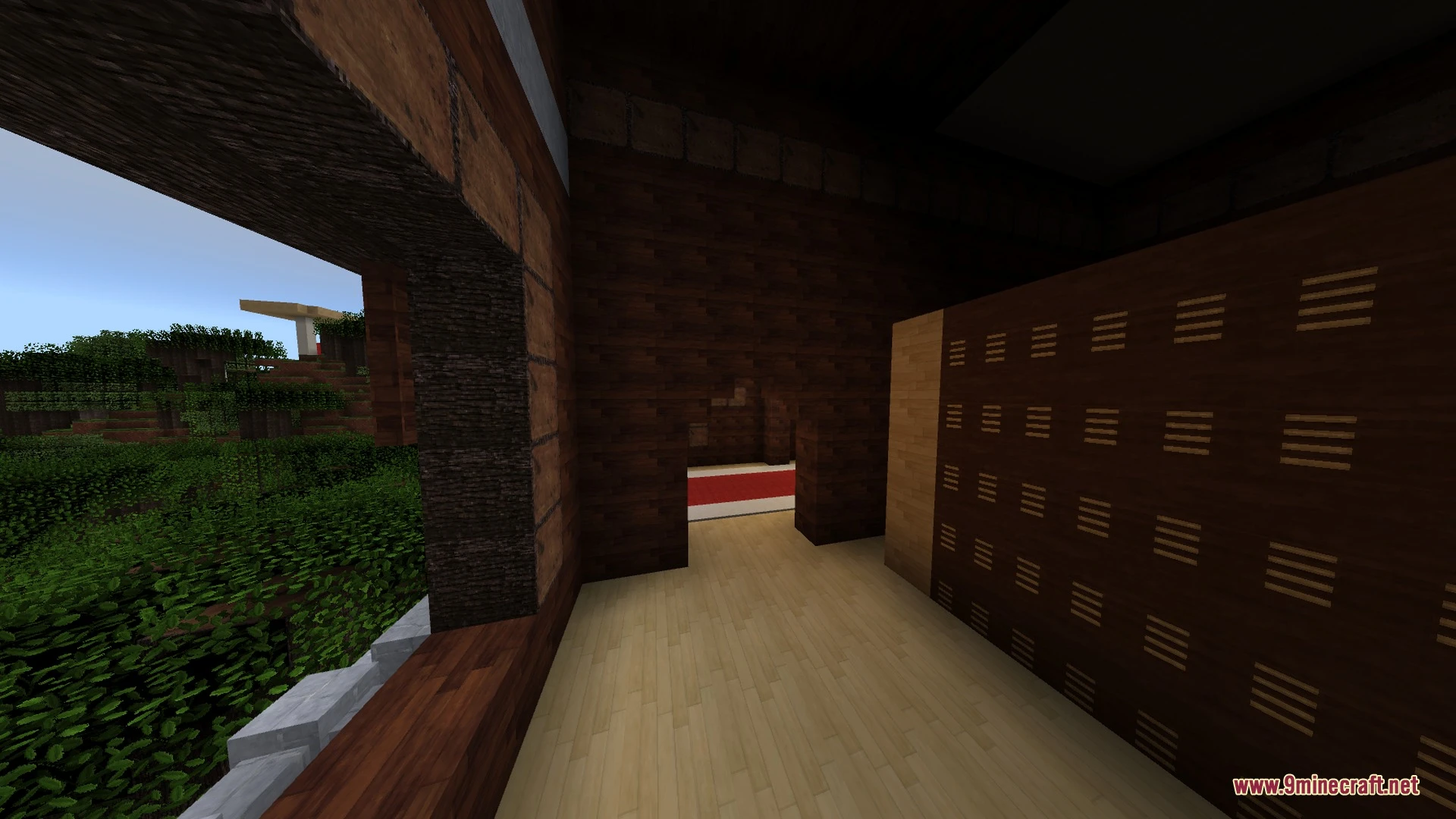
MXZ brings realistic lighting and clean visual upgrades to your worlds without causing game lag. It lets you adjust graphics settings between Lite and Full modes to match your mobile device. You can enjoy clear water, custom menu designs, and smooth performance on low-end and high-end devices alike.
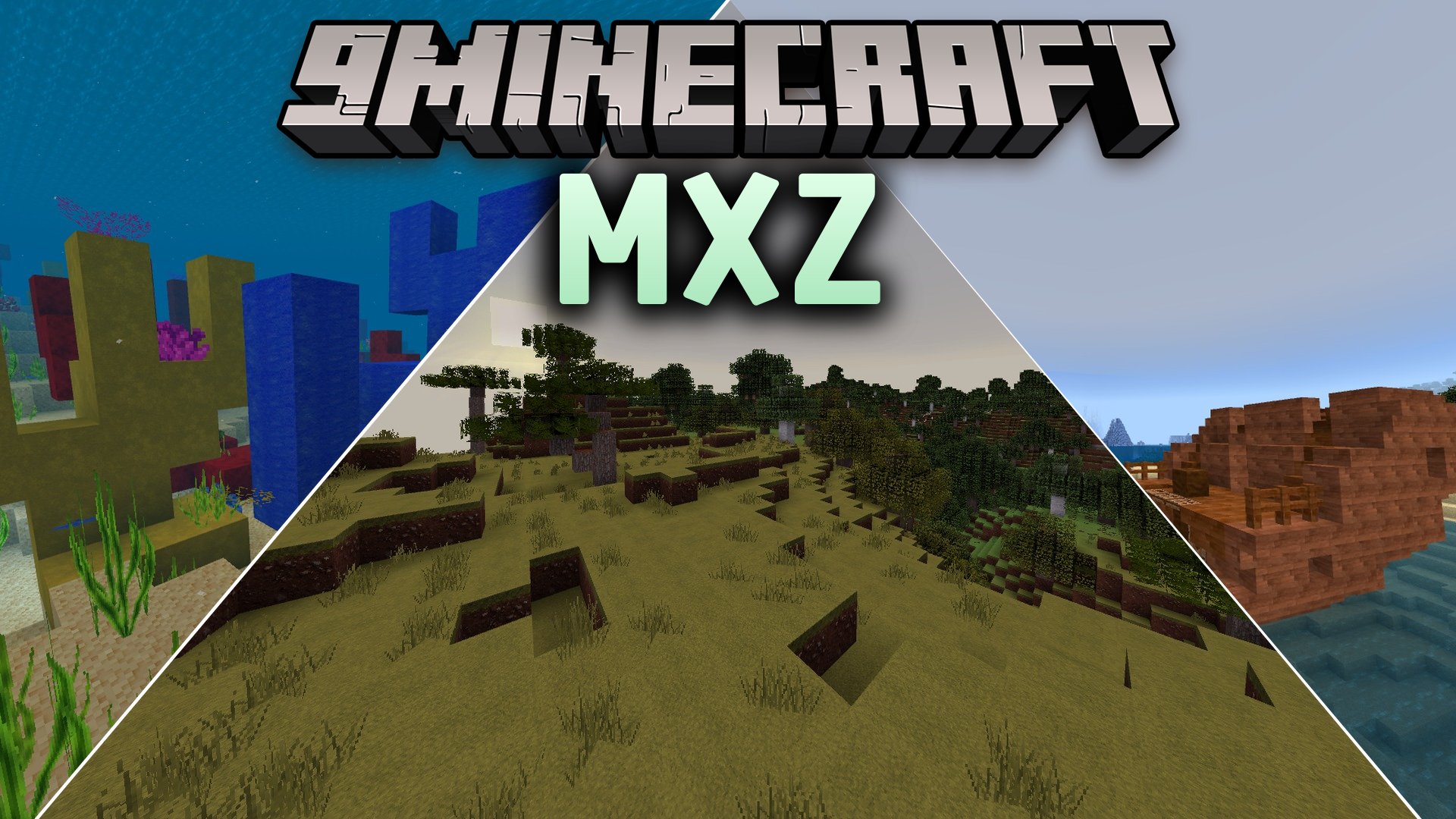
Features:
- Realistic lighting and atmospheric effects tuned for high frame rates.
- Multiple graphics presets ranging from Lite to Full mode.
- Enhanced water visuals and upgraded ambient details.
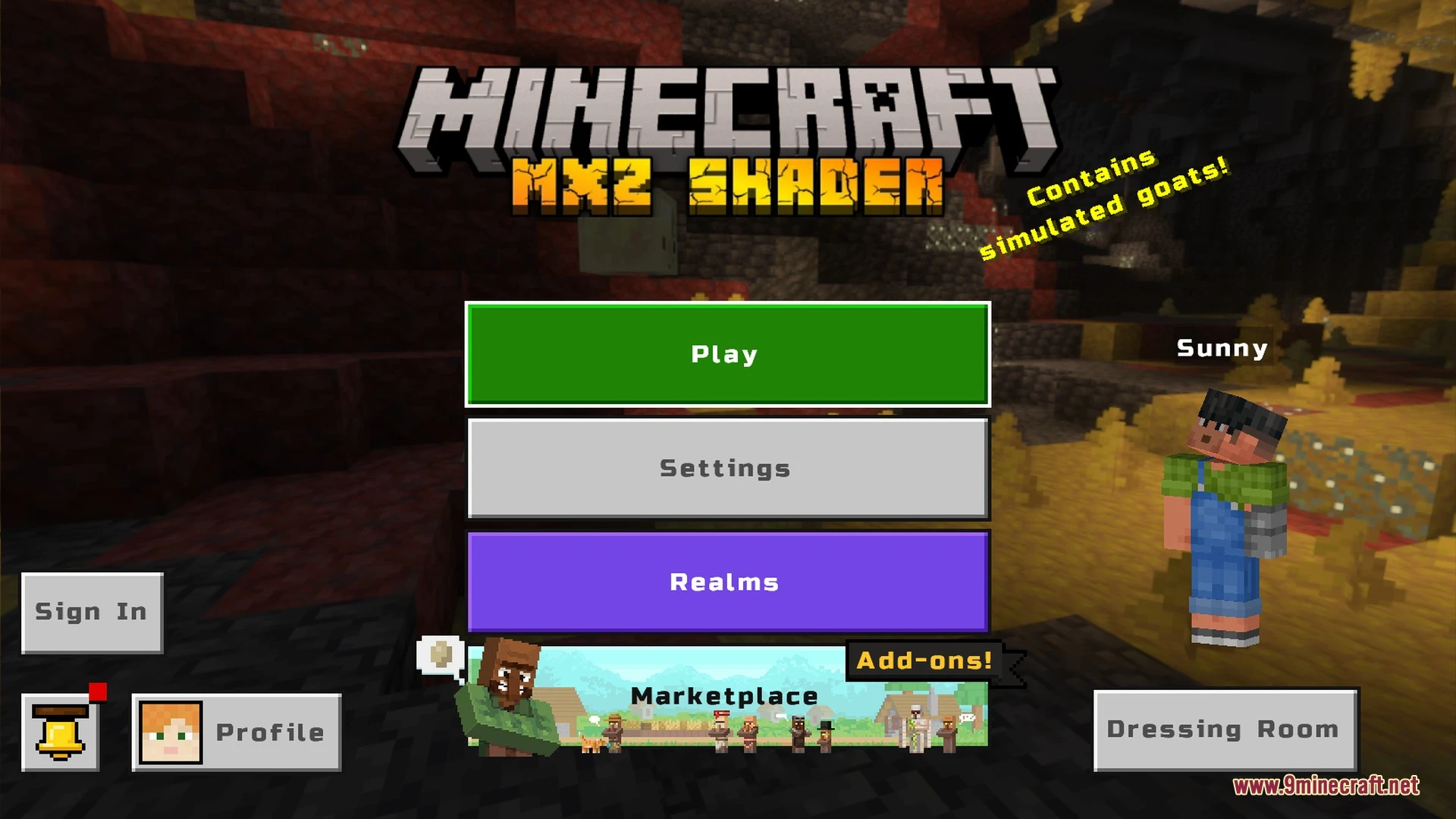
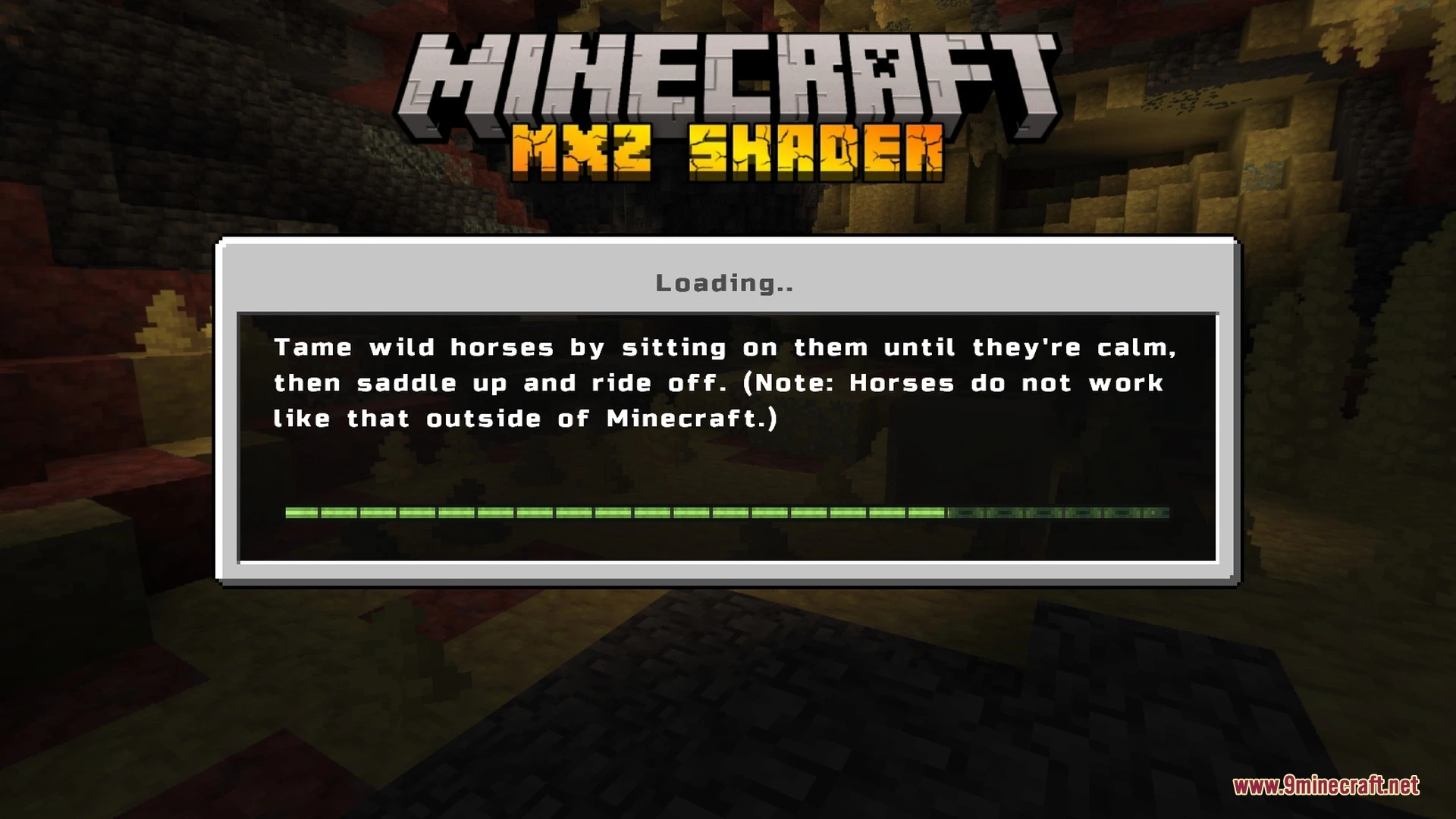
- Custom user interface styling with a unique font design.
- Full support for crisp 64x texture packs.
Screenshots:
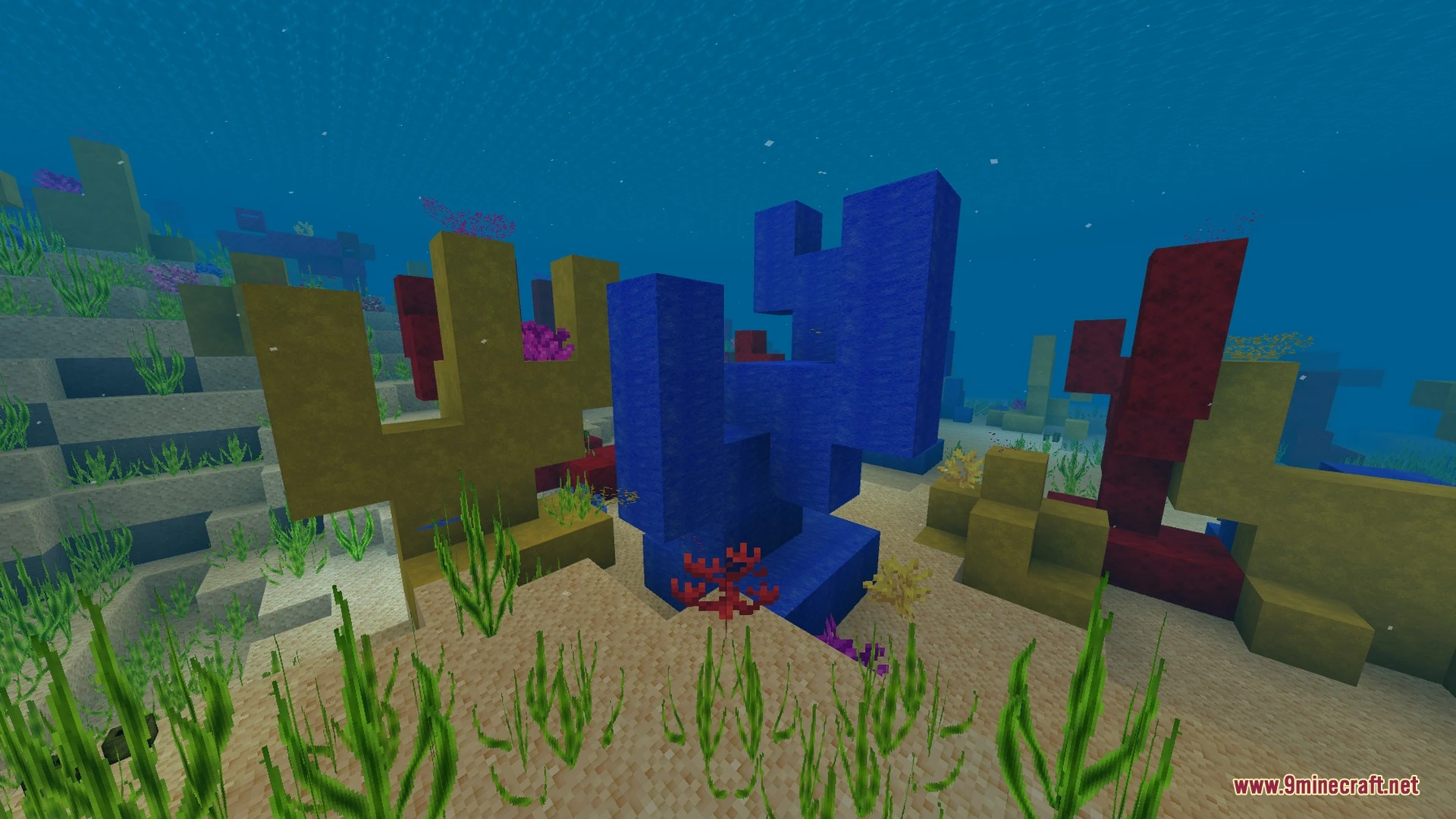
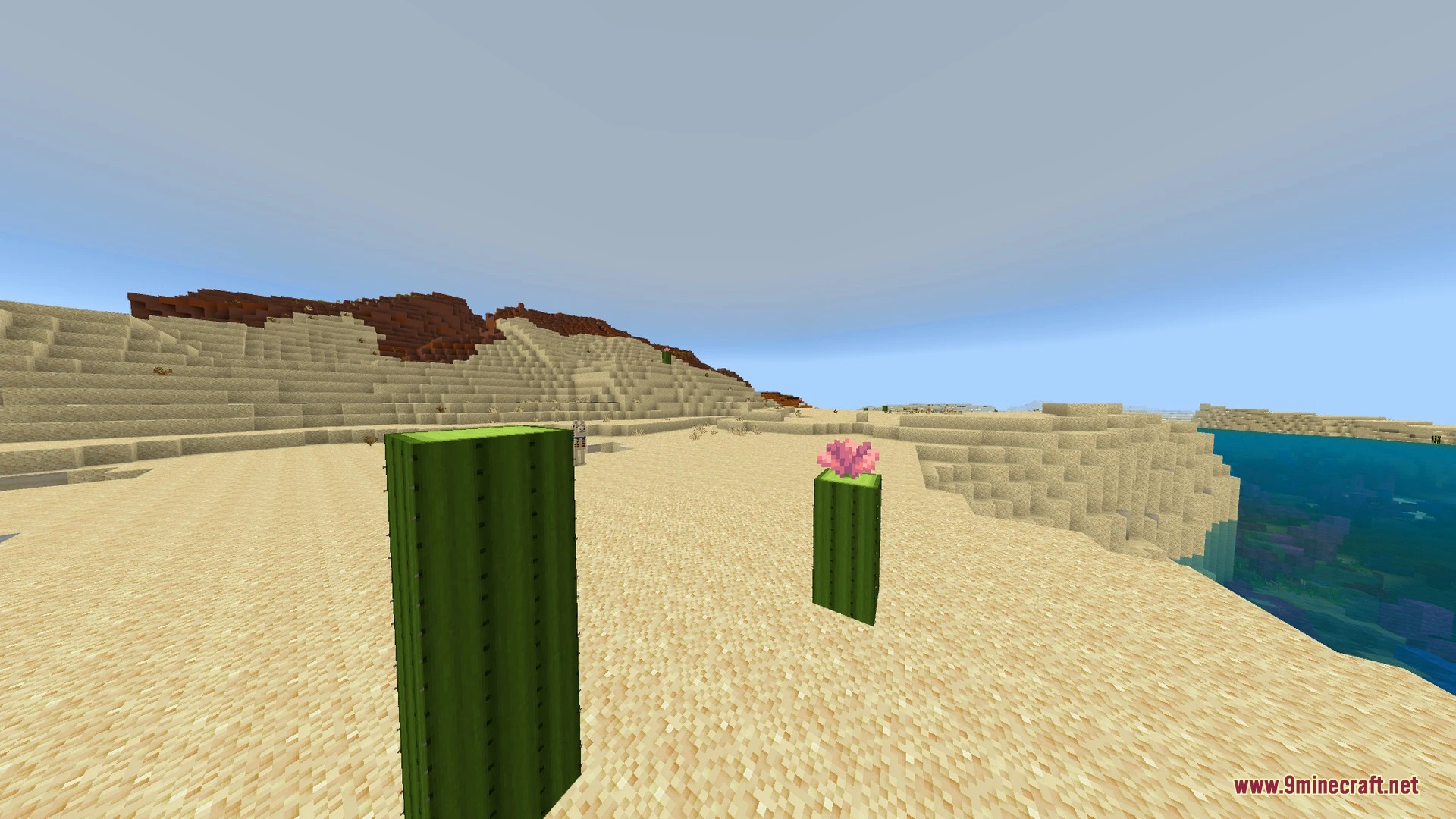
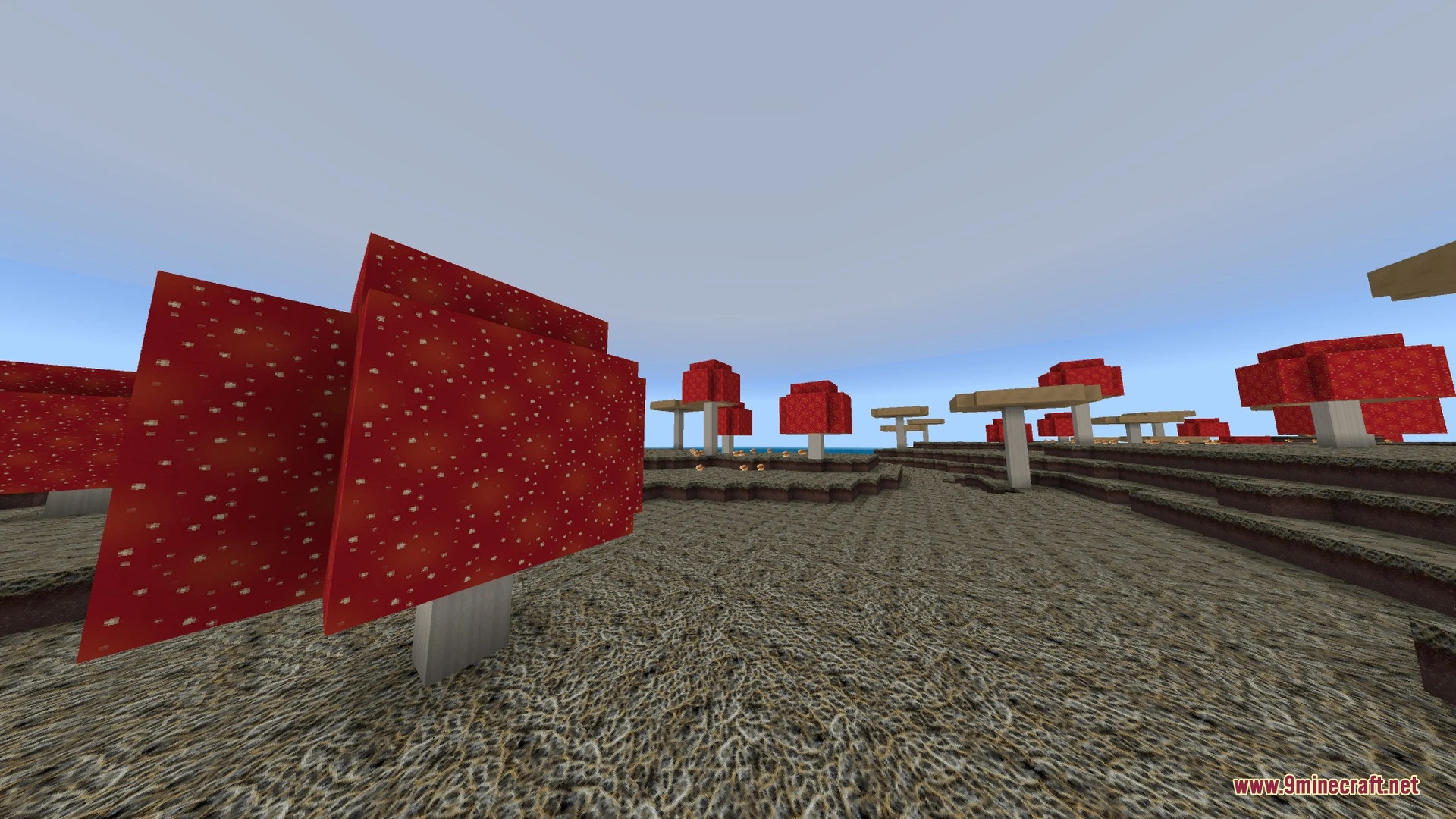
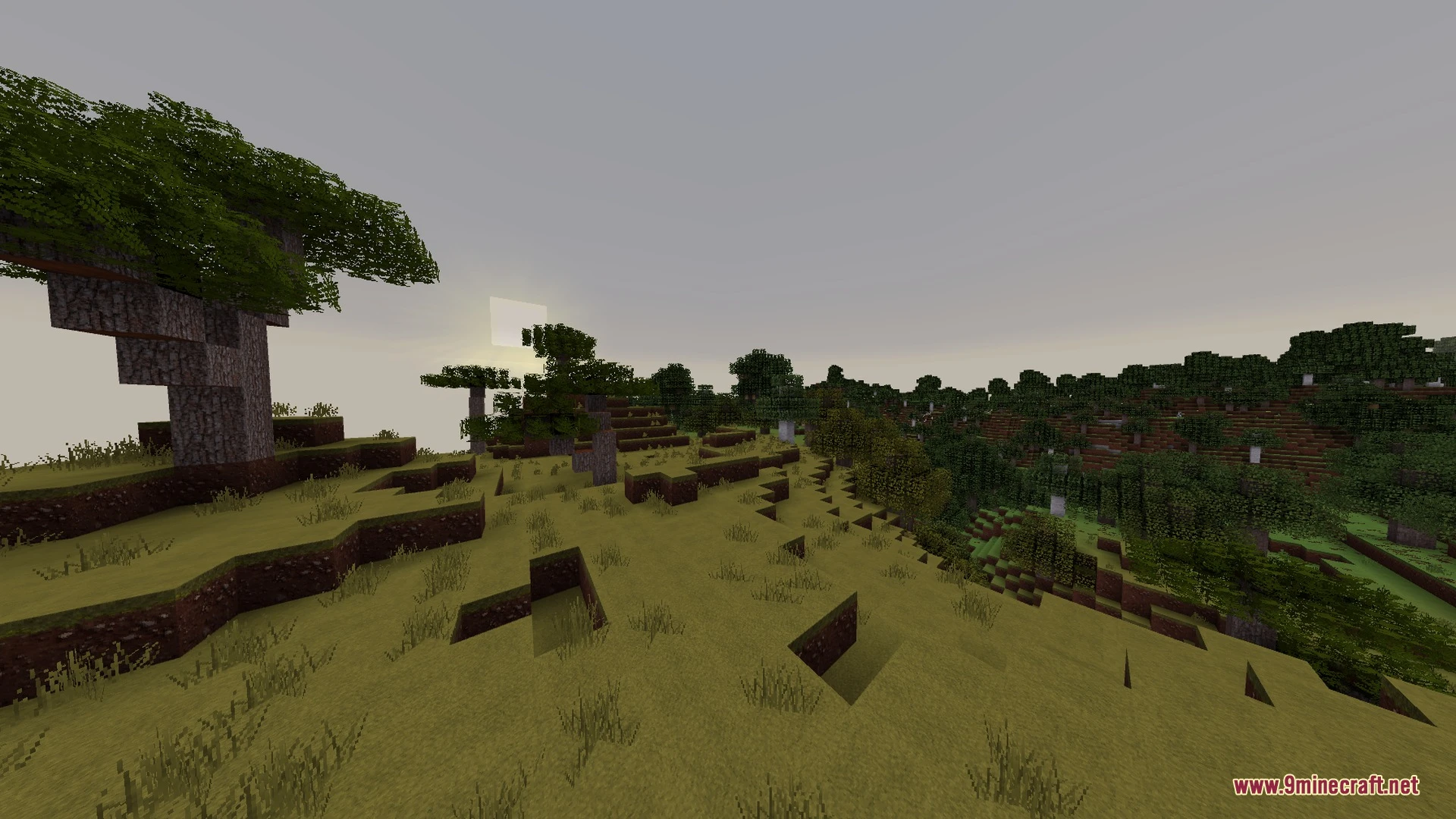
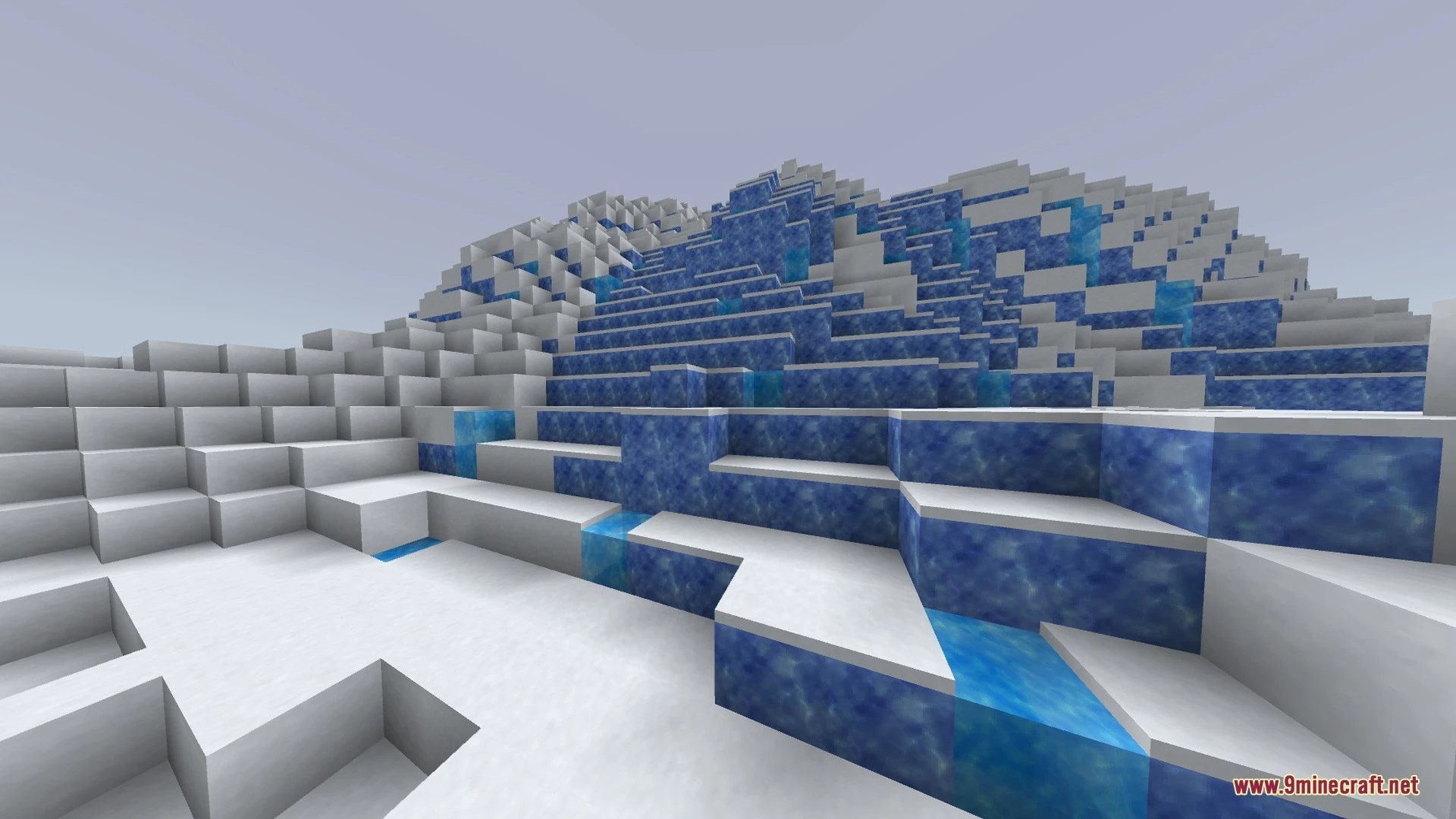
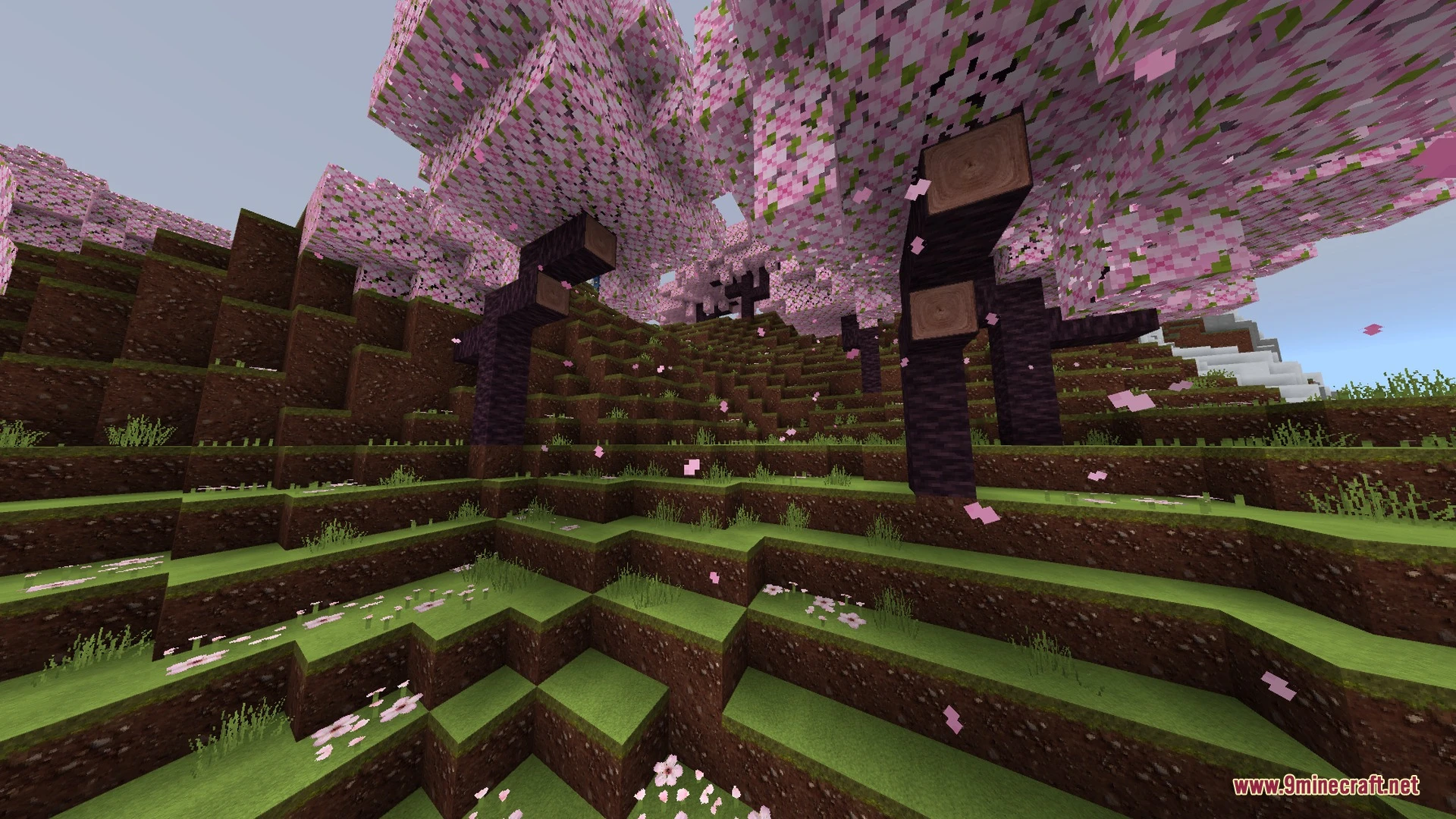
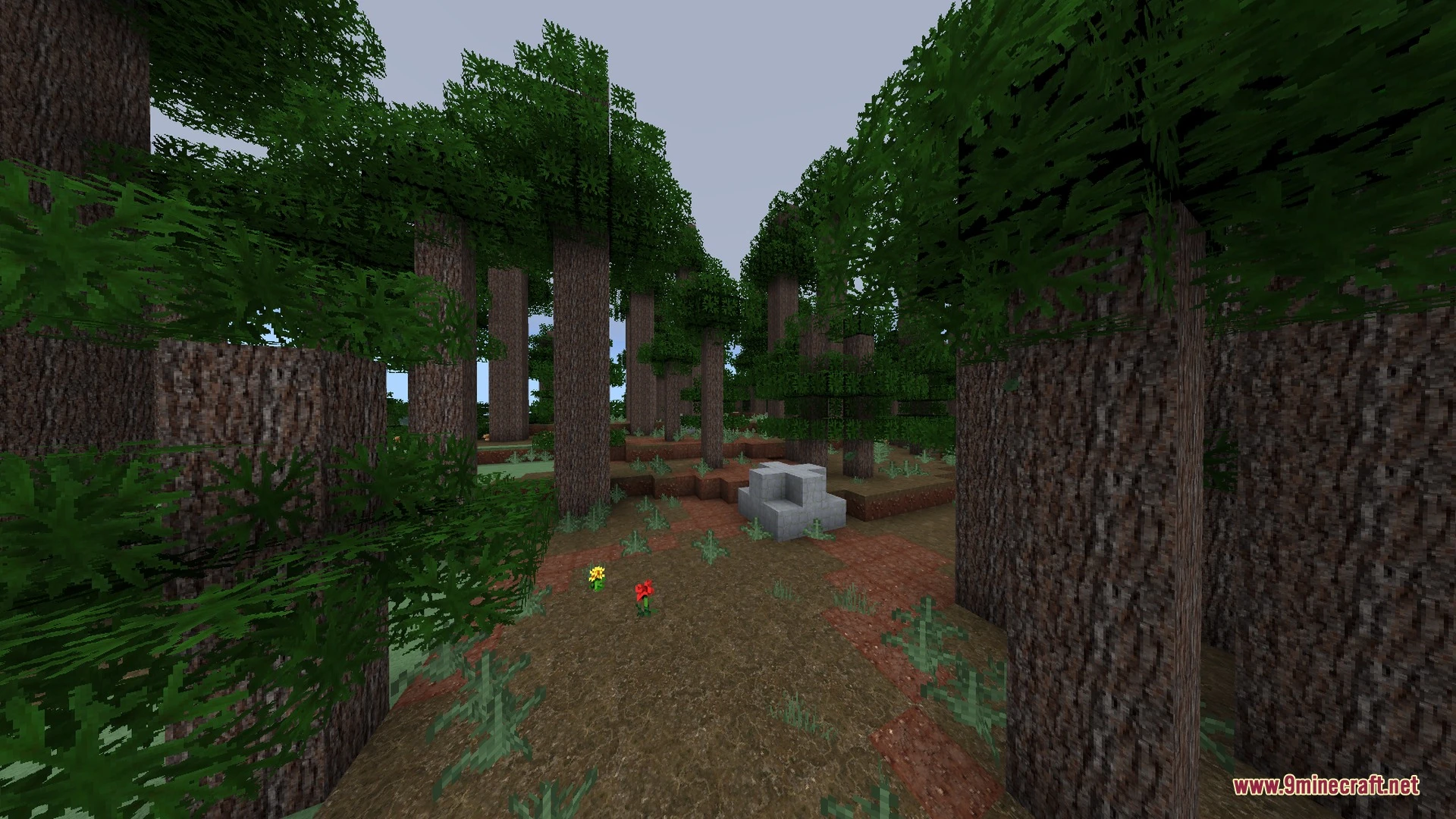
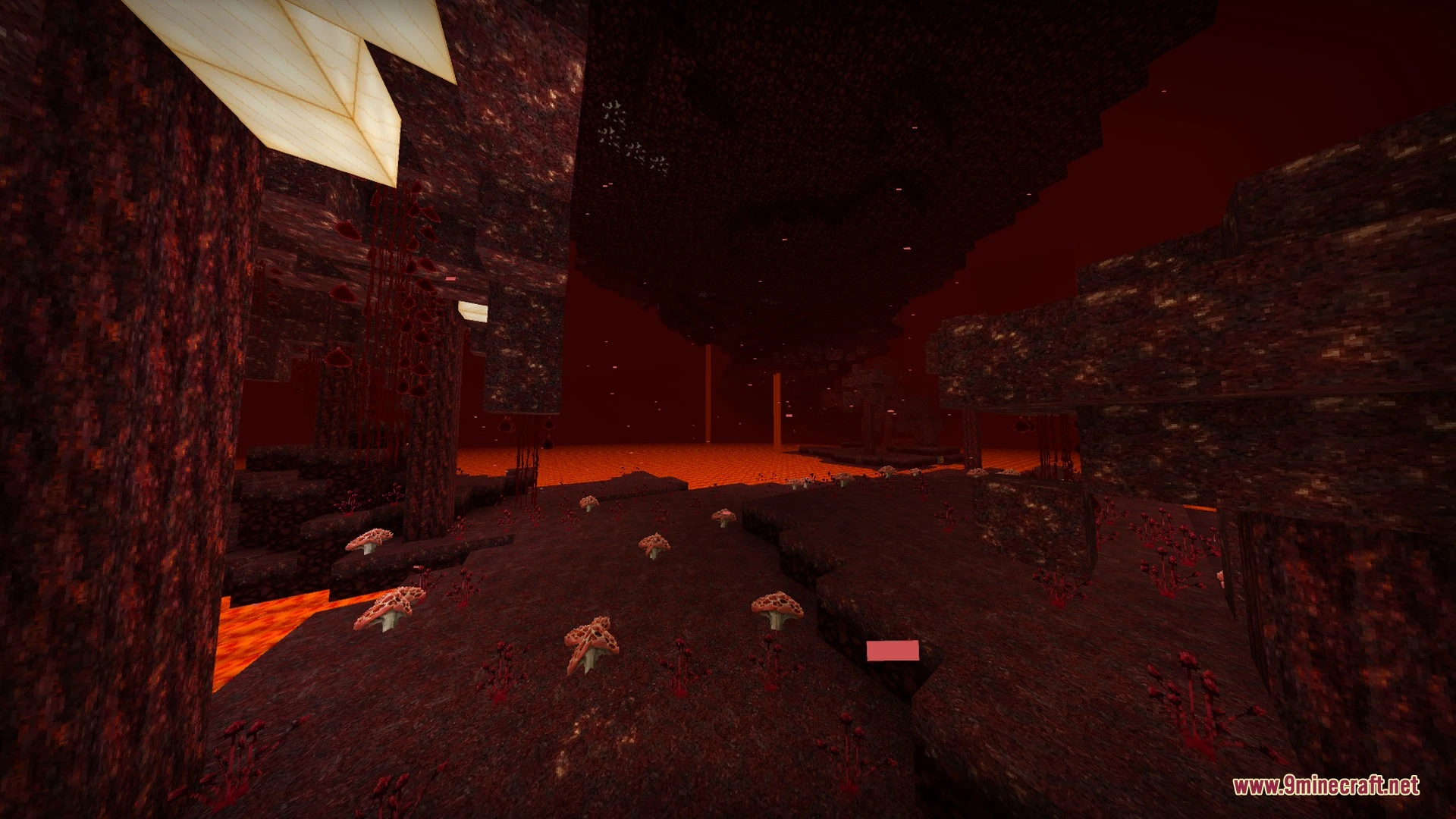
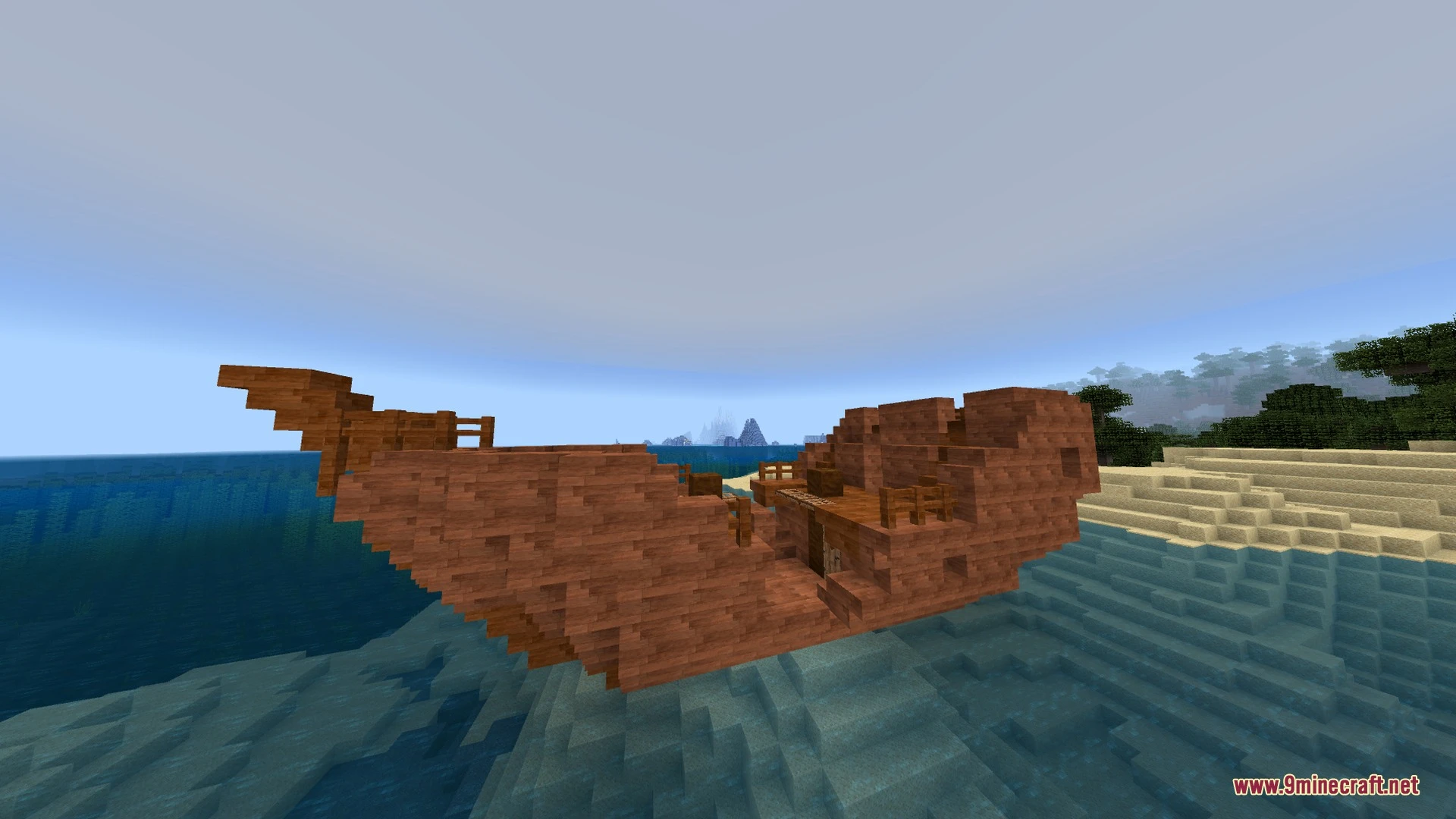
MXZ Shader Download Links
Quick facts
- Edition: Minecraft Bedrock
- File type: .mcpack
- Minecraft version listed: 1.21
- How to install: Download the .mcpack. → Open it — Minecraft imports it under Resource Packs. → Activate it in Global Resources, or for one world under Resource Packs → Available.
- Where to get it: In MCModsHub, or directly above on this page.
Install steps are the general flow for this file type — How to install Minecraft Bedrock texture packs walks through it step by step.
File checked by MCModsHub
- Pack type: .mcaddon — behaviour and resource pack in one file
- Manifest requires Minecraft 1.20.80 or newer
- Complete pack — everything it depends on is inside the file
- Download link checked 1 Sept 2026 — working
- Mirrored on our own servers — the download does not depend on the original host
These come from our own check of the pack file, not from the source page.