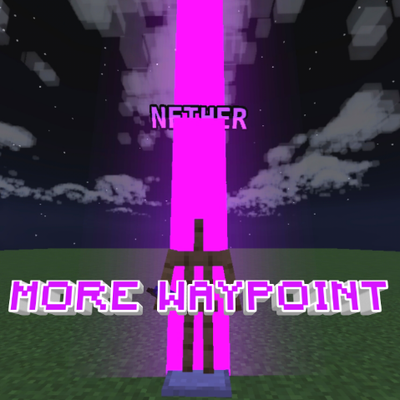
More Waypoint
Bedrock texture pack listed for Minecraft 1.20–26.x. File opened and checked on 4 Sep 2026; installs from the MC Bedrock Mods app on Android.
Turn any Armor Stand into a color-coded waypoint beacon using dyes — no commands, no add-ons, just place a dye in its hand.
⬇ Download on CurseForge
More Waypoint
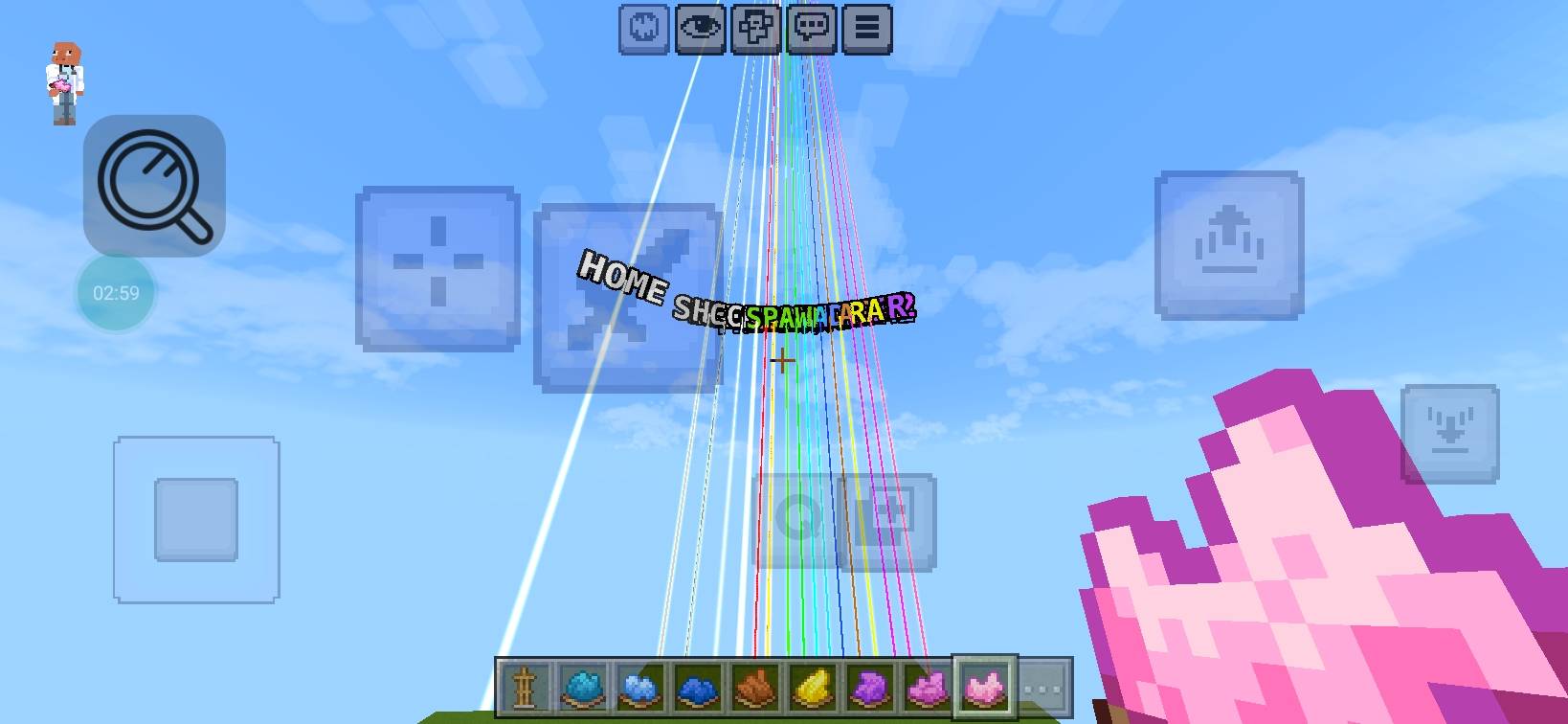
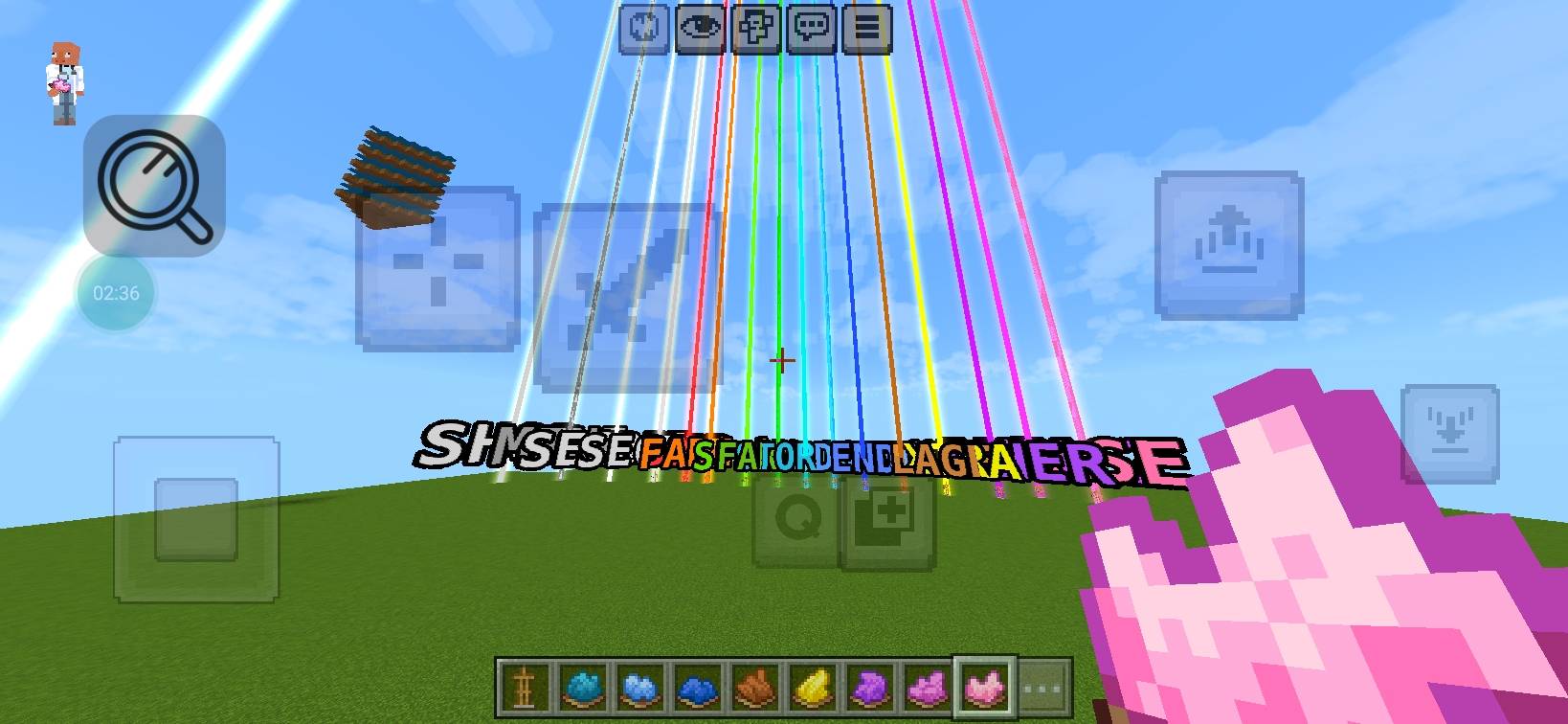
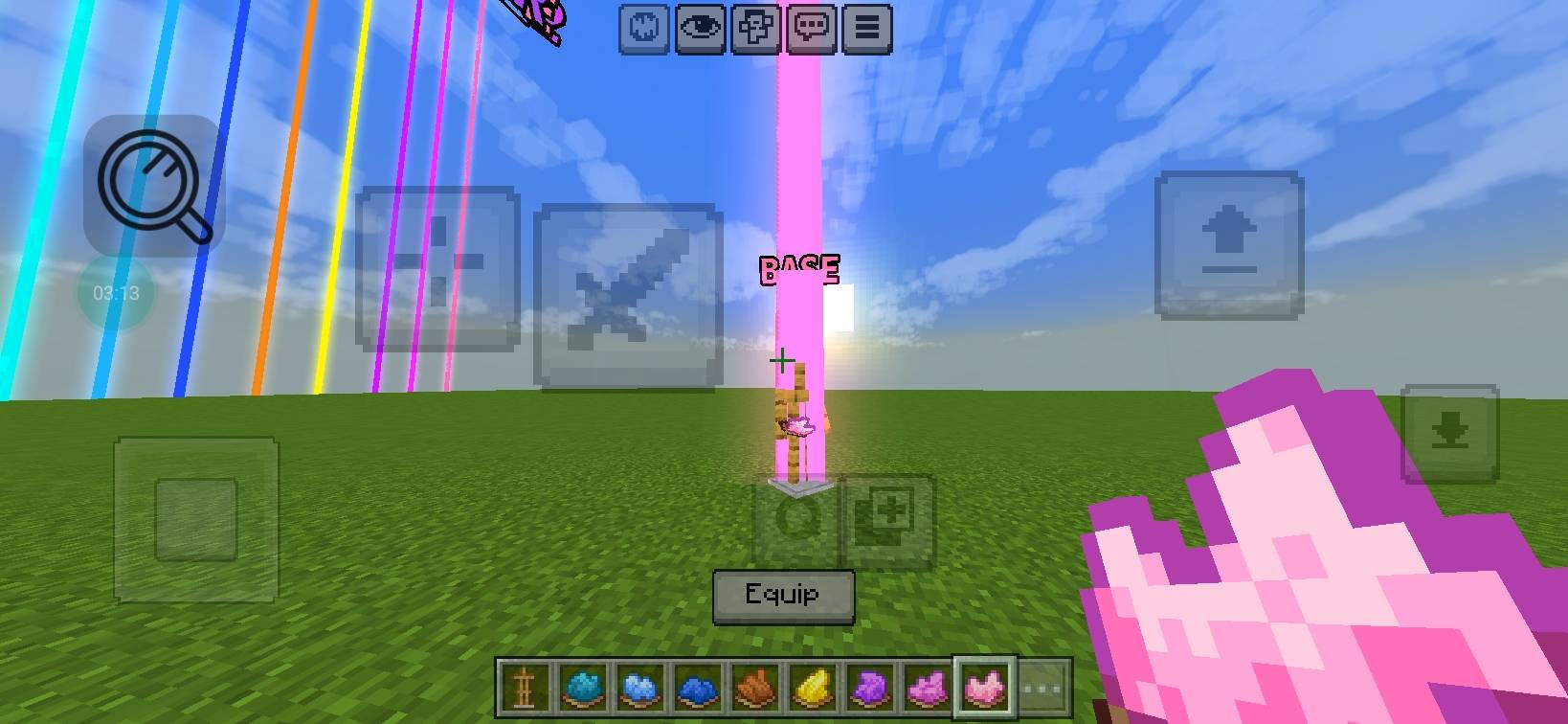
is a lightweight Minecraft Bedrock resource pack that turns Armor Stands into glowing waypoint markers. Just place a dye in an Armor Stand's hand slot and it instantly becomes a tall colored beacon beam with a floating name label — visible from far across your world. No commands, no behavior packs, no scripting required.
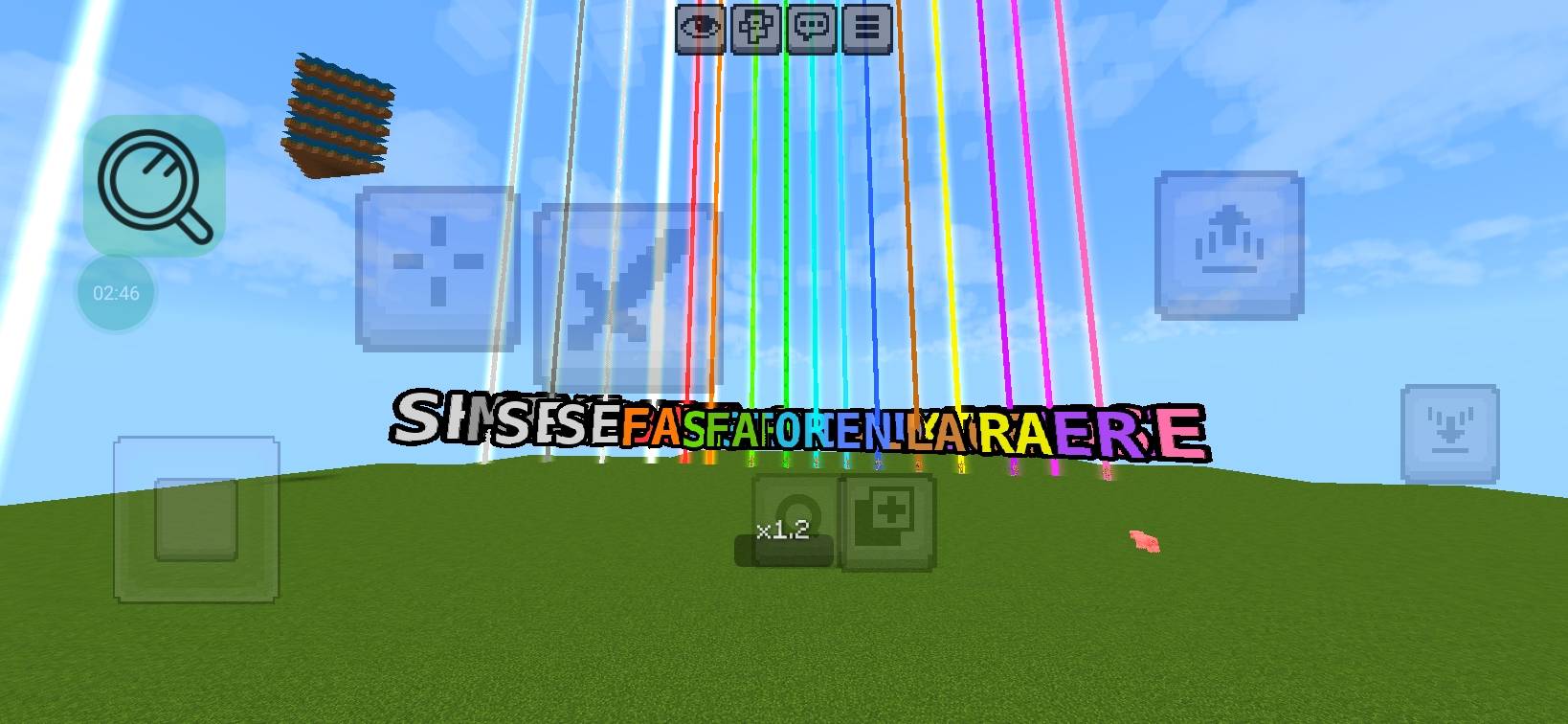
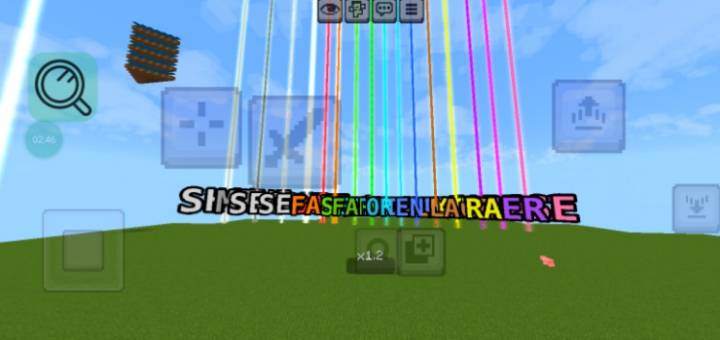
Each of the 16 dyes lights up its own unique color and shows its own preset label, so you can mark your base, farms, portals, and more — all color-coded and easy to tell apart at a glance.
#✨ Features
- **16 dye-triggered waypoints** — one for every dye color, each with its own beam color and label
- **Beacon-style glowing beam** — soft colored core + glow halo, visible from long range
- **Floating name label** — a clear, outlined text tag hovers near the beam so you know what it marks
- **Simple to use** — no commands, no crafting, no behavior pack: just hold/place a dye on an Armor Stand
- **Clean and lightweight** — resource pack only, safe for survival worlds and realms
# 🎨 Dye → Waypoint Guide
| Dye | Label |
|---|---|
| White Dye | HOME |
| Orange Dye | FARM 1 |
| Magenta Dye | FARM 2 |
| Light Blue Dye | FRIENDS HOME |
| Yellow Dye | EXTRA |
| Lime Dye | SPAWN |
| Pink Dye | BASE |
| Gray Dye | MINE |
| Light Gray Dye | SHOP |
| Cyan Dye | STORAGE |
| Purple Dye | NETHER |
| Blue Dye | END |
| Brown Dye | VILLAGE |
| Green Dye | FARM 3 |
| Red Dye | BOSS |
| Black Dye | SECRET |
# 📦 How to Use
1. Download and apply the resource pack to your world.
2. Place an Armor Stand.
3. Put any dye into the Armor Stand's hand slot.
4. The beam and label appear instantly — swap the dye anytime to change the waypoint.
# ⚠️ Notes
- Resource pack only — no permissions, commands, or experimental toggles needed.
- Beams are visual particles; they don't affect gameplay, mobs, or blocks.
- Requires Minecraft Bedrock (1.20+) - (1.26.45+) or newer.
---
# Suggested CurseForge Metadata
**Category:** Resource Packs → Utility / Tools
**Tags:** `waypoint`, `beacon`, `armor-stand`, `utility`, `markers`, `navigation`, `dye`, `particles`
**Minecraft Version:** (1.20+) - (1.26.45+) (Bedrock)
**Credits:**
Made by **DIPEN**
- Edition: Minecraft Bedrock
- File type: .mcpack
- Minecraft versions listed: 1.20.40, 1.21.30, 1.21.50
- How to install: Download the .mcpack. → Open it — Minecraft imports it under Resource Packs. → Activate it in Global Resources, or for one world under Resource Packs → Available.
- Where to get it: Opens on CurseForge — not every file is mirrored on our own servers.
Install steps are the general flow for this file type — How to install Minecraft Bedrock texture packs walks through it step by step.
- Pack type: .mcpack — a single pack
- Manifest requires Minecraft 1.20.0 or newer
- Complete pack — everything it depends on is inside the file
- Download size: 216 KB
- Download link checked 14 Oct 2026 — working
These come from our own check of the pack file, not from the source page.