Texture packsBedrock
FullBright Pro Texture Pack (26.x, 1.21) – Clear Vision Through Dark Fog
Bedrock texture pack listed for Minecraft 1.20–1.21. File opened and checked on 3 Sep 2026; installs from the MC Bedrock Mods app on Android.
⬇ Download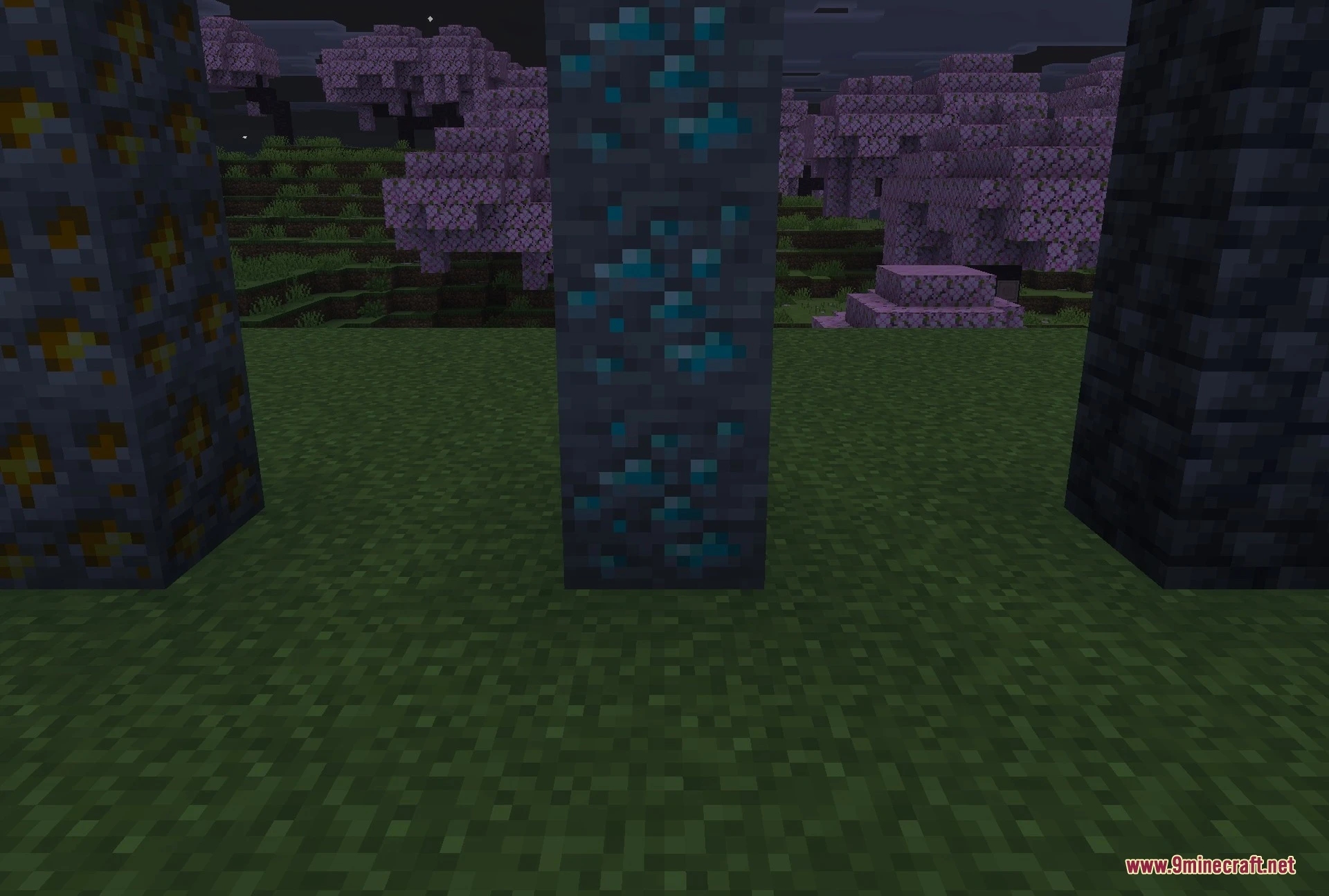
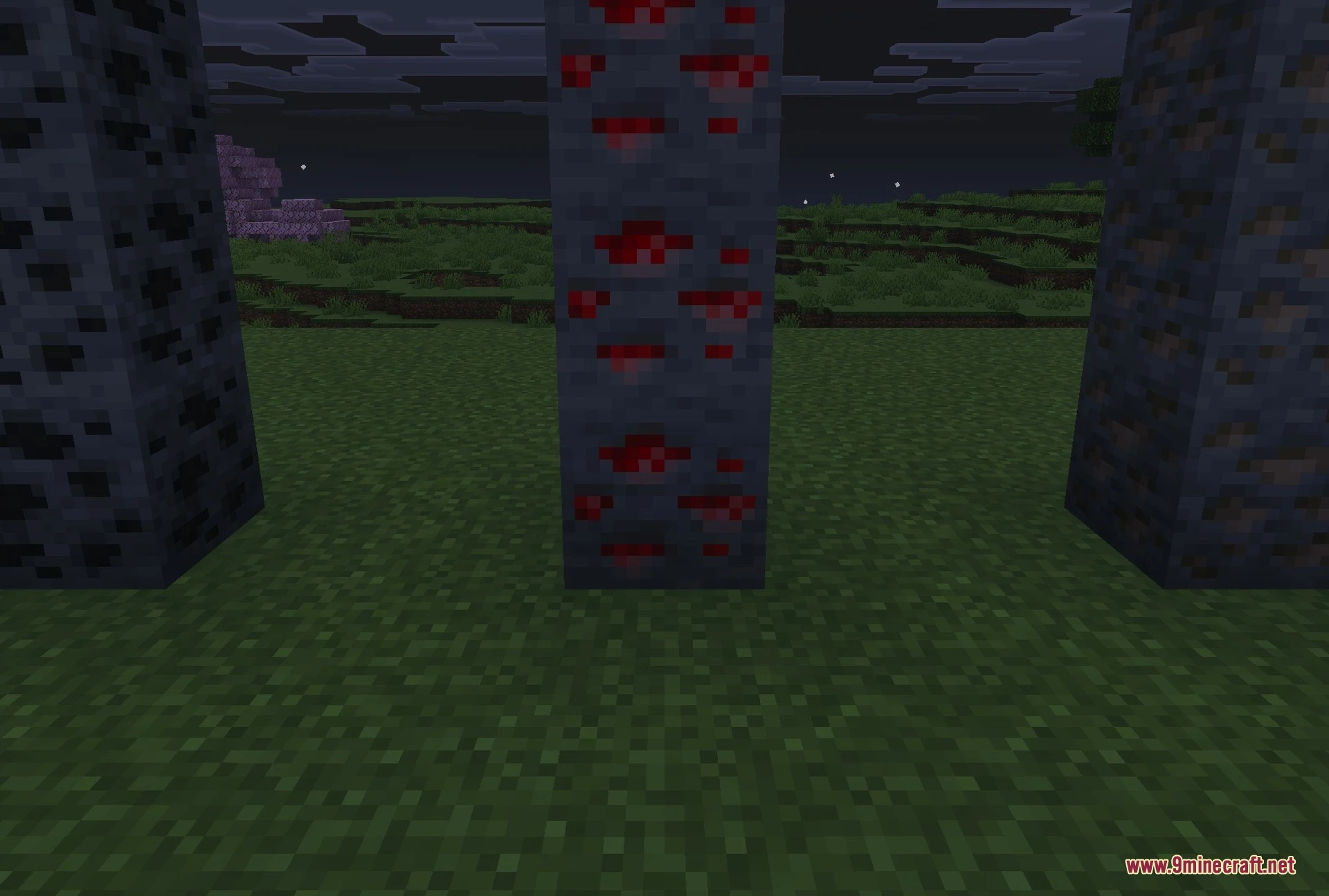
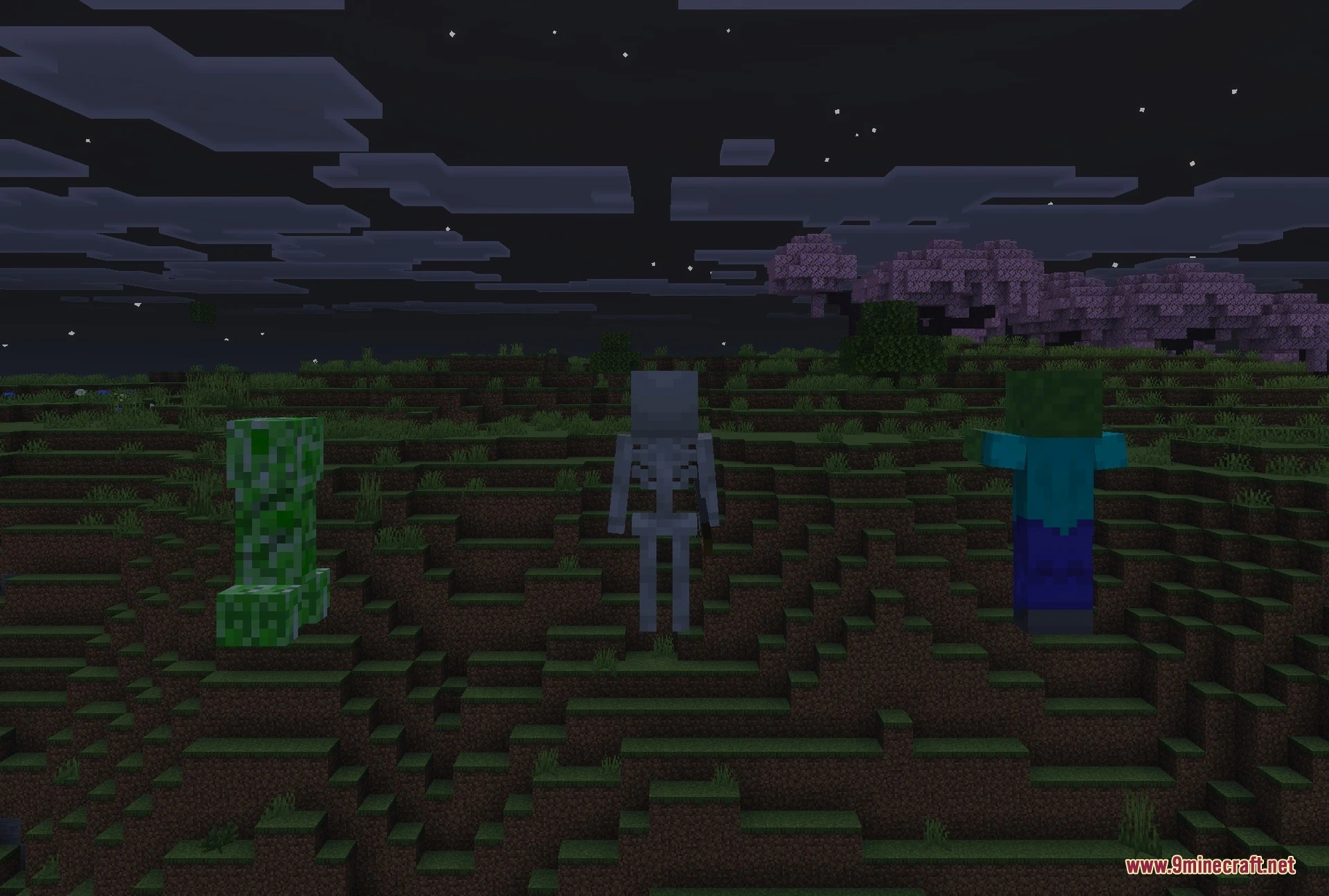
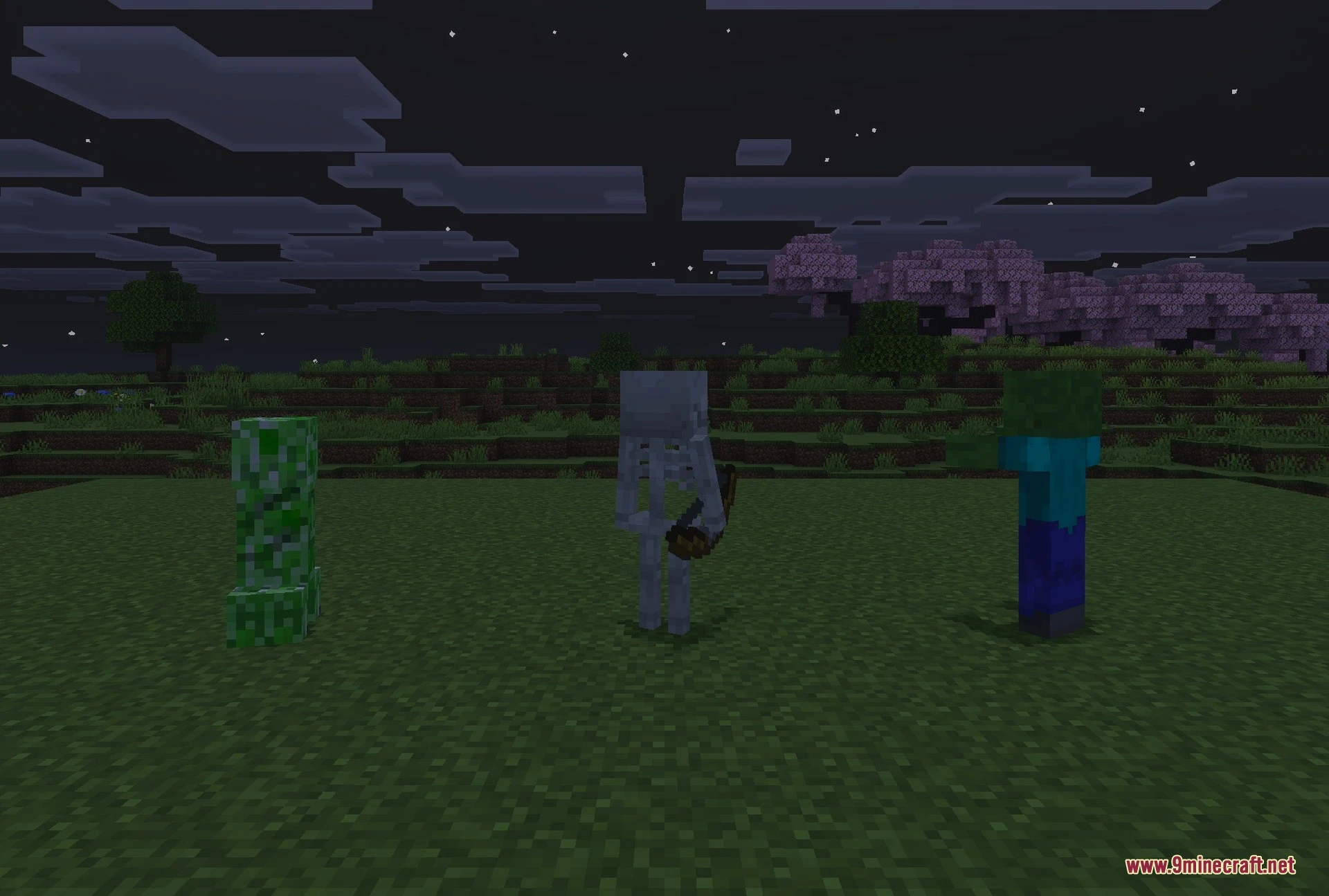
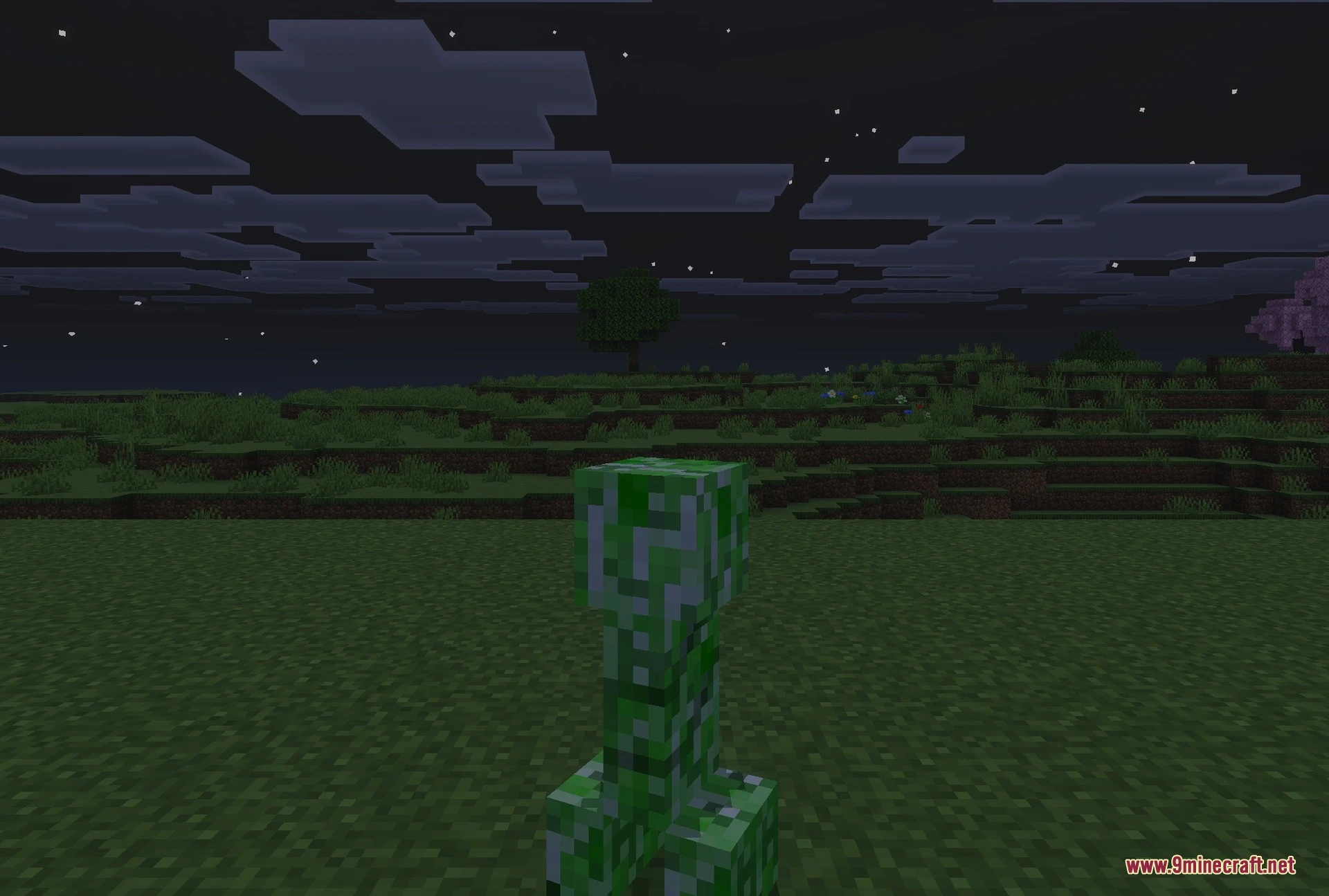
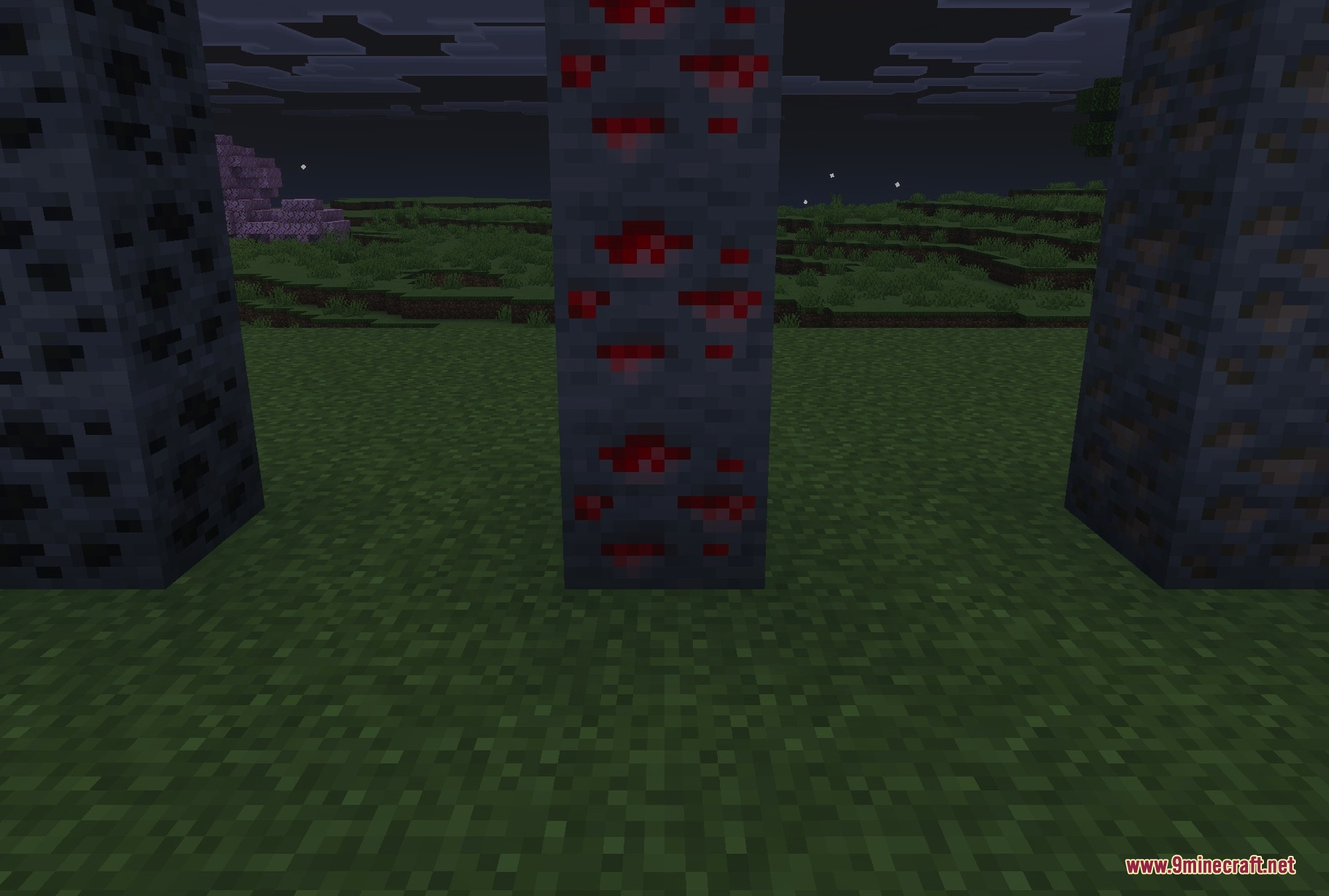
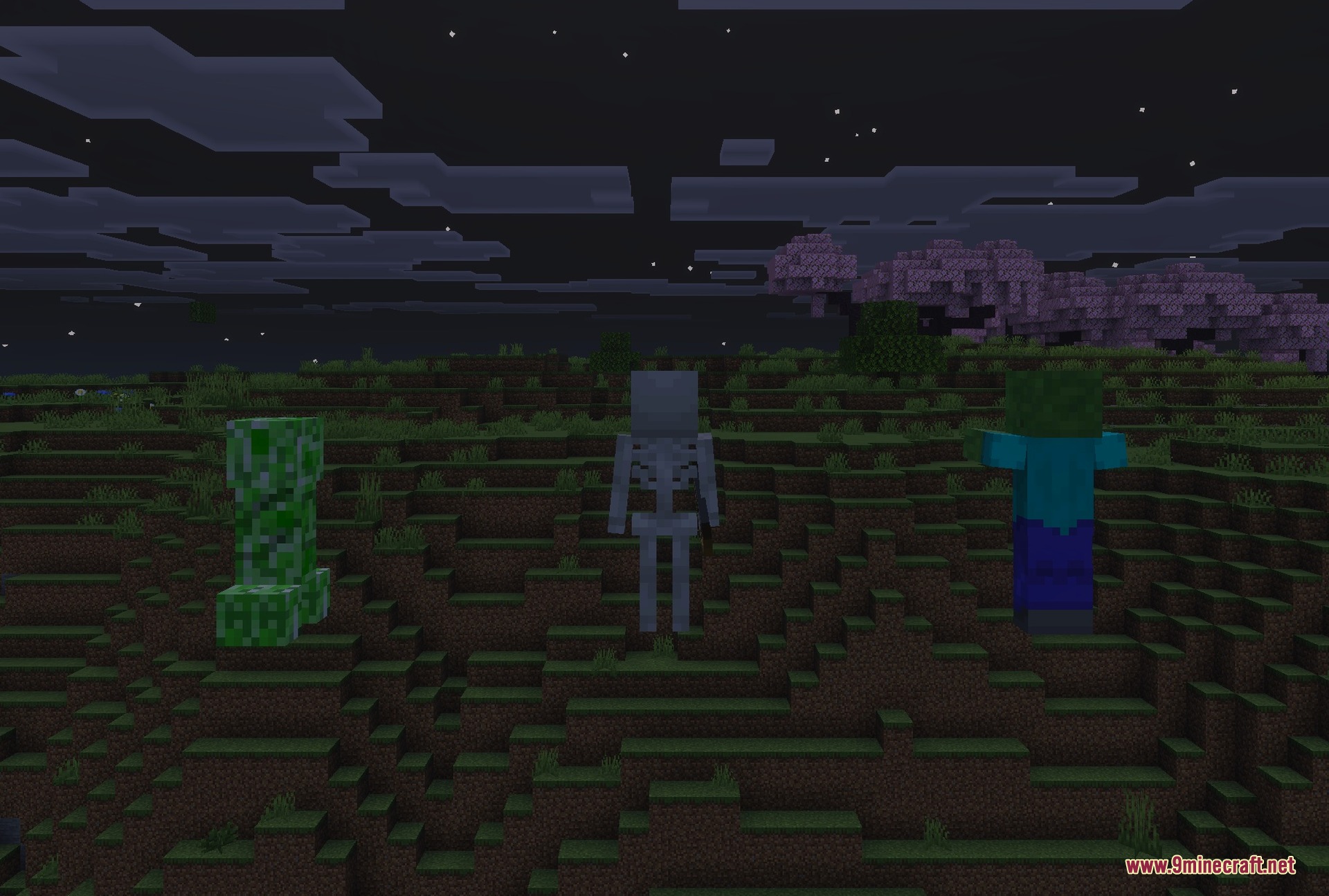
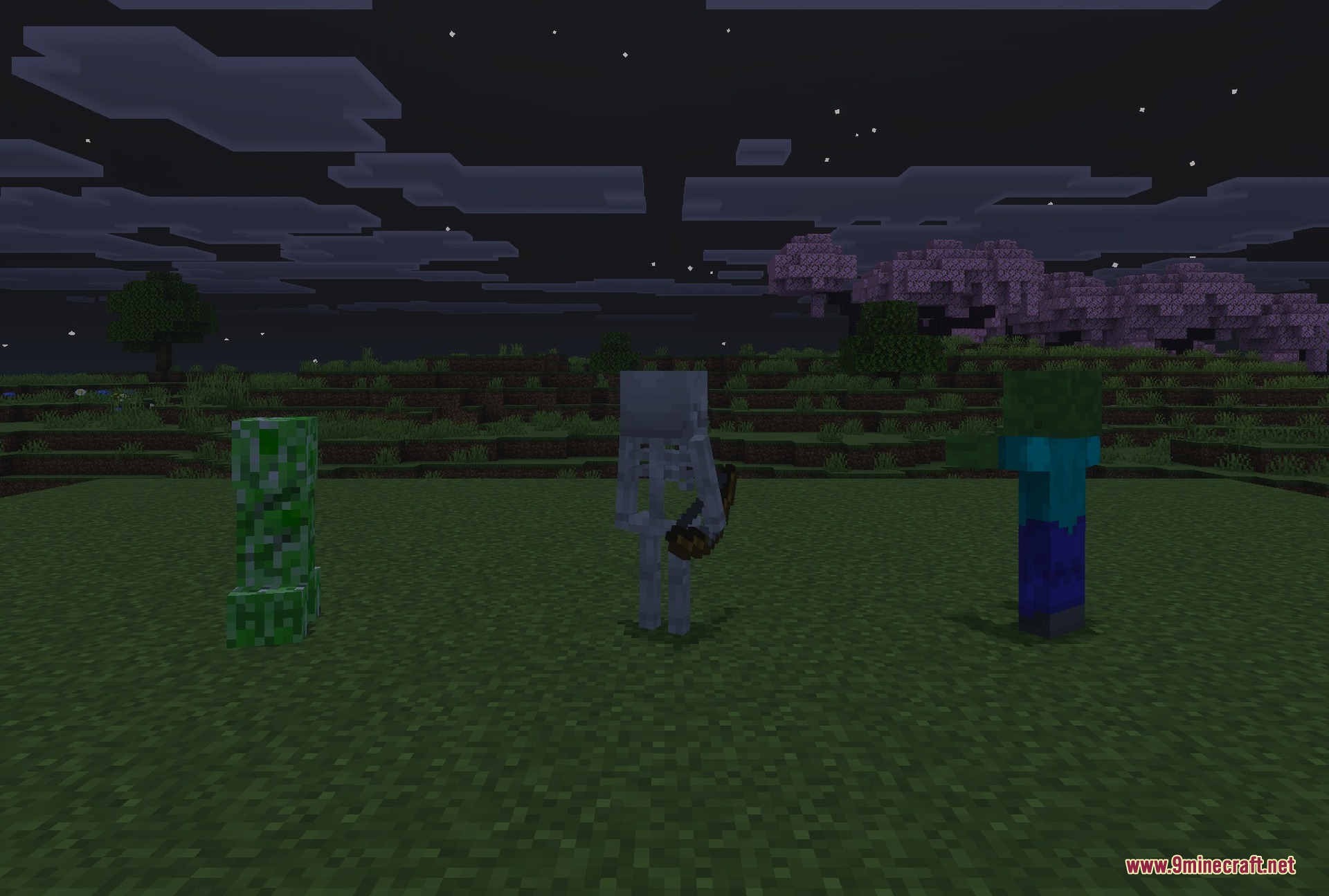
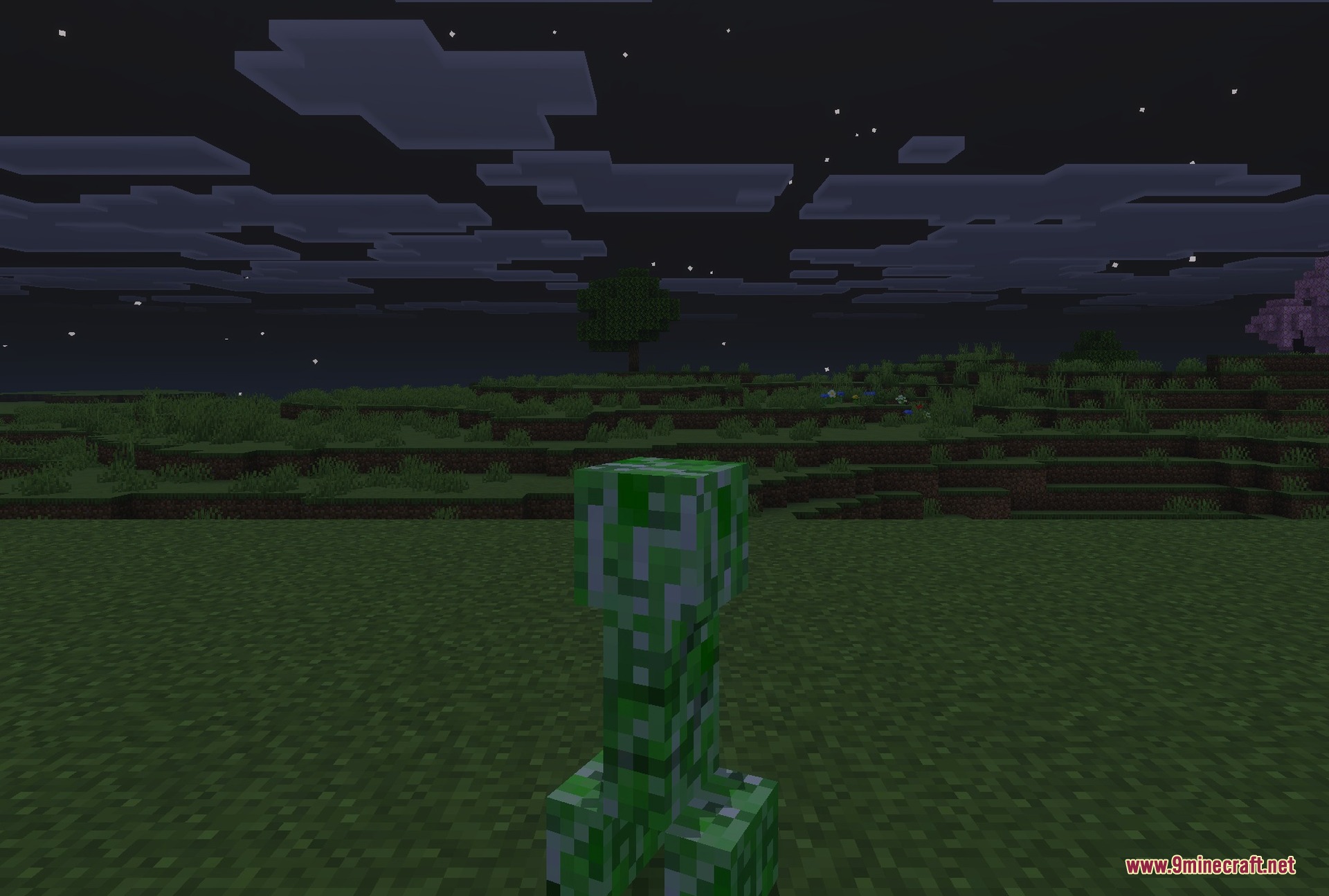
FullBright Pro Texture Pack reduces heavy distance fog across your world to make your view clear. It improves visibility underwater, helps you see through lava, and keeps stormy weather easy to navigate. It allows you to explore clearly without enabling cheats or locking world achievements.
Features:
- Reduces distance fog in normal weather and storms.
- Increases overall visibility when swimming underwater.
- Extends your view distance while submerged in lava.
- Keeps achievements enabled without requiring any cheat commands.
- Works smoothly on multiplayer servers and Realms.
FullBright Pro Texture Pack Download Links
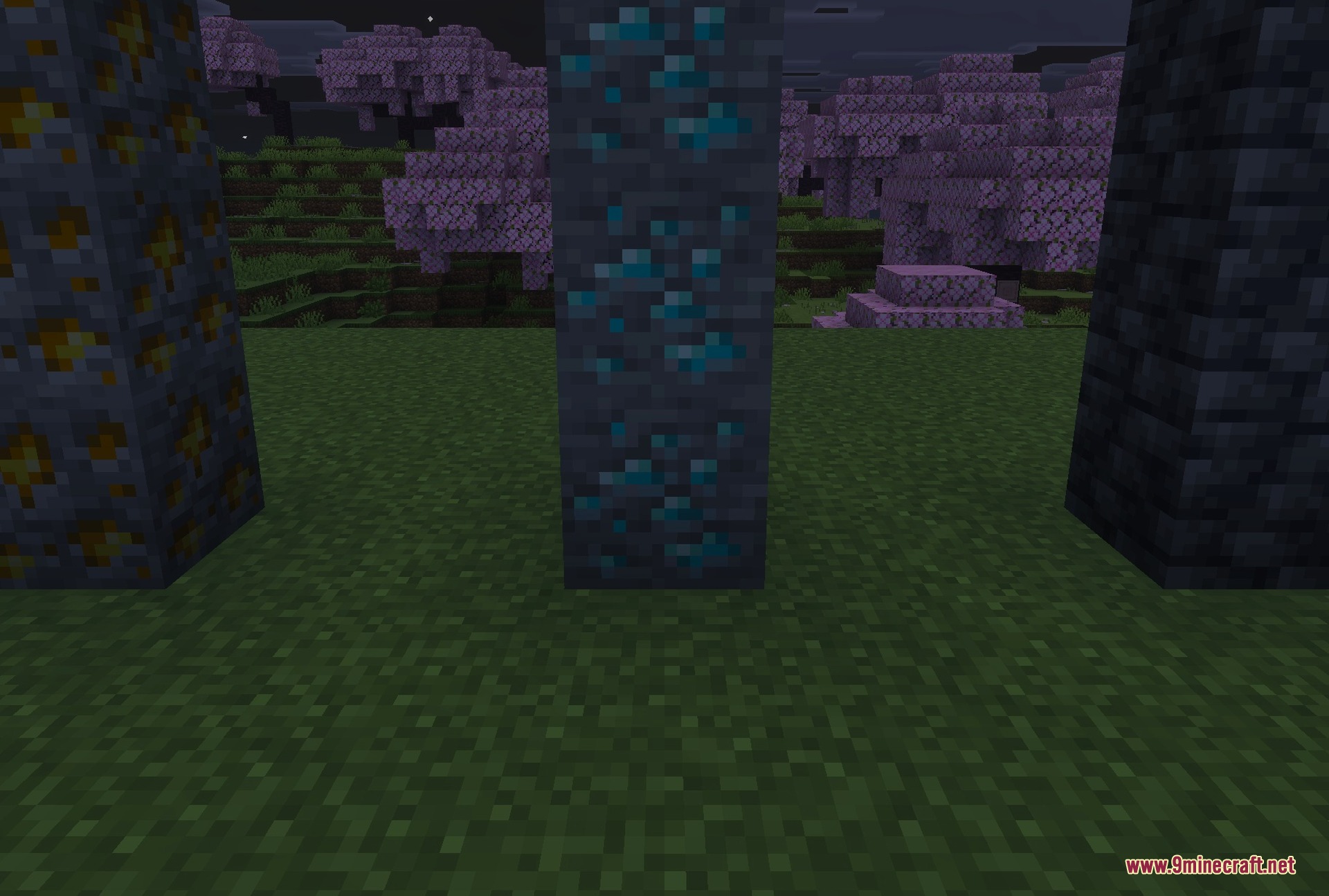
Screenshots:
Quick facts
- Edition: Minecraft Bedrock
- File type: .mcpack
- Minecraft version listed: 1.21
- How to install: Download the .mcpack. → Open it — Minecraft imports it under Resource Packs. → Activate it in Global Resources, or for one world under Resource Packs → Available.
- Where to get it: In MCModsHub, or directly above on this page.
Install steps are the general flow for this file type — How to install Minecraft Bedrock texture packs walks through it step by step.
File checked by MCModsHub
- Pack type: .mcpack — a single pack
- Manifest requires Minecraft 1.20.0 or newer
- Complete pack — everything it depends on is inside the file
- Download link checked 3 Sept 2026 — working
- Mirrored on our own servers — the download does not depend on the original host
These come from our own check of the pack file, not from the source page.