
Verity Totem And Sounds
Bedrock texture pack listed for Minecraft 1.20–26.x. File opened and checked on 14 Oct 2026; installs from the MC Bedrock Mods app on Android.
⬇ Download on CurseForgeThe author built this one for Minecraft 26.40. On other versions it may install and then do nothing.
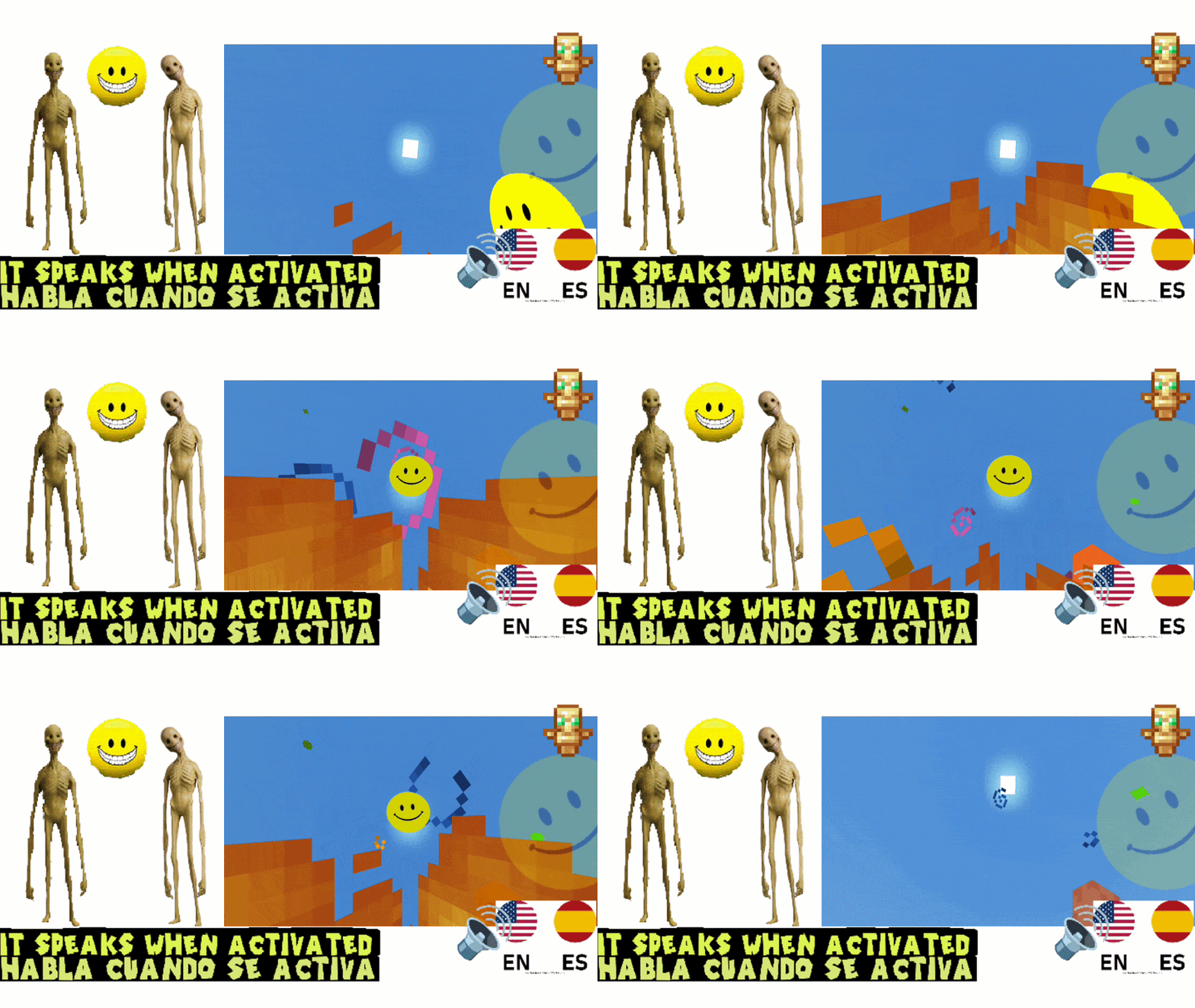
It speaks when activated.
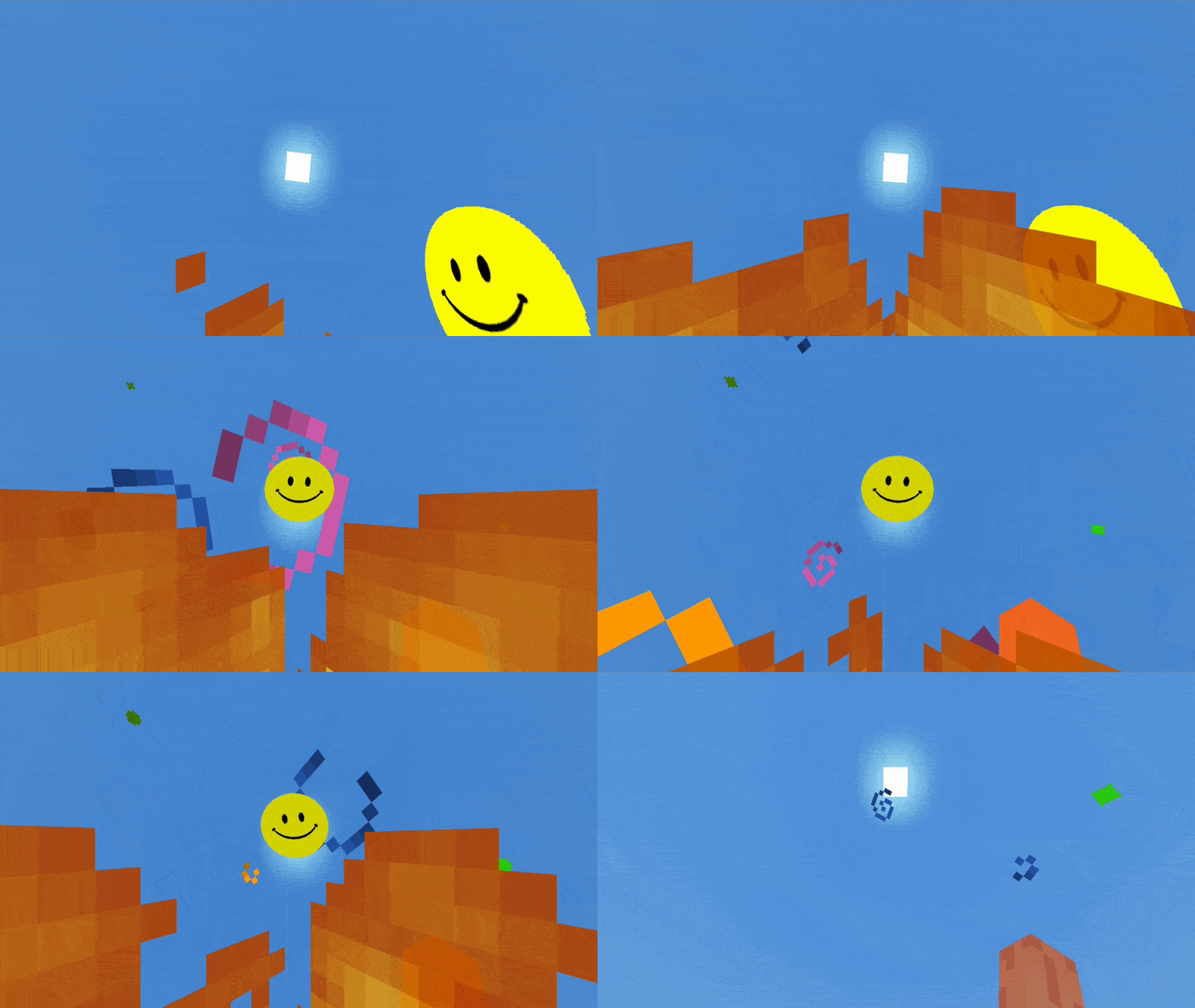
He's saying Not Today!!!
It has many voicelines

✨ Verity Totem and Sounds
Verity Totem and Sounds is a Minecraft Bedrock resource pack that transforms the default Totem of Undying into Verity!
This pack replaces the appearance of the Totem of Undying with Verity and includes custom voices and sounds when the Totem activates.
You can also choose between English and Spanish voice options directly from the pack settings.
🌐 Language Options
Choose the Verity voice you prefer:
- 🇺🇸 English Voice: Verity speaks in English.
- 🇪🇸 Spanish Voice: Verity speaks in Spanish.
You can change the voice through the pack settings.
🛠️ How to Install & Use
- Download the
.mcpackfile. - Open it with Minecraft Bedrock.
- Go to Settings > Global Resources.
- Activate Verity Totem and Sounds.
- Click the Gear Icon (⚙️) next to the pack.
- Choose your preferred Verity voice option.
- Enter or restart your world if necessary and enjoy!
⭐ Feedback
Found a bug or have a suggestion? Leave a comment below!
If you enjoy Verity Totem and Sounds, don't forget to leave a ⭐⭐⭐⭐⭐ rating!
📜 Terms of Use
- Do not reupload or redistribute this pack without permission.
- Do not claim this pack as your own.
- Do not upload modified versions without permission.
- Personal modifications are allowed for private use only.
- Edition: Minecraft Bedrock
- File type: .mcpack
- Minecraft version listed: 26.40
- How to install: Download the .mcpack. → Open it — Minecraft imports it under Resource Packs. → Activate it in Global Resources, or for one world under Resource Packs → Available.
- Where to get it: Opens on CurseForge — not every file is mirrored on our own servers.
Install steps are the general flow for this file type — How to install Minecraft Bedrock texture packs walks through it step by step.
- Save it as VerityTotemAndSounds.mcaddon before opening — it downloads as .mcpack, but it is a .mcaddon pack
- Manifest requires Minecraft 1.20.80 or newer
- Complete pack — everything it depends on is inside the file
- Download size: 4.2 MB
- Download link checked 15 Oct 2026 — working
These come from our own check of the pack file, not from the source page.