Colorful Clounds
Bedrock texture pack listed for Minecraft 1.21–26.x. File opened and checked on 6 Sep 2026; installs from the MC Bedrock Mods app on Android.
A lightweight Bedrock resource pack featuring 18 customizable cloud colors that you can change with an in-game slider.
⬇ Download on CurseForge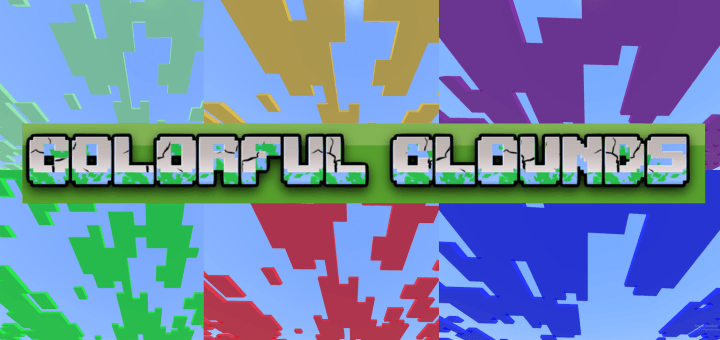
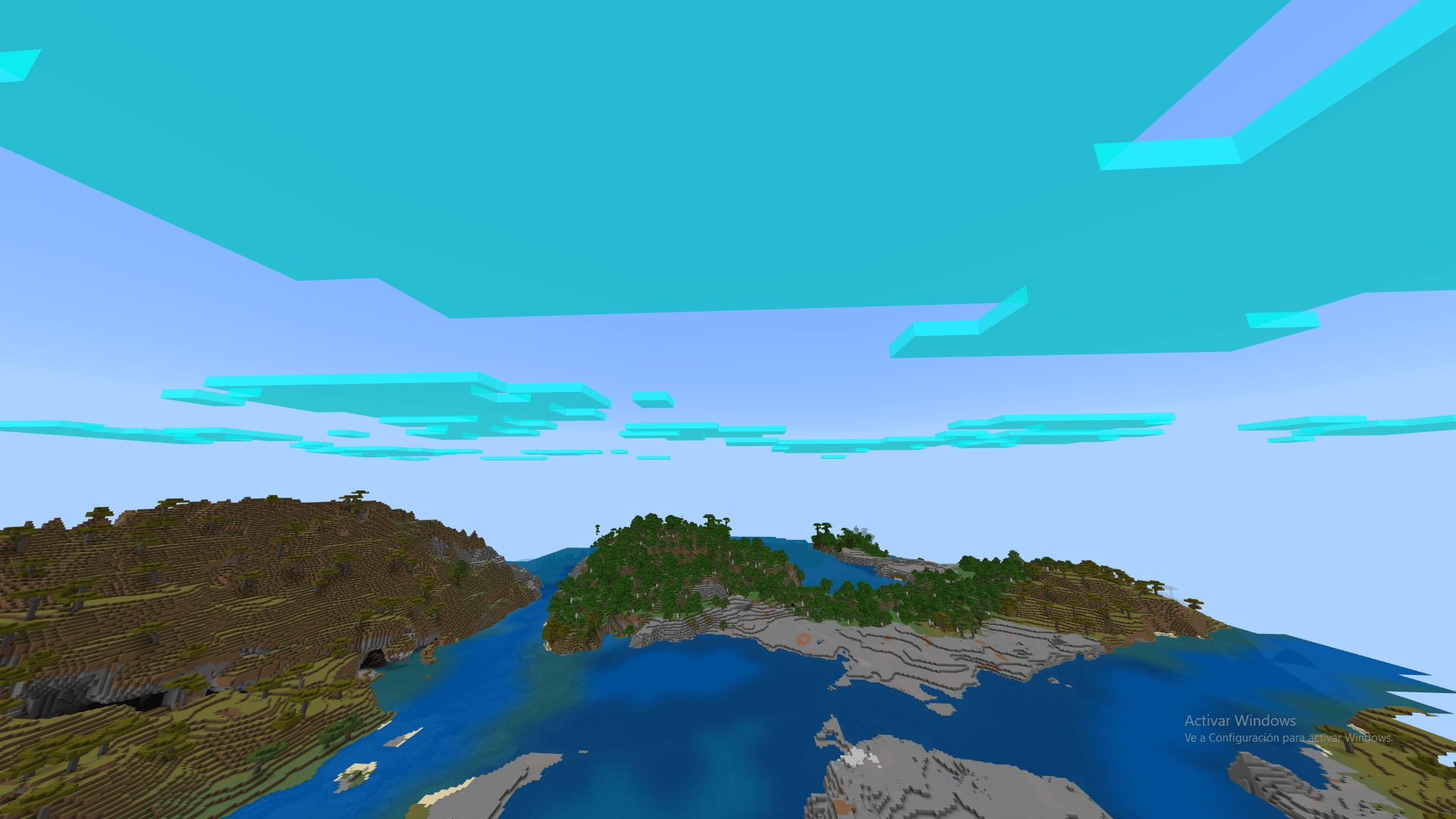
Change your sky like never before!
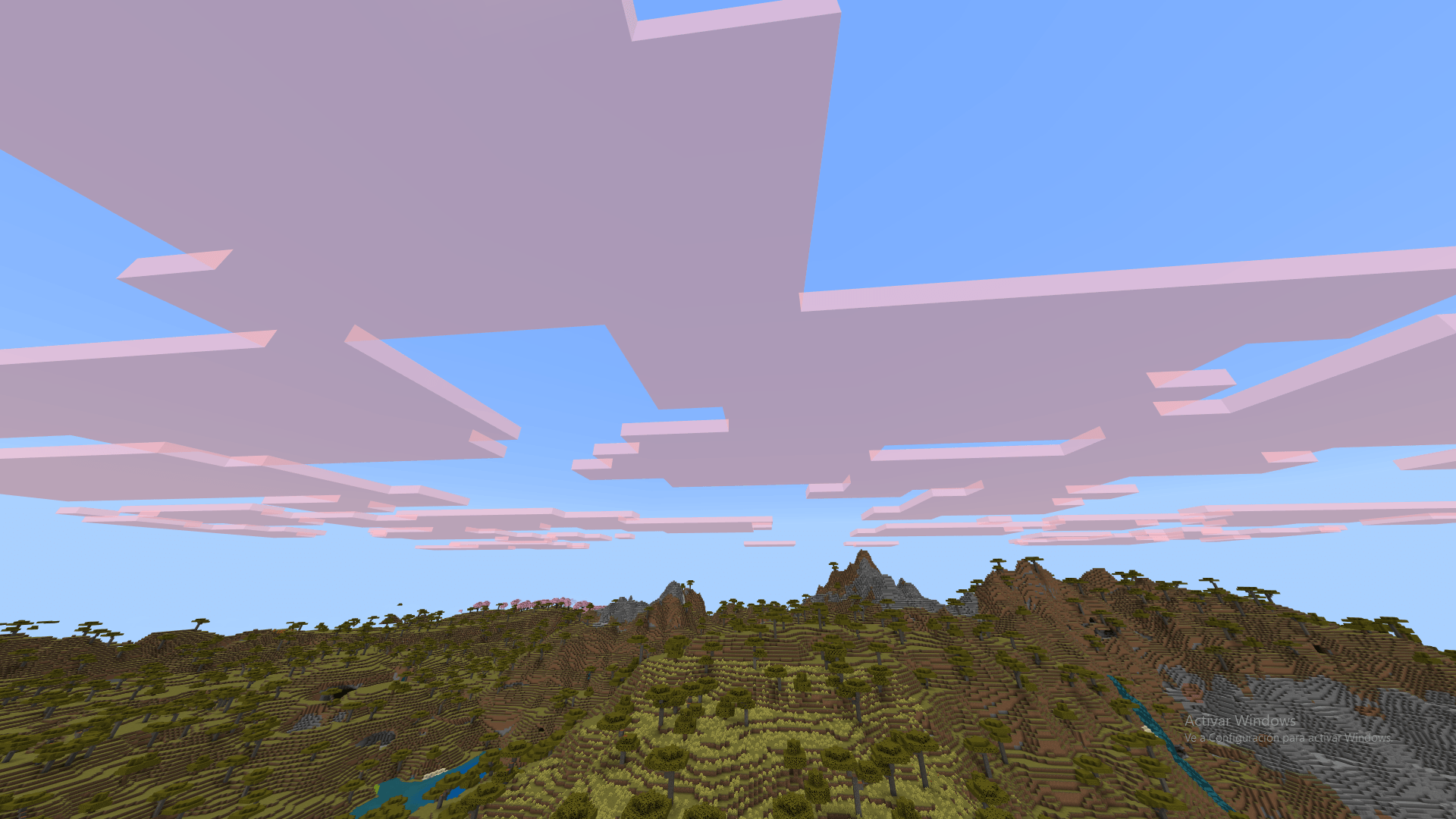
Cloud Colors is a lightweight and customizable resource pack for Minecraft Bedrock Edition that allows you to change the color of your clouds instantly using an in-game slider.
Whether you want a neon aesthetic, a dramatic dark sky for PvP, or a relaxing vibe with pastel tones at sunset, this pack has an option for every style!
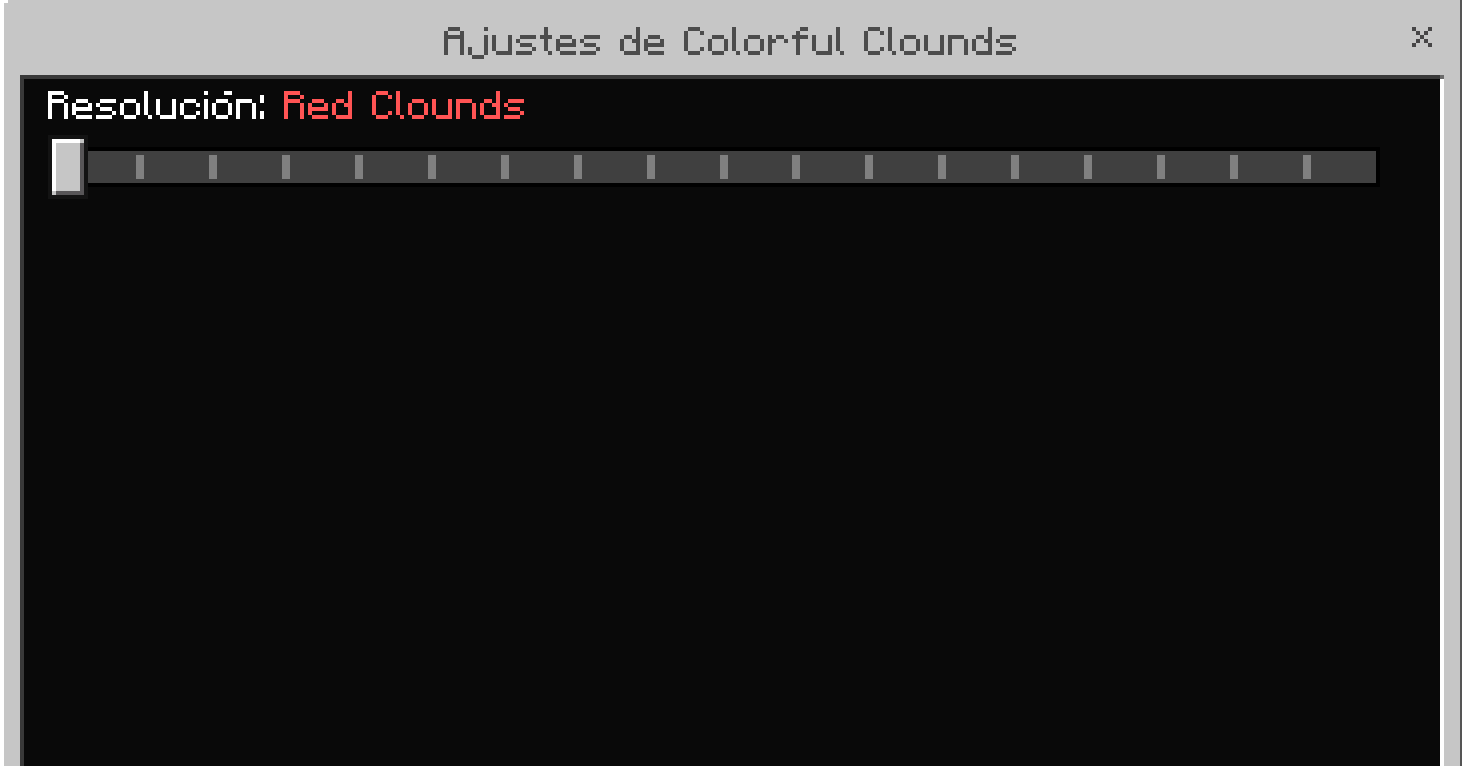
In-Game Slider: Change cloud colors directly from the resource pack settings without downloading multiple files.
Formatted UI Text: Easily identify every shade thanks to custom Minecraft color formatting in the slider menu.
How to Install:
1.Download the .mcpack file below.
2.Open the file to automatically import it into Minecraft Bedrock Edition.
3.Go to Settings > Global Resources (or your World Settings) and activate 19 Cloud Colors.
How to Change Cloud Colors:
1.Click on the Gear / Settings icon next to the active resource pack.
2.Move the Subpack slider to select your favorite color.
3.Important: Restart your world or rejoin the server for the new cloud texture to load properly!
Available Colors:
Red, Dark Red, Orange, Amber, Yellow, Lime, Green, Mint, Cyan, Sky Blue, Blue, Dark Blue, Purple, Violet, Magenta, Pink, Grey, and Black.
- Edition: Minecraft Bedrock
- File type: .mcpack
- Minecraft versions listed: 1.21.101, 1.21.100, 1.21.111
- How to install: Download the .mcpack. → Open it — Minecraft imports it under Resource Packs. → Activate it in Global Resources, or for one world under Resource Packs → Available.
- Where to get it: Opens on CurseForge — not every file is mirrored on our own servers.
Install steps are the general flow for this file type — How to install Minecraft Bedrock texture packs walks through it step by step.
- Save it as Colorful Clouds.mcaddon before opening — it downloads as .mcpack, but it is a .mcaddon pack
- Manifest requires Minecraft 1.26.40 or newer
- Complete pack — everything it depends on is inside the file
- Download size: 352 KB
- Download link checked 27 Sept 2026 — working
These come from our own check of the pack file, not from the source page.