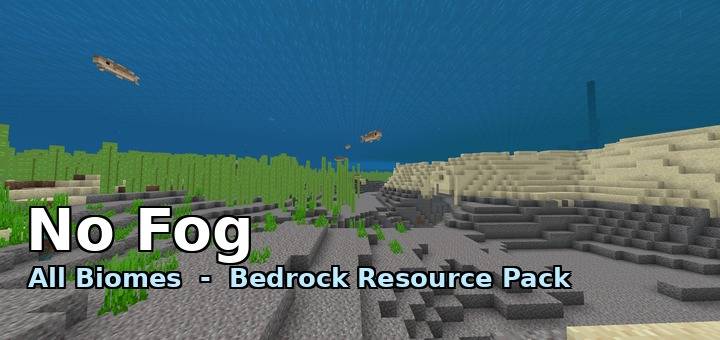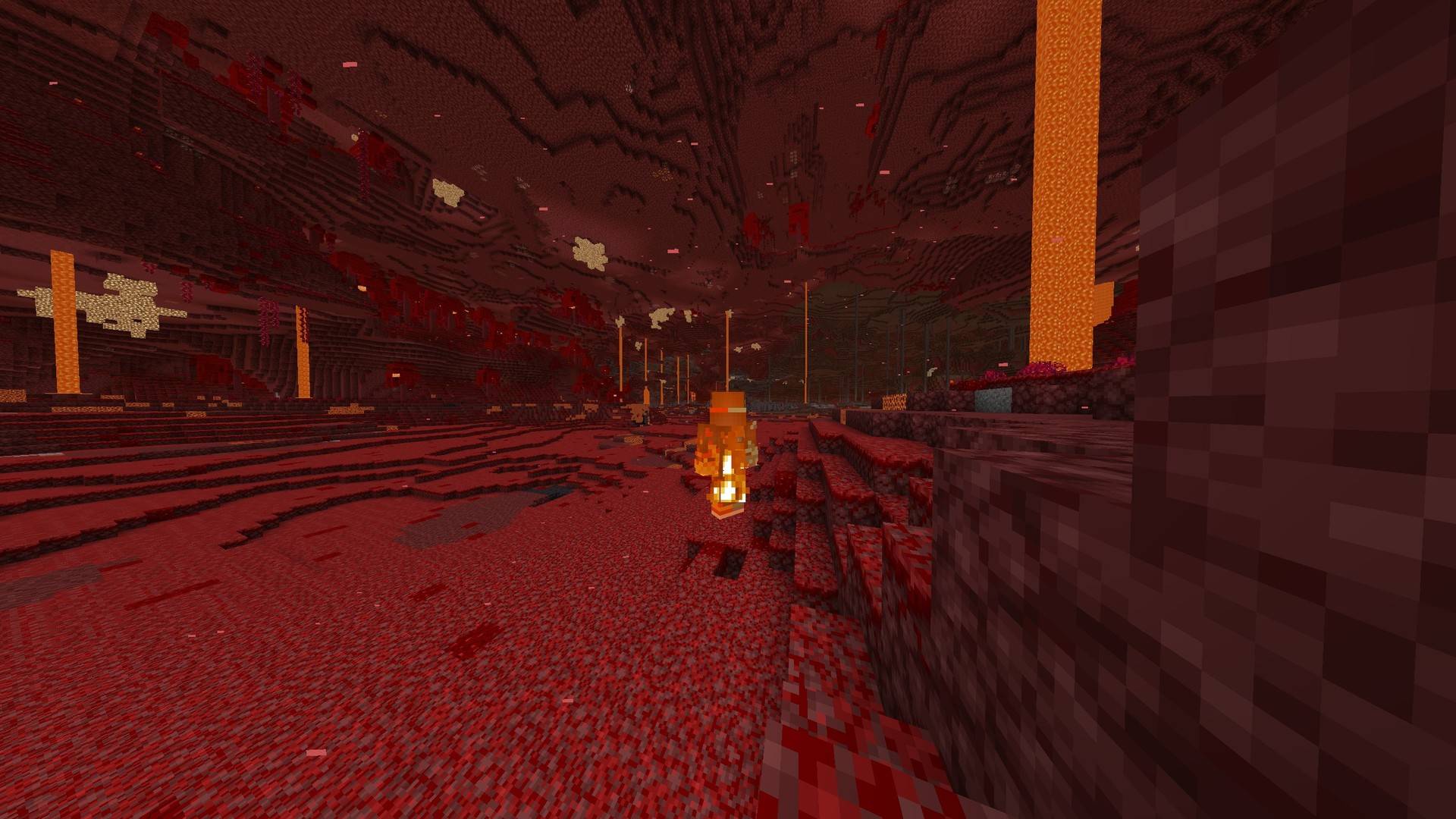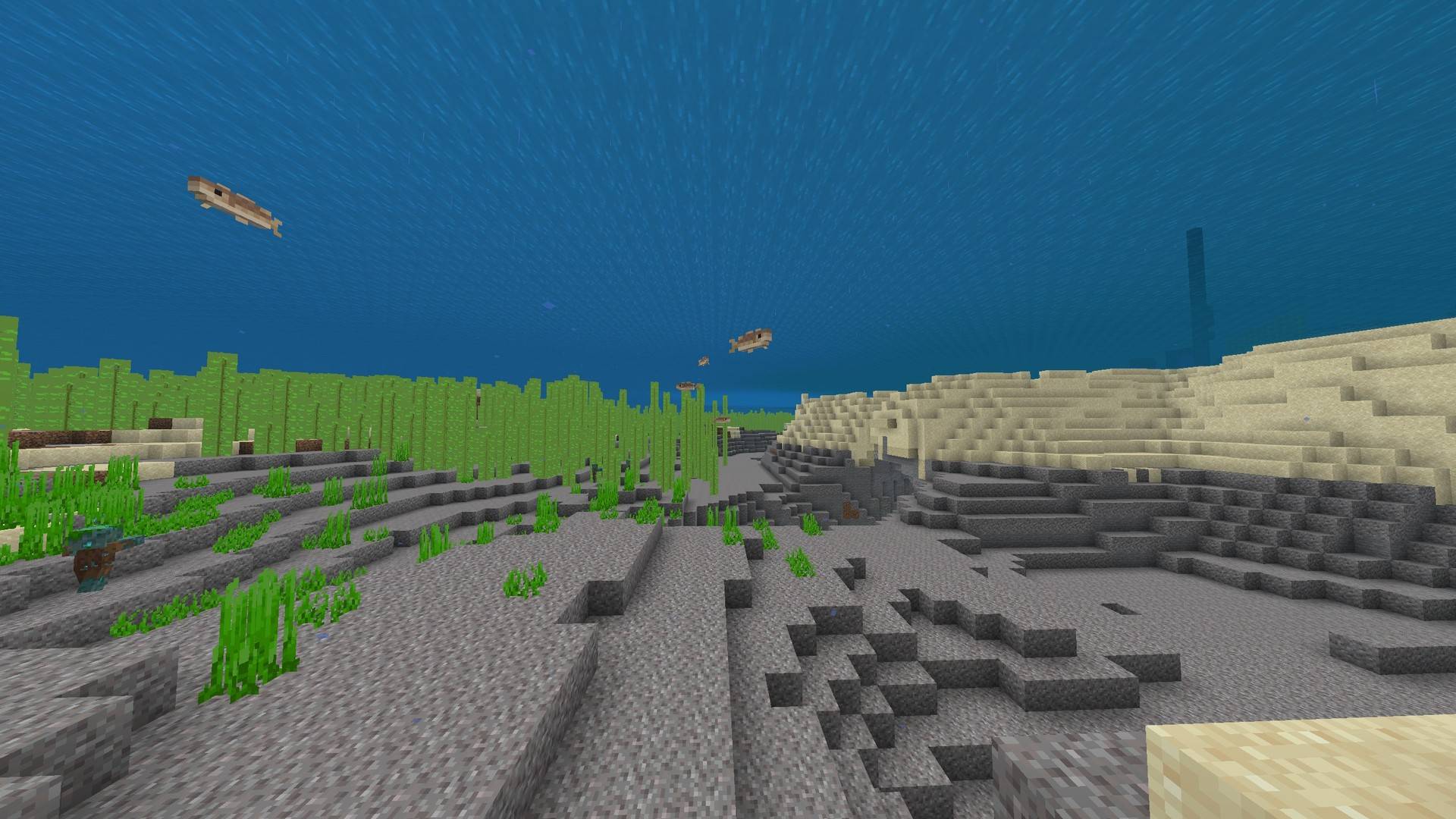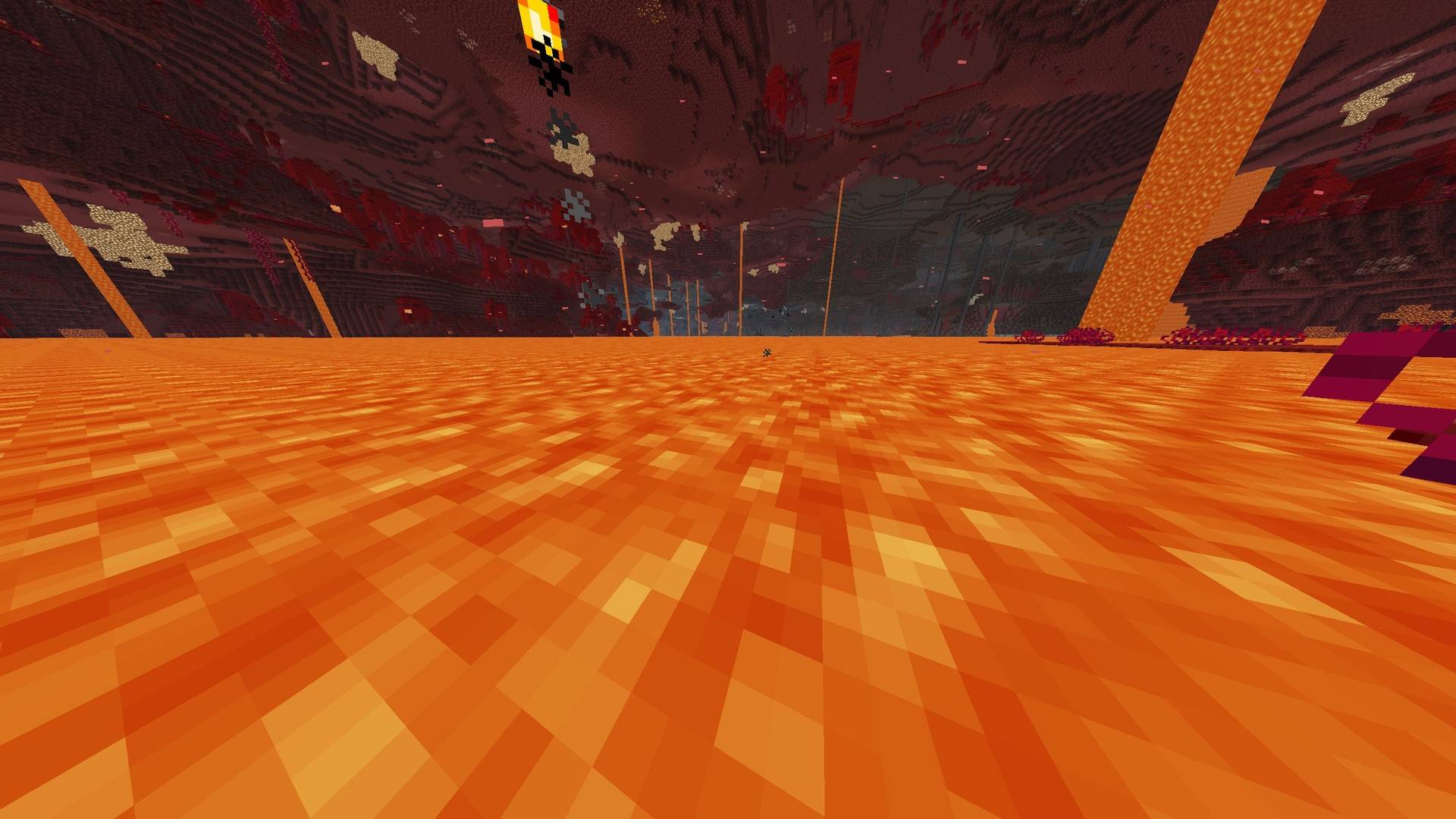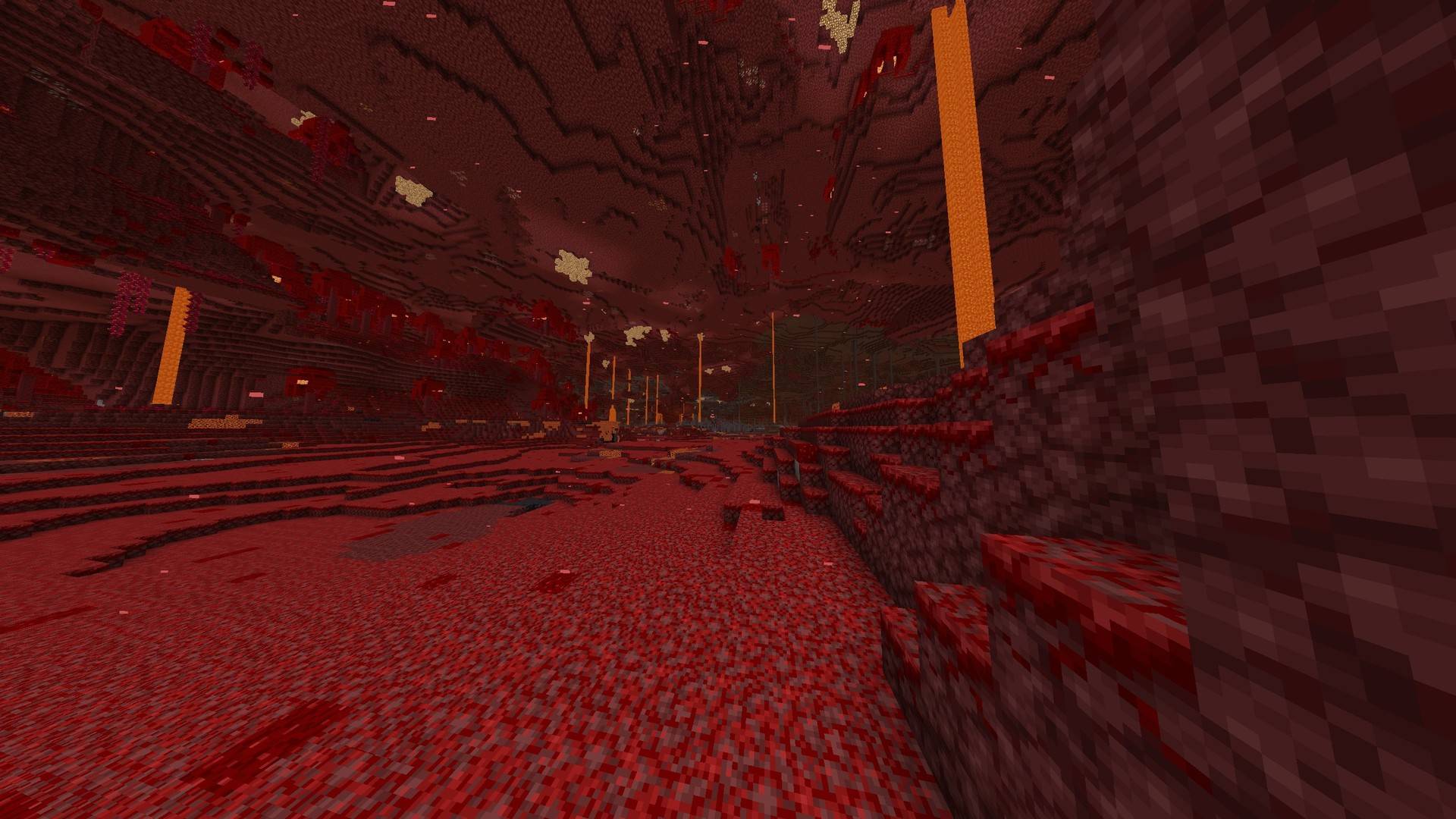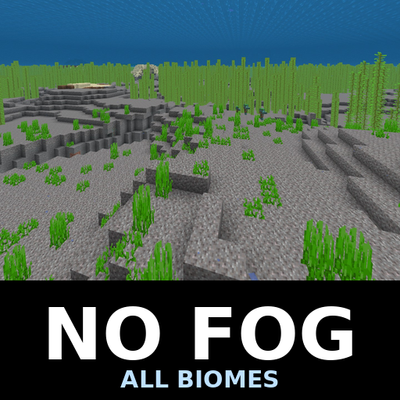


Removes Minecraft's fog - water, air, weather, lava and powder snow - in every biome.
Four levels
Pick one from the dropdown in the pack settings. They are listed in this order, and the last one is selected automatically, so most players never need to open the dropdown at all.
Water only.
All, Nether keeps fog.
All except lava.
All. This is the recommended one and the default.
What changes
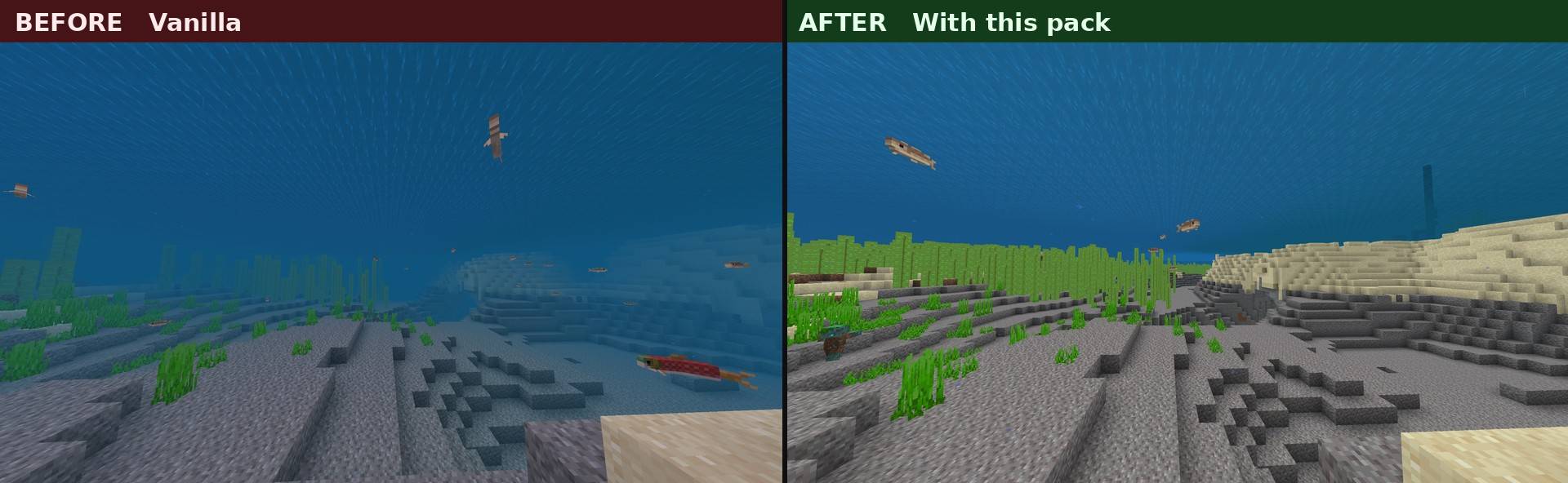
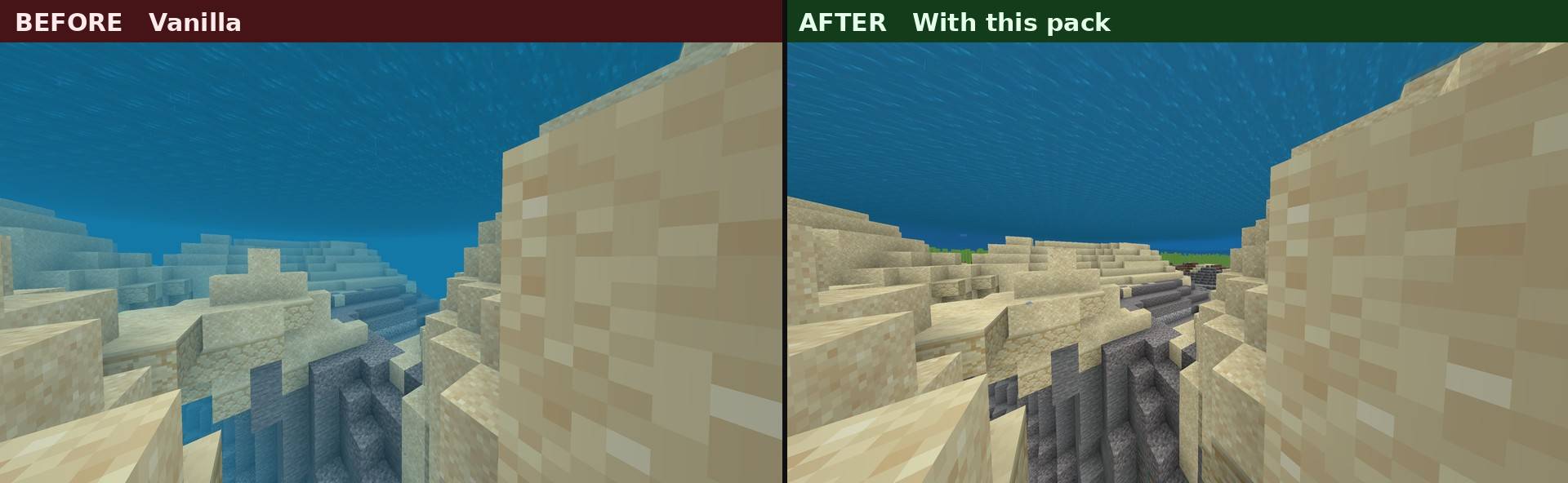
Water. Vanilla fog ends at 60 blocks. Removed, so you can see across the sea floor.
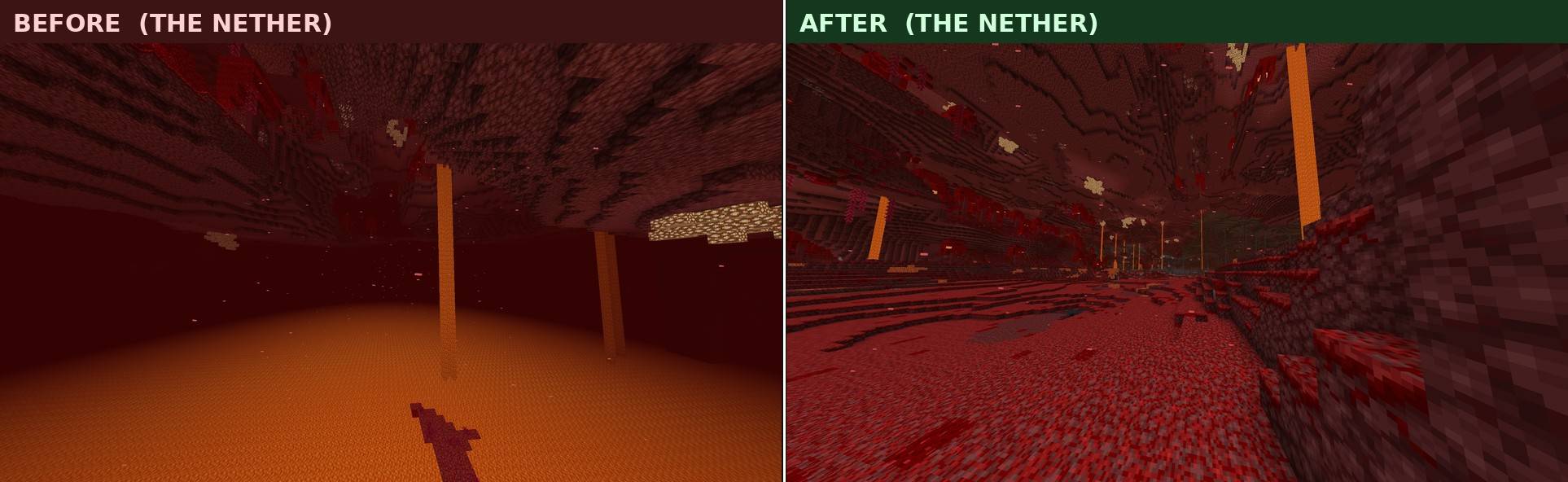
Lava. Vanilla fog ends at 0.64 blocks. Removed, so you can look at a distant wall while swimming in a lava sea.
Weather. Vanilla fog runs from 23 to 70 percent of your render distance. Removed, so rain no longer closes in your view.
Air. The distance haze is removed.
Powder snow. Vanilla fog ends 2 blocks ahead. Removed.
Nether. Vanilla air fog there is only 15 to 20 blocks, so this is the biggest change of all. Choose "All, Nether keeps fog" if you want to keep that closed-in atmosphere.
About the comparison screenshots
Vanilla water fog is not constant. Right after you dive it sits at about 15 blocks, then it opens up over roughly 30 seconds and settles at 60. The before shots on this page were taken after it had fully settled. That is the fairest comparison, not the murkiest possible frame.
Important: put this pack at the top of your active list
This pack replaces the biome fog definitions, and only the topmost pack that does so is used. If another pack sits above this one, this one does nothing.
Notes
Resource pack only. No behaviour pack, no scripts, no commands. Achievements are unaffected.
Fog is not render distance. You still only see as far as your render distance setting allows. On a server, that server's render distance still applies.
Servers that use the /fog command will override this pack, because the command layer takes priority.
Removing weather fog is a real visibility advantage in PvP. Check your server or tournament rules.
This is not an X-ray. Block rendering is untouched, so hidden blocks stay hidden. Lava looks completely normal from the outside and only turns clear once the camera is inside it.
Per-biome water colours are preserved. All 93 vanilla biome entries are kept as they are and only the fog reference is changed, so swamp water is still swamp water.
The pack name and description are translated into 30 languages, so it shows in your own language in game.
66 files, 30 KB. No textures, just fog definitions.
Installation
Download the .mcpack and open it. Enable it under Global Resources in settings. Move it to the top of the list and pick a level from the dropdown.
Development notes
For anyone making a Bedrock pack that touches fog, here are the points that cost me the most time.
The minecraft: namespace cannot be overridden by a resource pack. Copying a vanilla fog file and editing it does nothing. What works is defining fog under your own namespace, pointing every biome's fog_identifier at it, and setting remove_all_prior_fog to true.
There are two biome definition formats, and you need both. The old resource_pack/biomes_client.json holds 71 entries, but newer biomes are defined per file under resource_pack/biomes as .client_biome.json instead, and there are 22 of those that appear nowhere in the old file. Override only the old file and the deep dark, dripstone caves, lush caves, the pale garden, meadows, groves, the peaks and every mutated variant keep their fog.
fog_start has to be pushed outside your view, not set to zero. Fog density is distance minus fog_start, divided by fog_end minus fog_start, so a fog_start of 0 leaves a faint tint at every distance instead of no fog at all. Vanilla overworld air fog starts at 0.9 of the render distance, which is why it is truly zero up close.
memory_tier is 250MB per tier, and the game picks the highest tier the device can handle. If you use subpacks as a menu, put the option you want as the default at the highest tier, not at the top of the list.
Author: kentotukun
------------------------------
日本語
マインクラフト統合版の霧を消すリソースパックです。
水中・地上・天候・溶岩・粉雪、全バイオームに対応しています。
■ 強さは4段階
パック設定のドロップダウンから選びます。並び順は下のとおりで、一番下が自動で選ばれるので、何も触らなくて構いません。
・水中だけ消す
・すべて消す(ネザーは霧を残す)
・溶岩以外すべて消す
・すべて消す(おすすめ・初期設定)
■ 比較画像について
バニラの水中の霧は一定ではありません。潜った直後は約15ブロックで、そこから約30秒かけて広がり、60ブロックで落ち着きます。このページの Before は、その落ち着いた状態で撮っています。一番濁った瞬間を切り取ったものではありません。
■ 重要:有効リストの一番上に置いてください
このパックはバイオームの霧定義を差し替えて動作します。最優先の1つしか適用されないため、他のパックが上にあると効きません。
■ 注意
・リソースパックのみ。ビヘイビアパックもスクリプトも含みません。実績には影響しません
・霧と描画距離は別物です。描画距離の設定より遠くは見えません
・/fog コマンドを使っているサーバーでは効きません
・天候の霧を消すのは PvP で明確に有利になります。サーバーや大会のルールを確認してください
・X-ray ではありません。隠れたブロックは見えません
・溶岩は外から見れば普通で、カメラが中に入ったときだけ透けます
・バイオームごとの水の色は全93件そのまま維持しています
・パック名と説明は30言語に翻訳してあります
・66ファイル、30KB。テクスチャは含みません
制作者: kentotukun
- Pack type: .mcpack — a single pack
- Manifest requires Minecraft 1.21.0 or newer
- Complete pack — everything it depends on is inside the file
- Download size: 19 KB
- Download link checked 7 Sept 2026 — working
These come from our own check of the pack file, not from the source page.