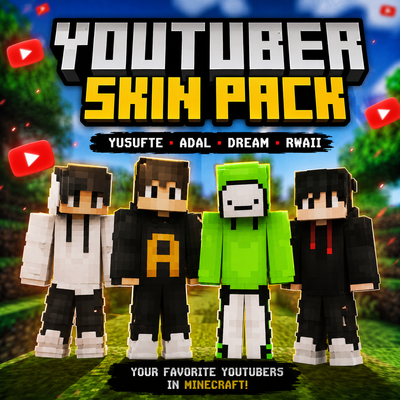
🎮 YouTuber Skin Pack
Bring some personality to your Minecraft world with 13 unique YouTuber-inspired character skins, all in one pack!
✨ Features:
- 13 unique, hand-crafted skins
- Fully compatible with Bedrock Edition
- Easy install: download, open, and select in-game
- Growing collection with future updates
📥 Installation:
1. Download the .mcpack file
2. Tap the file and let Minecraft open it
3. Pick your skin from Settings > Global Resources, or from the skin selection screen when creating a world
🔔 Stay tuned for more skins and updates!
Minimum game version: 1.26+
- Edition: Minecraft Bedrock
- File type: .mcpack
- Minecraft versions listed: 26.0.02, 26.0, 26.3
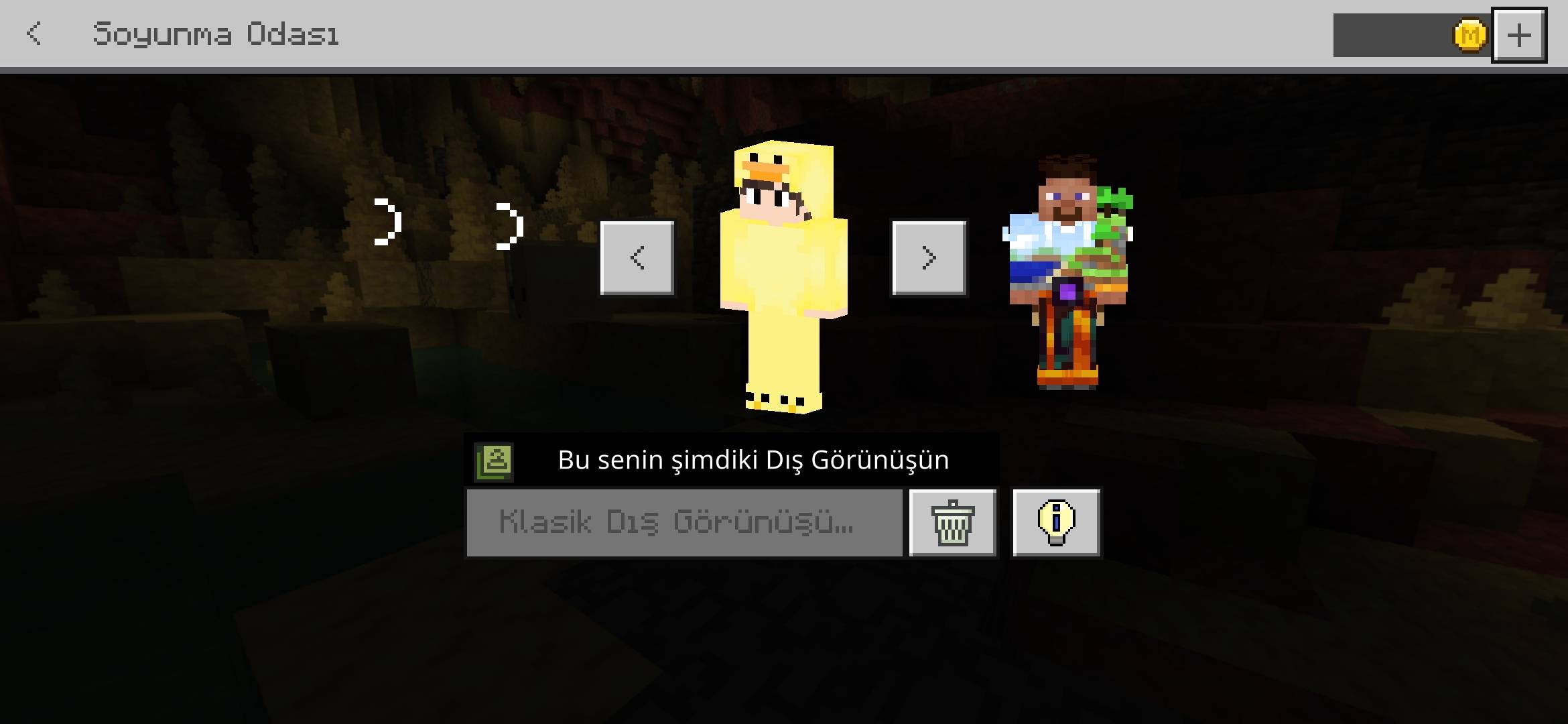
- How to install: Download the .mcpack skin pack. → Open it — Minecraft imports it. → Open the Dressing Room and select the skin.
- Where to get it: Opens on CurseForge — not every file is mirrored on our own servers.
Install steps are the general flow for this file type — How to apply a custom Minecraft skin walks through it step by step.
- Pack type: .mcpack — a single pack
- Manifest requires Minecraft 1.26.0 or newer
- Complete pack — everything it depends on is inside the file
- Download size: 26 KB
- Download link checked 7 Sept 2026 — working
These come from our own check of the pack file, not from the source page.