Texture packsBedrock
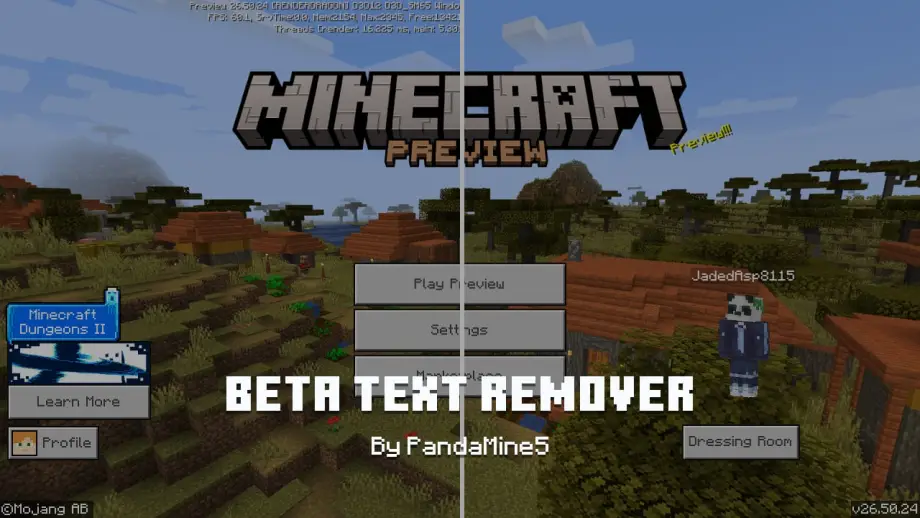
PandaMine Beta Preview Text Remover Texture Pack for MCPE
Minecraft Bedrock texture pack. Download on the author's site.
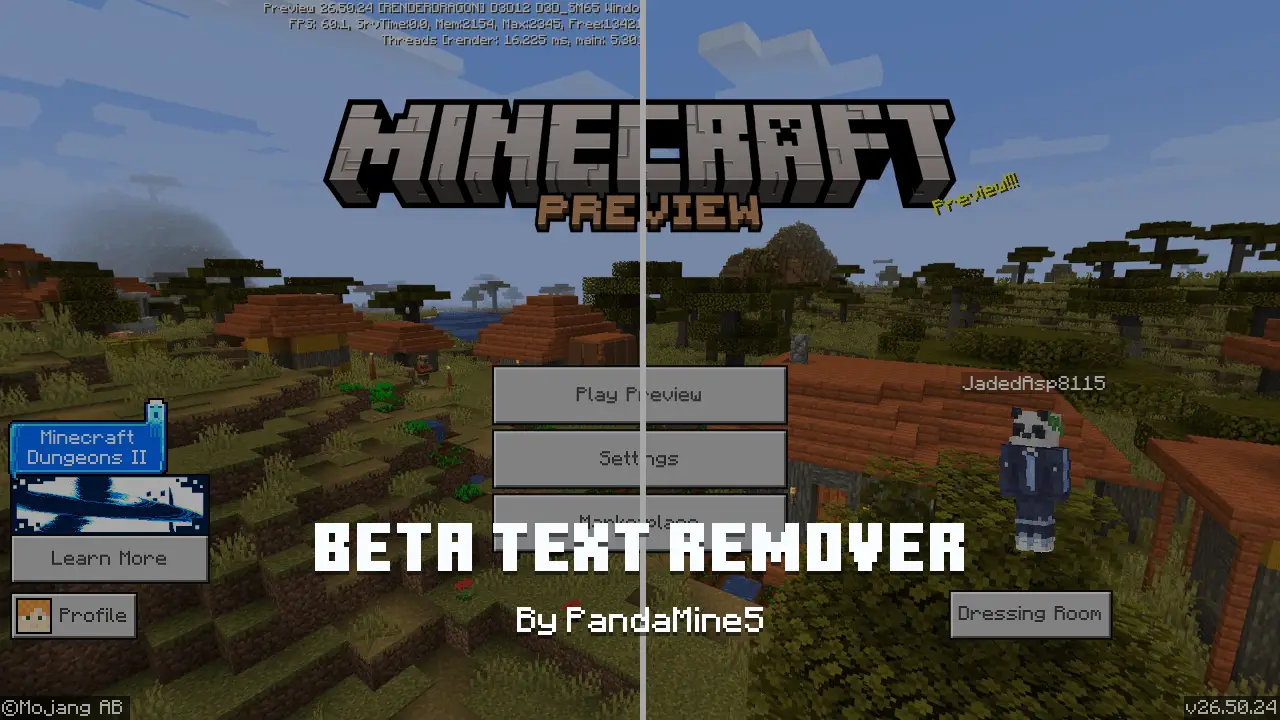
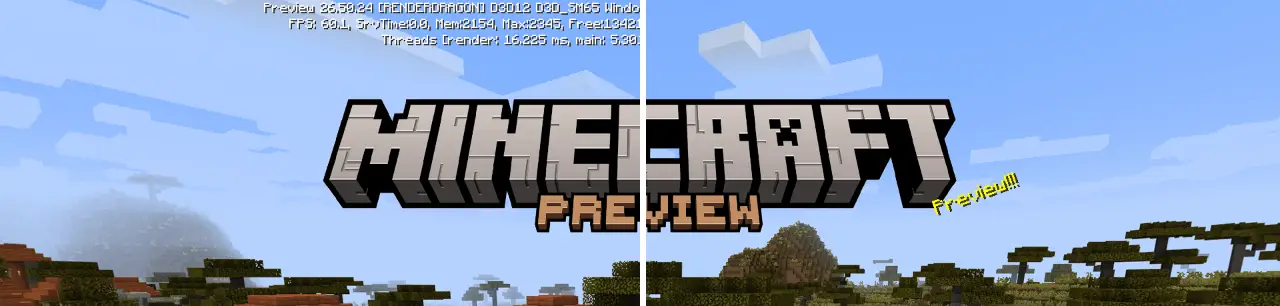
Removes the 'Preview' and 'Beta' overlay text from the top of the Minecraft screen for a cleaner HUD and screenshots.
⬇ Download on ModbayThis pack removes all preview & beta text overlay from top of the screen!
Allowed ✅
- Showcase the pack in any video as long there's this Curseforge or MCPEDL link.
Not Allowed ❌
- Steal any code or assets (like icons, textures..) for any addon or texture pack and claim as own.
- Monetize for own benefit.
- Upload and share on any 3rd-party website.
Violators will face DMCA takedowns, legal claims.
Quick facts
- Edition: Minecraft Bedrock
- File type: .mcpack
- How to install: Download the .mcpack. → Open it — Minecraft imports it under Resource Packs. → Activate it in Global Resources, or for one world under Resource Packs → Available.
- Where to get it: Opens on Modbay — not every file is mirrored on our own servers.
Install steps are the general flow for this file type — How to install Minecraft Bedrock texture packs walks through it step by step.
PandaMine Beta Preview Text Remover Texture Pack for MCPE is a free Minecraft Bedrock texture pack. Available via Modbay. Download it and open it directly in the game.